🔌 Smart Spline | Fluid way to handle splines for furniture design and complex structures. Download
  • Scene animation with Animator

    Unsolved Animator Beta
    79
    0 Votes
    79 投稿
    1k 閲覧数
    ntxdaveN
    Again, more progress. As it turns out, I think the problem I was having in the past was not a problem with Animator but rather my lack of understanding of how to use the Visibility tool. Well, I think I have worked it out (still more to learn but definitely making progress). Here is my latest video that includes the use of scenes, camera positions/views, and animations in a scene. While there are some awkward movements, the bottom line is that I was able to accomplish what I was attempting to do. I was able to capture each scene and its movements into a clip. I am sharing the video to let you see that I am moving forward. Camera and Animation.mp4 Now for a couple of final questions/comments: Is there some place where I can learn more about the visibility tool. In particular, when you look at the various options as I have pointed out in this image. [image: 1768925601426-visility-tool.png] I think with what I have finally learned, that my idea of an Animator video of an animated model with an introduction scene an animation scene, and a conclusion scene is completely possible. As always, I would appreciate any comments and I really want to thank both @rich-o-brien and @fredo6 for their patience and the feedback they have given me up to this point.
  • Medeek Wall Plugin

    Plugins
    1k
    0 Votes
    1k 投稿
    1m 閲覧数
    M
    Popular now, but give it another 5 years and there will be a new "it" feature to work with.
  • Thinking of our Majid today

    Corner Bar
    23
    5 Votes
    23 投稿
    476 閲覧数
    Mike AmosM
    There is definitely something in the water, I should possibly stick to beer perhaps? No, I know it has water in it but boiled at least. There are some fungal brain infections that can produce similar results but wow, even then, the current situation is extreme. Are there NO brakes on the conduct of people like these?
  • FredoSection + LOTT freezes 'Scene Selector'.

    Plugins
    2
    0 Votes
    2 投稿
    9 閲覧数
    fredo6F
    That's a bug with modal dialog boxes on Mac when you call them from another dialog. This has never been fixed in 10 years or more. It should work if you call the N dialog from the toolbar. I will fix that.
  • ReRender AI

    Gallery
    6
    2
    1 Votes
    6 投稿
    63 閲覧数
    Gus RG
    [image: 1768867755661-a4ef6c32-baea-497c-bc1b-5329d6b967c4-source-resized.jpeg] [image: 1768867759859-a4ef6c32-baea-497c-bc1b-5329d6b967c4-1132052123809-0-resized.jpeg]
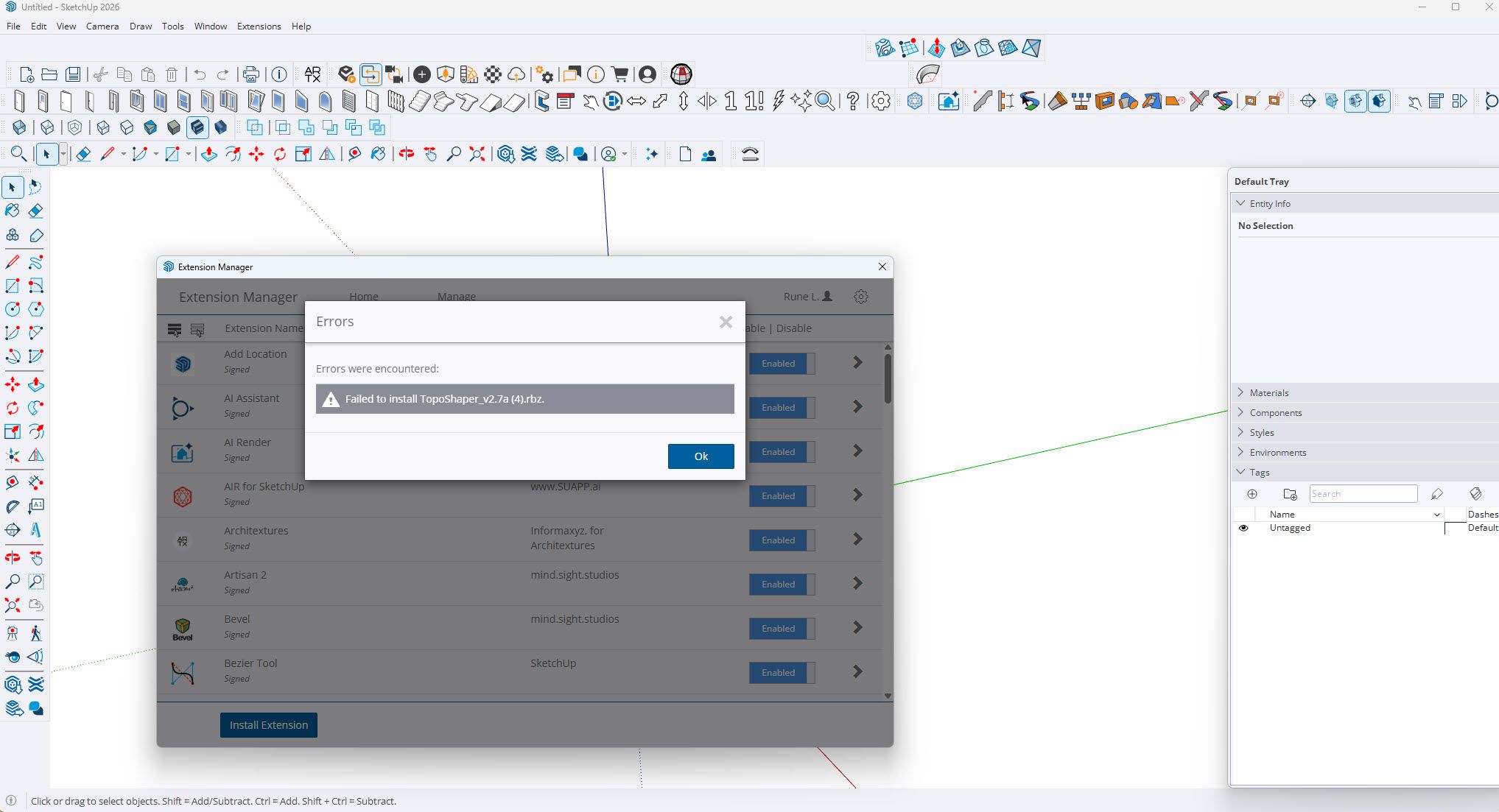
  • Toposhaper fails installing on SketchUp 2026

    Extensions & Applications Discussions
    3
    1
    0 Votes
    3 投稿
    23 閲覧数
    TIGT
    If it is licensed you must already have the SketchUcation toolset installed to cover the licensing. Use the SketchUcation toolset's ExtensionStore dialog to first check that you have the latest toolset version installed - if not then install it and restart Sketchup. After that use the ExtensionStore dialog to Auto-Install the latest LibFredo6 extension, and restart SketchUp After that use the ExtensionStore dialog to Auto-Install the latest version of Toposhaper, and then restart SketchUp. Any improvement ?
  • [Plugin] FredoSection - v1.5a - 15 Jan 26

    Plugins
    19
    8
    4 Votes
    19 投稿
    679 閲覧数
    S
    Thank you, all, for picking up this dialogue. First off, I should give my thanks and gratitude to Fredo6 for making this plug-in happen. Thank you! For my workflow, I avoid using anything but the Vector setting for scenes in Layout, and I don't use a style that shows the textures unless it's abosolutely needed . Raster doesn't handle lines well and is 'fuzzy'. The Rastor materials included look great in Sketchup, but don't translate over to Layout. When I tried a hybrid compromise, the Rastor section fills become blurry and not very useful. I'd be more than happy to give examples of hatch patterns I'd love to see available for the types of materials I use creating drawings for cabinetry (in addition to the Vector patterns currently available at least four different types of sheet goods, three types of solid wood, plaster/gypsum and stone countertops would all be fantastic). If it's something that's doable with relative ease for you, Fredo, how can I help?

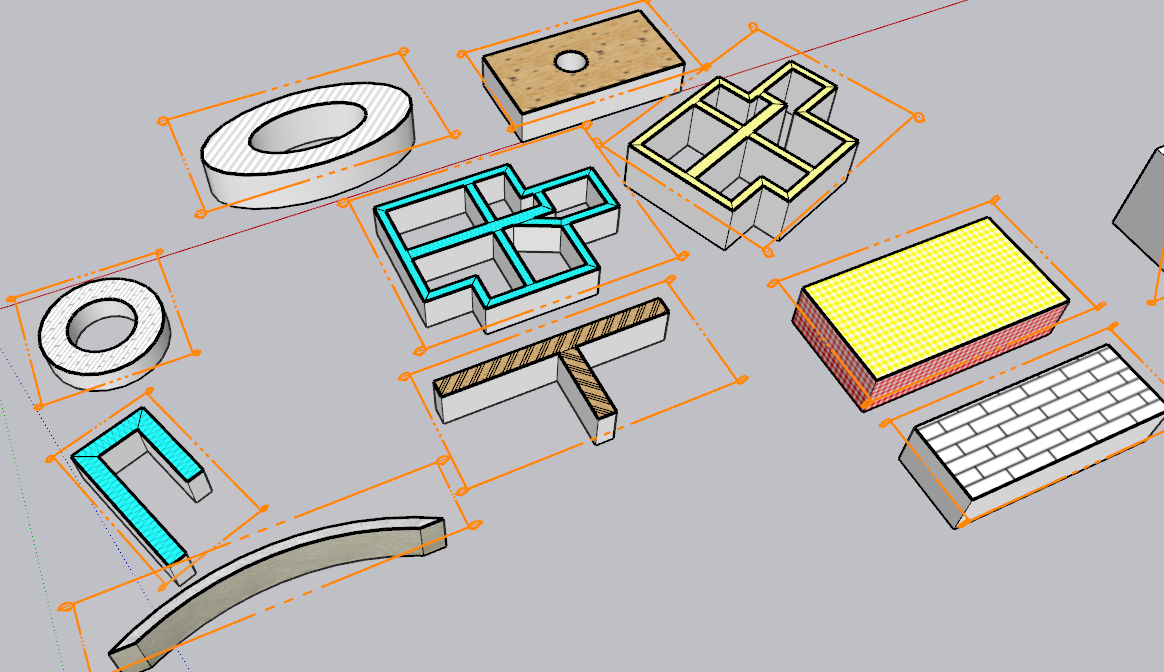
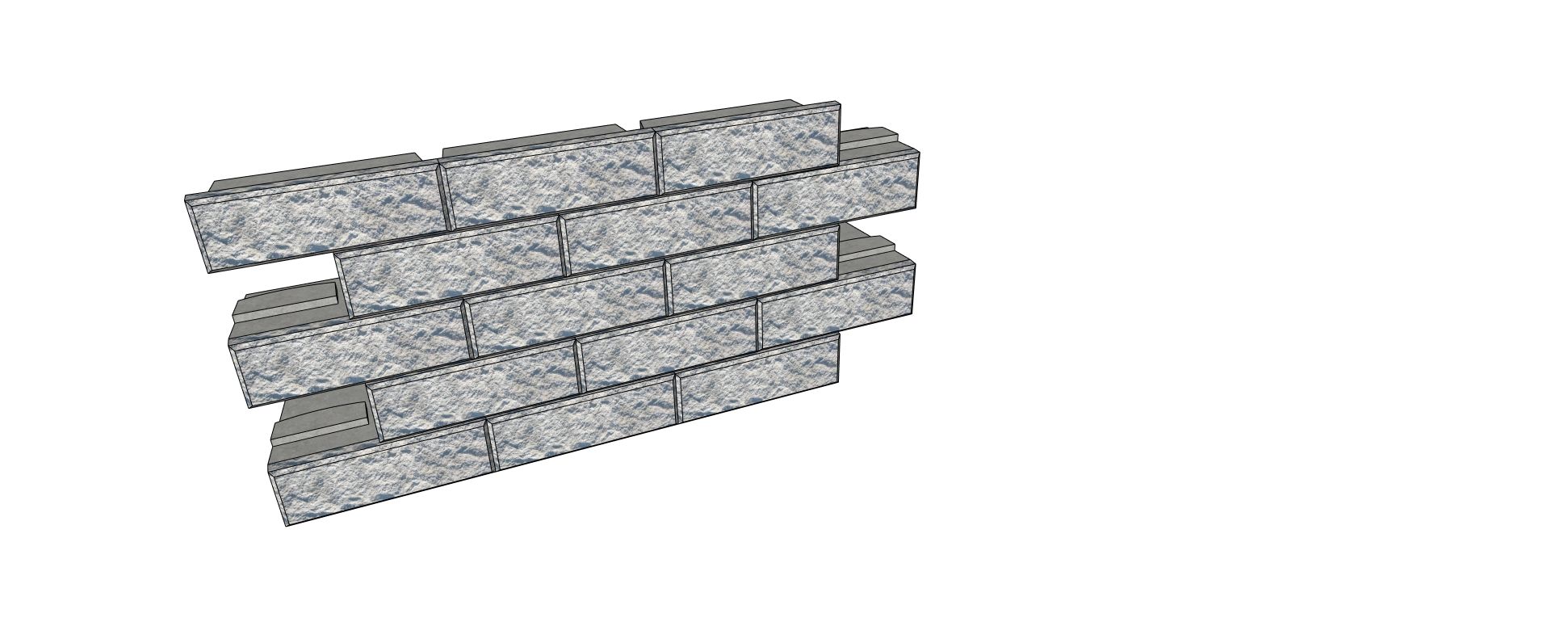
  • Help with ProfileBuilder4 Wallblocks

    Extensions & Applications Discussions
    9
    1
    0 Votes
    9 投稿
    104 閲覧数
    Epix3DE
    Thank you ;: )
  • [Plugin] ms C2C Line 2P

    Plugins architecture landscape drawing
    5
    1
    1 Votes
    5 投稿
    36 閲覧数
    TIGT
    It's now available as an RBZ download from our PluginStore or through the SketchUcation > ExtensionStore dialog within SketchUp. Well done.
  • Orgelf's works. second topic.

    Gallery
    729
    0 Votes
    729 投稿
    248k 閲覧数
    Mike AmosM
    Thanks mate, a good antidote to the news.
  • 0 Votes
    2 投稿
    27 閲覧数
    Rich O BrienR
    Please install Sketchucation Tools: https://sketchucation.com/plugin/696-sketchucationtools It controls licensing and is required.
  • [SORTIE] Smart Spline : Le tracé organique par l'Atelier Createur Lab

    Français
    1
    0 Votes
    1 投稿
    15 閲覧数
    返事はまだありません
  • [RELEASE] Smart Spline: A new organic drawing tool for professional workflows

    Extensions & Applications Discussions
    1
    1 Votes
    1 投稿
    26 閲覧数
    返事はまだありません
  • EasyOffset / my new plugin #3

    Extensions & Applications Discussions
    11
    2
    4 Votes
    11 投稿
    192 閲覧数
    HornOxxH
    Thanks for your feedback Glenn-at-home Hmm, strange. I used also an inches default Master for testing. For me, entering inches (for example) works without any problems in the SU versions mentioned. Is there perhaps something wrong with my inch measurement entry and doesn´t correspond to practice? For example: for 15 feet inward,would you write " -15 " or " -15' "? ( by the way, this is a pretty complicated system for me to write) [image: 1768802840429-5bfc0a3a-ef87-4495-a97f-cc77542dee4f-image.png]
  • Modelling a tramway

    Gallery
    478
    1 Votes
    478 投稿
    187k 閲覧数
    jo-keJ
    and one more: [image: 1768768433038-generated-image-january-18-2026-9_16pmpp.png] https://grok.com/imagine/post/b602ea48-8450-4385-a99b-a13bbf9d9693?source=post-page&platform=web
  • I need this plugin in Vietnam.

    Plugins
    1
    0 Votes
    1 投稿
    44 閲覧数
    返事はまだありません
  • Free of 2026

    Freeware
    7
    0 Votes
    7 投稿
    142 閲覧数
    pilouP
    https://www.youtube.com/watch?v=rZ3-KNRVsTo free!
  • [Plugin] Sculpt Tools v 1.0...

    Plugins
    100
    0 Votes
    100 投稿
    127k 閲覧数
    S
    I gave the code of this plugin to ai, and asked him to write a manual, here it is.Sculpt Tools Manual.pdf
  • [Plugin] MultiTags for Sketchup

    Extensions & Applications Discussions extensions
    22
    0 Votes
    22 投稿
    3k 閲覧数
    B
    Thanks! Gave it a try but no go, ah well....much appreciated for the help however....
  • Delete Used Components

    Extensions & Applications Discussions
    5
    0 Votes
    5 投稿
    89 閲覧数
    Dave RD
    @Gus-R said in Delete Used Components: Dave, by used I mean existing components. I do use purge unused by I wanted to get rid of a bunch of cabinet pulls. OK. So you could have used the process I described, right clicking on the component thumbnail and selecting Delete. Would be faster than digging though Outliner, especially if the components are nested in groups or larger components.