FredoBend | Powerful new bending tool for SketchUp Download

  • 0 赞同
    2 帖子
    107 浏览
    Rich O BrienR
    @dancingskirt said in Any AI tools that actually help during early modeling stages?: AI tools or plugins that are genuinely useful during early design, not just for final images? The problem currently is the number of options out there and the speed of improvement. AI is accelerating at such a pace that last month's tool becomes obsolete. ComfyUI is still my preferred option because its local, there's a vast amount of readily available workflows out there and it is flexible. I prefer to keep my interactions with AI outside of the Big Tech bubble.
  • [Plugin] Selective Attribute Modification in Dynamic Components

    Plugins
    4
    1 赞同
    4 帖子
    145 浏览
    Rich O BrienR
    You need to logout of your account. Then login at sketchucation.com homepage You should see a Dev Tools buttons in the header [image: 1771519908291-2a57a30a-3065-4521-adb9-943f5456121b-image.png] In there is a portal to list your extension/s on our site and in the Sketchucation Tools extension. New extensions require approval before going live. Feel free to poke around.
  • [REQ] Tool to reset AND align group/component axes

    Plugins
    14
    0 赞同
    14 帖子
    1k 浏览
    R
    Yep, I hate this part - they are too shy to indicate it's commercial, they ALL are FrEe. Here on sketchucation they do show $ sign
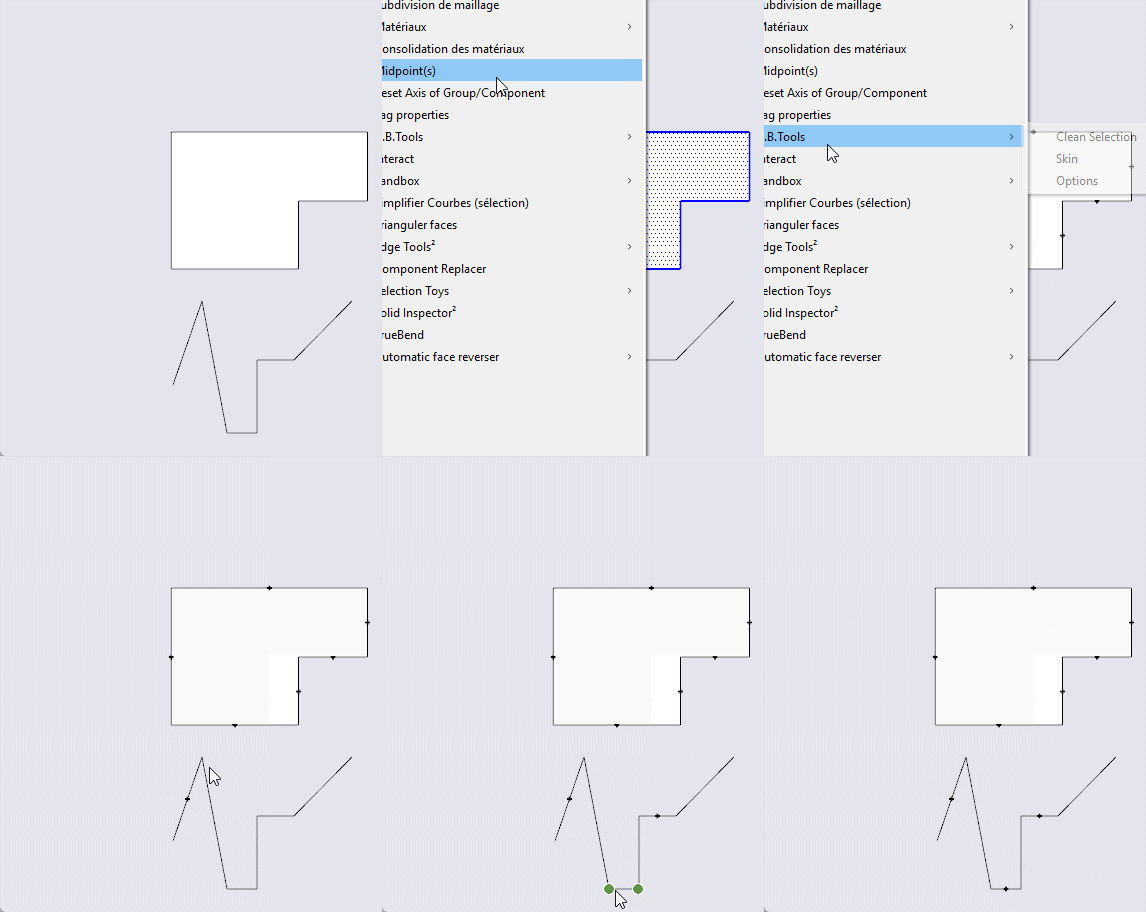
  • [Plugin update] Midpoint

    Plugins
    1
    1
    2 赞同
    1 帖子
    92 浏览
    尚无回复
  • Medeek Electrical

    Plugins
    205
    0 赞同
    205 帖子
    231k 浏览
    medeekM
    Version 1.5.8 - 02.16.2026 Fixed a minor bug with misc. fixtures. Added additional "Wilkerson Art" framed art prints within the "art" category under misc. fixtures. [image: 1771308203627-elec_su277_800-resized.jpg]
  • [Plugin] GeoLoft v1.0 - Parametric Graph-Driven Lofting

    Plugins
    2
    1 赞同
    2 帖子
    158 浏览
    A
    [image: 1771208114493-geoloft01.png]
  • FREDOSCALE license not recognised

    Extensions & Applications Discussions
    5
    1
    0 赞同
    5 帖子
    247 浏览
    G
    I am experiencing the same issues. I have fredo perpetual licences and the tools have stopped working, I get the messag attached. I have reinstalled them all, reinstalled fredo6 and still get the same message, can anyone help [image: 1771166844348-screenshot-2026-02-15-155403-resized.png]
  • Scene animation with Animator

    Animator Beta
    104
    0 赞同
    104 帖子
    7k 浏览
    ntxdaveN
    OK, I think I have finally generated a multi scene animated presentation with Animator. Here are 2 videos that I hope help you see this. GIF Version [image: 1771035490689-jesus-plaque-fancy.gif] MP4 Version Jesus Plaque - Fancy.mp4 Just to let everyone know, I also posted the same videos in the Animator Plugin thread
  • [Plugin] Animator - v4.6a - 18 Dec 25

    Animator Beta render plugins extensions
    595
    4
    0 赞同
    595 帖子
    2m 浏览
    ntxdaveN
    OK, I think I finally figured some things out so here are my latest videos. I hope you enjoy them and they can be used to see how Animator can be used to generate animated presentationsl GIF version: [image: 1771034456664-jesus-plaque-fancy.gif] MP4 sersion Jesus Plaque - Fancy.mp4 I am also posting this in the Scene animation with Animator thread. The main point of that thread was to discuss how Animator can be used in multiple scenes for presentation purpose.
  • ReRender AI

    Gallery
    17
    2
    1 赞同
    17 帖子
    728 浏览
    Mike AmosM
    ^ in spades, a keen eye and great mind leads to better results every time.
  • Proscenium Theatre and Grease Set Design

    WIP
    16
    2
    5 赞同
    16 帖子
    970 浏览
    D
    Would you be willing to share the file?
  • Preview: Classical Theatre W/ Proscenium Arch (Broadway)

    WIP
    17
    0 赞同
    17 帖子
    13k 浏览
    D
    Would you be willing to share the file?
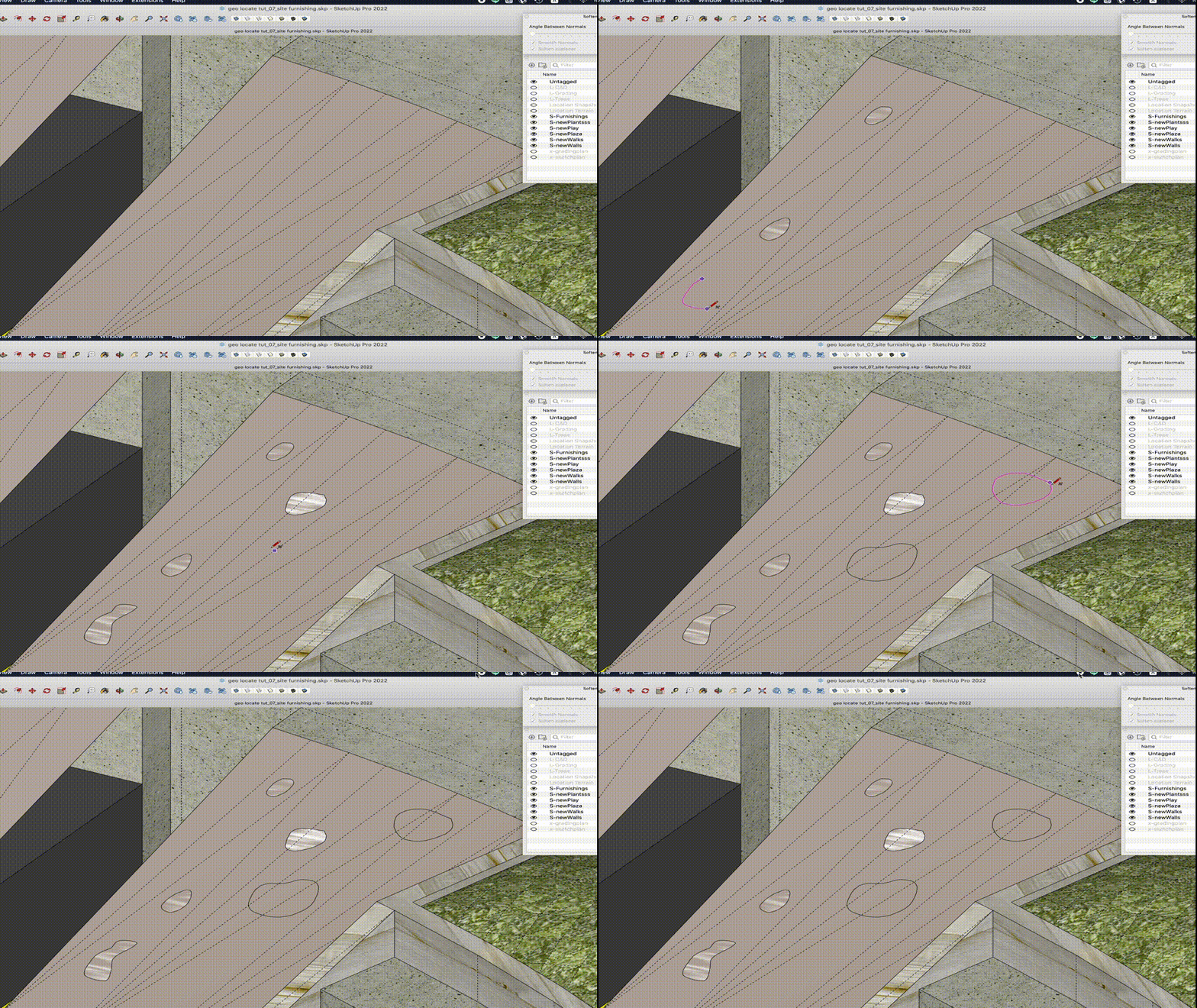
  • freehand tool not creating face on flat surface consistently

    SketchUp Discussions
    9
    1
    1 赞同
    9 帖子
    553 浏览
    R
    Thanks for this post and resolution, I'm coincidentally having this exact issue on the same tutorial! Good practice for sure. -R
  • 0 赞同
    1 帖子
    55 浏览
    尚无回复
  • Reviving timber constructions.

    Corner Bar
    3
    5
    1 赞同
    3 帖子
    139 浏览
    majidM
    Thanks for your feedback. I will develop the idea and share more soon.
  • [Plugin]T2H_BuildingStructureTools2.2.4 in20141207

    Plugins
    337
    1 赞同
    337 帖子
    481k 浏览
    TIGT
    @DOUGLAS0712 His tools are no longer supported. Sadly he died some time ago... Suas ferramentas não são mais suportadas. Infelizmente, ele faleceu há algum tempo...
  • Push-Pull sometimes won't delete face

    SketchUp Discussions sketchup
    9
    0 赞同
    9 帖子
    5k 浏览
    T
    Happens to me all the time...I just thought it was a standard thing like when you draw a line to cut geometry and it creates a new white face over your existing material face.
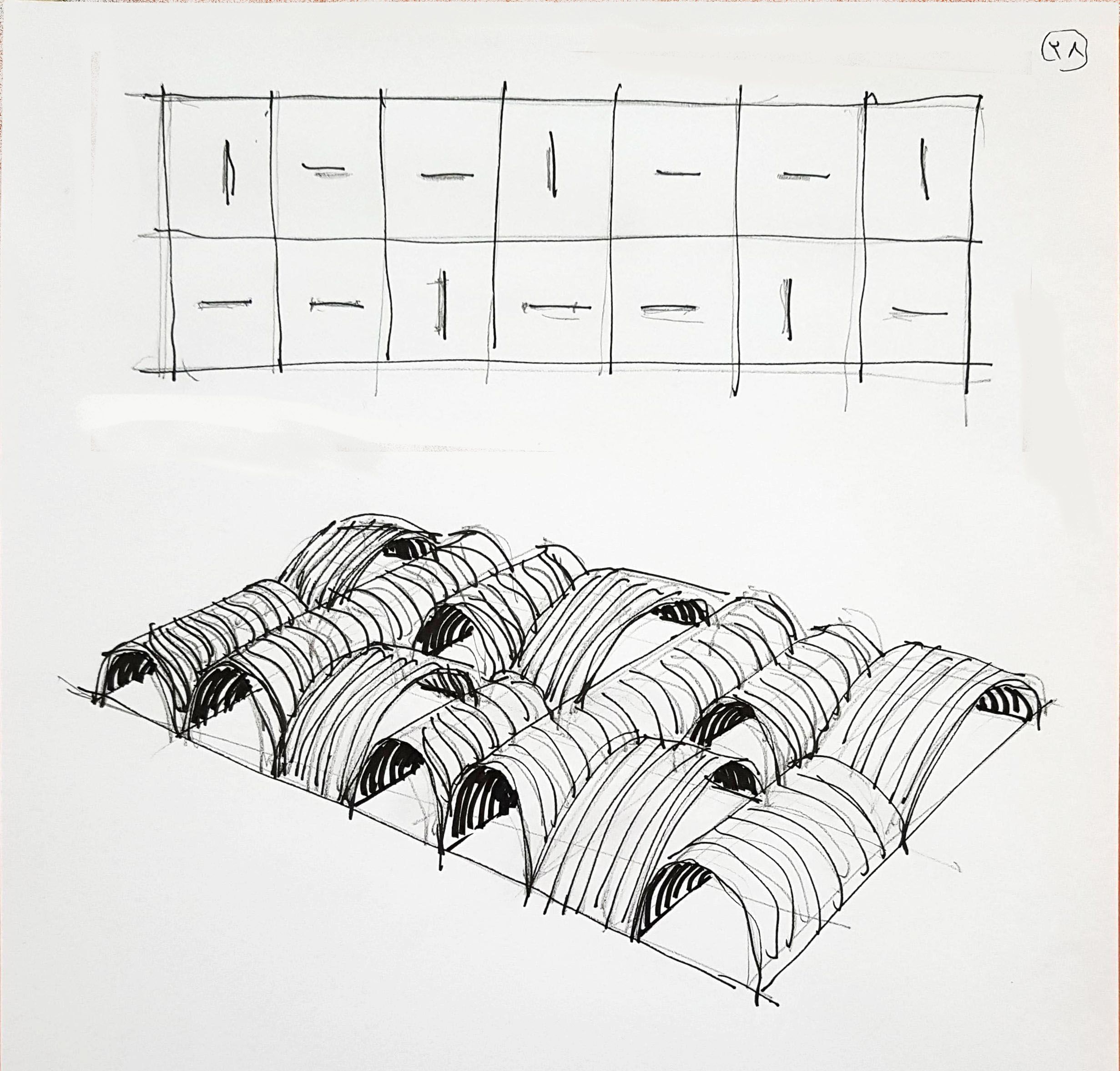
  • A,B, Sketches

    Gallery
    29
    5
    1 赞同
    29 帖子
    2k 浏览
    majidM
    [image: 1770703747081-20260203_155445-resized.jpg] somehow similar to this: https://www.german-architects.com/images/Projects/92/03/99/9fcc62d284ae4866ab3ac38f35b5d3a9/9fcc62d284ae4866ab3ac38f35b5d3a9.6e7b65d0.jpg?1493370410 and this other C : [image: 1770703847028-20260203_160547-resized.jpg]
  • Medeek Project

    Plugins
    52
    0 赞同
    52 帖子
    3k 浏览
    medeekM
    Version 1.2.6 - 02.09.2026 Added a line type option for major grid lines of the grid tool. Added the major grid line option to the General tab of the Global Settings. [image: 1770686764115-project_su42_800.jpg] [image: 1770686764138-project_su43_800-resized.jpg] With the latest versions of SketchUp there is a bug with the stipple pattern for construction lines and as a result it is nearly impossible to differentiate major grid lines from minor grid lines. Since this bug has never been resolved (at least to my knowledge) by the SketchUp team, I have determined that simple work around would be to replace the construction lines in the grid (major grid lines only) with regular lines or edges. Now one can actually tell them apart. This option can be toggled in the General tab of the Global Settings. Personally I prefer the dashed construction lines for the major grid lines but in newer versions of SketchUp solid lines are probably the better option.
  • Share models

    Newbie Forum sketchup
    15
    0 赞同
    15 帖子
    607 浏览
    ntxdaveN
    @Rich-O-Brien Thanks Rich. Now I know that I can share the link with Fredo6 on the Animator thread so he can download the file and look at it (to hopefully identify the problem I have been having trying to generate a video). You might also try generating an Animator video and see what results you get.