🔌 Smart Spline | Fluid way to handle splines for furniture design and complex structures. Download

Subcategories

  • The ideal place for beginners to get help using SketchUp
    9k Topics
    60k Posts
    ntxdaveN
    @Rich-O-Brien Thanks Rich. Now I know that I can share the link with Fredo6 on the Animator thread so he can download the file and look at it (to hopefully identify the problem I have been having trying to generate a video). You might also try generating an Animator video and see what results you get.
  • No decsciption available
    209 Topics
    2k Posts
    soloS
    Hey guys I am desperate for very high resolution/quality satellite maps, I use Placemaker and I also use Nearmap but the resolution is not that great, I have tried using AI to upscale but that too does not really solve my issues. Is there another solution?
  • No decsciption available
    821 Topics
    4k Posts
    T
    Hey Mike, I'm sure you figured this out already, but when you first create the attribute type a number with the inch mark like 0" or 0' in the value box and hit enter. This will set the unit for that attribute to inches. This only works for the first time a value is entered. After that first initial value, you will need to use the attribute info dialog to make changes. In addition, you can use 0 to set it to text (not "Default: Text") and 0cm to set it to centimeters. If anyone knows a shortcut for setting the unit to Decimal Number, I would love to hear it!
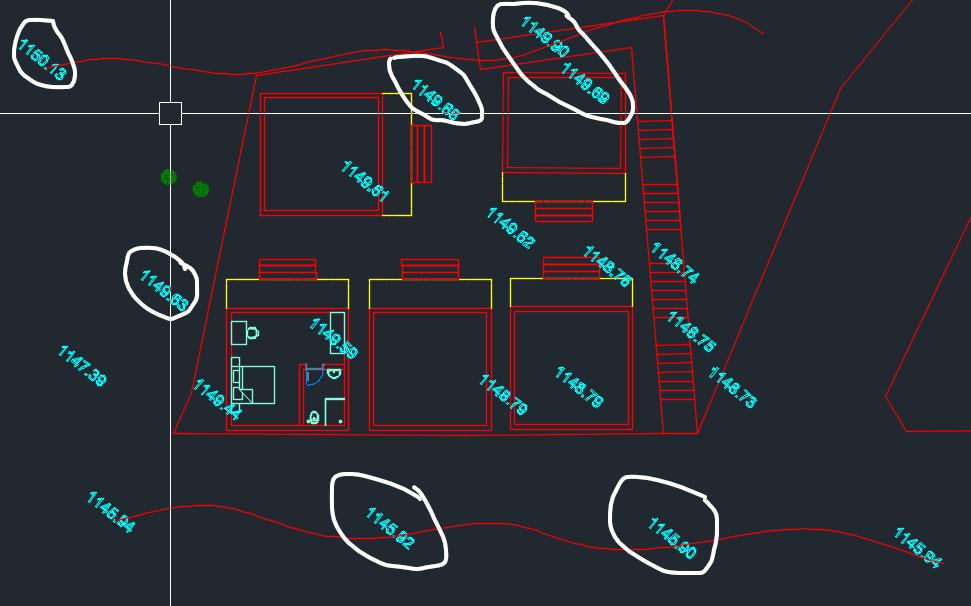
  • How Can I Create Landscape With Autocad code?

    2
    1
    0 Votes
    2 Posts
    64 Views
    Rich O BrienR
    @mcann if those are spot heights you will need to get them into sketchup as construction points. Then use a cpoint to mesh extension to generate a surface. But I'm not fully understanding your message.
  • Can not edit texture

    2
    0 Votes
    2 Posts
    106 Views
    Dave RD
    @pace514 Go to the In Model Colors and select the material to edit it. (Click on the house icon.) You can't directly edit materials that are in the material libraries. You can only edit the In Model materials.
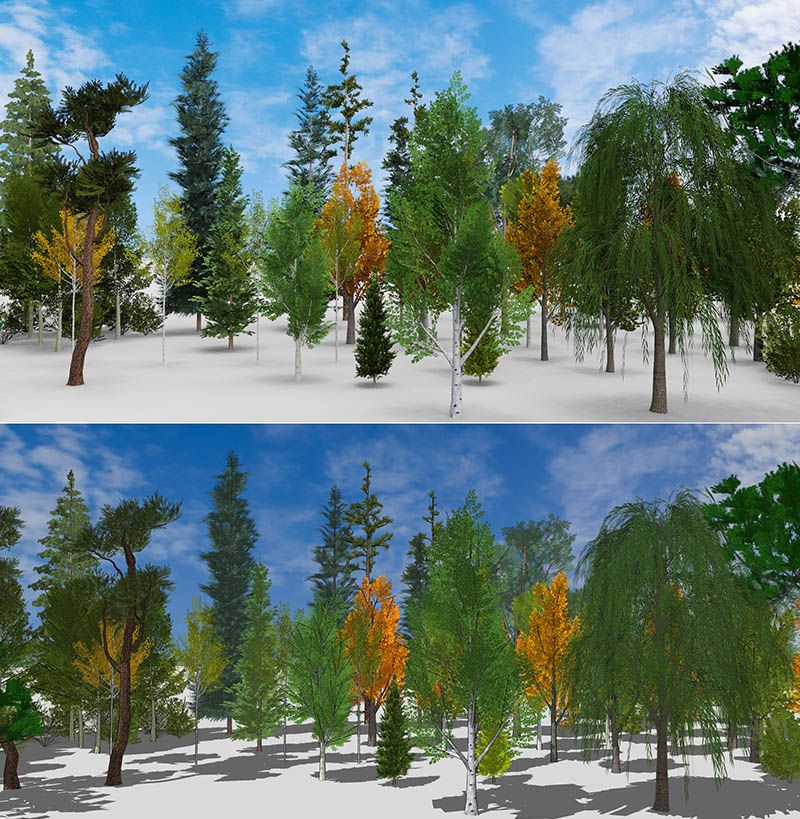
  • Trees and SU's OpenGL

    3
    2
    0 Votes
    3 Posts
    195 Views
    Alan FraserA
    @Rich-O-Brien said in Trees and SU's OpenGL: But if you assign the backface material with a 99% opaque version of your front face you get decent enough viewport results but your carrying an extra image. Thanks Rich, I never thought of assigning front face to back...despite using it all the time in other situations.. It does look slightly better, but as you say, there's a performance hit so I'm not sure it would be worth it if there were several high-poly veggies in the scene.
  • 2024 CTRL COPY NOT WORKING

    5
    0 Votes
    5 Posts
    228 Views
    boofredlayB
    Hmm, curious but happy. I restarted yet again and it seems to have fixed it. Here is hoping.
  • How would you make this model possible?

    Moved
    3
    1
    0 Votes
    3 Posts
    181 Views
    M
    Tnx Rich, as using Thea for rendering then just (for testing) made really simple model of tree trunk as Instance base & used "ring" model as instance & basically that's it. Probably have to play with thickness of instances & have to create a better base model to get the proper shape of tree but otherwise does the job good enough. My Q was pretty much for the interest if there's an easy way to do it in SU with any kind of plugins & from the point of getting smarter in SU. You're never too smart in SU, are you? Will try those suggestions You offered as well just out of curious. Thanks for that Cheers, Mark [image: 1727365186777-tree-of-rings-test-render.jpg] [image: 1727365186800-tree-of-rings-test.jpg]
  • Lost it.

    4
    0 Votes
    4 Posts
    128 Views
    Mike AmosM
    @Mike-Amos Found it. Somehow had it saved on the 'G' drive........ I could have been on the 'SB' I suppose.
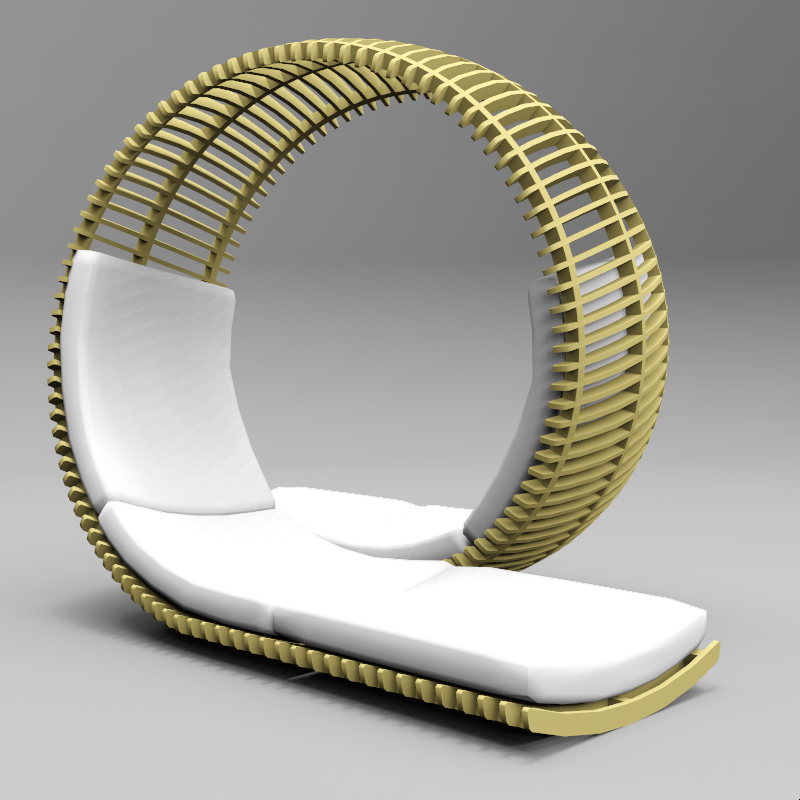
  • Hip, Hip, Array! Loopita Bonita.

    2
    1
    3 Votes
    2 Posts
    125 Views
    ntxdaveN
    @Alan-Fraser Very interesting piece of work.
  • ModĂ©liser un terrain sur SKP Ă  partir de points de niveau DWG

    2
    1
    0 Votes
    2 Posts
    107 Views
    Rich O BrienR
    Translation I have a topographic survey on autocad (.dwg), and I need to model the terrain precisely on sketchup. I've tried a lot of things, but it's either very time-consuming or ineffective with Sketchup's tools. Could you help me? I am attaching the file to you. Use Selection Toys to isolate items you need to remove... https://community.sketchucation.com/post/1052264 Your points are components instances so you could use Instances > Select All to select all the guide point instances. Then Group that selection and enter the group. Explode the point instances to realise them into the model space. Exit group and use Toposhaper.
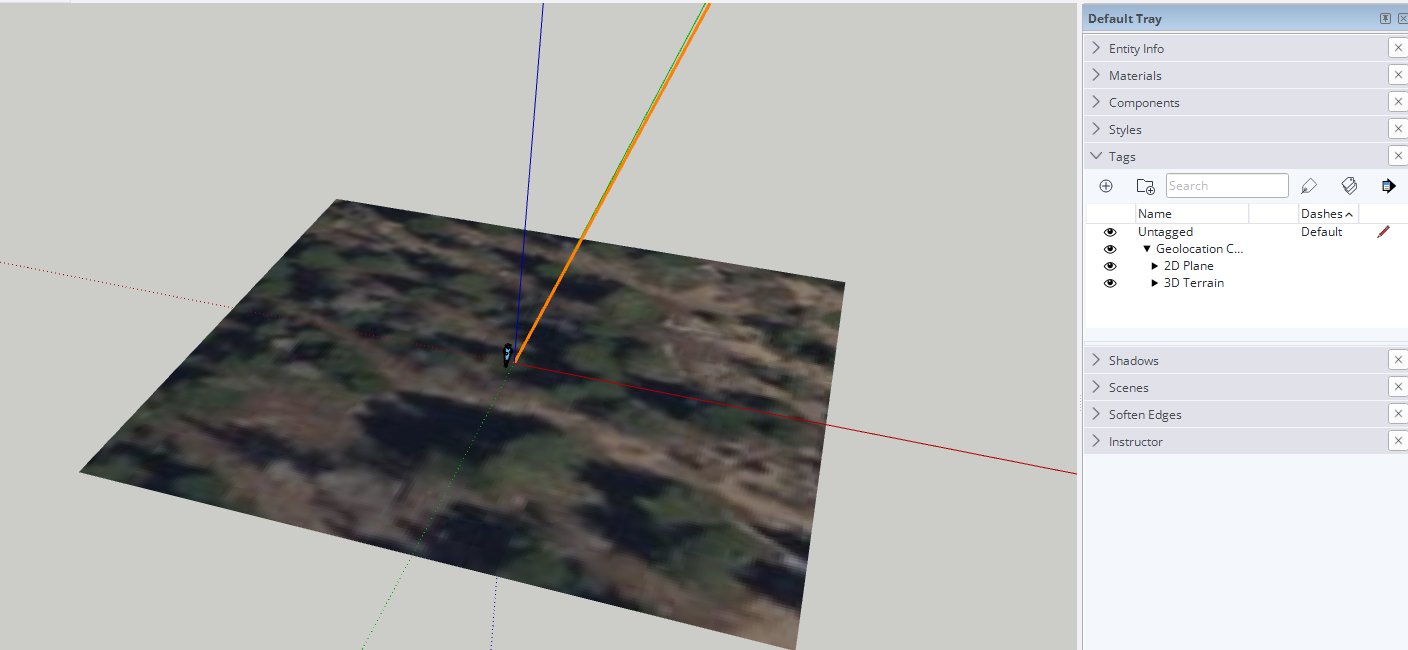
  • Add Location

    10
    1
    0 Votes
    10 Posts
    542 Views
    Dave RD
    @LindaRose good deal. It should be a different group from the flat snapshot. They ought to be closer together than what you show.
  • Tag question

    Solved
    3
    0 Votes
    3 Posts
    140 Views
    P
    Thank a lot Dave ! Have a nice day ! Pace
  • Hi Language

    3
    0 Votes
    3 Posts
    167 Views
    E
    To have SketchUp 2024 in English while keeping the rest of your apps in French, you can change the language settings specifically for SketchUp rather than the entire system. One way to do this is to check if SketchUp offers an internal language setting in its preferences menu, or you might need to reinstall the software, selecting English during the installation process. Unfortunately, if SketchUp doesn’t support independent language settings, you might need to keep your system in English while using SketchUp, or revert to French for everything.
  • Sketchup 2024.

    7
    0 Votes
    7 Posts
    415 Views
    Mike AmosM
    @Leggy Perhaps start your own thread reporting this problem, perople will notice it more then.
  • Hidden geometry preventing full use of push pull

    Solved
    7
    1
    1 Votes
    7 Posts
    252 Views
    J
    Great. Thank you Rich. I will give that a try. I am keen to find a reason for it, as I am sure I will bump into it again.
  • Mass convert SU files to different version?

    sketchup
    16
    0 Votes
    16 Posts
    7k Views
    TIGT
    @dahnuguy The model.save_copy method is only available >=v2014 So it fails in v8.
  • Can I use the old Toolbar icons?

    sketchup
    12
    0 Votes
    12 Posts
    945 Views
    H
    It's funny, I don't remember the 2013 change, but I'm sure I'll always remember the 2023 one! The new icons are terrible, for all the reasons U. Paar states. I've been using them for a year already, and still find them significantly harder to find in the toolbar because they are smaller and are all so similar. Plus they are just graphically inferior. I do use shortcuts, but only for the 20 or so tools and commands I use most regularly. The irony is that the native tool icons used to be more legible than most of those those created by plugin developers, but now it's the opposite. This really seems like an unnecessary own goal by the graphics team. Mark
  • 360 VRay Render, but need to match it with aerial/drone 360 image

    3
    0 Votes
    3 Posts
    153 Views
    reinhardmozesR
    @Rich-O-Brien Cool. I'll try to get in touch with him
  • Is FormFonts Gone?

    Solved
    4
    0 Votes
    4 Posts
    218 Views
    V
    @tuna1957 No way! This is such a disappointment! This was such a great resource.
  • Fredo Thurpaint License

    2
    0 Votes
    2 Posts
    126 Views
    Rich O BrienR
    Since June. He announced in late April that he was making it commercial.
  • UnZIP Error : Could not unzip archive.

    sketchup
    25
    0 Votes
    25 Posts
    7k Views
    M
    End of Support policy End of Support affects all SketchUp products installed on your desktop PC or Mac. When "End of Support" happens, the product you are using goes from being "Supported" to "Unsupported". Going forward, SketchUp desktop products will become unsupported on January 31st of the third year after the product's release year. For example, SketchUp 2022's End of Support date is January 31, 2025. when i used the sketchup 19 it got expired and reinstall can't be complete with fredo latest version, so i had installed the skechup 23 verion and used the fredo6 plugins (animator) are easy to enable.
  • texture position grips size

    5
    2
    0 Votes
    5 Posts
    250 Views
    Dave RD
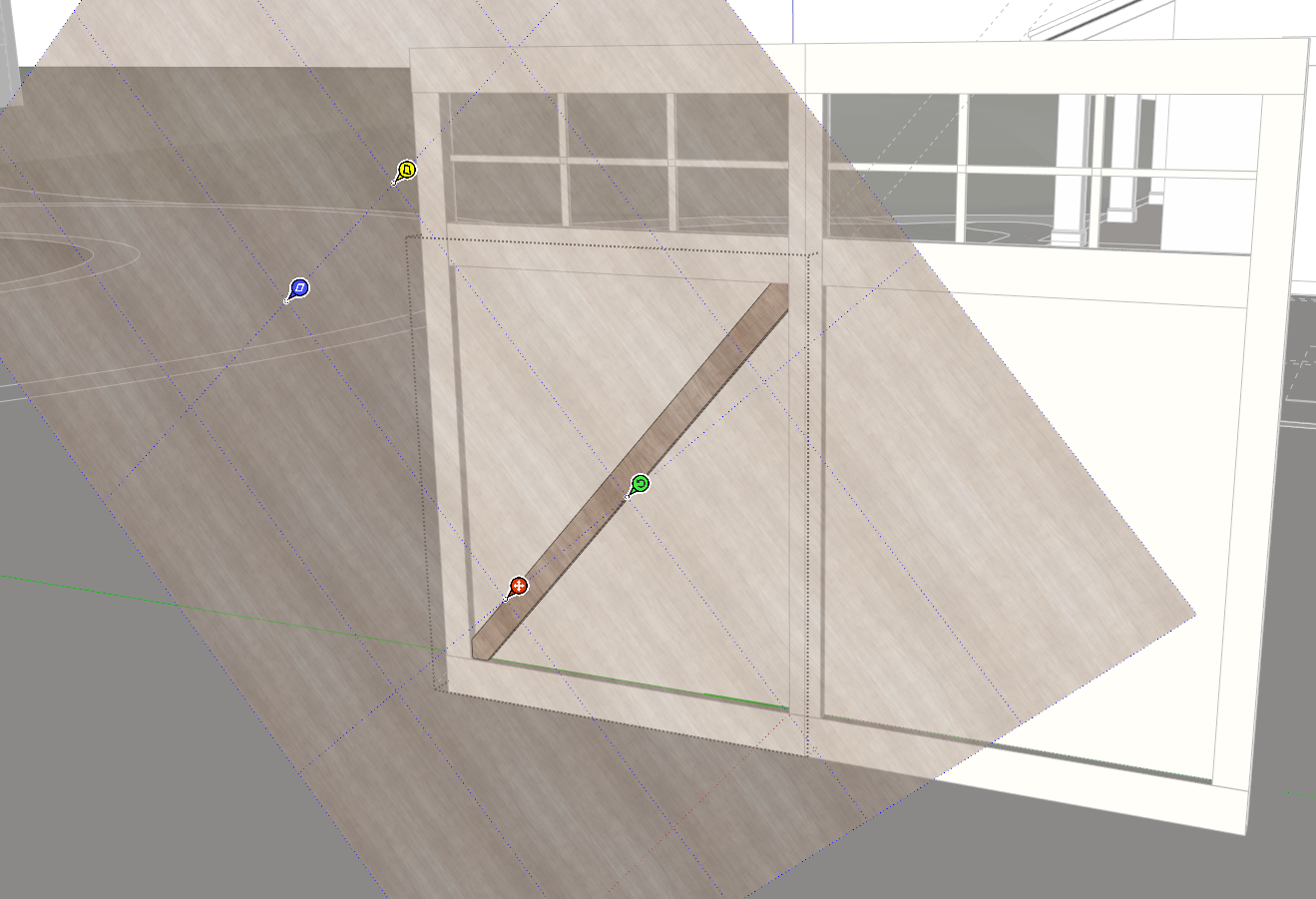
    @pmolson can you send me the .skp file either via email or a PM? @pmolson said in texture position grips size: I am switching it to use my graphics card. Do you mean you tried switching to the new graphics engine in SketchUp's Preferences>Graphics?

Advertisement