🔌 Smart Spline | Fluid way to handle splines for furniture design and complex structures. Download

Subcategories

  • The ideal place for beginners to get help using SketchUp
    9k Topics
    60k Posts
    ntxdaveN
    @Rich-O-Brien Thanks Rich. Now I know that I can share the link with Fredo6 on the Animator thread so he can download the file and look at it (to hopefully identify the problem I have been having trying to generate a video). You might also try generating an Animator video and see what results you get.
  • No decsciption available
    209 Topics
    2k Posts
    soloS
    Hey guys I am desperate for very high resolution/quality satellite maps, I use Placemaker and I also use Nearmap but the resolution is not that great, I have tried using AI to upscale but that too does not really solve my issues. Is there another solution?
  • No decsciption available
    821 Topics
    4k Posts
    T
    Hey Mike, I'm sure you figured this out already, but when you first create the attribute type a number with the inch mark like 0" or 0' in the value box and hit enter. This will set the unit for that attribute to inches. This only works for the first time a value is entered. After that first initial value, you will need to use the attribute info dialog to make changes. In addition, you can use 0 to set it to text (not "Default: Text") and 0cm to set it to centimeters. If anyone knows a shortcut for setting the unit to Decimal Number, I would love to hear it!
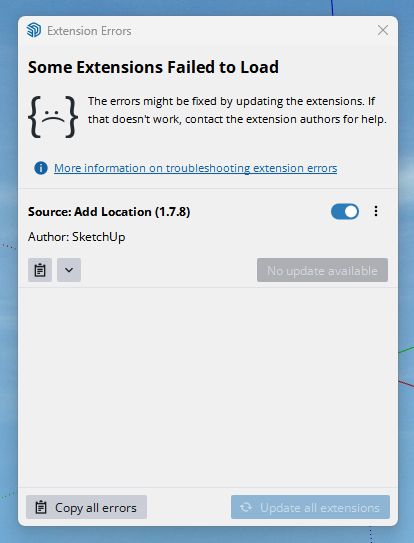
  • Add Location Failed To Load

    6
    1
    0 Votes
    6 Posts
    474 Views
    boofredlayB
    Well I checked online and there was a newer build for 2025 since my last install so I just installed that and it fixed my issue. Thanks for the assistance guys.
  • Formfonts Redux

    10
    2
    3 Votes
    10 Posts
    522 Views
    V
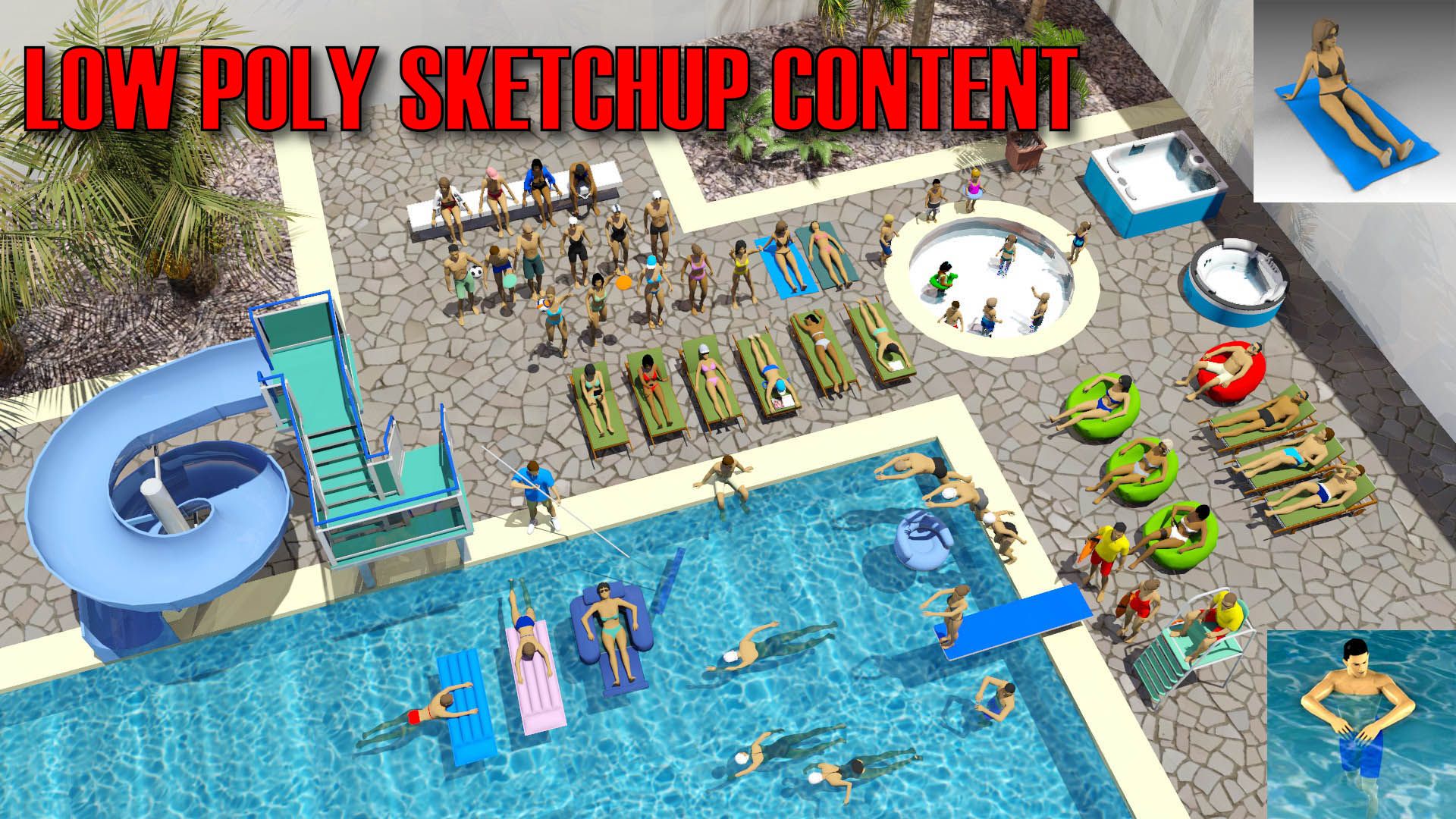
    I had been a member at FormFonts since 2006. I was sad to see it go but I understand the move. I prefer CG Trader over Turbosquid these days. The pricing seems so much more reasonable. Do you model the people from scratch or are you using something like DAZ to start the basic model? Best of luck on this next chapter Alan!
  • Keyboard and mouse input.

    1
    0 Votes
    1 Posts
    41 Views
    No one has replied
  • SU2025 and 3DConnexion 'spacemouse'

    3
    0 Votes
    3 Posts
    197 Views
    grizzlerG
    Thank you. Basic error on my part 🫤
  • Dimensions

    2
    0 Votes
    2 Posts
    99 Views
    Dave RD
    I would set up an edge-on scene and then, in LayOut, place the dimension between the bottom and the apex of the curve. [image: 1745538941837-screenshot-4_24_2025-6_54_15-pm.png]
  • Animation rendering speed

    4
    0 Votes
    4 Posts
    237 Views
    Dave RD
    @deanbuckeridge said in Animation rendering speed: It's the current Pro version. You might see what changing the graphics engine dos. Some folks have seen an improvement in performance by doing that.
  • SketchUp thumbnail not showing up on Mac

    5
    0 Votes
    5 Posts
    296 Views
    T
    @tf3 said in SketchUp thumbnail not showing up on Mac: @TIG Solved with last update 2025-0-574-244. not working anymore ...
  • Seamless tiling

    5
    2
    0 Votes
    5 Posts
    371 Views
    Dave RD
    @panixia that's fine. I was simply demonstrating what it would take for the OP to use the texture image they shared.
  • Save Components as separate files

    sketchup
    15
    0 Votes
    15 Posts
    7k Views
    O
    @MrMitc hello, pls can you modify this to include groups. i want to make an exploded animation of my model. thanks
  • Texture Production (question)

    Moved
    5
    2
    0 Votes
    5 Posts
    128 Views
    L
    @Mike-Amos said in Texture Production (question): Having a quick look, Materialize seems to be free, open source. Worthy of a look at least. https://boundingboxsoftware.com/materialize/tutorials.php Thanks Mike
  • OPENAI Explorer Extension

    4
    0 Votes
    4 Posts
    204 Views
    alexschreyerA
    I completely missed this thread. Glad you gave the extension a try. Here's also an update: I recently published version 3.0 which can now be used also with other services like Google (tested), Anthropic, DeepSeek (untested). As a result, I also renamed the extension. Give it a try... https://alexschreyer.net/projects/openai-explorer-experimental/
  • Thread maker plug in

    sketchup
    16
    0 Votes
    16 Posts
    7k Views
    T
    Hi everyone, I came across this thread while looking for discussions about generating threads in SketchUp. I know it's an old topic, but since it still gets a lot of views, I thought it might be useful to share a solution I've developed. [image: 1741950723105-cover.jpg] I’ve created a SketchUp plugin that automates the creation of threaded parts (bolts, nuts, internal threads, etc.). What makes it different is that it generates threads from a custom tooth profile, making it compatible with any type of thread, including multi-start threads. Key Features: Generate threaded rods, nuts, and internal threads in just a few clicks Works with any thread profile – metric, imperial, trapezoidal, custom, etc. Supports multi-start threads Here’s a demo video showcasing how it works: https://youtu.be/Fkf5j-hS8sU?si=-xgwl_lkRdeAQph9 (The video is in French, but you can turn on YouTube subtitles and auto-translation.) The plugin is available here: For the US users: https://fabcnc.gumroad.com/l/threads-filetages For the EU users: https://payhip.com/b/3j7ZF If anyone here still needs an easy way to create threads in SketchUp, I’d love to hear your thoughts! Renaud
  • Please help in creating this arc

    3
    2
    0 Votes
    3 Posts
    119 Views
    S
    Thank you for the reply. Yeah, the intersecting point should be a sharp point, but the beginning should be an arc. I tried a few solutions but didn't end up with a good result.
  • SketchUp 2025. The styles toolbar disappears every time I close it.

    5
    1
    1 Votes
    5 Posts
    525 Views
    panixiaP
    @roximate maybe just move it to the bin and download a new one from scratch?
  • Rotate an offset cylinder ?

    1
    0 Votes
    1 Posts
    75 Views
    No one has replied
  • 0 Votes
    2 Posts
    128 Views
    Rich O BrienR
    SketchUp by nature is destructive when it comes to geometric changes. It's only course correction is the undo stack. To get around this my preferred method is to have a series timestamped files that constitute as snapshots. So rollback is easier. If I'm working in a modular fashion I use saved components. As an example I have a 00-master.skp with all the components. These components are also saved a separate files in a working directory next to the master. If I work on a component file I can reload changes in the master. My main objective to keep the master file as the target file and everything else piped to it. Not sure it that helps in regards your workflow. My approach has been to treat the master file as assembly point of the work I do in other files. If I do make minor changes in the master I save that back to the components working directory as either an overwrite or as a new timestamped version.
  • Problem with Apple max 3 Metal 3

    3
    0 Votes
    3 Posts
    143 Views
    Mike AmosM
    I have been told that the classic graphics engine works better too on a pc. Open GL Versus direct X, what to make of this I do not know but it's a pain in the petunia's.
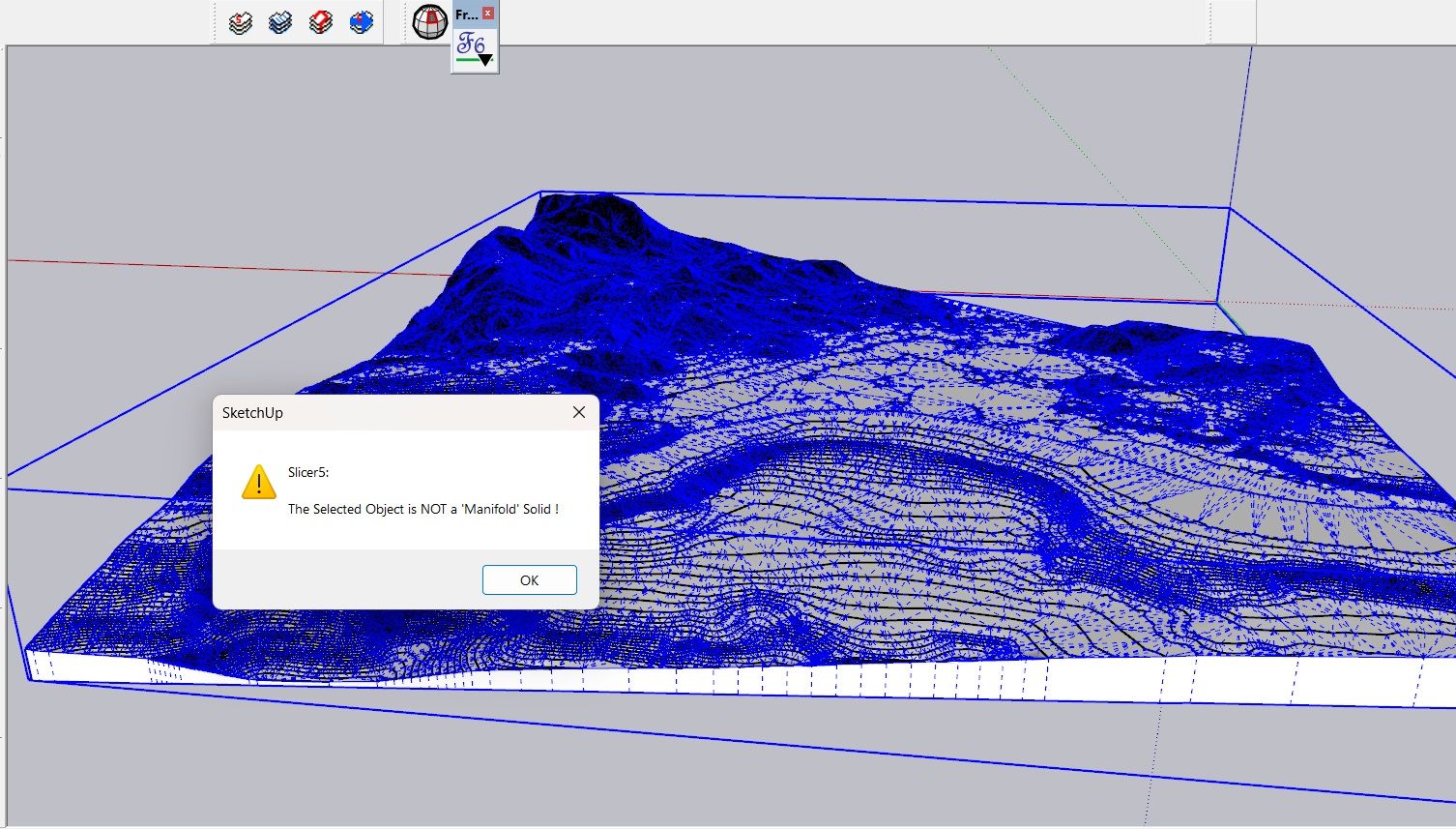
  • Discussion - object is not a manifold solid !?

    6
    1
    1 Votes
    6 Posts
    287 Views
    Dave RD
    @alexpacio2013 said in Discussion - object is not a manifold solid !?: I guarantee you that Bool tools 2 works and works better than the standard tools even among solids You're preaching to the choir on that point. I don't use nor even recommend the native Solid Tools. I guess I have no problem, even for complex objects, with making them solids so I get predictable results when using Bool Tools 2 or Eneroth Solid Tools.
  • Scaled impress.

    2
    0 Votes
    2 Posts
    123 Views
    Rich O BrienR
    What's Impress Scaling?
  • problem using V-RAY 5 with SU 2019

    2
    0 Votes
    2 Posts
    129 Views
    Dave RD
    Contact Customer Support at Chaos Group so they can help you sort out your license.

Advertisement