🔌 Smart Spline | Fluid way to handle splines for furniture design and complex structures. Download

Subcategories

  • The ideal place for beginners to get help using SketchUp
    9k Topics
    60k Posts
    ntxdaveN
    @Rich-O-Brien Thanks Rich. Now I know that I can share the link with Fredo6 on the Animator thread so he can download the file and look at it (to hopefully identify the problem I have been having trying to generate a video). You might also try generating an Animator video and see what results you get.
  • No decsciption available
    209 Topics
    2k Posts
    soloS
    Hey guys I am desperate for very high resolution/quality satellite maps, I use Placemaker and I also use Nearmap but the resolution is not that great, I have tried using AI to upscale but that too does not really solve my issues. Is there another solution?
  • No decsciption available
    821 Topics
    4k Posts
    T
    Hey Mike, I'm sure you figured this out already, but when you first create the attribute type a number with the inch mark like 0" or 0' in the value box and hit enter. This will set the unit for that attribute to inches. This only works for the first time a value is entered. After that first initial value, you will need to use the attribute info dialog to make changes. In addition, you can use 0 to set it to text (not "Default: Text") and 0cm to set it to centimeters. If anyone knows a shortcut for setting the unit to Decimal Number, I would love to hear it!
  • Leader text location in space

    leader text
    4
    0 Votes
    4 Posts
    183 Views
    Dave RD
    @llaves yes, dimensioning radii in LayOut needs to be added. I'm keeping my fingers crossed. Currently I just use a label for that in LayOut. It works well enough. You could put in temporary radius/diameter dimensions in SketchUp and give them a tag which you can turn off in LayOut once you placed the labels. Doing this also makes it easier to maintain consistency in the appearance of dimensions in LayOut. It's a pain at best to combine dimensions and leader text from SketchUp with dimensions and labels in LayOut.
  • How to install the English SkUp-version?

    Solved
    2
    0 Votes
    2 Posts
    178 Views
    HornOxxH
    @HornOxx !Solved! I finally found it out for myself! I had to take out this check mark (but you all knew that already I think ) [image: 1719739122374-186943a2-e71c-4d63-a7f8-f26625fad4aa-image.png]
  • Convert Texture to image back

    3
    1
    0 Votes
    3 Posts
    163 Views
    O
    @Dave-R It's to be able to sample the texture to paint some geometry. Typically urbanism. I get landscape bitmap drawings that I need to scale to match the DWG. Then I need to explode the image to paint the mesh that I start to build with quadfacetool, vertextools and subD ( I use vertextools ability to keep the texture UV while editing the vertex). Sometimes I use Google Earth images too, and trace the roads first, then start building quads. Once I start moving the vertex, and break the planeity, the texture gets exploded and I use the source image to sample the texture scale and orientation ( by using the projected mode) and repaint the messed up geometry. When creating complex terrains, I group the parts to keep the subdiviions fast. And once a group is created, I can't see the source texture anymore so I can't trace upon it. When using DWG style vectorised drawings, there's no problem as the source remains visible when you're in a group (and the source drawing outside the group), but with bitmaps, you need it inside the group to be visible unless it's an image. So I'd like to be able to keep the visibility of a bitmap in all circumstances, wether inside or outside a group.. Or, being able to sample an image and use it as a texture without having to explode it first.
  • 2024 Paint Bucket

    Solved
    9
    0 Votes
    9 Posts
    414 Views
    boofredlayB
    Well I thought the update fixed it but nope. Back to having issues with the paint bucket tool. meh
  • Unable to import dxf files

    5
    0 Votes
    5 Posts
    348 Views
    G
    @grizzler Glad that you got it sorted
  • What’s the best 2D tools to go with SU?

    1
    0 Votes
    1 Posts
    80 Views
    No one has replied
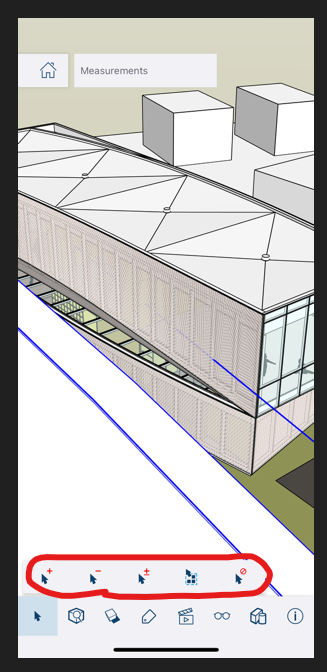
  • Measuring tool for phone viewer is missing

    1
    2
    0 Votes
    1 Posts
    64 Views
    No one has replied
  • License Problems

    1
    0 Votes
    1 Posts
    84 Views
    No one has replied
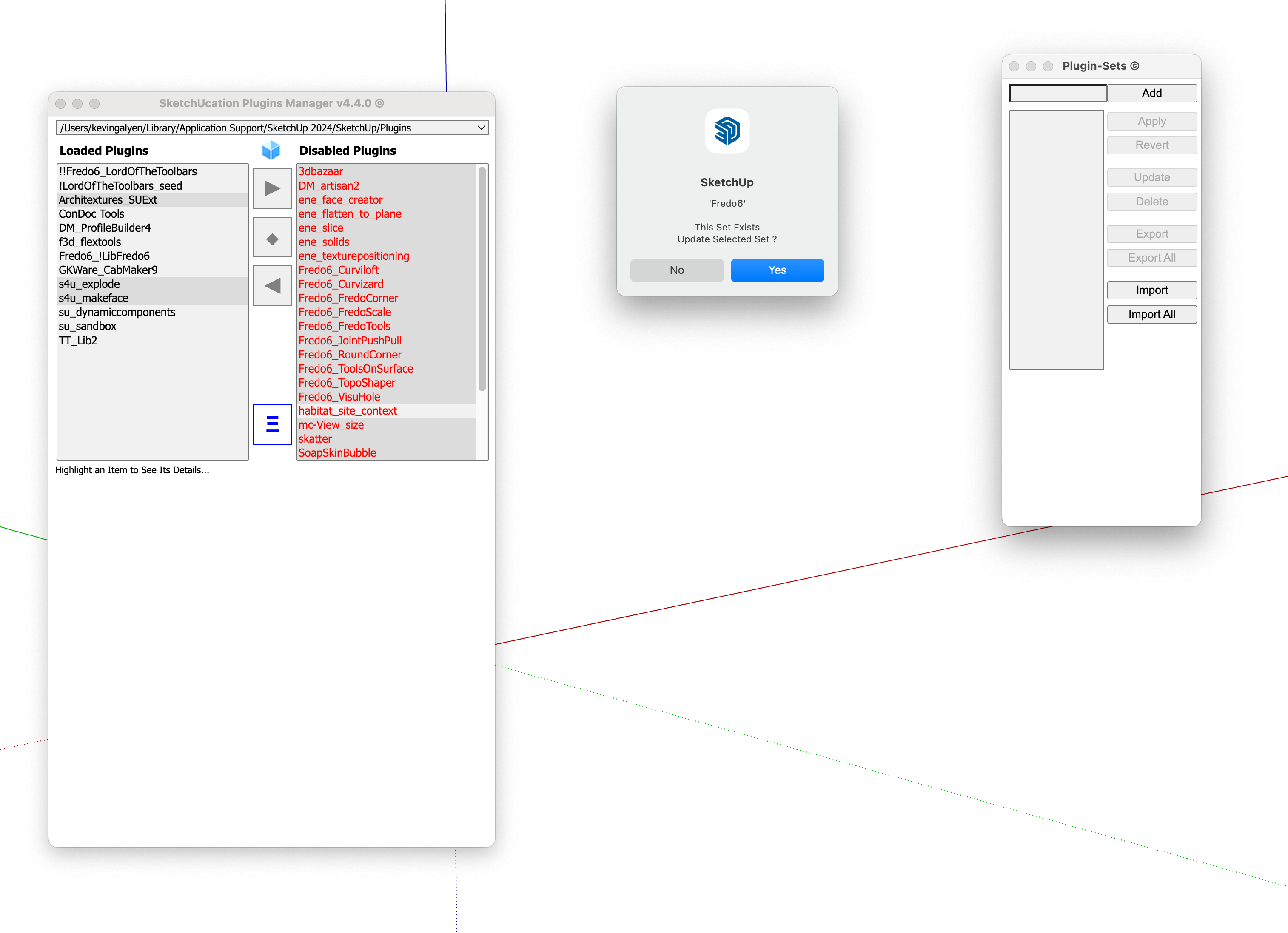
  • Extension Manager and Plugins Manager not working on Mac

    4
    1
    1 Votes
    4 Posts
    140 Views
    Rich O BrienR
    @kgalyen said in Extension Manager and Plugins Manager not working on Mac: if disabling them using these managers disables them for the current session or only once sketchup is restarted? Also, disabling them keeps the plugins files in the plugins folder correct? Disabling is persistent across sessions but you can load plugins temporarily not extensions. Disabling does not remove plugins/extensions. They are renamed to prevent loading and enabling/loading temporarily will restore their original names.
  • cannot select groups with one click -

    Solved
    2
    0 Votes
    2 Posts
    132 Views
    Dave RD
    @schaferron1 what version of SketchUp are you using? Share a .skp file in which this happens.
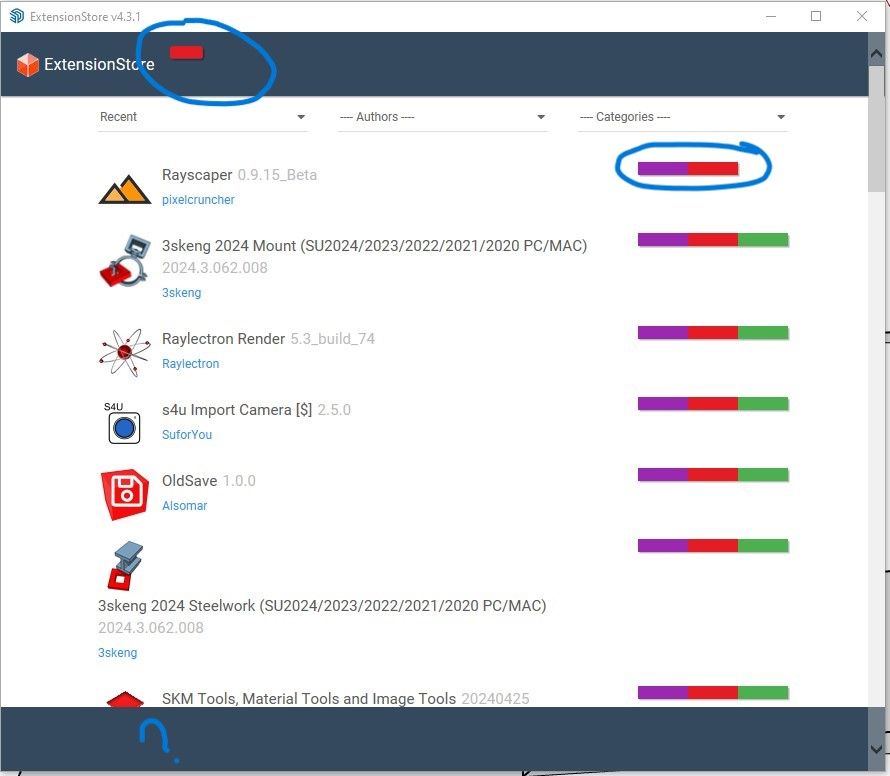
  • ExtensionStore interface issue

    Solved
    7
    1
    0 Votes
    7 Posts
    349 Views
    Dave RD
    @nickchun glad you got it sorted. I presume you used the previous version of the ExtensionStore tool to update to the current one. Periodically open the UI. It'll check any extensions that it installed for updates, including itself, and let you know if there are updates to install.
  • HELP! Dimensions Not Displaying

    3
    0 Votes
    3 Posts
    189 Views
    K
    @Dave-R Using SU 2024 updated. It's a file with many scenes. Very strange but some of the scenes will display the dimensions and others will not. Even when I change the style of the scene to match another scene where it works, that scene will still not display the dimensions. I would link to the file but it is a proprietary thing that I can't post. I have a workaround now if I need to get dimensions but wondering if you can shed any insight into why this would be happening.
  • LIVE COMPONENTS NOT WORKING AGAIN

    1
    0 Votes
    1 Posts
    89 Views
    No one has replied
  • import roads

    1
    0 Votes
    1 Posts
    108 Views
    No one has replied
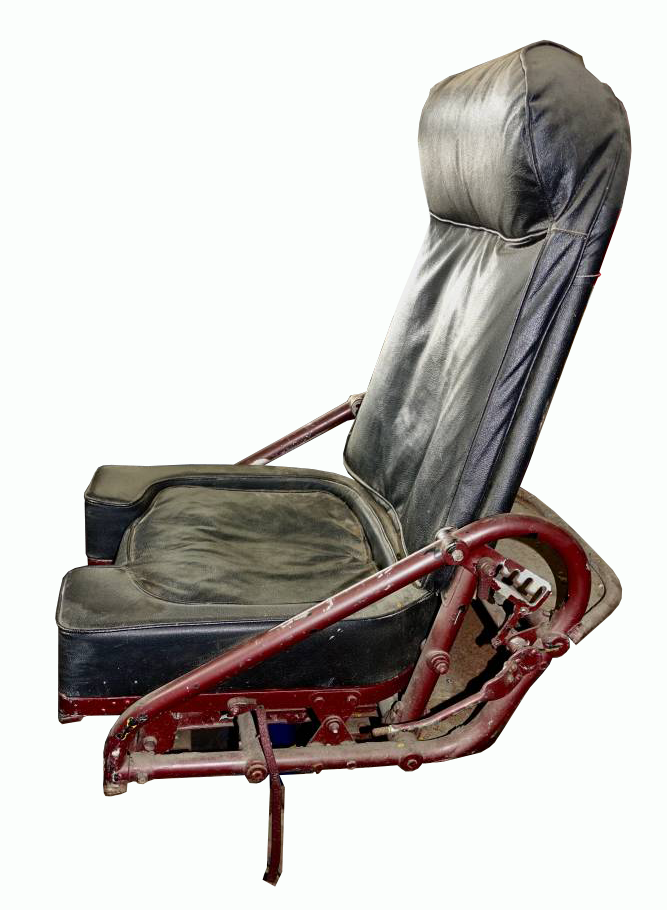
  • Need help identifying this

    5
    1
    0 Votes
    5 Posts
    240 Views
    Mike AmosM
    @hellnbak Try this forum mate........ http://www.warbirdinformationexchange.org/phpBB3/viewforum.php?f=27&sid=7e8d4a3ac6b1bc824589aa19030be21e
  • uninstall trimble connect.

    1
    0 Votes
    1 Posts
    80 Views
    No one has replied
  • 3D Text Tool bug

    1
    0 Votes
    1 Posts
    90 Views
    No one has replied
  • How do I use follow me tool when the lines split?

    Solved
    3
    1
    0 Votes
    3 Posts
    189 Views
    massimoM
    It depends on what you want in the corners. If you don't need something too polished you can also use this plugin: https://community.sketchucation.com/topic/106330/plugin-lines-to-tubes#p88592 It will work in one go: select all the lines and launch the plugin.
  • SU24 Crashing on startup.

    10
    0 Votes
    10 Posts
    469 Views
    F
    @grizzler For info, The PB4 is fixed by version 4.0.3 https://support.mindsightstudios.com/hc/en-us/articles/29660587053971-Fix-for-SketchUp-crashing-shuts-down-on-startup-when-Profile-Builder-4-is-installed.
  • Restore Default Material

    sketchup
    5
    0 Votes
    5 Posts
    11k Views
    R
    @david_h Hello. this is information, I didn't find for 3 hours now in 2024, and the comment is 15 years ago. What a kudos! Thank you!!!

Advertisement