Oops, your profile's looking a bit empty! To help us tailor your experience, please fill in key details like your SketchUp version, skill level, operating system, and more. Update and save your info on your profile page today!
Check out Febhouse | New extensions for Shadow Analysis in SketchUp Download
L
Offline
Best posts made by Leggy
-
RE: help with a thread
Hi guys
Again thanks for all your help
Is there a chart you use to look up thread dimensions, pitch, tpi , crest etc
I was trying a m22 x 2.5 and got a bit confused on the chart I was following, so I asked ChatGPT
After 4 hours of me telling it, it was wrong, it finally agreed
I was drawing it in SU then asking it questions on the iPad
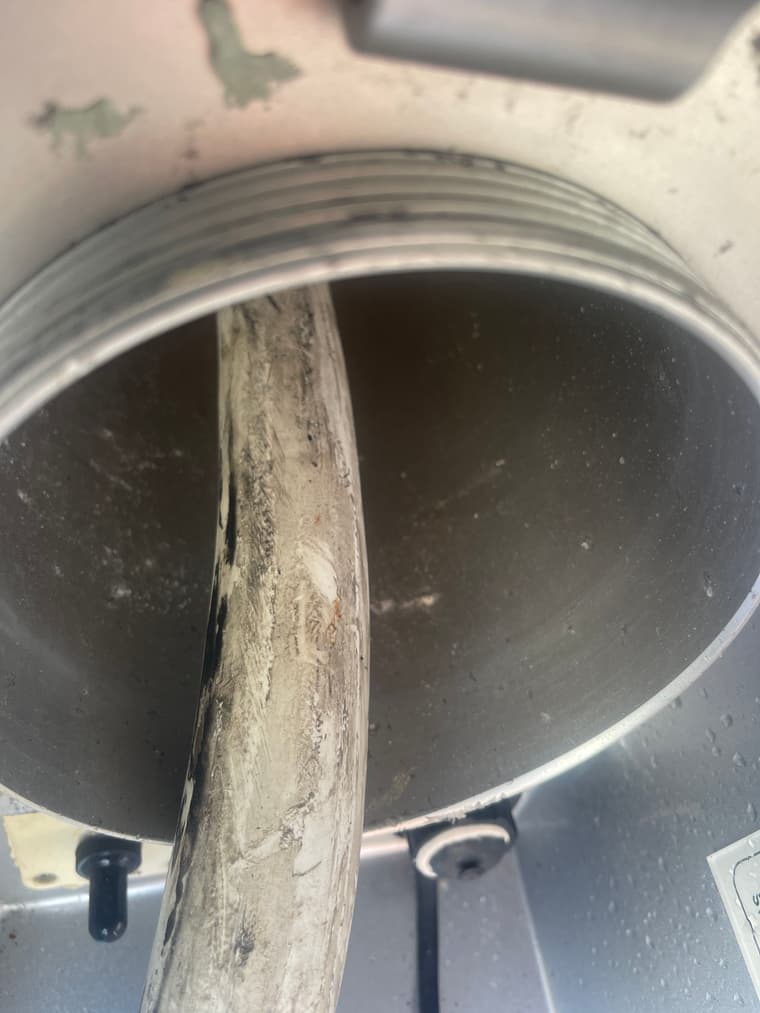
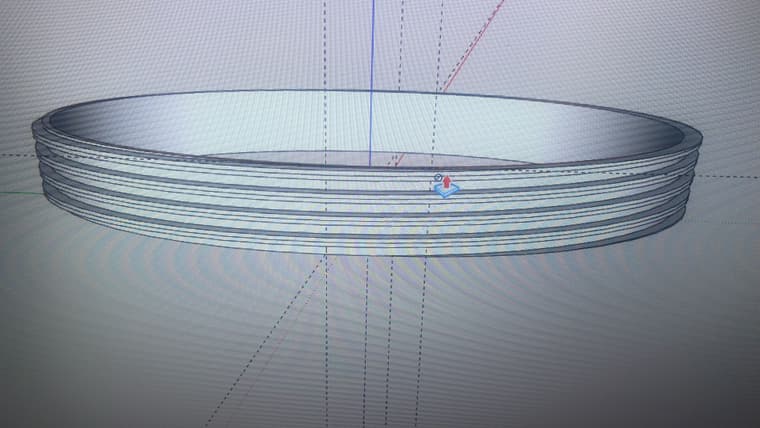
When I get home I’ll upload my figures and see what you think, the thread looks good on the screen, but that doesn’t mean it will fit
Thanks Dean
Latest posts made by Leggy
-
tapered scale
hi am I overthinking this? im trying to get these row of circles to taper down from a 32mm to a 24mmwith each one overlapping the other by 1mm
why can't I upload the skp?
-
follow me issue
im trying to do a simple follow me and the edges are morphing into something weirdjaryd trophy.skp
-
RE: adding thickness
@Dave-R would it be the amount of segments in the corners?
-
RE: adding thickness
I tried the skin technique , looks better , I have one little area that is showing through , but ill print it and see how it looks
-
RE: adding thickness
@Dave-R yes joint P/P , not playing nicely , I select the whole surface but only a part of pulls out
, the inner skin seems to be coming through the outer one
I used the first curviloft , the head that's split in slices
ill try your idea with the lines -
RE: adding thickness
hi Dave
I've been trying what you said , and I'm getting some weird results with P/P. I also tried another way by selecting the outer circle and rectangle then curviloft, then the same with the inner circle and rectangle, but got a conflict on the inner and outer skins -
adding thickness
downpipe square to round.skp
hi is there a simple way to make bits with a 1.2 mm wall thickness?