⚠️ Update | Sketchucation Tools 5.0.8 released with licensing improvements and bugfixes Download

Subcategories

  • 3k Topics
    23k Posts
    N
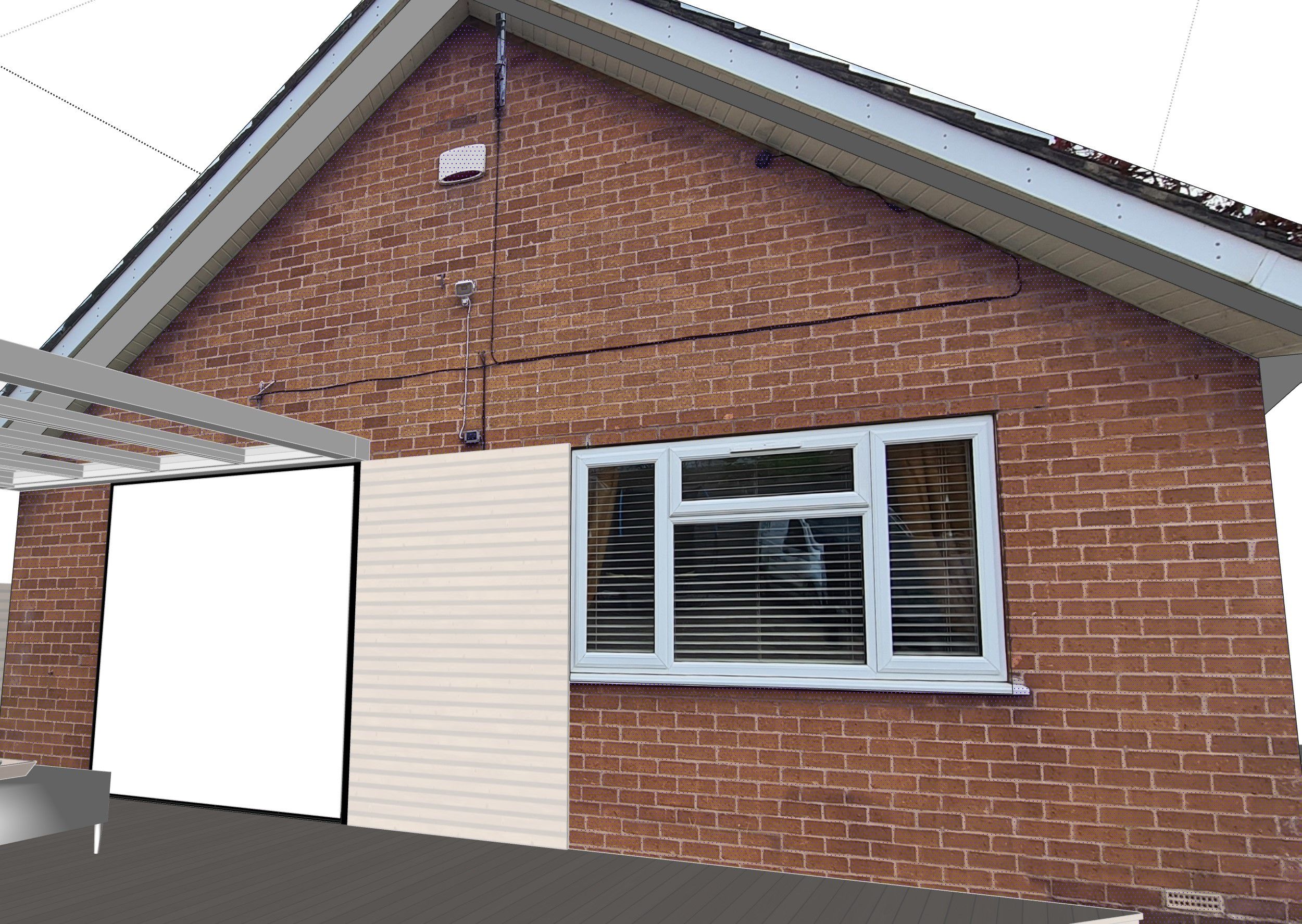
    Hi, I’m Marek Novák, developer of Novak Tools. TileBuilder 0.13.0 generates editable individual 3D tiles and recessed grout from a selected planar SketchUp face, including openings and segmented curved boundaries. The alignment-axis workflow lets a drawn line define a required joint or tile centre. Distribution update, 27 September 2026: Free RBZ downloads and PRO checkout are temporarily paused while protected packages are prepared. The PluginStore RBZ upload has been removed. Please do not mirror older plaintext packages. Free supports one required axis, one texture, later rebuilding and selected-surface quantities with CSV. PRO adds multiple Must / Prefer / Avoid axes, scored alternatives, more textures and whole-project schedules. This build was tested in SketchUp 2026 for Windows; SketchUp 2023+ is the intended minimum, while other Windows versions and macOS remain unverified. I would welcome technical feedback on layout decisions around openings and design axes. The image below shows the Free geometry generated in SketchUp 2026 for Windows. [image: TileBuilder 0.13.0 geometry in SketchUp]
  • 5k Topics
    47k Posts
    M
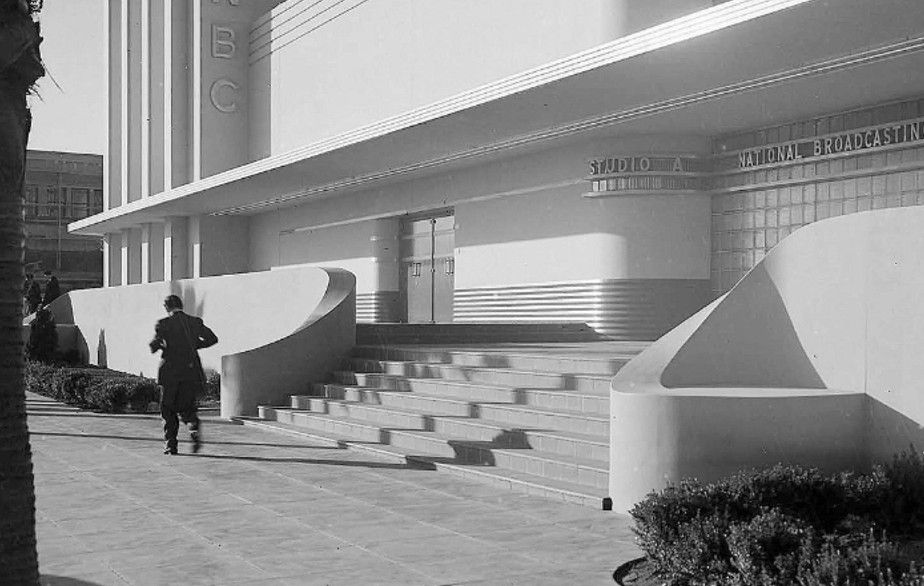
    Would love to get your feedback on this plugin i'm developing. The core idea is to speed up the modeling process through an automated pipeline—turning hours of tedious drafting and corrections into a workflow that takes just a few minutes, natively inside SketchUp. I've attached a link to a uncut raw video in youtube: https://www.youtube.com/watch?v=5J28sy9Fd2g What you will see in the video: (I’m using SKP 2018, but it was already tested in 2020 and 2022 versions) A real-time, raw, and uncut demonstration showcasing the core actions: • Automated Vectorization: Converts image files (png, jpeg) into over 12,000 clean edges in seconds. This feature still has problems with curved lines and arches but I’m getting there... • Instant Drafting: Generates thousands of planar faces from DWG/DXF files in seconds for quick conceptual modeling, backed by an alternative high-precision mode for intricate drawings (this more detailed option can take over 7 minutes). • Automated QA (Face Check): Pinpoints open contours and source drawing errors immediately, eliminating hours of manual troubleshooting. • Smart Componentization: Automatically converts 1,700+ repeated architectural faces in the line drawing into grouped SketchUp 3D components to maximize model performance. A quick note on the video flow: At 02:06, the workflow transitions to a group processed via High-Precision Mode. While High-Precision Mode delivers complete topological accuracy for complex geometry (30,000+ vertices) in about 7 minutes, we skipped that computation period in the video to save you 5 minutes of dead air. In the video you’ll only see the fast mode that is great for simple facades.

  • Share your 3D visualisations with the community

    9k Topics
    110k Posts
    jo-keJ
    some vehicles, that I am going to use in a project [image: heag-fahrzeuge-pp.jpg]
  • 5k Topics
    98k Posts
    TIGT
    @horizon41 The current version is 16.2b - perhaps you made a typo ? You need to restart SketchUp after installing any extension so it is properly synced. Please post the whole error message - part is not sufficient - in the Ruby Console -Ctrl+A to Select All then Ctrl+V to Paste that into your message here...
  • 🍺Social chats and banter....tinfoil hats recommended


    6k Topics
    73k Posts
    N
    If it really does have similar inference functions, geometry generation, and display capabilities, then it will be very interesting to see how it performs. And to what extent they can integrate multithreading and GPU utilization...
  • 3k Topics
    29k Posts
    Dave RD
    @Mike-Amos thank you.
  • 4k Topics
    40k Posts
    Stephane_14S
    [image: Image3.jpg]
  • Make Unique Texture giving weird results

    Solved
    19
    2
    0 Votes
    19 Posts
    2k Views
    grizzlerG
    @Rich-O-Brien said in Make Unique Texture giving weird results: Are you using the the Yellow pin to skew the image? That's UVW mapping which is not the same as your regular UV mapping which is purely 2D. If you skew an image in SketchUp you can introduce additional UV points so a plane with 4 verts could have 5 points when you view the UVs. [image: 7487ff2a-5f0f-4586-98bc-f32da2c43178-image.png] Hopefully this shows what I mean. I think if this type of mapping is where the issue may lie. Either its the new engine thats flaky or the destination app does not support UVW mapping. I could be wrong.....it has happened before....many many times. I don't use the coloured pins, I used the non "fixed pins". I think I understand how the UV mapping might get messed up when I first make the adjustments, but once the image is in place I simply "Make texture unique" and that used to resolve the issue.
  • Tiny house steps

    5
    0 Votes
    5 Posts
    718 Views
    Mike AmosM
    I agree that this form of construction would be for limited access housing. If you consider a small single bedroom home with no need for child or constant use, it looks sharp. I have a lot of use of yacht stair types in my small home designs and frankly see no problem with it. This could be considered as loft access and how many times does anyone access their loft? Just as those who tell me that, "In the USa, people box in their fridge freezer",,, I get it but, I do not live in the USA so, consider the value of a limited use product and how it might be of valkue WITH that limited access. My 1970 VW, had an engine that IS less than 100% environmentally friendly but, considering the additnional energy consumed by a new BEV, was at least as good over the whole life. If not better, considering the reduction in use of exotic metals.......
  • SU imported texture resolution

    3
    0 Votes
    3 Posts
    417 Views
    L
    Thanks Rich
  • How can I model this?

    8
    1
    0 Votes
    8 Posts
    611 Views
    Gus RG
    I think what you want is like a variable pitch helix. The curve of the helix begins from a horizontal plane then begins the helix and at the top the pitch transitions to another horizontal plane. In Sketchup you'd have to mess with the line segments. I tried finding something in Blender and haven't found anything. I'm still a novice with that. It looks like Solidworks and Rhino can do something like that.
  • Dynamic multiple-paneled folding doors.

    3
    1 Votes
    3 Posts
    264 Views
    J
    Hi, @Gus-R. How you doin'? Thanks for your answer. I've already watched most of Justin's material over dynamic objects, as well as many other developers'. His contents are very good and were a little elucidating for me, but, unfortunately, the solution to my problem doesn't lie there. Would you have any other recommendations?
  • Joint push pull

    2
    0 Votes
    2 Posts
    262 Views
    Dave RD
    @micagarbarini share the .skp file so we can see what you are working with.
  • Modelling in joints (express joints, tile joints, joinery joints)

    1
    0 Votes
    1 Posts
    176 Views
    No one has replied
  • Extruded texture

    Solved
    3
    0 Votes
    3 Posts
    267 Views
    L
    @Rich-O-Brien Thanks again Rich, I kind of remembered that but forgot about the right click ad was looking in the materials window for projected.
  • Ambient Occlusion in SU 2024

    2
    1
    0 Votes
    2 Posts
    262 Views
    Rich O BrienR
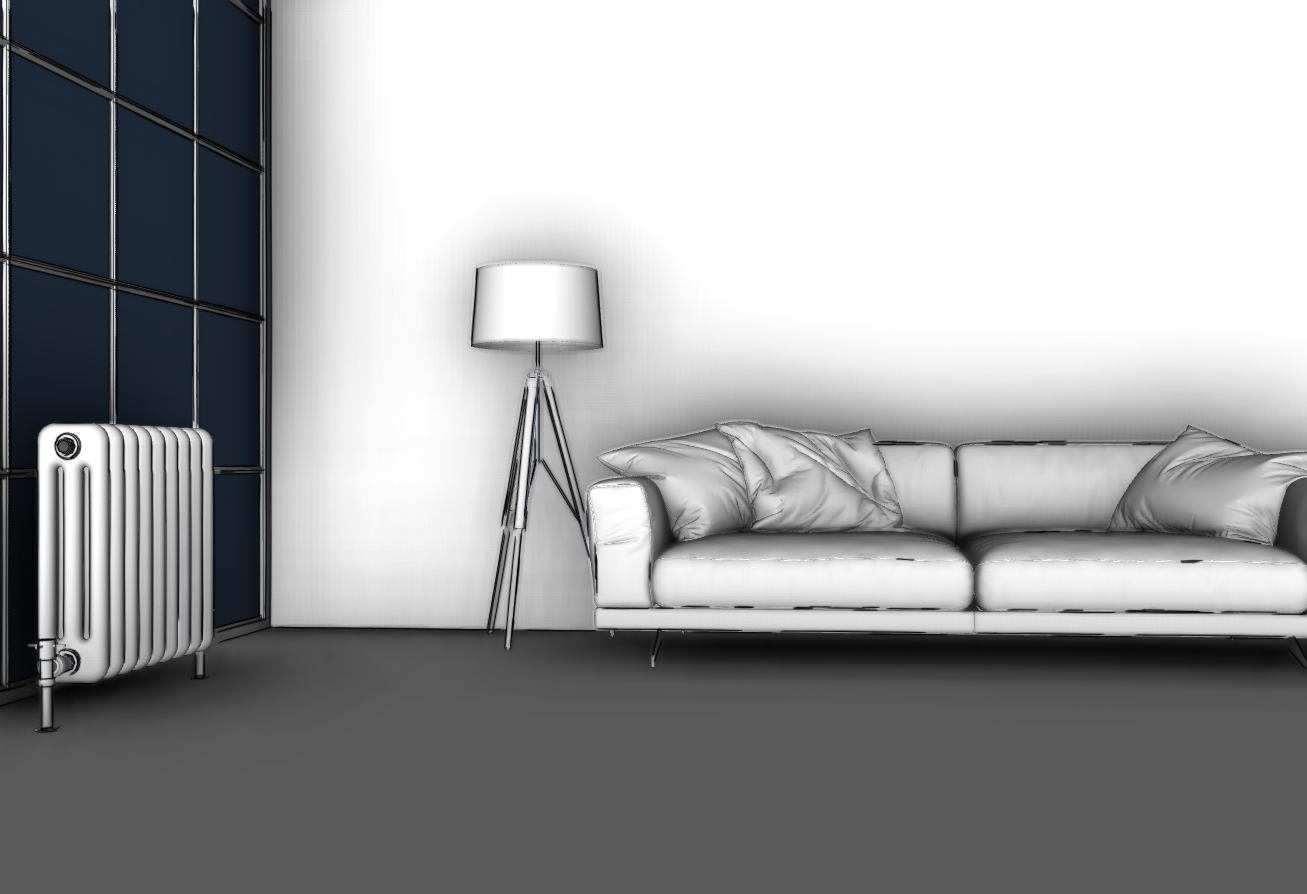
    I find the AO style looks more dirty than AO. Its like a cavity map mixed with AO. Not your scene just in general. Looks great for exterior stuff but object filled interiors looks a bit grimy. Nice to see them gives Styles some attention though. I always felt that StyleBuilder was really an opportunity for SketchUp to have a companion app that allowed us to do NPR rendering etc. Your scene is nice though.
  • аываырпукфрерп

    Solved
    4
    0 Votes
    4 Posts
    328 Views
    TIGT
    @Gábor An odd title indeed... According to GoogleTranslate... This [аываырпукфрерп] refers to generally good things... e.g. 'Thanksgiving' in many diverse languages... e.g. in Assamese from NE India... OR Aymara from the Bolivian Andes... OR Bambara from Mali in Africa... OR Bhojpuri from that India and Nepal... OR Dhevehi from the Maldives... OR Dogri from Jammu and Kashmir [India]... OR Ewe / Twi from Ghana and Togo... OR Guarani from Paraguay... OR Ilocano from the Philippines... OR Konkani from Western India... OR Krio from Sierra Leone... OR Sorani Kurdish... OR Lingala from the Congo [Bantu]... OR Luganda from the African central lakes... OR Maithili from India and Nepal... OR Meitei / Manipuri / Mizo from Tibet and NE India... OR Oromo from Ethiopia / Kenya... OR Quechuan from Peru and the Andes... OR Sanskrit the ancient language from the Indian subcontinent... OR Sepedi [Sotho] / Tsonga from NE South Africa... OR Tigrinya from Tigray... OR it could mean 'Andhra Pradesh' [SE India] in simplified Chinese... OR it could mean 'Ayurvedic Medicine' in Hindi... OR it could mean 'Pain Free' in Tatar... OR it could mean 'Don't Worry' in Turkmen... OR it could mean 'The Difference' in Uryghur [Turkic Central Asia]... But I suspect it's just a gibberish title that coincidentally has some meaning[s]... I think your answer will resolve it !
  • Stretched material when extruded?

    2
    1
    0 Votes
    2 Posts
    240 Views
    Rich O BrienR
    That's UV projection. Select the face in SketchUp, right click and check if its set to Projected.
  • SOLVED: unread no longer showing unread posts

    5
    0 Votes
    5 Posts
    392 Views
    gullfoG
    @Rich-O-Brien no worries. i replied just to document the steps in case anyone was experiencing it...
  • SketchUcation UI

    Locked Solved
    2
    0 Votes
    2 Posts
    175 Views
    ntxdaveN
    O I, I figured it out………
  • Text input looses location of next input

    Solved
    2
    0 Votes
    2 Posts
    195 Views
    Dave RD
    @ijkfraser this is a known issue in SketchUp 2023. Hopefully it will be fixed in the next release.
  • Notifications

    Solved
    6
    0 Votes
    6 Posts
    436 Views
    Rich O BrienR
    @Joe-Wood If you click the dropdown does setting it to Notification and Email work for you? [image: brave_lSSkCcslcH.png]
  • This topic is deleted!

    1
    0 Votes
    1 Posts
    2 Views
    No one has replied
  • This topic is deleted!

    1
    0 Votes
    1 Posts
    2 Views
    No one has replied

Advertisement