⚠️ Important | Libfredo 15.6b introduces important bugfixes for Fredo's Extensions Update
  • Sketchucation Tools 5.0.4

    Pinned
    144
    4
    4 Votes
    144 Posts
    15k Views
    Rich O BrienR
    @coffeeholic53 said in Sketchucation Tools 5.0.4: Is there any way to fix this problem or should I just give up and leave all the plugins as they are? Just install extensions manually by downloading RBZ files from site. 2017 is using very old and no longer supported web dialog systems.
  • Flowify problems

    5
    0 Votes
    5 Posts
    62 Views
    K
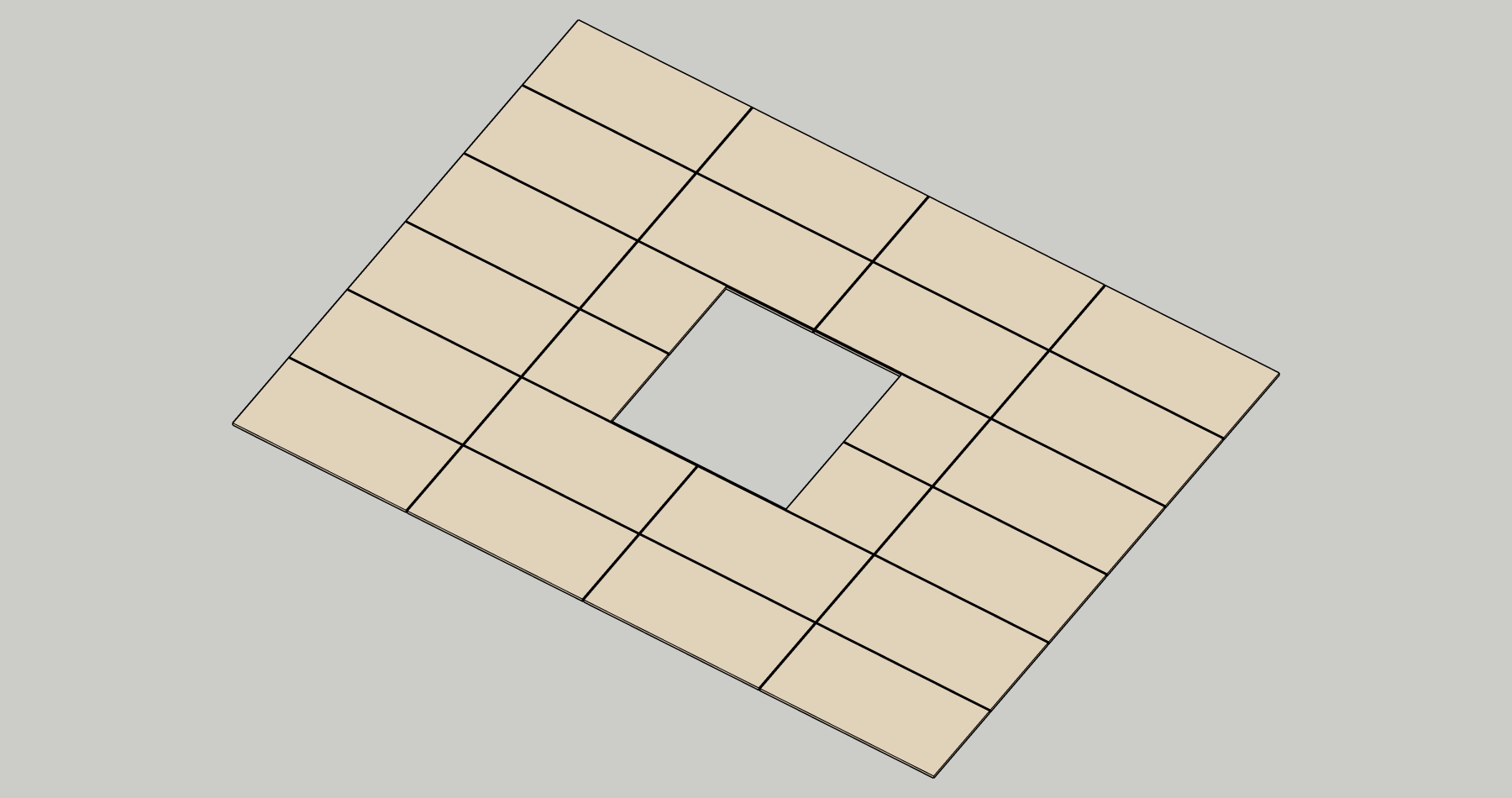
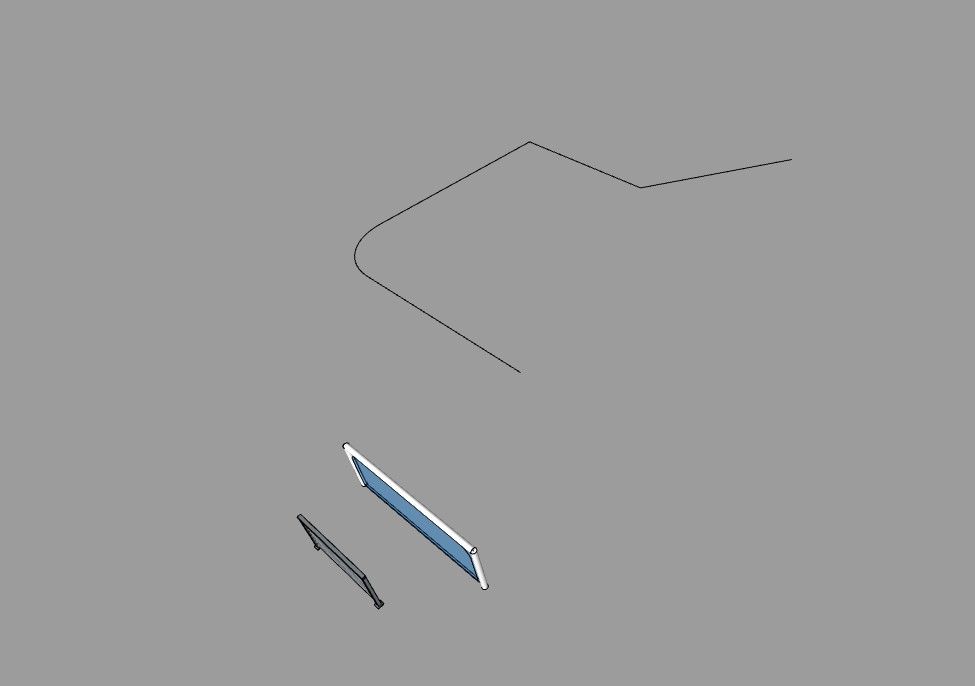
    That is not a four edge geometry..
  • Is there a way to "define the scale" of a group of objects in SketchUp?

    Unsolved
    15
    0 Votes
    15 Posts
    174 Views
    panixiaP
    Yeah, I think you'll definitely need to live with the compromise, because there's not some "universal" solution to this problem (and it can get even more complex with multiple nesting levels and/or multiple instances of the "father" component with different scale factor. You will indeed loose the "instancing" benefit, otherwise it will be a mess.. No matter the code. Buon anno a te!
  • Rayscaper New Releases

    rayscaper render
    321
    1 Votes
    321 Posts
    22k Views
    P
    @Krass Nice, thanks for sharing! Super cool to see this result.
  • remove one device to benefit from a license on another

    3
    0 Votes
    3 Posts
    27 Views
    P
    Thanks @krass for putting it in a new topic! That makes it easier for me to keep track, instead of tracking everything in the huge release thread. I typed up a comprehensive guide: https://rayscaper.com/faq/licensing/#how-do-i-release-a-license-seat
  • Extension to modify the Materials display for SU 2025? SU

    3
    0 Votes
    3 Posts
    106 Views
    JClementsJ
    A belated THANK YOU, Dave!
  • TIG Weld Shortcut Setting

    10
    0 Votes
    10 Posts
    109 Views
    ntxdaveN
    Making some progress. [image: 1766441094367-screenshot-2025-12-22-160302.png] [image: 1766441094379-screenshot-2025-12-22-160329.png]
  • 0 Votes
    2 Posts
    27 Views
    Rich O BrienR
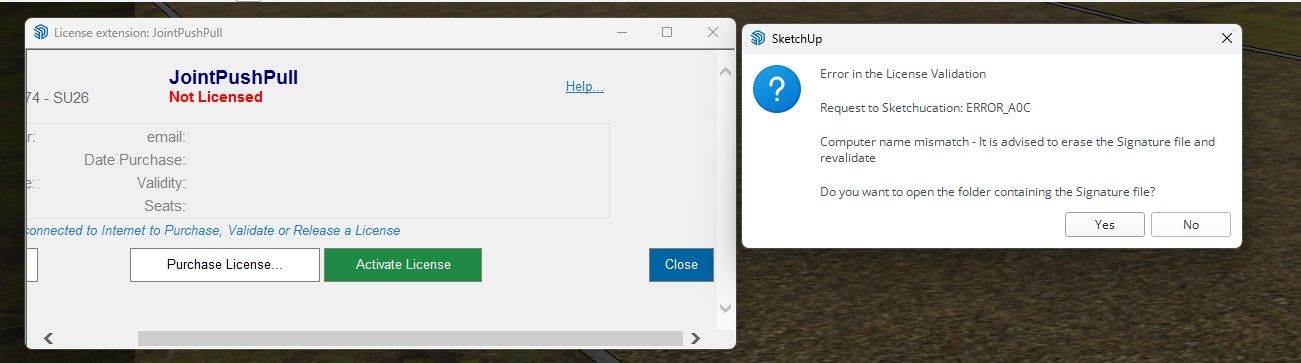
    @Thiago2026 If you visit https://sketchucation.com/webshop/my-licences.php you can see you have no activated licenses. The error is related to your device name. Please check if your device name uses non-alphanumeric character like áéíóú etc. Change it to use only alphanumeric characters.
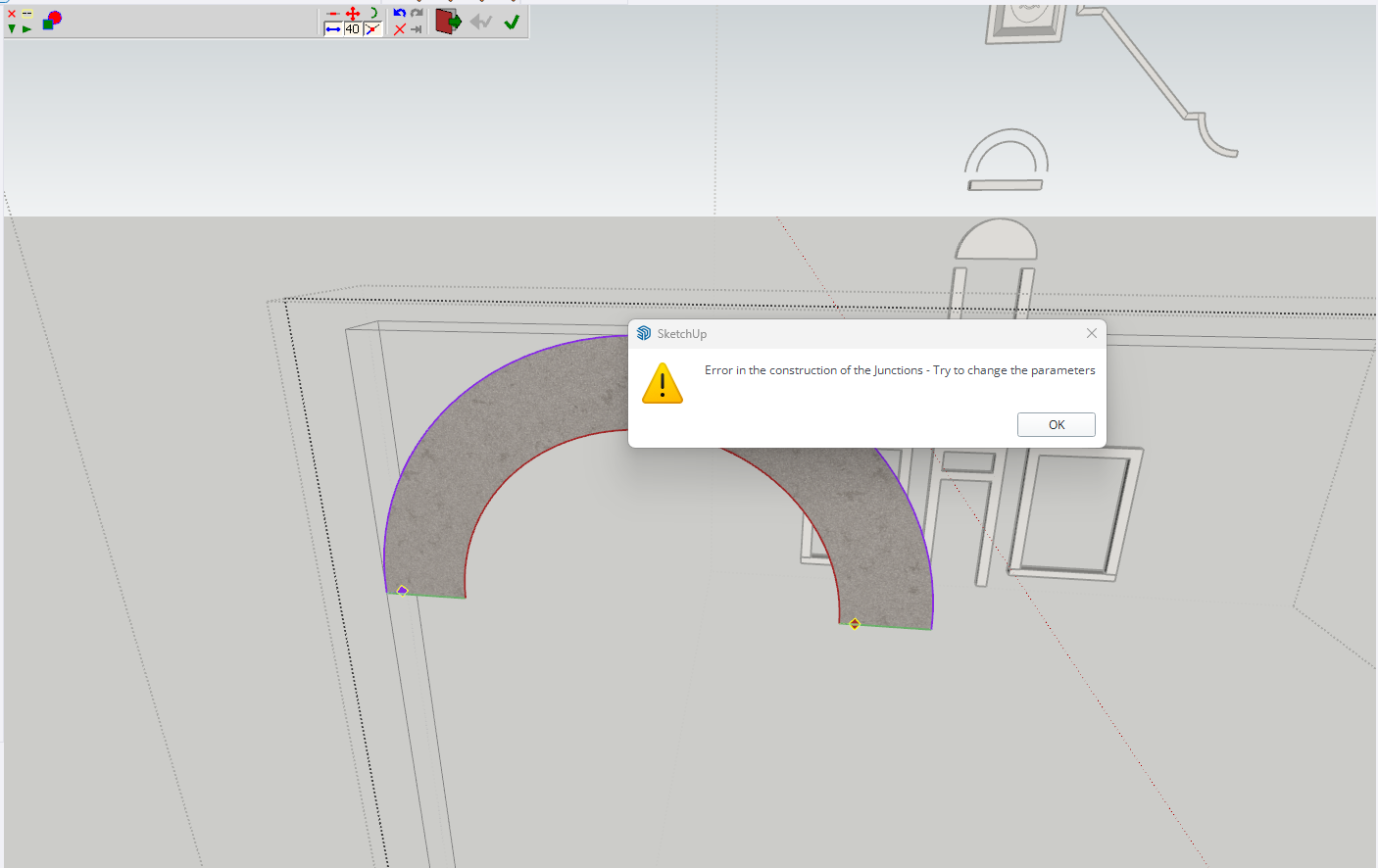
  • Curviloft Error - need version Libfredo6

    4
    0 Votes
    4 Posts
    143 Views
    TIGT
    Before trying the following please read the whole post as the answer might be a misunderstanding... Use the SketchUcation ExtensionStore to install JointPushPull, FredoCorner and LibFredo6 again. Then restart SketchUp to sync everything. If you are still getting the licensing error[s] check that you have installed the proper license for the extensions I suspect that you have a license for Fredo's RoundCorner and this is not the same as the installed FredoCorner, which expects a separate license file. There have been a few reports of users confusing the two extensions and their respective licenses. Although the two are similar in what they do, they are not identical, and they need to be licensed separately. So ensure you have the correct extensions installed and their matching licenses validated, after that a SketchUp restart should get both properly licensed and error free.
  • 1 Votes
    2 Posts
    62 Views
    Rich O BrienR
    @tsur said in 'Search' window; 'Recent' doesn’t display most recent extensions updates.: most recently updated items, nor are they sorted by most recent — it would be very convenient if they were. Yes, we are reworking these in early 2026 along with other new features to make search and listings more intuitive Submit Extension': it says "Want to share (Y)our creations on our platform?... That should be fixed now
  • 0 Votes
    4 Posts
    139 Views
    M
    It's a little confusing with the two corner plugins, but I get it now -- Curvizard is great! Thanks for the suggestion; I'm going to go simplify a bunch of my old models now
  • Bell keeps telling me 'You have updates' but update list is empty.

    5
    0 Votes
    5 Posts
    146 Views
    TIGT
    @Gábor needs to look at his server-side coding. I expect the user-side would always be sending a list of all installed extensions and their versions, Gábor then checks if that user, on that computer, in that SUp version has previously installed any extension[s] in the current version available in the ExtensionStore, and if not it should advise that there's an update available, and list it on the appropriate page to auto-install...
  • [Plugin] MultiTags for Sketchup

    extensions
    20
    0 Votes
    20 Posts
    3k Views
    F
    @Bratthaus ConDoc Tool has similar functions, but is expensive…
  • I got email from Sketchucation every 10 minutes

    4
    0 Votes
    4 Posts
    161 Views
    G
    We are sorry for the inconvenience caused. We have experienced a glitch in our email system which resulted a few SketchUcation members getting multiple copies of the same email. We fixed the issue and we hope the fix we implemented will prevent the problem from reoccurring. Thank you for your patience and for the heads up.
  • What are these tools?

    3
    1
    0 Votes
    3 Posts
    150 Views
    L
    @Rich-O-Brien You are a Star! Thank you.
  • Issue with Curviloft

    11
    5
    0 Votes
    11 Posts
    454 Views
    Mike AmosM
    @dpd Extrude tools. curviloft-problem.skp
  • Fredo 6 RoundCorner crashes Sketchup

    2
    0 Votes
    2 Posts
    146 Views
    Dave RD
    Practically impossible to tell with so little information. What operating system are you using? How large is the bevel you are trying to make? Share the .skp file so we can see what you are working with. Have you tried it with the current version of SketchUp. Presumably you have a current SketchUp subscription so you can update to the current version of SketchUp at no charge.
  • Sketchucation store tools issue V5.0.3

    3
    0 Votes
    3 Posts
    151 Views
    J
    I appreciate your reply, if I knew there was a compatibility issue I would have never have downloaded it. What led me astray was when I checked this plug-in under the More tab it stated that .....Compatibility: v2017, v2018, v2019, v2020, v2021/22, v2023, v2024, v2025, v2026. Thanks for your help John
  • Fredo Scale TAB error

    extensions
    6
    0 Votes
    6 Posts
    2k Views
    pilgerP
    @fredo6 Thanks for replying and sorry for hijacking the thread Sorry I forgot to mention I was hovering over a scale handle when I was pressing TAB already. I still have to press TAB 5 times (or press SHIFT+TAB or CTRL+TAB) for the dialog to appear. I've just tried deleting all other plugins, leaving only libfredo, sketchucation and fredoscale and it still behaves the same, unfortunately. If you need me to provide a log or something, I'd be happy to. Just tell me how. EDIT: Updates here https://community.sketchucation.com/post/1617927
  • experienced an error in activating the curviloft extension lifetime

    2
    1
    0 Votes
    2 Posts
    69 Views
    Rich O BrienR
    Your network is blocking access. Please whitelist *.sketchucation.com or switch to a less strict network environment.

Advertisement