🔌 Smart Spline | Fluid way to handle splines for furniture design and complex structures. Download
  • Render This: Dunny

    Gallery
    74
    0 Počet hlasů
    74 Příspěvky
    13k Zobrazení
    B
    Scene from 3d warehouse. Rendered with Brighter3D 4.7.0. PP in brighter3d post processing module. [image: 1762809217804-fa961b3a-b7e8-4be8-a782-a3a163090177-testscene00164.jpg] C:\Users\llll\Desktop\projX\TestScene00164.jpg
  • Animating multiple component copies simultaneously along path

    SketchUp Discussions
    8
    1
    1 Počet hlasů
    8 Příspěvky
    607 Zobrazení
    S
    @Dave-R Oh sorry for wrongly assuming this but that's great to know, thanks!
  • Fredo6 plugins and SU2024

    Plugins
    14
    3 Počet hlasů
    14 Příspěvky
    1k Zobrazení
    Rich O BrienR
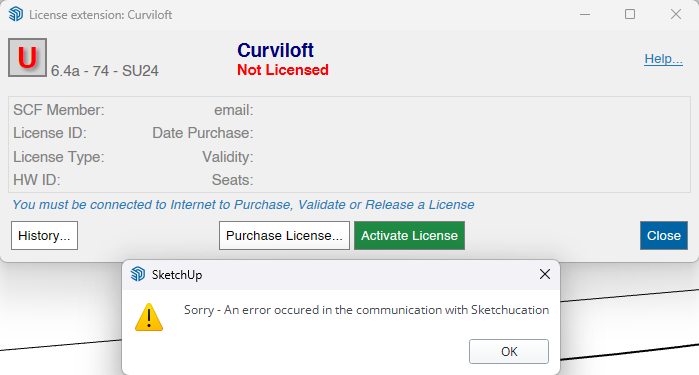
    Hello. Licenses will periodically call home to validate. Not sure what you mean by reset? If you can share more info like error messages or alerts that would be great. Can you also run the Window > Libfredo Settings > Fredo6 Plugins Information for Sketchucation Support menu command in SketchUp and copy/paste the output into your reply.
  • Fredo Scale TAB error

    Extensions & Applications Discussions extensions
    6
    0 Počet hlasů
    6 Příspěvky
    2k Zobrazení
    pilgerP
    @fredo6 Thanks for replying and sorry for hijacking the thread Sorry I forgot to mention I was hovering over a scale handle when I was pressing TAB already. I still have to press TAB 5 times (or press SHIFT+TAB or CTRL+TAB) for the dialog to appear. I've just tried deleting all other plugins, leaving only libfredo, sketchucation and fredoscale and it still behaves the same, unfortunately. If you need me to provide a log or something, I'd be happy to. Just tell me how. EDIT: Updates here https://community.sketchucation.com/post/1617927
  • Unique Tag

    SketchUp Bug Reporting
    9
    0 Počet hlasů
    9 Příspěvky
    224 Zobrazení
    D
    This is helpful: [image: 1762771353282-screenshot-2025-11-10-124039.jpg] [image: 1762771353292-screenshot-2025-11-10-124005.jpg]
  • 0 Počet hlasů
    2 Příspěvky
    77 Zobrazení
    Rich O BrienR
    Your network is blocking access. Please whitelist *.sketchucation.com or switch to a less strict network environment.
  • Research.

    WIP
    2
    2
    2 Počet hlasů
    2 Příspěvky
    121 Zobrazení
    Mike AmosM
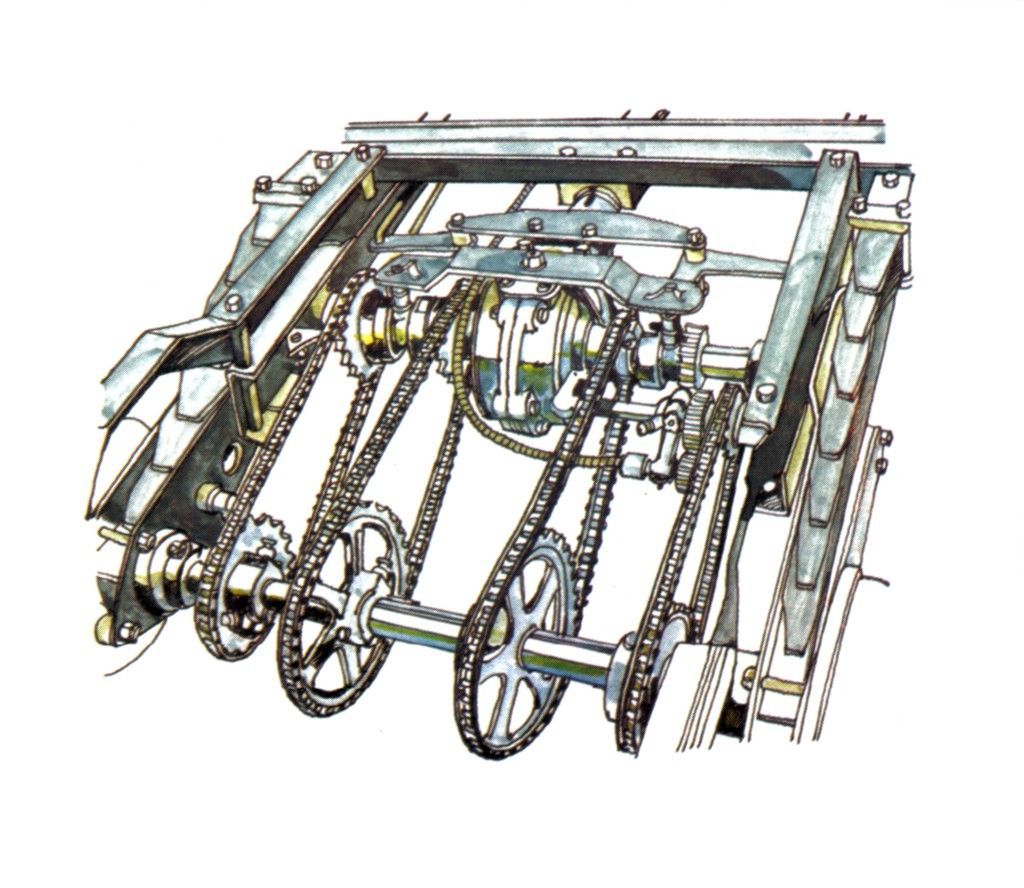
    http://www.historywebsite.co.uk/Museum/Engineering/Meadows/HenryMeadows.htm
  • Fredo6 Extensions Not Working

    Extensions & Applications Discussions
    3
    1 Počet hlasů
    3 Příspěvky
    160 Zobrazení
    W
    Wow...my fault...please disregard... I found them under "Tools," not Extensions!
  • [Plugin] TrueTangents v3.0

    Plugins
    95
    0 Počet hlasů
    95 Příspěvky
    109k Zobrazení
    Dave RD
    @Gili It works perfectly in SketchUp 2025 and 2026. I've been using it a great deal. I used it repeatedly the other day to set up the linkages on this paddle wheel. [image: 1762525212449-54898381982_f970ddd225_k-resized.jpg]
  • Very clever little house stairs

    Corner Bar
    6
    2 Počet hlasů
    6 Příspěvky
    253 Zobrazení
    K
    It needs some kind of lock-unlock mechanism..
  • Game Assets

    WIP
    58
    2
    0 Počet hlasů
    58 Příspěvky
    10k Zobrazení
    L
    Superb work Ritch, I cannot fault it
  • Affinity Studio is Free

    Extensions & Applications Discussions
    13
    3 Počet hlasů
    13 Příspěvky
    667 Zobrazení
    Mike AmosM
    Thanks for that. Very handy.
  • Extend a rod with with screw thread

    SketchUp for 3D Printing
    2
    1
    0 Počet hlasů
    2 Příspěvky
    145 Zobrazení
    Dave RD
    What version of SketchUp are you using? That will help us to know what tools you have available. What have you done so far? These are all M6 for 3D printing. [image: 1762271282620-screenshot-11_4_2025-9_47_02-am.png] Here's an internal M6 thread. [image: 1762278826049-screenshot-11_4_2025-11_52_53-am.png] I modeled all of these using the method I showed in the video I posted here: https://community.sketchucation.com/topic/164552/help-with-a-thread/20?page=1
  • Why is LayOut so slow in 2024?

    LayOut Bug Reporting
    14
    0 Počet hlasů
    14 Příspěvky
    1k Zobrazení
    Dave RD
    @mrcjryan I get to see a lot of LayOut files from a variety of users, mostly when they are having difficulty with things like rendering times. Most of the fixes are actually done to the SketchUp models to streamline them. My standard process with the SU file is to do the following, in this order: Fix incorrect tag usage to ensure ALL edges and faces are untagged. Use Materials Tools to remove materials from edges unless they are required in scenes. (I often find the edges in the model have materials that aren't otherwise used.) Also with Materials Tools I will remove back face materials for the same reason. In some cases I wind up undoing this step. Purge unused content. Check for excessively large textures and reduce them to something reasonable. Depending on the model I might run CleanUp3 to merge coplanar faces (reducing the number of edges.) Those steps simplify the model and reduce the file size. The simplification means that LayOut has less work to do to render the viewports and thus improves the speed. Look seriously at any entourage you insert from the 3D warehouse or other sources. Avoid high-poly components. Take the time to clean up the entourage components you add to your models or reject them and look for simpler ones. You probably don't need a detailed strainer in the bottom of the kitchen sink, nor racks and convestion fans in ovens, nor punts in wine bottles. Distill everything down to just what you need to tell your "story". Some of this may seem time consuming but I guarantee you it will pay back in time and effort saved as the project goes forward. It also helps to turn off tags for any objects that are not visible in a given scene. In LayOut, leave viewports set to Raster render as much as possible. Raster rendering is much faster than Hybrid or Vector. In most cases there's probably no need to render as Hybrid. At least do a test PDF export to see what you think of the output. Make sure to disable the Output Override in Document Setup>Rendering. I would tend to use Vector rendering for Hidden Line plan and elevation scenes because dimensioning is easier but for persective views Raster is almost always adequate. If you decide you need Hybrid, save switching to it until the end and only do it for viewports that really need it. If you like to show textures in elevation and plan views, start out by using a Hidden Line style/Vector rendering while dimensioing and while updates to the model are still likely. Change to Raster or Hybrid to display the materials before export. If you enable Output Override to render viewports during export you can leave viewports with displayed textures rendered as raster. Also, keep the LayOut file clean. Purge the unused references. Make sure you start every project from a clean template. Don't reuse an old project for a new one. Do not override the Camera properties for viewports. Ensure you are using the correct SketchUp reference files. Do not copy from SketchUp and paste into LayOut. If you are using a Mac it's easy to wind up inserting the backup file instead of the original work file because the only thing that differentiates the backup from the original is a tilde at the end of the filename Last week I worked on a LayOut file for someone that was very slow. The file she sent was over 1.3 GB. It had more than a half dozen SketchUp references and images from old projects. She was just deleting the viewports and images from the pages but never bothered to purge. In her case she also had several SketchUp reference files which included the original, a backup, and in several cases she had files with multiple tildes indicating she'd not been editing the original model file. She complained that viewports weren't updating (she thought LayOut was just being slow) but it was because she wasn't editing the file linked to the viewports at all. If you are inserting images into your LayOut projects make sure they are of reasonable size for the dimensions they are displayed on the page. There's no point in using very high res images if they are small on the sheet. Sorry. This got longer than I intended but ... I hope it gives you some ideas.

  • SubD examples and models

    Připnuto SUbD render plugins extensions
    2k
    0 Počet hlasů
    2k Příspěvky
    1m Zobrazení
    Rich O BrienR
    I agree, subdivision works for both organic forms and hard surface forms. You can be incredibly accurate in term of dimensions But at least tell the truth. This is for painting your toenails.
  • Tigweld or Sketchup 2026?

    Corner Bar
    4
    0 Počet hlasů
    4 Příspěvky
    244 Zobrazení
    Dave RD
    There are a number of extensions that wind up exploding curves. Round Corner and Fredo Corner do. Also the various Boolean tools explode curves. Follow Me does, as well. As a matter of habit I run Auto Weld frequently. I also find Auto Weld important for restoring circles and arcs.
  • [Plugin][$] JointPushPull Interactive - v4.9a - 02 Apr 25

    Plugins
    619
    4
    0 Počet hlasů
    619 Příspěvky
    630k Zobrazení
    F
    I just bought the plugin and am testing it. I thought I could replace the classic push-pull with some of its functions, but I have a problem: when I "push" inside an object, the surface often disappears. I made a short video about it: https://www.youtube.com/watch?v=YSaSjpmAJzQ The only icons that don't do this are "R" and "F." Is this a bug?
  • [Plugin] Edge Tools

    Plugins
    211
    0 Počet hlasů
    211 Příspěvky
    276k Zobrazení
    TIGT
    This is explained under its 'More Info' link... https://community.sketchucation.com/topic/117065/plugin-edge-tools Its entry appears under the Tools menu. It also has its own Toolbar, that can be activated. It also needs TT_Lib2 installing. After the installations of these restart Sketchup to sync everything... Run it with the Ruby Console open to see if there are any errors...
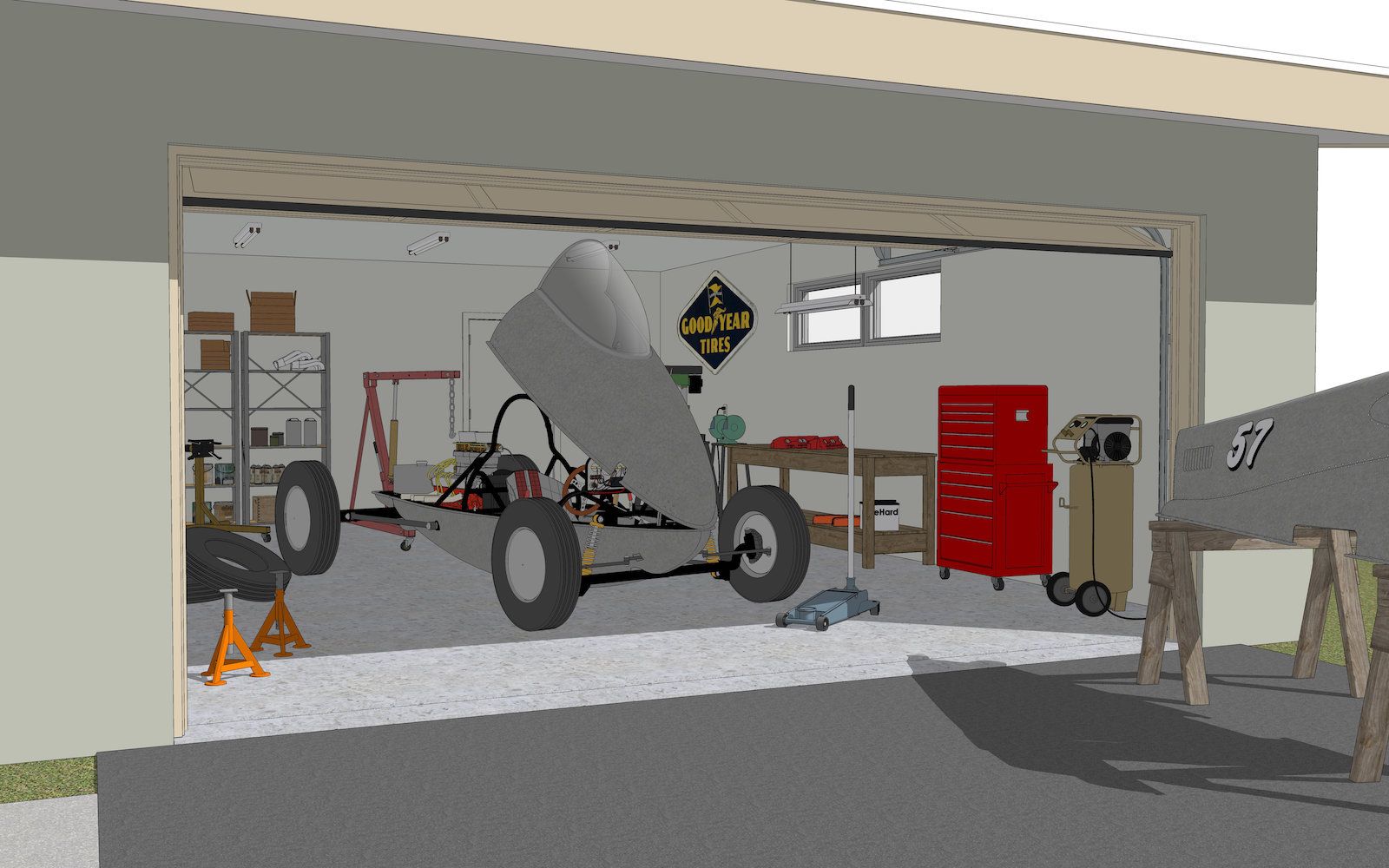
  • Mod Garage

    WIP
    14
    1
    4 Počet hlasů
    14 Příspěvky
    658 Zobrazení
    Mike AmosM
    @tuna1957 That is a common theme for most of us I believe. I go a bit cold when a model frustrates or I just lose motivation. Later I go on and try again.
  • Photoreal setting in Sketchup 2026.

    SketchUp Discussions
    3
    0 Počet hlasů
    3 Příspěvky
    648 Zobrazení
    Mike AmosM
    Thanks Dave, I tried searching on the Sketchup support site but apparently I do not have a right to see the results.