⚠️ Important | Libfredo 15.6b introduces important bugfixes for Fredo's Extensions Update
  • Mod Garage

    WIP
    14
    1
    4 Votes
    14 Posts
    595 Views
    Mike AmosM
    @tuna1957 That is a common theme for most of us I believe. I go a bit cold when a model frustrates or I just lose motivation. Later I go on and try again.
  • Photoreal setting in Sketchup 2026.

    SketchUp Discussions
    3
    0 Votes
    3 Posts
    599 Views
    Mike AmosM
    Thanks Dave, I tried searching on the Sketchup support site but apparently I do not have a right to see the results.
  • Groupement et Mise en Page comme Tekla

    Developers' Forum
    1
    0 Votes
    1 Posts
    55 Views
    No one has replied
  • Sketchup et TEKLA

    Français
    26
    0 Votes
    26 Posts
    8k Views
    C
    Bonjour les gars, vôtre poste m'intéresse sérieusement et depuis le temps, vous avez des News sur l'exportation de plusieurs groupes de composants qui constitue un ouvrage sur Sketchup vers Tekla qui lui, ne reconnaît qu'un seul et unique composants.. Sinon, pour ma guise, connaissez vous une extension sketchup qui réalise le même regroupement et mise en page que Tekla ?
  • [Plugin][$] FredoGhost - v2.1a - 01 Apr 24

    Plugins
    56
    4
    0 Votes
    56 Posts
    59k Views
    E
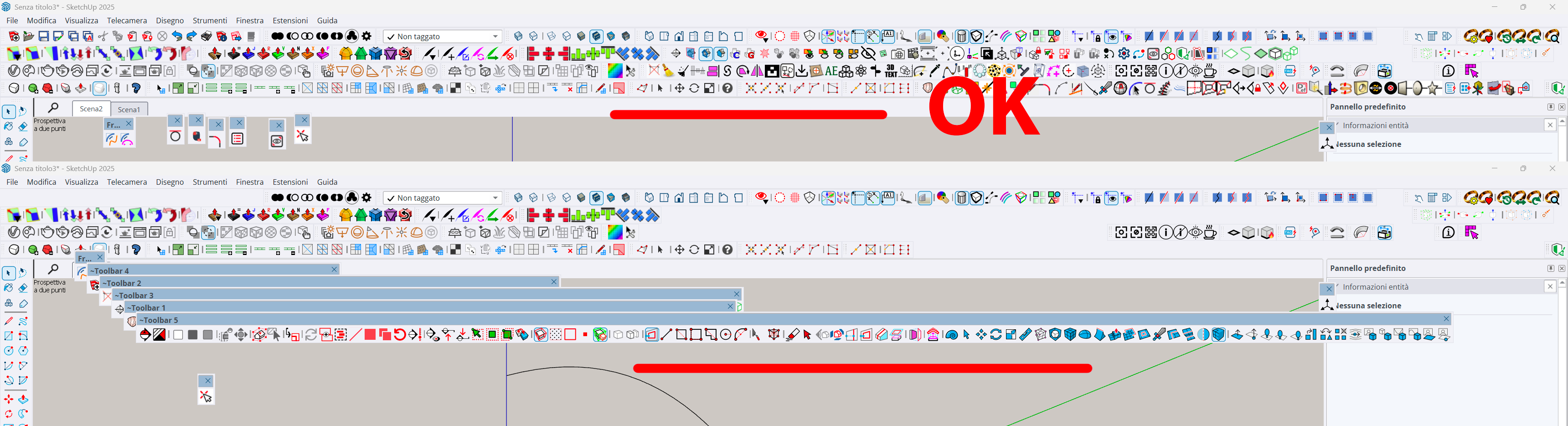
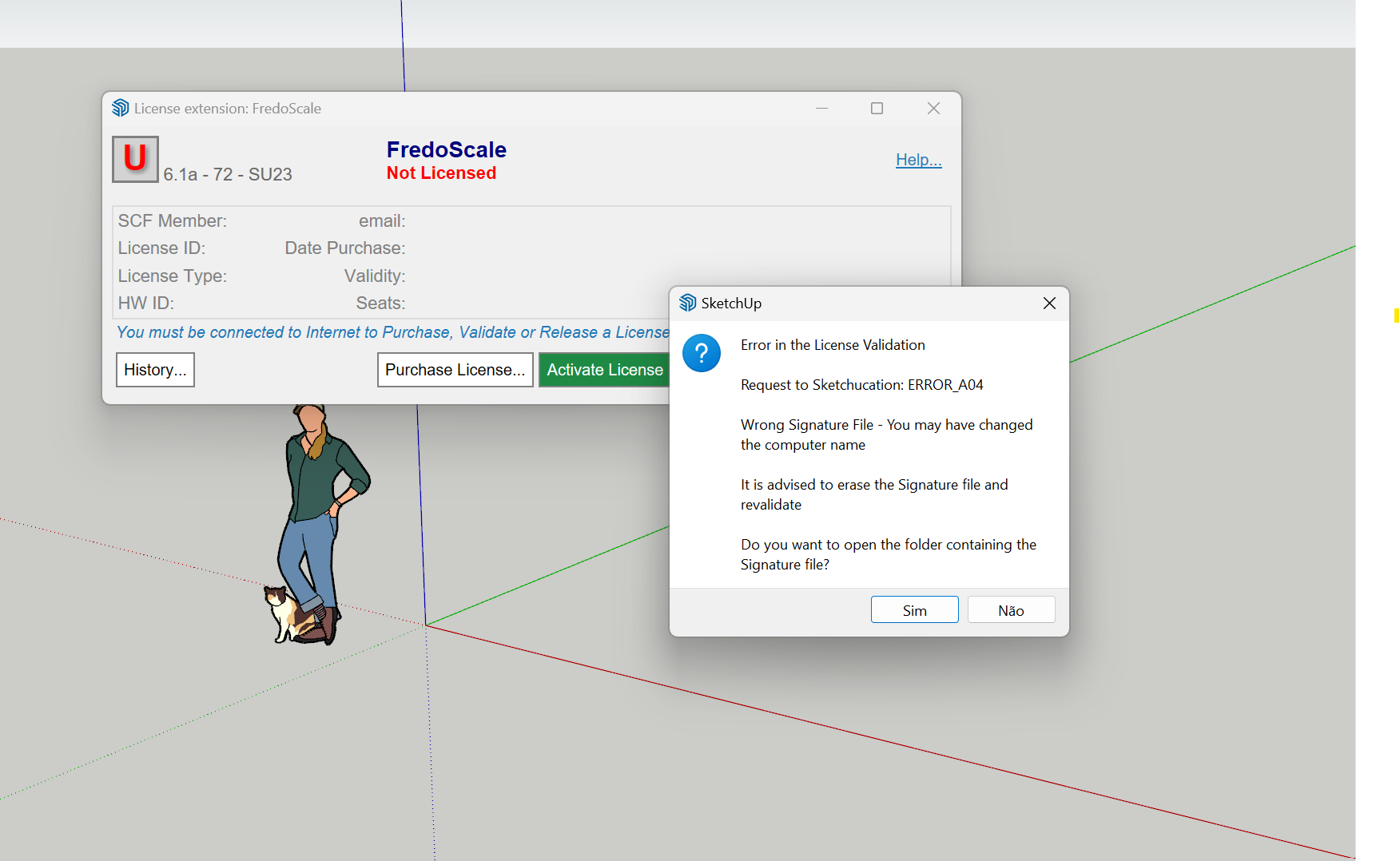
    [image: 1761912291323-e3ceb7bd-1f3e-4b62-a688-edca78ba4304-image.png] After using fredoghost in the model, there will be a warning as shown in the figure when the model is opened again. In addition, lord of toolbar cannot be used normally in version 2026, and it will disappear after adding a custom toolbar and restarting.
  • Trying the photoreal setting with Rayscaper.

    WIP
    6
    1
    0 Votes
    6 Posts
    190 Views
    Mike AmosM
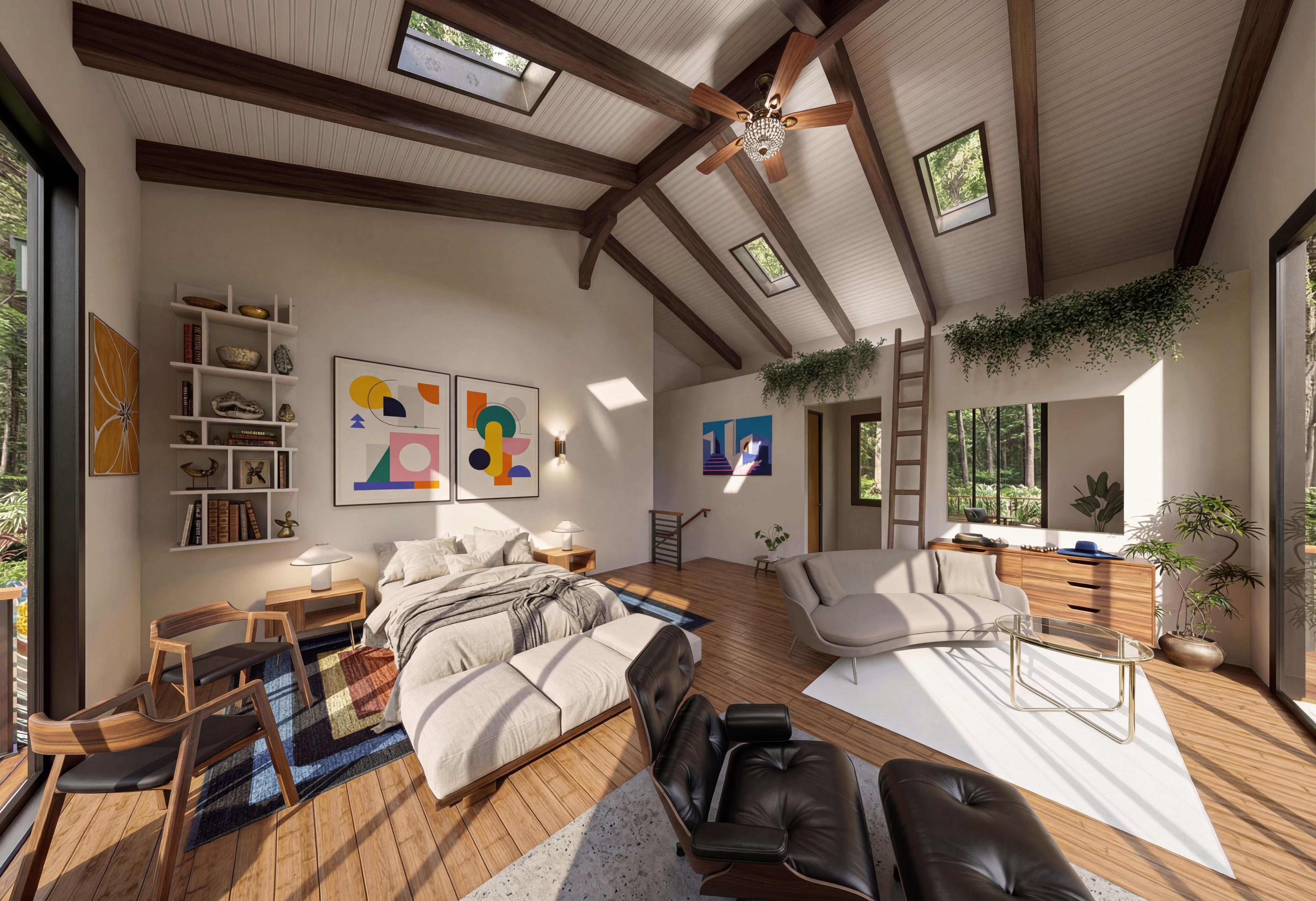
    Sorry, wanting to see how closely, or not, the photoreal mat setting in Sketchup can approximate to a render. Not too badly for folk who do not want the added complexity of a render program. Approximating a studio might prove useful. Curiosity alone.
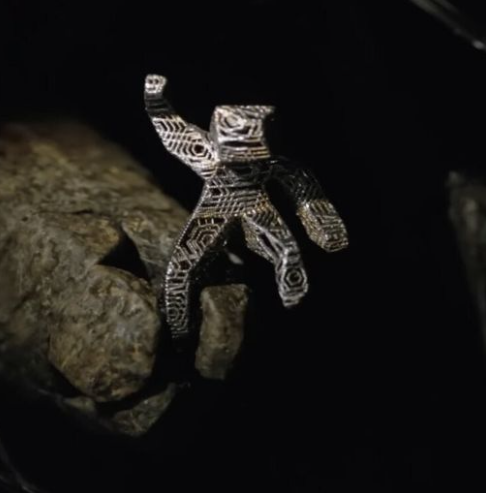
  • Professor Fate's "Hannibal 8"

    Gallery
    67
    1 Votes
    67 Posts
    19k Views
    J
    @hellnbak - could you contact me please? I do not seem to have a way to directly contact you. Thank you!
  • Username change

    Newbie Forum
    6
    0 Votes
    6 Posts
    232 Views
    Rich O BrienR
    @dkuucharzak said in Username change: @Rich-O-Brien, I misspelled my intended username. Could you help me change it? I can if the one you need is available. Send a mail to support@sketchucation.com and we sort it out
  • 0 Votes
    11 Posts
    416 Views
    L
    @beemer535is said in Wondering if anyone could help out with this Light in Sketchup??: All good mate, thanks so much for the offer, I have just used a simple dome without the kicked out edge section using follow me as you suggested. Thanks again for your help! Cheers, Nick Are you Australian by any chance?
  • Weird eyedropper tool reaction

    SketchUp Forums
    3
    4
    0 Votes
    3 Posts
    198 Views
    A
    Hello, found an easy solution, ignore everything ayone else said. When you are selecting a different material make sure your default tray on the right under Materials has "select" selected instead of Edit, doing this prevents editing of the texture's shade and wont make it a shade darker every time you eye drop it. This 100% works.
  • [Plugin][$] Curviloft 2.0a - 31 Mar 24 (Loft & Skinning)

    Plugins
    1k
    2
    0 Votes
    1k Posts
    2m Views
    Rich O BrienR
    @RASKL Please run the Window > Libfredo Settings > Fredo6 Plugins Information for Sketchucation Support menu command in SketchUp and copy/paste the output into your reply.
  • help with a thread

    SketchUp Discussions
    40
    0 Votes
    40 Posts
    3k Views
    Dave RD
    @Leggy said in help with a thread: it seems to be in hidden sections, so would have to select every faucet on the plane and line Likely you need to weld some edges first. @Leggy said in help with a thread: what I found is a difference in tolerances, I printed 3 nuts with 0.1/15/2 offsets in petg and tpu, 0.1 was good in petg, but had to go to 0.2 for tpu Not surprising. They have different shrink rates.
  • OBJexporter v3

    Plugins
    3
    0 Votes
    3 Posts
    181 Views
    J
    @panixia thanks
  • Strange corners

    SketchUp for 3D Printing
    6
    1
    0 Votes
    6 Posts
    1k Views
    L
    Overhang is 45 so no support needed, support at ideamaker gave me a gcode for xy and it worked good To be honest the raise 3d machines can’t compete with the bambus
  • Warning and Toolbar Issues After Using Fredoghost

    Plugins
    1
    1
    0 Votes
    1 Posts
    69 Views
    No one has replied
  • 1932 Ford Model A Pickup Drop Hotrod

    WIP
    13
    1
    3 Votes
    13 Posts
    518 Views
    Mike AmosM
    The spooks are gone... ? What the Freaky Friday etc. Better call Scummy and Mouldy.
  • Softening a border edge

    SketchUp Discussions
    6
    1
    1 Votes
    6 Posts
    238 Views
    Dave RD
    @MLUY you could select all the geometry and do the same thing. You'll only soften edges in which the angle between face normals is less than or equal to the angle set in the Soften Edges panel.
  • TIG: OBJ Exporter v3.0

    Extensions & Applications Discussions
    4
    0 Votes
    4 Posts
    194 Views
    J
    @TIG thank you
  • [Plugin] Projections version 2a UPDATED

    Plugins
    145
    0 Votes
    145 Posts
    213k Views
    C
    Thank you @Glenn-at-home
  • [Plugin] SectionCutFace

    Plugins
    565
    0 Votes
    565 Posts
    356k Views
    Dave RD
    @alskaro do you mean something like this? As TIG says, apply whatever materials you want to the various faces in the SectionCut Face. [image: 1761569581070-uniflow-steam-engine-cut-away-small-resized.png]