⚠️ Important | Libfredo 15.6b introduces important bugfixes for Fredo's Extensions Update
  • 0 Votes
    11 Posts
    343 Views
    uwesketchU
    @fredo6 That is a pitty, I was happy with only having LOTT for toolbars. Therefor the menu option in the LOTT popup menu called “Exclude VRay” or “Include VRay” has no function anymore? (could be disabled or removed) [image: 1734165116098-3dac25f0-2673-4f27-8139-1fb51f5f6da3-image.png]
  • [Plugin] Super Drape

    192
    0 Votes
    192 Posts
    355k Views
    A
    @rv1974 LOL ok, I remember it being bug splatty, but it was years since last I used it and I simply was not abble to use it this time. But saying I shouldn´use it is the second part of my question, except I asked suggestions for how to do what I needed, without this plugin. maybe before draping I could smooth the sidewalks until they are a single selection. Then I drape. Then instead of selecting each plant square and change it's color, I do the opposite. Paint the sidewalks another material. Doing that will alow me to select all entities with still the original sidewalk material to properly deal with them all at the time time (vector push pull)
  • ThruPaint free alternatives?

    7
    0 Votes
    7 Posts
    384 Views
    R
    @L-i-am overkill but depends
  • lines2tubes plugin not showing up on tool menu

    Solved
    4
    1
    0 Votes
    4 Posts
    87 Views
    Dave RD
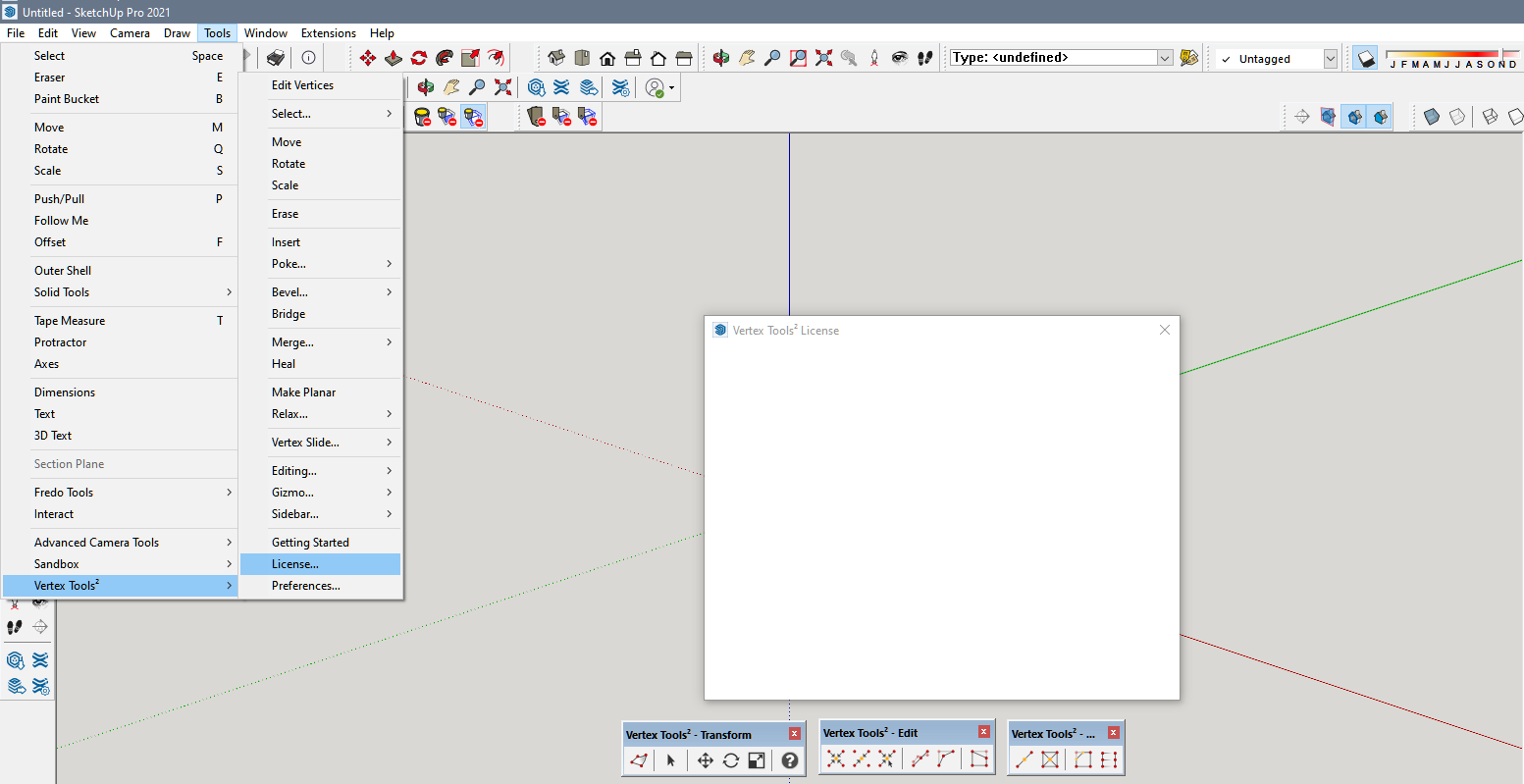
    What are you looking for in the Tools menu? Note what it says in Usage. [image: 1733241195967-screenshot-12_3_2024-9_52_42-am.png] [image: 1733241218641-screenshot-12_3_2024-9_51_57-am.png]
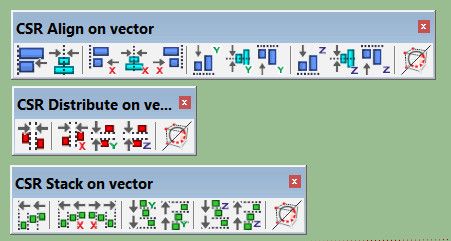
  • [Plugin] s4u_Align

    45
    0 Votes
    45 Posts
    29k Views
    hdpvH
    @Chelmite You hold the shift key to select more components.
  • Image Trimmer problem

    2
    1
    0 Votes
    2 Posts
    49 Views
    TIGT
    @ZG53 If you read all of the thread and the guidance notes... The JAR files that ImageTrimmer uses must run/open in Java. So firstly you need to have Java installed [if you don't already have it, the it's freely available off the www...]. Next you must ensure that the JAR files are set to open with Java, many unZIP/decompression tools like WinRar hijack that file type and open it themselves [uselessly]. Go into the associated filetypes in WinRar and untick .JAR... ImageTrimmer should now run as intended, although to do need to ensure it's working on a PNG file Image with fully solid and transparent areas...
  • Flowify

    5
    0 Votes
    5 Posts
    124 Views
    Rich O BrienR
    @GLEZKO said in Flowify: @Rich-O-Brien Gi, thanks for the feedback. So am I able to turn it into a png texture and bend that onto the riser or would i just intersect the face of the pattern onto the tread. UI am essentially trying to get this pattern on the tread to make it light up when I render the whole staircase. How would I reduce the geometry? Yes, you could make it a png and just texture the riser. You can drive emission at render time using an emissive map. To reduce geometry I would remove the Z height to leave just flat planar shapes. Then use Vertex Tools 2 Merge by Distance tool to nuke vertices.
  • [Plugin] Please2d - v1.0b - 20 Nov 24

    2
    5
    0 Votes
    2 Posts
    144 Views
    fredo6F
    NEW RELEASE: Please2D - v1.0b - 20 Nov 24 Requirements LibFredo6: v14.7a or above Sketchup version: SU2017 and above Please2D 1.0b is a maintenance release including: Bug fxing Home Page of Please2D for information and Download. Main post of this Please2D thread.
  • [Plugin] Material Replacer

    73
    0 Votes
    73 Posts
    81k Views
    N
    @mtanure1234, just use the 'B' button on the UI, which will color only the backside face. Then, use the 'All adjacent faces with the same material' button to map material to all of them in that object.
  • How to paint all the default material faces only in a object?

    2
    1
    0 Votes
    2 Posts
    74 Views
    Gus RG
    @mtanure1234 Try Fredo's Thru Paint.
  • [Plugin] CleanUp

    974
    0 Votes
    974 Posts
    825k Views
    M
    @thomthom Hello, Thom! Are you planing to update the plugin so it can use more (or all) of the computing capacity?
  • [Plugin] AMS Library 3.7.1b (29 May 2021)

    107
    0 Votes
    107 Posts
    628k Views
    A
    Got a version that works with SketchUp 2024?
  • Quad face toolbar not loading in SU2024

    1
    0 Votes
    1 Posts
    28 Views
    No one has replied
  • Fredo6 Curviloft not working

    13
    2
    1 Votes
    13 Posts
    313 Views
    Dave RD
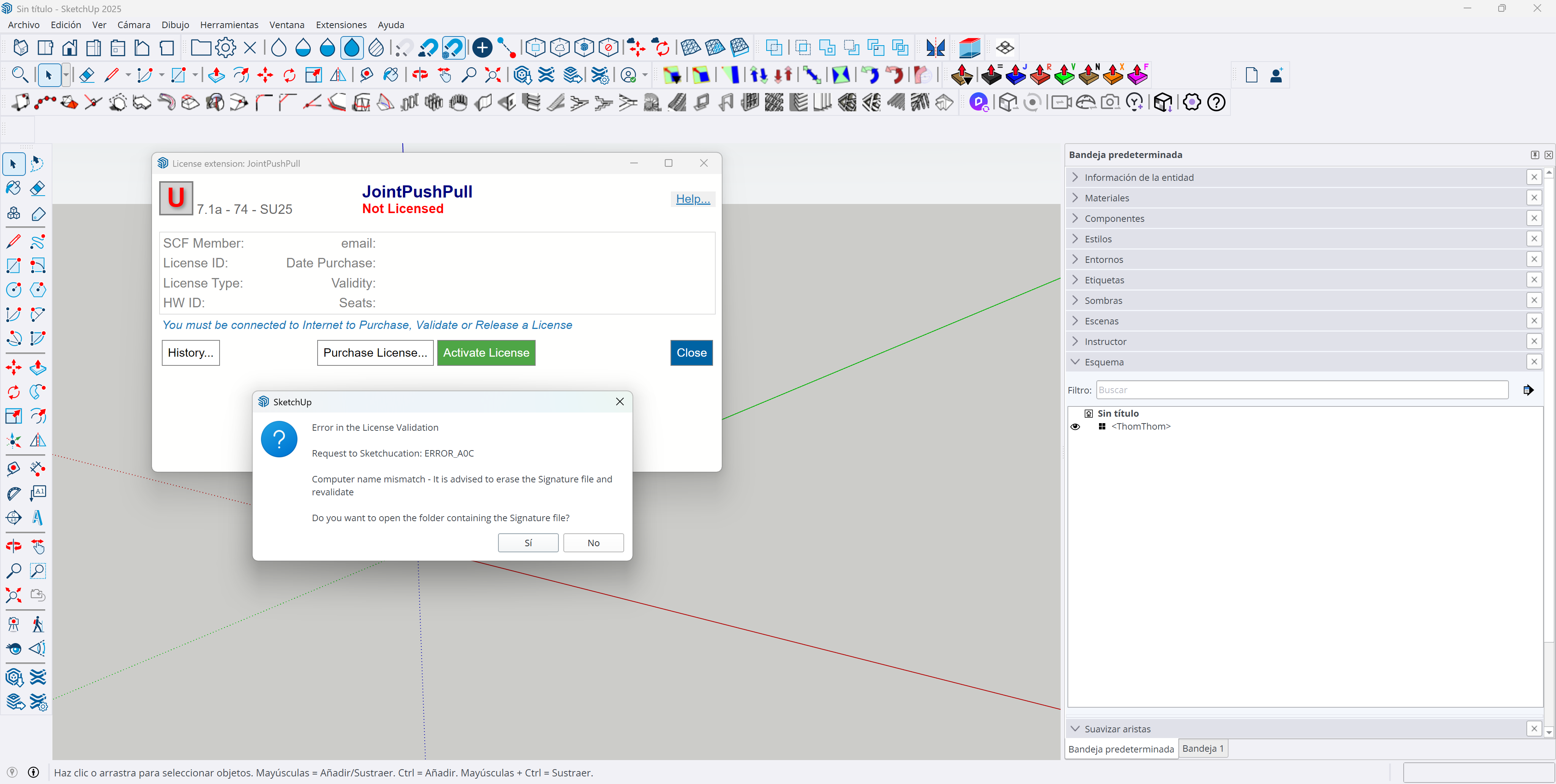
    @khelll said in Fredo6 Curviloft not working: but i did not purchased any license This is perhaps a problem for you since a license is required to use the extension.
  • [Plugin] Double line

    91
    0 Votes
    91 Posts
    57k Views
    C
    Hi @Didier-Bur, thank you for the tool. Is it possible to make <double line from selection> to work with line on a surface? I am trying to use tool to create grooves on a surface from a single line. My hack now is to use it to create a "groove" or Ridge with negative or positive values and join one by one to surfaces that I need a groove.
  • MSPhysics

    3
    0 Votes
    3 Posts
    144 Views
    S
    @Rich-O-Brien I put this offer to help on the old thread. I'm not sure if it will be seen, so I'm adding it here too: I would like to offer to help with work getting MSPhysics updated. I wrote the infamous plugin sph4bar in 2006 which models spherical 4 bar mechanisms. I also wrote GeoSketch, a plugin used by aerospace companies. In a previous life, I worked for Cadsi, where I integrated DADS (Dynamic Analysis and Design System) into CAD systems such as CATIA and Ideas Master Series. Now I am retired and have time to kill.
  • can you update it like this?

    1
    0 Votes
    1 Posts
    42 Views
    No one has replied
  • Menu not loading

    5
    0 Votes
    5 Posts
    70 Views
    S
    Thank you for the quick reply! Strangely the extension store told me all plugins are up to date, but only when I searched fir the plugin again it gave me the option to install the newer version. It's now working, much appreciated the quick help!
  • This topic is deleted!

    1
    0 Votes
    1 Posts
    20 Views
    No one has replied
  • [Plugin] IGES Export - 27 February 2012

    58
    0 Votes
    58 Posts
    64k Views
    A
    Hi there, thanks for this great plugin. And sorry for reviving such an old topic but I figured out it won't work if you have some annotation in your model (took me some time to find this out). The error occurs in copyEntities (around line 120 in the code) but I don't have the knowledge to modify the code to avoid such an unexpected behavior. Maybe someone here could improve the code ? Or at least point me on the good direction ? Even if I know nothing about ruby coding... Cheers and thanks for reading !

Advertisement