sketchucation logo sketchucation
    • Login
    Oops, your profile's looking a bit empty! To help us tailor your experience, please fill in key details like your SketchUp version, skill level, operating system, and more. Update and save your info on your profile page today!
    ⚠️ Update | Sketchucation Tools 5.0.8 released with licensing improvements and bugfixes Download

    [Plugin] CopyAlongCurve 1.0.4 (28 February 2017)

    Scheduled Pinned Locked Moved Plugins
    16 Posts 14 Posters 29.5k Views 14 Watching
    Loading More Posts
    • Oldest to Newest
    • Newest to Oldest
    • Most Votes
    Reply
    • Reply as topic
    Log in to reply
    This topic has been deleted. Only users with topic management privileges can see it.
    • A
      Anton_S
      last edited by Anton_S

      Allows copying groups and components along the curve/edge sequence path.
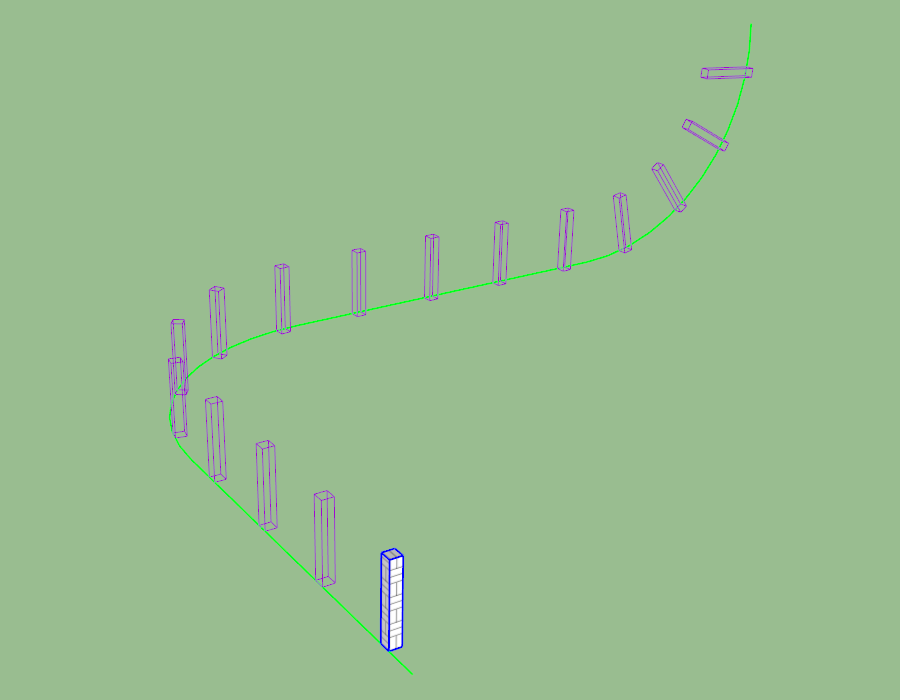
      CopyAlongCurve.png

      Access

      (Menu) Extensions → Copy Along Curve
      Usage

      1. Draw a curve or a sequence of connected edges/curves.
      2. Place and orient the target group on one of the edges of the curve.
      3. (Optional) Offset the axes of the target group to the desired center.
      4. Select (Menu) Extensions → Copy Along Curve.
      5. Select the target group.
      6. Select the edge of the curve to copy against it. Usually it is the edge closest to the target group.
      7. Adjust options or left-click to verify and proceed to copying.
      • To adjust the spacing, input a desired numeric value into the measurements box.
      • To control the number of copies and have the spacing be adjusted automatically, input a fixed value with a c in the end.
      • Use the left and right arrow keys to enable/disable alignment.
        Download
        The extension can be downloaded and installed through PluginStore or Extension Warehouse.

      Alternatively, the extension can be downloaded from Google Drive.
      Refer to this link on installing RBZ extensions: Installing Ruby Plugins

      Release Notes

      • 1.0.4 - Feb 28, 2017

      • Compatibility with SketchUp 8.

      • 1.0.3 - Dec 17, 2016

      • Added an option to toggle alignment. Use left and right arrow keys.

      • 1.0.2 - Dec 16, 2016

      • Copied groups and components are now assigned their original layer, name, and attributes.

      • 1.0.1 - Dec 15, 2016

      • Some drawing performance optimizations.

      • 1.0.0 - Dec 15, 2016

      • Initial release.

      1 Reply Last reply
      Reply Quote 0
      • srxS
        srx
        last edited by

        👍 Advanced copy along. Thank you Anton.

        www.saurus.rs

        1 Reply Last reply
        Reply Quote 0
        • jenujacobJ
          jenujacob
          last edited by

          Wow... thats on steroids!!!! Thanks!!!

          Sent from my SM-T815 using Tapatalk

          1 Reply Last reply
          Reply Quote 0
          • pilouP
            pilou
            last edited by

            Hyper tricky! 😎
            Of course the more interesting is use Components! 😉
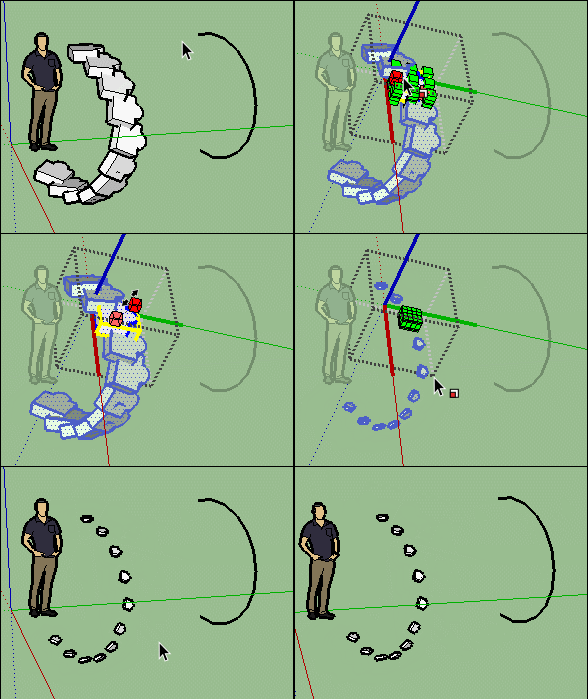
            GIF_curv1.gif

            And if you group the result and re-apply the plug
            you will obtain a galaxy in no time! 💚
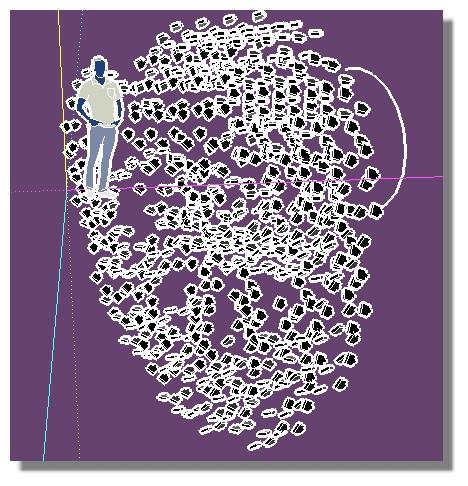
            galaxy.jpg

            Frenchy Pilou
            Is beautiful that please without concept!
            My Little site :)

            1 Reply Last reply
            Reply Quote 0
            • B
              Ben Ritter
              last edited by

              Anton,

              Thank you for being generous to share.

              1 Reply Last reply
              Reply Quote 0
              • Bob JamesB
                Bob James
                last edited by

                Excellent extension. Very similar to sdmitch's "Component_String".

                i7-4930K 3.4Ghz, 2x GTX780 6GB, 32GB DDR3-1600 ECC, OCZ Vertex 4 500GB, WD Black 3TB, 32TB NAS, 4x 27" Monitors, SpaceMouse Pro, X-keys XK-60

                1 Reply Last reply
                Reply Quote 0
                • P
                  Pherim
                  last edited by

                  This is great, thank you!

                  1 Reply Last reply
                  Reply Quote 0
                  • alvisA
                    alvis
                    last edited by

                    Thank you very much. Very accurate.


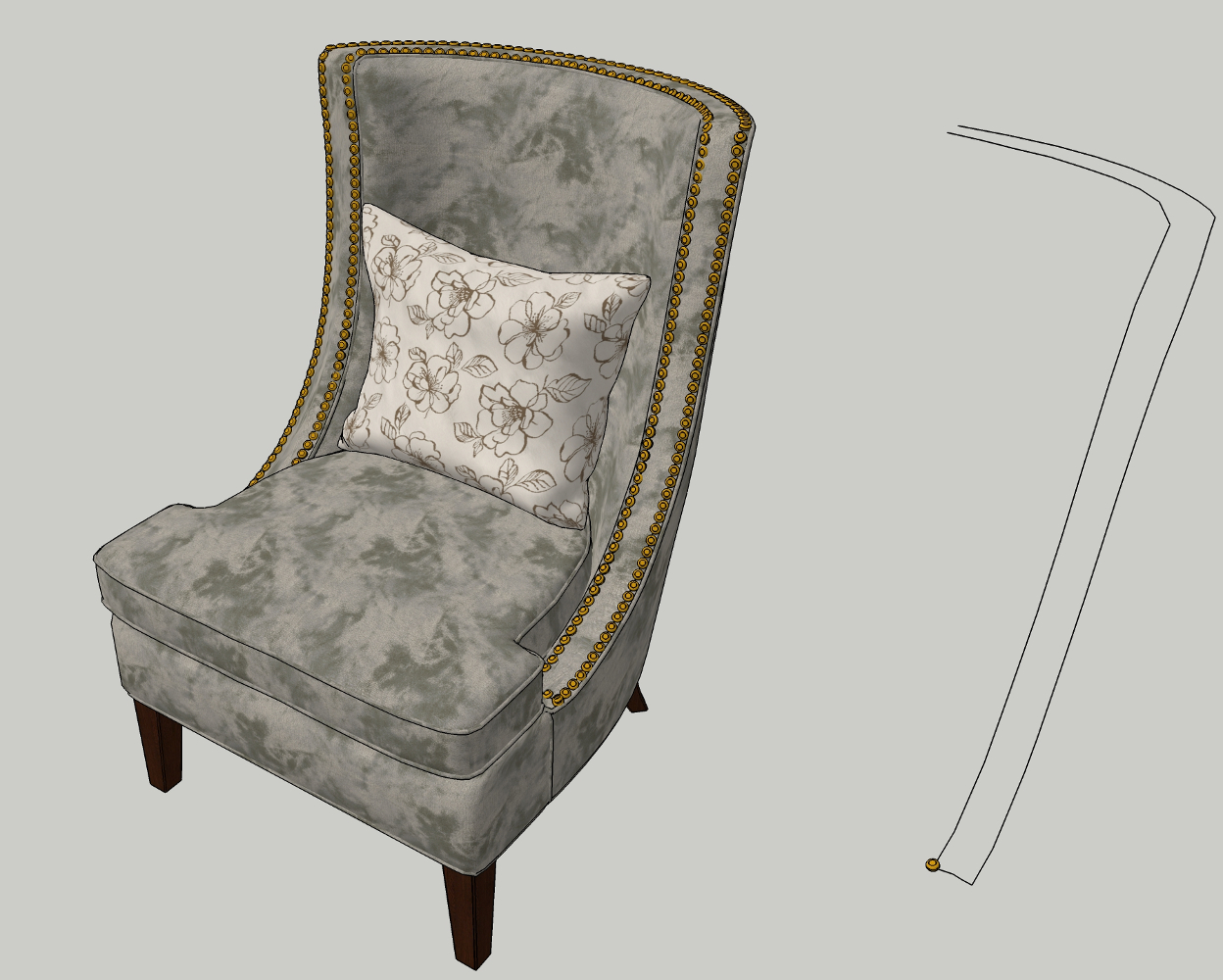
                    chair 3.jpg

                    1 Reply Last reply
                    Reply Quote 0
                    • P
                      pxorduna
                      last edited by

                      Hello Anton,
                      I got this error message after install the plug in and open Scketchup up
                      (I have ScketchUp Version 8.0.164846, Windows 7 64bits.)
                      ( I don't see the Extension Option at Menu )
                      :
                      Error Loading File C:/Program Files (x86)/Google/Google SketchUp
                      8/Plugins/ams_CopyAlongCurve/main.rb
                      undefined method new' for Length:ClassError Loading File ams_CopyAlongCurve.rb undefined method new' for Length:Class

                      1 Reply Last reply
                      Reply Quote 0
                      • A
                        Anton_S
                        last edited by

                        Hello, Alejandro,

                        It is fixed now. Thank you for the report.

                        Regards,
                        Anton

                        1 Reply Last reply
                        Reply Quote 0
                        • M
                          mriedel
                          last edited by

                          Great plugin. Works as advertised. Flexible. Most importantly, I was able to start using it productively -- without reading any documentation -- within seconds of installing it.

                          1 Reply Last reply
                          Reply Quote 0
                          • sketchartist023S
                            sketchartist023
                            last edited by

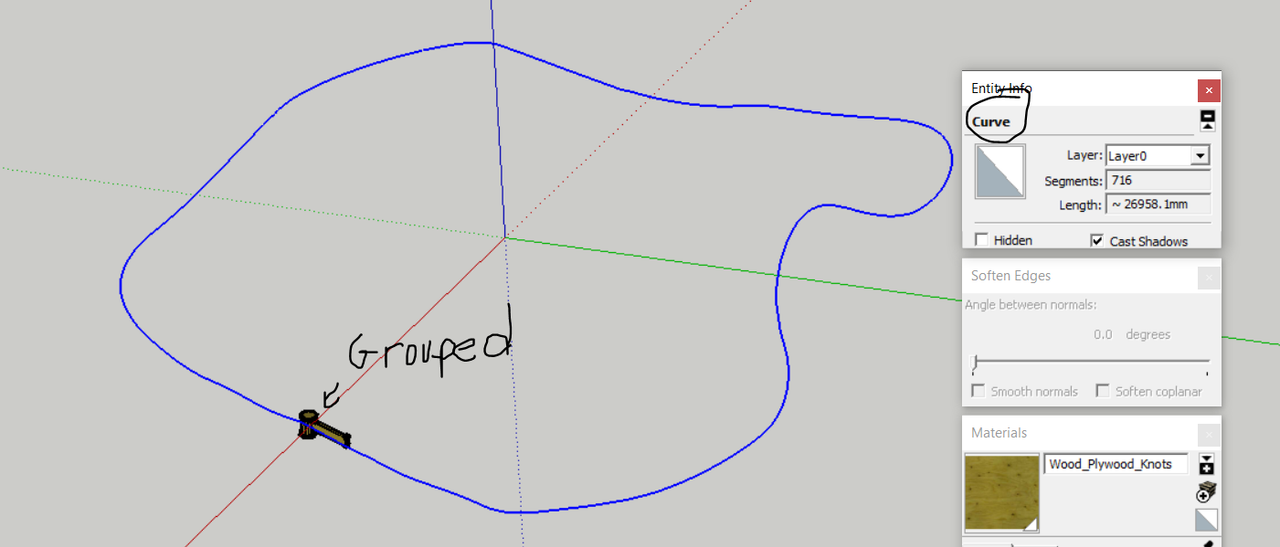
                            Trying to use this and it isn't working for this particular curve. The curve was a hand made line that I used TIG's weld tool to make it a curve. Weird thing is, it worked on the other curve just fine. Any thoughts? The object is a group, solid too btw, 0 errors with FixtIt. The line is shown as a curve as it has been welded. I have tried both closed and open curves. TY if you can help 😄

                            https://i.postimg.cc/V6s8Lt98/error1.png
                            [/url]

                            1 Reply Last reply
                            Reply Quote 0
                            • Dave RD
                              Dave R
                              last edited by

                              Share the .skp file so we can see what you have set up exactly. I just made up something that looks similar and it worked fine for me.

                              What version of SketchUp are you using? Please complete your profile.

                              Etaoin Shrdlu

                              %

                              (THERE'S NO PLACE LIKE)

                              G28 X0.0 Y0.0 Z0.0

                              M30

                              %

                              1 Reply Last reply
                              Reply Quote 0
                              • K
                                KropocLeckor
                                last edited by

                                Marvelous. Just Marvelous and Easy to use.

                                1 Reply Last reply
                                Reply Quote 0
                                • R
                                  Requisher
                                  last edited by

                                  Its amazing plugin! THANK YOU. May I ask, it is possible to get plugin button to put in in toolbar? Or how I can do it myself?

                                  Dave RD 1 Reply Last reply
                                  Reply Quote 0
                                  • Dave RD
                                    Dave R @Requisher
                                    last edited by

                                    @Requisher You could learn to do the Ruby coding and add a toolbar. Might be easier to just create a keyboard shortcut for it.


                                    Etaoin Shrdlu

                                    %

                                    (THERE'S NO PLACE LIKE)

                                    G28 X0.0 Y0.0 Z0.0

                                    M30

                                    %

                                    1 Reply Last reply
                                    Reply Quote 0

                                    Hello! It looks like you're interested in this conversation, but you don't have an account yet.

                                    Getting fed up of having to scroll through the same posts each visit? When you register for an account, you'll always come back to exactly where you were before, and choose to be notified of new replies (either via email, or push notification). You'll also be able to save bookmarks and upvote posts to show your appreciation to other community members.

                                    With your input, this post could be even better 💗

                                    Register Login
                                    • 1 / 1
                                    • First post
                                      Last post
                                    Buy SketchPlus
                                    Buy SUbD
                                    Buy WrapR
                                    Buy eBook
                                    Buy Modelur
                                    Buy Vertex Tools
                                    Buy SketchCuisine
                                    Buy FormFonts

                                    Advertisement