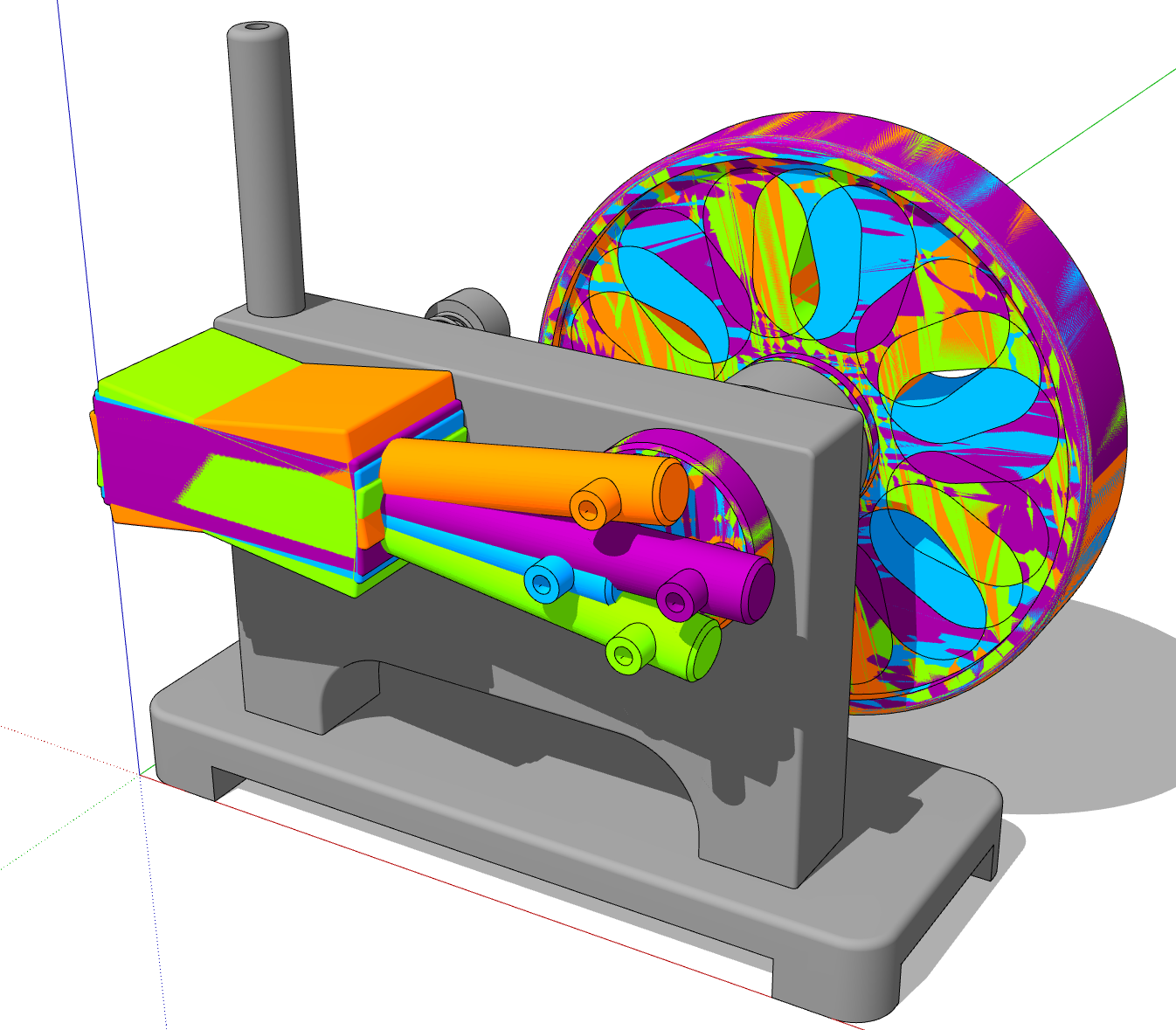
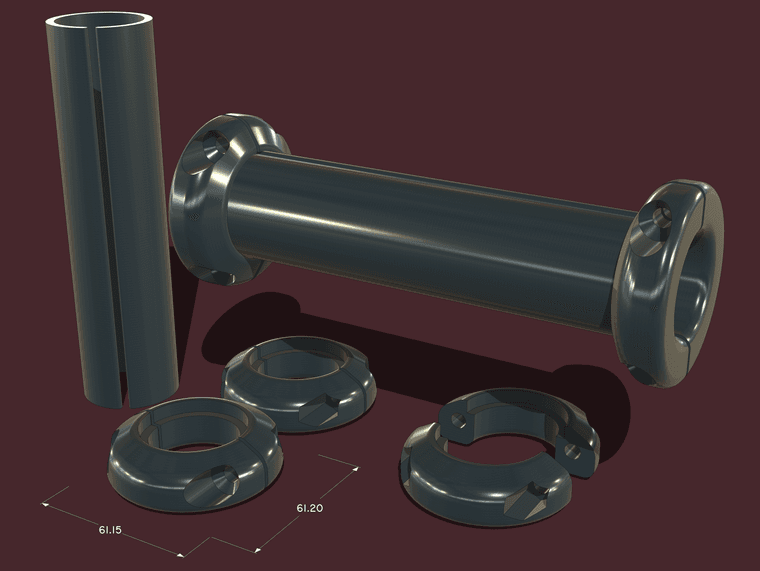
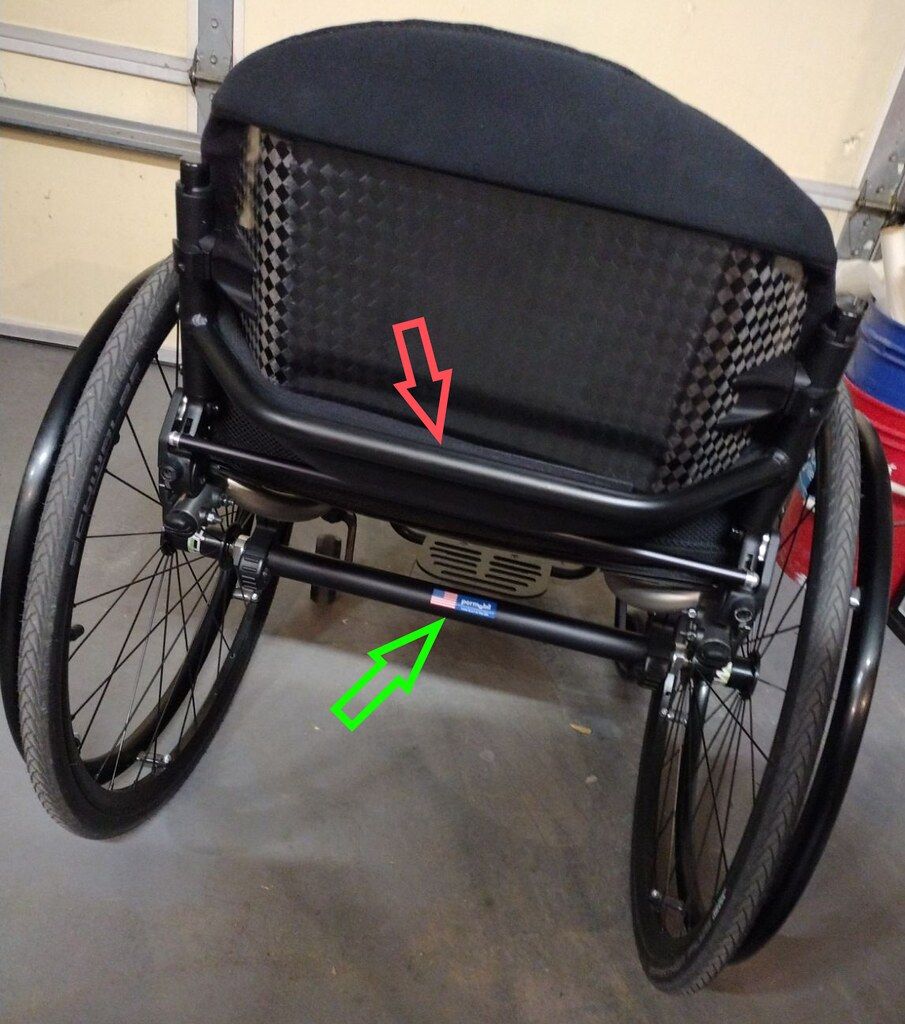
When I need my SketchUp view and render image to have the same aspect ratio, as when I combine the images, I set the aspect ratio in the renderer to match that of SketchUp's window. It's easier than chasing the aspect ratio in SketchUp. Any fine tuning to the aspect ratio is then done in an image editor.
Posts
-
RE: Window aspect ratio
-
RE: Make Unique Texture giving weird results
@grizzler said in Make Unique Texture giving weird results:
still persists with the new graphics engine only.
What graphics card are you using? What OS?
-
RE: Curviloft/ Fredocorner lost licences
Click on the Extensions button at the top of the forum page.

The go to PluginStore>My Licenses. You can download your licenses from there.

Make sure you have the current version of the ExtensionStore installed. Use it to install extensions from Sketchucation.
-
RE: Mouse and Keyboard combination advice please...
I've had excellent service from my Logitech keyboards and mice. The only time I've had to replace the keyboard is when I've spilled something sugary into it. As far as mice, I've only had to replace them when I wear the feet off and they get too difficult to push around. The one on the left here is close to that point. I've never had any failures of the buttons or wheel.

-
RE: JHS Powerbar for SU 2025
Did you try installing it correctly using the Sketchucation ExtensionStore tool?
FWIW, did you use the Sketchucation ExtensionStore tool to install your Sketchucation Bundle? If not, you may have issues with some other extensions. The extension migrator for SU2025 only copies the extensions from a previous installation of SketchUp. It doesn't update them like installing the bundle with the ExtensionStore tool does.
-
RE: Another Machinist's Model of a Steam Engine.
A twin cylinder steam powered donut delievery device? That would be cool.
In the meantime here's an idler sprocket for #40 roller chain.

-
RE: Dimensions
I would set up an edge-on scene and then, in LayOut, place the dimension between the bottom and the apex of the curve.

-
RE: Another Machinist's Model of a Steam Engine.
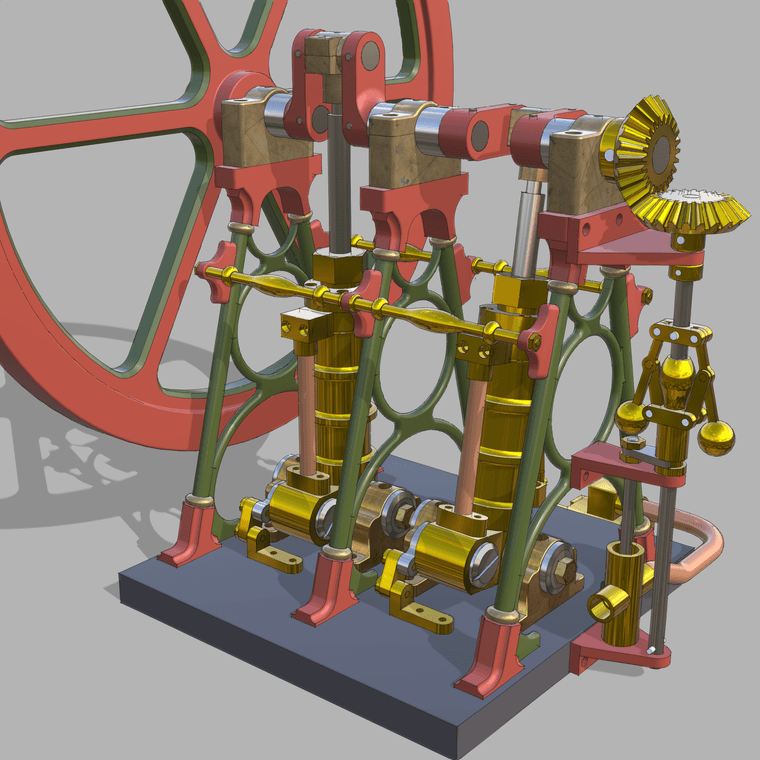
You probably won't believe it but here's another little steam engine. This is a 2-cylinder engine driving a duplex water pump.

-
RE: Animation rendering speed
@deanbuckeridge said in Animation rendering speed:
It's the current Pro version.
You might see what changing the graphics engine dos. Some folks have seen an improvement in performance by doing that.
-
RE: Animation rendering speed
What version of SKetchUp are you using?
SketchUp, like other 3D modeling applications, will only use a single core of the CPU so the 11% CPU usage shouldn't be surprising.
-
RE: A Mahogany Lowboy
@HornOxx I'd have a difficult time making one of those legs out of real wood by hand. Getting four to match? Not likely.
-
RE: [Plugin] SectionByCamera (V0.2) - UPDATED 4 June 2012
@FlorinAp reading through this thread, it hasn't worked for more than a decade. The author indicated that on 21 June, 2014. It would appear that the author has, for whatever reason, not continued to support it.
-
RE: A Mahogany Lowboy
@Rich-O-Brien said in A Mahogany Lowboy:
In your 20s!
I wish!
@Rich-O-Brien said in A Mahogany Lowboy:
As always its a great example of accurate modelling.
Thank you very much!
-
A Mahogany Lowboy
This is from a model I initially made 11 years ago for shop drawings. I pulled it out recently to do a bit of refining in SU2025.

-
RE: Extension Request: Fit Texture to Rectangular Face
It's not difficult to adjust a texture to fit a face using the native tools. Is it OK if the texture is distorted in the process of making it fit?
-
RE: My Default Template
Toolbar placement has nothing to do with templates. The toolbar positions and visibility states are saved in PrivatePreferences.json in your User/AppData/Local/SketchUp/SketchUp2025/SketchUp folder. AppData is normally a hidden folder. Make hidden folders visible in File Explorer. Then go to that folder and delete the .json file. Reboot your computer and then open SketchUp and set up your toolbars. Open a model file and save it. Then close SketchUp and open it again and see if the toolbar placement has remained.
I would suggest before you do the above that you remove that license and then sign in with your subscription license instead.
-
RE: My Default Template
After you made the modifications did you select Save as Temaple? If not you aren't saving a template. You are just saving a SketchUp file like any other SketchUp model you might create. In order to have the changes show you need touse Save as Template so it ends up in the Templates folder.