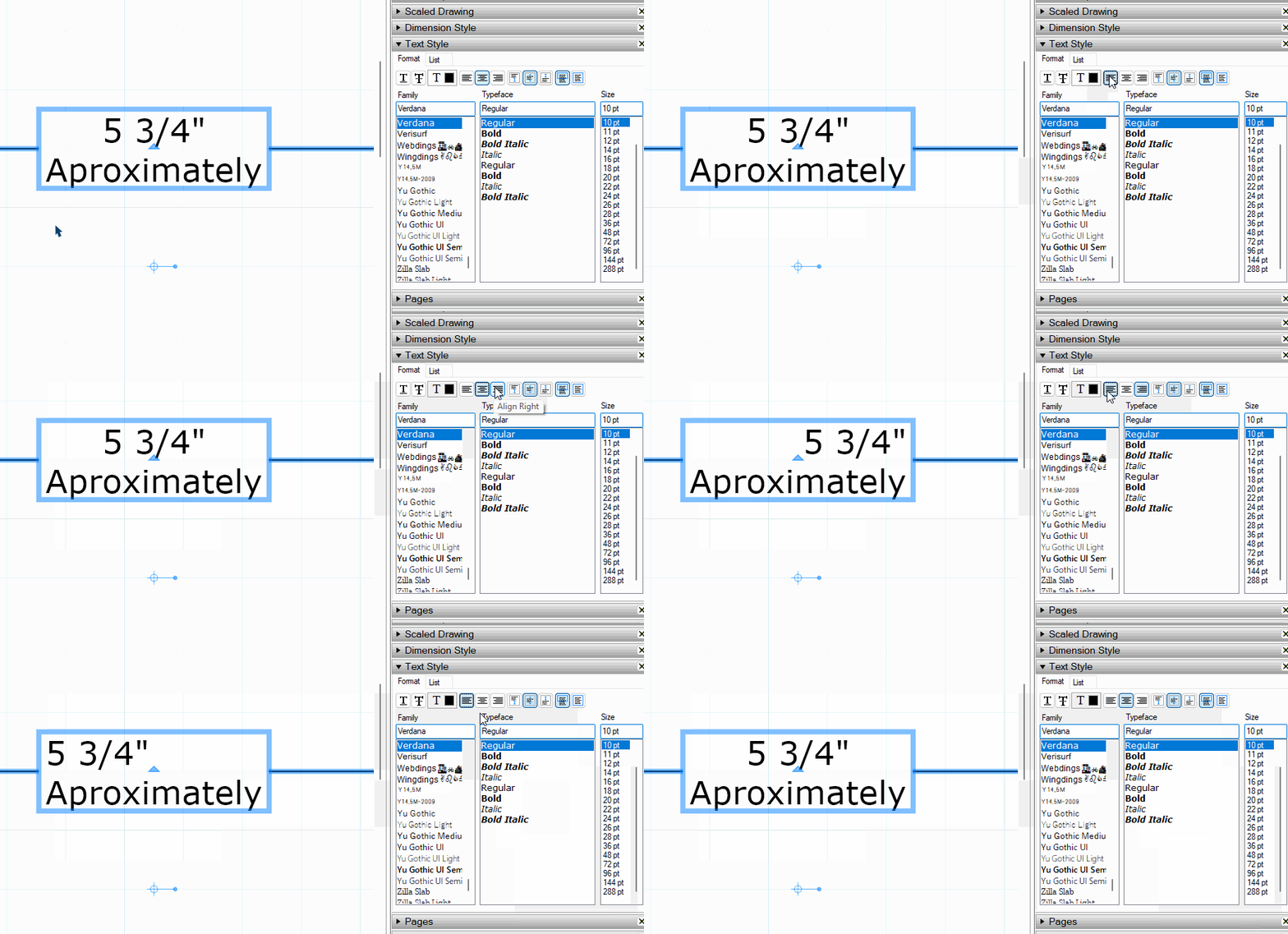
How are you trying to use justification for dimensions? The standard would be to have the dimension text centered in its text box.
FWIW, if you have a multi line dimension text box justification works just fine.
 Offline
How are you trying to use justification for dimensions? The standard would be to have the dimension text centered in its text box.
FWIW, if you have a multi line dimension text box justification works just fine.
@bzqp The first post in THIS thread was last updated in 2017. SketchUp has changed since then. I gave you the link to the version of Joint Push/Pull which works in newer versions of SketchUp.
The current version of Joint Push/Pull requires LibFredo6 and Sketchucation ExtensionStore..
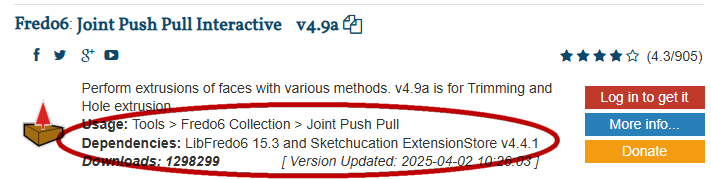
@bzqp use the current version of Joint Push/Pull. Theold version is not suitable for SketchUp 2023.

SketchUp Plugin and Extension Store by SketchUcation provides free downloads of hundreds of SketchUp extensions and plugins
(sketchucation.com)
Make sure to also install the latest version of LiFredo6 and the Sketchucation ExtensionStore which are both required.
I was nosy and poked around until I found it. Here is the .json. I hope pasting it into that folder fixes it for you.
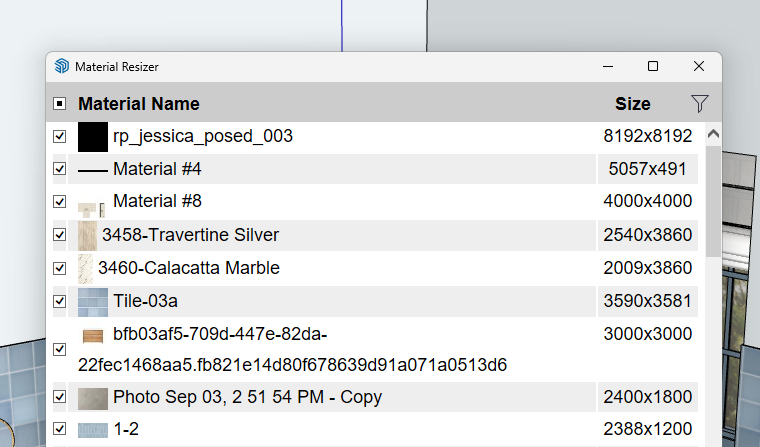
@simulat I wonder if the issue is with the SketchUp version, maybe your computer's graphics card, and the excessively large size of some of the textures. There's no benefit to having those large textures since SketchUp will down sample them.
Although I doubt it's involved in your issue with using Thru Paint, It would also be a good thing to fix incorrect tag usage.
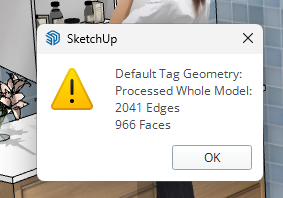
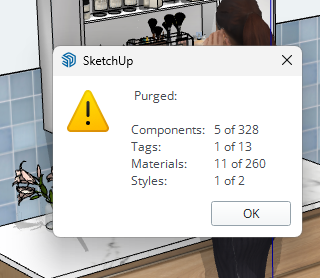
Also purge unused stuff.
@panixia said in Convert groups to components:
contextual menu -> group copies -> select all -> contextual menu -> group copies -> convert into components.
This of course requires Selection Toys as Rich advised.
@simulat that is typical of incorrect installation on Windows which prevents SketchUp being able to write the required file that stores the toolbar locations. . Correct installation requires right clicking on the installer and choosing Run as administrator. That's not the same as running SketchUp as administrator.
Are you running a cracked version of SketchUp 2020?
@Loikkanen123 using inferencing as Rich and Box show makes it easy. You need to be grabbing the object by a point that corresponds to the destination point on the other object.
Another thing to consider is modeling objects in the location you need them so you don't have to move them into place.
@Woodarc said in VEIL OVER SCENES:
I had the axes in the wrong place and, in effect, was looking at the scenes from below ground level.
FWIW, the "veil" wasn't due to the location of the axes. Just that the camera was below ground level and the style had ground displayed and Show ground from below turned on.
The location of the the ground plane is fixed in the model space and not tied to the location of the axes. By default the axes are positioned such that red and green lie on the ground plane and cross at the origin. Moving the axes doesn't move the ground plane nor does it move the origin.
Export Options aren't part of the template settings, though.
The Text Position command also shows in the Context menu for a single selected dimension, too.
There's no need for a keyboard shortcut if you're going to change the text position in Entity Info, anyway.
@jamesmeng said in [Plugin Beta] Animator - v4.4a - 01 Jun 25:
your animator is so important for me so please ...
Have you made a donation to Fredo6 for his great work on this free extension?
What version of SketchUp? What operating system?
Share the .skp file.
Very nice update. Thank you!
How precise does it really need to be in SketchUp? I might just eyeball it.
Low tech option: Use a profile gauge to lift the profile of the vase.
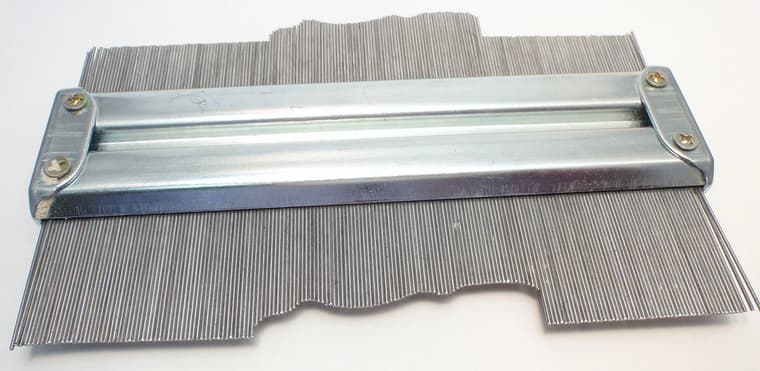
Transfer that to a piece of paper and then measure the offsets from a centerline at regular intervals.
In SketchUp, place guide points at those offsets and then connect them with a Catmull Spline from Fredo's Bezier Spline tools. Create a profile to use with Follow Me.
You could also take a photograph of the vase showing the profile and import that into SketchUp as an image to trace.
When I need my SketchUp view and render image to have the same aspect ratio, as when I combine the images, I set the aspect ratio in the renderer to match that of SketchUp's window. It's easier than chasing the aspect ratio in SketchUp. Any fine tuning to the aspect ratio is then done in an image editor.
@grizzler said in Make Unique Texture giving weird results:
still persists with the new graphics engine only.
What graphics card are you using? What OS?
Click on the Extensions button at the top of the forum page.

The go to PluginStore>My Licenses. You can download your licenses from there.

Make sure you have the current version of the ExtensionStore installed. Use it to install extensions from Sketchucation.
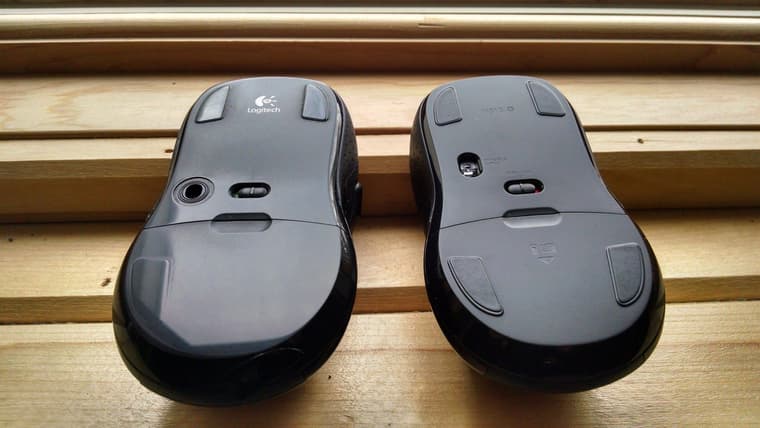
I've had excellent service from my Logitech keyboards and mice. The only time I've had to replace the keyboard is when I've spilled something sugary into it. As far as mice, I've only had to replace them when I wear the feet off and they get too difficult to push around. The one on the left here is close to that point. I've never had any failures of the buttons or wheel.