So what's your problem in trying to model it in SketchUp? What's not working?
@Leggy said in help with a thread:
there are only 4 crests on the thread
When you model it make it 2 or 3 turns longer so you can cut the extrusion off nicely.
 Offline
So what's your problem in trying to model it in SketchUp? What's not working?
@Leggy said in help with a thread:
there are only 4 crests on the thread
When you model it make it 2 or 3 turns longer so you can cut the extrusion off nicely.
Are you trying to model a cap or the neck of the container? What is it exactly? I've been trying to find real specifications for the threads on screw top containers but based on what little information you've provided, it's been a waste of time.
@Leggy said in help with a thread:
pitch 2.7 mm
I expect your first problem is you are measuring the pitch incorrectly. From your images it looks like the pitch is closer to 5mm.
So far you haven't told us what your actual problem is in modeling these threads. I've shown you before how to model screw threads. The process is the same with these. Start with a helix and profile. Use Upright Extruder.
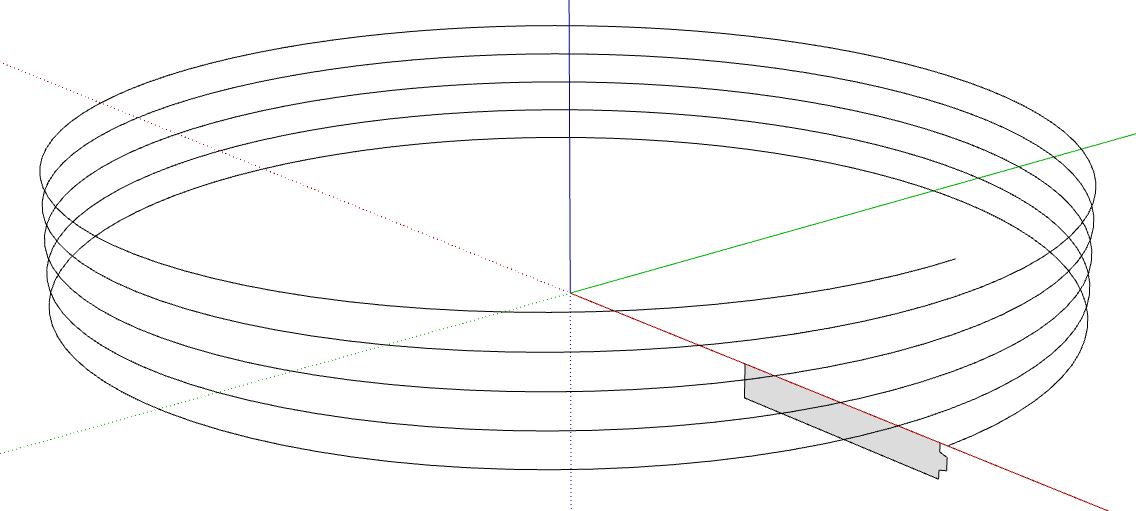
The method Rich described will work fine, too.
@Steve-Rugg said in More Fredo6 plugins becoming paid extensions:
how do I know what extensions that covers?
Each license is for a single extension. The extension is named in the license file. This is a license for FredoCorner.
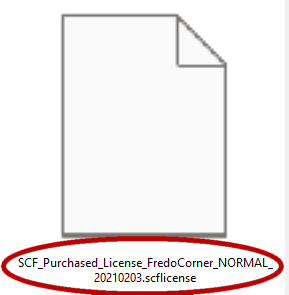
As for which one you bought, click on PluginStore and then My Licenses.

@EF22 said in More Fredo6 plugins becoming paid extensions:
thank's but I dont' see libfredo in Window - I use skp on mac
Did you install LibFredo6? If not suearch for it in the Sketchucation ExtensionStore tool and install it. Then quit and resart SketchUp.
What version of SketchUP are you using?
Try my suggestions of softening and hiding the edges. You could also consider radiused edges instead of the hard square edges you have.
How are you going to use this model when it is complete? How large is it? Will those corners really be seen? Maybe simply softening the edges where the flats meet the radius would be enough. Maybe hiding the edges on that component altogether would do it. Simple and quick and without creating a lot of file bloat.
What version of SketchUp are you using? That would tell us what tools you are using and have available.
@majid thank you. Are you referring to the animations I posted?
@Rich-O-Brien thank you. I don't know. It hink I'd be disappointed in the results.
@Leggy said in Annoying pop up:
so just scale down by 0.001 then export and we should be spot on in mm
No. As I wrote:
said in Annoying pop up:
No need to scale those models down.
And as @Box wrote.
I've shown examples like this before. The SketchUp model:
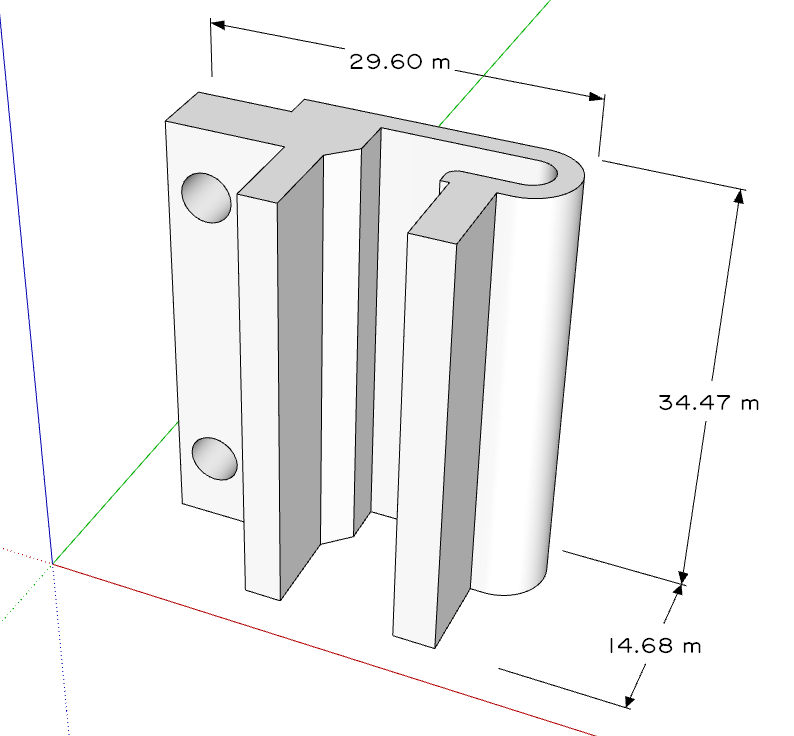
And the 3D printed object.
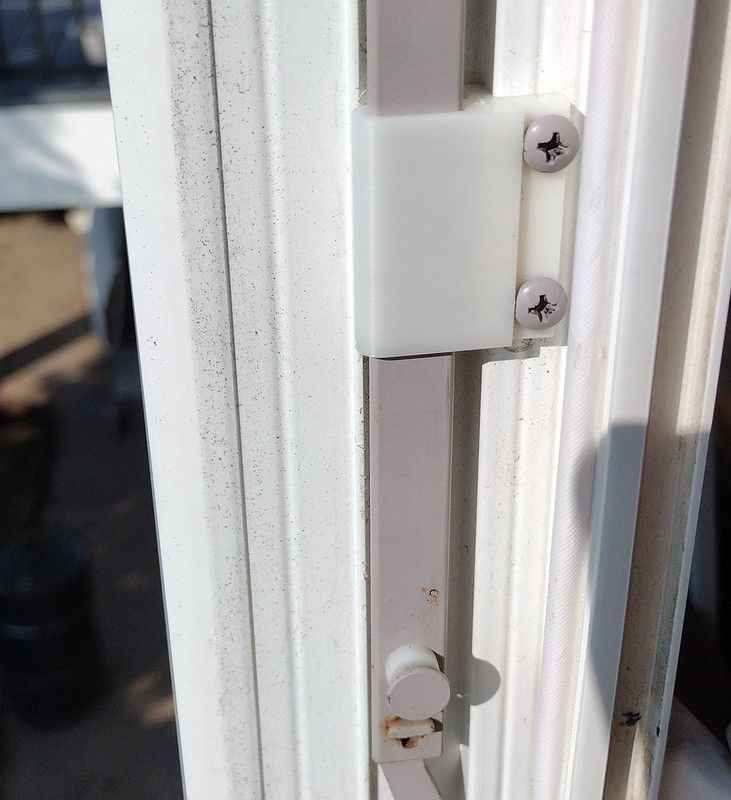
No scaling of the model required. The .stl file was exported at Model Units (meters). but the slicer reads the dimensions as millimeters.
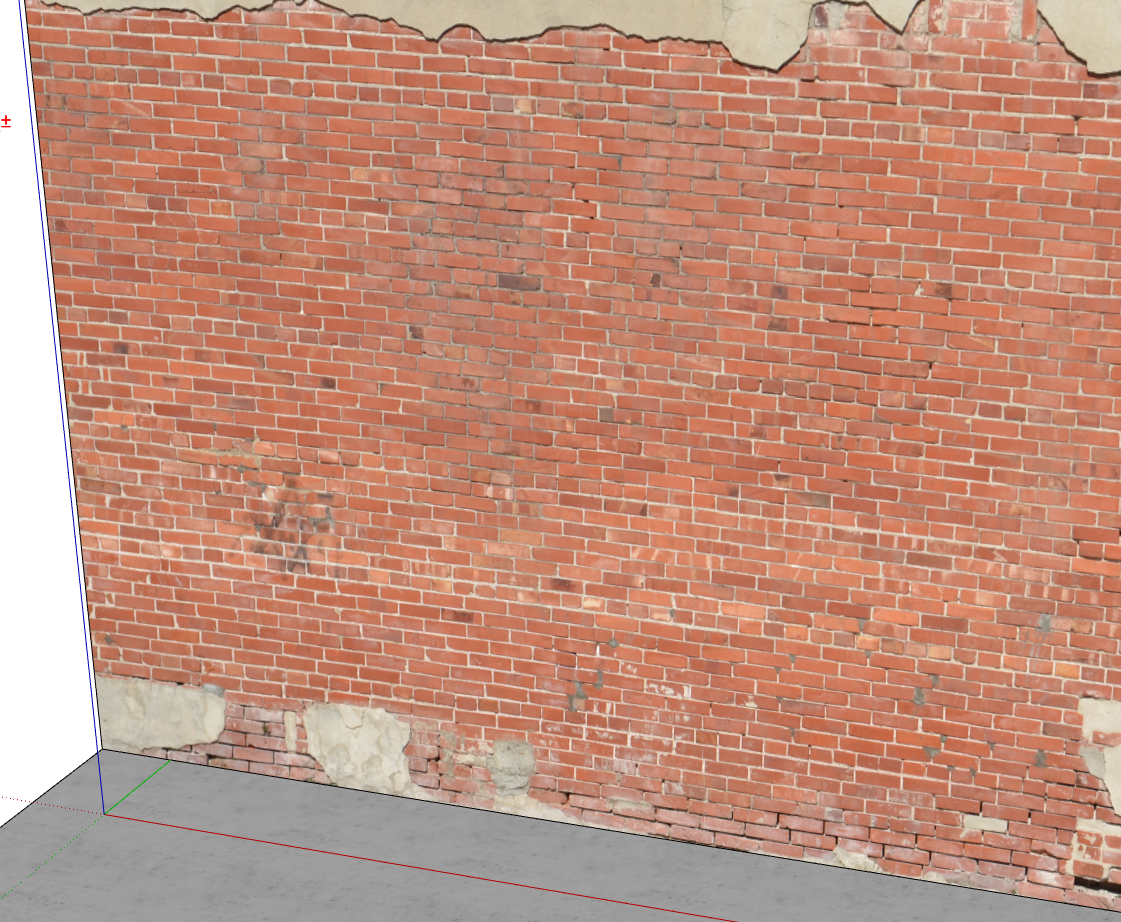
You could create a bunch of brick textures if you want but I would skip making the brick components and then use a texture made from a photo of a large wall. This is from one of my brick textures. It's quite a bit larger than I show but I can pick out different sections of it as needed. Can't get any more "trustworthy" than that.
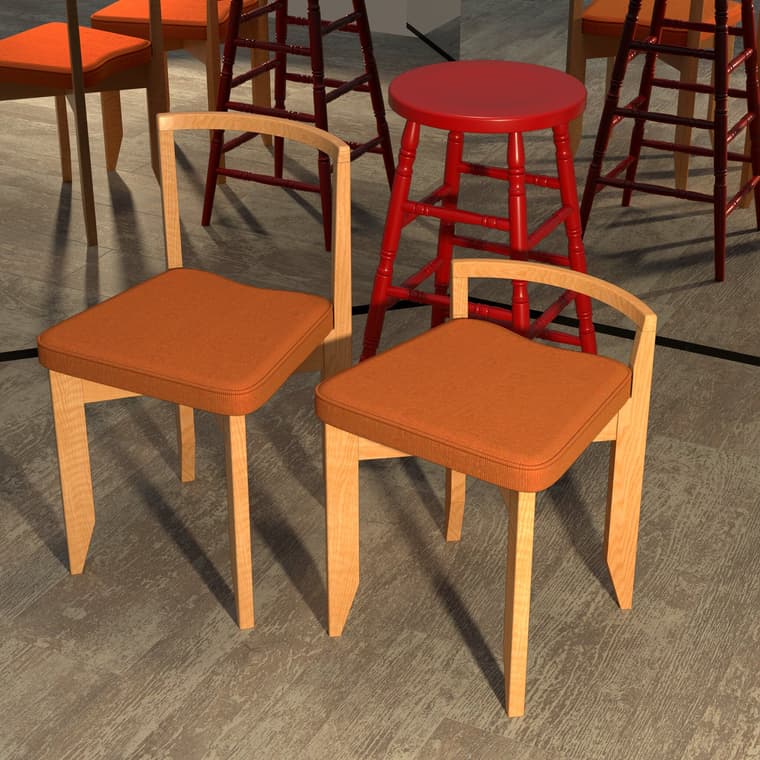
I thought about a central back splat but decided against it for this chair.
@Rich-O-Brien good memory!
Just playing. At the right is my rendition of a Guillerme and Chambron 'Rubercrin' chair. On the left, my modification to make it a dining chair. In the back is the stool my grandfather used in his workshop. The real one still has a faint odor of his pipe tobacco.
Well, it makes a solid component so it should be printable. How tall is the final thing supposed to be?
It is possible to model fillets with changing radii in SketchUp. I do it fairly often using tools like TIG's Extrusion Tools or Fredo's Curviloft but Rich's suggestion and example is probably more straightforward.
@bexar you're welcome.
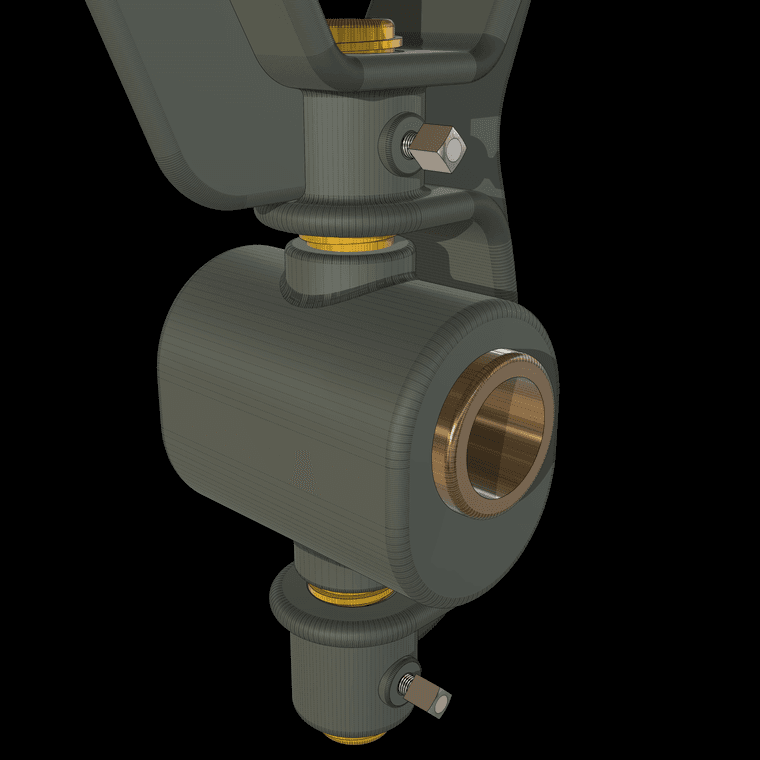
FWIW these engine animations are exported with no transitions between scenes so there are only as many frames as scenes. Then in a video editor I just copy and paste the animation to create a repeating sequence.