Another Steam Engine
-
Excellent as always!
-

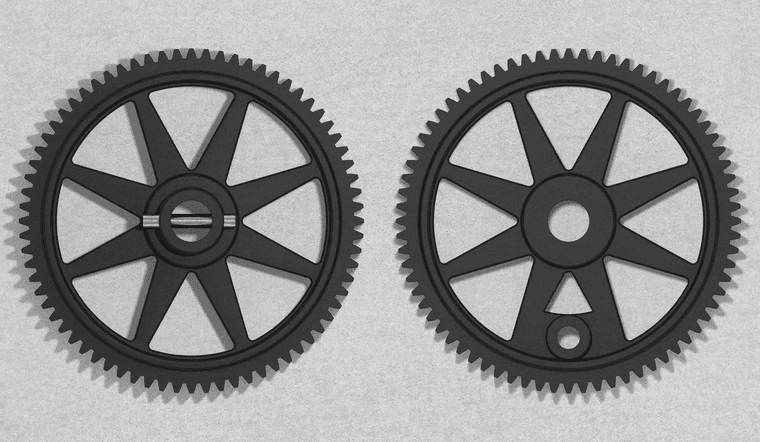
This is a little Stirling engine. The flywheel is 49mm in diameter.
-
Very cool.

-
Another cracking piece you have there.
-
Fantastic! Indeed some of these would deserve to be printed and hanged in some industrial based interior designs!
-
Dave, you could make some decent money selling these as card/paper models. Flattery etc can help but check out https://www.papermodelers.com/forum/railway-related-builds/ , the railway type would seem closest to your steam engines.
-
Dave,
Very nice work, I am very impressed. I have been "modeling" for a short time and now would like to dip my toe into steam engine "animation". I saw your video of the Muncaster "automation". Another "home run".
I have tinkered with MS Physics a bit, I really haven't got my head wrapped around the tool' methodology. I was wondering which animation tool did you used on the Muncaster (Ms Physics, Animator, Key Frame or other)??
Again, nice work on all of your models.
bexar
Southeast Queensland -
@bexar thank you.
My animations of the various steam engine models were done without using any "animation tools". I just use copies of components, tag visibility, scenes, and the native animation export option straight out of SketchUp. For me that's straightforward and simple.
-
WOW! Can you direct me to resources (youtube, pdf, etc) that explains that process that you use? Now, I'm even more impressed by your skill set!!! Have a good day!!
-
Thanks! There's really not a lot to it. I make multiple copies of the components along their route of travel. There's a different tag applied to each of the copies and then a different one of those tags is visible for each scene. This screen shot shows a simpler engine model with four of the 24 tags turned on. There are 24 scenes for the animation.
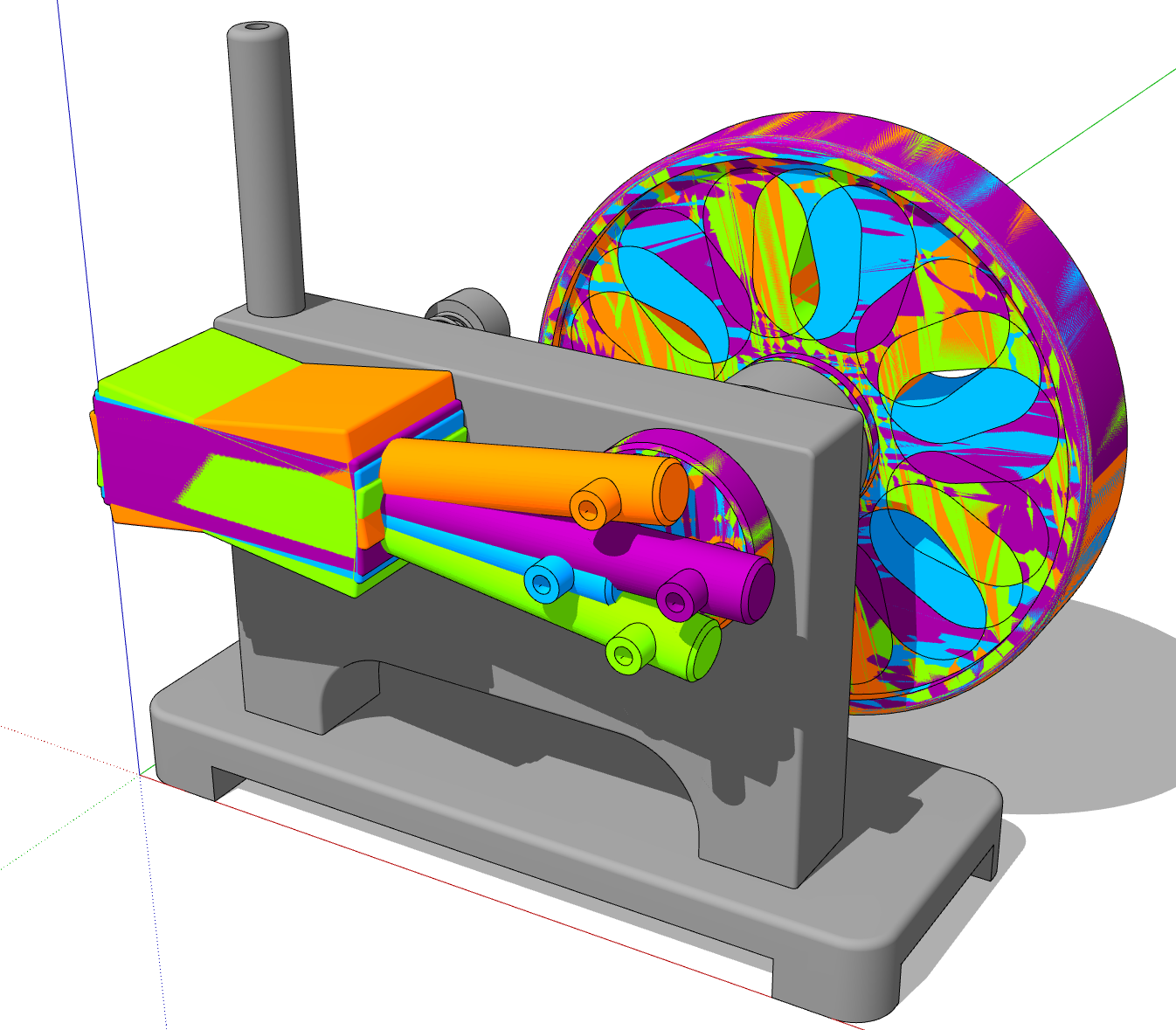
It gets a little more complicated with an engine like the horizontal Muncaster because of the steam valve and the linkages.
Here's the resulting animation:
https://flic.kr/p/2n7xvyhEtaoin Shrdlu
%
(THERE'S NO PLACE LIKE)
G28 X0.0 Y0.0 Z0.0
M30
%
-
Thank you so much for that information. I'll certainly do a bit of self-education. The animation was just so smooth! Thank you so much for your helpful reply!
-
@bexar you're welcome.
FWIW these engine animations are exported with no transitions between scenes so there are only as many frames as scenes. Then in a video editor I just copy and paste the animation to create a repeating sequence.
-
-
Clean modelling. You going to 3D print these?
Download the free D'oh Book for SketchUp 📖
-
@Rich-O-Brien thank you. I don't know. It hink I'd be disappointed in the results.
-
@Dave-R this is crazy! Pure Sketchup! You are leveling up the SketchUP!
-
@majid thank you. Are you referring to the animations I posted?






Hello! It looks like you're interested in this conversation, but you don't have an account yet.
Getting fed up of having to scroll through the same posts each visit? When you register for an account, you'll always come back to exactly where you were before, and choose to be notified of new replies (either via email, or push notification). You'll also be able to save bookmarks and upvote posts to show your appreciation to other community members.
With your input, this post could be even better 💗
Register Login


Advertisement