Urasik Extensions | Lots of new extensions to check out Learn More
  • Soap Bubble

    Extensions & Applications Discussions
    9
    0 Votos
    9 Mensajes
    324 Visitas
    Gus RG
    It's up! Got the word just now from the author, J. Leibinger. https://extensions.sketchup.com/extension/c8d49537-51db-40a7-ac0e-474a244eb525/soap-skin-and-bubble
  • Modeling with mdkBIM

    Extensions & Applications Discussions
    2
    3
    2 Votos
    2 Mensajes
    70 Visitas
    Rich O BrienR
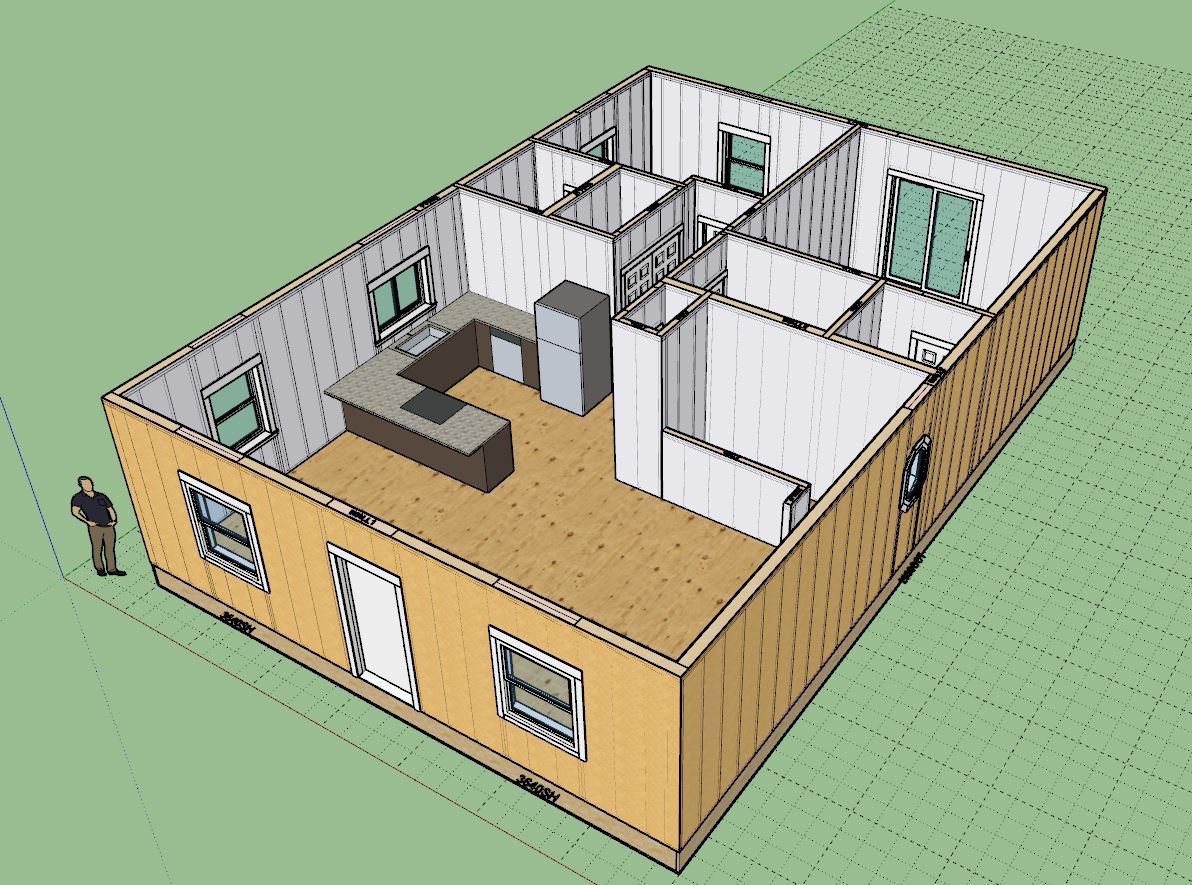
    Tidy design. South facing for the bedrooms?
  • [Plugin] FredoBend - v1.2l - 10 Apr 26

    Plugins
    52
    5
    3 Votos
    52 Mensajes
    3k Visitas
    fredo6F
    NEW RELEASE: FredoBend v1.2l - 10 Apr 26 Requirements LibFredo6: v15.9a or above Sketchup version: SU2017 and above FredoBend 1.2l is a maintenance release including: Major bug fixing related to directions Home Page of FredoBend for information and Download. Main post of this FredoBend thread.
  • I Think I've Finally Finished my Falkestraße Model...

    Gallery
    43
    1
    4 Votos
    43 Mensajes
    1k Visitas
    jo-keJ
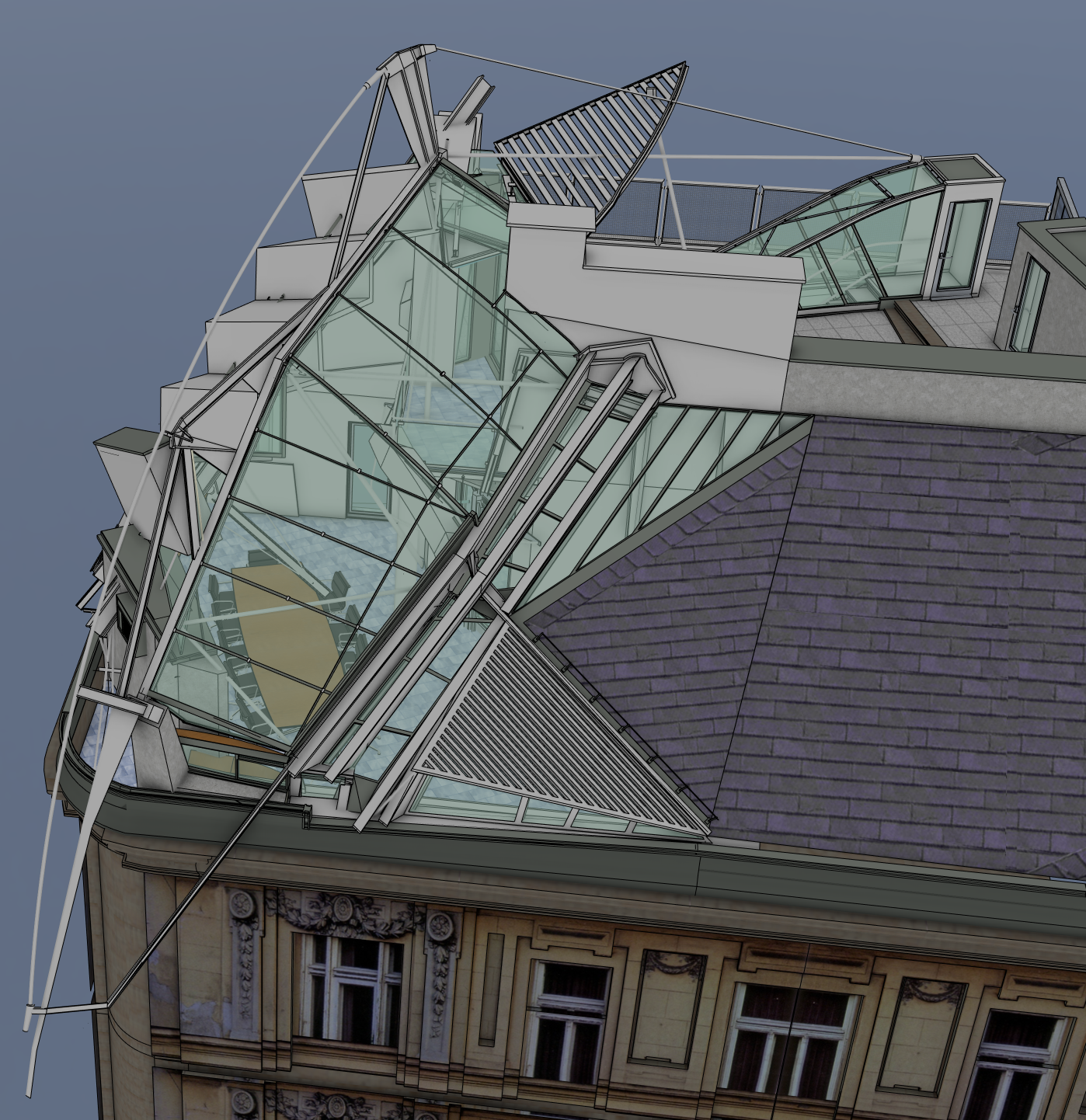
    Wow. I will have a look.... looks like a nice weekendwork.... Danke schön
  • 0 Votos
    23 Mensajes
    4k Visitas
    C
    Installed last week and I began to enjoying it. Great extension! Very useful! But since the last SketchUp update, the extension is not working. SU version 26.1.252. A message appears saying there are compatibility issues with this extension. EDIT: In the 26.1.256 version works again!
  • 1 Votos
    3 Mensajes
    106 Visitas
    G
    @lodiv76505 I stopped using Xeon, ECC ram and Quadro (whatever they call them now) based systems a long time ago. For normal CAD/3D use it's just not worth it.
  • FredoCorner merging separate faces

    Extensions & Applications Discussions
    6
    0 Votos
    6 Mensajes
    132 Visitas
    Dave RD
    If you want realism the frame parts would need to be separate componets. If you aren't going to model that way, just draw in the edges after radiusing the frame.
  • Bu long chi tiết [Bolt Details]

    Plugins
    2
    1 Votos
    2 Mensajes
    86 Visitas
    Gus RG
    @tien02683 said: Plugin của tôi bao gồm các tính năng để tạo Bu long chi tiết. xem tại đây. Looks useful. I can't seem to be able to get it to work. Maybe I need more coffee. Trông có vẻ hữu ích. Nhưng tôi không thể nào làm cho nó hoạt động được. Có lẽ tôi cần uống thêm cà phê.
  • Update Notices

    Extensions & Applications Discussions
    2
    0 Votos
    2 Mensajes
    81 Visitas
    Rich O BrienR
    Launch Sketchucation Tools Open SketchUp Go to Extensions > Sketchucation > ExtensionStore If there's a bell icon you have updates pending. If you have the toolbar active we also add a Red Dot to the ExtensionStore icon as a prompt too.
  • Lisser une courbe

    Français
    2
    0 Votos
    2 Mensajes
    84 Visitas
    pilouP
    Bien qu'étant normalement un spécialiste éclairé de la sauce tomate je me permets de vous donner ce petit tuyau! J'ai posé la question à Gemini (gratuit) Il suffit de cliquer sur l'icône qui vous envoie la discussion directement dans Google Docs ou vous n'avez plus qu'a le sauvegarder en PDF si vous voulez en garder la trace! Menu Download / PDF https://gemini.google.com/app qui m'a répondu ceci! Lisser des courbes dans SketchUp.pdf Il va de soit que je n'aurais pas pu répondre de façon si ordonnée, complète et parfaite! Bonne découverte! (de la sauce tomate des Ia et de mon petit site qui a quelques rubriques SketchUp pour la postérité!
  • Trying to draw an elliptical cone

    SketchUp Discussions
    28
    0 Votos
    28 Mensajes
    1k Visitas
    J
    @frascati I came here to find out how to form an elliptical cone, but didn't see a simple way. So I had to figure it out for myself. Yea, this is an old thread. I'm posting this here in the hope that someone else searching for the solution might find it. Draw a circle. Make a triangle with one point on the centre of the circle, one point on the edge, and the third point at the height you want the cone. Select the edge of the circle. Choose "Tools —> Follow Me" and click on the triangle's face. You should now have a circular cone. Choose "Tools —> Scale". A yellow box with green handles should appear. Click on the centre green handle on the vertical box of the selection that is in the dimension you want to make smaller to create your ellipse. Touch the modifier key that causes both sides to scale about the centre. On the Mac, that's the OPTion key. Move the cursor inward until you get the size of ellipse you want, or type a scale factor into the "Measurements" box. That's how I created the following elliptical cone, with a length-width ratio of 0.5. [image: 1775272020099-screenshot-2026-04-03-at-20.06.14.png]
  • LOTT Vignette Stripe usability issues

    Plugins
    3
    0 Votos
    3 Mensajes
    120 Visitas
    panixiaP
    @fredo6 said: I will probably dicontinue the plugin. Please no, is my favourite plugin ever
  • Giraffe

    Corner Bar
    2
    0 Votos
    2 Mensajes
    99 Visitas
    Mike AmosM
    A rancher dies and leaves everything to his wife. She was a very good-looking woman and determined to keep the ranch, but knew very little about ranching, so she decided to place an ad in the newspaper for a ranch hand. Two cowboys applied for the job. One was gay and the other a drunk. She thought long and hard about it, and when no one else applied she decided to hire the gay guy, figuring it would be safer to have him around the house than the drunk. He proved to be a hard worker who put in long hours every day and knew a lot about ranching. For weeks, the two of them worked, and the ranch was doing very well. Then one day, the rancher's widow said to the hired hand, "You have done a really good job, and the ranch looks great. You should go into town and kick up your heels." The hired hand readily agreed and went into town one Saturday night. One o'clock came, however, and he didn't return. Two o'clock and no hired hand. Finally he returned a round two-thirty, and upon entering the room, he found the rancher's widow sitting by the fireplace with a glass of wine, waiting for him. She quietly called him over to her.. "Unbutton my blouse and take it off," she said. Trembling, he did as she directed. "Now take off my boots." He did as she asked, ever so slowly.. "Now take off my socks." He removed each gently and placed them neatly by her boots. "Now take off my skirt." He slowly unbuttoned it, constantly watching her eyes in the fire light. "Now take off my bra.." Again, with trembling hands, he did as he was told and dropped it to the floor. Then she looked at him and said, "If you ever wear my clothes into town again, you're fired."

  • 3D Truss Models

    Plugins
    2k
    0 Votos
    2k Mensajes
    1m Visitas
    medeekM
    https://youtu.be/4-6MWGZPo-U?si=nNP6T4TUf_b2pwst
  • Maxwell render compatible graphic cards

    Corner Bar
    5
    0 Votos
    5 Mensajes
    146 Visitas
    Mike AmosM
    Thanks Rich.
  • TopoShaper does not work, after license purchase

    SketchUp Discussions
    3
    1
    0 Votos
    3 Mensajes
    118 Visitas
    fredo6F
    @Zuzana777 You should select the group containing the guide points, not launch TopoShaper inside the group.
  • Fredo Plugins not functioning anymore

    Extensions & Applications Discussions
    12
    1 Votos
    12 Mensajes
    822 Visitas
    N
    Thank You,it solved my issue !
  • SketchUp → UE5 → Two Years of Pouring Concrete

    Gallery
    7
    5
    2 Votos
    7 Mensajes
    301 Visitas
    L
    Thanks, Liam Im not much of a cinematographer but it's always fun to use UE's sequencer to put together some shots as well. https://www.youtube.com/watch?v=UQEwpUfe4Os
  • Sketchup and Miniature Modelling STLs

    SketchUp for 3D Printing
    16
    1 Votos
    16 Mensajes
    615 Visitas
    L
    I've been using blender as a catch all for 3d file formats.. a complicated mesh can get cleaned up in blender or simplified and export as a .dae into SU. I do this with OBJ's all the time
  • High resolution satellite maps needed

    Google Earth
    2
    0 Votos
    2 Mensajes
    544 Visitas
    L
    BlenderGIS can get you pretty good images.. you do need an API key to get set up but it's all free and you can even generate 3d geometry based on the elevations in the satellite images.. it tiles in blender so you the more you zoom the better the image quality to a point.