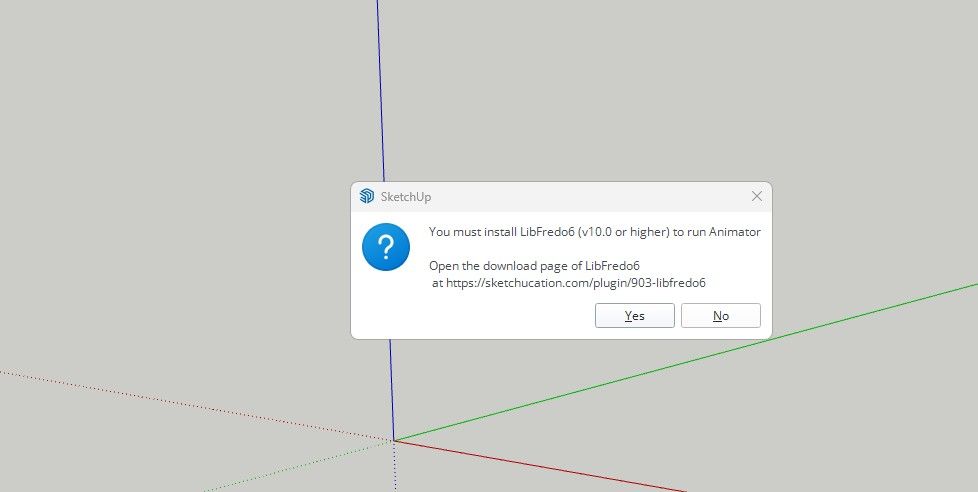
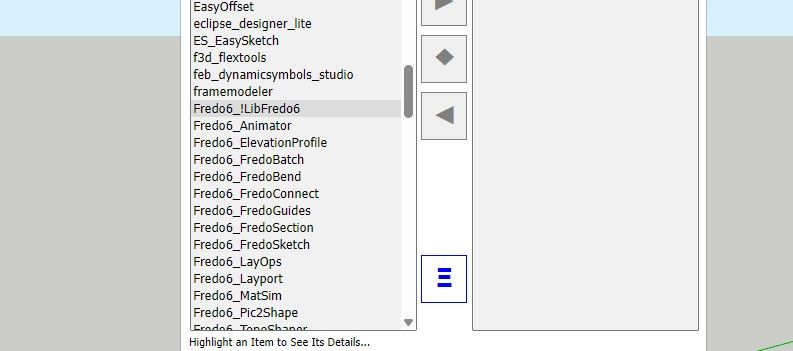
Hi, I want to use Toposhaper, but I can't find it on my tool bars ins sketchup. I have it in my plugin folder as Fredo6TopoShaper, but still I do not find it pn any toolbar.
Oops, your profile's looking a bit empty! To help us tailor your experience, please fill in key details like your SketchUp version, skill level, operating system, and more. Update and save your info on your profile page today!
Check out Febhouse | New extensions for Shadow Analysis in SketchUp Download
E
Offline
Best posts made by EricBreuerDesigns
-
Toposhaper
-
RE: Toposhaper
@Rich-O-Brien
I am having difficulty finding that with all the screen clutter
I have attempted three times, and it keeps giving me the same warning, use latest! -
RE: Toposhaper
I was able to solve it my self.
I went into the Sketchucation Root Directory Plugins installer and removed all earlier versions of the Libfredo,
Closed down the program
Opened the program
Reinstalled the current version libfredo through Ext. Mng.
Closed program
Opened program
Topo Shaper is now working
Latest posts made by EricBreuerDesigns
-
RE: LibFredo6 update ?
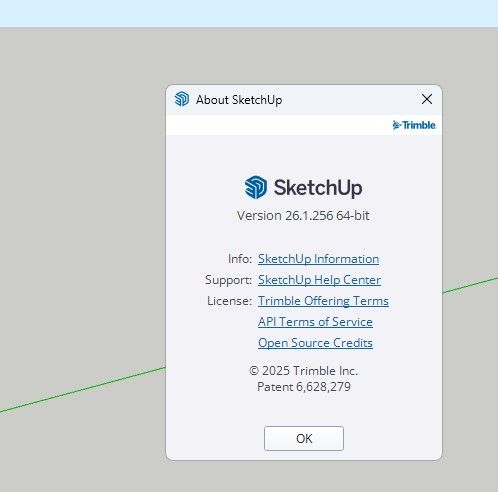
Okay, then how do I find what version of libfredo I am using and how do I install the new version?
-
RE: LibFredo6 update ?
And Yes, I close and relaunch.
-
LibFredo6 update ?
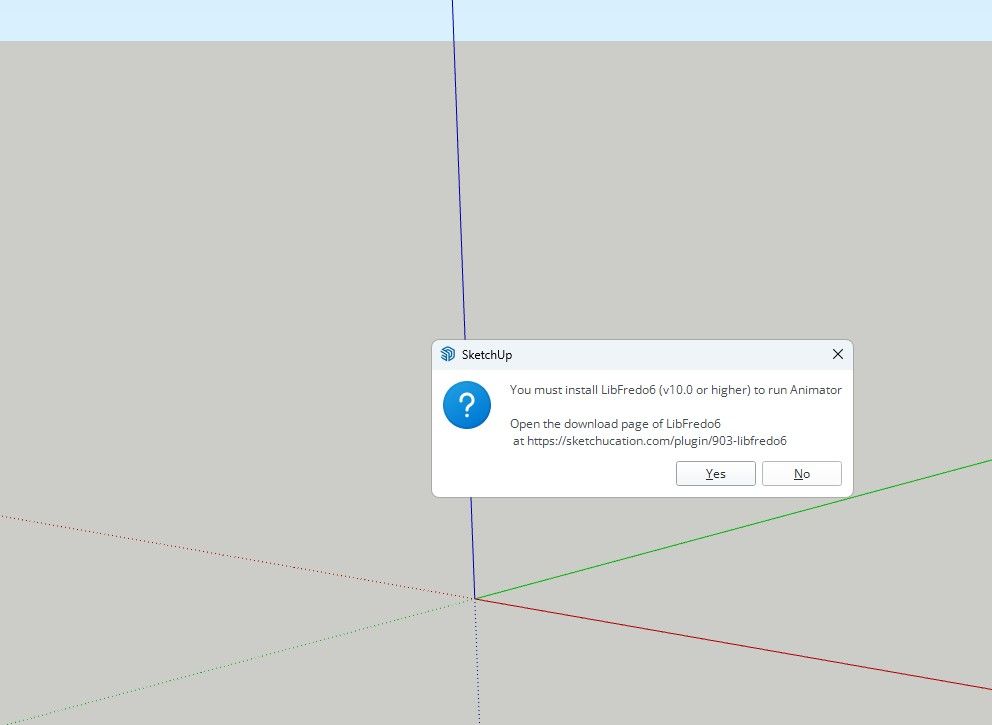
I keep getting this updated notice
I have updated this LibFredo6 six times.
And I still keep getting it.
Any solutions? -
Soap Bubble
Hi,
Can anyone find Soap Bubble?
On Ext. Warehouse it looks like it has been taken down.
I can't seem to find it on Sketchucation. -
Update Notices
How do you learn of or see updates in the Sketchucation derived extensions?
-
RE: Toposhaper
I was able to solve it my self.
I went into the Sketchucation Root Directory Plugins installer and removed all earlier versions of the Libfredo,
Closed down the program
Opened the program
Reinstalled the current version libfredo through Ext. Mng.
Closed program
Opened program
Topo Shaper is now working -
RE: Toposhaper
That is what I have downloaded.
I still have not been able to get it working.
Even when I have gone through the uploading process through Sketchup Extension Manager, I am still getting this error
I have many of the Fredo extension, and this is taking a lot of my time.
Will I have to remove Sketchup and reload just to get this to work?
Not sure what I need to do

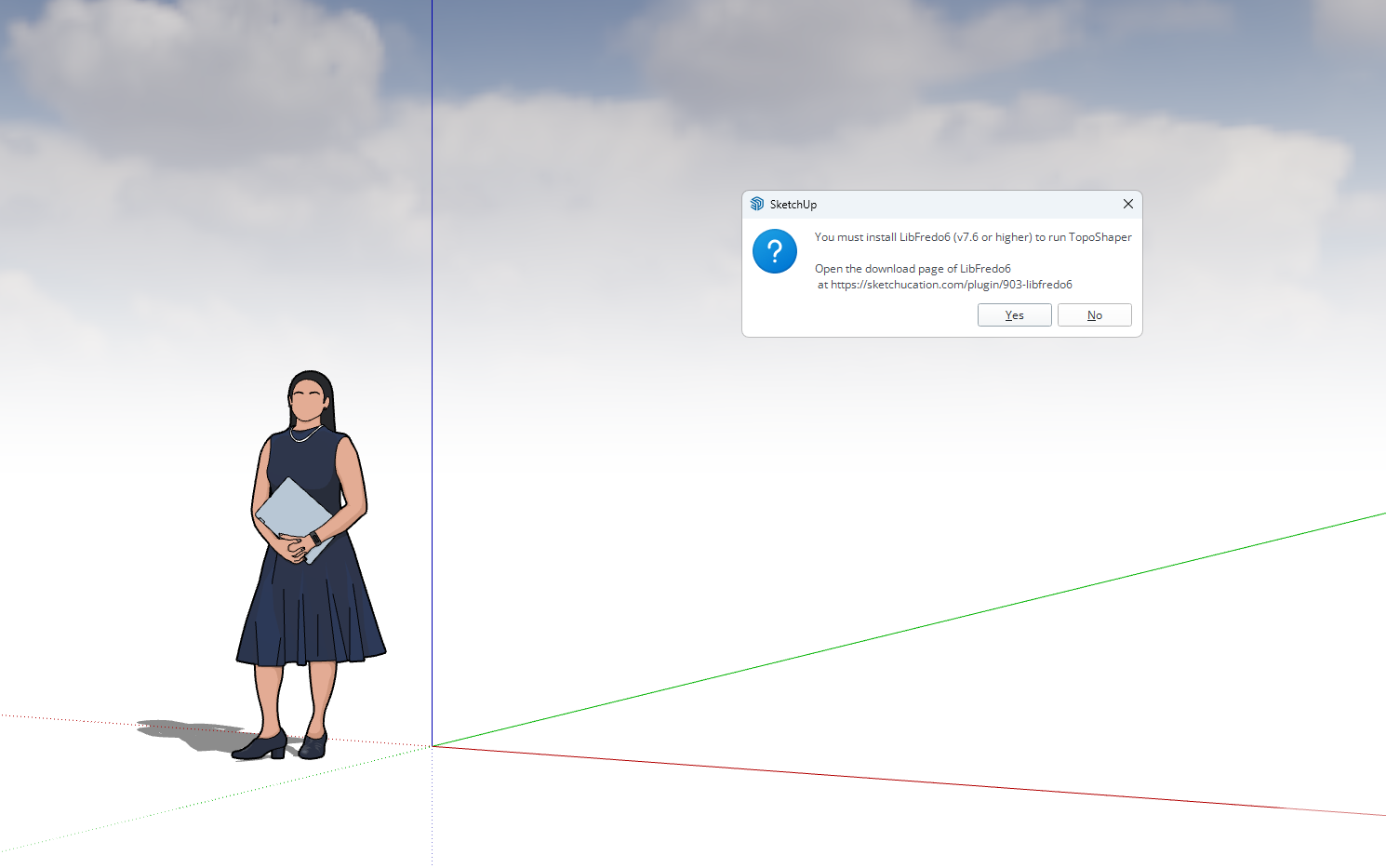
-
RE: Toposhaper
@Rich-O-Brien
I am having difficulty finding that with all the screen clutter
I have attempted three times, and it keeps giving me the same warning, use latest!