Sketchucation Tools 5.0.7 | Licensing improvements and bug fixes Learn More
  • Mixed Periods

    Gallery
    5
    1
    4 Votos
    5 Mensajes
    136 Visitas
    Dave RD
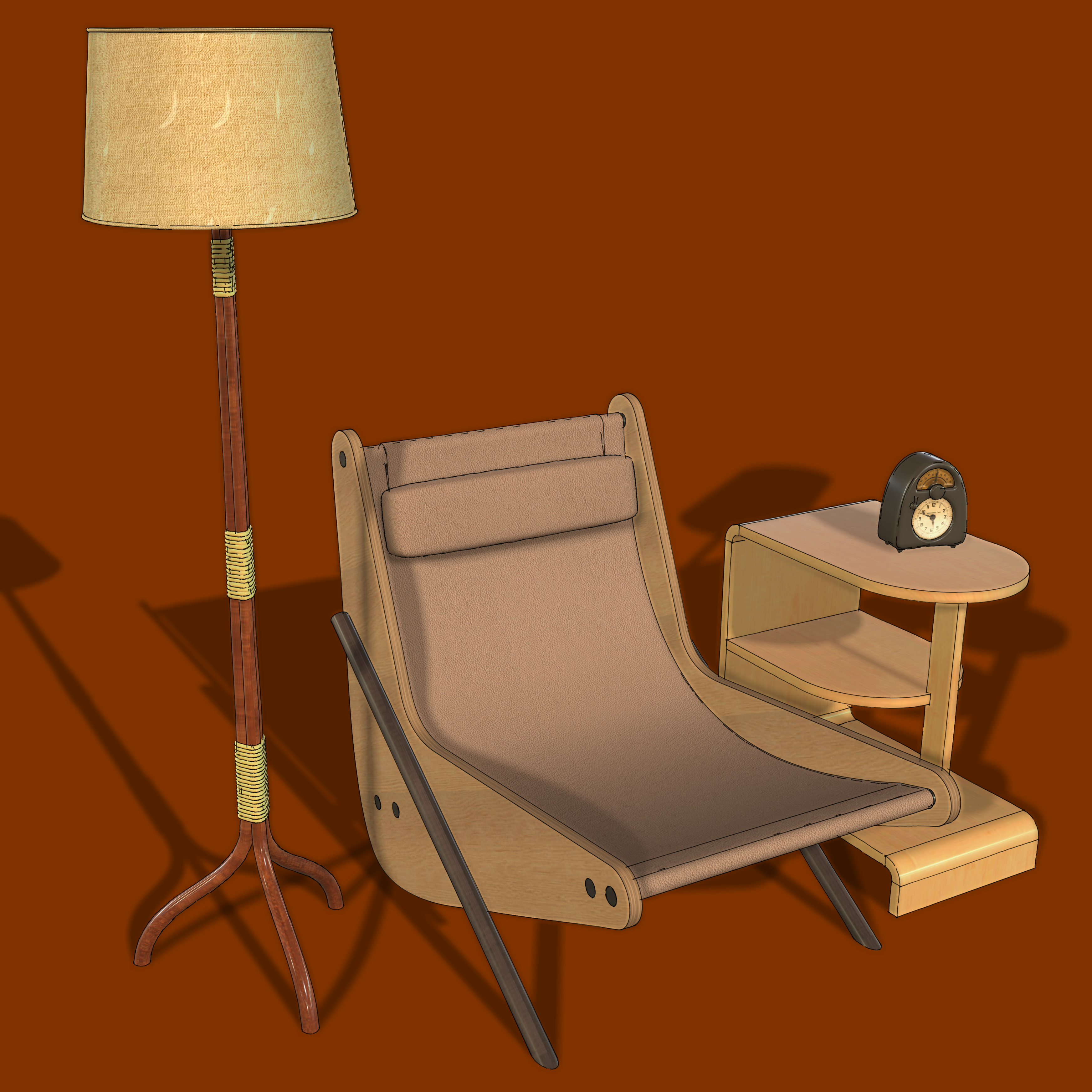
    @Rich-O-Brien I like that clock, too. Once in a while I see them listed for sale but they are pretty dearly priced. [image: 1780487440729-measured-time-resized.png]
  • Many projects

    Gallery
    326
    2 Votos
    326 Mensajes
    56k Visitas
    Rich O BrienR
    Great result. Clients must be delighted
  • [Plugin] TextureRandomizer

    Plugins
    52
    0 Votos
    52 Mensajes
    51k Visitas
    C
    @TIG I would like to thank you ! It's a really simple & powerful plugin to quickly handle texture. So glad you've just made an update. Great job and thanks again !
  • follow me issue

    Solved SketchUp Discussions
    3
    0 Votos
    3 Mensajes
    76 Visitas
    L
    ah thanks been driving me nuts
  • ThreadMaker

    Plugins
    3
    0 Votos
    3 Mensajes
    98 Visitas
    B
    @ArneSu https://web.archive.org/web/20081226144927/http://www.crai.archi.fr/RubyLibraryDepot/Ruby/EM/screw1_5.rb
  • Sketchup Wall Plugin - Muzwalls V2.0.3 Update Release

    Plugins
    1
    0 Votos
    1 Mensajes
    53 Visitas
    Nadie ha respondido aún
  • Accurate wall spacing in an array of walls

    SketchUp Discussions sketchup
    4
    0 Votos
    4 Mensajes
    1k Visitas
    M
    We would be very happy if you could also try muzwalls and give us a feedback https://muzwalls.com
  • 0 Votos
    1 Mensajes
    36 Visitas
    Nadie ha respondido aún
  • Living inside the Squid Games

    Freeware
    1
    1 Votos
    1 Mensajes
    48 Visitas
    Nadie ha respondido aún
  • Hippo3D, Cad workflow inside the Blender 3D

    Freeware
    1
    1
    1 Votos
    1 Mensajes
    50 Visitas
    Nadie ha respondido aún
  • I am searching for two plugins

    Extensions & Applications Discussions
    3
    0 Votos
    3 Mensajes
    116 Visitas
    HornOxxH
    @alexpacio2013 said: @HornOxx For the first question, try this plugin that distributes components along a path, both in a distributed manner and with spacing. Additionally, you can also rotate and resize the objects during distribution. ---> robo spacing tool WUNDERBAR !!! An absolutely fantastic recommendation, Alexpacio — and on top of that, a tool I’ve never come across anywhere before. I’m already looking forward to exploring its capabilities beyond the mundane task I’m currently working on. Best! [image: 1780149844931-191c27ca-99c9-42d3-85c1-9f7e42052781-image.jpeg]
  • 0 Votos
    1 Mensajes
    47 Visitas
    Nadie ha respondido aún
  • MSPhysics 1.0.3 (16 October 2017)

    Plugins
    927
    0 Votos
    927 Mensajes
    1m Visitas
    T
    I was playing with amslib and msphysics plugin for an week and I have successfully compiled ams_l8b.so and msp_lib.so compatible to the SketchUp 2026 and fixed many warnings and errors.. it is now working good, but still I have to test all functions, if someone of you want to help me out to text all these so it will be easy and take less time, here is my Whats App + 923 143 142 423 I will send you a copy of working amslib and msphysics.
  • Message from Majid

    Corner Bar
    13
    5 Votos
    13 Mensajes
    445 Visitas
    majidM
    Taaa mates! Let's hope for a more peaceful world for our family/children. It seems that the severe blockage persists for many websites, including university websites. While searching for any relevant PhD/research/job positions, I thought I might ask to have my CV and Portfolio shared within your network, please. Here is the link to a folder where I uploaded my documents: https://drive.google.com/drive/folders/1QwVOqOP-u2oY_4b3AOdaFjKZoYeymvkX?usp=sharing or: Feb 14.zip
  • [Plugin][EVAL] TIG-CutNfill

    Plugins
    96
    0 Votos
    96 Mensajes
    92k Visitas
    TIGT
    The EXTG and PROP terrains must have the same overall footprint. When you have the skirt fitted onto a simplified EXTG group it should still report as 'solid' in Entity info, copy that group to one side and edit that copy. Draw three Guide lines to help locate a new skirt later, on the group's axes. Delete the top terrain, but keep the vertical skirt and bottom face. Next copy the PROP group to one side and edit the copy. This time delete the skirt and bottom face, but keep the terrain geometry. Exit the edit and select the EXTG-copy group and Edit>Cut it to the clipboard. Reopen the PROP-copy for editing. Edit>Paste-in-Place. The EXTG-copy skirt group in now inside the PROP-copy terrain group. If the skirt-group doesn't line up with the terrain's axes, then Move it into place using Shift to restrain the movement in the Red/Green axes only. The guide's intersection should help with this relocation [if needed]. Explode the skirt-group so that the PROP-copy now contains only geometry. Erase any Guides left behind too. The PROP-copy should now contain its terrain top and skirt/bottom copied from EXTG. Exit the edit and check the PROP-copy in Entity Info - chances are it won't be a 'solid'. We now need to make it a solid... Use Thomthom's SolidInspector2 on the PROP-copy to see where the errors are reported. They will be highlighted in Red. Fix the ones that it reports as 'fixable'. If there are other 'non-auto-fixable' errors - e.g. complex holes or inner faces - then you need to dip in and out of SolidInspector2 and the model itself [into PROP-copy group > edit] and manually fix these issues in turn. Use pan/zoom to position yourself over the issues that need fixing... It's best to have sun/shadows on so you can see holes more easily and the Default-materials showing, with the back-material being set to a distinctive color - e.g. bright green. These might be 'flaps' or 'shelves' that need deleting, missing faces that need healing by drawing over edges to force a face to form, or adding diagonal lines to triangulate geometry and force facets to form [it's best to triangulate resistant faces to infill facets, even if the larger hole's perimeter appears 'planar'.] As you do this you might accidentally form internal 'partition' faces and you'll need to delete those too using a section plane to look inside the form can help in this regard. Remember that a manifold solid can only contain edges and faces. That is no nested groups or components. Every edge must support exactly two faces. That means - No 'faceless' edges [i.e. stray lines]. No edges with only one face [e.g. flaps, shelves or hole-perimeters]. No edges supporting three or more faces [e.g. two 'boxes' sharing a common edge for 4 faces]. Faces should be consistently oriented 'outwards' with the back-face materials 'inside' the form. Once you have a solid form reported in Entity Info you are good. Replace PROP with PROP-copy and try CutNFill again on these simplified forms - the skirts should now match so that hurdle is avoided...
  • [Plugin] 1001bit Tools - Architectural tools for SketchUp

    Plugins
    245
    0 Votos
    245 Mensajes
    250k Visitas
    Dave RD
    @toremitico said: Where can I find the language folder to overwrite From what I can see in the extension there is no language folder, at least in the freeware version. You could edit the HTML files for the dialogs. There are 27 of them. [image: 1780060566623-screenshot-5_29_2026-8_13_06-am.png] I expect you would also need to edit the .rbs files however that will be difficult since they are encrypted. You should contact the author to see if you can work with them to make the changes. The author holds the copyrights to the extension, anyway.
  • Medeek Stair

    Plugins
    10
    2
    1 Votos
    10 Mensajes
    399 Visitas
    medeekM
    The curved stair primitive is relatively easy to create, it is all the details that are going to be fun. [image: 1780009028680-wall_su1149_800.jpg]
  • [Plugin][$] ThruPaint - v2.9a - 21 Apr 26

    Plugins
    193
    4
    0 Votos
    193 Mensajes
    48k Visitas
    fredo6F
    @bsfranza said: i would appreciate if there was an option to start directly without the initial popup of the material browser Unfortunately, this would require some heavy re-engineering of ThruPaint. Normally, you get it once by Sketchup session, so it's just a smaller inconvenience.
  • 0 Votos
    3 Mensajes
    111 Visitas
    J
    Hi, sorry for a late reply. I`m on windows 11, Nvidia 5070, SU v.26.2.243. And yes, it seems that the icon or the shortcut to activate a Fredo plugin tool must be doubletapped og hold for a sec. Exsample: selecting a box that I made and turened in to a group, then tapping the shortcut keys made for this tool (ctrl+shift+s) nothing happens. But if holding those keys for more than a second or holding ctrl+shif, then doubletap the S key the tool activates. and if i select the box and hover over the icon for that tool and click once, nothing happens, but if i double click the tool activates. This seems to bee with som of the Fredo tools but not all. Not working is: Tools on surface, Fredoscale (except for the cuick launcher icon, that calls upp the menu on one click), Joint push pull. Stencil, Fredo Stencil and more But som are working with one click ie.: FredoBend, Move and align ++ This is so wierd, and i have no idea of why this is. I was messing around with the Graphics settings for som "random crashes" after updating skechup, but they are now back to their original settings.

  • [Plugin] Bolt Maker (Final Update 7-Feb-2012)

    Plugins
    101
    0 Votos
    101 Mensajes
    85k Visitas
    Dave RD
    It works fine in SU2026 for me. The box is a component in this case. [image: 1779799408521-bm.gif]