Urasik Extensions | Lots of new extensions to check out Learn More
  • 0 Votes
    2 Posts
    75 Views
    Rich O BrienR
    @Albertoba Please whitelist *.sketchucation.com to allow communication. Its seem that your network is blocking access.
  • open the Master Toolbar

    2
    1
    0 Votes
    2 Posts
    75 Views
    TIGT
    @hafizhasan99 Please don't create multiple post-threads on the same subject. I've deleted the duplicates... I'm sure someone will respond [@Curic ?]
  • [Plugin] Layer manager

    54
    0 Votes
    54 Posts
    68k Views
    T
    Extremely useful extension, THANK YOU. For the next update, please have a look at the Show/Isolate/Hide... layer-by-Filter. I have "Existing filters:' from prior actions but when selection one of them from the drop-down box, it doesn't populate the "Filter string to * layers" entry at the bottom of the window. I have to re-type the filter string each time. Can't use the prior Existing filters. I'm using SketchUp Make 2016 for compatibility with my PCs. Thanks.
  • Plugin Gradientator V1.21 on Mac

    4
    0 Votes
    4 Posts
    184 Views
    TIGT
    @MarieEve-Martel To find your Plugins folder do the following... Open the Ruby Console from Extensions > Developer... In its bottom a pane type or copy/paste this line of code. Sketchup.find_support_file('Plugins') It should return the path to the folder... Use that to find/navigate to your Plugins folder... If you have the SketchUcation tools installed there is a submenu item... Extensions > SketchUcation > Open Plugins Folder... Clicking on this opens your Plugins folder - so it's less of a hassle...
  • This topic is deleted!

    0
    0 Votes
    0 Posts
    3 Views
    No one has replied
  • [Plugin] Layer Manager New Release

    66
    0 Votes
    66 Posts
    73k Views
    B
    Hello. I would just like to suggest a small change to the "Layers States" behaviour which is for the plugin to ask if the user really wants to delete or update an existing layer state. As of the current version, the user can easily and MISTAKENLY update or delete a layer state which can be a devastating mistake. Just a simple confirmation message to update or delete a layer state would probably save a clumsy user's sanity. In any case, thank you very much Didier for this wonderful and indispensable plugin. Keep up the great work!
  • 0 Votes
    2 Posts
    49 Views
    Rich O BrienR
    @RaimundaSRC I UNINSTALLED IT BECAUSE IT WASN'T OPENING PROPERLY AND I CAN'T USE MY LICENSE ANYMORE On the day of installation it was working properly, a few days later it opens totally distorted, I uninstalled it and installed it again to see if it corrected it, but when I put the email and the code I received when I bought it it doesn't work. Extension name?
  • Extrude Edges by rails not selecting rails

    Solved
    2
    1
    0 Votes
    2 Posts
    112 Views
    BoxB
    @sarahjaneboothdesign The rails need to be a 'curve' a single edge won't work. You can divide the edge and then weld it and it will work.
  • Not received my Fredo6 License

    Solved fredo6 license
    3
    0 Votes
    3 Posts
    124 Views
    Rich O BrienR
    @f6eao All your licenses are at https://sketchucation.com/webshop/my-licences.php Including the purchase on 2024-06-25 which you requested info to be sent to a @yahoo.fr account.
  • Animator

    2
    0 Votes
    2 Posts
    81 Views
    fredo6F
    @MarcusLeon No. A clip is attached to the model, because it references objects in the model.
  • [Plugin] FredoTools::SolidVolume - v1.4a - 10 Feb 20

    25
    0 Votes
    25 Posts
    18k Views
    fredo6F
    @jure Thanks for signaling the problem. I actually forgot to update the plugin. It's now done with FredoTools v4.5c, just published.
  • The license cannot be activated

    Solved
    3
    0 Votes
    3 Posts
    114 Views
    J
    @Gábor Fine. Thank you. I released 2 old seats, but can't figure out how the HW ID changed to cause additional seats to appear. Maybe because I changed the hard drive?
  • "My Installs" tab missing in Sketchucation Tools settings.

    3
    0 Votes
    3 Posts
    95 Views
    N
    @Dave-R Hi Dave, Thanks for your reply. I have 2023 Pro running (not really eager to upgrade to 2024 due to reinstalling all plugins) on Windows 10. The way I install plugins/extensions from Sketchucation is by downloading them (.rbz) from the website, then install using Extension Manager. I just find the website more friendly and informative than the Tool. Guess I'll have to reinstall all of them anyway when I upgrade. sigh Cheers, Nick
  • Re: [Plugin] Flatten to Plane v1.2 20101023

    77
    0 Votes
    77 Posts
    85k Views
    TIGT
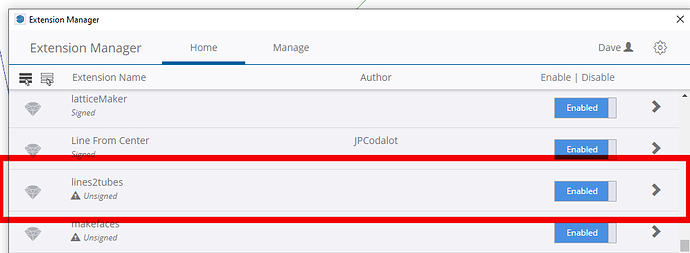
    @a4jp-com As I said in my last post... It works with v2024 - I tested it. You just need to have a WorkPlane made to project on to [my separate Plugin], and because very old plugins like these are unsigned, then your Extensions Manager's Loading Policy needs to be set to Unrestricted. You asked in your previous post for it to be 'updated' - how? It's very old and won't be changed now - but it still works...
  • Connect edges tool does not work. Pleeeeease help.

    2
    1 Votes
    2 Posts
    82 Views
    Rich O BrienR
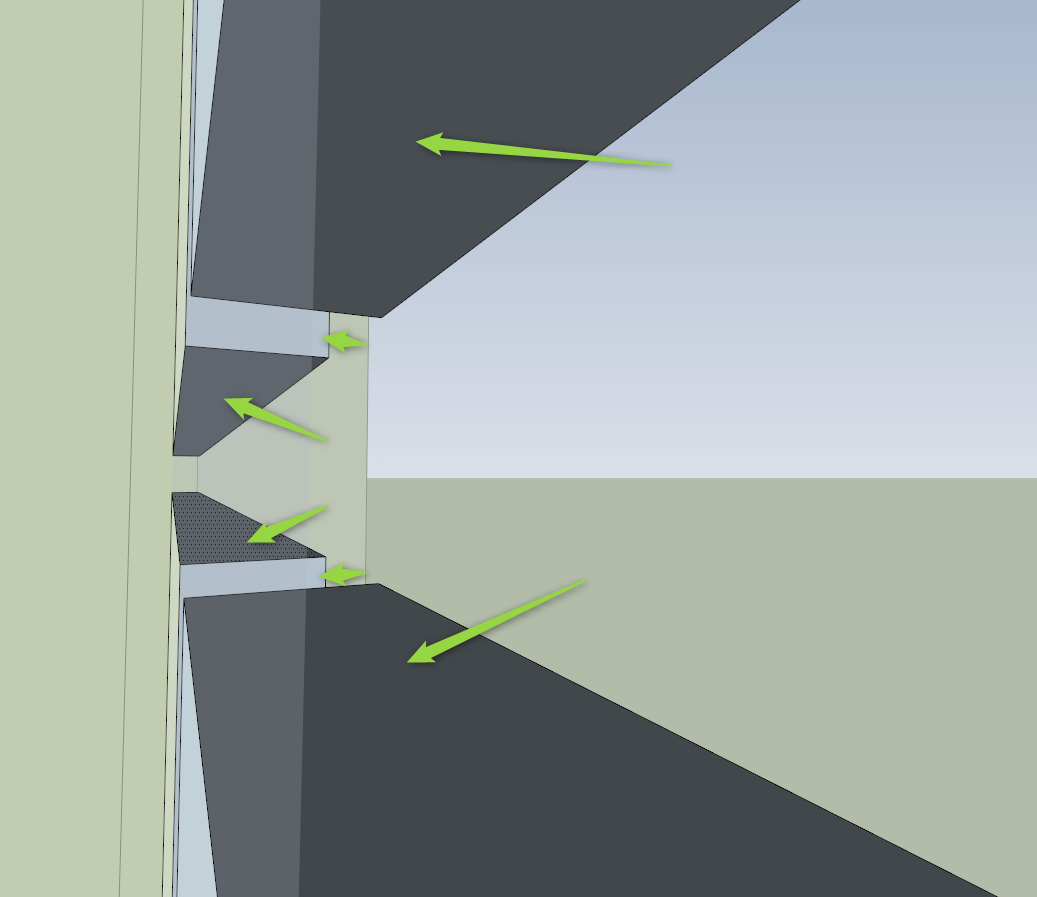
    @archkimelena said in Connect edges tool does not work. Peeeeease help.: As you can see it connect only upper part I can't see I'm afraid
  • Create face nonplaner edges

    1
    0 Votes
    1 Posts
    73 Views
    No one has replied
  • [Plugin] Dialog Cascader - recover and collect Ruby dialogs

    Moved
    2
    2
    0 Votes
    2 Posts
    154 Views
    massimoM
    Moved to plugins section as requested.
  • LOTT POSITION

    2
    0 Votes
    2 Posts
    109 Views
    fredo6F
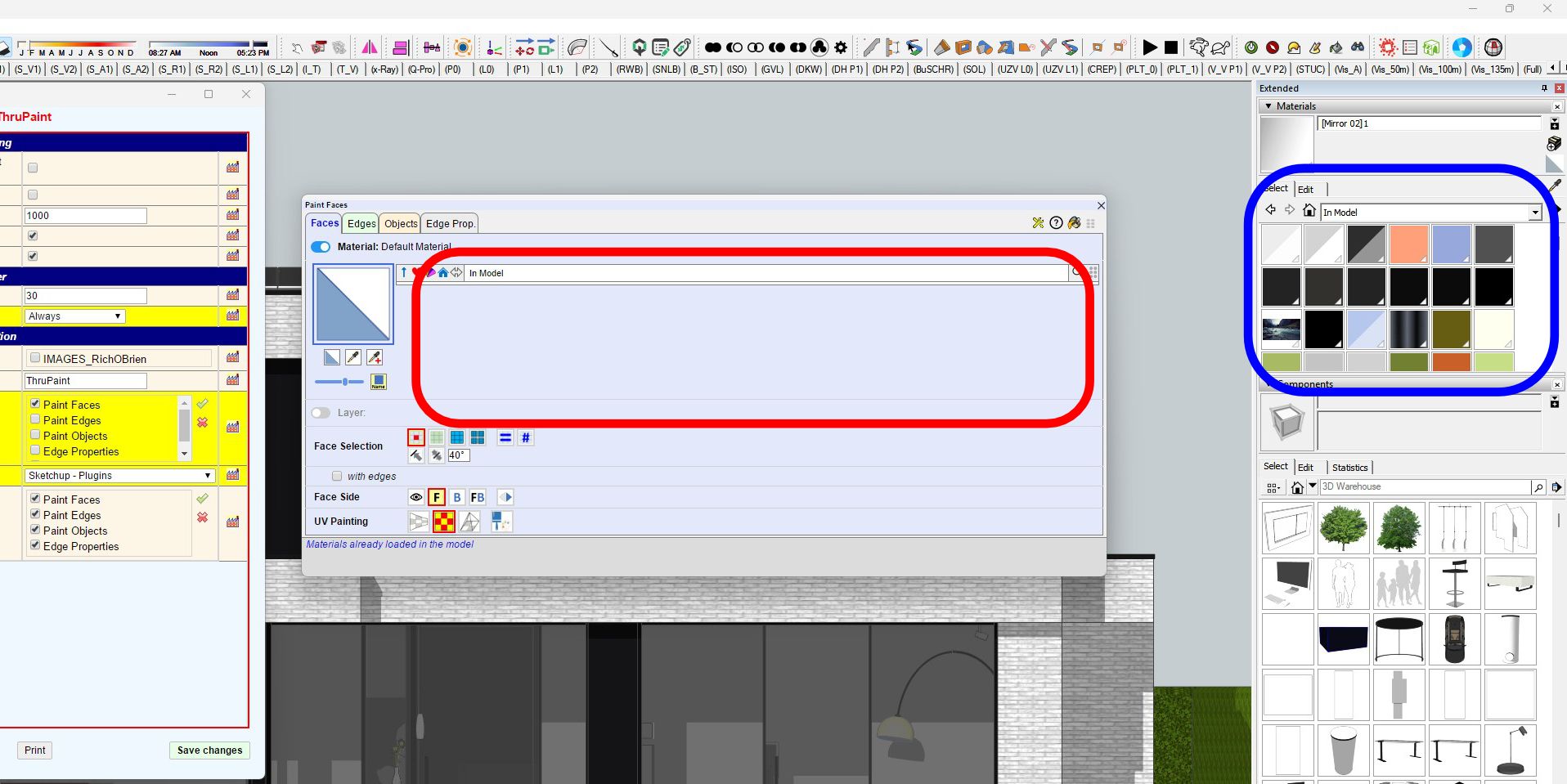
    @Blns Can you go to the Default Parameters dialog and uncheck the option [image: 1718193677414-8b9c92b8-7c74-4912-857c-919cb26a208e-image.png]
  • [Plugin] Automatic Face Reverser

    35
    0 Votes
    35 Posts
    84k Views
    P
    Hi! Can someone update this plugin or recommend one with the same effect. I found Fredo tools but I don't want to install all the stuffs that I don't use. Thanks.
  • [Plugin][$] Tools On Surface - v2.6a - 01 Apr 24

    638
    4
    0 Votes
    638 Posts
    2m Views
    C
    @fredo6 Hello, how are you, thanks for your response. Well, I hope that at some point you can update the cut to geodesics, which is the most correct and there would be no errors. And you can also add the straight cut. As always, thank you very much for your dedication and the collaboration you give us.

Advertisement