🔌 Smart Spline | Fluid way to handle splines for furniture design and complex structures. Download

  • ClothWorks freezes

    2
    0 評價
    2 貼文
    395 瀏覽
    Rich O BrienR
    It would entirely depend on how dense your cloth is as to why you may encounter freezing. Might not be a device issue. Hard to say when there's no info and what it is you are trying to do. But if your cloth settings are beyond a reasonable density level then you will stress any device.
  • Introducing SimLab Composer 15 – The Future of VR Solutions is Here

    1
    1
    0 評價
    1 貼文
    329 瀏覽
    尚無回覆
  • problem with Lordofthetoolbars in sketchup 2025

    4
    0 評價
    4 貼文
    437 瀏覽
    A
    I managed to 'solve' the problem that toolbar not in place after restart Sketchup. I tried my method and it stay in place after restart. Im about to uninstall this plugin, but I think maybe there is a way to make it work and I found it. At least it work for my condition.
  • Fold objects together or snap faces?

    28
    0 評價
    28 貼文
    1k 瀏覽
    B
    Now a week to recover. And off the to the shop with intricate cuts to stress about.
  • Seamless Connection Between SketchUp and Blender

    5
    1
    1 評價
    5 貼文
    606 瀏覽
    Mike AmosM
    @ashraf I'm sorry, my post did not come across as I intended. The plugin is intended for pro use rather than hobby. You have to charge the Goldilocks price or you lose out. Too much, you lose custom, too little and you go broke. IMHO, you are charging the Goldilocks price so "You know how to charge". Power to you folks.
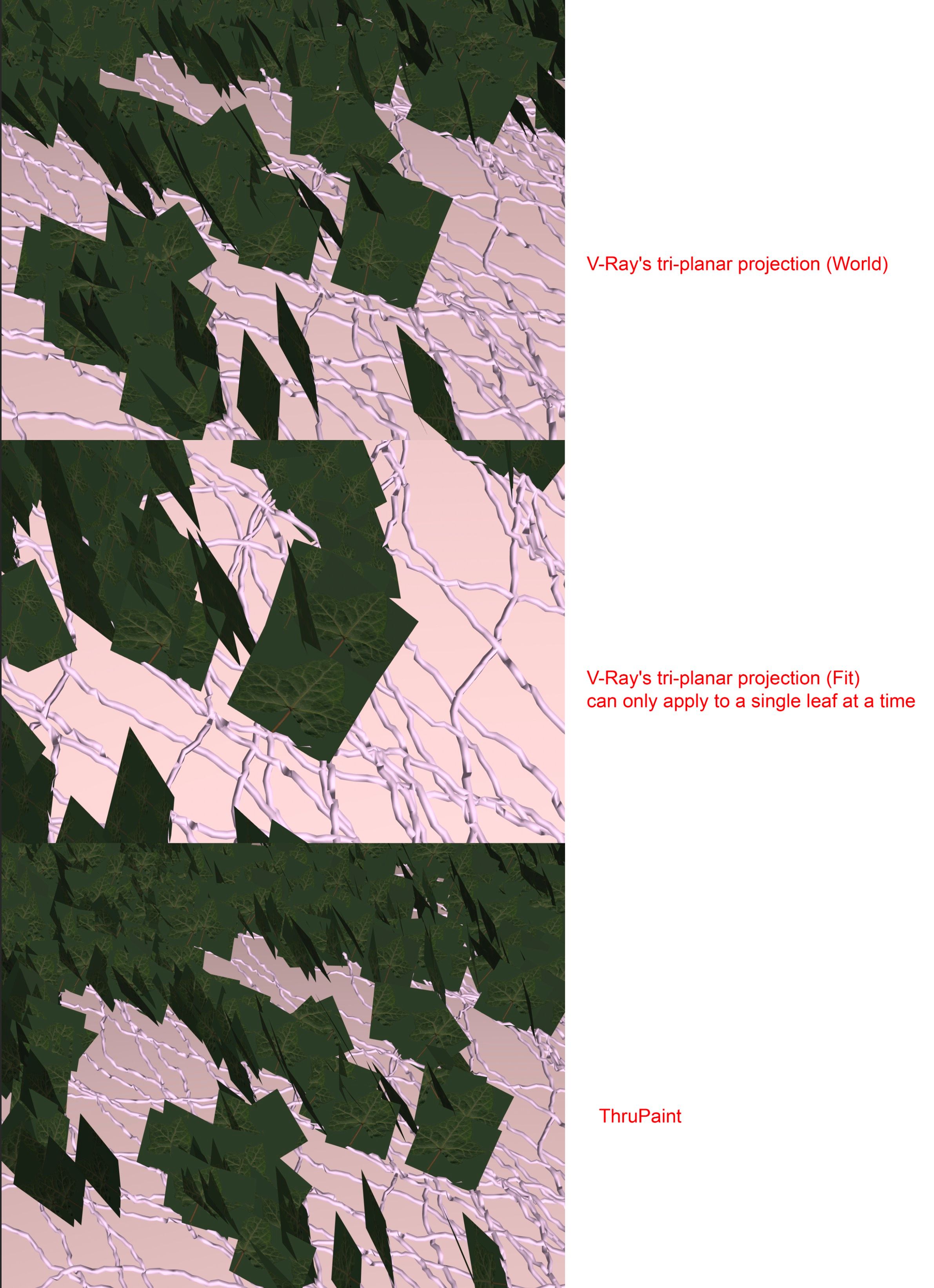
  • Struggling to fit a texture to individual faces

    4
    1
    1 評價
    4 貼文
    353 瀏覽
    Rich O BrienR
    Try Skimp to import as its importers are better than the native I find. Or Sam's Universal Importer: https://sketchucation.com/pluginstore?pln=universal_importer
  • RAYSCAPER WINDOWS

    3
    1 評價
    3 貼文
    399 瀏覽
    P
    Hey mgash, What version of Rayscaper did you download? We only support SketchUp 2025 since version 0.9.44 and higher. [1] Regards, Thomas [1] Refer to https://rayscaper.com/faq/installation/#method-2-via-the-sketchup-extension-manager on how to check your version number.
  • Plugins to add random textures to random components?

    5
    0 評價
    5 貼文
    518 瀏覽
    J
    ah thanks rich - ill give it a try
  • Double Cut extension

    1
    0 評價
    1 貼文
    300 瀏覽
    尚無回覆
  • JHS Powerbar for SU 2025

    3
    0 評價
    3 貼文
    2k 瀏覽
    grizzlerG
    I hope there's going to be an updated version soon, I miss this plugin
  • 2017 Lost and sad

    14
    0 評價
    14 貼文
    811 瀏覽
    Dan RathbunD
    The Gemini AI says: The term "gobbledygook" was coined in 1944 by Maury Maverick, a congressman from Texas. During World War II, Maverick was the chairman of the Smaller War Plants Corporation. Frustrated with the excessively long, vague, and pompous language of bureaucratic memos, he issued a memorandum to his staff telling them to "stay off gobbledygook language." He defined it as "talk or writing which is long, pompous, vague, involved, usually with Latinized words." Maverick explained that he came up with the word by thinking of the sound a turkey makes—a "gobbledygobbling" sound. He felt that the pretentious and convoluted language of officialdom sounded just as ridiculous as a turkey's gobble.
  • SVG or other vector file import WITH colors

    9
    1 評價
    9 貼文
    914 瀏覽
    Dan RathbunD
    @i5963c I would say it is a bug, although it is likely been this way forever. Check the SketchUp API tracker at GitHub to see if it has been reported yet. The GUI 3D Text tool puts the resultant text geometry within a component context. This way it can be moved around, rotated, etc. The API use of Entities.add_3d_text should also be inserting into a component or group context. This context can also have subgroups. So the workaround is to apply a transitional transform to the "g" subgroup and align it. Unfortunately, the vertical text alignment constants are for drawing text to the view for tools and overlays. So they will not apply to 3D text.
  • CadFather (Max Coppoletta): JHS POWERBAR 2020 - update to 2025 ?

    5
    1 評價
    5 貼文
    472 瀏覽
    S
    it was " without restriction" I selected ‘approve unidentified extensions’...and it works. Thank you for this information.
  • Trouble with Tools on a Surface

    6
    3
    0 評價
    6 貼文
    276 瀏覽
    fredo6F
    Precisely. The bug should be fixed in v15.4c.
  • Shrink wrap an object with Clothworks?

    clothworks modelling
    5
    1
    0 評價
    5 貼文
    239 瀏覽
    S
    @Mike-Amos This is a great idea. Always love that it's something so simple
  • No LibFredo6 for SKU 2025

    4
    0 評價
    4 貼文
    226 瀏覽
    TIGT
    @pierrejean Just mention his name in a post - e.g. @fredo6 Mentionnez simplement son nom dans un message, par exemple @fredo6
  • Importing/creating streetmap data into Sketchup

    5
    1
    0 評價
    5 貼文
    314 瀏覽
    M
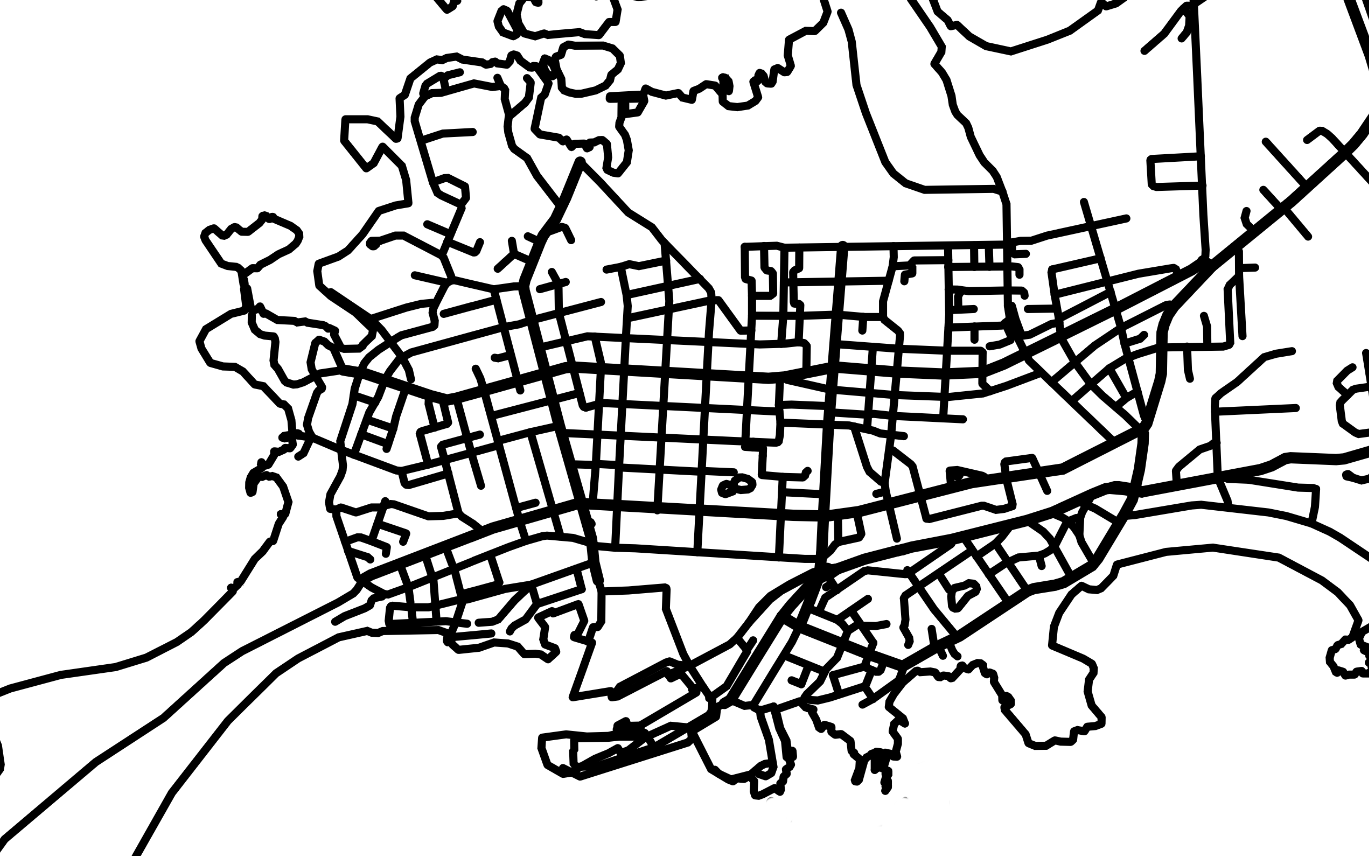
    @Rich-O-Brien Thanks for the suggestion. I noticed this tool few weeks ago and this would be perfect for "tracing roads" because you can define the road width separately. Unfortunately I have not found a way to include coast line in this tool and the water/sea areas are not properly defined. Hopefully this tool will be even further developed.
  • Model for 3D print will not make solid (SU 2015)

    10
    0 評價
    10 貼文
    430 瀏覽
    jgbJ
    OK, I'll try meters next 3D printed model. Again, thanks for the help and advice. jgb
  • 3d dimensions visible for render

    2
    0 評價
    2 貼文
    135 瀏覽
    Dave RD
    I don't believe there are any extensions to do that. You could use 3D text and drawn 3D dimension and extension lines to create the geometry. I find it's simper and faster to combine a couple of image exports; the render and a dimensions-only image direct from SketchUp. This is a quick 10 second render to show the idea. The render: [image: 1751736869218-vise-render-resized.png] The dimensions-only image export from SketchUp: [image: 1751736887769-creasman-moxon-vise-dimens-resized.png] And after combining them in an image editor: [image: 1751736926906-creasman-moxon-vise-render-resized.png] The layer for the dimensions is set to Multiply in the image editor.
  • [Plugin] NT_Replacer - v1.0.1

    2
    5
    2 評價
    2 貼文
    215 瀏覽
    3
    thanks

Advertisement