Sketchucation Tools 5.0.7 | Licensing improvements and bug fixes Learn More
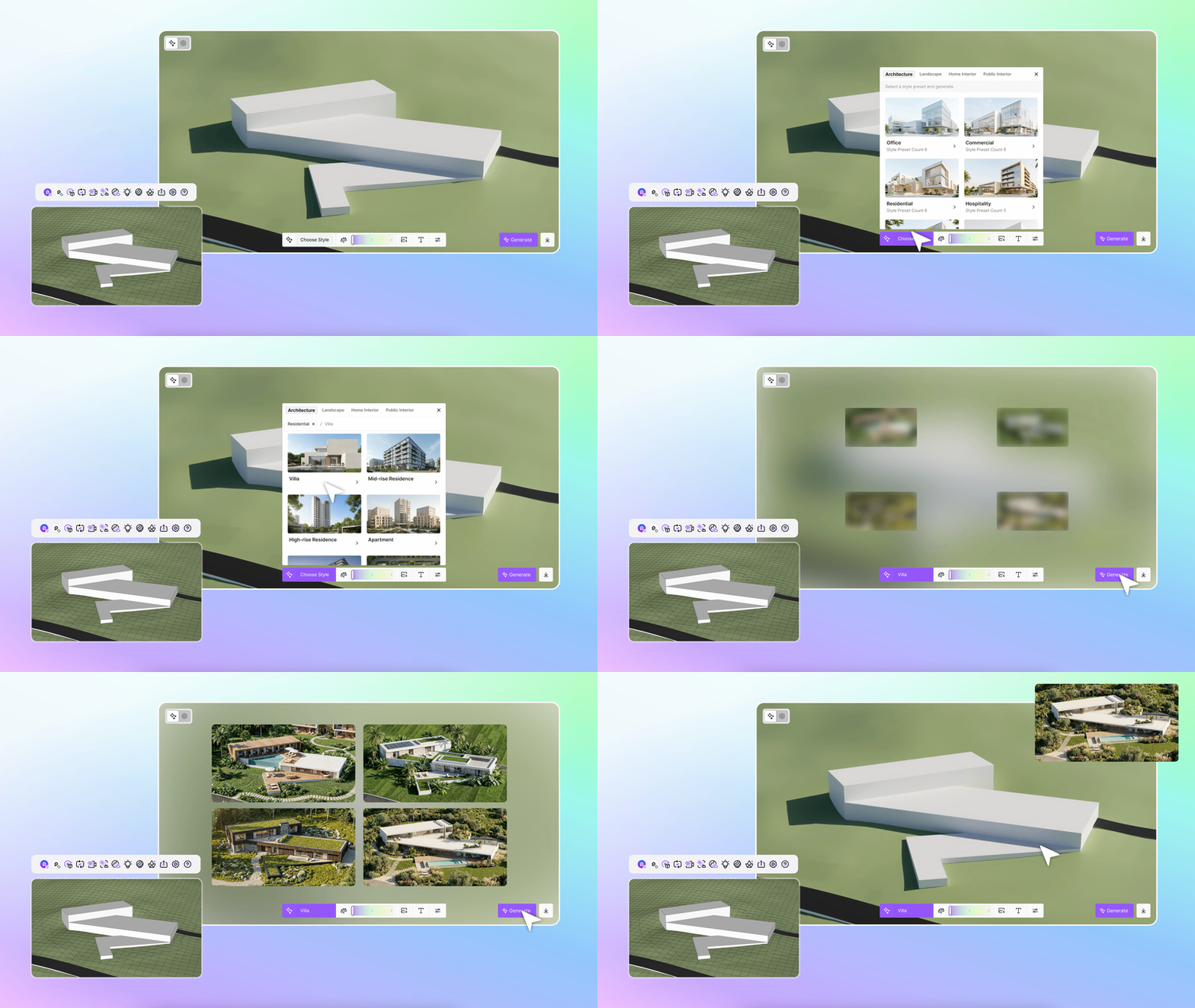
  • VBO SkAgent — AI Agent Bridge for SketchUp

    Plugins
    1
    0 Votes
    1 Posts
    168 Views
    No one has replied
  • Urasik Instance Rename v03

    Plugins
    2
    2
    0 Votes
    2 Posts
    231 Views
    BerserkB
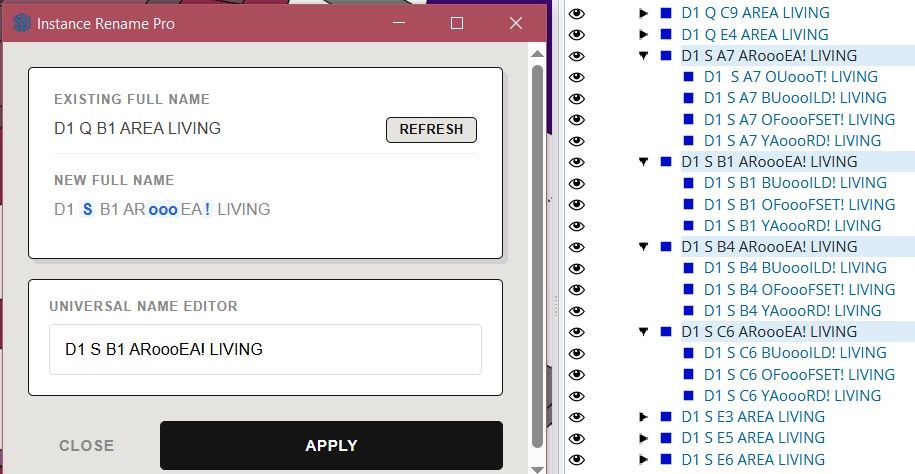
    UPDATE with a fix (made mistakes in some scenarios) Urasik Instance Rename v03_01.rbz
  • Design Proposal

    WIP
    2
    1
    3 Votes
    2 Posts
    165 Views
    tuna1957T
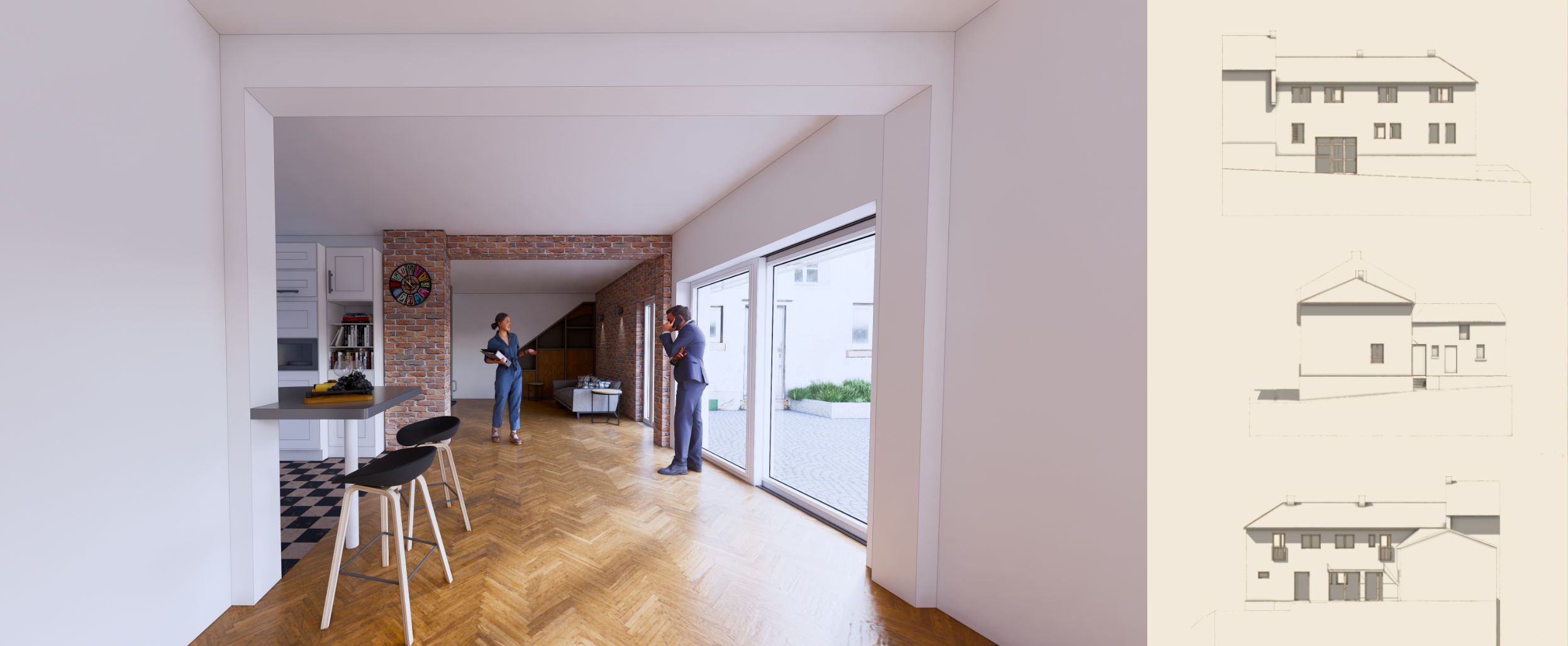
    As your usual work an excellent concept and presentation. Well done.
  • [Plugin] TIG_ShowTime

    Plugins
    10
    2 Votes
    10 Posts
    536 Views
    TIGT
    Here's v1.4 https://sketchucation.com/pluginstore?pln=TIG_ShowTime The Export PNGs coding has been streamlined and the time taken per image & total is now reported in the RC.
  • 1 Votes
    4 Posts
    146 Views
    Rich O BrienR
    So it’s working now? I’ll send the dev an email about your findings
  • Can't locate SketchyFFD inside sketchup

    Newbie Forum sketchup
    4
    0 Votes
    4 Posts
    1k Views
    M
    thank You I can't believe I am benifiting something from 2013
  • 0 Votes
    3 Posts
    136 Views
    A
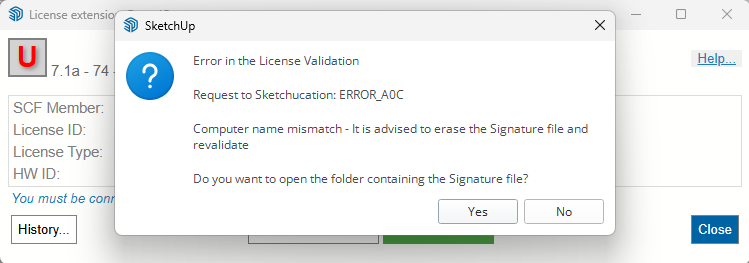
    Hello, I have recently purchased a full license for SketchCuisine via SketchUcation, and the license appears to be successfully validated (status shows "validate_success"). However, the plugin is not functioning correctly. Issue description: The plugin appears in the Extensions menu and toolbar License is active and validated When clicking on any SketchCuisine tool (icons or menu commands), nothing happens (no dialog, no action) Only the info/settings window can be opened What I have already tried: Assigned the license seat correctly (1/3 seats active) Restarted SketchUp multiple times Reset workspace Disabled other extensions (including V-Ray and Sketch-Int) Completely uninstalled and reinstalled the plugin (including manual removal from Plugins folder) Logged in to SketchUcation and confirmed license activation Tested in SketchUp 2022 Despite all of the above, the tools remain unresponsive. Could you please advise on how to resolve this issue, or confirm if there are known compatibility problems with current systems? Thank you in advance for your support. LG

  • Foundation Plugin

    Plugins
    450
    0 Votes
    450 Posts
    484k Views
    medeekM
    Version 2.1.4 - 04.13.2026 Enabled quantity 4 and 5 bars of footing rebar for strip footings.
  • [Plugin] SketchyBevel 0.1(Updated May 11)

    Plugins
    143
    0 Votes
    143 Posts
    134k Views
    R
    Nao consigo instalar
  • [Plugin][$] VisuHole - v1.5a - 01 Apr 24

    Plugins
    104
    4
    0 Votes
    104 Posts
    131k Views
    B
    Hi, It's a great app! I only have one problem on a certain surface it will not cut rectengular/square holes. Only when I rotate them it wil cut a hole. Round, oval, diamond whatever shapes seem to work ok. Do you have any idea? It was the same in al the earlier versions, now using the latest update. Many thanks in advance! Bob VisuHole_NoHole1.mp4
  • How to publish a new extension

    Developers' Forum
    4
    1 Votes
    4 Posts
    265 Views
    V
    Hi everyone, I’m in the same boat as the OP. I’ve been looking for the official portal or application process to obtain developer/author permissions for the PluginStore. @rich-o-brien , could you please point me in the right direction? To give you a bit of context: I am a senior Ruby developer with 17 years of experience, primarily in Ruby on Rails. Over the past three years, I've transitioned my focus to the SketchUp Ruby API and have developed several tools (both free utilities and premium versions) that I’m eager to share with the community. I’ve explored the site but couldn't find the specific sign-up page for publishers. I would greatly appreciate your guidance on the verification process and how to get started. Thanks in advance!
  • Fredocorner freezing

    Plugins
    2
    1 Votes
    2 Posts
    85 Views
    Rich O BrienR
    Lots to consider. Generating geometry is intensive and since you have not shared any info regarding the details it is hard to say why. Can you share the model or a portion of it where this happening?
  • 0 Votes
    7 Posts
    337 Views
    fredo6F
    Just delete the file.
  • 1 Votes
    4 Posts
    967 Views
    D
    @Rich-O-Brien Thanks, Rich! I’ve just sent an and I really appreciate your help on this. Looking forward to the next steps.
  • 0 Votes
    8 Posts
    976 Views
    Dave RD
    No new yet. Still the same as it's been.
  • Seats Exceeded

    Extensions & Applications Discussions
    3
    0 Votes
    3 Posts
    158 Views
    B
    Thanks. I didn't knew the option "release seats" was available. Now I do and it works like charm.
  • Soap Bubble

    Extensions & Applications Discussions
    9
    0 Votes
    9 Posts
    545 Views
    Gus RG
    It's up! Got the word just now from the author, J. Leibinger. https://extensions.sketchup.com/extension/c8d49537-51db-40a7-ac0e-474a244eb525/soap-skin-and-bubble
  • Modeling with mdkBIM

    Extensions & Applications Discussions
    2
    3
    2 Votes
    2 Posts
    104 Views
    Rich O BrienR
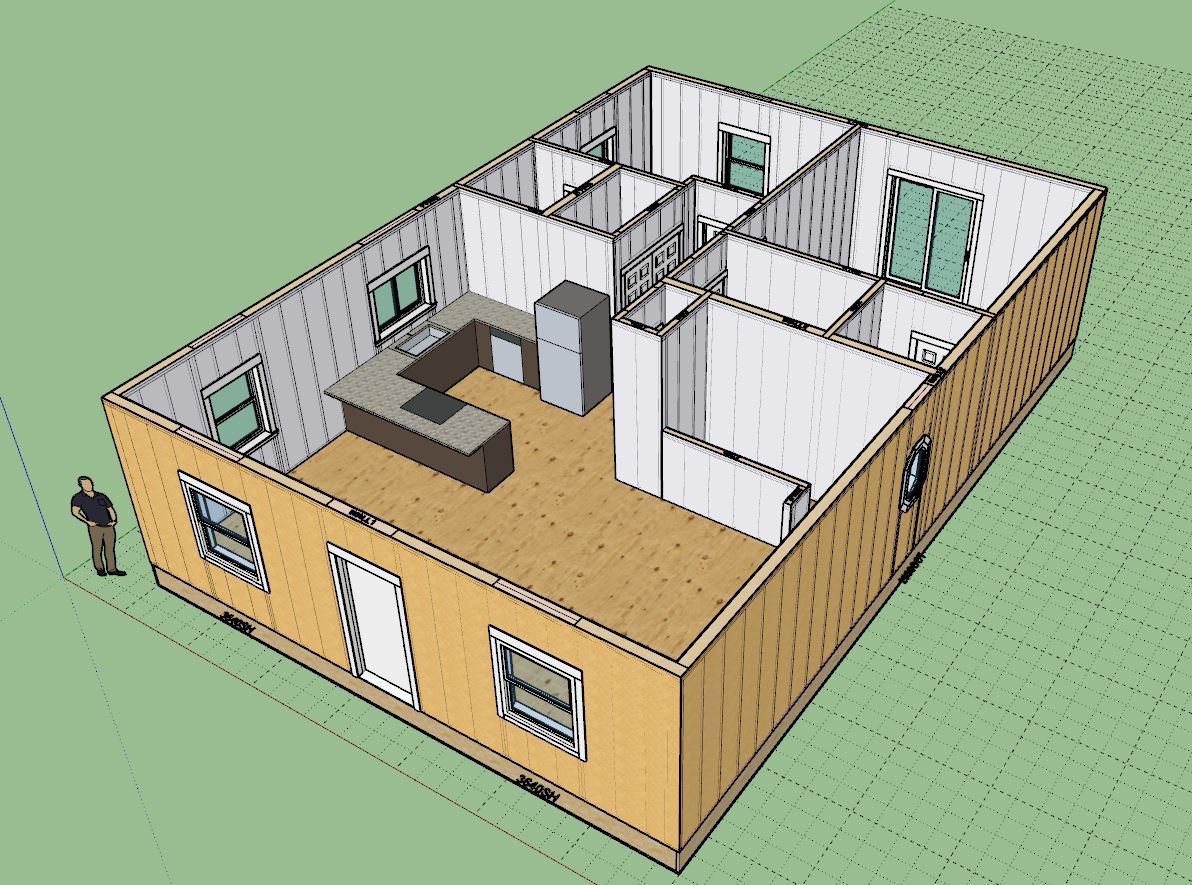
    Tidy design. South facing for the bedrooms?
  • I Think I've Finally Finished my Falkestraße Model...

    Gallery
    43
    1
    4 Votes
    43 Posts
    2k Views
    jo-keJ
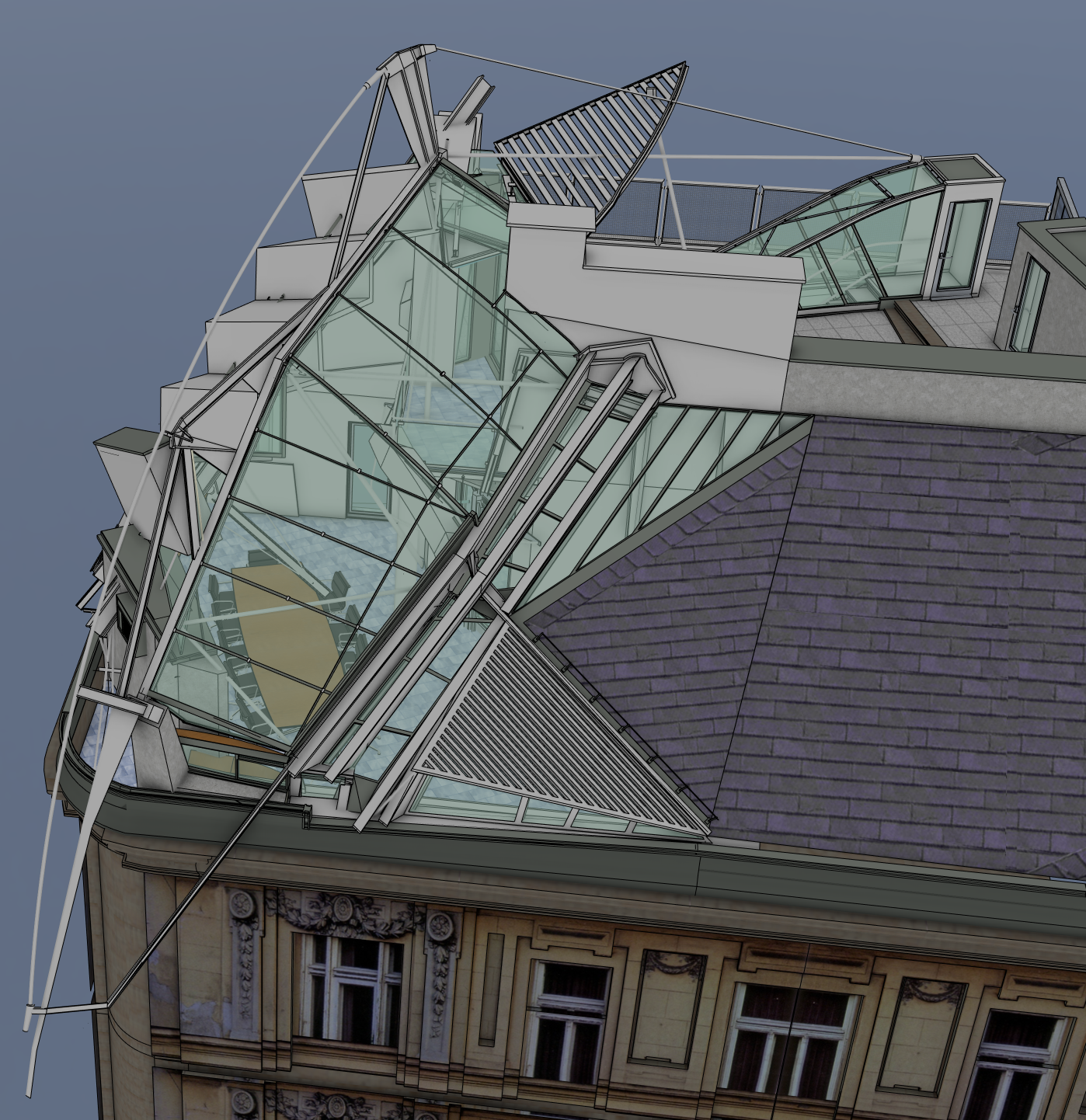
    Wow. I will have a look.... looks like a nice weekendwork.... Danke schön
  • 0 Votes
    23 Posts
    4k Views
    C
    Installed last week and I began to enjoying it. Great extension! Very useful! But since the last SketchUp update, the extension is not working. SU version 26.1.252. A message appears saying there are compatibility issues with this extension. EDIT: In the 26.1.256 version works again!