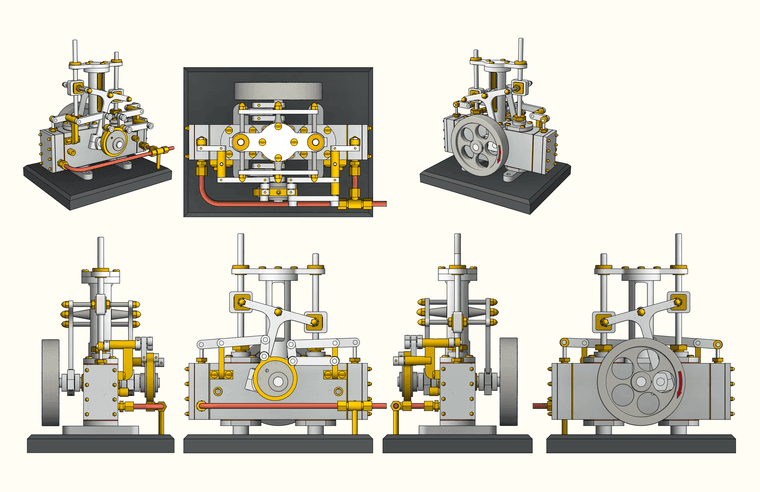
These things seem to find me. I come across various sources for dimensioned drawings of various machines and use them to make these models. I find them a good alternative to the woodworking models I tend to do for clients.
Oops, your profile's looking a bit empty! To help us tailor your experience, please fill in key details like your SketchUp version, skill level, operating system, and more. Update and save your info on your profile page today!
Urasik Extensions | Lots of new extensions to check out Learn More
 Offline
Posts
-
RE: "Watt" Micrometer
-
RE: Sketchup and Miniature Modelling STLs
You have the Softening/Smoothing set ridiculouslu high for what you're modeling.
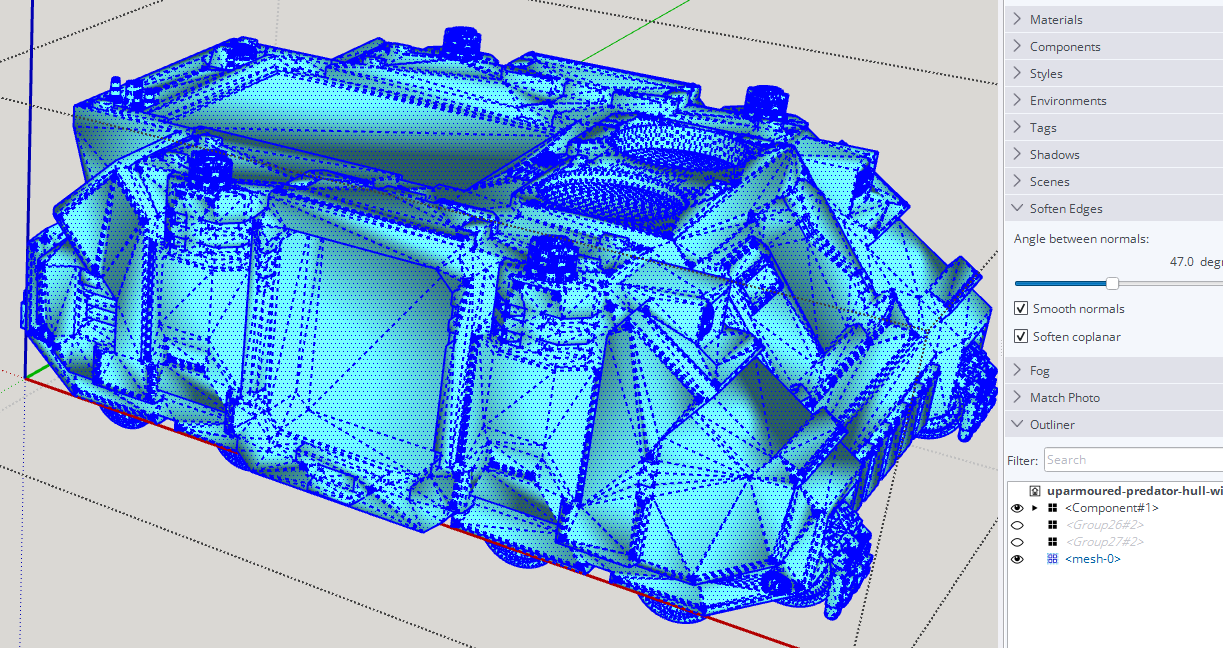
Select all of the edges and set the angle to 20°.
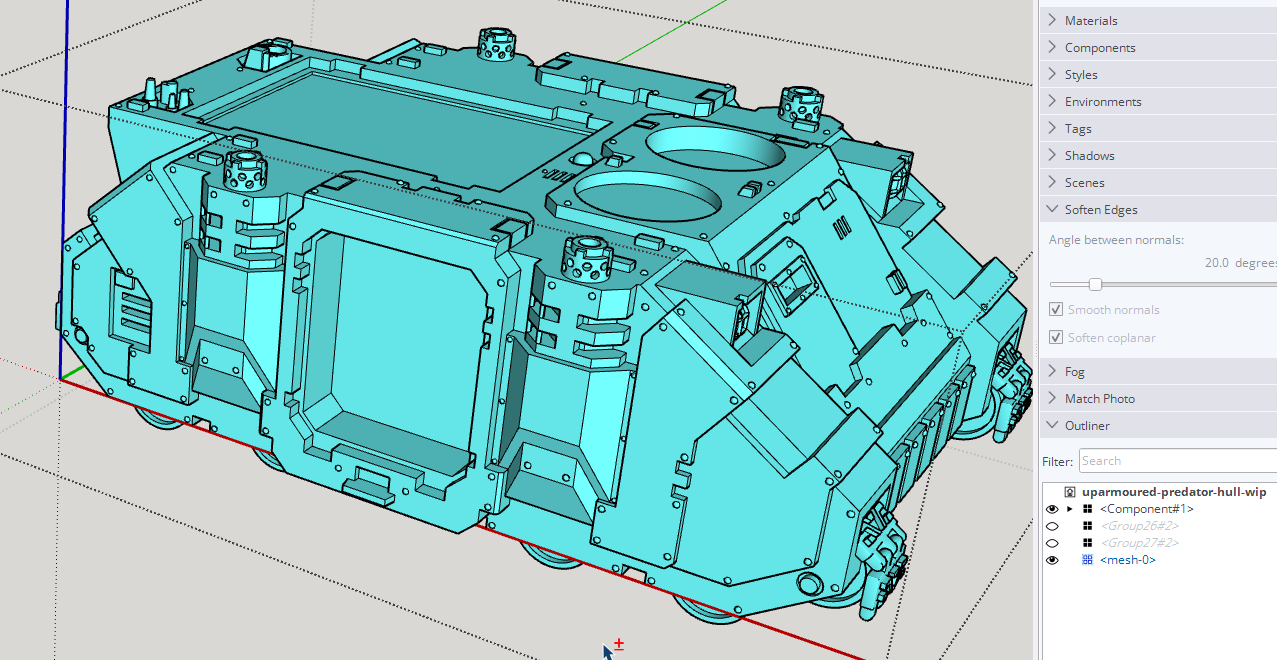
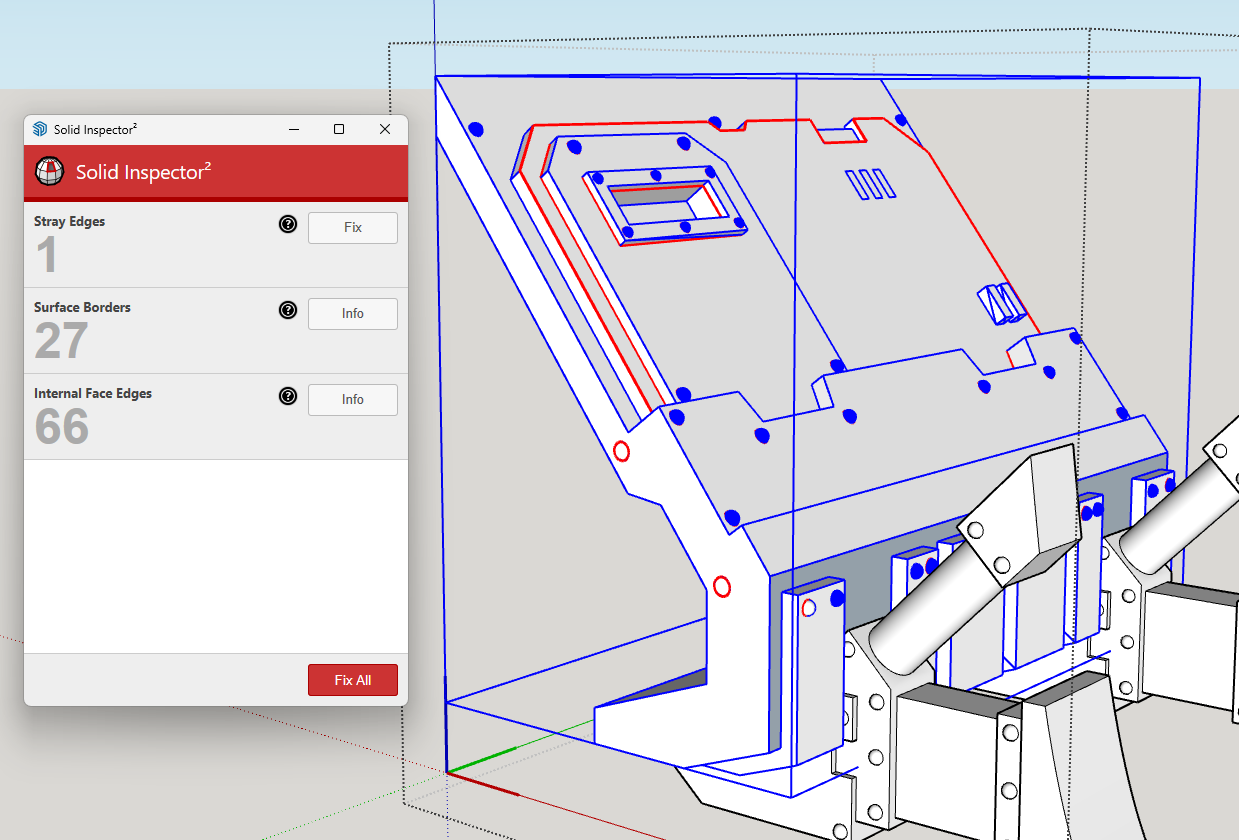
There's a lot of unneeded triangulation in the model due to the face it starts from a .stl file. That's what .stl files are.BTW, if you plan to 3D print the other thing in your model you'll need to correct the face orientation. There should be no exposed back faces (shown in blue). The back faces are all to point at the print media. White front faces are toward air.
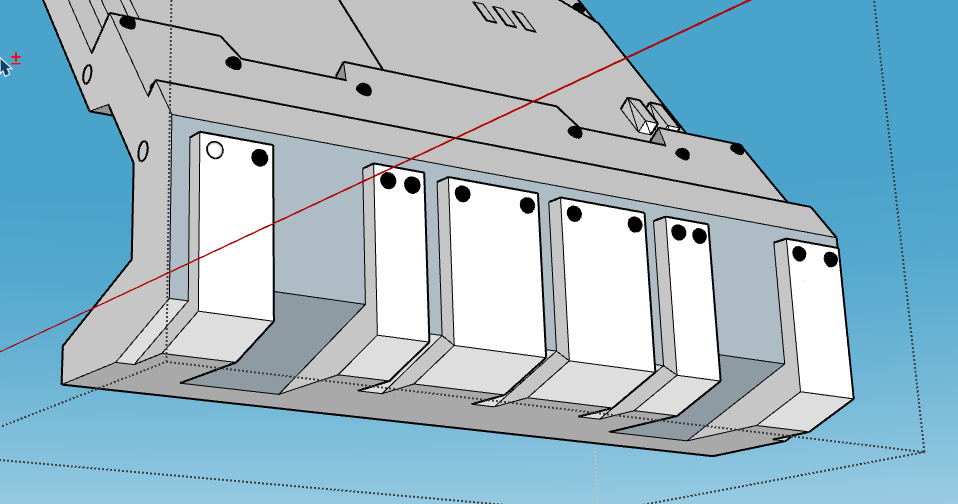
You also have some other issues to repair before it is 3D printable.
-
RE: Delete Used Components
Where do you want to delete them from? What do you mean by "used components"? If there are instances of them in the model space but you don't want them, go into the In Model Components panel. Right click on the component's thumbnail and choose Delete. That will remove all instances of the component from the model space. If there are no instances of the components in the model space, open the Details menu (black button to the right of the drop down list field) and click on Purge Unused.
-
RE: Bevel Emboss or Whatever how can i make this in sketch up???
To illustrate what @Rich-O-Brien described, I made a 3D model in SketchUp based on your image.
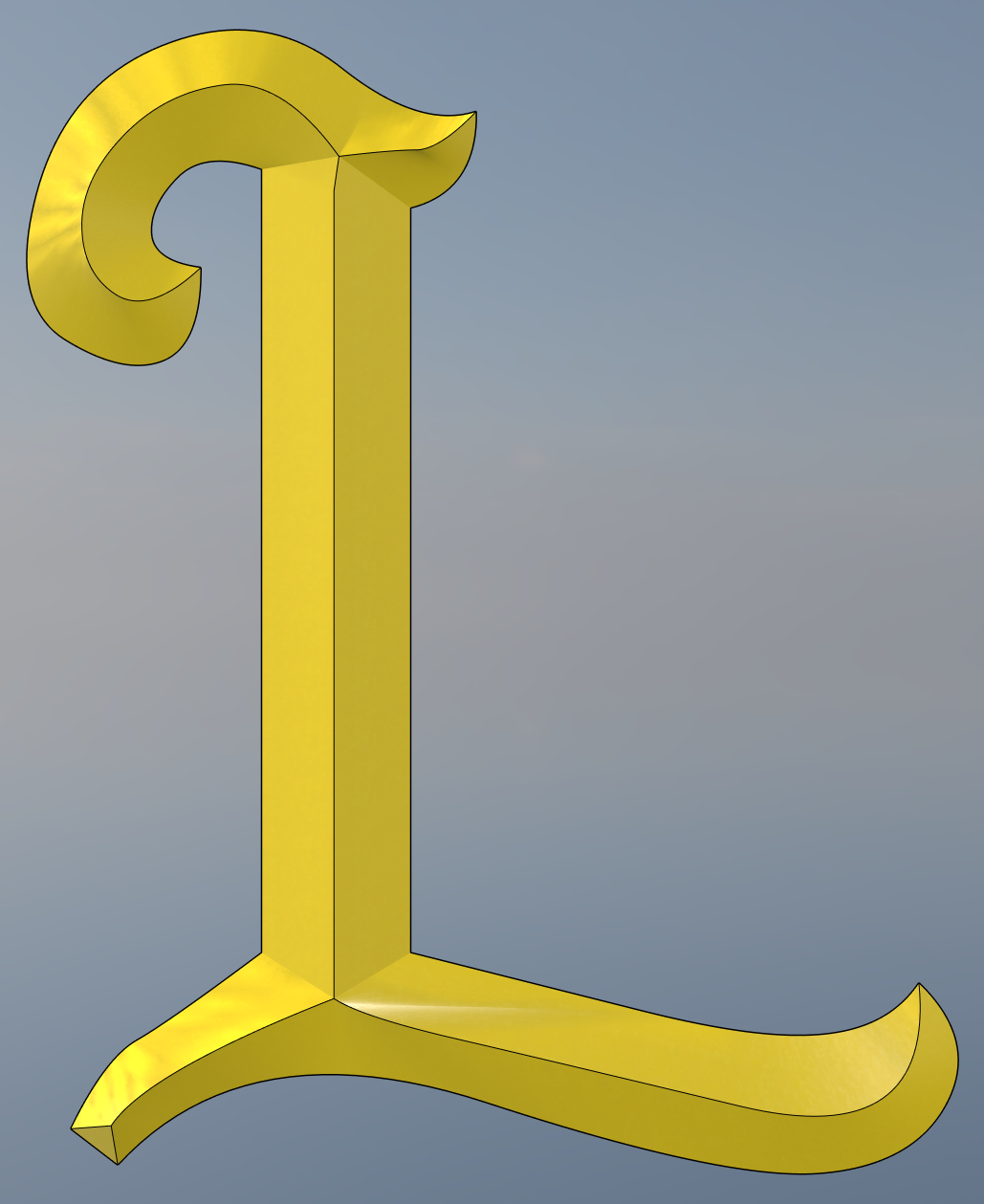
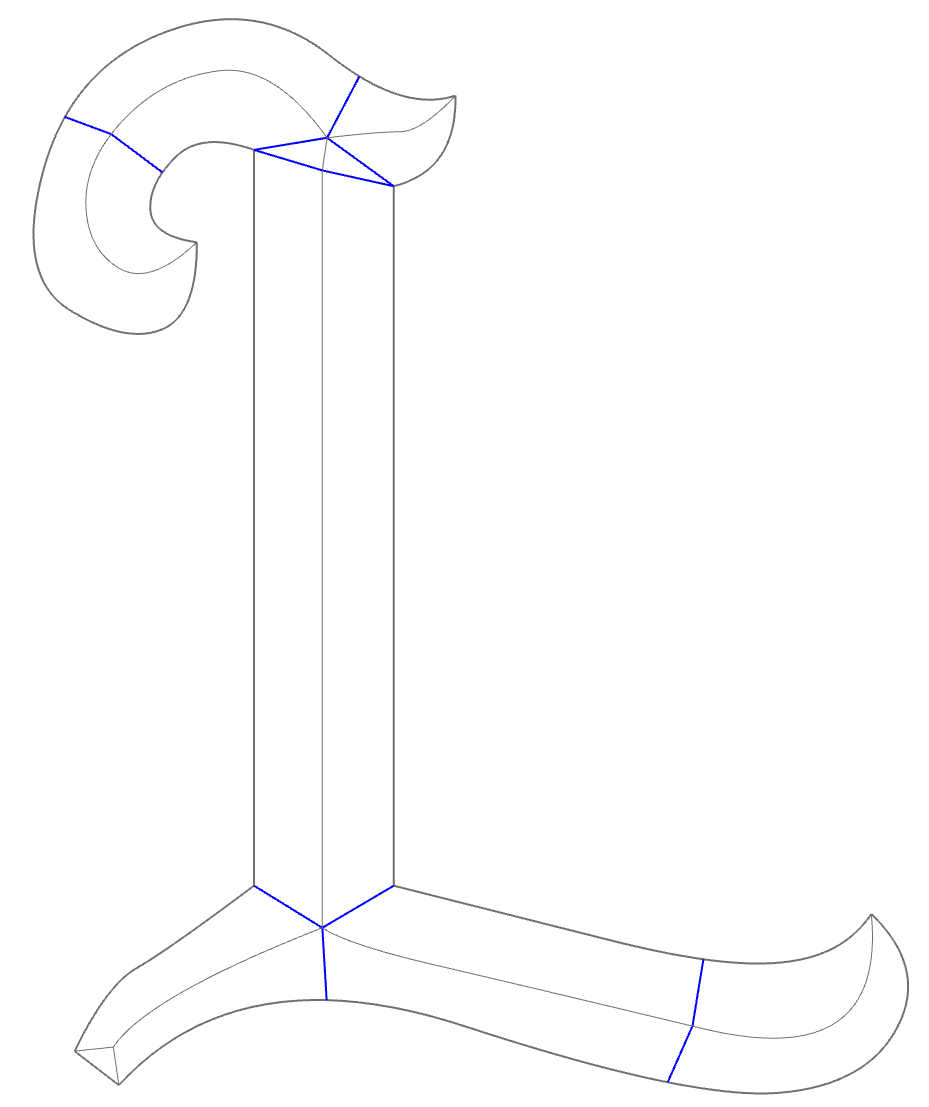
I imported your image into SketchUp as an image to trace. I made it quite large--200m tall--to avoid the tiny face issue. I used a combination of straight edges and Bezier splines drawn with FredoSpline to outline the letter, draw in the ridge lines and connect them at the various ends. Then I used TIG's Extrude Edges by Rails to create the sloped surfaces. Bybreaking it into a few sections, Extrude Edges is more controllable.
The blue edges show where I divided things up.
-
RE: "Watt" Micrometer
Thank you all.
For those who aren't familiar with reading micrometers, the lead screw which drives the moving anvil has 20 threads per inch. So one full turn of the screw moves the anvil 0.05 in. That moves the pointer on the small dial one division and of course the pointer on the large dial, a full revolution. The major divisions on the large dial indicate 0.001 in. I don't know how precisely the original lead screw's threads were made but a device like this can be quite precise in its measurements.
-
RE: Sketchup and Miniature Modelling STLs
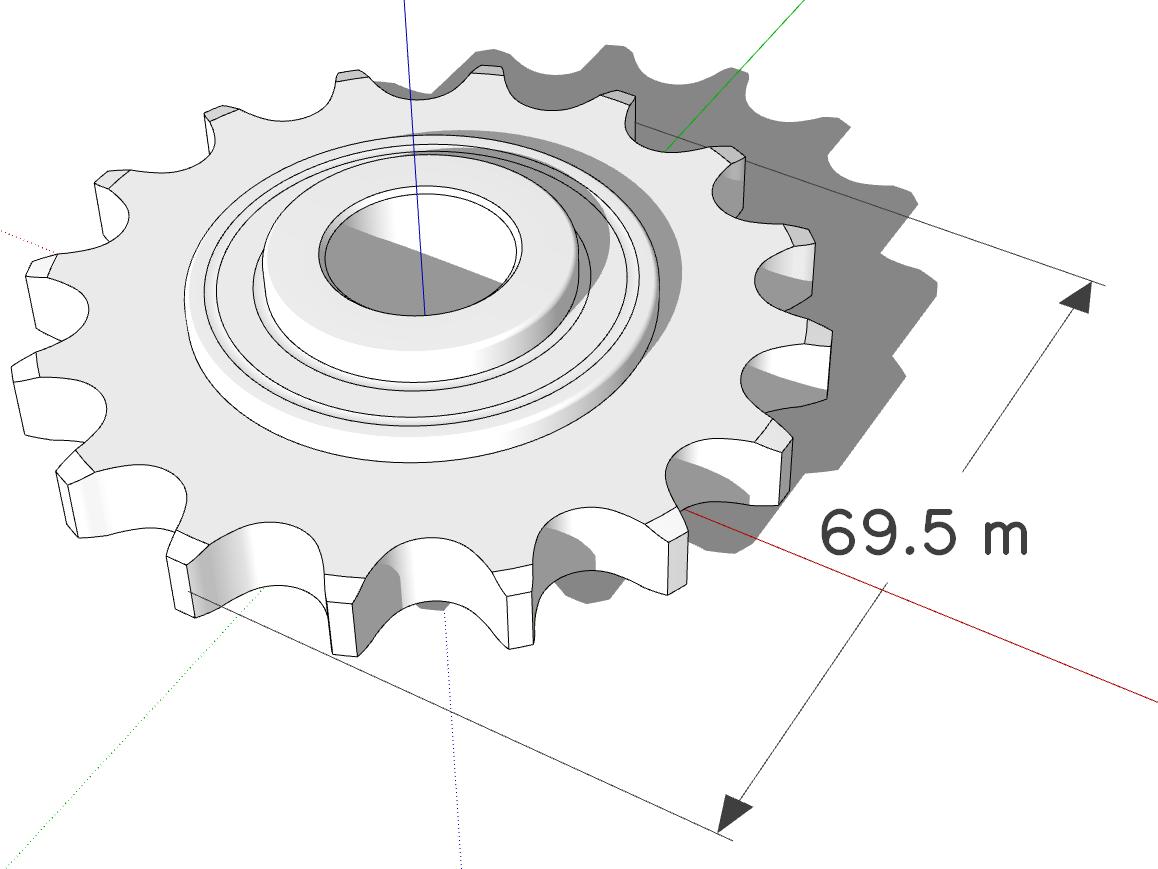
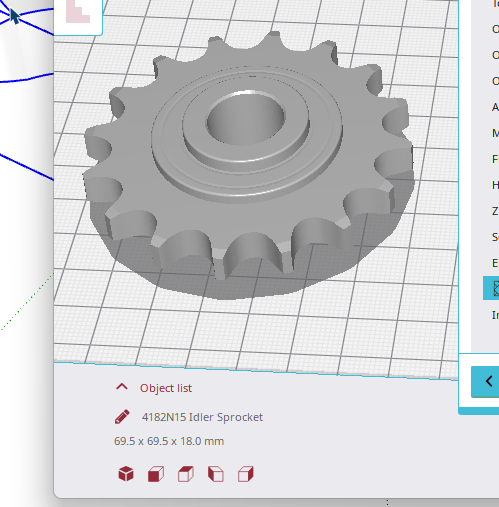
If you set the import units to meters the model will import as if millimeters are meters. and you'll be less likely to have issues with holes in surfaces. Rich's suggestion to use Skimp is a good one for simplifying the geometry after you have the .stl imported.
Set model units to meters and leave the model at the larger size. When you export the .stl again it should be in meters but will open in the slicer in millimeters. Look at existing threads in this category to see some other examples I've shown.
-
RE: Toposhaper fails installing on SketchUp 2026
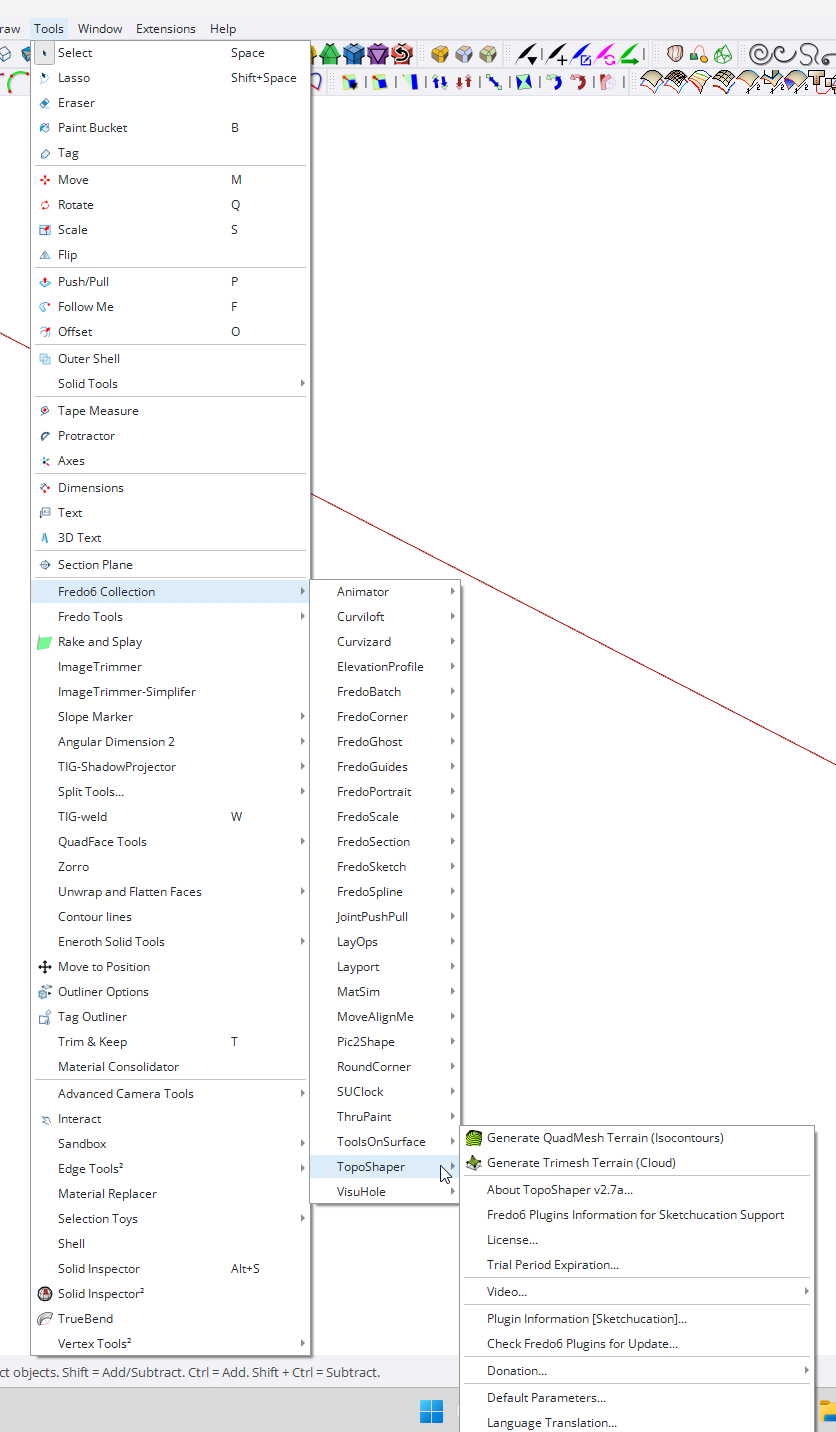
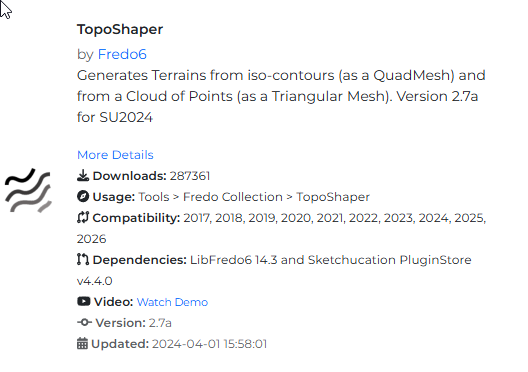
Illustrating what TIG described.
-
RE: Bevel Emboss or Whatever how can i make this in sketch up???
Did you look at the video on it's ExtensionStore page?
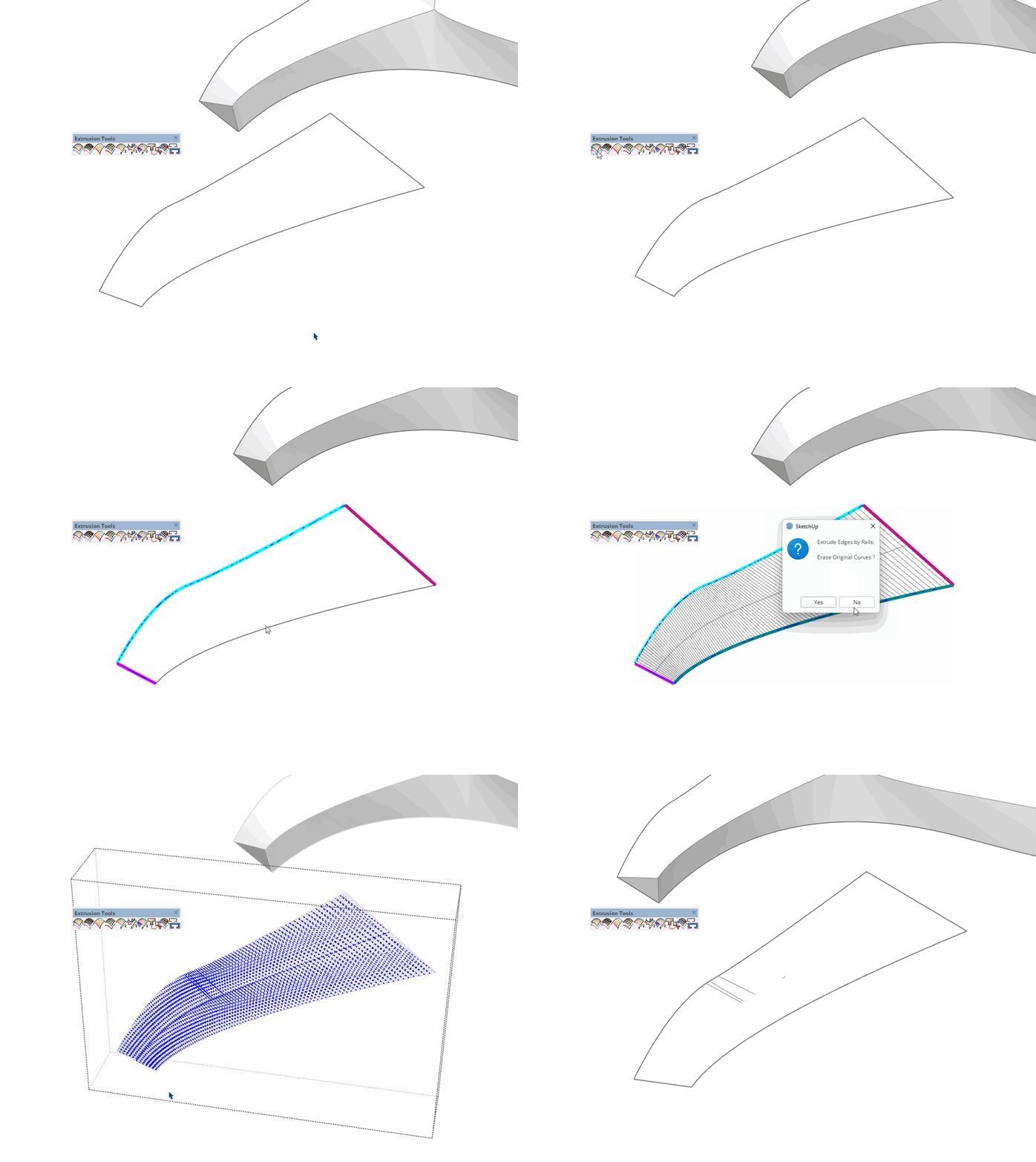
https://sketchucation.com/plugin/1103-extrudetoolsI still don't have time to do a video on the entire process but maybe this will help. I copied out the needed edges from the L I already made for this. Note that the straigh edges at the ends need to be divided into multiple segments and welded to make them curves. Two segments is enough, though. Going through the options I chose to no delete the original curves. Since the entire letter gets done in stages, you can't delete all of the edges after an extrusion because you'll need them for the neighboring steps.
-
RE: "Watt" Micrometer
@HornOxx thank you! Two ceparate lines-only exports from SketchUp combined with the render from Vray.
-
RE: Import he NCS color system from .ase-file in SU
@gullfo said:
...and there are also online and github converters to get to rgb or hex...
Did you happen to find anything that would convert all of the colors to RGB or HEX in one go? I could only find converters for single colors.
-
RE: Fredo Corner issues, need experts to enlighten me.
Due to differences in the extensions, there are some times when Round Corner works better than FredoCorner.
-
RE: Annoying pop up
@Leggy said in Annoying pop up:
Don’t tell me you’ve never drawn over hidden geometry
I haven't because I don't leave loose geometry in my models. One of the first lessons I learned about using SketchUp, even before learning about Hide, is that the geometry is sticky and new geometry will merge with existing geometry.
-
RE: Steam Engine Machinist's Model
@Rich-O-Brien
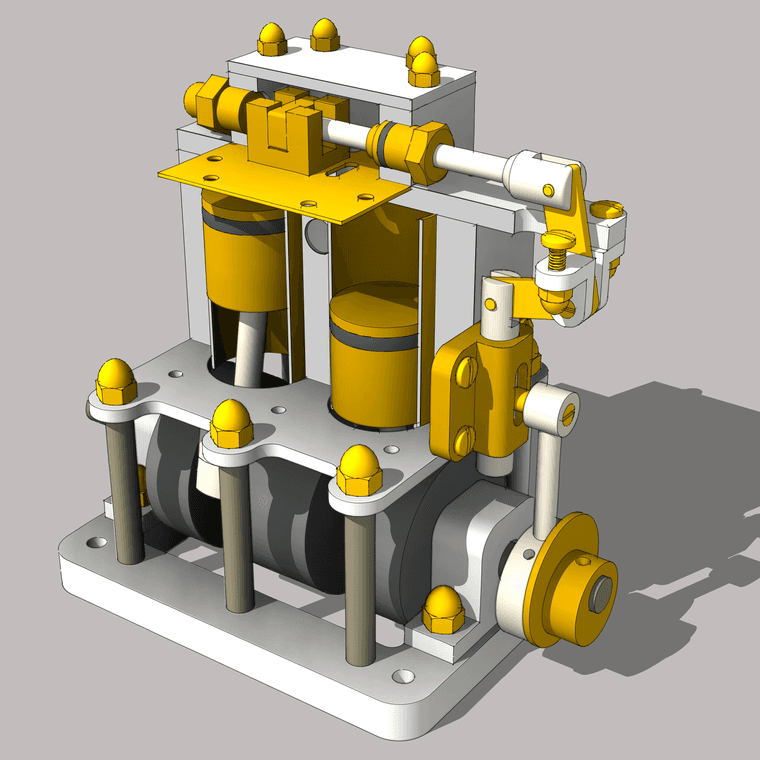
Not a whole lot of difference with AO on this one.
-
RE: How to remove non-existing but listed Material Libraries?
@HornOxx from where did you delete them? On Windows the shipped materials are in Program Data.
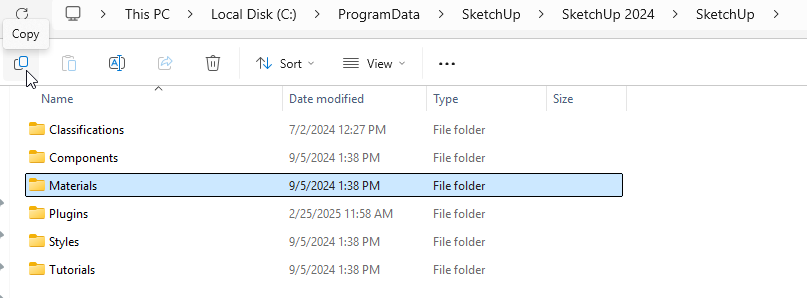
I think Rich is correct that they are also hard coded so they would get rewritten if you delete them. And certainly the folders would be rewritten if you reinstall SketchUp. -
RE: Tape Measure Modes
@LindaRose if the cursor looks like the one in Rich's screen shot, the tool will create guides. If you tap Ctrl so the curosr is the tape measure without the red +, it will only measure withot created any guides.
Guide points are created if you start from a point or intersection. Guide lines are created if you start from an axis line, an edge, or another guideline. That's all there is to the tool.
-
RE: Saving in SketchUp online
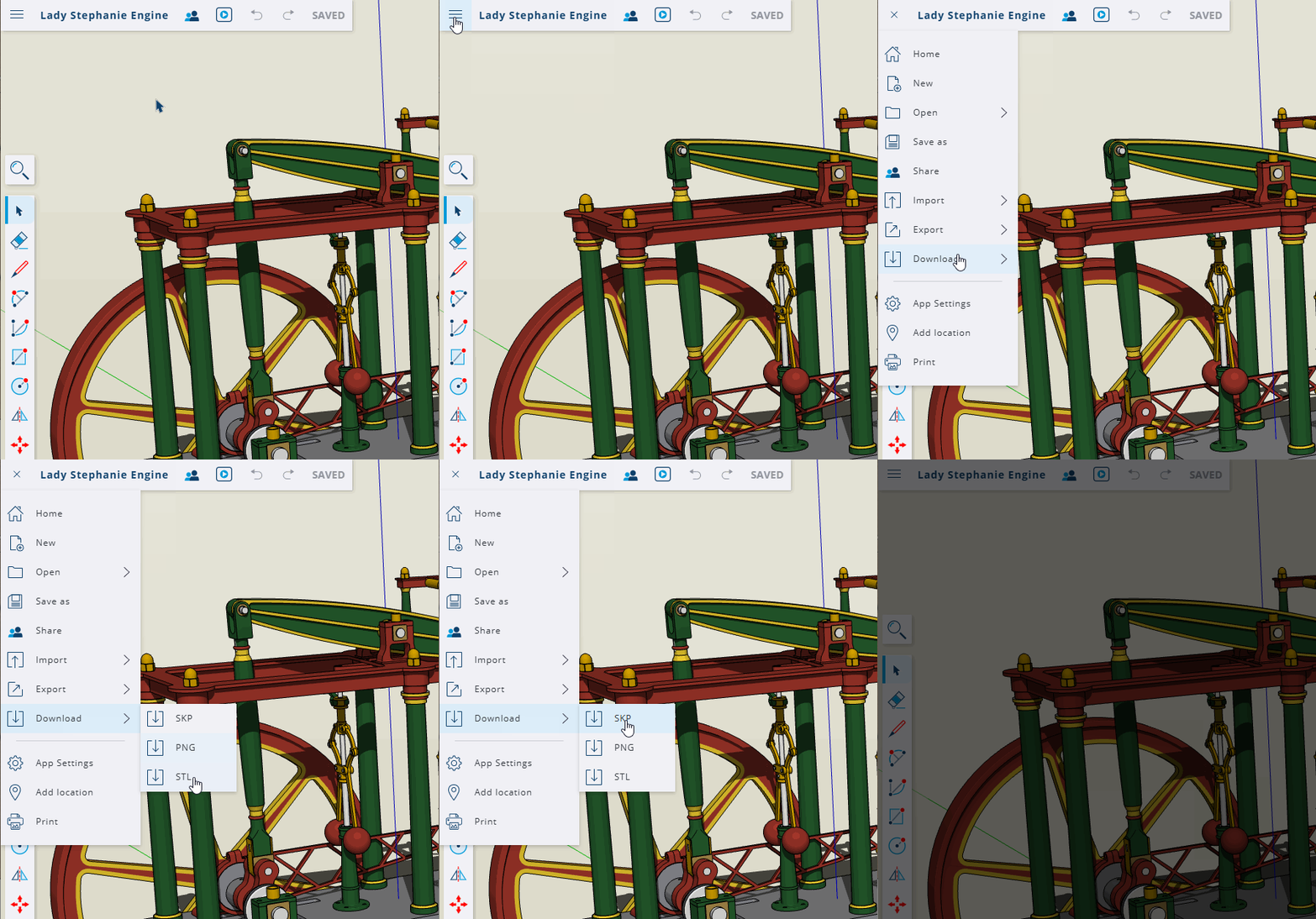
Click on Download to download the file to your computer.
-
RE: Steam Engine Machinist's Model
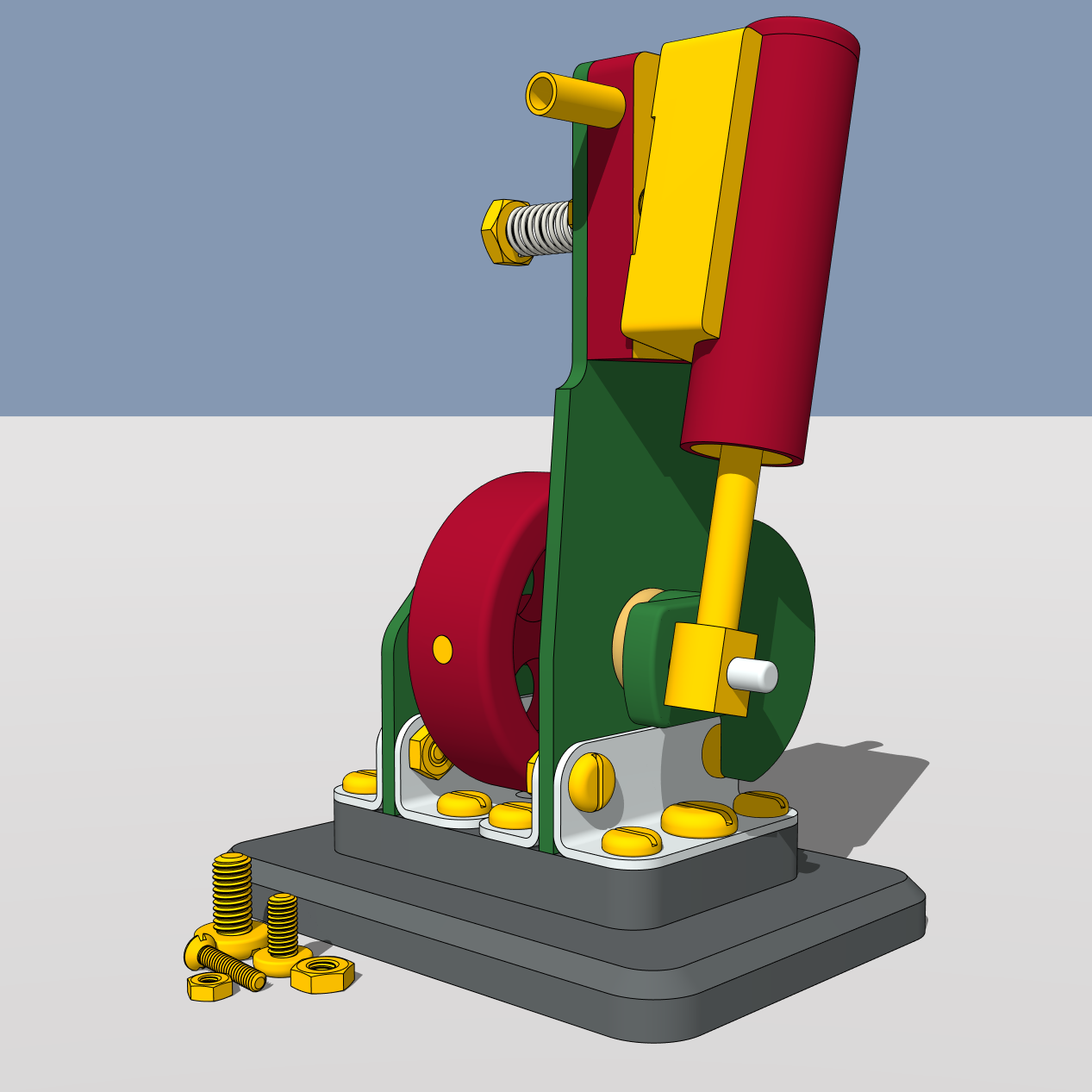
Another little machinist's model. The flywheel on this one is 35mm diameter.
-
RE: Component confusion
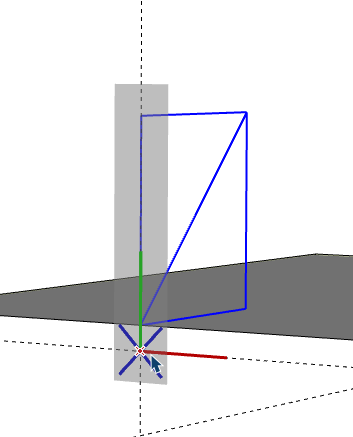
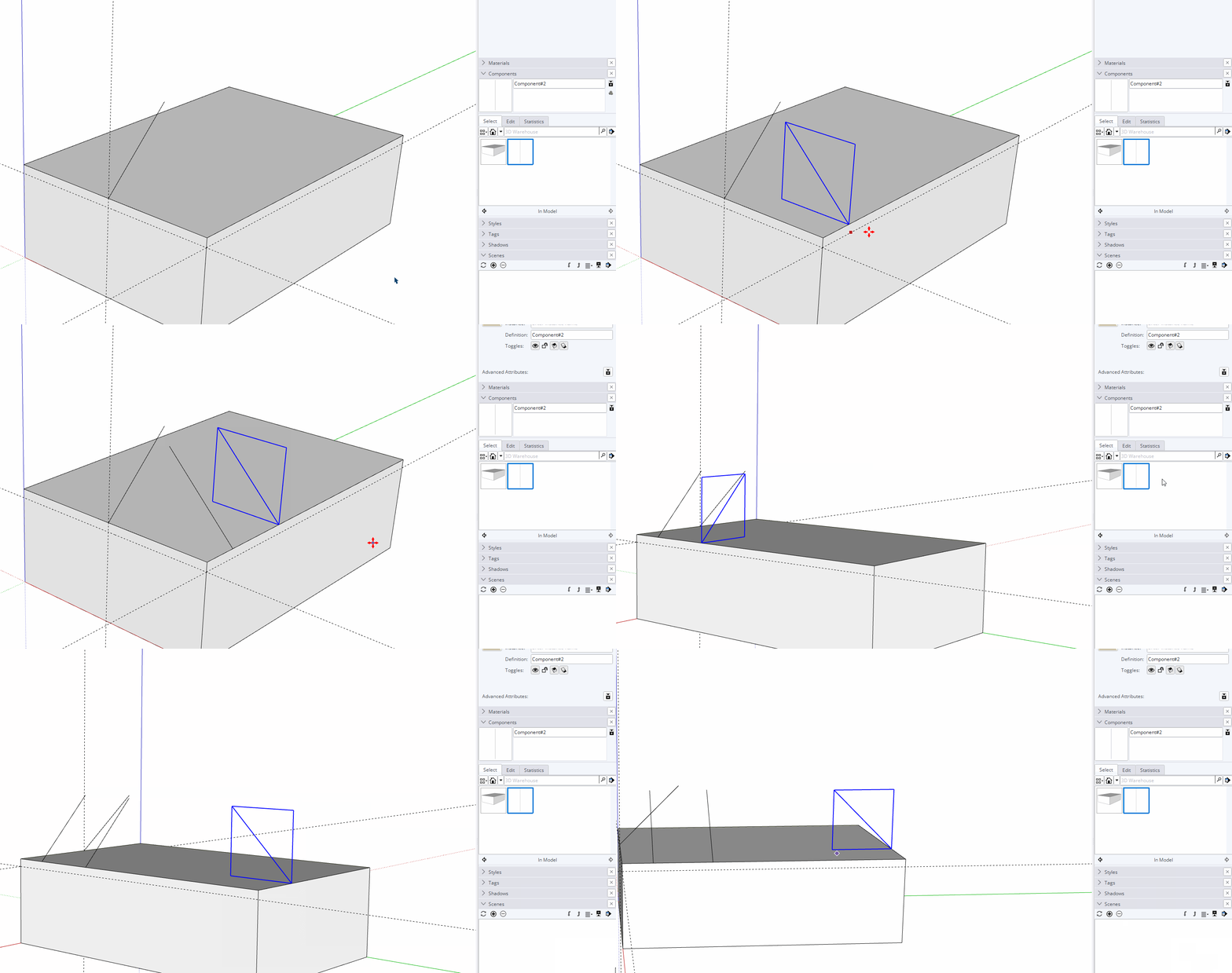
@danna Rich is correct. Rotating the component would be simplest. You could also set gluing properties for the component and drag copies of it in from the Components panel.
I've set the axes so the component's origin falls on the vertical face of the box.
-
RE: How to Add purchased plugin to a new laptop
Download and install the Sketchucation ExtensionStore and install it. Open it and sign in. Then click on the bell icon at the top and then Bundles. You should then be able to install the bundle of extensions that you installed on your desktop machine. You can download. As for the licenses, you can access the license page via the Sketchucation menu in the Plugins menu. Download your licenses and activate them for each of the purchased extensions.
-
RE: Steam Engine Machinist's Model
@Bryan-K thank you sir!
Here's some views set up in LayOut.