🔌 Smart Spline | Fluid way to handle splines for furniture design and complex structures. Download
  • Prêts à tâter des Nurbs ?

    Français
    446
    0 Stimmen
    446 Beiträge
    190k Aufrufe
    pilouP
    2026Moi3D Naca Airfoil Profil Generator French Version Beta V 5 https://moiscript.weebly.com/aile-naca.html https://www.ntop.com/ [image: 1767481023108-naca_2026.jpg]
  • SketchUp WebView2 HTML Dialog Patch

    Extensions & Applications Discussions
    2
    0 Stimmen
    2 Beiträge
    96 Aufrufe
    Rich O BrienR
    https://developer.microsoft.com/en-us/microsoft-edge/webview2 AI is not good source for a solution. You could be going down a rabbithole to nowhere. A better option would be to upgrade SketchUp if that's in your budget.
  • [Plugin] FredoBatch - v1.5a - 18 Dec 25

    Plugins
    10
    5
    1 Stimmen
    10 Beiträge
    1k Aufrufe
    alexpacio2013A
    @fredo6 This plugin is fantastic and very useful but not well known, which is why I would like to write an article about it for an Italian group, but I have a problem. Being disabled, when I open the Freddo Batch windows, they open at the top, above and outside the limits of the open SketchUp window, and due to my inability to use a normal mouse, I use a virtual mouse (eviacam). It's difficult for me to move the window because the top bar is used by eviacam but is not editable. It's only my problem, but this is the only plugin I have this issue with. Is it possible to have the windows open inside the SketchUp window? [image: 1767352063969-yljde2xlc5-resized.png]
  • [Plugin] Lattice Maker

    Plugins
    149
    0 Stimmen
    149 Beiträge
    348k Aufrufe
    O
    Thanks so much, its very useful.
  • Help needed with Sketchup.exe -RubyStartup

    Developers' Forum
    3
    0 Stimmen
    3 Beiträge
    147 Aufrufe
    F
    Let me try and explain what I'm trying to do because I have a few things I'd like to accomplish... this being what I think should be the first step. Though I tend to change/modify my ideas as I work on them. Basically I have a cabinet plugin I'm working on and one thing I'd like to do is add nesting/cut sheet/layout functionality... so basically... identify all the top faces of the panels (I can do this). make a copy of the faces before adding them to an array... still need to figure this out. launch a new instance of SketchUp and adding the faces from the array I copied... I was thinking of making a ruby script to do this and then launch/open a plugin to manage the nesting options. I got the idea after finding this... https://community.sketchucation.com/topic/139502/sketchup-command-line-switches Hopefully that's not to confusing and makes some sense.
  • Hot Rod

    WIP
    9
    1
    4 Stimmen
    9 Beiträge
    428 Aufrufe
    Mike AmosM
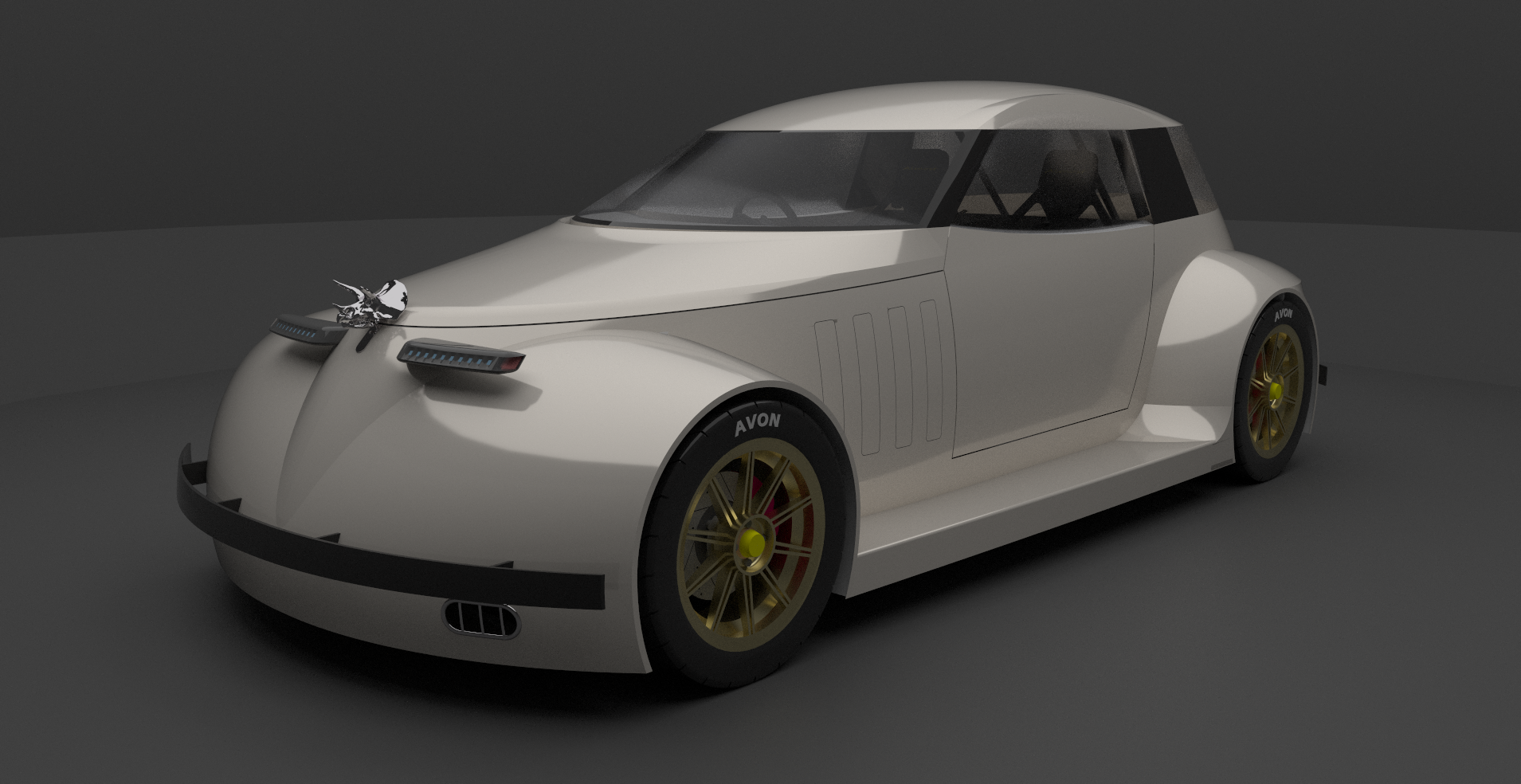
    Looking good, Steve, very good.
  • "False Maria" robot from 1927 silent film "Metropolis"

    WIP
    64
    2 Stimmen
    64 Beiträge
    38k Aufrufe
    hellnbakH
    @L-i-am Thanks for the kind words, Liam, much appreciated! And have a great New Year!
  • Flowify problems

    Extensions & Applications Discussions
    5
    0 Stimmen
    5 Beiträge
    169 Aufrufe
    K
    That is not a four edge geometry..
  • 0 Stimmen
    15 Beiträge
    473 Aufrufe
    panixiaP
    Yeah, I think you'll definitely need to live with the compromise, because there's not some "universal" solution to this problem (and it can get even more complex with multiple nesting levels and/or multiple instances of the "father" component with different scale factor. You will indeed loose the "instancing" benefit, otherwise it will be a mess.. No matter the code. Buon anno a te!
  • Professor Fate's "Hannibal 8"

    Gallery
    68
    2 Stimmen
    68 Beiträge
    22k Aufrufe
    hellnbakH
    @jaime_s Sorry, but I made the decision early on to not sell any of my models. That would make it seem more like work rather than something I do because I enjoy it.
  • Export to .3ds takes forever

    Ungelöst SketchUp Bug Reporting
    2
    1
    0 Stimmen
    2 Beiträge
    102 Aufrufe
    Dave RD
    The developers haven't have made any changes to SketchUp 2021 since late in 2021. The .3ds exporter in SketchUp 2021 wouldn't have been changed, either. You can be certain that the developers won't be looking at the exporter in old, unsupported versions of SketchUp. Maybe there's something in your model that is resulting in the slow down. You could share the .skp file. We could try the export in the current version and see what happens. @onzki said in Export to .3ds takes forever: I’m using 2021 Pro Your profile says you are using SketchUp 2024. Do you get a different export result with that version?
  • Edit Signature

    Gelöst Developers' Forum
    6
    0 Stimmen
    6 Beiträge
    637 Aufrufe
    BoxB
    Have you tried scrolling down a bit. [image: 1767063670691-gif-30-12-2025-2-00-29-pm.gif]
  • Free de 2025

    Français
    258
    0 Stimmen
    258 Beiträge
    18k Aufrufe
    pilouP
    Free TopMod Banana3 [image: 1767008020525-topmod_banana.jpg]
  • Free of 2025

    Freeware
    348
    0 Stimmen
    348 Beiträge
    30k Aufrufe
    pilouP
    Free TopMod Banana3 [image: 1767008020525-topmod_banana.jpg]
  • 0 Stimmen
    3 Beiträge
    83 Aufrufe
    P
    Thanks @krass for putting it in a new topic! That makes it easier for me to keep track, instead of tracking everything in the huge release thread. I typed up a comprehensive guide: https://rayscaper.com/faq/licensing/#how-do-i-release-a-license-seat
  • Small Engines and Stuff

    Gallery
    26
    6
    4 Stimmen
    26 Beiträge
    1k Aufrufe
    Mike AmosM
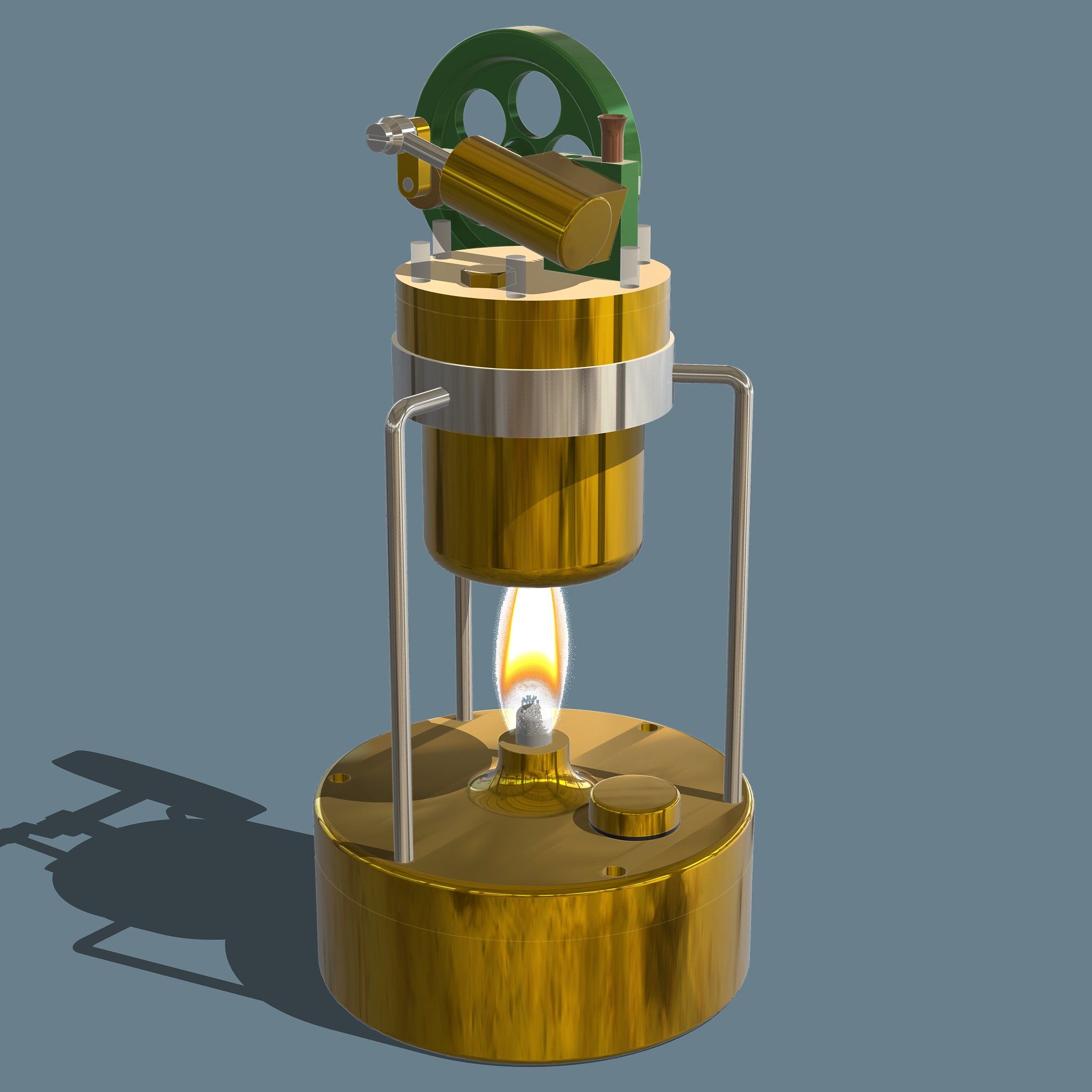
    Thanks, thought I had messed the system up somewhere.
  • 0 Stimmen
    3 Beiträge
    184 Aufrufe
    JClementsJ
    A belated THANK YOU, Dave!
  • Ho Ho Ho! Merry Christmas

    Gallery
    10
    2
    7 Stimmen
    10 Beiträge
    279 Aufrufe
    P
    Merry Christmas, Rich. All the best for you and your family, and thanks for all the help and support in developing Rayscaper.
  • Create new or adjust materials

    SketchUcation Community Forums
    20
    0 Stimmen
    20 Beiträge
    591 Aufrufe
    Dave RD
    @ntxdave said in Create new or adjust materials: The only problem I am having now is that when I rotate the object (actually the camera) So you mean orbit the camera? @ntxdave said in Create new or adjust materials: the image on the back side of the heart comes and goes Sounds like Z-fighing. Make the image of the heart a texture and apply it to just the back face of the heart. Turn on Hidden Geometry so you can paint the back separately from the rest.
  • Smit Panther ASD Tug

    WIP
    58
    1 Stimmen
    58 Beiträge
    32k Aufrufe
    Dave RD
    Amazing!