⚠️ Important | Libfredo 15.6b introduces important bugfixes for Fredo's Extensions Update

Subcategories

  • The ideal place for beginners to get help using SketchUp
    9k Topics
    60k Posts
    Rich O BrienR
    @dkuucharzak said in Username change: @Rich-O-Brien, I misspelled my intended username. Could you help me change it? I can if the one you need is available. Send a mail to support@sketchucation.com and we sort it out
  • No decsciption available
    209 Topics
    2k Posts
    soloS
    Hey guys I am desperate for very high resolution/quality satellite maps, I use Placemaker and I also use Nearmap but the resolution is not that great, I have tried using AI to upscale but that too does not really solve my issues. Is there another solution?
  • No decsciption available
    821 Topics
    4k Posts
    T
    Hey Mike, I'm sure you figured this out already, but when you first create the attribute type a number with the inch mark like 0" or 0' in the value box and hit enter. This will set the unit for that attribute to inches. This only works for the first time a value is entered. After that first initial value, you will need to use the attribute info dialog to make changes. In addition, you can use 0 to set it to text (not "Default: Text") and 0cm to set it to centimeters. If anyone knows a shortcut for setting the unit to Decimal Number, I would love to hear it!
  • Problem importing vector DXF from Inkscape to Sketchup

    1
    2
    0 Votes
    1 Posts
    57 Views
    No one has replied
  • keyframe animation lost license

    1
    0 Votes
    1 Posts
    63 Views
    No one has replied
  • Collapsing an inflatable

    6
    0 Votes
    6 Posts
    154 Views
    BoxB
    Now that Clothworks has been updated for 2024 here is a very simple example. [image: 1713530064822-gif-19-04-2024-10-31-42-pm.gif]
  • Shape top of stool

    8
    1 Votes
    8 Posts
    214 Views
    Rich O BrienR
    [image: 1713271649600-sketchup_wpcljafcvj.png] You can try your boolean cutson this to what issues you hit... Download: guitar-pick-stool.skp
  • This topic is deleted!

    0
    0 Votes
    0 Posts
    6 Views
    No one has replied
  • This topic is deleted!

    1
    0 Votes
    1 Posts
    7 Views
    No one has replied
  • Purge is crashing SU2024

    4
    0 Votes
    4 Posts
    232 Views
    TIGT
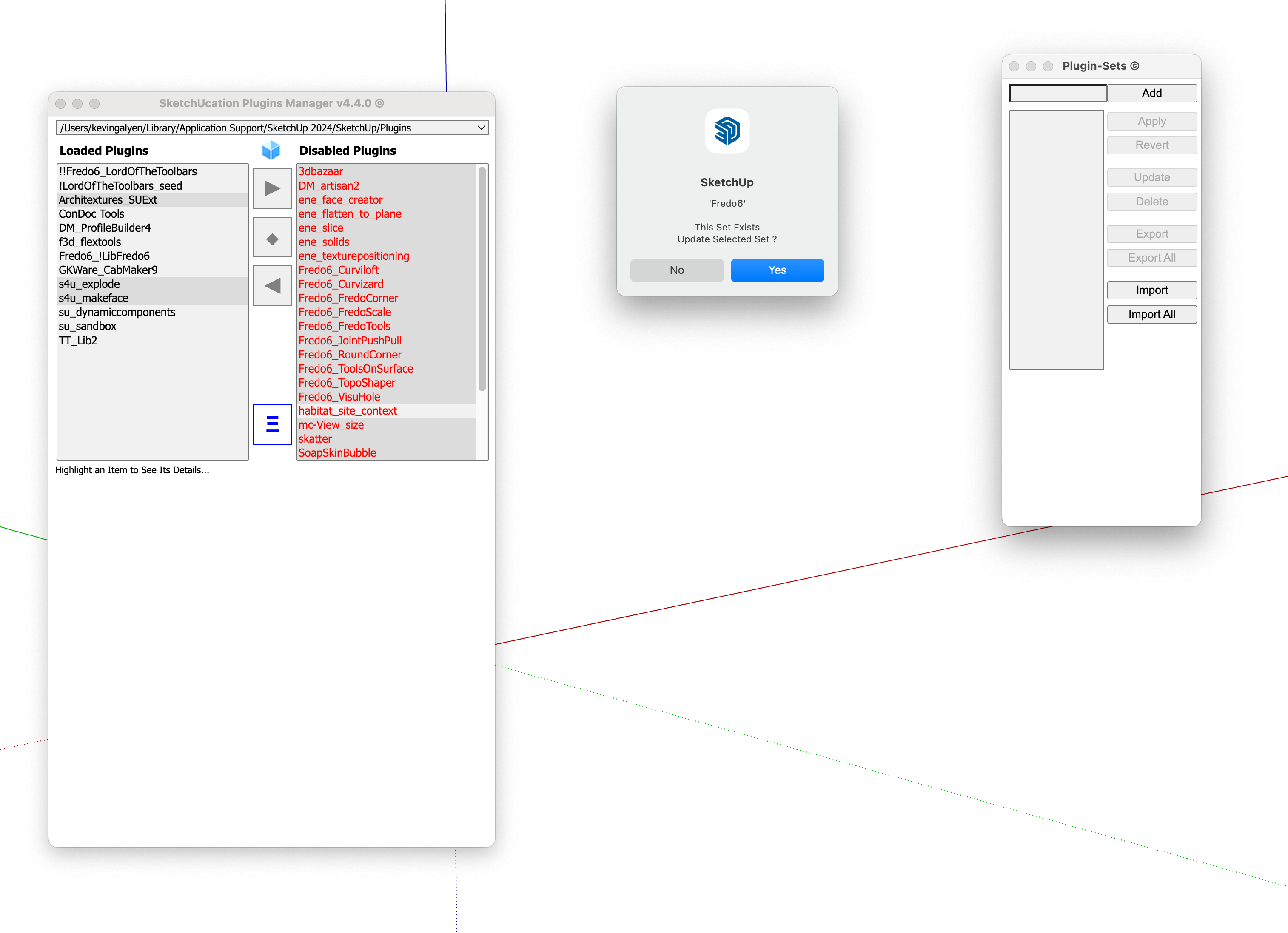
    @grizzler You should go to the PluginStore and update to the SketchUcation toolset v4.4.0 which has been specially reworked for v2024 compatibility. If deals with the SCF licensing for many extensions. If you use any of Fredo's extensions, he has also updated them all for v2024 use and don't forget his latest LibFredo too... After installing these restart SketchUp to sync everything...
  • Nudge objects plugin?

    sketchup
    15
    0 Votes
    15 Posts
    3k Views
    M
    @Pixero Hi there, still working in SU 2022 Pro, thanks v much!
  • Sketchup version 8 crashes on startup

    11
    -1 Votes
    11 Posts
    299 Views
    U
    @Box I don't understand, I didn't 'quietly edit' anything, I just used the editor to edit my version one I knew what it was. I reinstalled and all working now.
  • Nvidia Card Causing System Freezes?

    19
    0 Votes
    19 Posts
    496 Views
    G
    @Joe-Wood Oops, I might have and if I did I'm sorry.
  • SketchUp and DDR5 ram

    5
    0 Votes
    5 Posts
    153 Views
    D
    @Rich-O-Brien Sometimes SketchUp was crashing, sometimes SU Podium crashed, and sometimes windows crashed. Shop sorted the problem by changing the motherboard, they said that there was an incompatibility that they couldn't find. Since I've had it back it's had PodiumxRT go down once, but ShetchUp stayed running.
  • Show a glb file on a web page

    3
    0 Votes
    3 Posts
    70 Views
    ntxdaveN
    Right now that is not an option/something I want to do. I have looked at something like model-viewer and for some reason cannot get my model to show up. I have not been able to figure out what I a doing wrong. I have seen several examples but can not get mine to show up. I keep winding up with a blank page. Ugh
  • photoMatch and watermark

    4
    0 Votes
    4 Posts
    122 Views
    Rich O BrienR
    @luisto Photomatch image is linked to camera position. If you orbit then the position changes so the match image will disappear. If you want an image to be persistent it would need to be a style with a background image
  • Sort Scenes by name

    4
    0 Votes
    4 Posts
    116 Views
    Rich O BrienR
    @leminilab I think its a solution to a very unique problem. SketchUp has its own sorting in the tray using up and down. So it takes a few clicks.
  • Solar North tool - settings for one scene only!!

    sketchup
    17
    0 Votes
    17 Posts
    4k Views
    R
    Update from this old thread. ENABLE scene transistiions seems to work
  • SketchUp native graphic style

    4
    0 Votes
    4 Posts
    108 Views
    R
    No big deal: Soft shadow hdri in vray plus SU BW linework ( or vray toon) layered in PS.
  • Many faces VS single face on extruding

    Solved
    3
    0 Votes
    3 Posts
    64 Views
    L
    Thanks Box, nice and easy solution
  • Live Components not connecting to server

    2
    0 Votes
    2 Posts
    111 Views
    SektaS
    Problem solved, fixed by simply logging out and back in again...twice. Another issue I am having relates to the referencing of an Excel file into layout. Previously it worked fine...open up the file, amend it, save it then update in layout and and all good. Now that I have updated to Office365 and Onedrive for my files, the only way to update the Excel file in LO is to close the file. The same file works OK when on Dropbox so is this a onedrive setting / permissions issue? If anyone else has had this issue then I be interested to hear how you fixed it. Thanks
  • Modifying Scaniverse scans

    3
    0 Votes
    3 Posts
    128 Views
    U
    Thanks Rich that works a treat!
  • Reminder in SketchUp

    6
    0 Votes
    6 Posts
    106 Views
    ntxdaveN
    Ok, guess I misunderstood what you were asking/wanting.

Advertisement