🔌 Smart Spline | Fluid way to handle splines for furniture design and complex structures. Download

  • SCFLicense: Extension Licensing on Sketchucation

    2k
    0 評價
    2k 貼文
    932k 瀏覽
    Dave RD
    @ntxdave said in SCFLicense: Extension Licensing on Sketchucation: OK, I thought all of my Fredo6 licenses were perpetual but maybe not. They are perpetual but if you never purchased a license for FredoSketch then that doesn't come into it. If the license isn't showing up in the list that Rich linked to, it's probably safe to say you didn't buy a license.
  • [Plugin] Selective Attribute Modification in Dynamic Components

    4
    1 評價
    4 貼文
    45 瀏覽
    Rich O BrienR
    You need to logout of your account. Then login at sketchucation.com homepage You should see a Dev Tools buttons in the header [image: 1771519908291-2a57a30a-3065-4521-adb9-943f5456121b-image.png] In there is a portal to list your extension/s on our site and in the Sketchucation Tools extension. New extensions require approval before going live. Feel free to poke around.
  • [REQ] Tool to reset AND align group/component axes

    14
    0 評價
    14 貼文
    1k 瀏覽
    R
    Yep, I hate this part - they are too shy to indicate it's commercial, they ALL are FrEe. Here on sketchucation they do show $ sign
  • [Plugin Library] LibFredo6 - v15.8e - 15 Feb 26

    2k
    3
    0 評價
    2k 貼文
    4m 瀏覽
    ntxdaveN
    said in [Plugin Library] LibFredo6 - v15.8e - 15 Feb 26: I did a quick test on an old Animator file and it looks like we now can use perspective and generate a video. Well, I also tried to generate a video with the Animator file that has both perspective and parallel and the generation stopped when it switched from parallel to perspective. So, if the file has all scenes with the camera set the same way (either perspective or parallel) it works fine but having both options in the same file will not generate the video. Just thought I would pass this along but maybe you already knew that.
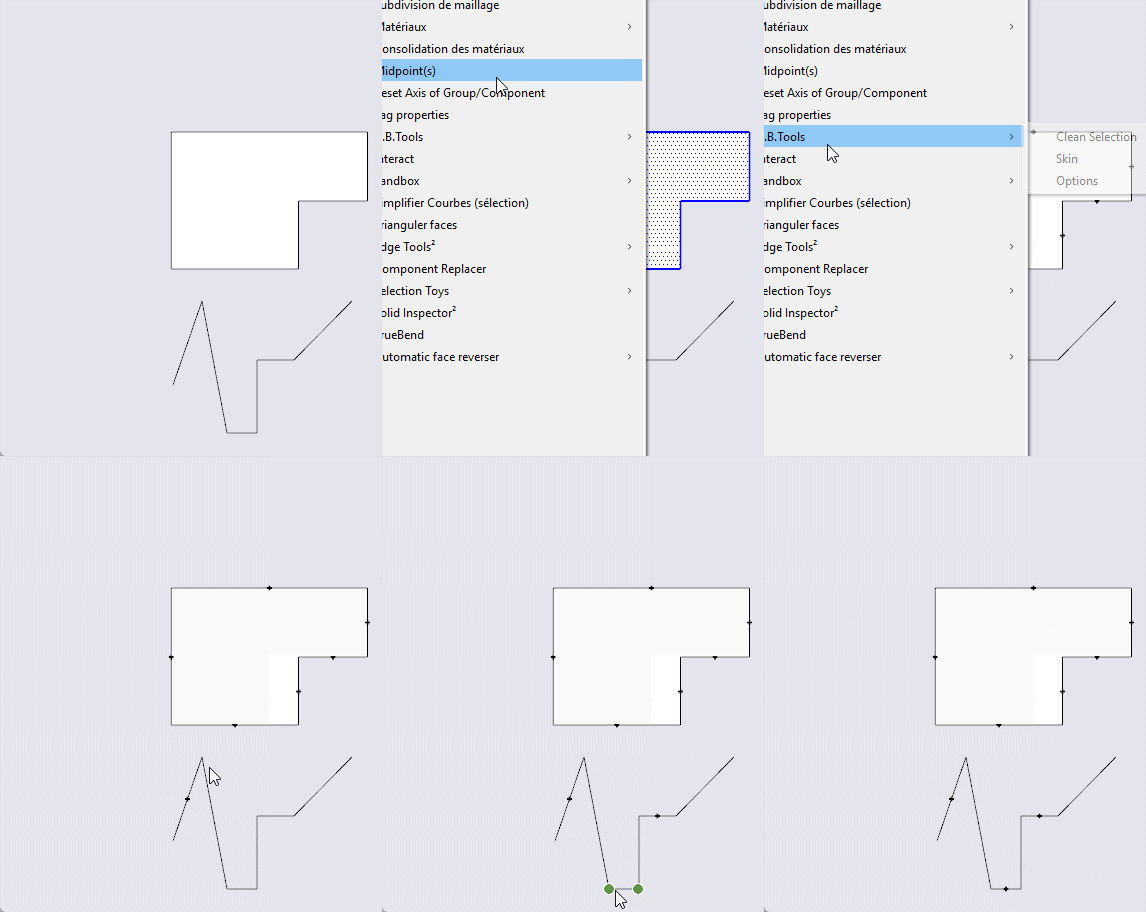
  • [Plugin update] Midpoint

    1
    1
    2 評價
    1 貼文
    41 瀏覽
    尚無回覆
  • Medeek Electrical

    205
    0 評價
    205 貼文
    226k 瀏覽
    medeekM
    Version 1.5.8 - 02.16.2026 Fixed a minor bug with misc. fixtures. Added additional "Wilkerson Art" framed art prints within the "art" category under misc. fixtures. [image: 1771308203627-elec_su277_800-resized.jpg]
  • Medeek Wall Plugin

    2k
    0 評價
    2k 貼文
    1m 瀏覽
    medeekM
    Version 4.3.5 - 02.15.2026 Added the ability to create custom "Beveled T&G" wall cladding materials within the Material Library. Enabled "3D" Beveled T&G wall cladding for all wall types: Rectangular, Gable, Shed and Hip. [image: 1771225340312-wall_su1081_800.jpg] This 3D material by customer request. The three numeric parameters in order are: board spacing, bevel height and bevel depth An example of this 3D material might be: beveltg_6.0_0.25_0.25
  • [Plugin] GeoLoft v1.0 - Parametric Graph-Driven Lofting

    2
    1 評價
    2 貼文
    101 瀏覽
    A
    [image: 1771208114493-geoloft01.png]
  • Foundation Plugin

    441
    0 評價
    441 貼文
    445k 瀏覽
    medeekM
    Tutorial 15 - Multi-Step Foundations (8:24 min.) https://youtu.be/0D3zQLOxwGo
  • [Plugin]T2H_BuildingStructureTools2.2.4 in20141207

    337
    1 評價
    337 貼文
    476k 瀏覽
    TIGT
    @DOUGLAS0712 His tools are no longer supported. Sadly he died some time ago... Suas ferramentas não são mais suportadas. Infelizmente, ele faleceu há algum tempo...
  • [Plugin] FredoSection - v1.5c - 30 Jan 26

    30
    8
    4 評價
    30 貼文
    2k 瀏覽
    T
    If you have view (in style) set to "Hidden Line Mode" or "Shaded using all the same" so you can show just black & white in LayOut...it doesn't show the section images
  • Medeek Floor

    144
    1 評價
    144 貼文
    16k 瀏覽
    medeekM
    Version 1.1.4 - 02.09.2026 Fixed a bug with staggered joists.
  • Medeek Project

    52
    0 評價
    52 貼文
    2k 瀏覽
    medeekM
    Version 1.2.6 - 02.09.2026 Added a line type option for major grid lines of the grid tool. Added the major grid line option to the General tab of the Global Settings. [image: 1770686764115-project_su42_800.jpg] [image: 1770686764138-project_su43_800-resized.jpg] With the latest versions of SketchUp there is a bug with the stipple pattern for construction lines and as a result it is nearly impossible to differentiate major grid lines from minor grid lines. Since this bug has never been resolved (at least to my knowledge) by the SketchUp team, I have determined that simple work around would be to replace the construction lines in the grid (major grid lines only) with regular lines or edges. Now one can actually tell them apart. This option can be toggled in the General tab of the Global Settings. Personally I prefer the dashed construction lines for the major grid lines but in newer versions of SketchUp solid lines are probably the better option.
  • [Plugin] FredoTools::ReportLabelArea - v3.2a - 05 Feb 20

    55
    0 評價
    55 貼文
    114k 瀏覽
    Z
    @fredo6 Thank you for your support us Fredo
  • Toposhaper

    6
    1 評價
    6 貼文
    187 瀏覽
    E
    I was able to solve it my self. I went into the Sketchucation Root Directory Plugins installer and removed all earlier versions of the Libfredo, Closed down the program Opened the program Reinstalled the current version libfredo through Ext. Mng. Closed program Opened program Topo Shaper is now working
  • I am unable to download CameraKeyMaker

    4
    0 評價
    4 貼文
    90 瀏覽
    Rich O BrienR
    @harishkharai I fixed the URLs in the original post so it points to the correct download locations You need to install the Google Bezier plugin for this to work correctly. I also linked to that in the post. https://community.sketchucation.com/topic/127103/plugin-camerakeymaker-1-0-update-2011-04-09 @tig Ignore my 'doesn't work'. It does when setup correctly
  • [Plugin] LordOfTheToolbars - v2.9c - 20 Dec 24

    481
    4
    1 評價
    481 貼文
    356k 瀏覽
    G
    My LOTT broke today. I wanted to add a new extension to my toolbars, and when I clicked on the Master Toolbar Manager button, my vignette stripe disappeared and all my custom toolbars got F'd. Its doubling every button in my custom toolbars, even new toolbars I make, sometimes not even using the correct icon. (They only appear doubled on the toolbar itself and not in the manager.) The stipe is gone, but all my palettes are still available in the Favorites Manager, and I can open them manually. Restarting SketchUp resets the toolbars, but if I open the manager it screws them up again. Can't get the stripe to come back at all. Reinstalling the extension didn't help. v2.9c with sketchup 2018
  • [Plugin] AMS Library 3.7.1b (29 May 2021)

    108
    0 評價
    108 貼文
    637k 瀏覽
    O
    @anton_s Антон, здравствуйте! Ваше приложение MSPhysics прекрасно! Оно позволяет делать очень крутые вещи! К сожалению на новых версиях SketchUP библиотека и приложение не работает. Подскажите, возможно ли обновить эти плагины для актуальных версий? Мне необходима эта программа для работы, так что, готов плагин купить. А пока продолжу использовать его на версии SU2017
  • [Plugin] ShadowProjector

    129
    0 評價
    129 貼文
    89k 瀏覽
    TIGT
    You can do that by making a series of scene-tabs that use the same camera etc, but have a different time set. Then go through each tab in turn and make its shadow-set...
  • [Plugin] Draw Boundingbox

    50
    0 評價
    50 貼文
    34k 瀏覽
    Didier BurD
    @FlorinAp Hi, Sorry there was a little feature missing: when you don't group the BB, the tag you choose was not applied. This one is correct: core.rb Regards

Advertisement