🔌 Easy Offset | Offset selected faces in SketchUp in positive and negative offsets. Download
  • [Plugin] Quick selection v 1.1.0

    1
    2
    1 Votes
    1 Posts
    454 Views
    No one has replied
  • Fredo6 Toposhaper Lisensing Questions

    2
    0 Votes
    2 Posts
    491 Views
    Rich O BrienR
    You can use Extensions > Sketchucation > SCFLicense Gloabal Status to check your licenses Toposhaper requires Libfredo to be installed to fully function. If you run the Window > Libfredo Settings > Fredo6 Plugins Information for Sketchucation Support menu command in SketchUp and copy/paste the output into your reply I can take a look at your setup.
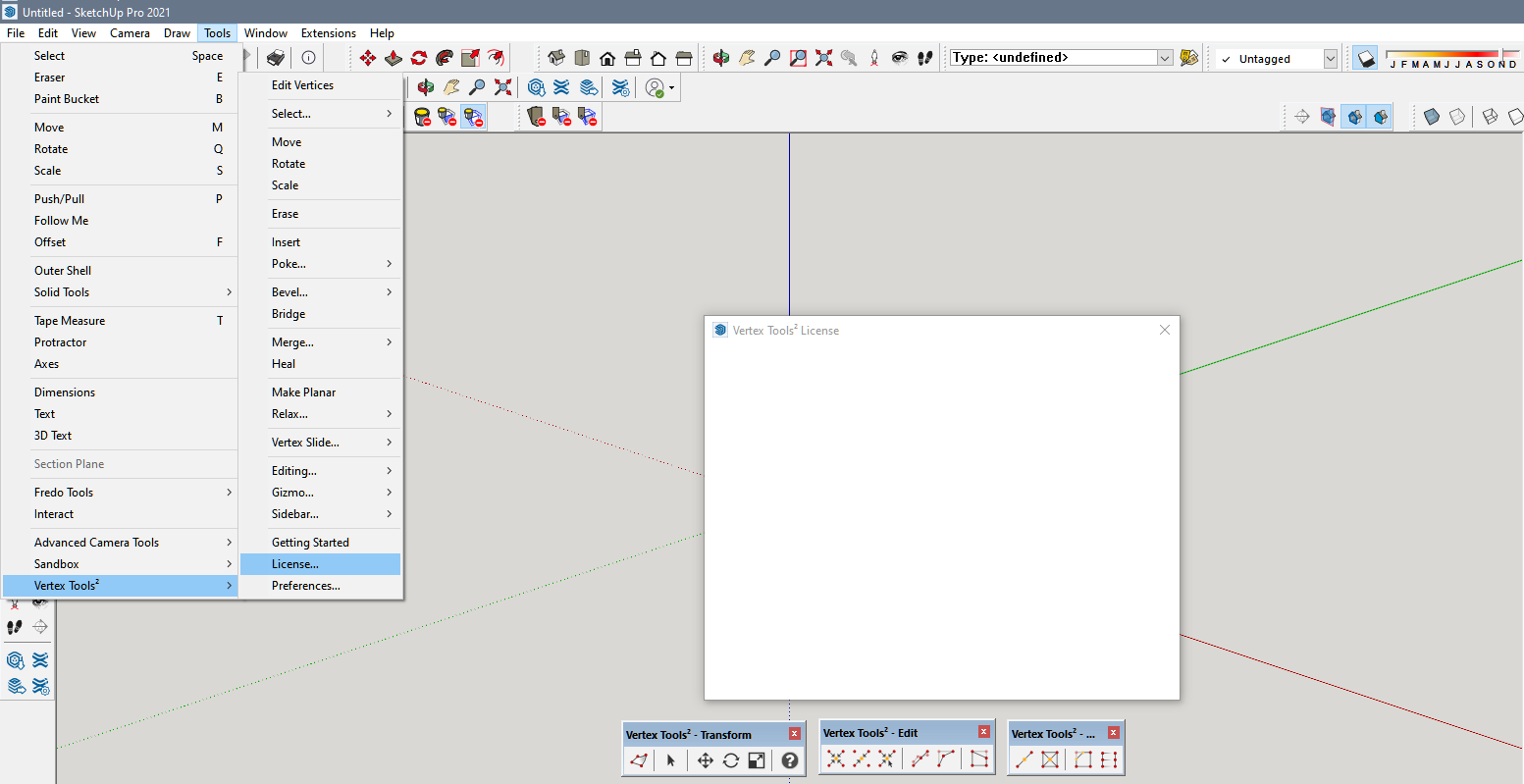
  • Asking about Vertex Tools2

    Solved
    8
    1
    1 Votes
    8 Posts
    507 Views
    Y
    Yes..I sent him a message on the link you sent me..I will also contact Sketchup Thank you for the help
  • [Plugin] Purge All

    65
    0 Votes
    65 Posts
    142k Views
    C
    @TIG Good and not-so-good news in your response: It's good to know you're already working on this, although a little sad because it won't be out anytime soon. I use this plugin in my modeling routine and enjoy seeing the report. Thanks for your response and great admiration for your work.
  • [Plugin] Smooth Zoom 2.1.0 - 24 October 2021

    76
    0 Votes
    76 Posts
    87k Views
    TIGT
    The earlier posts in this thread explain how to make a temporary fix by editing the RB file. В предыдущих сообщениях в этой теме объясняется, как сделать временное исправление путем редактирования файла RB.
  • @thomthom Material Replacer upgrade!

    1
    0 Votes
    1 Posts
    93 Views
    No one has replied
  • [Plugin] Solid Inspector

    303
    0 Votes
    303 Posts
    275k Views
    G
    Hello Thom and Forum. Maybe it is too late, but I never succeed installing solid inspector in my SU 8 pro. My laptop is the old one windows 7 64 bit with 2 GB RAM, and it was enough for my daily works. The oldest version found at github is v1.2.0 I read somewhere that v1.1.0 could be work ? an what is the TT_lib version for that. But where is it, can not find that file. Please help Many Thanks !
  • How to make a face from a closed curve in FredoSpline. Methods

    Solved
    3
    0 Votes
    3 Posts
    123 Views
    Didier BurD
    @neverpoint Hi: Most of the spline commands can generate a face when they are closed: [image: 1755244489901-spline_face.gif] If this is not the case, select the spline and type in the Ruby console: spline=Sketchup.active_model.selection[0] # will return something like => #<Sketchup::Edge:0x000001a70b1968e8> face = spline.find_faces # will return something like => 1 (1 being the number of face(s) created or simply redraw a segment of the spline and the face will also be created. [image: 1755244901974-spline_line.gif] Regards
  • [Plugin] angle between planes

    12
    0 Votes
    12 Posts
    13k Views
    Didier BurD
    @stephen2850s : Hi, FYI, you can try my Query+ plugin: [https://sketchucation.com/plugin/2654-queryplus](link url) [image: 1755063699887-queryplusfaces.jpg] It can give you lots of informations (angles, volumes, distances...) about various objects of your model, not only edges [image: 1755063450058-queryplus.jpg] Regards
  • Medeek HVAC

    22
    0 Votes
    22 Posts
    2k Views
    medeekM
    To help with the uptake of this new plugin I will running a promotion for the month of August and September (Aug. 10, 2025 - Sep. 30, 205). If you purchase the mdkBIM bundle both the Medeek HVAC and Medeek Electrical licenses will be included at no additional charge ($120.00 value). Each of those licenses will also be permanent licenses. However this is not automatic, you must email me within 30 days after purchasing the mdkBIM bundle requesting the two additional licenses and I will then issue them manually. They then will become accessible with the Medeek Account Manager the same as your other licenses. I am only posting this notification on the SketchUp forum and the Sketchucation board.
  • Camera Simulation with MSPhysics

    15
    0 Votes
    15 Posts
    10k Views
    F
    MSPhysics for SketchUp 2022 I tried to get the MSPhysics camera models from 2017 to work with the MSPhysics plugin modified for newer SketchUp versions (see GitHub). This was partially successful. The camera, target point, and objects can be moved along curves... This could be useful for model simulations, flyovers, etc. [image: 1754499039766-topview-0004.gif] [image: 1754499093509-camview-0004.gif] [image: 1754499116925-camvieww-0007.gif]
  • Automatic Face Reverser 2025 - Alive or dead?

    3
    0 Votes
    3 Posts
    122 Views
    Didier BurD
    @kado Hi, Attached here is a rework of this old script. Unzip vbfr.zip and just put the RBE into your Plugins folder. Options are now available in the Tools menu, under the submenu "Automatic face reverser". Hope this helps. vbfr.zip
  • Releasing License Seats

    6
    0 Votes
    6 Posts
    338 Views
    Rich O BrienR
    If you are dealing with devices you no longer have access to and they were activated using an older build of Sketchucation Tools with no online releasing then they are frozen. Email us at support@sketchucation.com so we can walk you through the process.
  • Sketchy store toolbar MIA

    4
    0 Votes
    4 Posts
    108 Views
    Mike AmosM
    OK, unistall and go again fresh. Worked at last, signed in 'n all.
  • MSPhysics 1.0.3 (16 October 2017)

    926
    0 Votes
    926 Posts
    926k Views
    F
    @faust07 Man, you should read all those discussion posts on GitHub, they are very helpful in finding more solutions. I never used this extension, so i can't speak from my own experience what it can and can not do in either version. Also, I've seen a YouTube video once (on the "TutorialUp" channel), and this extension was working very well in SU 2018, i mean the same as in SU 2017...
  • Does SPGears work with SketchUp 2017

    2
    0 Votes
    2 Posts
    76 Views
    TIGT
    It's been around since 2012 so my guess is it does...
  • [Plugin] FredoTools - v4.5c - 24 Jun 24

    463
    4
    0 Votes
    463 Posts
    697k Views
    R
    a true Doh! moment - Angle Inspector has Slope meter in %% ! Many many thanks, Fredo. P.S. Maybe one day it would become interactive - showing live the slope altering.
  • Question regarding existing 3-seat license...

    2
    0 Votes
    2 Posts
    71 Views
    Rich O BrienR
    @dshaffer email us at support@sketchucation.com and we can walk you through things
  • Recommended version of SketchUp?

    2
    0 Votes
    2 Posts
    131 Views
    Rich O BrienR
    Its compatible with 2024 and 2025 You might expand on the troubles you mention as that is likely more important.
  • Quick Selection

    15
    0 Votes
    15 Posts
    1k Views
    Dan RathbunD
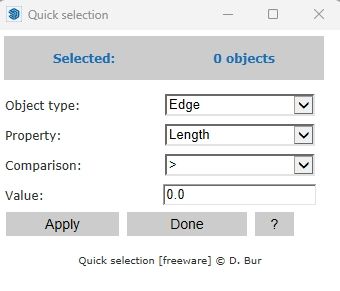
    The easiest fix for Ruby 2 and higher, is to use a refinement that only that file can "see" and use. I inserted the following at the top of the file (after deleting the Set reassignment): require 'set' # Create a refinement for the Set class: module DBUR module RefinedSet refine ::Set do alias :insert :add alias :contains? :include? end end end # Use the refinement: using DBUR::RefinedSet By request from @paddyclown, here is the "fixed" file. It still needs a drastic overhaul, but this will get it working (fingers crossed): DBUR_QuickSelection.rb @Didier-Bur ping (I do not know how to send this by PM in this new forum interface.)

Advertisement