@pilou said:
There is no level, only free fun !
A cool thing is that TM accepts Ngons without problem in OBJ import!

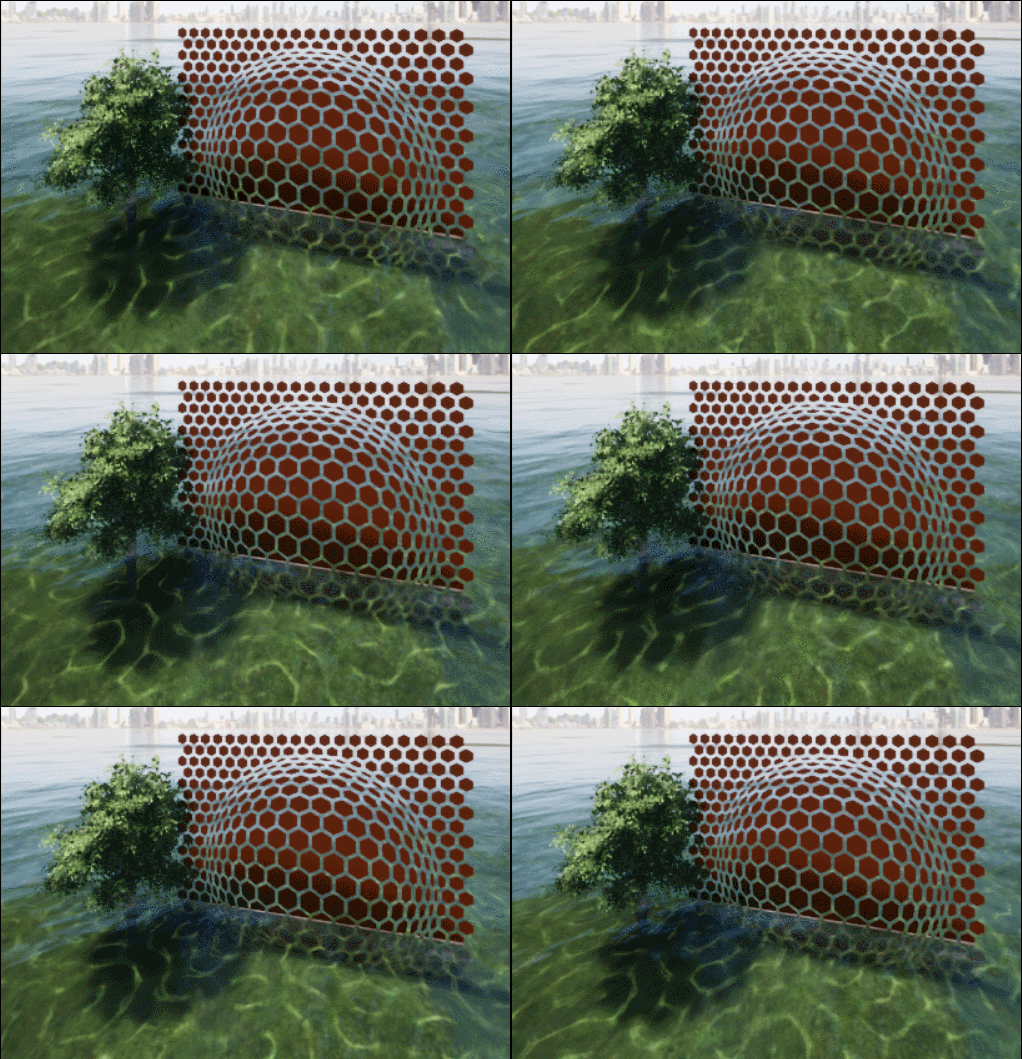
I knew I would here from you frenchy  thanks for posting. I was suprised it does underwater vews and even has swiming fish
@pilou said:
There is no level, only free fun !
A cool thing is that TM accepts Ngons without problem in OBJ import!
I knew I would here from you frenchy thanks for posting. I was suprised it does underwater vews and even has swiming fish
Hi I have been playing with twinmotion for a short while and have posted a couple of links to videos on youtube on this site. I want to know how others who are learning twinmotion are fairing for comparison as part of my learning curve. So I guess I am inviting others at the same level as me (Learning/experimenting) to share some of their work whilst learning twinmotion.
One thing I forgot to mention is that I found that turning the background into a "light emitter" assists in giving the image a bit of "luminosity"
Hey HornOxx, Raylectron render engine
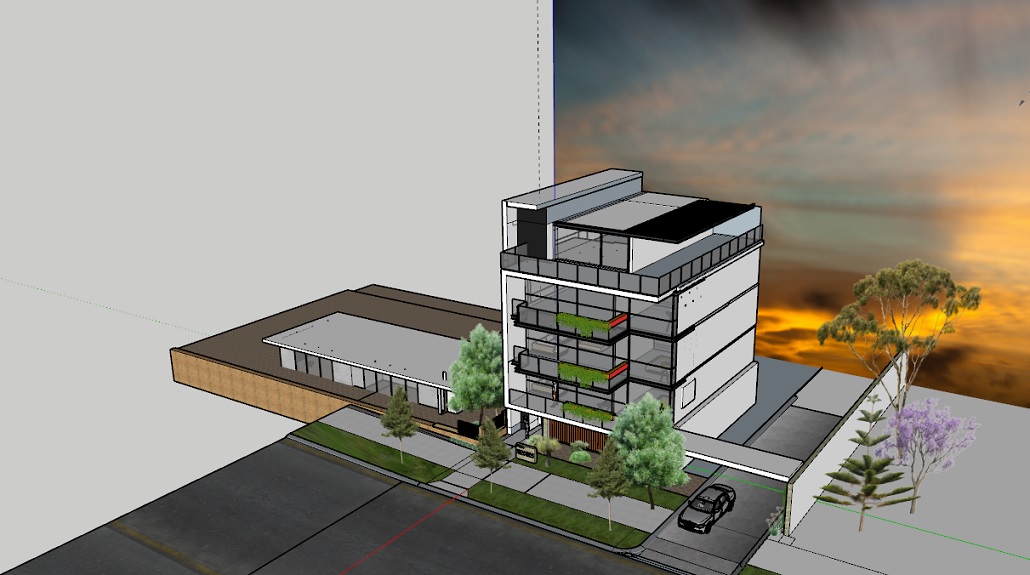
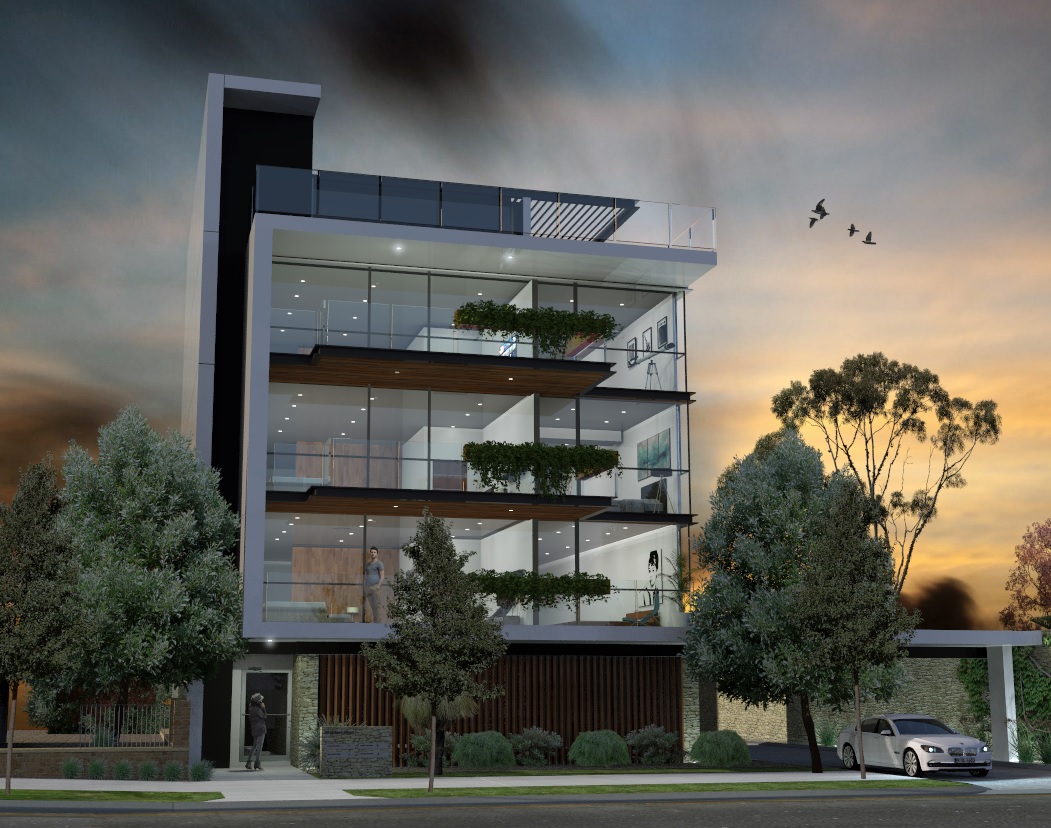
As others have said thee are many ways to add a background so I thought I would show some images of what I believe to be the simplest. Simply putting an image behind the model. Just be carefull with the Sun placement
I thought I would do a video of a model/render i did some time ago for practice as I am learning Twinmotion. Thought I would post the resultin the link below.
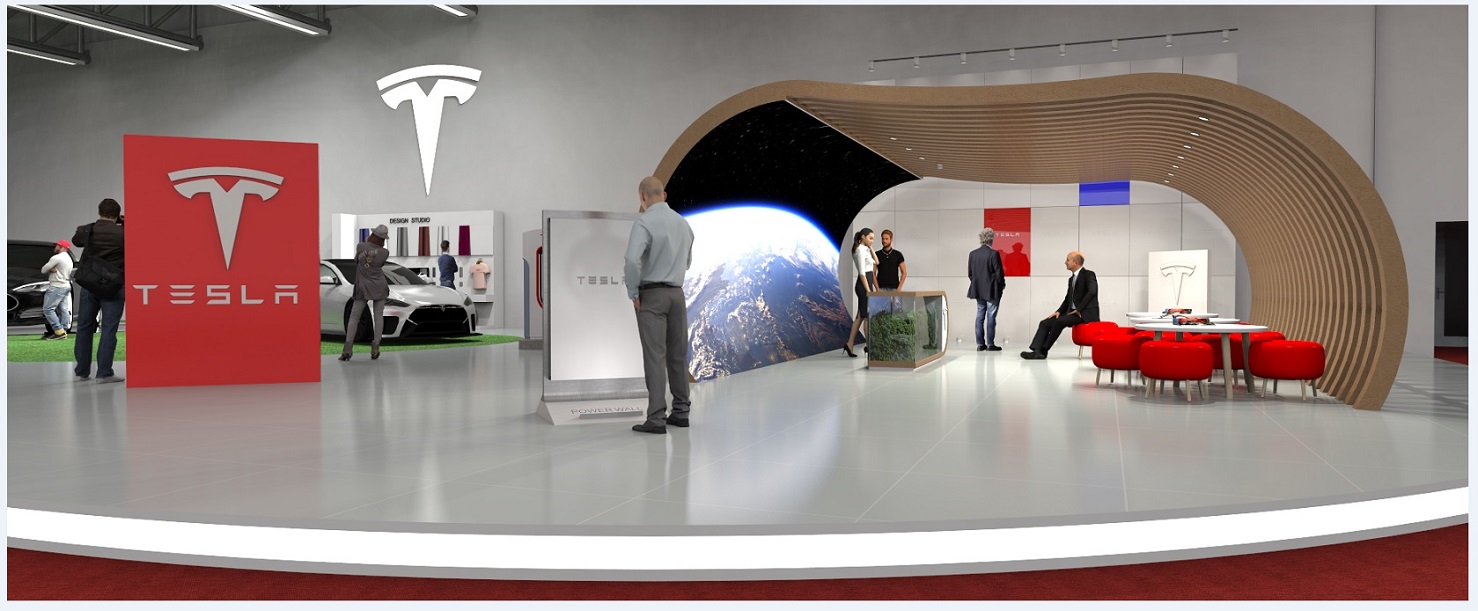
Hi, I did a model/render some time ago in Raylectron. I thought I would like to animate it so loaded the model into Twinmotion. The serpentine strip light in the forground bounces some light onto the carpet for effect. But I am at a loss at how to achieve this in Twinmotion. The EIS lights in twinmotion is exellent however there seems to be no facility to do a curved "strip light" apart from making the surface "Glow" but this would not actually bounce any light. I considered putting a series hundreds of very shortened Twinmotion IES striplight then considered life is too short for that as I do not think it would have a smooth spread, it would also take a lot of time and it may add a lot to the file size. Any other ideas on how to achieve this?
Thanks Wassol, and welcome
Hi, when doing landscape design it is best to use this workflow, as shown. Simply draw the whole plan on the image. Then push pull to achive the relitive levels. Then you should not have those issues.
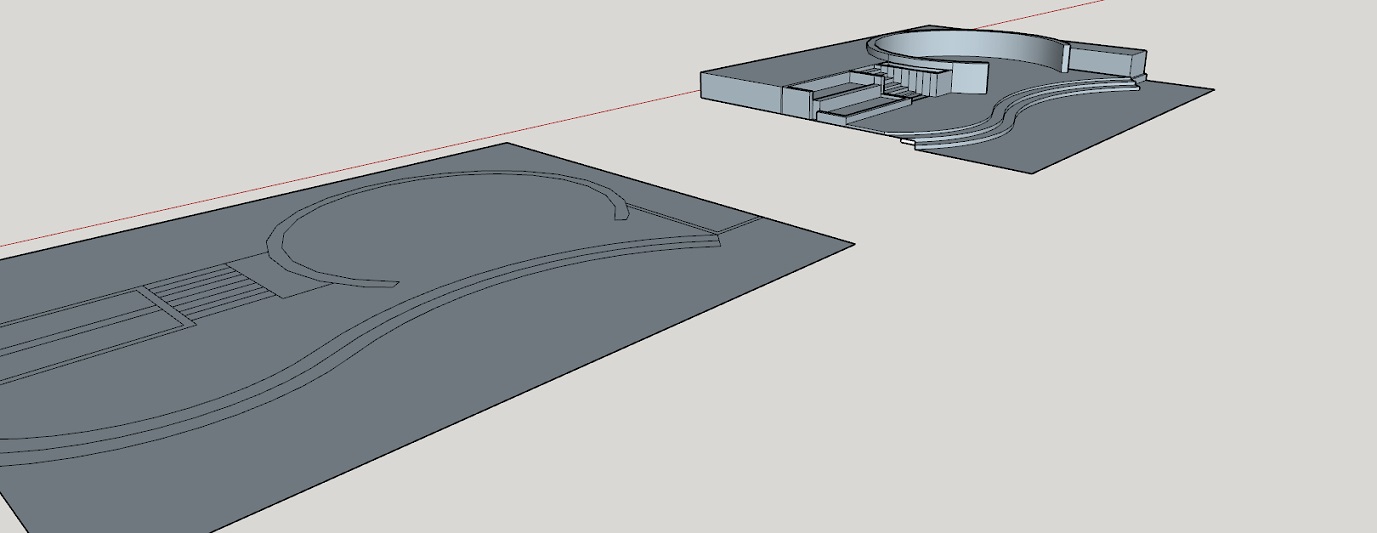
Have read it again and do you want a surface at the top step to marry up with the pink surface? If so that would/should be easy. Please attach your model as 2016
Is this what you want?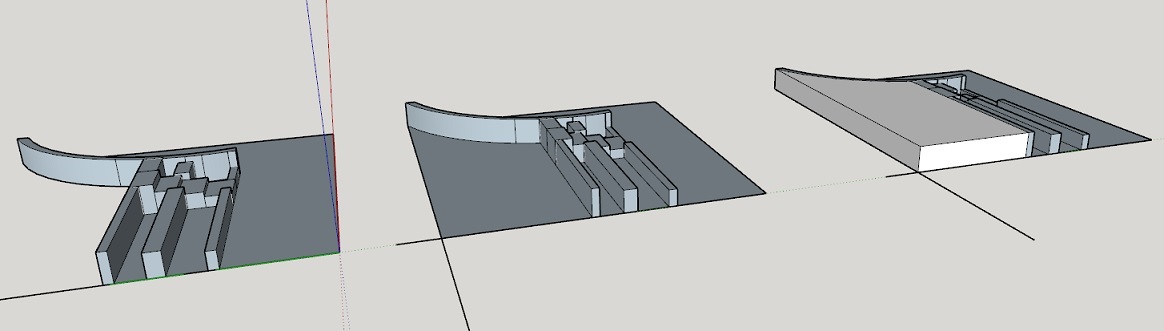
Sorry mate but I am not able to understand your problem. Can you hand draw something on the image to indicate your problem or what you are trying to acheive? Most people here respond better to images I think
@richard said:
WOW!!! Very cool job mate! I love it!
Thanks Richard:) The image of the Earth would be animated as it is made up of (from memory) about 30 standard curved Sansung OLED banked together tv panels in portrait format. Wish I could send the concept to Elon:)
Nailed it mate Thank you!
Hi, I am using make 2017. I have a model and am editing a seperate group, when I do so everything else dissapears exept the group I am editing. Which is unacceptable because I need to reference the rest of the model. Have I had a brain fart or have I inadvertantly caused this by changing a setting 
@pilou said:
They are discusion here before the release of the 2020!
https://twinmotionhelp.epicgames.com/s/
Thanks Frenchy, I am aware of that very slow response times in my experience. I meant a "live" forum like here. There seems to be a complete lack of one
Are there any Twinmotion forums? I have been stretched to find one.
Nice work mate I know this is going to sound picky buy it looks like your model is "fat" and looks like it would benifit from being scaled in along the X or Y axis
Always best to post model in a previous version say 2015 to be safe