⚠️ Important | Libfredo 15.6b introduces important bugfixes for Fredo's Extensions Update
  • [Plugin] Selection Toys

    Plugins
    594
    0 Votes
    594 Posts
    377k Views
    akynxsA
    @thomthom said in [Plugin] Selection Toys: Hello ThomThom, I would like to report a possible compatibility issue with the Selection Toys plugin when using SketchUp 2026. After updating to SketchUp 2026, Selection Toys no longer behaves as expected. In my case (and according to other user reports), the plugin causes problems related to the interface and toolbars, such as tools not appearing correctly or toolbar customization not working properly. When Selection Toys is disabled or removed, SketchUp 2026 appears to function normally again. This issue seems to be related to changes introduced in SketchUp 2026 rather than a specific workflow error, as the plugin works correctly in previous versions. I wanted to bring this to your attention in case it helps with investigation or future updates. Thank you very much for your work and for maintaining such an essential extension for the SketchUp community.
  • need sub D license help

    SUbD
    2
    0 Votes
    2 Posts
    65 Views
    Rich O BrienR
    A license allows one person to use SUbD on any number of machines, but the license cannot be shared with anyone else. https://evilsoftwareempire.com/subd/help
  • Many projects

    Gallery
    297
    2 Votes
    297 Posts
    25k Views
    Rich O BrienR
    You work wonders in tight spaces.
  • Dynamic Component Attribute default Units

    Dynamic Components sketchup
    6
    0 Votes
    6 Posts
    2k Views
    T
    Hey Mike, I'm sure you figured this out already, but when you first create the attribute type a number with the inch mark like 0" or 0' in the value box and hit enter. This will set the unit for that attribute to inches. This only works for the first time a value is entered. After that first initial value, you will need to use the attribute info dialog to make changes. In addition, you can use 0 to set it to text (not "Default: Text") and 0cm to set it to centimeters. If anyone knows a shortcut for setting the unit to Decimal Number, I would love to hear it!
  • 1 Votes
    2 Posts
    61 Views
    Rich O BrienR
    @tsur said in 'Search' window; 'Recent' doesn’t display most recent extensions updates.: most recently updated items, nor are they sorted by most recent — it would be very convenient if they were. Yes, we are reworking these in early 2026 along with other new features to make search and listings more intuitive Submit Extension': it says "Want to share (Y)our creations on our platform?... That should be fixed now
  • SCFLicense: Extension Licensing on Sketchucation

    Plugins
    2k
    0 Votes
    2k Posts
    832k Views
    C
    Thanks to Fredo6 for the sending solution - Solved Merci à @fredo6 pour la solution qui m'a été envoyée - Résolu
  • A Car Park (again!)

    Gallery
    9
    1
    6 Votes
    9 Posts
    188 Views
    jo-keJ
    Ah, OK. Thank you
  • [Plugin Library] LibFredo6 - v15.6c - 10 Dec 25

    Plugins
    2k
    3
    0 Votes
    2k Posts
    4m Views
    fredo6F
    NEW RELEASE: LibFredo6 v15.6c - 10 Dec 25 LibFredo6 15.6c is a minor release. It includes changes related to: Full compatibility with SU2026.1 Other bug Fixing and technical adjustments Preparation for future plugin Requirements: SU2017 and above See plugin home page of LibFredo6 for Download of LibFredo6. Main Post of the LibFredo6 thread
  • Beauties of Iran (other face of Iran)

    Corner Bar
    61
    0 Votes
    61 Posts
    10k Views
    L
    Power in numbers Majid, I have had some respect for those Iranian people I have met in Australia
  • A,B, Sketches

    Gallery
    27
    5
    1 Votes
    27 Posts
    1k Views
    majidM
    Maybe sharing the progress process could be more interesting so here are samples: [image: 1765341905466-acrord32_h3mrtdrtzi.png] [image: 1765341905478-acrord32_s1gekom0ro.png] [image: 1765341905489-acrord32_xe0iztbkbw.png] [image: 1765341965348-acrord32_s1zb0nuzyn.png]
  • Laser cutting from Sketchup

    Solved SketchUp Discussions
    2
    0 Votes
    2 Posts
    59 Views
    Dave RD
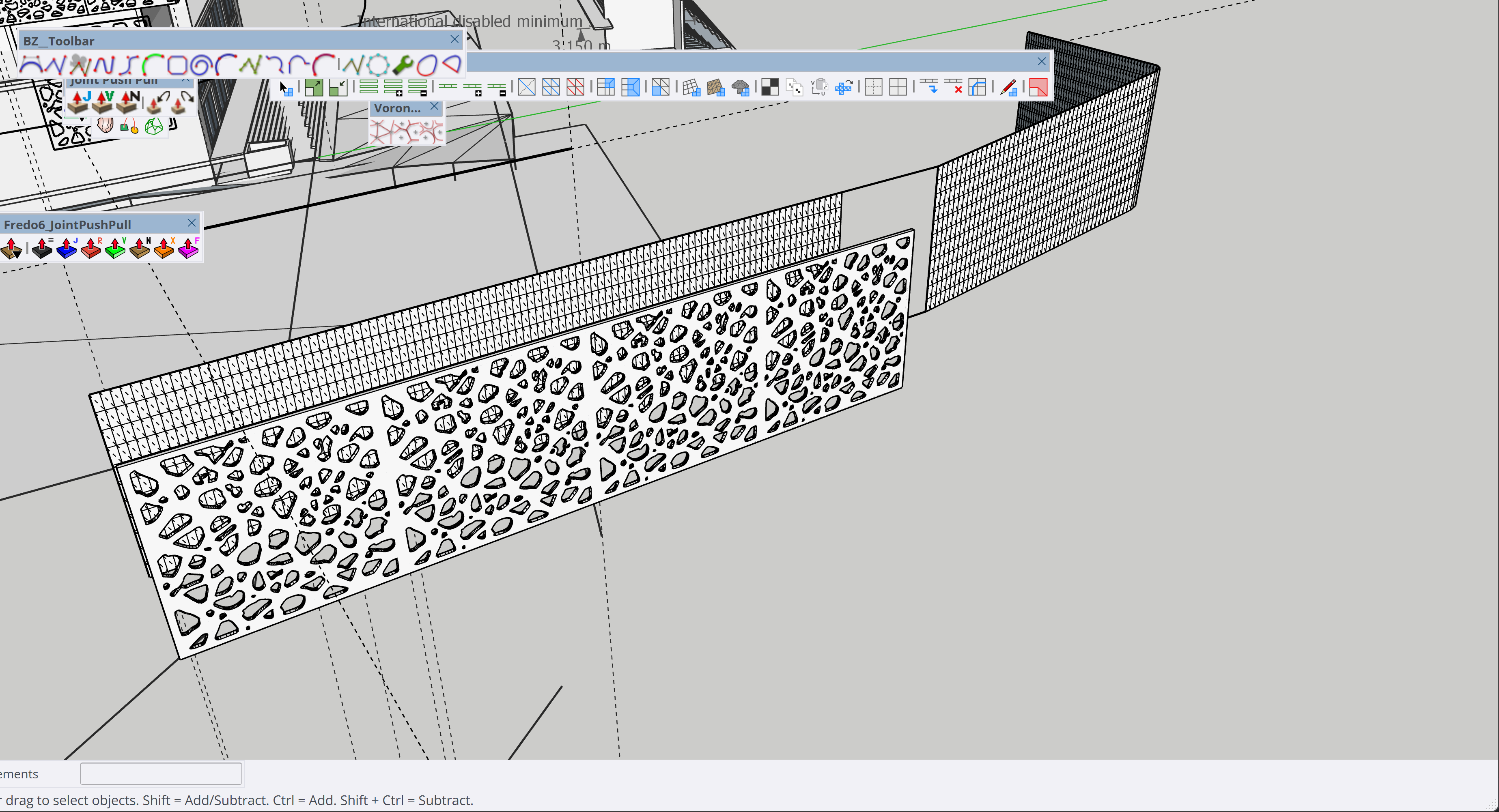
    If you turn off the tags for the parts you don't want and set up a scene to show the object(s) you're interested in, you should be able to export the view. Or use LayOut. It would be better for setting up the view and getting the desired export.
  • Hot Rod

    WIP
    5
    1
    3 Votes
    5 Posts
    171 Views
    Mike AmosM
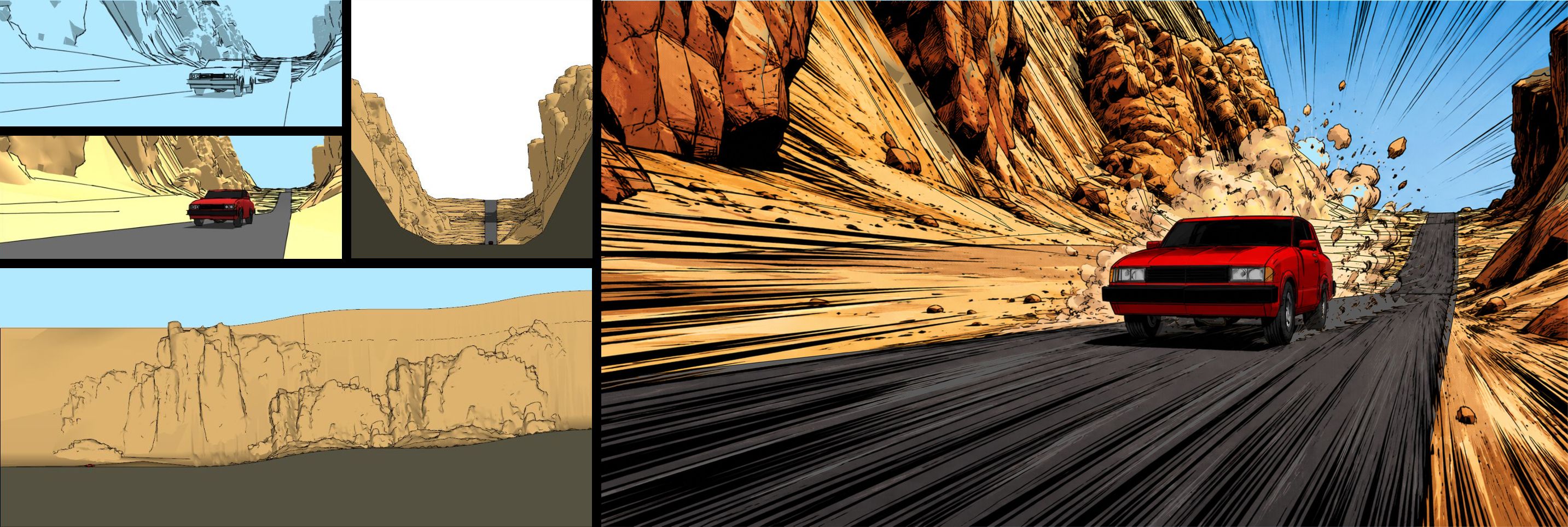
    OK, local emergencies aside, some time to look into moving this forwards and hoo nose, finish it maybe. I will have to change up the dragon and some geometry is proving to challenge rolled marbles. [image: 1765331140522-4-1000s-1909-x-984-777578tri-17s-gpu.png]
  • Vertex-tool or SUB D product Inquiries that can be used with

    SUbD
    2
    0 Votes
    2 Posts
    349 Views
    thomthomT
    Internet access is required for activation of the license. Once activated the extensions don't need further internet connection.
  • Consistency in doors

    FlexTools
    1
    0 Votes
    1 Posts
    35 Views
    No one has replied
  • Report Name not updating

    FlexTools
    1
    1
    0 Votes
    1 Posts
    22 Views
    No one has replied
  • [Plugin] Coords Text Tag from Datum

    Plugins
    149
    0 Votes
    149 Posts
    102k Views
    B
    Hey there, do you know why the points I set on my SketchUp-map are different when I cut and paste them into Google Maps? There is always a difference of about 20-50 radius.
  • 0 Votes
    4 Posts
    130 Views
    M
    It's a little confusing with the two corner plugins, but I get it now -- Curvizard is great! Thanks for the suggestion; I'm going to go simplify a bunch of my old models now
  • 0 Votes
    5 Posts
    121 Views
    alexpacio2013A
    @fredo6 And anyway, even with your script it works on the second opening of the Master toolbar manager panel. At the first opening, the Custom toolbar panel is not present. [image: 1764950816189-79c4d3c0-a338-4c89-a01c-5bcba232e81a-image-resized.png]
  • Modelling a tramway

    Gallery
    469
    1 Votes
    469 Posts
    185k Views
    jo-keJ
    fortunately it is going on here. The Sketchupmodel as a 3D Print. [image: 1764927986232-2025-12-02-11.07.48-resized.jpg]
  • Silly/Dumb Question about Guidelines

    SketchUcation Community Forums
    16
    0 Votes
    16 Posts
    315 Views
    ntxdaveN
    Once again, I want to thank all of you for your responses. As I said earlier, this is not my first model and I have been using SU for several years. Just doing things far different from what I am working on now. @Box was right on. I finally did it correctly and it worked exactly the way I wanted it to. My dimensions are slightly off (VERY minor) but I got it to do exactly what I wanted. . I have some other challenges but hope I can share what I am doing in a couple of days. You will all wonder what the heck was so difficult.