Hi PCmoore,
Thank you for explaining. Very useful 
Thank you once again 
Hi PCmoore,
Thank you for explaining. Very useful 
Thank you once again 
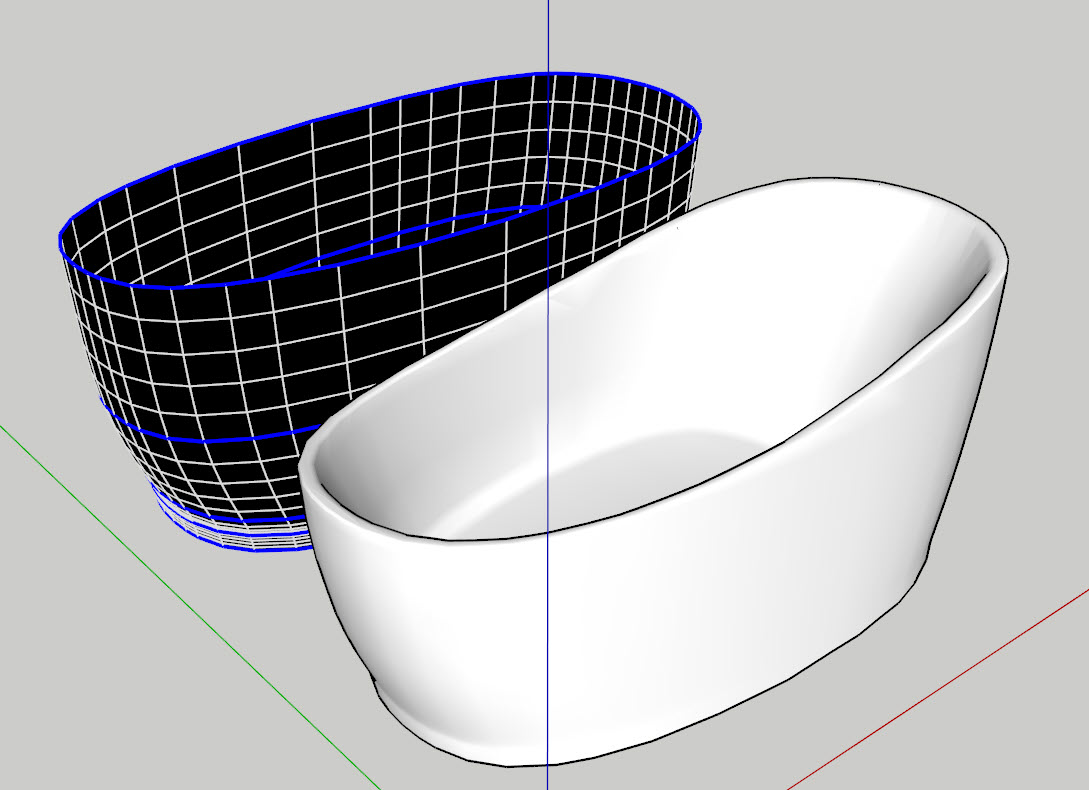
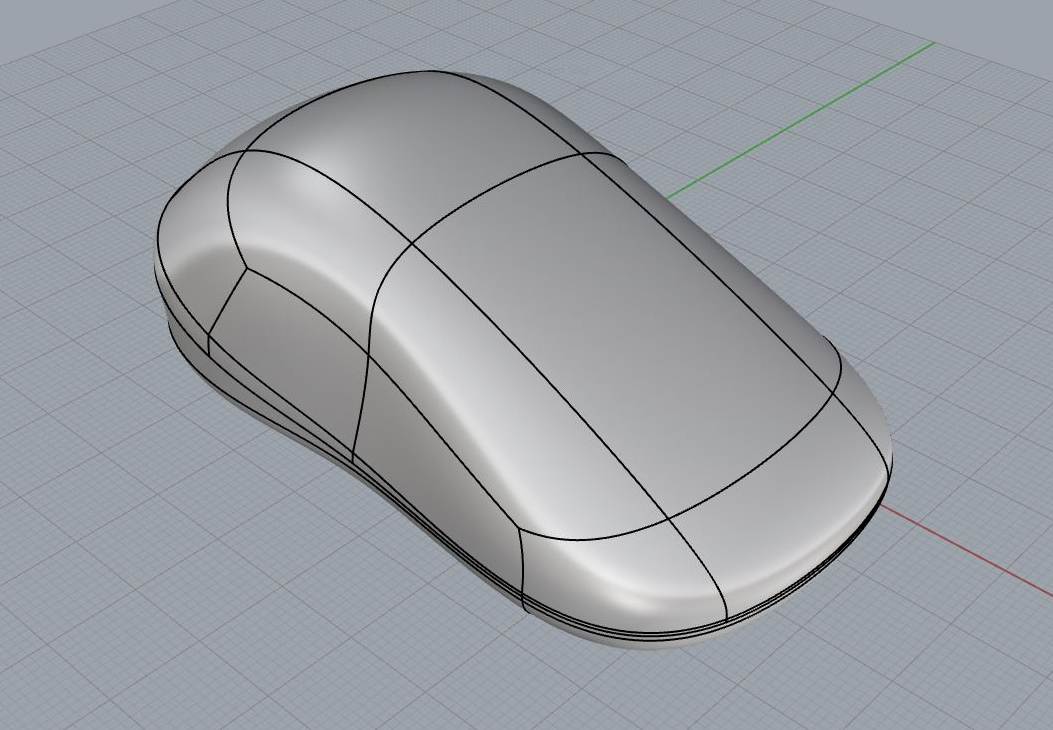
My try.
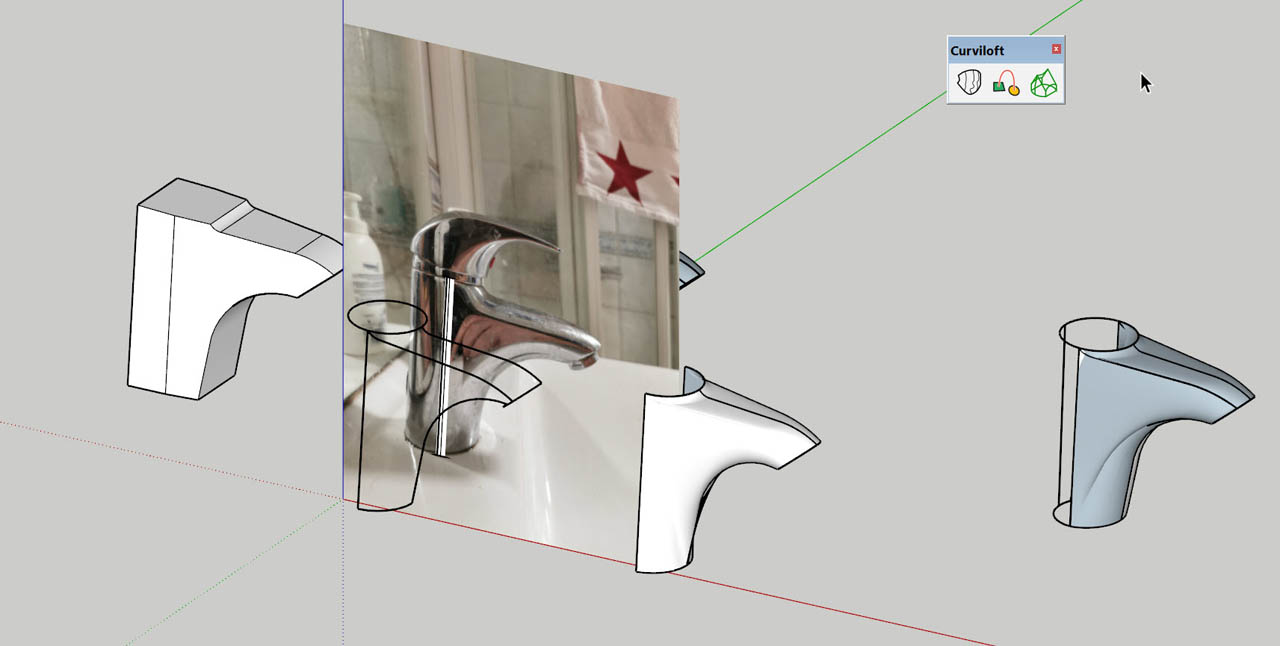
Untill I learn more of subdivision i used Curviloft and scale for this model


Just curious Rich. How do you know how to split model(divide) and do you model half as component before combining and subdivision?
Did you use a plugin for texturing? (i.e Fredoยดs Thrupaint)
Wow Rich! Cannot beat that 
I think I give up. Impressing modelling indeed. Thank you for showing.
I am gonna give this model a go. But who can do this fast and easy and still good looking?


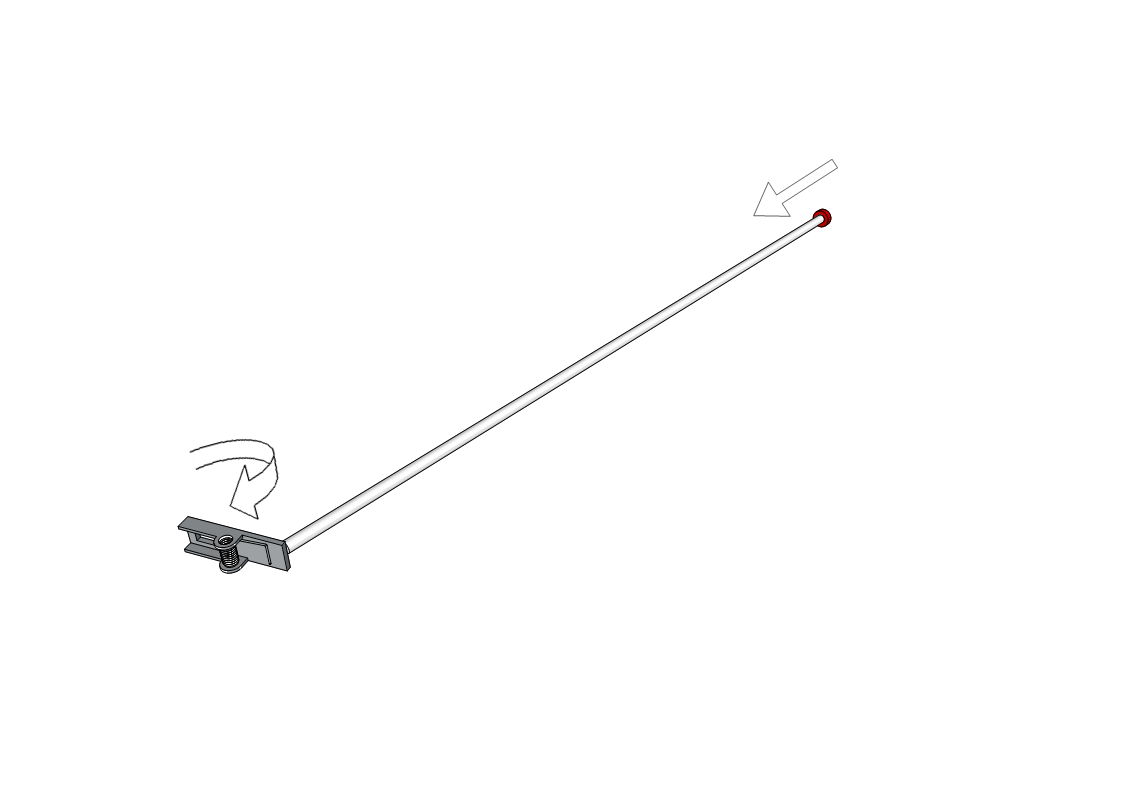
Trying to make this PushPin mechanism work by clicking either at the red end button or the rotating part. They work individually, -but how can I make them work at same time (Connected) by clicking either?
(Something about "mother<Child"...)
Any help appreciated 

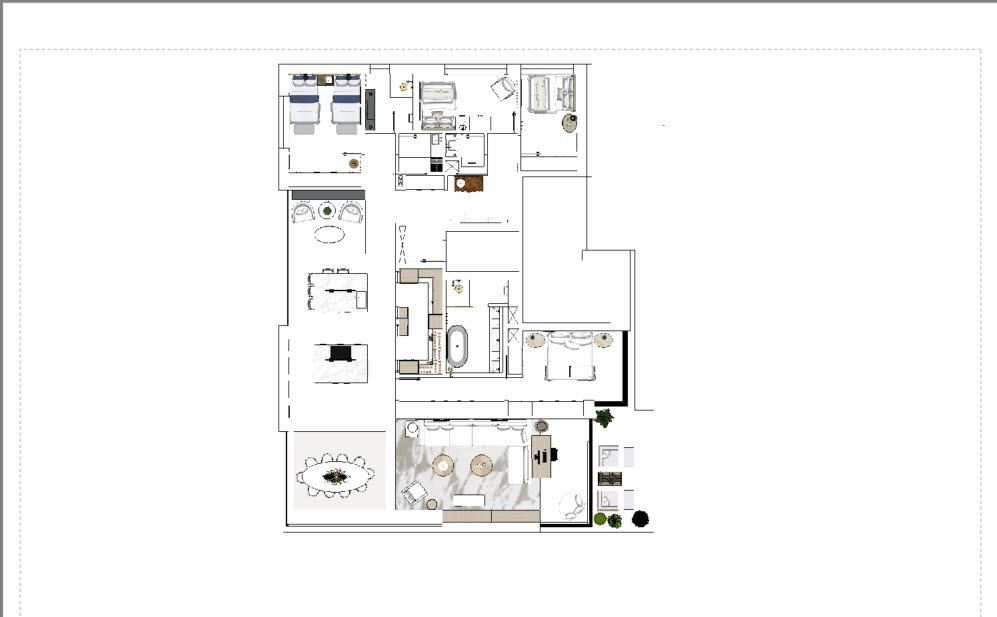
Export to dwg is ok, -but when sent to an email it does not show. What is wrong? AutoCad looking for references (pngยดs?). Can i do something to merge into one flat 2D dwg file?
[img]
[/img]

From LayOut
after email

I found out; Tried to combine 3 textures at a time. Works only by two at once
Looking for "Combine Textures" in SU 2021. Is it discontinues or moved to another command?
@dave r said:
If copying with Ctrl and move you need to remember to hold Ctrl and Shift together.
Thank you Dave. I never thought about that. This solved the problem though it still "wanders" a bit, -but now along right direction.
Thank you again 
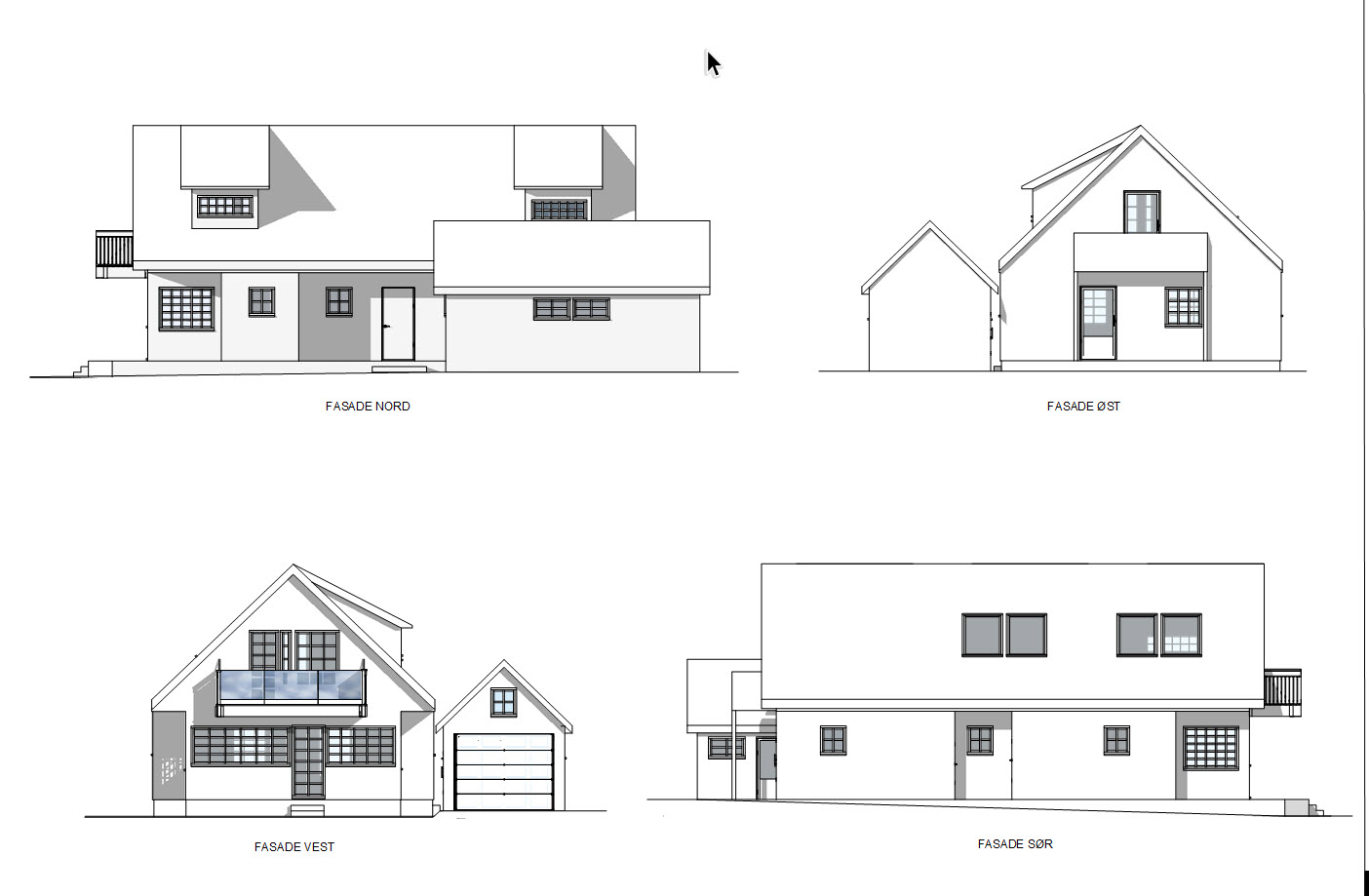
I find it hard to copy drawing locked to an axis in LayOut. It is so simple in SketchUp either holding down the shift key or using the arrow keys to lock in direction. Trying using the shift key when copying in LayOut works fine untill you pass outside the model "border" then it starts jumping up and down snapping to invisible points and sometimes wandering about the screen. Makes me crazy! Why can we not have the same direction locks like in SketchUp?
I often use LayOut for facade drawings, -and the arrow key locks to define the ditections would make it so much easier. ..Or did I miss something?

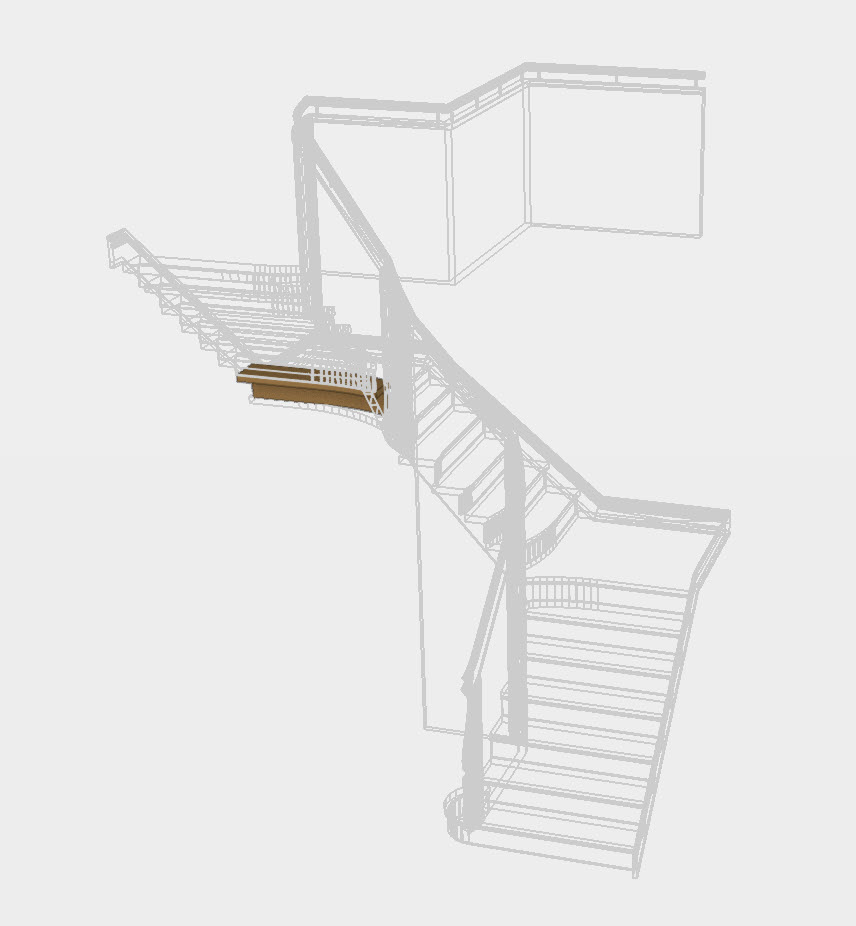
I made this staircase and try to make it "watertight" for ifc export. So far I failed even though I checked it piece(solid) by piece with Solidinspector. When I check the grouped solid it says 1 Surface Border but I cant find it. Another strange thing is in the ifc model only one step shows up..?
Can anybody help me? Attached is the stairmodel in SUv21.

@nlipovac said:
Sorry friend but I do not get what you are after.
Can you explain it with a hand sketch?
Do you want to have quads make those surfaces?

@box said:
I'm not really sure what you mean by simplify with SUbD, but is this what you want, I just took one skin and cleaned it up a bit.
Thank you, but what I was looking for was a Sub-D face and how to do it?
This file was imported into SketchUp from obj. I want just a simple face, not double.
How can I simplify in SketchUp with Sub D?

WoW! Some really great results here! Unfortunately I could not get a reference photo straight on from sideview but it seems you got great results from "eyeballing".
I learned alot from this and will use your tutorials to improve Sub divide modelling.
Thank you all for your effort ; )
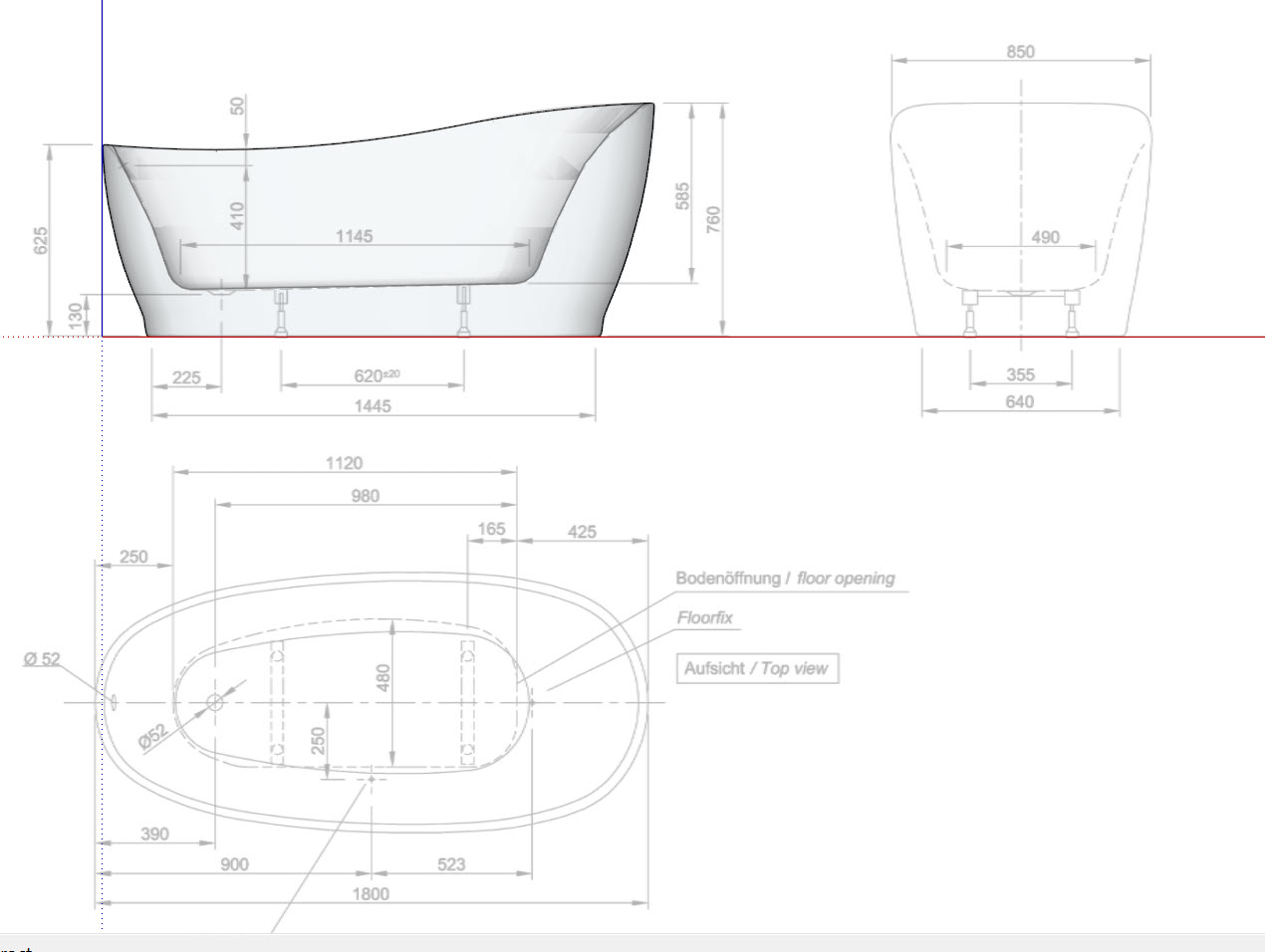
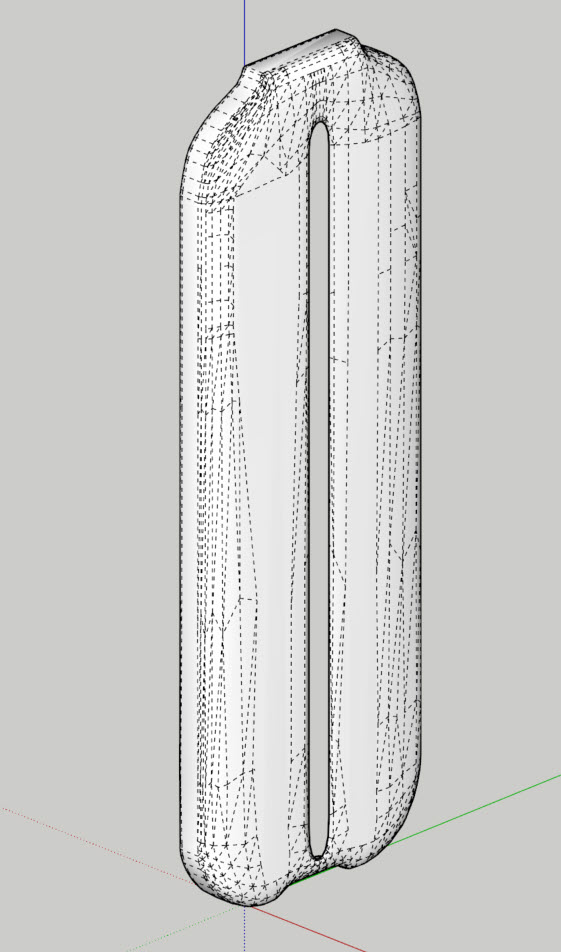
Trying to model a Damixa water tap in SketchUp using Fredos Curviloft. Not satisfied with the results.
Maybe I could use SubD for this but I have no experience. How can I divide this model using SubD?
Can anybody show me the steps how to do it?
Find attached the SU model. I saved it from 2021>2019
[img]
[/img]
I made a scrapbook template and wanted to rename it. Instead it was saved as a new template. So I tried to delete the old one but cannot find anything in the Scrapbook folder?