i finally found out how to do this.Thank you so much Dave for giving me the solution. Bothered me for a long time. Works fine now.Thank you.
Oops, your profile's looking a bit empty! To help us tailor your experience, please fill in key details like your SketchUp version, skill level, operating system, and more. Update and save your info on your profile page today!
Check out Febhouse | New extensions for Shadow Analysis in SketchUp Download
 E
Offline
E
Offline
Posts
-
RE: Divisor
-
Divisor
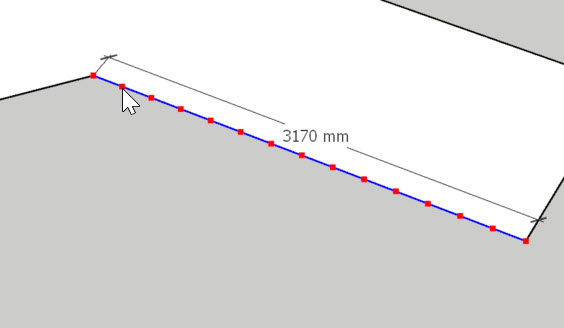
Lately I discover the infobox telling length and amount of segments has disappeared when I rightclick and use the divisor. Is there a setting somewhere which can make it show again?
..I miss seeing lenght of segments
-
Bra/bikini model
I need some bra/bikinitop models for a project. Does anyone have some in Skp?
I can use Skimp to import if you have in other fomats (not max)
-
RE: FlexTools Updates
Where can I find wooden double doors like in gif?

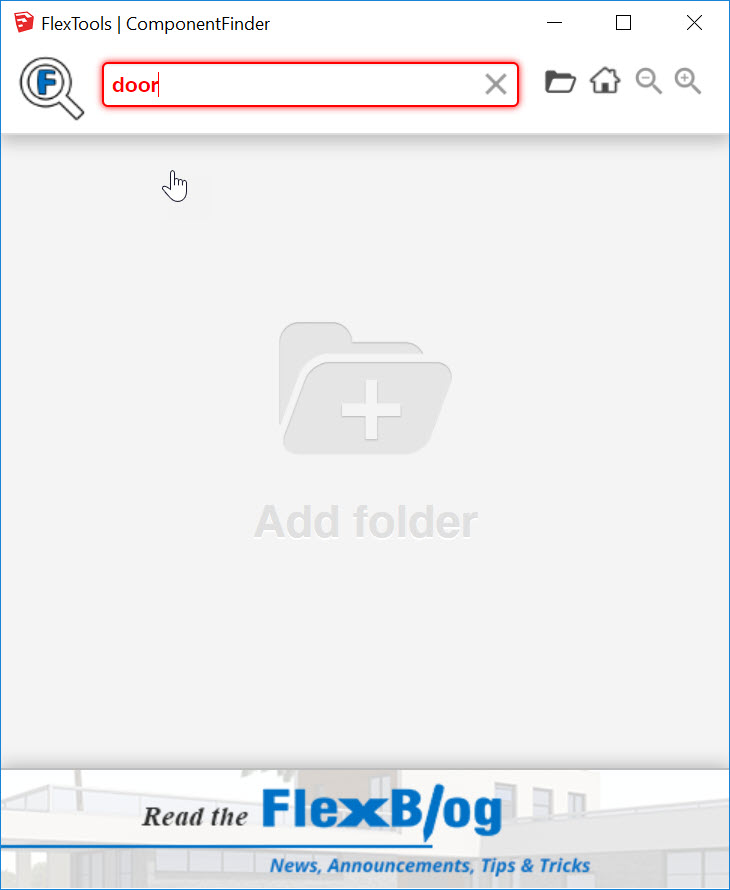
Also in my(Activated)ComponentFinder text is red when searching and doesn´t work.?
-
RE: Divide
Thank you TIG. Just remembered I am part of the Betatester program and it might be related to using a beta.
-
Divide
In 2018 when you rightclick to divide a line a yellow box appear telling the measure of each segment..
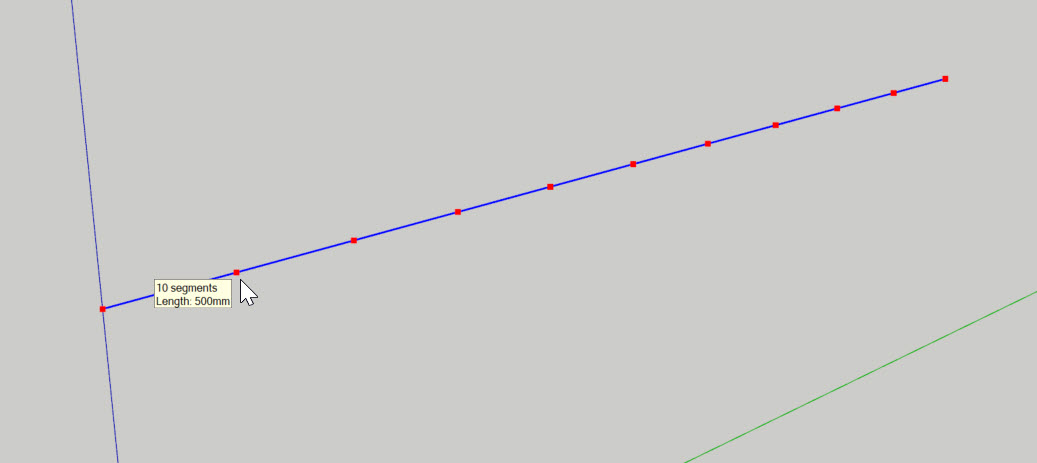
This does not work in 2019..?
I need this function to work -
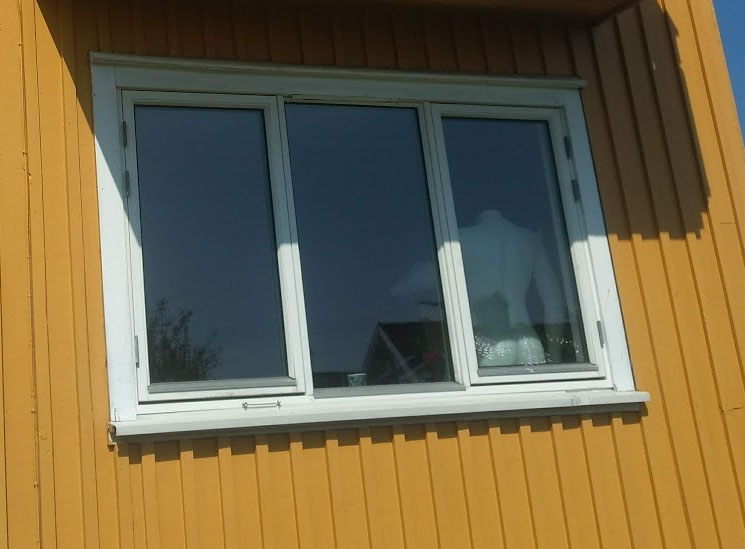
RE: 3-in one window
Super Halroach! Actually I allready found/tested that setting but did not click interact twice.
-
RE: 3-in one window
I have another question..
Is it possible to adjust lenght/widh of sill beyond the interactive click length? -
RE: 3-in one window
@halroach said:
Hey Epix,
It's not a total super convenient solution yet, but you can combine windows like in the following video:
Thank you Halroach. I knew I´d seen this video before. Just what I was looking for

-
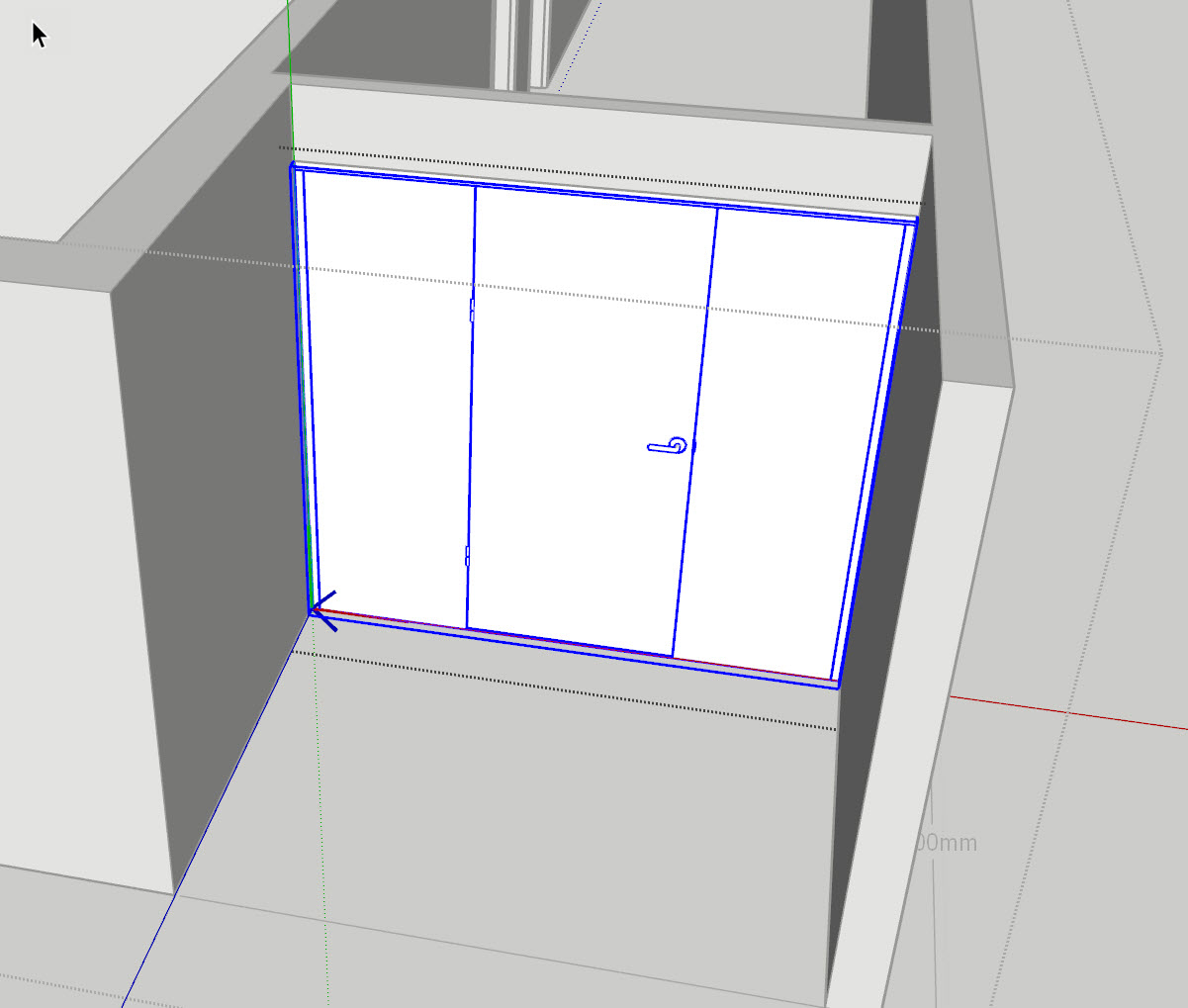
Exchange Flex doors and windows
Is there a way to easy exchange doors/windows? Let´s say I have a floor model where I want to exchange all swingdoors with sliding doors..
By the way, -is there an option for sliding doors? -
RE: FlexTools Updates
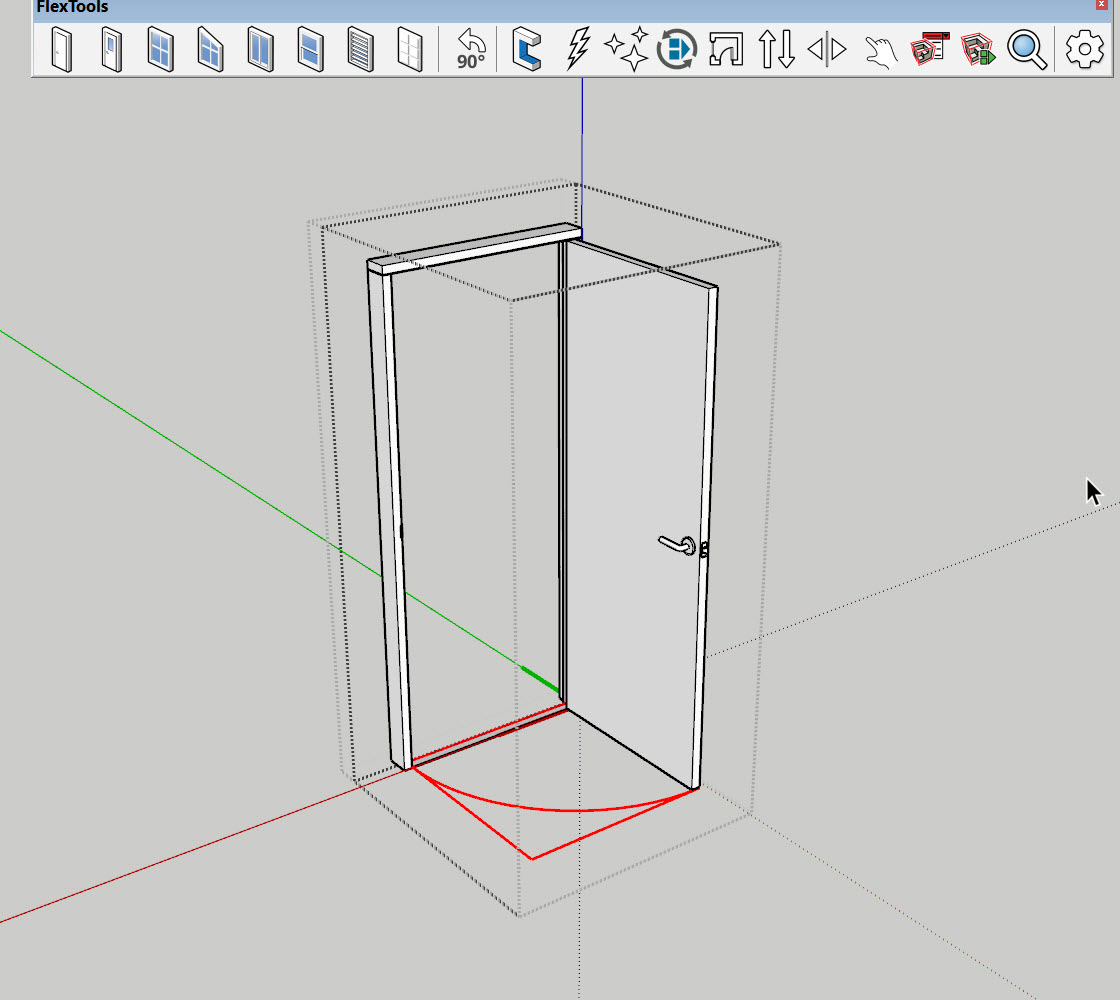
I cannot find any problem with locking the arc by default as it is locked steps inside the component.
i have made some door libraries previously working like this. If you want to delete the arcs(which should not be necessary as it is on own layer) you just unlock it.
I think default is best way to avoid customers deleting arcs by mistake. -
RE: FlexTools Updates
Thank you Juju,. I will try that next time.
I have suggestion.
I often use CleanUp3 plugin to clean my files for unecessary geometry.
The door arc in FleTools Doors should be locked to avoid disappearing when cleaning for stray lines.[img]
 [/img]
 -
RE: FlexTools Updates
..Strange thing happened, -when I closed and reopened the file the holes were back..?
-
RE: FlexTools Updates
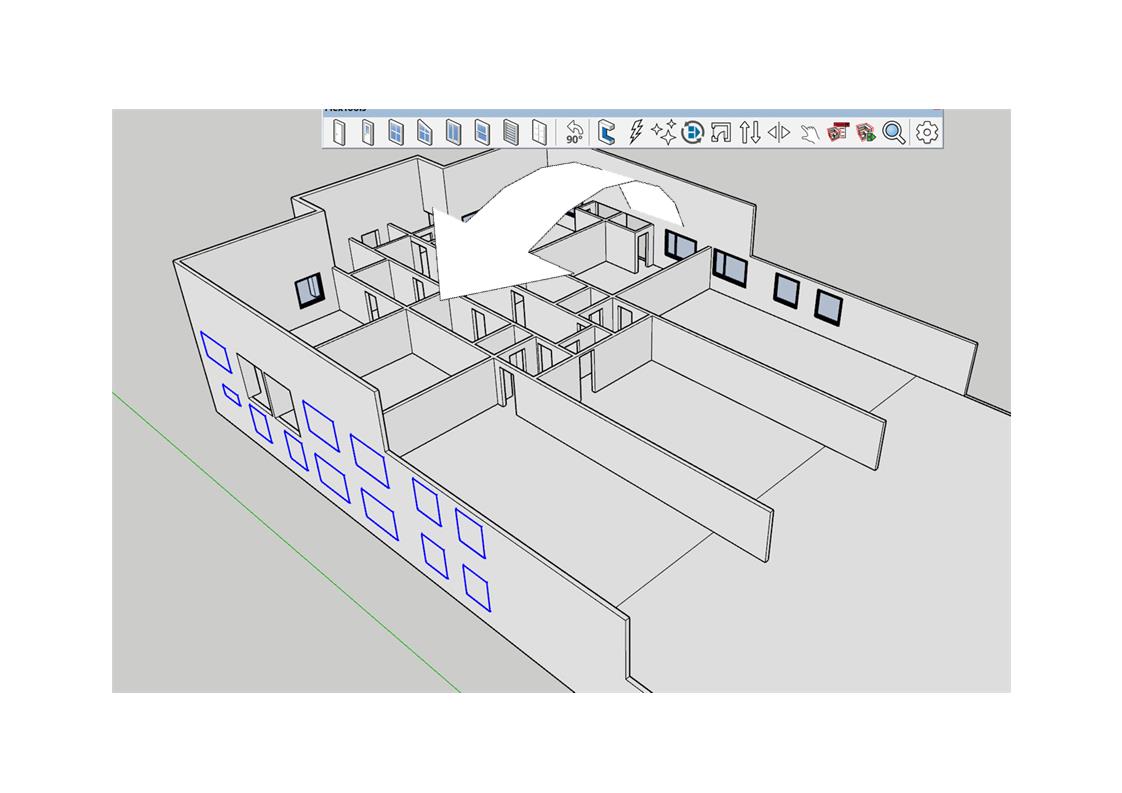
Flexwindows are mirrored from one side to the other cutting new holes but removing the original holes from the side copied from..
[img]
 [/img]
 -
RE: FlexTools Updates
When I mirror Flex doors and windows with copy the cutholes on original disappears..?
Same happens if I modify a wall with flexcomponents.
Is there a way of updating so the cutholes comes back? -
RE: FlexTools Updates
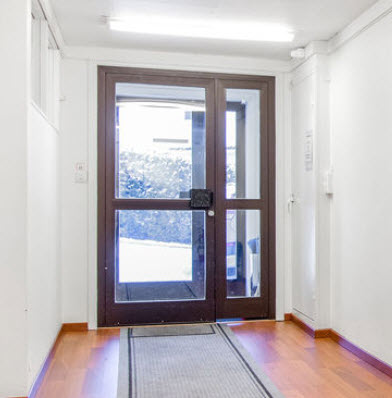
Looks good halroach but I will need frames around glass like a panel door. Do I have to make it manually? I hope this will come in an upcoming version.
-
RE: Organic challenge
@rich o brien said:
Can you use a texture? You could just UV unwrap the mesh and paint it if a texture will do
This has to be a 3D model for visualization
-
Organic challenge
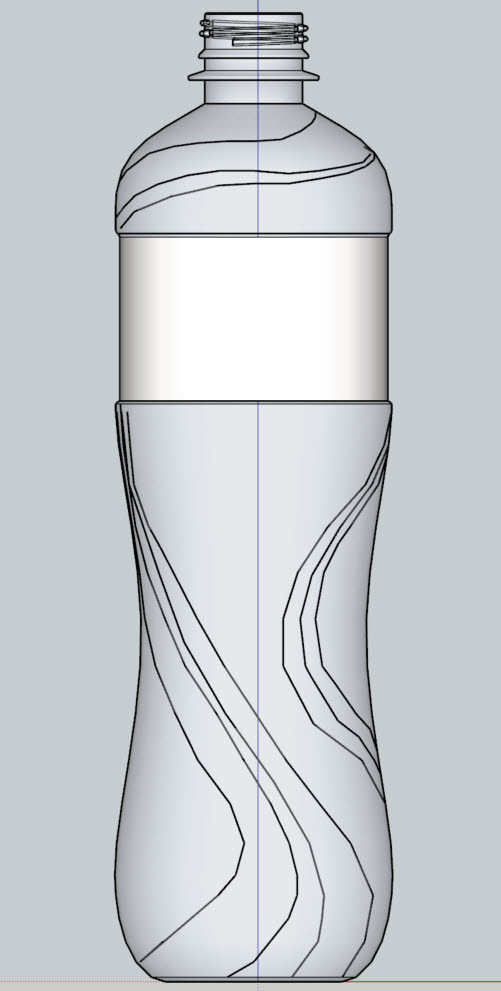
I have this PET bottle which I want to have an flowery volumetric organic pattern twisted around the surface.
Pattern will be on outside on surfaceHow can this be done?