I made a scrapbook template and wanted to rename it. Instead it was saved as a new template. So I tried to delete the old one but cannot find anything in the Scrapbook folder?
Oops, your profile's looking a bit empty! To help us tailor your experience, please fill in key details like your SketchUp version, skill level, operating system, and more. Update and save your info on your profile page today!
Check out Febhouse | New extensions for Shadow Analysis in SketchUp Download
 E
Offline
E
Offline
Posts
-
How to delete a Scrapbook template
-
RE: Advanced construction
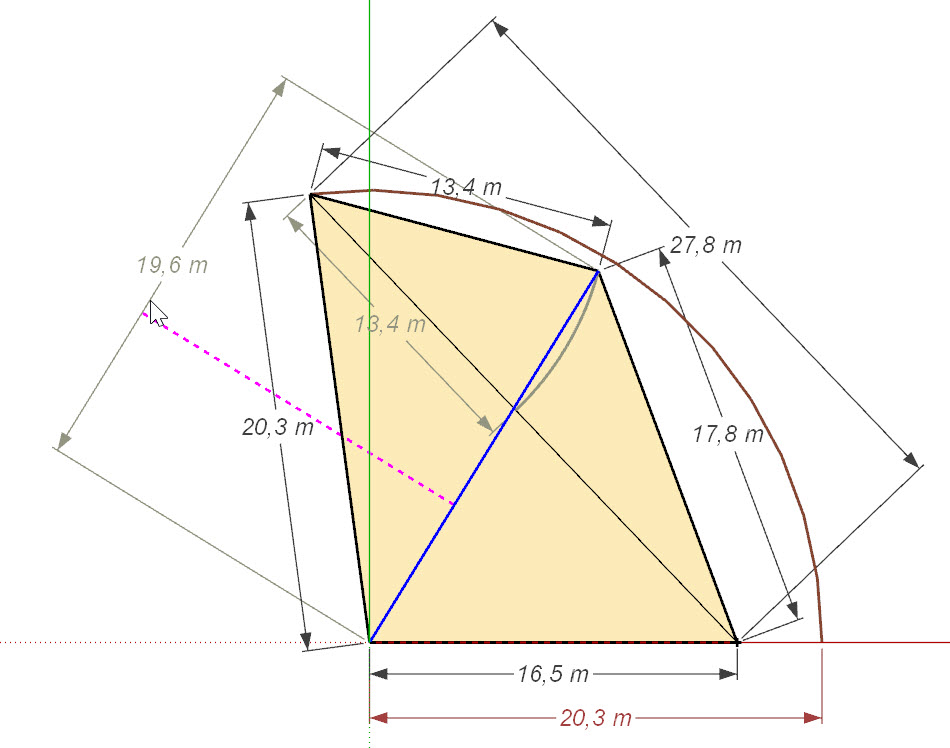
From what I can see the other diagonal is missing 1,5m so something is still ]wrong..
-
RE: Advanced construction
I am using 2021.
Thank you Dave, I will try construct it from your layout. I just couldn´t figure it out but now I think I understand ; ) -
RE: Advanced construction
Yes sorry, I did.
Your result looks interesting Dave. Could you please provide me the SU file for me to check?
-
RE: Advanced construction
Those are all the measurements taken on site including diagonal.
27,8m and 21,10mMeasurements are not taken by me and are probably estimates.
-
Advanced construction
I have a problem figuring out how to construct this plane from measurepoints taken between some trees.
Points are measured between. How can I Construct this plane? And is it possible?
Angles between legs are unknown. Can anybody help?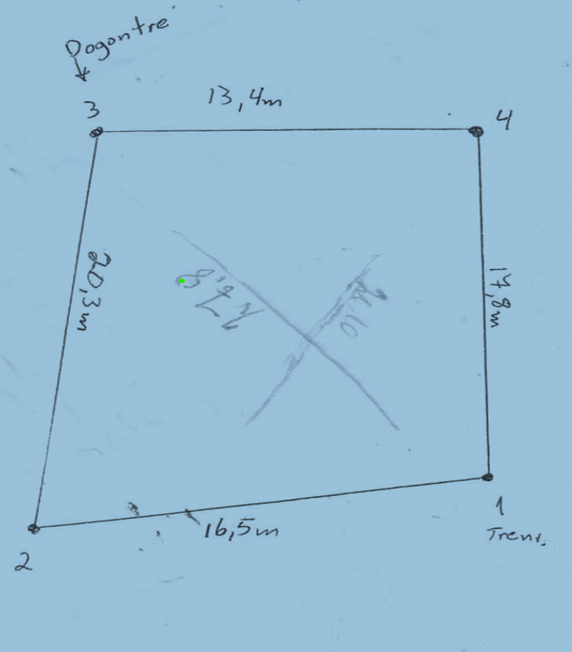
-
Dimensioning in LayOut
Is there a way or a PlugIn in LayOut to set radius or diameter?
What about a plugIn setting automaticly a text label for area?i think I once saw a plugIn for this in SketchUp but cannot find it
-
RE: Advanced roof
Thank you for the tips

I see, -it´s all about modelling to get a clean model. However in my case it´s all about polycount to keep the size down. I know the model is abit rough but my goal is a visually manueverable model much smaller than the original which is very accurate but much too big.
-
RE: Advanced roof
Size approx which is on the model allready
Here is the model in 2018 version. I appreciate your effort ; )
-
RE: Advanced roof
Sorry, must have linked to the original model. The reason for remodelling was to reduce model size. This is part of a big model 400mb which so far I managed to reduce to 55mb.
Here is a snapshot of the curviloft model which was further reduced with Transmutr.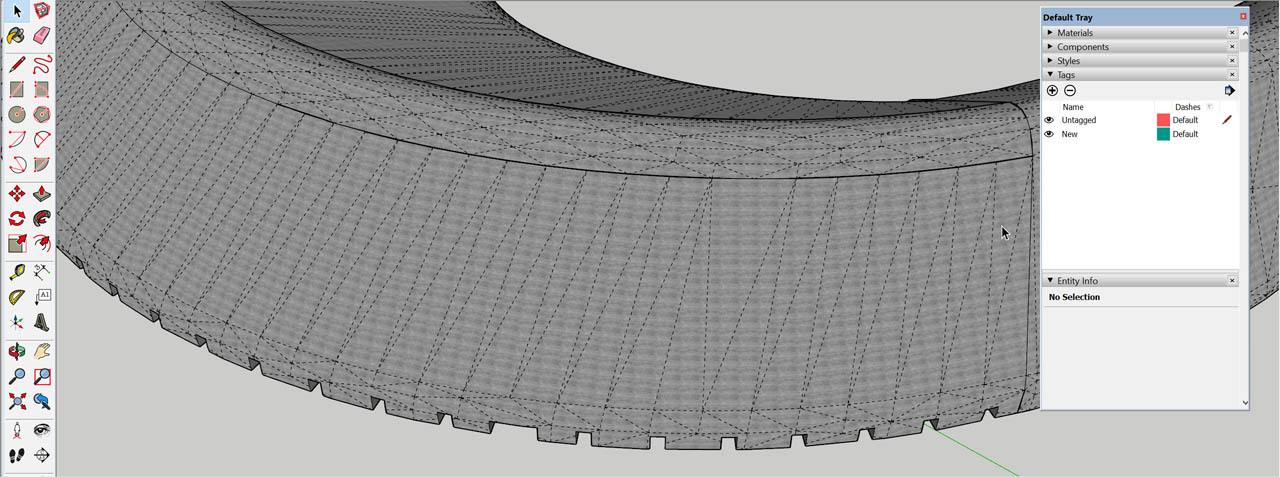
This is the model I am trying to texture
-
RE: Advanced roof
So I come to the point where I have managed to create a reduced model in SketchUp.
Now the challenge is how to paint the model with right UV pattern. I´ve tried with Thrupaint and SketchUV with no succes. The pattern should be horisontal following the shape both outside and inside. Size is O.k, but how do I make the texture continous?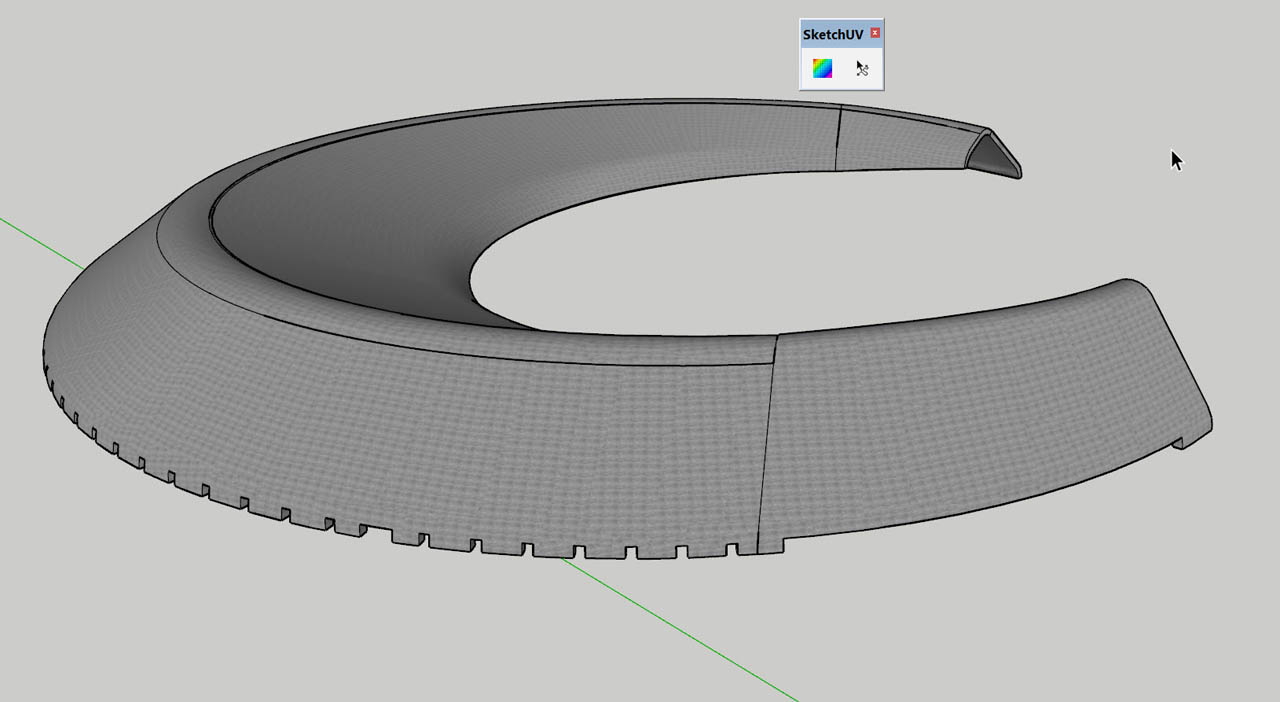
New SU Model attached
-
RE: Advanced roof
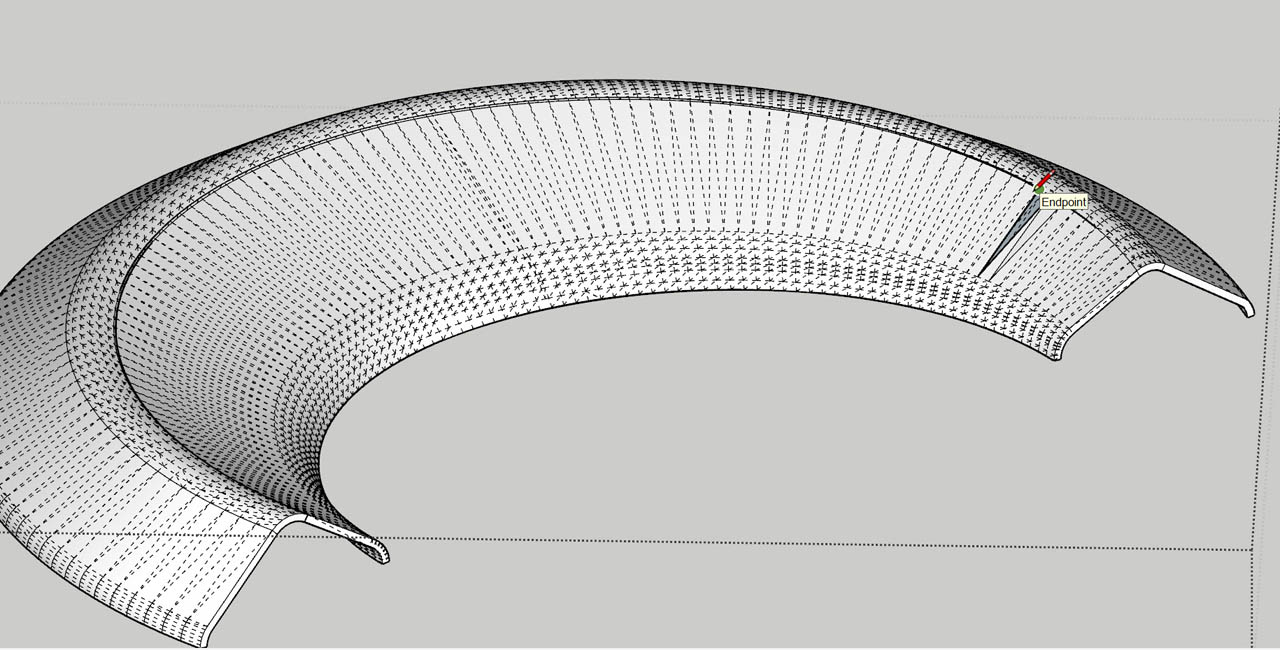
This model is part of a big (400mb) model so I am reducing size all over. I have/use Skimp and it does a great job reducing the model but I am also looking for a cleaner model without the triangulation. I think I am onto something now modelling it part by part and merge together with Solid Tools. It´s a job fixing the overlapping geometry manually
-
RE: Advanced roof
Well, I still have some problems with constructing this. Here is a screenshot of what I am trying to achieve:
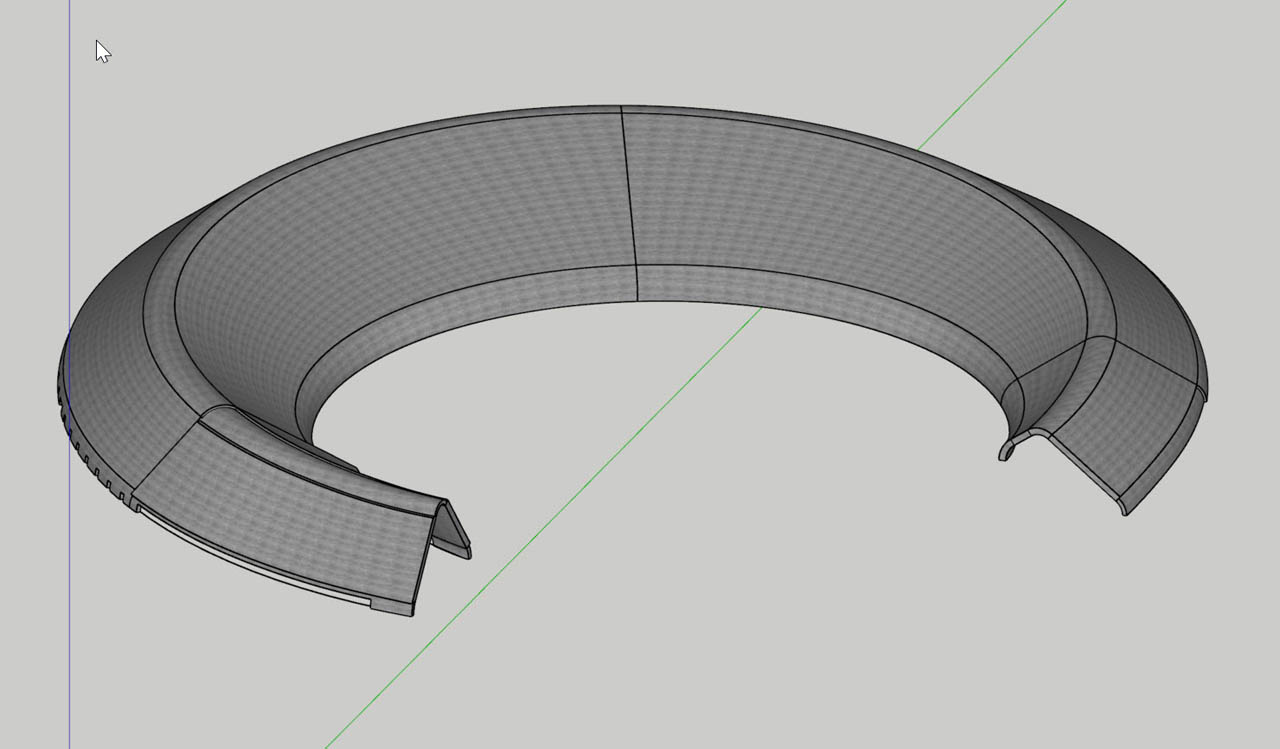
I am trying to recreate this model which is a big 70mb imported inner ceiling from a CAD program. I want to recreate in SketchUp and reduce it to a visually minimum so it can be easily maneuvered in SketchUp.
I meet a problem with construction going outside the expected result + constructing the ends of this banana shape. Can anybody see if it is doable?Here is a link to the original file in SKP2017
-
RE: Advanced roof
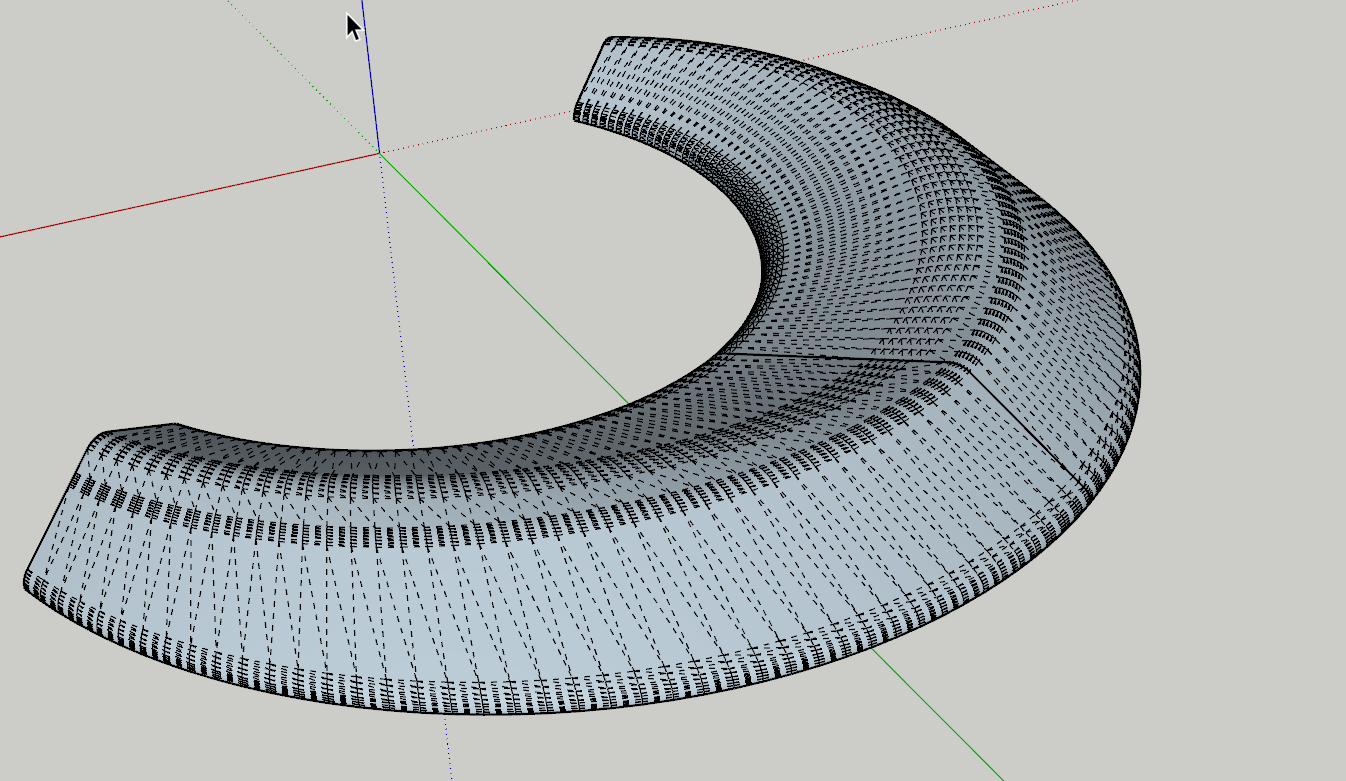
I found out. Seems like profiles was not touching eachother.
-
Advanced roof
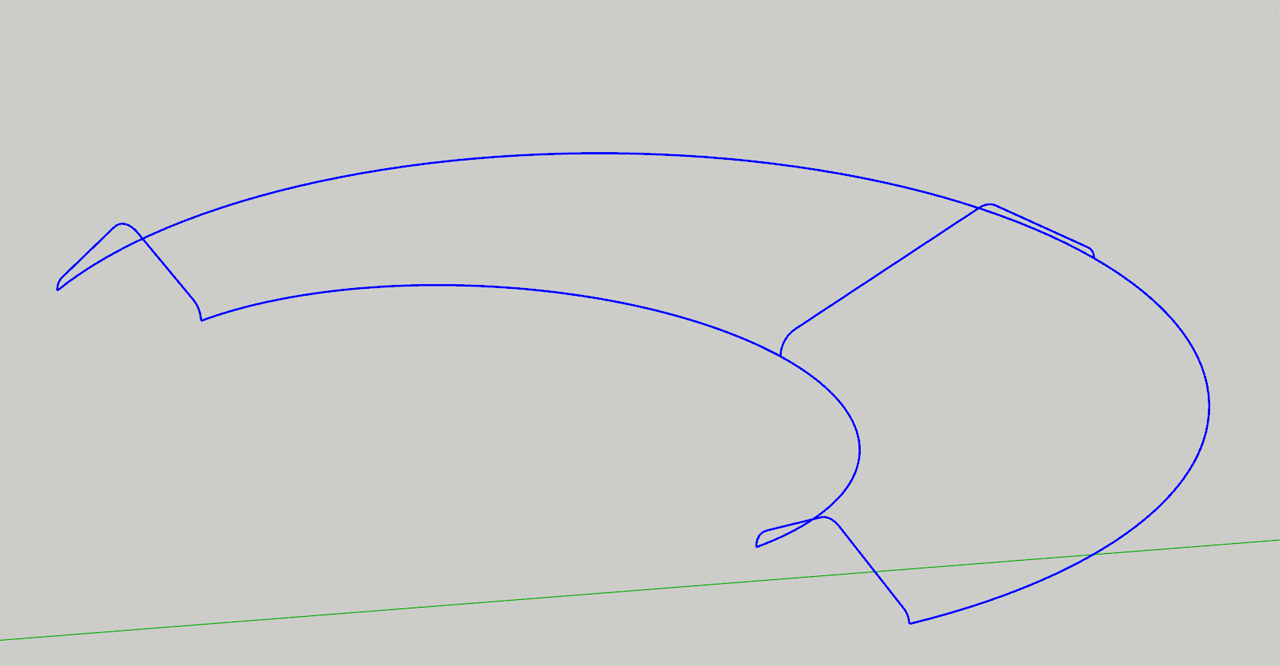
Working on a complex roof trying to skin profiles without sucess. Maybe I am using the wrong tools using Fredos Curviloft? Can someone show me how to do it?
-
RE: Vikingship
Wow Tuna!
What a great job! You also managed to reduce the model file significantly which was my goal. Thank you.
The model was converted from some other CAD program and was pretty much messed up.
Thank you again.
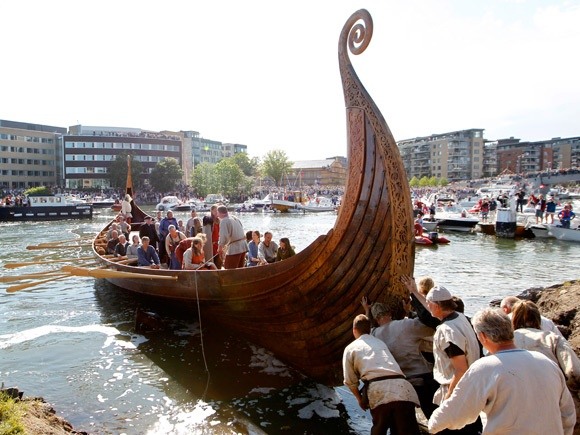
Here is a photo from my hometown Tønsberg where the original vikingships where found. While the originals stays in the museums in Oslo they build replicas at the site the old way using same tools as the vikings.
This is from the launch of the Oseberg replica at the harbor in the middle of Tønsberg. The ships are really beautyful work of art. -
Vikingship
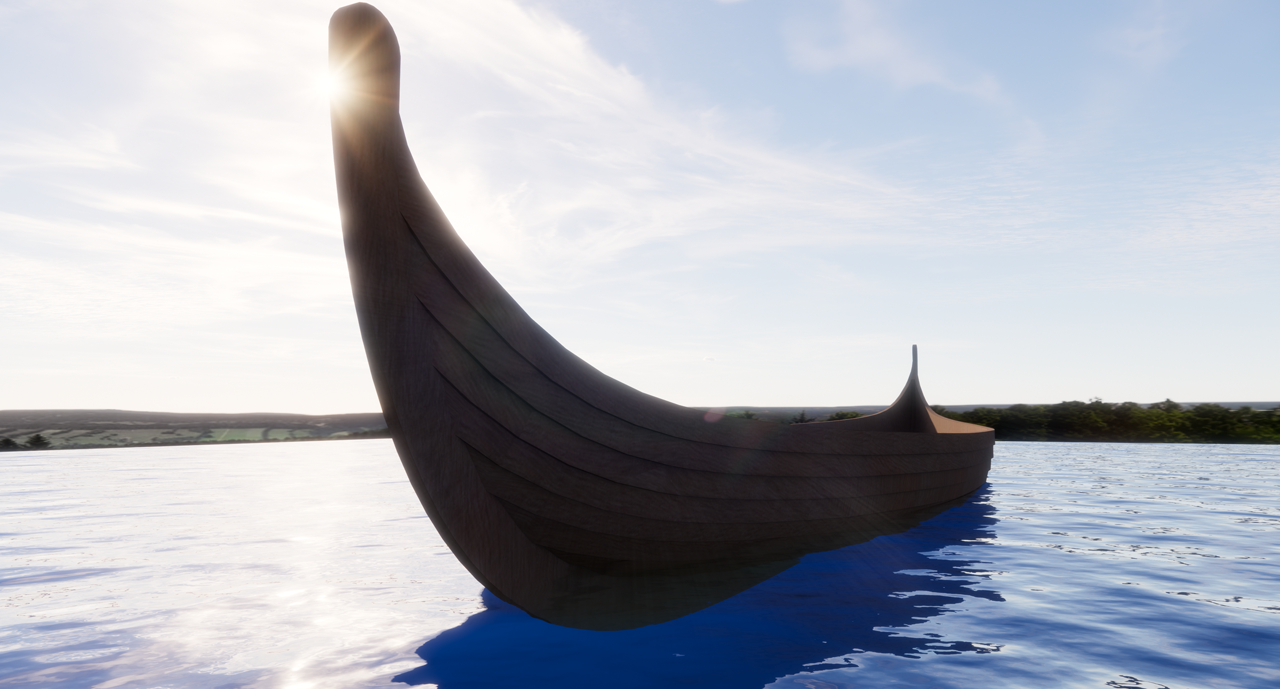
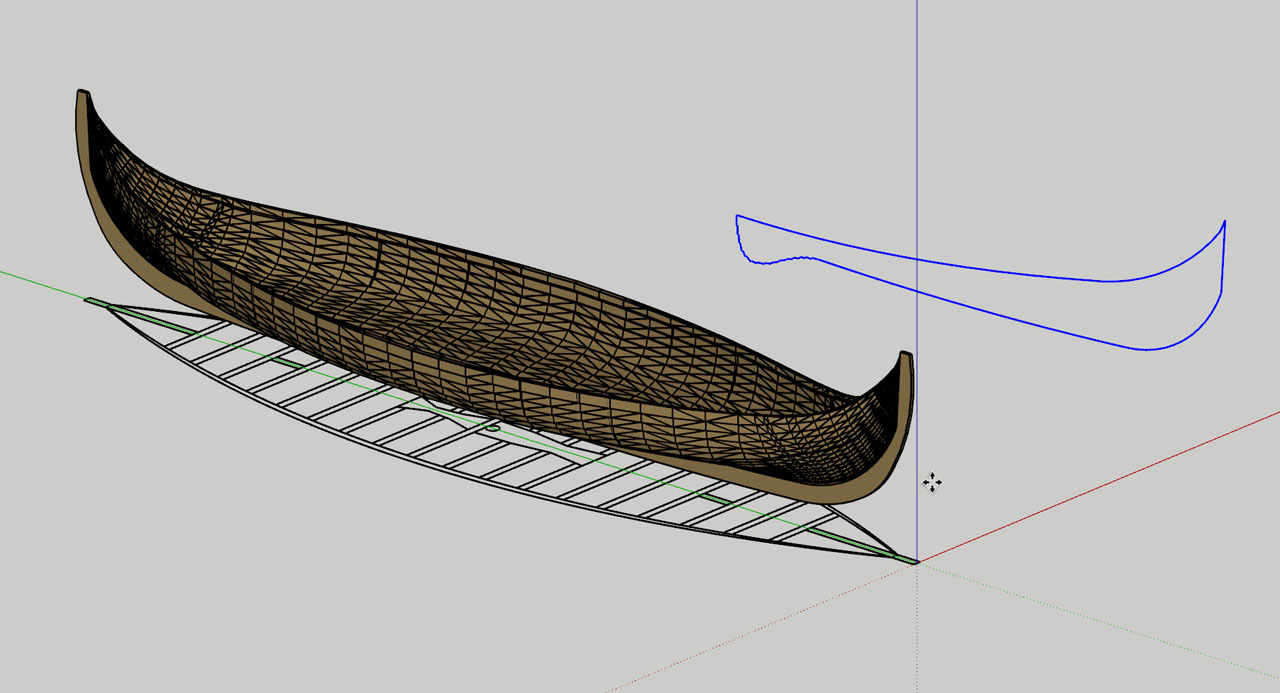
This shipmodel is an import from other CAD program and I am trying to recreate this vikingship in SketchUp making a low poly model. Tried using Curviloft but cannot make it work.
Can anyone show me how it can be done?[img]
 [/img]
Attached find the SketchUp model
-
Best import formats to SketchUp
What is your experience regarding best import formats to SketchUp from different CAD programs?
ArchiCad
AutoCad
Catia
Fusion
Inventor
Revit
Rhino
VectorWorks
SolidWorksOthers:
3DS Max
Blender
Cinema 4D
Maya
Modo