Urasik Extensions | Lots of new extensions to check out Learn More
  • [Tips] Animator Tips and Tricks

    Pinned render plugins extensions
    74
    0 Votes
    74 Posts
    262k Views
    faBcnF
    Hi there! When dealing with kinematics, it's very useful to be able to graphically manage speeds instead of positions (slope of positions law) I see that a lot of non-linear laws are availables during a movement, but as far I understand, it's only useful between 2 keyframes. When dealing with more keyframes within a same general movement, I didn't manage to have some smooth transitions... Here is a simple case: Let's say we want to animate a car, constant speed (100km/h) between KF#1 and KF#2. Then it decelerates between KF#2 and KF#3 so that it reaches another constant speed (50km/h) from KF#3 up to KF#4. I didn't manage smooth transitions without generating some weird stuff... Is there some kind of tricks using available non-linear laws? Thanks!
  • [Tutorial] Animator Quick Start

    Pinned render plugins extensions
    136
    0 Votes
    136 Posts
    809k Views
    ntxdaveN
    @Migmat said in [Tutorial] Animator Quick Start: Here the NEW versión of the english tutorial because I miss the Last part of the tuto (Animation Technics) that was included in the Spanish version. Here the new link: NEW ENGLISH TUTORIAL VERSION LINK https://drive.google.com/file/d/1ur6USmBRxGFV-X_5ByE6xRRPJHLJfD2r/view?usp=drive_link I have not been able to download/read the pdf file.
  • Object switching with Animator [WIP]

    3
    1
    3 Votes
    3 Posts
    776 Views
    H
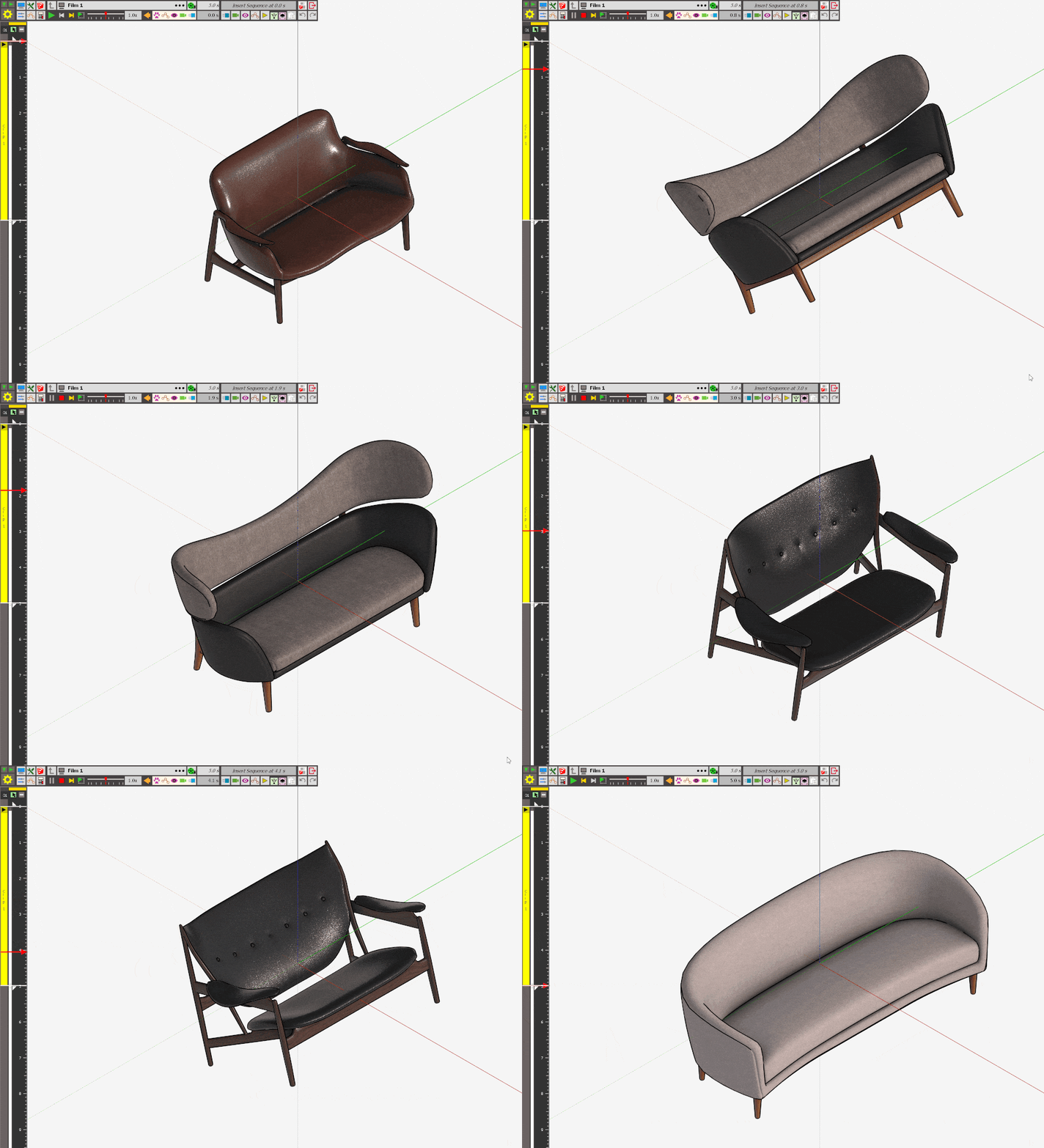
    Hi Rich O Brien! Can you making Tutorial for change sofa by Plugin Animator... Thanks so much.
  • Scene animation with Animator

    105
    0 Votes
    105 Posts
    10k Views
    ntxdaveN
    OK guys (@rich-o-brien & @fredo6 ) after doing some more working on another project, I think you have convinced me that, while I have shown you can do it with Animator, that multi scene animations might be easier to create in another application. I would like to know what software you guys use/recommend for a project like that. In my next project, I want to have several scenes that have a number of images, some text that might be added at different times and, of course, some animations (probably one of two short animations). I have downloaded the trial version of Movie Maker for Windows 11 but am having some issues (like a theme, editing some of the photos, and etc.) but I am currently working with the free version before deciding whether to purchase. I should also let you know that I am running Windows 11.
  • Natural/Cinematic Camera Movement

    camera extensions sketchup animation animator
    6
    0 Votes
    6 Posts
    369 Views
    F
    A largely forgotten plugin - MSPhysics. Also not so easy to get running under SUp2022: https://community.sketchucation.com/user/faust07
  • [Plugin] Animator - v4.6a - 18 Dec 25

    render plugins extensions
    595
    4
    0 Votes
    595 Posts
    2m Views
    ntxdaveN
    OK, I think I finally figured some things out so here are my latest videos. I hope you enjoy them and they can be used to see how Animator can be used to generate animated presentationsl GIF version: [image: 1771034456664-jesus-plaque-fancy.gif] MP4 sersion Jesus Plaque - Fancy.mp4 I am also posting this in the Scene animation with Animator thread. The main point of that thread was to discuss how Animator can be used in multiple scenes for presentation purpose.
  • Objects partially or completely visible when zooming

    2
    2
    0 Votes
    2 Posts
    162 Views
    Rich O BrienR
    That's called Camera Clipping. It occurs when parts of a 3D scene that fall outside the camera's visible region, known as the viewing frustum.
  • FFmpeg: Instructions for download and Install

    render plugins extensions
    45
    0 Votes
    45 Posts
    120k Views
    S
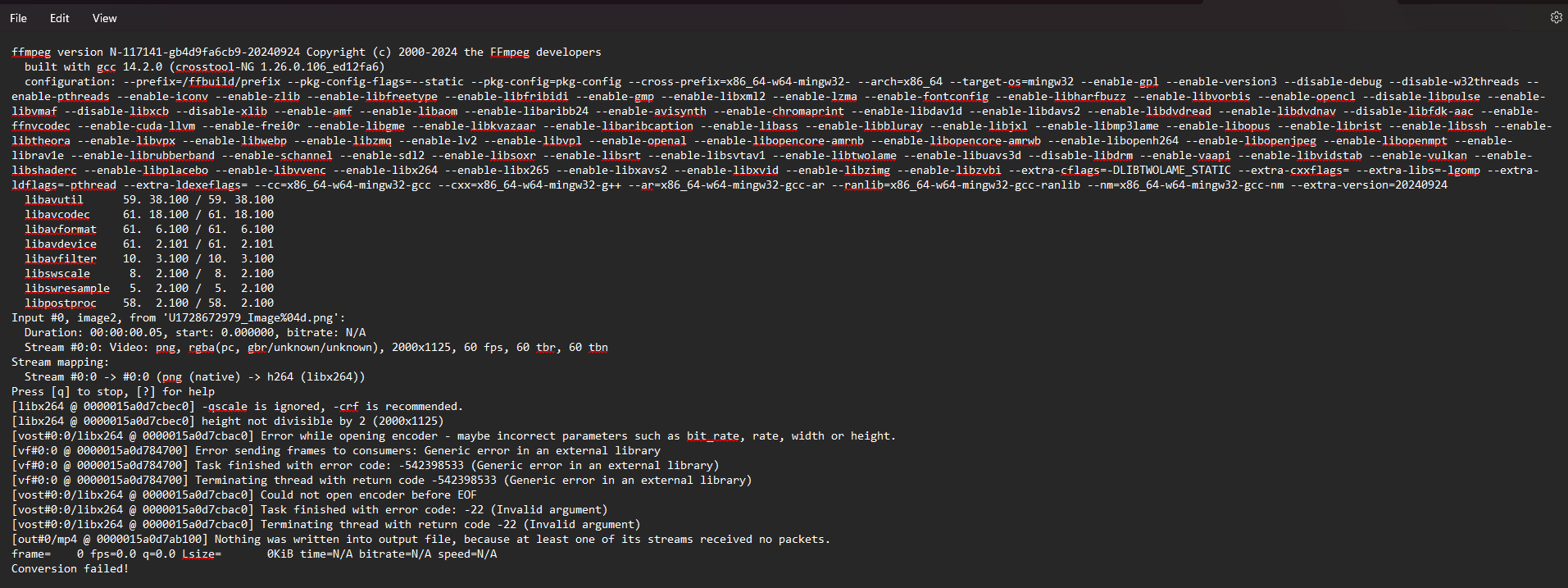
    Hello, FFmpeg continues to generate 25 fps videos (mp4) 1920x1080 despite of selecting different framerates. please help
  • Fredo6 Animator update problem

    render plugins extensions
    25
    0 Votes
    25 Posts
    24k Views
    W
    @fredo6 I got it working again with the latest Library, which was a later version than the animator plugin page linked to. Thanks for getting in touch.....keep up the good work, and glad to see you are charging money for your work.....finally!
  • Animator 4.5 Doesn't Open

    4
    0 Votes
    4 Posts
    687 Views
    Rich O BrienR
    @quenemary You have no license directory which suggests your SketchUp install is missing read/write permissions. You can fix this by running the SketchUp installer using Run as Administrator and choosing Repair when prompted.
  • Not rendering 60 fps videos

    1
    0 Votes
    1 Posts
    444 Views
    No one has replied
  • THEA RENDER & ANIMATOR CRASH

    6
    1
    0 Votes
    6 Posts
    1k Views
    T
    As we have figured out the issue requires both Animator 4.5+ and Thea 4.0.1397+ update.
  • Animator plugin expired message

    Solved
    14
    0 Votes
    14 Posts
    1k Views
    K
    @Rich-O-Brien I am really sorry it was down to libfred06 being before v15.2
  • why alway remind me to updated to newest animator vesion?

    1
    0 Votes
    1 Posts
    467 Views
    No one has replied
  • Animate movements the wrong way

    7
    0 Votes
    7 Posts
    898 Views
    N
    @Rich-O-Brien Thank you!
  • Updating Animtor to 4.1a

    2
    1 Votes
    2 Posts
    644 Views
    Rich O BrienR
    Use Sketchucation Tools to install updates https://sketchucation.com/plugin/696-sketchucationtools
  • Expiration: 31 Dec 24

    5
    0 Votes
    5 Posts
    734 Views
    TIGT
    Read the post before yours, it announces a update, which should fix this...
  • 1 Votes
    6 Posts
    1k Views
    TIGT
    @FairhavenMatt Also remember that working on any program's files that reside away from your computer also risks losing data when saving - which is irretrievable. Always work on a version of the file on your computer, saving it there as you work. When that work is completed save a copy of the file over onto the 'remote' location. Having your version on your computer is no harm and a useful safety net if you get problems with the remote copy getting made. Making a remote copy of a file is far less likely to cause any issues, as the OS is very robust at doing this, whereas any ap saving remotely is more likely to have hiccups... In your case the remote location is not accessible, but if it had been you have the ever present risk of a glitch in the file's data - potentially making it unusable...
  • 0 Votes
    7 Posts
    1k Views
    C
    @Crimson Thanks! i really needed this, I'm rendering it again because it deleted all the images i already rendered
  • Using GPU in Libfredo6 Animator plugin

    3
    1 Votes
    3 Posts
    670 Views
    C
    @Rich-O-Brien Thank you very much, i'll look into it.

Advertisement