A new signed Version 8.0 of the toolset is available as an RBZ in the PluginStore https://sketchucation.com/pluginstore?pln=2Dtools or for AutoInstall/Update through the ExtensionStore dialog.
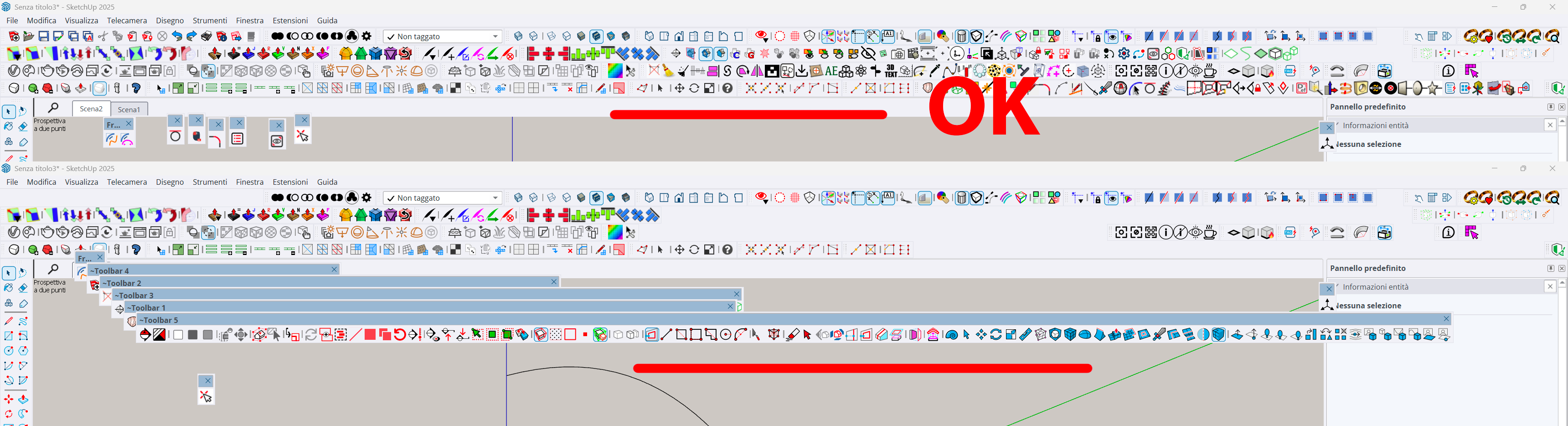
It addresses the TAB keycode weirdness recently reported when trying to open a dialog for certain tools, like LineStyle and Hatching etc.
The TAB press/up was itself introduced for >=v2020 when the right-click in empty-space context-menu option was removed from the Ruby API. It had to be a TAB press/up because MAC has always ignore a simple TAB press.
Recently it's been found that in v2026 on a MAC a TAB press/up sometimes fails to work at all, and other times on PCs x4 press/up were needed to get TAB to call the dialog - whilst weirdly some users experienced no issues with it at all, on either OS !
I have now error trapped the keycode capture for TAB as best I can, note that on <=v2025 there's no problems with TABx1 press/up [sadly my own PC still needs TABx4 press/up with v2026], and TABx1 may work with v2026 for some users and OSs,
BUT as a fallback I've now introduce an alternative additional key press/up - Shift - which [I hope] works with one press/up on any OS and SketchUp version. So if you have any v2026 TAB annoyance you can now just press/up the Shift key instead to open the dialogs.
Please try it and report any issues.
I've updated the More-Info>Release-Notes and the toolset's Help HTML files to reflect these changes.