🔌 Easy Offset | Offset selected faces in SketchUp in positive and negative offsets. Download

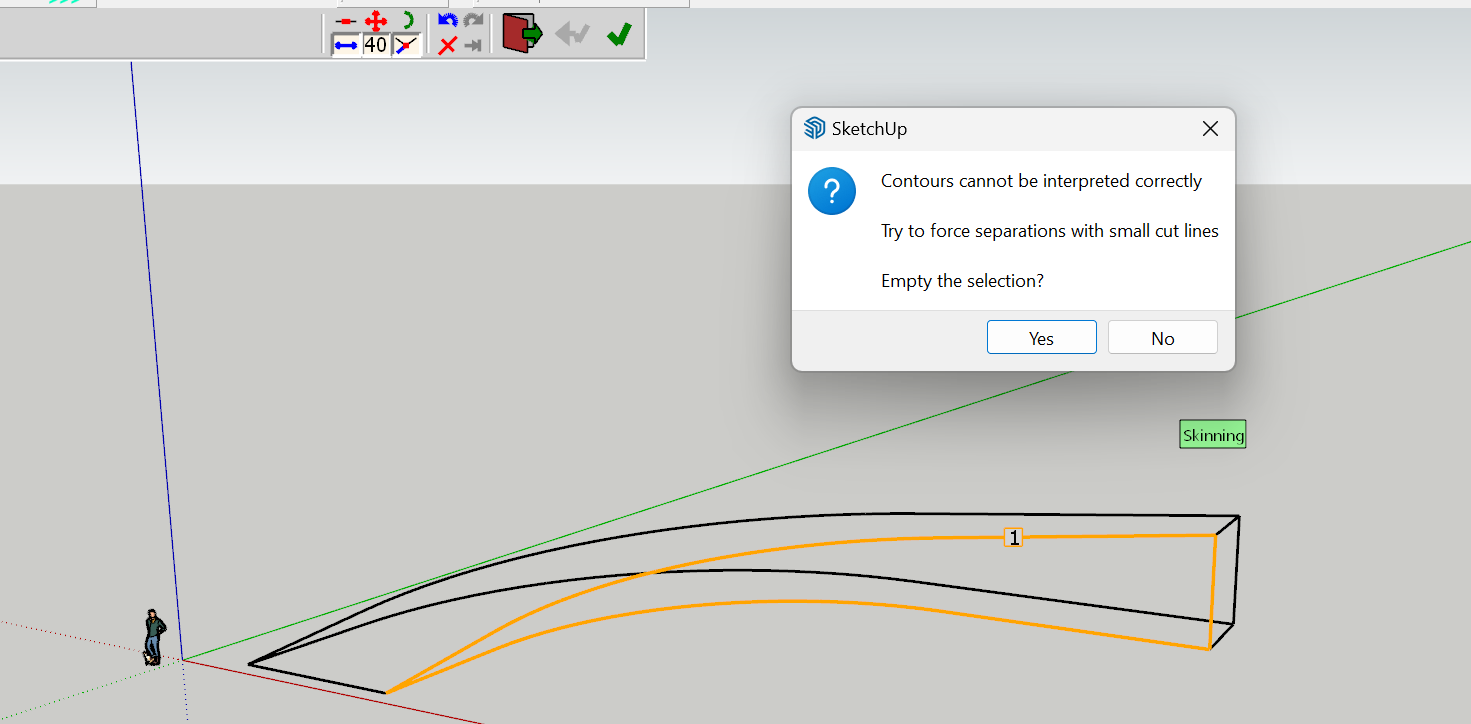
  • TrueBend Axis Problem

    18
    1
    0 Votes
    18 Posts
    807 Views
    ntxdaveN
    @Box Thank you sir! I finally got things working correctly and was able to "play around" a little. The image below represents what I figured out using the FredoScale tools. I greatly appreciate your help. [image: 1728147597308-fredoscalesample.png]
  • Fredoslpine problem exporting cad file format

    2
    0 Votes
    2 Posts
    54 Views
    fredo6F
    @Ke3 It would be useful you indicate which error you got when exporting. Possibly, it would also be helpful to have the skp file to have a look.
  • Sketchucation vanishes on restart

    2
    0 Votes
    2 Posts
    39 Views
    TIGT
    @wgriffith I've never heard of this before. What's your OS ? Do you have the latest version installed ? If it fails to appear in the Extensions menu / toolbars can you please check if the file SketchUcation.rb and its subfolder are still in your Plugins folder... If it is there try this... Open the Ruby Console [under Extensions > Developers Tools] and type or copy/paste this in + return load 'SketchUcation.rb' What happens ? Do you have similar issues with any other extensions ?
  • Fredo Plugins Error

    extensions
    26
    0 Votes
    26 Posts
    5k Views
    Rich O BrienR
    @mrwick https://downloads.sketchucation.com/licensing/SCFLicense-Instructions_to_Users.pdf Licenses are at https://sketchucation.com/webshop/my-licences.php You need latest releases of all extensions installed including Sketchucation Tools https://sketchucation.com/plugin/696-sketchucationtools ...and Libfredo https://sketchucation.com/pluginstore?pln=LibFredo6
  • Rayscaper Learning-Practice

    53
    1
    0 Votes
    53 Posts
    2k Views
    ntxdaveN
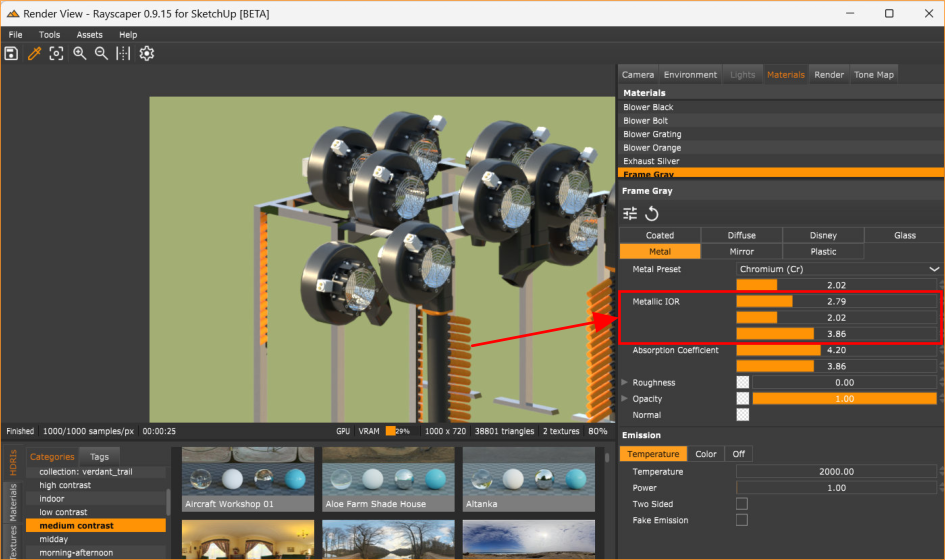
    @ntxdave OK, I adjusted the items you pointed out. And I should have mentioned before that the material was Disney Metalic. However, I made some adjustments: Dialed back the metal Increased the roughness Dialed back the IOR Hope you find this on to be improved. [image: 1727289750598-revised-bently-model.png]
  • Plugin problem: MSPhysics

    5
    1 Votes
    5 Posts
    206 Views
    Rich O BrienR
    @Jason2025 Not yet. Implementing a fully functioning Physics engine inside SketchUp is not a simple task. The fact Anton pulled it off at such a young age speaks volumes of his ability. We are actively pursuing getting this updated but he is enjoying his early 20s. I believe asking him to undertake such a massive project without compensation is not feasible.
  • Automatically calculating heights

    1
    0 Votes
    1 Posts
    28 Views
    No one has replied
  • Licensing plugins

    Solved
    4
    0 Votes
    4 Posts
    84 Views
    TIGT
    @noam309 You can manage individual extension's licensing using the submenu entry for that extension, under the Tools menus. Alternatively, e.g. if you don't have access to that PC anymore, you can manage your licenses through SketchUcation.com - PluginStore My Licenses page... You need to login to see the listings...
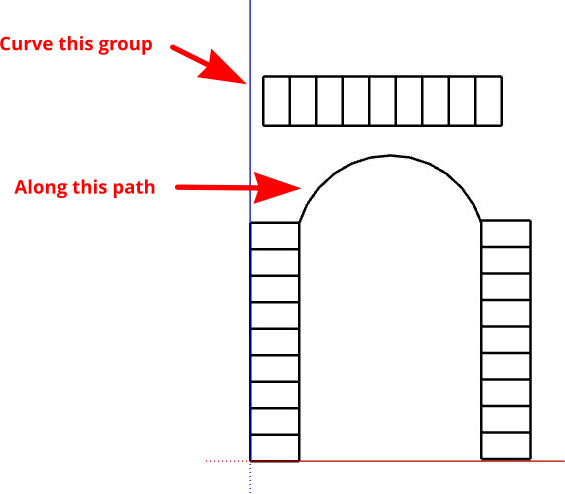
  • Cruvi loft not working

    8
    2
    1 Votes
    8 Posts
    172 Views
    A
    Please tell anyone can I make 3D model on this for carving on CNC machine?
  • downgrade to previous version

    8
    0 Votes
    8 Posts
    276 Views
    M
    "BTW, you never did tell us which extensions are out of date." rightly... a striking example, freedo plugins (for example) have a message about updating.. freedo libre, for example, I updated it through extensionstore only because freedo update warned me...while extensionstore did not inform me of any update....others, only by chance I noticed updates by comparing the version number reported in extensionstore. I can't now make a list of all the (many) extensions that I own...but this, in general, is the problem... also, I don't understand if it was a programming choice, but....as you can see from the screenshot....I no longer have the search field, the writing is missing...one of the buttons (red at the top) for updating / setting is missing if I'm boring you too much....I apologize...just leave the post without replies I'll try to continue with what I have available.. thanks again
  • 0 Votes
    10 Posts
    288 Views
    TIGT
    @alexpacio2013 If you have extensions that you installed from the Extension Warehouse and they are also available from our ExtensionStore, then you can simply install a version from our ExtensionStore. Later on if there's an update the ExtensionStore dialog will tell you and you can install it that way. The Extension Warehouse might also tell you when there's an update available from there - you can only prevent this by uninstalling it from the Extension Warehouse. Where licensing is involved you need to stick with the hosting platform that handles it...
  • Fredo plugins not loading

    fredo plugins
    2
    1
    0 Votes
    2 Posts
    445 Views
    TIGT
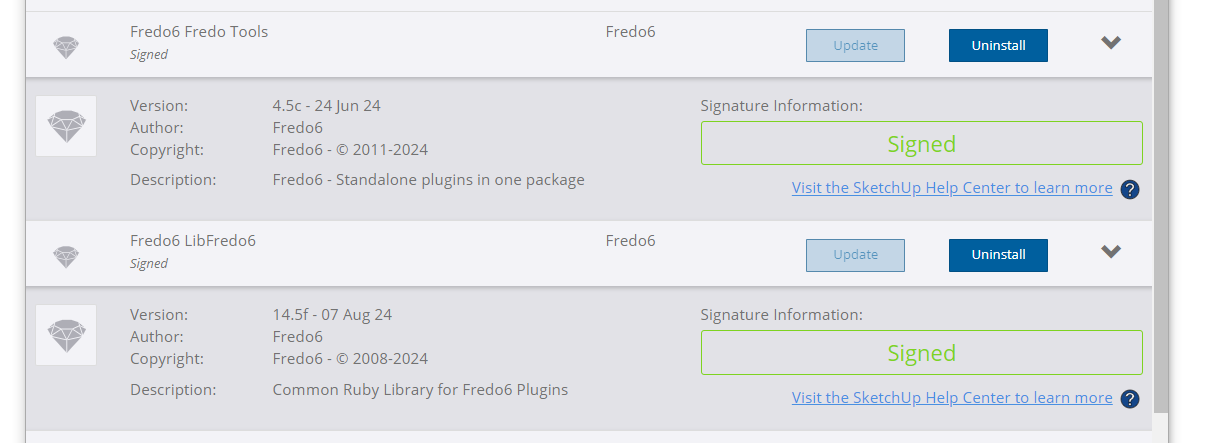
    @lngfrdrchrbe The message is telling you that your currently installed version of LibFredo6 [14.2a] is too old to run those listed extensions, which need at lease 14.3 The current Libfredo6 version available from our PluginStore is 14.5f You simply need to install the latest versions of those extensions, LibFredo6 and the SketchUcation toolset [for any licensing], then restart SketchUp to sync everything... The SketchUcation ExtensionStoreÂł dialog can do this for you quite simply...
  • This topic is deleted!

    1
    0 Votes
    1 Posts
    1 Views
    No one has replied
  • This topic is deleted!

    1
    0 Votes
    1 Posts
    6 Views
    No one has replied
  • WrapR compatibility with sketchup 2024

    4
    0 Votes
    4 Posts
    128 Views
    G
    Wrap-R 2024.0 has been published. You can download the .exe from: https://wrapr-download.s3.amazonaws.com/WrapR-installer_2024_0.exe
  • Fredo Tools no responding after update

    6
    2
    1 Votes
    6 Posts
    142 Views
    Rich O BrienR
    @DanBradySU said in Fredo Tools no responding after update: @Rich-O-Brien - thanks for the tips, sorry for the late reply, been offline. I've got no errors on Ruby, I press 'purge' from the drop down but nothing happens, still no pop-up when pressing Fredo tools and it doesn't appear to be opening off screen - other tools pop-up fine. I'm lost?! Could your dialog be off screen? @Dan-Rathbun has an extension that sorts this issue https://sketchucation.com/plugin/2728-dialog_cascader [image: 1725612145896-d3429c2f-5ab1-4d8b-ac3f-d23be706b00d-image.png] You can use Sketchucation Tools to easily install it https://sketchucation.com/plugin/696-sketchucationtools
  • What plugin was probably used to re-do these quads for a site model?

    2
    1
    0 Votes
    2 Posts
    64 Views
    Rich O BrienR
    @Robert-Zappulla There's no guarantee it was a plugin but Toposhaper does create such clean quad based terrain.
  • RAYSCAPER NOT LOADING

    4
    1
    0 Votes
    4 Posts
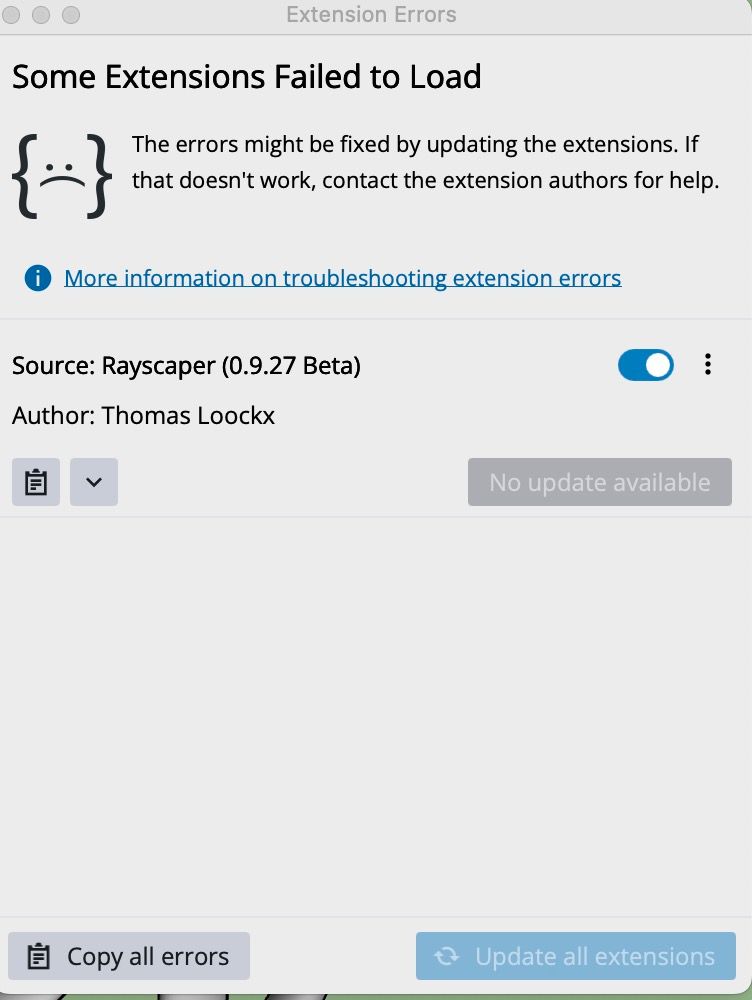
    131 Views
    KathrynGK
    @pixelcruncher I always find it odd... every designer I know uses a Mac? I shall keep an eye out. Thank you.
  • Export skp 2 pdf 3d

    5
    0 Votes
    5 Posts
    495 Views
    juan974J
    Hello, New web site merged pdf3d with html and more : http://webgl.tarn.us Regards
  • Rayscaper - Keep window always on top

    rayscaper tip
    4
    1
    2 Votes
    4 Posts
    303 Views
    ntxdaveN
    @pixelcruncher Pause/resume is definitely on the roadmap. Thank you.

Advertisement