⚠️ Important | Libfredo 15.6b introduces important bugfixes for Fredo's Extensions Update
  • Release old licenses

    5
    0 評價
    5 貼文
    94 瀏覽
    N
    Will do! Thanks!
  • Crash after pressing Manage License

    7
    1
    1 評價
    7 貼文
    115 瀏覽
    Rich O BrienR
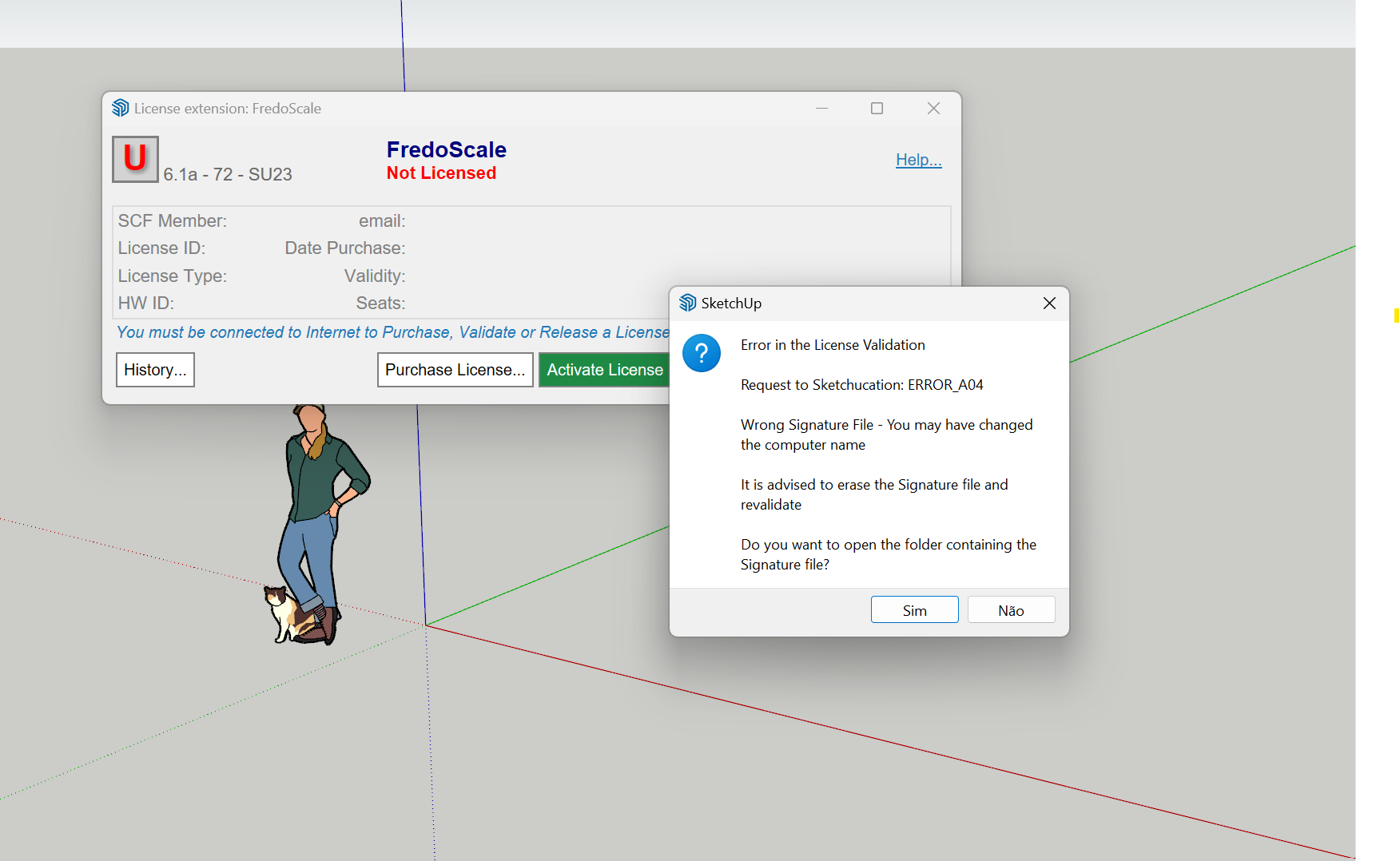
    @teppi_edmund Can you visit https://sketchucation.com/webshop/my-licences.php and download license files to your device Open SketchUp Go to Tools > Fredo Collection > Fredo Scale > License... Click Activate and use your Fredo Scale license file Report back result
  • Fredo 6 Animator Rotation Issue

    2
    0 評價
    2 貼文
    48 瀏覽
    Rich O BrienR
    Its most likely you are rotating about another objects origin point. Hovering an element in the timeline is a good clue
  • Fredo6 Toposhaper Error

    Solved
    15
    0 評價
    15 貼文
    442 瀏覽
    F
    It does, but then I get the error message, see the video......
  • Possible pirated extns

    3
    1 評價
    3 貼文
    161 瀏覽
    Paul RussamP
    DM sent with info
  • Fredo Round Corner license not accepted

    2
    1
    0 評價
    2 貼文
    36 瀏覽
    Rich O BrienR
    Use https://sketchucation.com/webshop/my-licences.php to free seats or release seats at devices.
  • Fredo LOTT/V-Ray 7

    9
    0 評價
    9 貼文
    223 瀏覽
    N
    @fredo6 I'm not sure who's update has resolved this but Vray 7 with the latest hotfix now works alongside the latest LibFredo and Thrupaint 2.8. For some reason Thrupaint had disappeared from my PC when I started it up today after the Xmas break, so installed the latest version today. I don't use LOTT, so I can't give any feedback on that. Thanks for your work
  • FredoScale Seats

    10
    1 評價
    10 貼文
    110 瀏覽
    Y
    works perfect. Thanks a lot
  • Fredo6Guides update bug?

    extensions
    3
    0 評價
    3 貼文
    4k 瀏覽
    TIGT
    After installing any updated extensions, libs and the latest SketchUcation toolset, close SketchUp and restart it again to sync everything...
  • Fredo6 animator

    2
    -1 評價
    2 貼文
    55 瀏覽
    S
    @pilotman1999 Have you clicked the save camera button after "capture current view camera"? This was puzzled me as I try to set up camera in animator first time. You must confirm and save the camera view each time you change the view. Hope I didn't misunderstand your issue.
  • animator stop working!! need urgent help!!

    Solved
    2
    0 評價
    2 貼文
    46 瀏覽
    S
    Hi, It is solved. I think Australia is half day ahead of France so when I put the post first time animator 4.1a is not shown on sketchucation site yet After I watched Melbourne spectacular new year fireworks and back home tried again, the new version showed up. Happy new year everyone!
  • Lord of the Toolbars

    1
    3
    0 評價
    1 貼文
    43 瀏覽
    尚無回覆
  • MoveAlignMe Crashes

    1
    0 評價
    1 貼文
    47 瀏覽
    尚無回覆
  • Spacemouse plugin problem. Ruby Guru needed!

    spacemouse sketchup ruby
    12
    0 評價
    12 貼文
    845 瀏覽
    bazB
    I finally solved it! It was a dodgy plugin/extension. I don't know which one, but luckily it wasn't one of the ones I use constantly. I probly had 50 old plugins from years ago that I've never used. This only became clear when the Space Mouse in the trial version of SU24 stopped working after I had loaded a few Bundles of Extensions. So I did a clean re-install of SU24 and loaded my necessary plugins one by one. I stopped when I had everything I needed and all was good. Then back to SU19, I used the Extension Manager in SU to uninstall everything except the proven ones in SU24 and bingo, all is as it should be. Note: Rich's suggestion of a 'Vanilla" install, (see above), did not work in my case, though I don't see why it wouldn't. Cheers and Happy New Year to you all.
  • this scares me

    10
    0 評價
    10 貼文
    248 瀏覽
    L
    @Rich-O-Brien Ah thank you
  • Array along a curve

    2
    0 評價
    2 貼文
    44 瀏覽
    Rich O BrienR
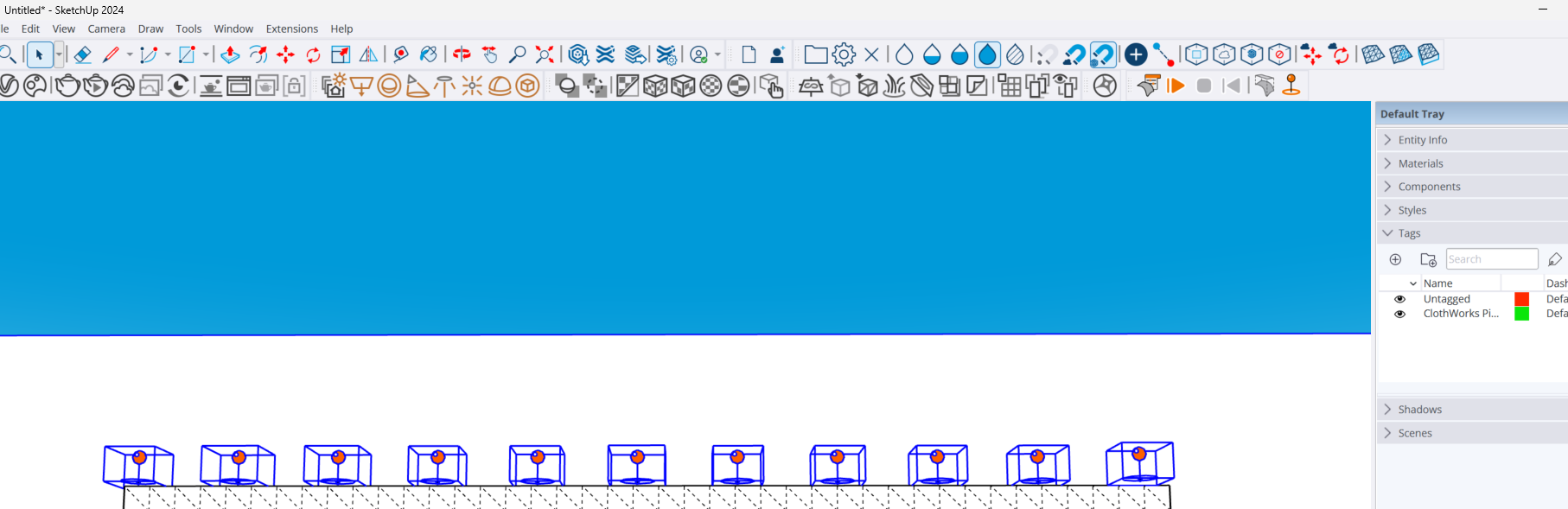
    @L-i-am AntonS CopyAlongCurve [image: 1734950597093-66c95be0-68ad-4de7-bb9f-66f21a2cc4a2-image.png]
  • Does Sketchucation Tools show only SketchUp 8 plugins?

    Solved
    3
    0 評價
    3 貼文
    68 瀏覽
    D
    @Rich-O-Brien said in Does Sketchucation Tools show only SketchUp 8 plugins?: No, it does not Thank you !
  • Sketchup 2024 crashes on startup.

    4
    0 評價
    4 貼文
    214 瀏覽
    alexpacio2013A
    @TIG Con l'ultima versione di Lord of thr Toolbar è stato risolto il problema di compatibilità con vay 7 ma adesso mi trovo un'altro problema, spesso quando apro sketchup, va in crash. Il crash avviene proprio quando va ad aprire le barre dei menu creati con Lord of the Toolbar . Ho scoperto che disabilitando Lord of the Toolbar, Sketchup si apre perfettamente. non capisco q Se è un problema di incompatibilità con altri plugin o da altro. Per aprire sketchup devo disabilitare Lord of the toolbar E riabilitarlo quando sketchup è aperto, attraverso il plugin manager Sketchauction. Sicuramente è una incompatibilità con un altro plugin. come posso sapere quale è il plugin che va in conflitto. è possibile risalire all'ultimo plugin eseguito prima del Crash analizzando i file di log. With the latest version of Lord of thr Toolbar the compatibility problem with vay 7 has been solved but now I find myself with another problem, often when I open sketchup, it crashes. The crash occurs right when it goes to open the menu bars created with Lord of the Toolbar. I discovered that by disabling Lord of the Toolbar, Sketchup opens perfectly. I don't understand if it is a problem of incompatibility with other plugins or something else. To open sketchup I have to disable Lord of the toolbar and re-enable it when sketchup is open, through the plugin manager Sketchauction. It is certainly an incompatibility with another plugin. How can I know which plugin is in conflict. Is it possible to trace the last plugin executed before the crash by analyzing the log files.
  • roundcorner not installing.

    5
    2
    0 評價
    5 貼文
    162 瀏覽
    fredo6F
    @TIG This looks like a problem already encountered by a few users about the persistence of menu structures in the API on Windows. As I was not able to reproduce it, I never understood the root cause and I never found a fix for that. Just detect the issue (hence the Ruby console message). For information, this is anyway fixed in SU2023 and above, because Sketchup changed the way it handles menus in Windows.
  • Nvidia Meshtron

    10
    1
    2 評價
    10 貼文
    283 瀏覽
    Mike AmosM
    @L-i-am It's not just muppets and paramilitary now. Drones and delivery have been doing the rounds at a prison near everybody for years. Weed delivery? All very well to tell a 'foreign power' that you will shoot them down but another to achieve it without civilian casualties. It does make a bit of sense for general deliveries because the current biped format has a serious issue with doors that do not open themselves. Much head scratching and yelling and that's the delivery muppets (From outer space).

Advertisement