🔌 Smart Spline | Fluid way to handle splines for furniture design and complex structures. Download

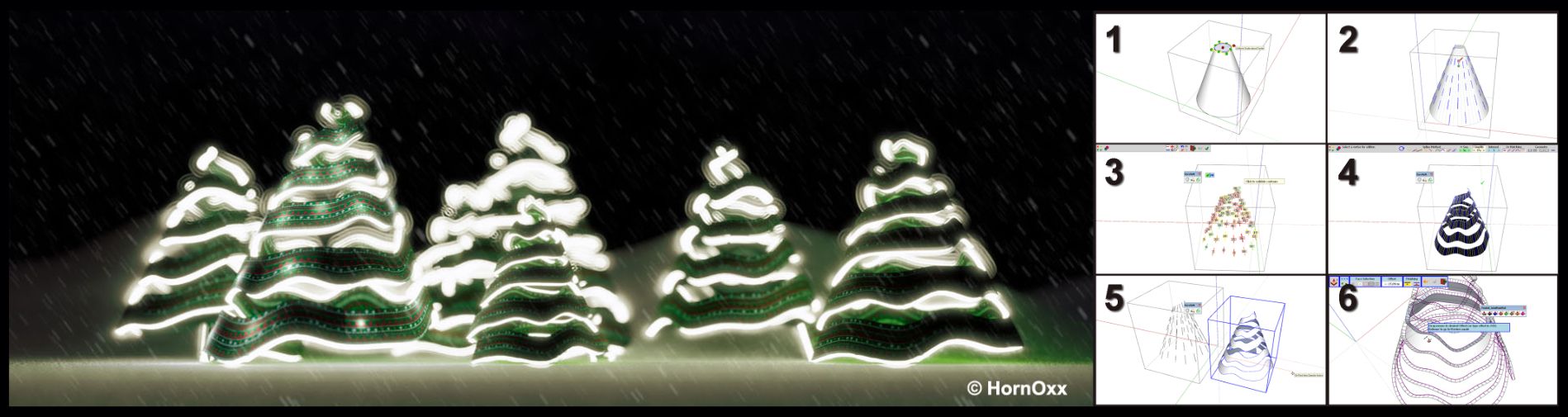
  • Merry Christmas

    Gallery
    4
    1
    9 Votes
    4 投稿
    108 閲覧数
    Mike AmosM
    @HornOxx Wonderful, made me smile today. Meryy Christmas folks, one and all. I hope you get all you need and 2026 proves to be the year to improves the lot of everyone single animal on the planet. I know but we CAN live with hope.
  • TIG Weld Shortcut Setting

    Extensions & Applications Discussions
    10
    0 Votes
    10 投稿
    139 閲覧数
    ntxdaveN
    Making some progress. [image: 1766441094367-screenshot-2025-12-22-160302.png] [image: 1766441094379-screenshot-2025-12-22-160329.png]
  • [Plugin] HouseBuilder

    Plugins
    29
    0 Votes
    29 投稿
    73k 閲覧数
    TIGT
    You seemingly haven't installed it from its RBZ. If you simply copy the ../Plugins/HouseBuilder_extension.RB file over to the newer SketchUp version it misses the images to make the toolbar-buttons [and worse!]... Unfortunately the original author was in the dim past [20years ago] and made a half-baked extension loader file, and he didn't give his subfolder the same name as the RB file. The new[ish] auto-migration tool assumes this file/folder naming convention and so it misses out copying the subfolder of images [and some other vital support files that are in that folder]. To fix it you need to find the whole HouseBuilder folder [and its contents intact] in your older version's Plugins folder and copy that whole folder over into the newer SketchUp version's Plugins folder. When you startup SketchUp it should now find the subfolder and load the buttons' images and the other vital support files...
  • Objects partially or completely visible when zooming

    Animator Beta
    2
    2
    0 Votes
    2 投稿
    50 閲覧数
    Rich O BrienR
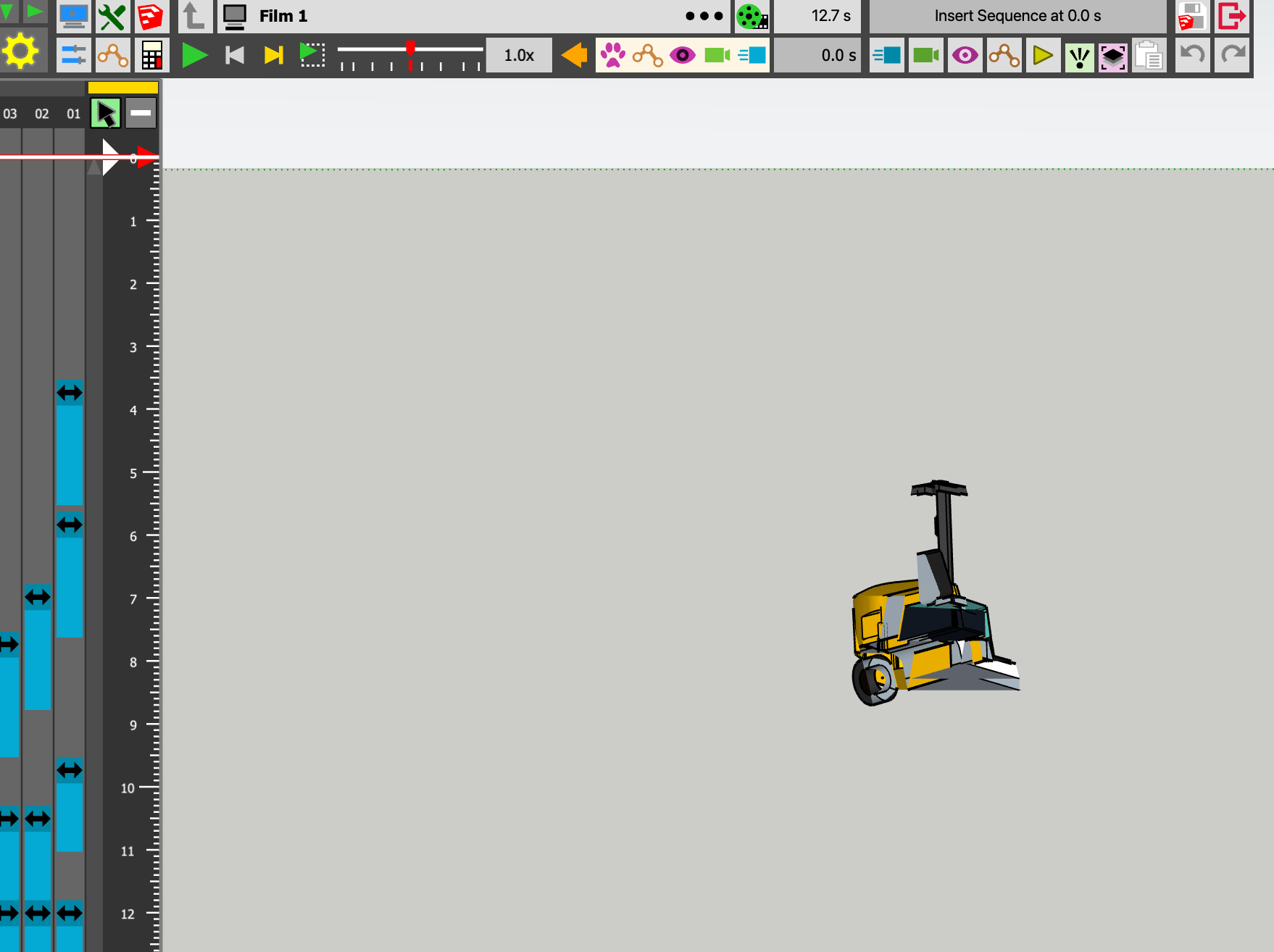
    That's called Camera Clipping. It occurs when parts of a 3D scene that fall outside the camera's visible region, known as the viewing frustum.
  • SketchVault

    Developers' Forum
    6
    1
    0 Votes
    6 投稿
    213 閲覧数
    majidM
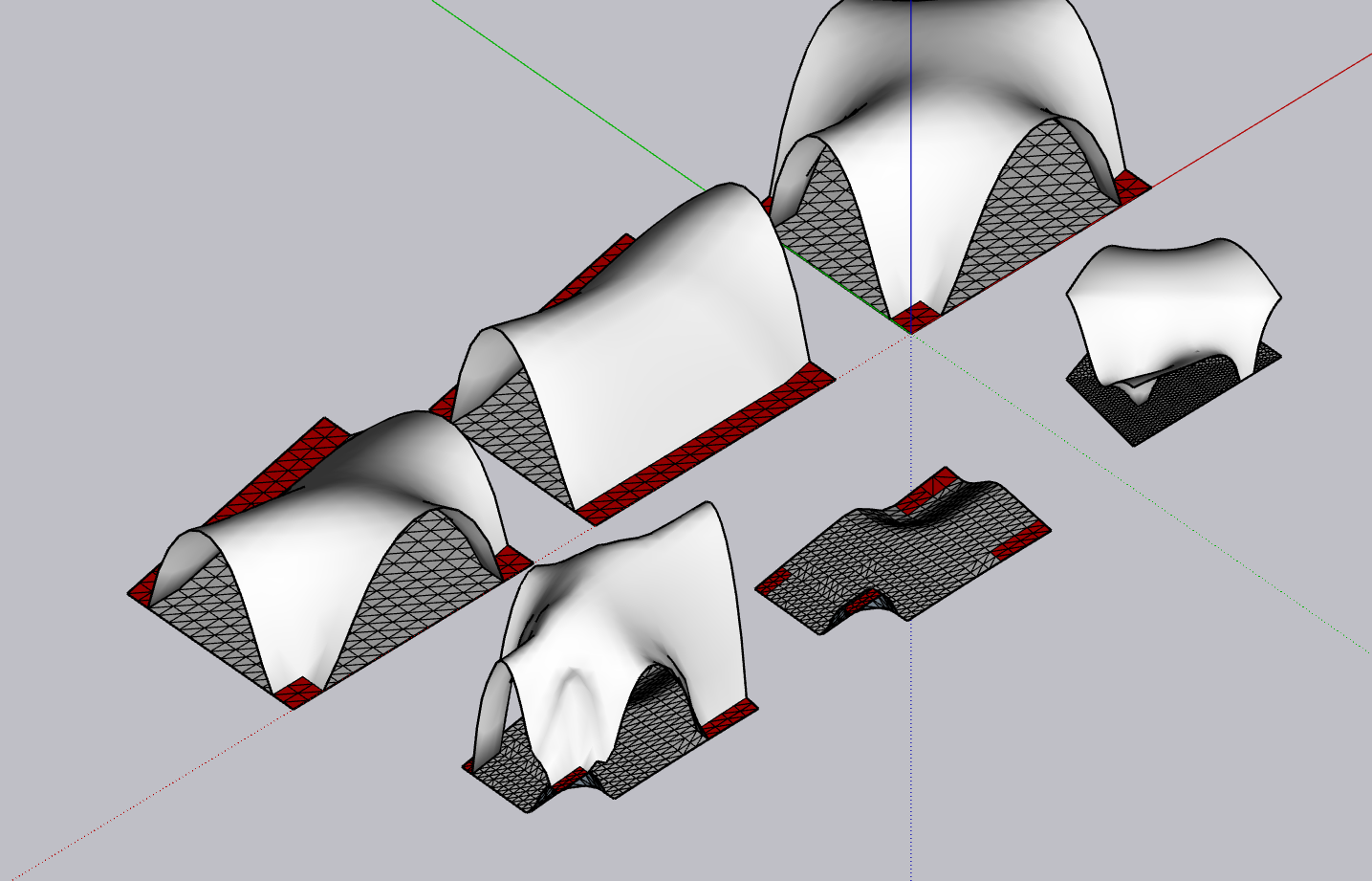
    Thanks TIG, I am honored that my hero is commenting on the path I am going. Okay I will add more guidance on each section. Also will try to make it "dynamic" before finalizing. Color coding is meant to show the pressure forces on each part of the mesh. It meant to generate the best "compressure-only" structure out of the given input. will update it soon.
  • Tools on surface not working

    Developers' Forum
    28
    0 Votes
    28 投稿
    2k 閲覧数
    KrassK
    Thank you: multiplied by a thousand, it's perfect!
  • Cannot use prior to 2026 Pro versions

    SketchUp Discussions
    2
    0 Votes
    2 投稿
    70 閲覧数
    G
    False alarm, I used wrong login
  • ERROR_A04 – Licença inválida do RoundCorner (reset manual solicitado)

    Extensions & Applications Discussions
    2
    1
    0 Votes
    2 投稿
    36 閲覧数
    Rich O BrienR
    @Thiago2026 If you visit https://sketchucation.com/webshop/my-licences.php you can see you have no activated licenses. The error is related to your device name. Please check if your device name uses non-alphanumeric character like áéíóú etc. Change it to use only alphanumeric characters.
  • Medeek Plumbing

    Plugins
    4
    1
    1 Votes
    4 投稿
    87 閲覧数
    B
    Also, (only because I'm eagerly anticipating the plumbing release) have you considered crowdsourcing the modeling on these? Create a list on design.medeek.com that can be checked off when you receive a model that matches your requirements?
  • [Plugin] Fredo Layport - v1.4a - 19 Dec 25

    Plugins
    9
    8
    2 Votes
    9 投稿
    790 閲覧数
    fredo6F
    NEW RELEASE: Layport v1.4a - 19 Dec 25 Requirements: LibFredo6 15.6 Layport v1.4a is a maintenance release: Extension of validity Home Page of Layport for information and Download. Main post of this Layport thread.
  • [Plugin] FredoConnect - v1.4a - 19 Dec 25

    Plugins
    7
    5
    3 Votes
    7 投稿
    504 閲覧数
    fredo6F
    NEW RELEASE: FredoConnect v1.4a - 19 Dec 25 Requirements LibFredo6: v15.6a or above Sketchup version: SU2023 and above FredoConnect 1.4a is a maintenance release including: Extension of validity Home Page of FredoConnect for information and Download. Main post of this FredoConnect thread.
  • [Plugin] FredoGuides - v2.9a - 19 Dec 25

    Plugins
    55
    4
    0 Votes
    55 投稿
    59k 閲覧数
    fredo6F
    NEW RELEASE: FredoGuides v2.9a - 19 Dec 25 Requirements LibFredo6: v15.6a Sketchup version: SU2017 and above FredoGuides v2.9a is a release for extension of validity **Home Page of FredoGuides** for information and Download. Main post of this FredoGuides thread.
  • Sauna?

    WIP
    5
    1
    4 Votes
    5 投稿
    161 閲覧数
    Mike AmosM
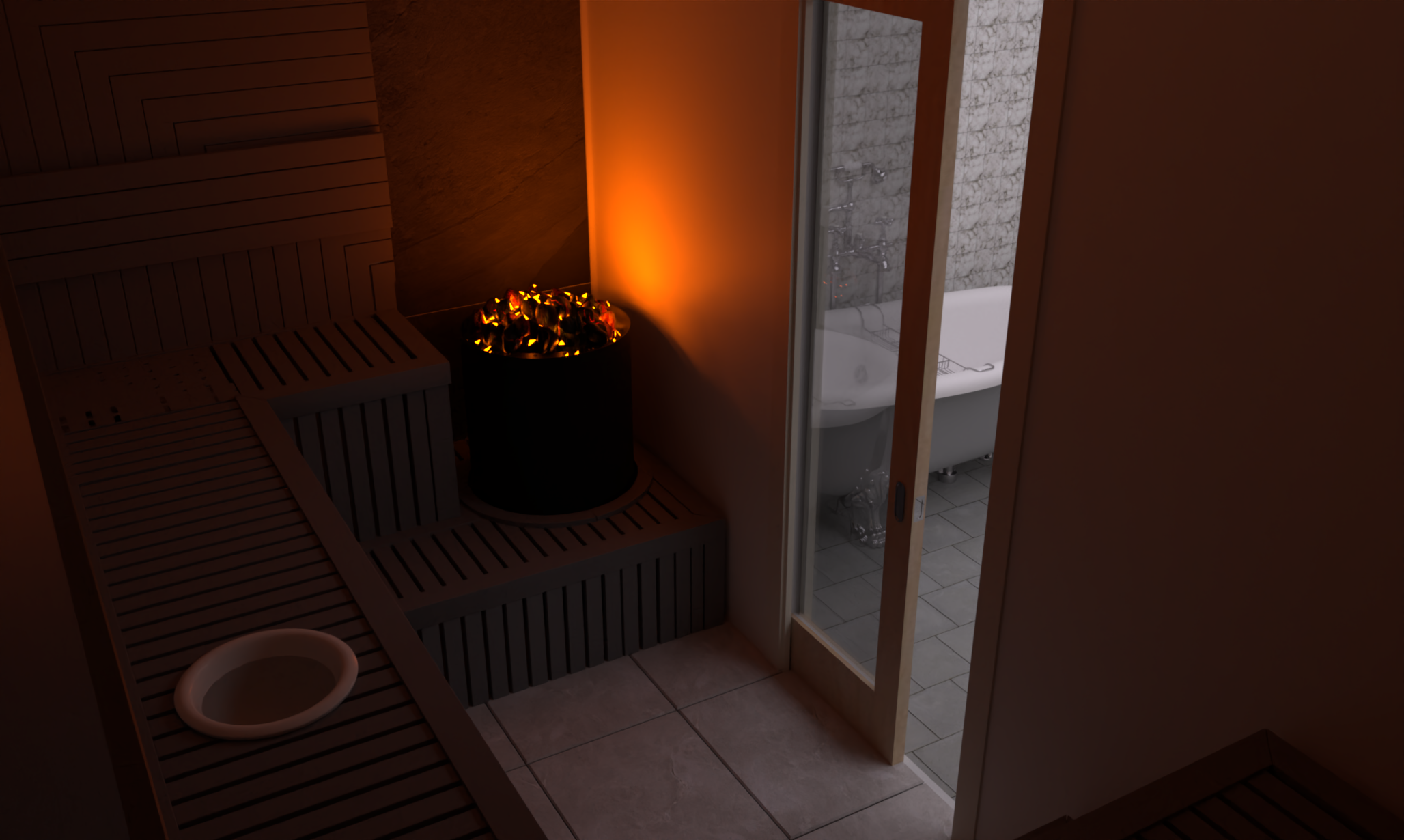
    ATM, there are two windows both on the west (Right) of this render. You may see on. Seeing as I do not 'do' window ledges, the window openings are not readily apparent. There is a logic to this. I frankly got fed up to my molars with females mostly, putting ornaments or flowers on ANY flat surface. I like to be able to open windows without relocating tat every time. I know, fully paid up member of the annoyed ol' git fraternity/club. I am looking at a method to introduce my favourite natural light system here, the sun/solar tube. I shall have to see how effective it will be.
  • Curviloft Error - need version Libfredo6

    Extensions & Applications Discussions
    4
    0 Votes
    4 投稿
    169 閲覧数
    TIGT
    Before trying the following please read the whole post as the answer might be a misunderstanding... Use the SketchUcation ExtensionStore to install JointPushPull, FredoCorner and LibFredo6 again. Then restart SketchUp to sync everything. If you are still getting the licensing error[s] check that you have installed the proper license for the extensions I suspect that you have a license for Fredo's RoundCorner and this is not the same as the installed FredoCorner, which expects a separate license file. There have been a few reports of users confusing the two extensions and their respective licenses. Although the two are similar in what they do, they are not identical, and they need to be licensed separately. So ensure you have the correct extensions installed and their matching licenses validated, after that a SketchUp restart should get both properly licensed and error free.
  • Rayscaper render.

    WIP
    34
    2
    3 Votes
    34 投稿
    965 閲覧数
    ntxdaveN
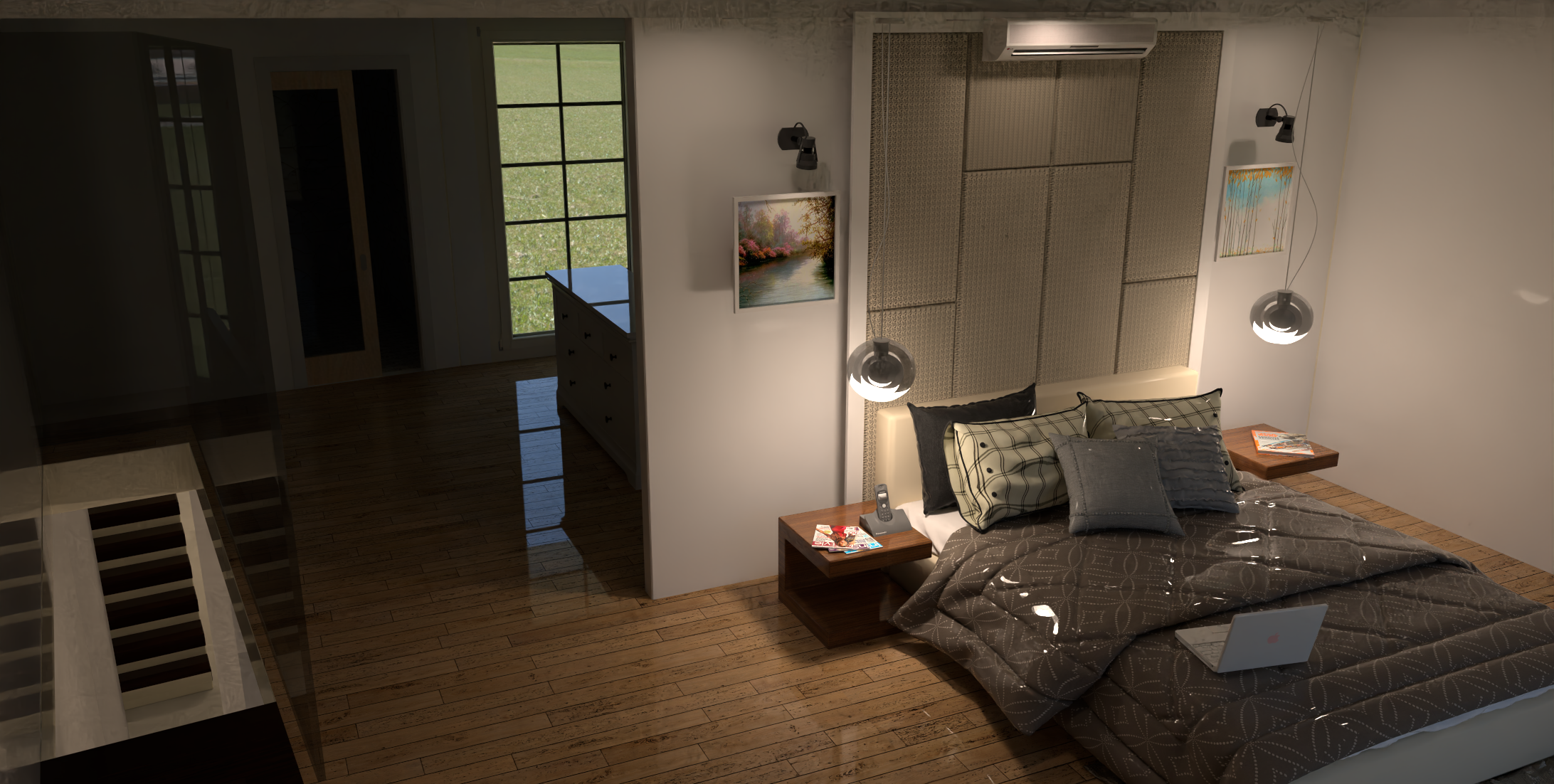
    In order to get this topic back on track, I have created a new thread to discuss the materials issue(s). Here is a link to that thread https://community.sketchucation.com/topic/164671/create-new-or-adjust-materials
  • Medeek Engineering

    Plugins
    46
    1 Votes
    46 投稿
    11k 閲覧数
    medeekM
    After the Beam calculator I need to put together the post/column calculator, then the footing calculator, then the shear wall calculator and then maybe the FTAO shearwall calculator.
  • [Plugin] LayOps - v1.3a - 18 Dec 25 (Dual Dimensions in Layout)

    Plugins
    6
    7
    2 Votes
    6 投稿
    293 閲覧数
    fredo6F
    NEW RELEASE: LayOps v1.3a - 18 Dec 25 Requirements: >= LibFredo6 15.6a LayOps 1.3a is a release including: Extension of validity Home Page of LayOps for information and Download. Main post of this thread.
  • [Plugin] MatSim (Material Simulation) - v1.7a - 17 Dec 25

    Plugins
    37
    4
    0 Votes
    37 投稿
    2k 閲覧数
    fredo6F
    NEW RELEASE: MatSim v1.7a - 17 Dec 25 Requirements LibFredo6: v15.6a or above Sketchup version: SU2017 and above MatSim 1.7a includes changes for: Extension of validity Home Page of MatSim for information and Download. Main post of this MatSim thread.
  • [Plugin] FredoSketch - v1.7a - 17 Dec 25

    Plugins
    35
    4
    0 Votes
    35 投稿
    5k 閲覧数
    fredo6F
    NEW RELEASE: FredoSketch v1.7a - 17 Dec 25 Requirements: LibFredo6 15.6 FredoSketch v1.7a is a maintenance release: Extension of validity Home Page of FredoSketch for information and Download. Main post of this FredoSketch thread.
  • [Plugin] SketchyFFD (mind.sight.studios)

    Plugins
    17
    0 Votes
    17 投稿
    19k 閲覧数
    TIGT
    Try visiting the owner's website and follow the instructions carefully. The things you need to select to get the tool to work is a little complicated, but once you understand it it's pretty straightforward...