FredoBend | Powerful new bending tool for SketchUp Download
  • [Plugin] Fix Reversed Face Materials

    Solved Plugins
    83
    0 Votos
    83 Mensajes
    118k Visitas
    Dave RD
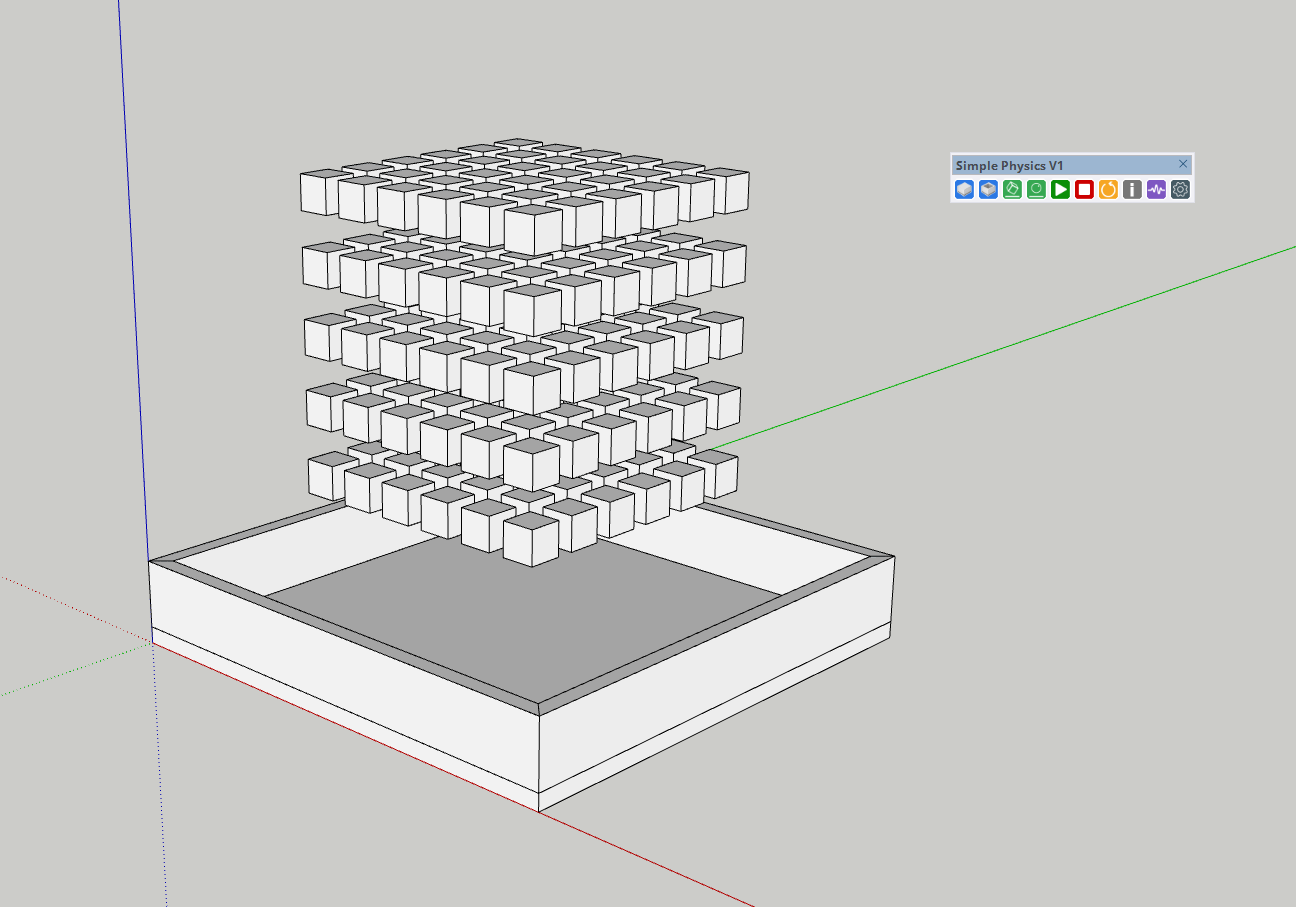
    @pep75 I just installed it in SU2026 and gave it a try. It seems to do what it says on the tin. The back face color is green. [image: 1773752953208-rev.gif]
  • Model turned inside-out glitch

    SketchUp Discussions
    3
    3
    0 Votos
    3 Mensajes
    110 Visitas
    panixiaP
    It's 99,9% related to clipping planes tolerance To troubleshoot this you can type in Ruby console Sketchup.send_action 10624 Then in the windows which will pop up, check the "Force" flag and try to play a bit with "Near" and "Far" parameters. If the "Model Far" is a really huge number compared to the actual expected size of the model (causing the "Far" clipping plane to be REALLY FAR, then you can have that kind of floating-point-precision-related z-fights happening like in your screenshot). There are a few reasons that can trigger this kind of behavior (which is the pretty much the opposite of the well known "clipping problem"). Usually there's something REALLY FAR from axes origin (maybe a tiny stray segment miles away from world 0,0,0 or possibly you accidentally created a misplaced copy of your 3d text which for whatever reason ended up at light years distance from model space). In that case you can try to select whatever should actually be in your "intended" model (maybe temporarily group & lock it for added safety), then invert the selection and erase whatever else is in the model (this will clean up accidentally misplaced geometry that you can't see because it ended up into some different solar system) and everything should be fine. Another possible reason is that some of the objects in the model is actually in the right place, but its internal coordinate system has the origin miles away from model origin. In that case you can troubleshoot that looking at object bounding boxes or if you want to fix that super-fast, just install the "Axes Tool" plugin from Thomthom and recursively select components and sub-components and run the tool in order to place the object's axes in the center of the bounding box. Being that you apparently have just a few objects, you could just try to explode and regroup them one by one and that could fix the problem. Another reason which comes into my mind that can trigger this kind of glitches, is when you have some "giant" component and you scaled it insanely small compared to the original size.. in that case you can try to "scale definition" (or, again, just explode and regroup it) and that should fix the problem in such specific case. If you created your 3d text insanely big and you scaled it a lot, that could be the culprit. If none of this fixes works, maybe you can share the model and I could try to see what's goin'on exactly.
  • [Plugin] D5 Lite: Real-Time AI Rendering Plugin for SketchUp

    Movido Plugins
    1
    4
    1 Votos
    1 Mensajes
    186 Visitas
    Nadie ha respondido aún
  • Box Stretching - New Dimensions

    Plugins
    15
    1 Votos
    15 Mensajes
    1k Visitas
    panixiaP
    @tomb85 Oh shit.. never noticed that.. I'm just creating a plugin which relies quite heavily on the tab key to switch between modes.. maybe I should add a Shift+TAB option in order to stay safe. Good to know.
  • Foundation Plugin

    Plugins
    449
    0 Votos
    449 Mensajes
    471k Visitas
    medeekM
    Version 2.1.3 - 03.15.2026 thru 03.16.2026 Created the Medeek Foundation API. Enabled the following methods within the Medeek Wall API: sog_draw, validate_medeeksog, sog_move, sog_regen, sog_read_attributes, sog_read_attribute, sog_set_attribute Added the Medeek Wall API Documentation page to the website. Added the Medeek Foundation API - Slab-on-Grade Attribute Library Index page to the website. https://design.medeek.com/resources/medeek_foundation_api.html https://design.medeek.com/resources/medeek_sog_attribute_index.html
  • 0 Votos
    14 Mensajes
    527 Visitas
    Gus RG
    @Mike-Amos Mike, yep. I am curious about Rayscraper. I've seen some really great results. Sometimes I think about getting Thea alongside D5. It's more work for creating a render. There are times when I think D5 is a little cartoonish. It has a lot of positives. Perhaps when I was starting out using D5. I used Twilight on a few projects at first right after using Kerkythea for a while. That was my main first rendering engine. I think there was this other Metropolis Light Transport plugin for Sketchup to experiment with. I neglected learning rendering even though I putzed around a lot with Kerkythea. It was with Thea render when I really started to sink my teeth into rendering.
  • Fredosection not working

    Extensions & Applications Discussions
    4
    0 Votos
    4 Mensajes
    144 Visitas
    fredo6F
    Top level geometry cannot be assigned patterns directly via mouse. Instead, they use the pattern 'Toplevel geometry' in the Special Defaults
  • [Plugin] LordOfTheToolbars - v2.9c - 20 Dec 24

    Plugins
    484
    4
    1 Votos
    484 Mensajes
    376k Visitas
    panixiaP
    @optimaforever man, check your n inbox
  • [Plugin] Extended Views v1.2 UPDATE May 23, 2013

    Plugins
    80
    0 Votos
    80 Mensajes
    131k Visitas
    H
    @tomaszdrgas Thank you for your modified version of Chris plugin, it does correct the "guide points" issue for me, however it still align the views on the "world" axis and not on the user defined axis (SU2021/WIN). For those who can't find a solution, I did find a simple way without any plugin to align my views on the user defined axis as intended (at least in top view as this was my objective). Just choose the standard top view for example, which will align to the North axis. And then click on the red "X" axis of your model and click Align view... TADAM ! It is now a top view aligned according to your user defined axis. Update your scene to keep this orientation, and you can then continue your work and edit it via Layout.
  • 0 Votos
    6 Mensajes
    342 Visitas
    Mike AmosM
    @charm8888 Good luck to you and the team, I wish you the best with this endeavour.
  • Copy Materials

    SketchUp Discussions
    8
    0 Votos
    8 Mensajes
    206 Visitas
    ntxdaveN
    That is an embarrassing DUH on my part. I don't know what the heck I was thinking. It is there clear as day. I am embarrassed beyond belief
  • TIG Shadow Projector Crashing

    Extensions & Applications Discussions
    2
    0 Votos
    2 Mensajes
    61 Visitas
    TIGT
    You've already learnt that you don't need to project the shadows of every element forming the building, or every plane that might catch a shadow. Before you use the tool make a new tag to ultimately be an isolated set of geometry with the rest of the model 'off' - probably making two to reflect the original and modified forms. then make a group that is assigned the appropriate tag. Edit it and add simple faced 'box' shapes that follow the main external form of the building [used as a temporary underlay]. Only add in any wall, floor or roof faces etc, that will cast useful shadows. You can probably ignore window-openings for a study this simple. Do not include any 'rear' facing elements that won't cast meaningful shadows. Do not include any wholly internal faces as they won't cast any useful shadows. It should be relatively straightforward for you to work out which parts are needed - but the algorithm will look at everything. Every superfluous bit of geometry which might not cast any meaningful shadows should be avoided - because each one will still be pointlessly considered and processed before finally being ignored - all of this only bloats the processing time exponentially and can lead to crashes as SketchUp becomes overwhelmed. Perhaps an uploaded screen shot of the form, or even a simple skp showing what you've done so far, could elicit more useful advice...
  • Fredo6 plugins for schools

    Extensions & Applications Discussions
    3
    1 Votos
    3 Mensajes
    111 Visitas
    R
    Hello Fredo6, Thank you for your response, and sorry for the confusion. By logging in, I mean logging in to the school computer. When students log in to our school computers, a new user profile is created in Windows with their own student number. When I activate the plug-ins under the admin account, the plug-ins work normally and are activated. However, when a student logs in to Windows, the plug-ins are not activated under their individual user account. We would like to avoid students having to activate the plug-ins themselves every time they use a school computer (if they even have the permissions to do so within our network). For us, the ideal solution would be that the plug-ins are automatically available for every student who logs in, without needing to activate them for each individual user. I’m not sure if or how this would be possible. Ramon
  • 0 Votos
    1 Mensajes
    48 Visitas
    Nadie ha respondido aún
  • Fredo6 Lords of toolbar

    Extensions & Applications Discussions
    4
    1
    0 Votos
    4 Mensajes
    140 Visitas
    CrealC
    If I can not find any solution, is there any way to make custom toolbars ? Aerilius: Toolbar Editor does not work and also the nativ one
  • 0 Votos
    5 Mensajes
    123 Visitas
    Gus RG
    Yoni said Sketchup rolled back this update. Over at the Sketchup Forum.
  • architecture of Mannheim

    Gallery
    3
    4
    2 Votos
    3 Mensajes
    108 Visitas
    jo-keJ
    @Rich-O-Brien Here it is: https://maps.app.goo.gl/bUZHDoUDX1JepP5k6?g_st=ic
  • 0 Votos
    2 Mensajes
    110 Visitas
    Rich O BrienR
    Did you open the Ruby Console while performing steps? Error msgs ?
  • 0 Votos
    4 Mensajes
    240 Visitas
    I
    Hello everyone, Here is an image showing the rebar schedule present in the model. The table is fully dynamic: when I click on a row, the corresponding rebar is automatically highlighted in the model [image: 1773055139464-sketchucation_09.03.2026.png]
  • Sketchucation Tools 5.0...

    Fijo Extensions & Applications Discussions
    152
    4
    4 Votos
    152 Mensajes
    30k Visitas
    TIGT
    The recent update of our toolset sidesteps the particular startup error, but it won't stop the underlying issue of a badly installed extension causing issue - such as having a missing file causing an extension to miss out its version. I assume from your explanation that you've deleted the Fredo extension's RB file AND its matching subfolder - and then the error was avoided. If you install a fresh copy of it I presume that you no longer have an issue, because the necessary file set will now be there, and the Extension-Manager should then report it with its proper version info etc...