@mamoodoo said:
here is just the model
To be fair you included a whole bunch of hidden useless stuff.
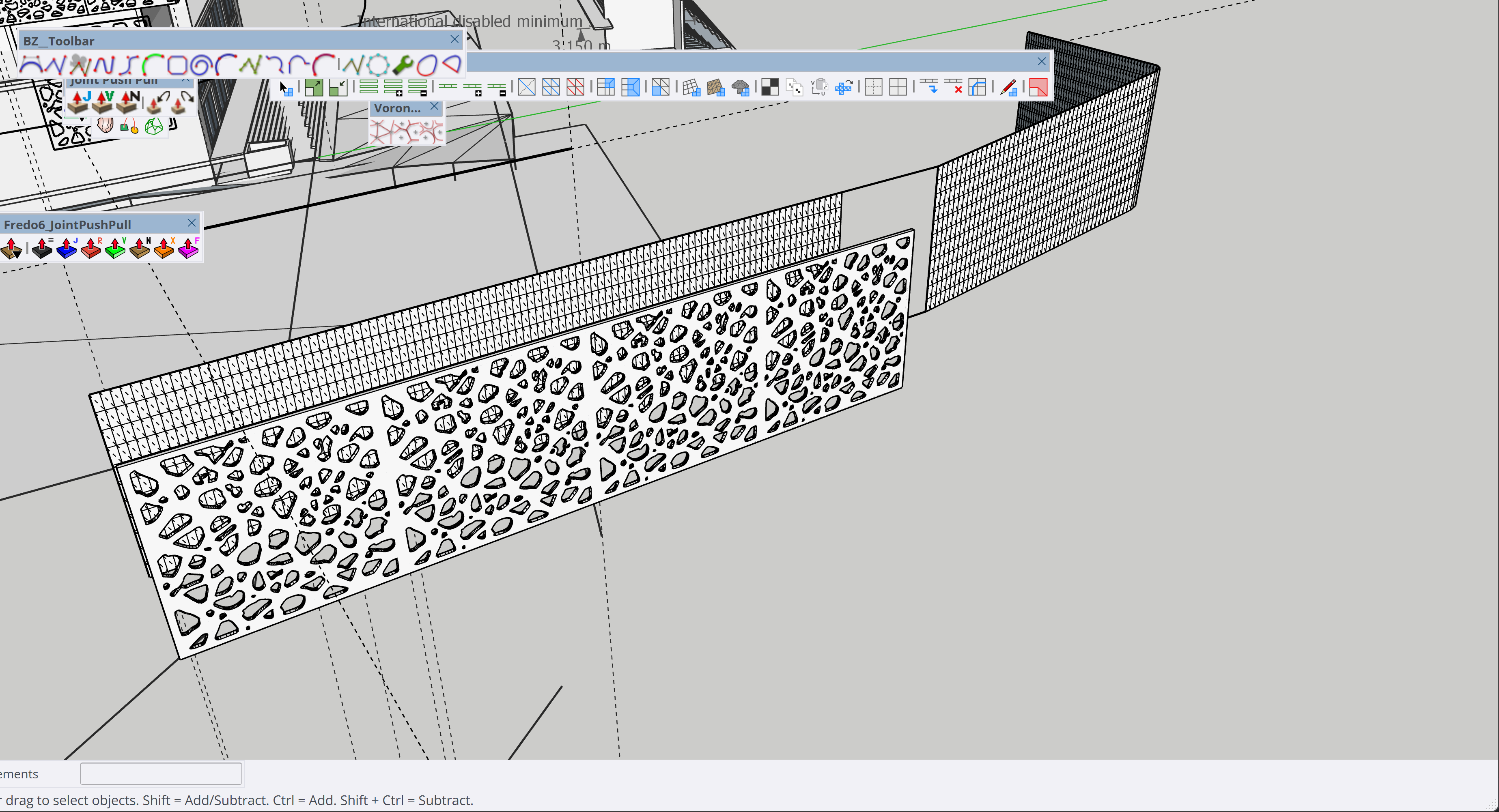
Here's your model fixed and solid.
I included the different stages that I used to completely rework it, so you can take a closer look to a better approach.
Facade_fixed.skp
You don't necessarily need Rhino to work with this kind of stuff, as long as you are well organized and do everything in the proper order.
Your approach was fundamentally wrong because you duplicated the geometry 4 times and gave it a thickness BEFORE the deformation.
Is better to work with modular flat pieces, then deform, then add thickness, then merge them together.
In this way you avoid feeding ~90k veritces into the deformation algoritm when you can Flowify just ~3k vertices.
I didn't touch your curves, but I would strongly recommend that next time you balance the polycount of your curves in a more clever way.
You have tons of segments for very small curves, but on the other hand you have only 4 segments on the main curvature.
That's a quite bad density balance. You should have more segments for the big curve and less segments for the small curves.
I suggest to have a look to Fredo's Curvizard for this kind of optimization
As a side note, your Flowify rig was completely wrong.
You need to connect the corresponding vertices, not the closest ones (that was causing flipping even with basic test shapes) and you should not add tons of unnecessary cells to the grids.