Urasik Extensions | Lots of new extensions to check out Learn More
  • Free de 2026

    Français
    68
    1
    0 Votes
    68 Posts
    4k Views
    pilouP
    Je vous raconte pas la richesse du truc! Pure Banana... Je dis pas qu'il fait tout, mais presque! https://moiscript.weebly.com/anime-svg.html [image: 1778957487879-gifexo.gif]
  • Free of 2026

    Freeware
    77
    0 Votes
    77 Posts
    4k Views
    pilouP
    Pure Banana ! For progressive animation of SVG files! https://moiscript.weebly.com/anime-svg.html [image: 1778957352222-gifexo.gif]
  • Flowify issue

    Extensions & Applications Discussions
    10
    1
    1 Votes
    10 Posts
    121 Views
    panixiaP
    @mamoodoo said: here is just the model To be fair you included a whole bunch of hidden useless stuff. Here's your model fixed and solid. I included the different stages that I used to completely rework it, so you can take a closer look to a better approach. Facade_fixed.skp You don't necessarily need Rhino to work with this kind of stuff, as long as you are well organized and do everything in the proper order. Your approach was fundamentally wrong because you duplicated the geometry 4 times and gave it a thickness BEFORE the deformation. Is better to work with modular flat pieces, then deform, then add thickness, then merge them together. In this way you avoid feeding ~90k veritces into the deformation algoritm when you can Flowify just ~3k vertices. I didn't touch your curves, but I would strongly recommend that next time you balance the polycount of your curves in a more clever way. You have tons of segments for very small curves, but on the other hand you have only 4 segments on the main curvature. That's a quite bad density balance. You should have more segments for the big curve and less segments for the small curves. I suggest to have a look to Fredo's Curvizard for this kind of optimization As a side note, your Flowify rig was completely wrong. You need to connect the corresponding vertices, not the closest ones (that was causing flipping even with basic test shapes) and you should not add tons of unnecessary cells to the grids.
  • [Plugin][$] FredoCorner - v2.7a - 31 Mar 24

    Plugins
    442
    3
    0 Votes
    442 Posts
    608k Views
    TIGT
    How big is that object ? Small geometry has issues because points closer than 1/1000" are regarded as coincident by SketchUp's engine. So tiny edges aren't made and the associated face can't be supported. Have you tried scaling it up x100 [or more] doing the 'rounding' then scaling it back down. Tiny geometry can exist within a model, but it can't be created by SketchUp.
  • Many projects

    Gallery
    323
    2 Votes
    323 Posts
    54k Views
    jo-keJ
    finished project: render: [image: 1778919257944-image1_000-resized.jpg] [image: 1778919258144-image2_000-resized.jpg] photos: [image: 1778919529065-wz240.jpg] [image: 1778919529078-wz250.jpg]
  • Issue With Environments

    SketchUp Components, Materials & Styles
    3
    0 Votes
    3 Posts
    45 Views
    SektaS
    Thanks Dave I had another look and the save environment was on but tested the same model on my laptop and it works fine. I think I need to do re-install sketchup on my desktop. Stan
  • [PLUGIN] Voronoi + Conic Curve

    Plugins
    140
    0 Votes
    140 Posts
    238k Views
    C
    thankyou this worked for me
  • 0 Votes
    20 Posts
    455 Views
    ntxdaveN
    @Rich-O-Brien said: @ntxdave said: Can someone verify that my link is now public? Its public Thanks for the verification @rich-o-brien. I will have to move on with trying to learn more about learning CapCut. It seems like a pretty strong and versatile tool.
  • Modelling a tramway

    Gallery
    530
    1 Votes
    530 Posts
    237k Views
    jo-keJ
    new render of a project of 2022 [image: 1778842517862-kaserne001-st-kl-resized.jpg] [image: 1778842518051-kaserne002-st-kl-resized.jpg] [image: 1778843299081-kaserne005-st-kl-resized.jpg]
  • [Plugin] Emboss

    Plugins
    12
    0 Votes
    12 Posts
    552 Views
    K
    Hi Didier, First of all, thank you for the Emboss plugin — it is one of the very few SketchUp tools that preserves vertex topology perfectly. I’m using it for precision modeling, and the way it keeps the original curve structure intact is extremely valuable. I’ve found one issue that only appears with concave shapes. On convex curves the embossing works flawlessly, but on concave sections the displacement direction becomes inverted or distorted. Below are two screenshots: This is how the emboss should look (approximately, made by hand): [image: 1778834494960-right-resized.png] This is what Emboss actually generates on the same concave shape: [image: 1778834522094-wrong-resized.png] The difference is only in the normal direction handling at concave vertices. If the algorithm could detect concave angles and flip the displacement direction accordingly, the result would be perfect. Would it be possible to adjust the normal calculation so concave vertices receive a correct inward/outward direction as well? If you need test models or more examples, I’m happy to provide them. Thank you again for your work — this plugin is already incredibly useful. Best regards, Zoltán
  • 0 Votes
    4 Posts
    384 Views
    D
    Adding to the list — I've been building Deroom AI which generates AI room redesigns from a photo (not text prompts). It preserves the room's geometry and perspective so the output still matches the actual space layout, which I think matters for SketchUp users who want to test material/style ideas on a rendered scene before committing in V-Ray or Enscape. Free to try (5 credits/day). Curious if anyone here has tried photo-based vs text-based AI viz tools in their workflow.
  • 1 Votes
    3 Posts
    70 Views
    G
    @Rich-O-Brien 可以在下个版本考虑下怎么做多语言的版本。
  • Object switching with Animator [WIP]

    Animator Beta
    3
    1
    3 Votes
    3 Posts
    751 Views
    H
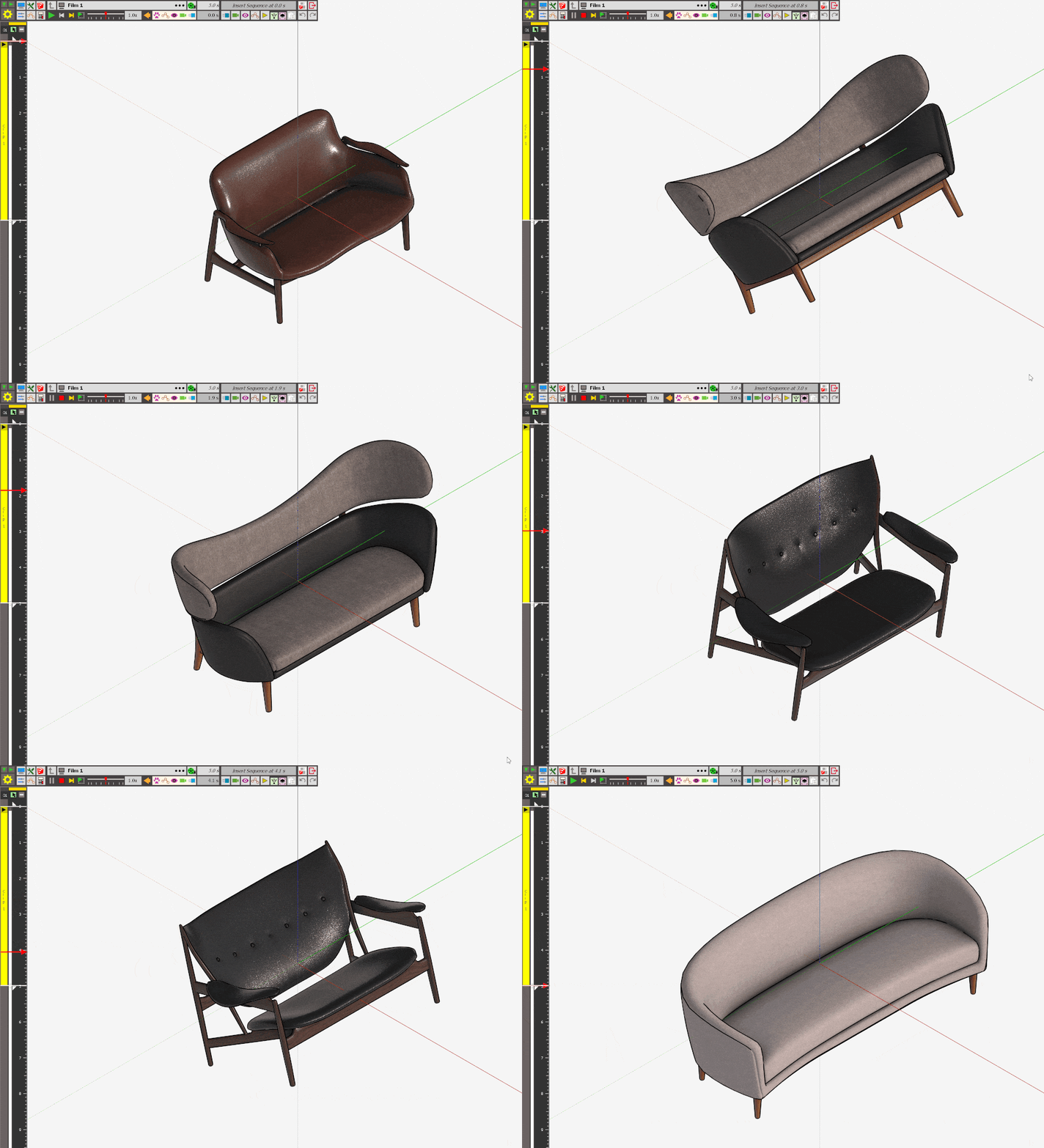
    Hi Rich O Brien! Can you making Tutorial for change sofa by Plugin Animator... Thanks so much.
  • Make 2017 to pdf

    Solved Extensions & Applications Discussions
    4
    0 Votes
    4 Posts
    55 Views
    Rich O BrienR
    @Dave-R said: Since you are using SketchUp commercially you need to get at least a SketchUp Pro subscription. Then you'll have LayOut and .dwg export capability. I never thought of that....
  • 0 Votes
    7 Posts
    2k Views
    B
    @sdmitch hey, so, uhh.... I'm about ten years late, but that plugin you demonstrated looks pretty much PERFECT for what I think I need (yes, still have this issue!) Is it one of yours? I'm having trouble finding it... Thank you!
  • 1 Votes
    7 Posts
    172 Views
    M
    @medeek Hey Nathan, Thanks for pointing that out. While Medeek Wall is excellent for framing, our primary focus with MuzWalls is specifically on masonry and solid wall construction. We are developing the extension to handle the nuances of these workflows in depth. Regarding wall interactions: MuzWalls utilizes a logic-based system for corners. It features an auto-miter capability that detects when two walls meet and automatically calculates the connection based on their respective angles. This allows the walls to join seamlessly as a continuous structure rather than remaining as overlapping or separate groups. We are continuously refining this system to ensure that masonry wall interactions inside SketchUp feel clean, intelligent, and highly automated. We'd genuinely love to get your feedback on this — and the wider community's too. Draw a couple of walls, drop a window, drag an endpoint around and see how the corners hold up. 3-day trial, no card required: https://muzwalls.com Best Regards Muzwalls - Morteza
  • Illustrator to SketchUp

    Extensions & Applications Discussions
    1
    0 Votes
    1 Posts
    20 Views
    No one has replied
  • 3D Truss Models

    Plugins
    2k
    0 Votes
    2k Posts
    1m Views
    medeekM
    Version 3.8.1 - 05.13.2026 Enabled a second layer of wall sheathing for common and scissor trusses. Enabled XPS (blue, green, pink and grey), ISO, EPS, GPS, and PU foam insulation within the wall sheathing and wall sheathing 2 options.
  • Sketchup make 2017 export to dwg

    SketchUp Discussions
    4
    0 Votes
    4 Posts
    92 Views
    G
    pCon Planner can import any SU and export to any dwg version and vice-versa.
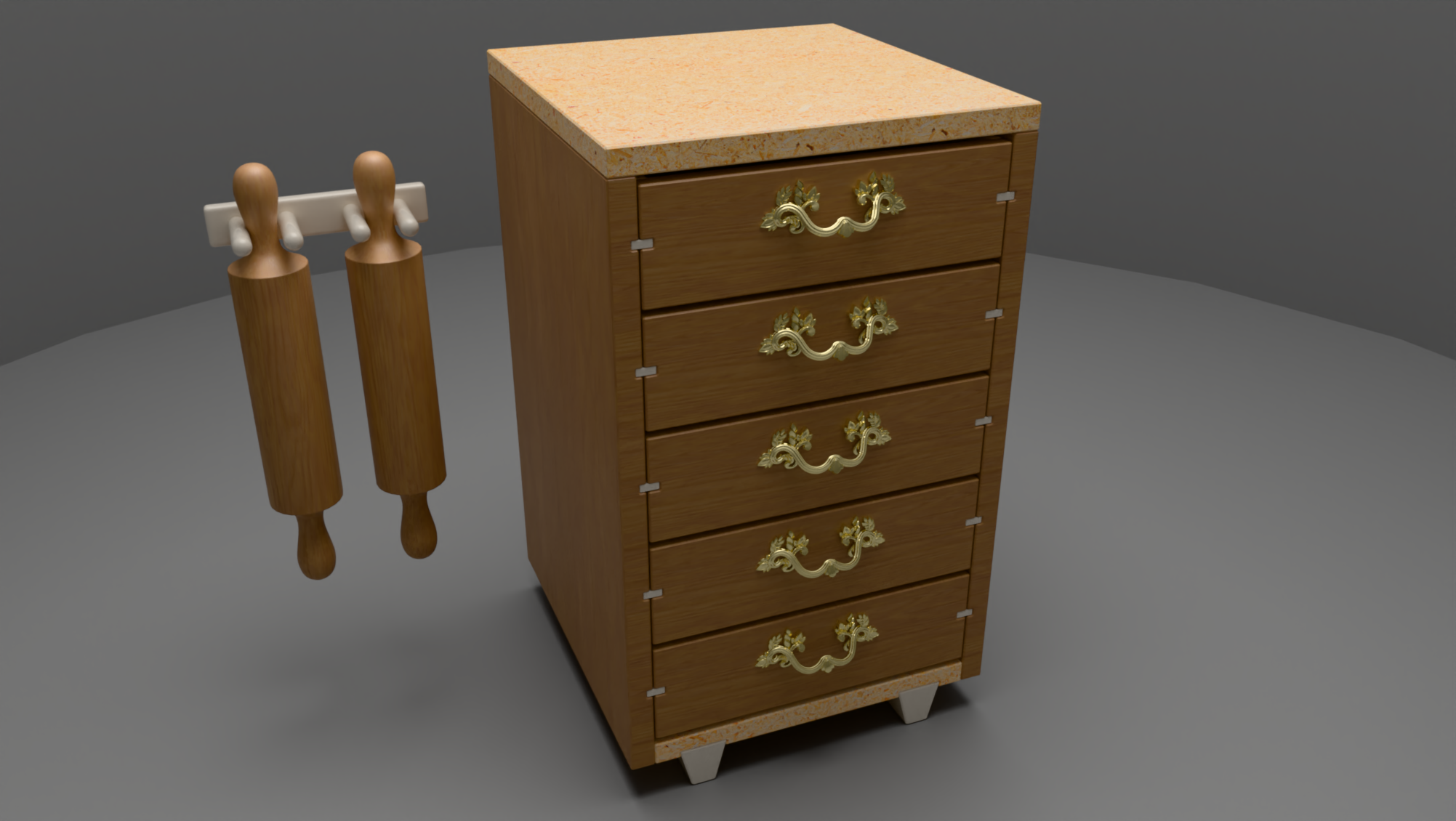
  • Small Kitchen Cabinet.

    Gallery
    7
    1
    2 Votes
    7 Posts
    79 Views
    Mike AmosM
    Ta, mates rate to you so only 1.5 mil. OK, you talked me down so 50p. I found a site stocking Gaggenau stuff and had a look for inspiration. I could not find a single unit with zero symmetry faults so started again and went down the Rabbit hole so it is completely different from origin. I will revisit at a later stage. Done though.......