@numerobis its a great decision to get people into photogrammetry. Plus the app itself is easy to use and does a good job
Oops, your profile's looking a bit empty! To help us tailor your experience, please fill in key details like your SketchUp version, skill level, operating system, and more. Update and save your info on your profile page today!
🔌 Smart Spline | Fluid way to handle splines for furniture design and complex structures. Download
 Online
Posts
-
RE: RealityCapture will be free for "smaller" businesses
-
RE: License failed to download
You don't open .scflicense files
Download the file to your device
Open SketchUp
Go to Tools > Fredo Collection > RoundCorner > License...
Click Activate and navigate to the location of the downloaded license file and click Open
-
RE: RayScaper
@pixelcruncher I hope its a toggleable feature. Having full control over sun position is important for artistic control.
Plus the ability to add more than one directional light is also important. So I would not like that support for SketchUp sun position removes that ability too.
Maybe a 4th light that represent SketchUp sun or if I right click a Di-Light I can set it to SketchUp position.
-
RE: Hidden Temple
@pixelcruncher said in Hidden Temple:
What is kitbashing?
Taking 3D assets and lumping them together to make something.
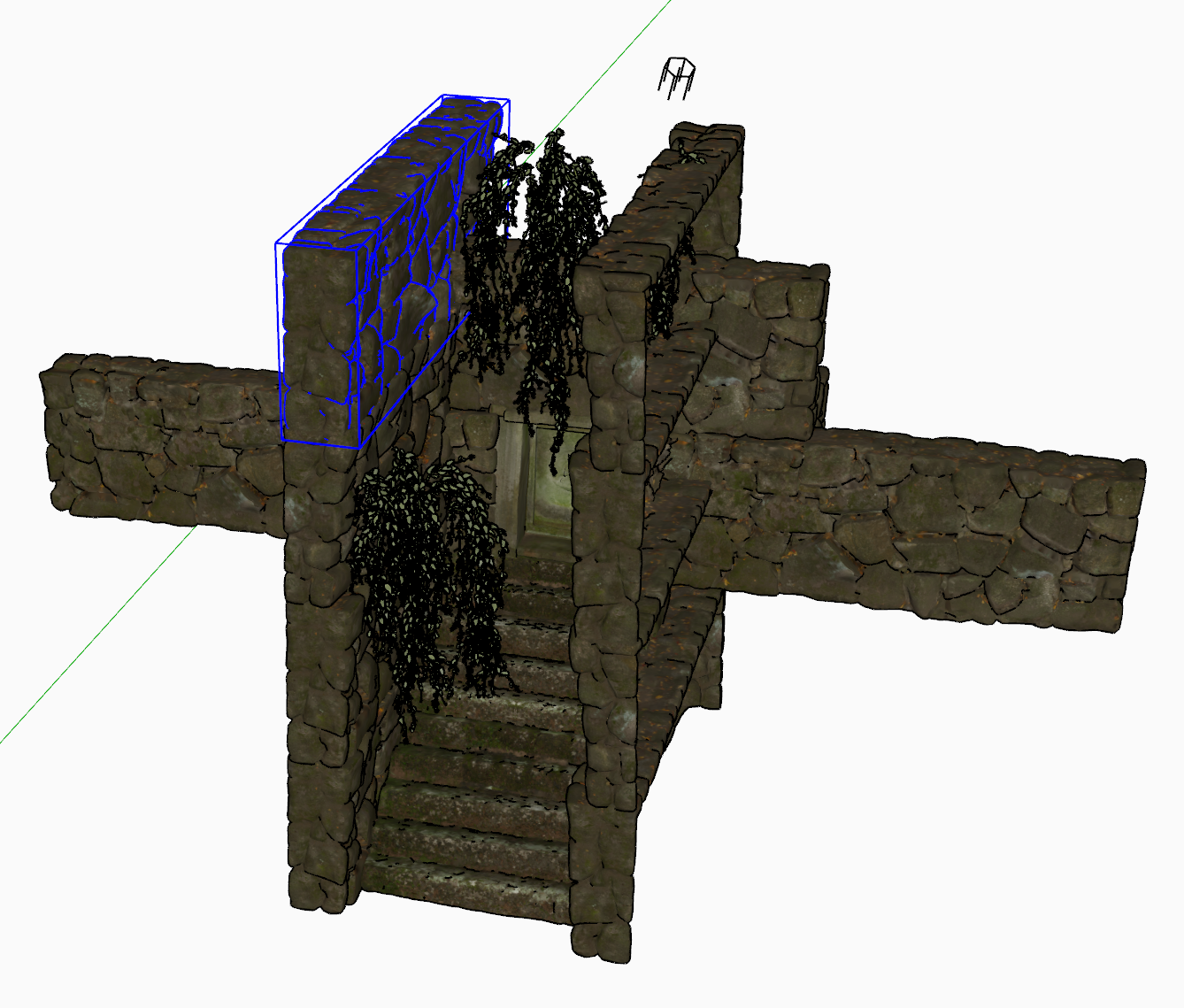
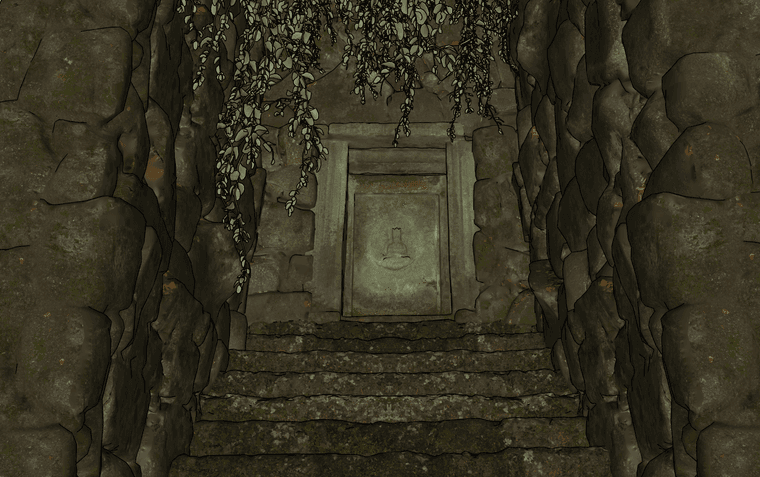
In this case it was some Quixel pieces, 4 in total to make a little scene.
Rayscaper actually did really well with the scene. Rendered fast and was fun to play around with. Looking forward to v1

-
RE: Creating sketchup styles from scratch
Another thing you can do is the rename the .style to .zip and poke around to see the stroke styles.
Best way to deconstruct is to load a style into StyleBuilder to see what setting were used where.
-
RE: RayScaper
@pixelcruncher said in RayScaper:
This was my thinking: have a context menu on the directional light that says sync with SketchUp sun position or have a tick box in the directional light config sync from Sketchup. Then, it would track it in real-time. Option two would be the logical path to quickly support sun animations for shadow studies.
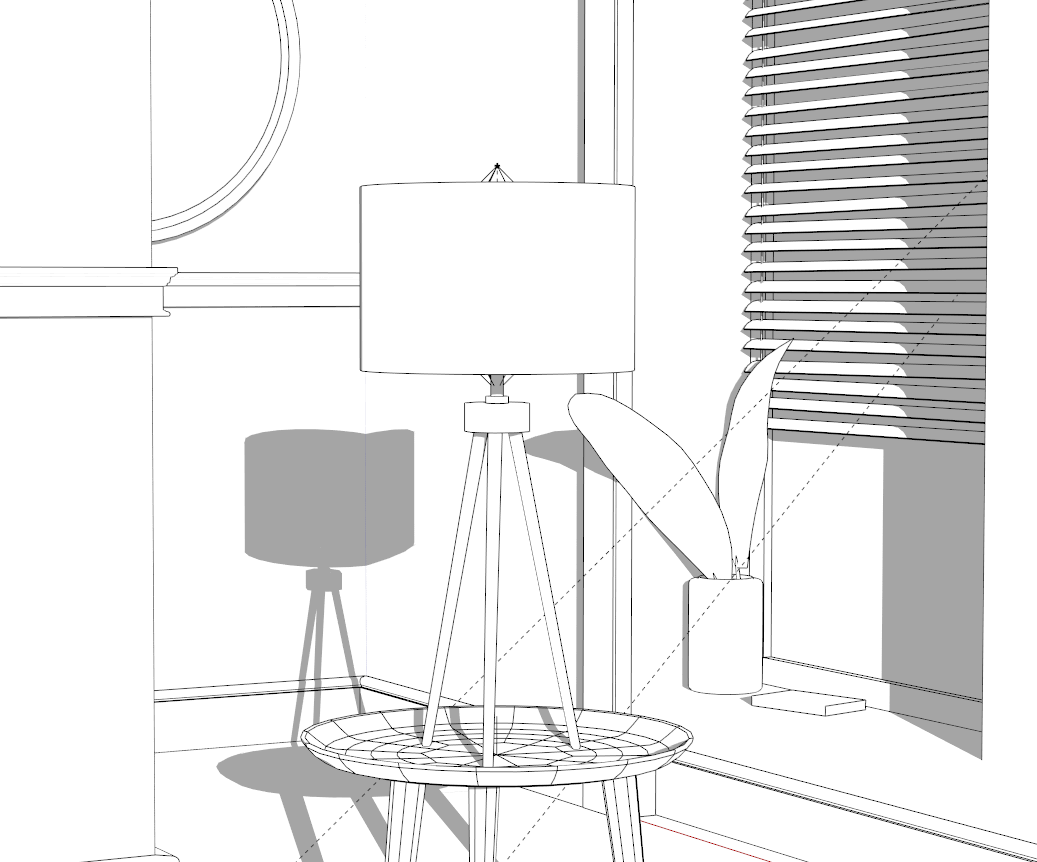
Both sound solid. I used 2 directional light in my Table Lamp scene. Having multiple Di-Lights for me is important to really match real world shadowing effects that a single light cannot achieve.
As long a SketchUp Sun support doesn't impact the flexibility I'm happy to see it.
My preference if lights is getting discussed would be Area Light support
-
RE: Creating sketchup styles from scratch
Use StyleBuilder to export the Template to generate to linework.

You can print the template or use an image editor to add linework to the boxes.
-
RE: RayScaper
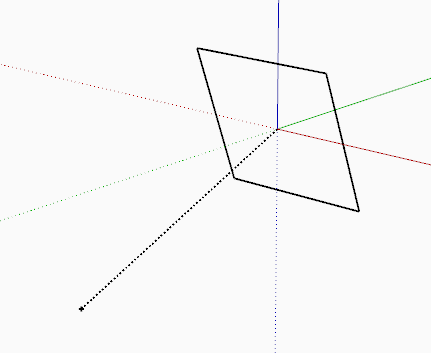
@pixelcruncher The issue without still have the plane in SketchUp would be it blocking your view.
Your point and directional components are great because they are not intrusive. So a similar setup to that would be perfect....
-
RE: Fender Stratocaster Rendered in D5 Render
@Gus-R Yeah, we even had you do a bit of an article back when we had the CatchUp magazine.
I always liked that model.
-
RE: Formfonts Redux
@Alan-Fraser said in Formfonts Redux:
TBH I'm quite happy to use the forum to give updates on the progress, if that's okay?
Not a problem. I hear you on that 3D Warehouse issue too. It's the wild west of copyright infringement and the sheriff hides his badge.
-
RE: Rayscaper, My trip down the road to adjumacation.
@Mike-Amos Since the viewport zooming/panning update I've noticed that behaviour.
I tend to use the material list to pick materials because its not giving me a sense of security picking materials from the render viewport.
-
RE: Ant Chair - Series 7
@Gus-R Lovely model and that interior is slowly becoming the most expensive room on the planet
-
RE: sketchup to unreal workflow
Did you triangulate faces in SketchUp prior to exporting? It is best to triangulate the mesh in SketchUp to circumvent any potential UV/Material issues.
Don't use the triangulate feature in the export options. Triangulate the mesh using a plugin/extension and then export the triangulated mesh.
I would lean towards DAE or OBJ format because of the issues with FBX exports with SketchUp.
But if you are getting errors exporting from Blender to Unreal with materials then it would be an good idea to pay attention to how materials are assigned.
-
RE: Rayscaper, My trip down the road to adjumacation.
@Mike-Amos said in Rayscaper, My trip down the road to adjumacation.:
For some reason the mirror is not reflecting, suitably set up in Rayscaper, just not apparent in the render
What render method are you using?

Could it be the Max Depth for Approx GI need increasing if you are using Approx GI?
-
RE: Piano with Rayscaper
@pixelcruncher Just some cranky guy that makes very detailed models and yummy renders
-
RE: How to extrude multiple face groups at once?
What seems at face value a rather basic operation is actually a lot more complex potentially.
Rather than trying to executing a mass extrusion process do a sample extrusion to see what kind of geometry is output.
A planar n-gon with 6 entities will result in 22 entities when extruded. Imagine if those 740 groups have ~100 entities each then you are asking Sketchup to create ~300k entities.
SketchUp then has to consider other things like its inbuilt tolerance, are there curves etc....
This is not a simple as a simple extrusion if the geometry you are extruding is not efficient.
-
RE: Rayscaper, My trip down the road to adjumacation.
@massimo said in Rayscaper, My trip down the road to adjumacation.:
Does Rayscaper have something like this however?
No, it's guesswork if you want to align HDR sun and a directional light.
-
RE: Piano with Rayscaper
@pixelcruncher said in Piano with Rayscaper:
How do I share this file so others with RayScaper can test render times etc?
Extensions > RayScaper > Create Archive
Will that allow someone to open the SKP file and RayScaper will load the materials and HDR?