🔌 Smart Spline | Fluid way to handle splines for furniture design and complex structures. Download

  • [Plugin] 2D Tools

    785
    1 Votes
    785 Posts
    497k Views
    D
    You can add chamfer tool same auto cad
  • [Plugin] SJ Component To Scenes

    6
    0 Votes
    6 Posts
    2k Views
    F
    @simjoubert Hi, I would love to have a simple working extension that creates an isolated scene per selected group or component and I thought this might be it. But it seems to be randomly zooming instead of fitting the view to the component, and also there seems to be no control over naming the scenes. This extension seems very close to being very useful, would you consider updating it? Thank you
  • Is it ok to add tolerance for snap points?

    1
    0 Votes
    1 Posts
    49 Views
    No one has replied
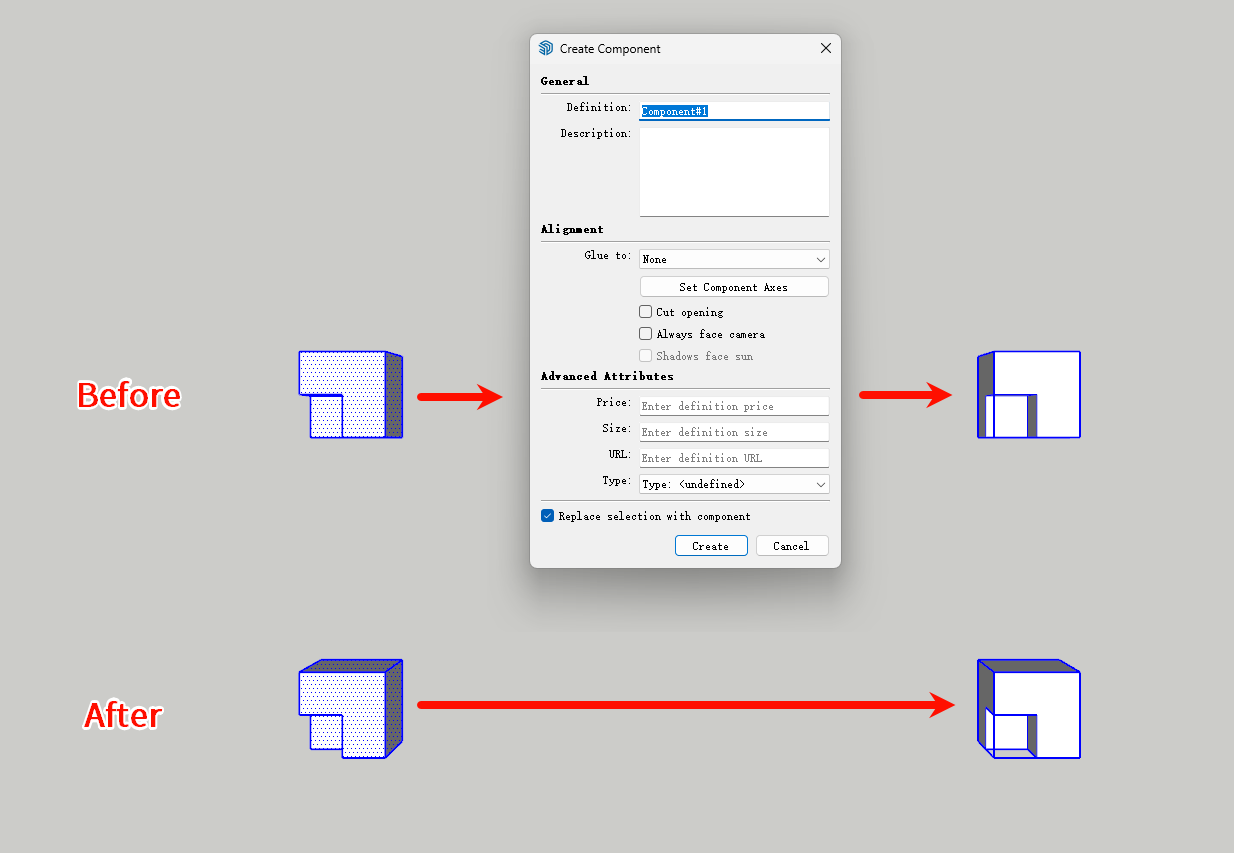
  • [Plugin] Quick Make Component

    7
    2
    1 Votes
    7 Posts
    202 Views
    X
    @Rich-O-Brien Thank you for setting up the permissions! I'll explore the Dev Tools and see how everything works. Thank you for your help!
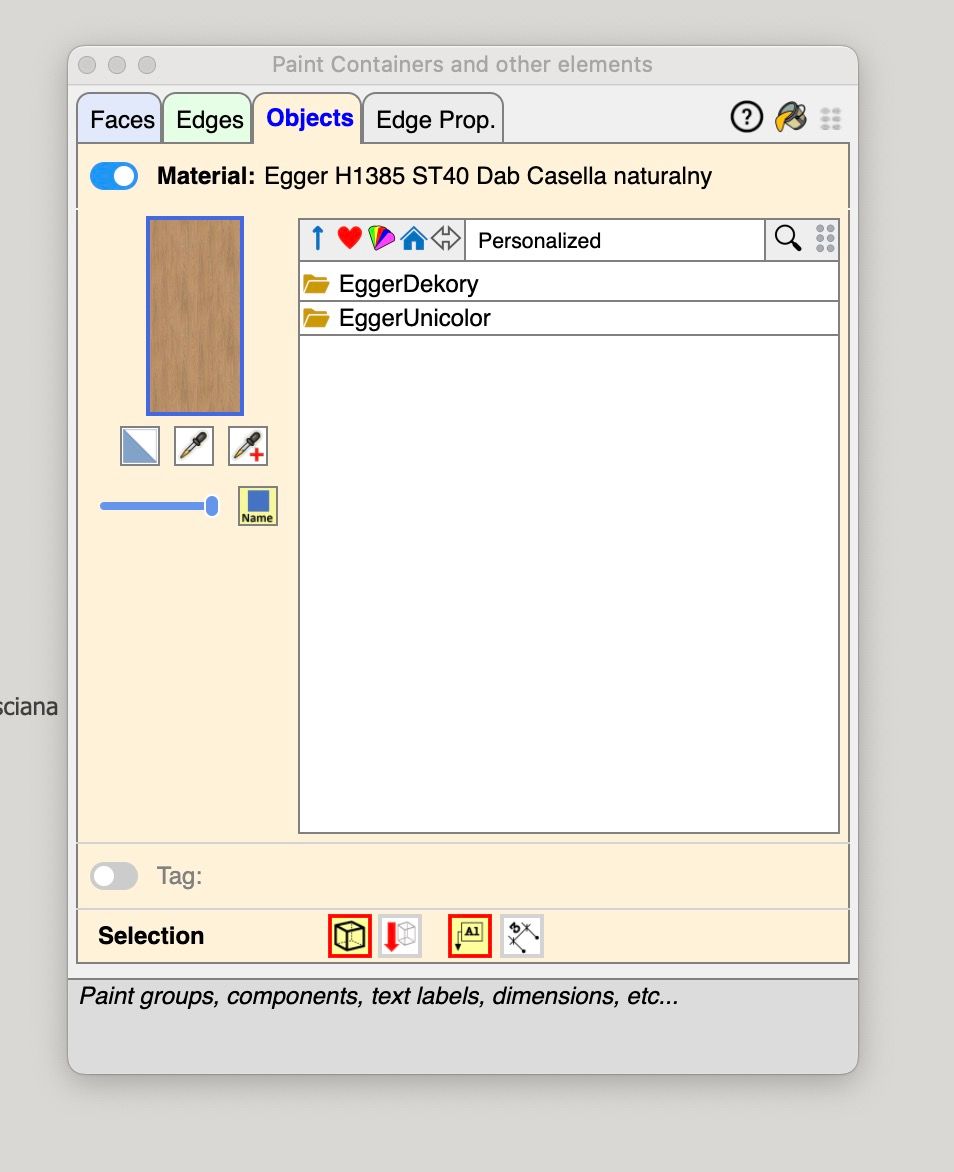
  • Fredo's Layport recognizes dimensions, but not text labels.!

    1
    0 Votes
    1 Posts
    51 Views
    No one has replied
  • [Plugin][$] VisuHole - v1.5a - 01 Apr 24

    103
    4
    0 Votes
    103 Posts
    125k Views
    Dave RD
    @ivansmirnov333 from the first post in the thread: @fredo6 said in [Plugin][$] VisuHole - v1.5a - 01 Apr 24: In the current version, Stencils must be picked in the model. This implies that your stencils must be present in the model. You could create components of your stencils and save them into a local collection.
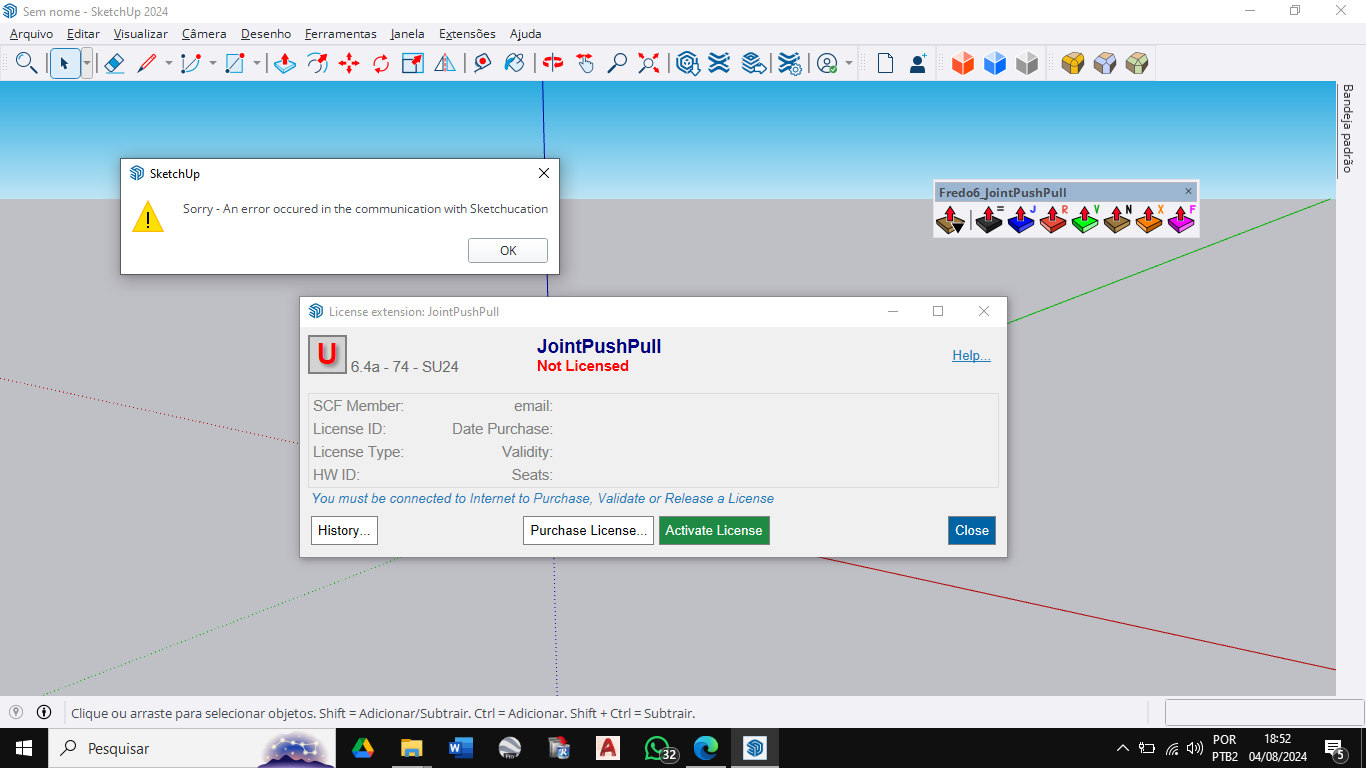
  • Plugin Licensing

    2
    0 Votes
    2 Posts
    46 Views
    TIGT
    @NOUUUR Many plugins and extensions in the PluginStore remain free, but several now have a paid license [but which is inexpensive, and there are bundle deals etc]. Fredo6 has made many of his extensions licensed, after a short trial-period. To license such extensions you need the latest version of them installed [and any support files like LibFredo6] and the SketchUcation toolset - which contains the licensing setup... There are several helpful threads about licensing and how to pay-for, activate and manage them... De nombreux plugins et extensions du PluginStore restent gratuits, mais plusieurs ont désormais une licence payante [mais qui est peu coûteuse, et il existe des offres groupées, etc.]. Fredo6 a mis sous licence un grand nombre de ses extensions, après une courte période d'essai. Pour obtenir une licence pour ces extensions, vous devez installer la dernière version [et tous les fichiers de support comme LibFredo6] et le jeu d'outils SketchUcation - qui contient la configuration de la licence... Il existe plusieurs fils de discussion utiles sur les licences et sur la façon de les payer, de les activer et de les gérer...
  • [Plugin] FredoTools::ThruPaint - v1.3a - 20 Oct 16

    331
    0 Votes
    331 Posts
    526k Views
    B
    That’s such a useful plugin. I think I’ll be using it a lot. Amazing!
  • [Plugin] Compo Spray 1.4.2 Updated

    271
    0 Votes
    271 Posts
    311k Views
    majidM
    Hi all, I am wondering if CompoSpray works on SU 2023-24?
  • [Plugin] FloorGenerator ( Updated 6-Apr-2017)

    331
    0 Votes
    331 Posts
    357k Views
    F
    ciao, questo è un ottimo plugin
  • Bevel tool (very cool)

    2
    1 Votes
    2 Posts
    152 Views
    G
    @L-i-am said in Bevel tool (very cool): Very cool should be an SU native tool ^^^ This right here.
  • Turn layers on/off or hide/unhide objects using MSPhysics or Ruby script

    1
    0 Votes
    1 Posts
    47 Views
    No one has replied
  • Unknown materials in the browser which I am not able to remove

    1
    3
    0 Votes
    1 Posts
    40 Views
    No one has replied
  • You must install Libfredo6...

    2
    0 Votes
    2 Posts
    81 Views
    TIGT
    @vottak Your image link doesn't work. You can add an image to your post by simply using drag-n-drop... If the message is telling you you need a newer version of Libfredo6: have you installed it and restarted SketchUp to sync everything ? Do you have the latest versions of the desired Fredo extensions installed ? Do you have the latest version of the SketchUcation toolset installed ? [for the licensing] After these installations you need to restart SketchUp so everything is synced. Also you need to license Fredo's extensions after any trial period - their submenu under 'Tools' covers activation and management...
  • [Plugin] FredoTools::ColorBySlope - v1.0a - 12 Sep 19

    7
    2
    0 Votes
    7 Posts
    11k Views
    TIGT
    @Grice It's not gone. The link doesn't work, because a while ago Fredo merged many of his smaller extensions into FredoTools. This includes dozens of useful tools... You can install that set from the PluginStore via a downloaded RBZ https://sketchucation.com/pluginstore?pln=FredoTools Or use the SketchUcation ExtensionStore³ tool to install it, without the RBZ step...
  • 0 Votes
    2 Posts
    46 Views
    Rich O BrienR
    @Albertoba Please whitelist *.sketchucation.com to allow communication. Its seem that your network is blocking access.
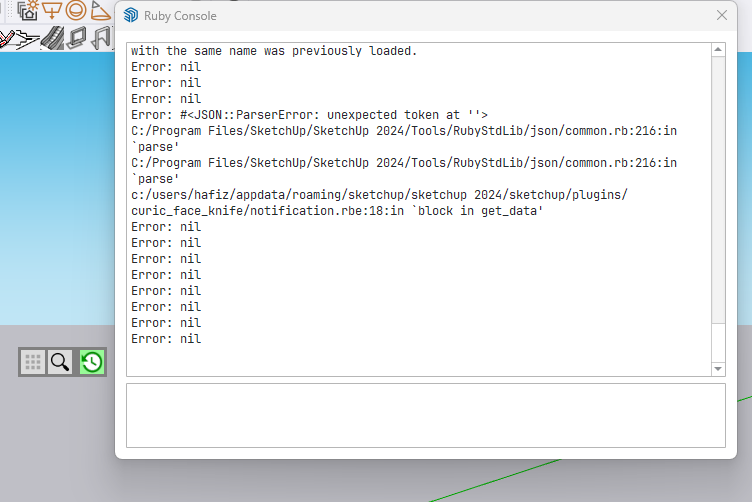
  • open the Master Toolbar

    2
    1
    0 Votes
    2 Posts
    54 Views
    TIGT
    @hafizhasan99 Please don't create multiple post-threads on the same subject. I've deleted the duplicates... I'm sure someone will respond [@Curic ?]
  • [Plugin] Layer manager

    54
    0 Votes
    54 Posts
    66k Views
    T
    Extremely useful extension, THANK YOU. For the next update, please have a look at the Show/Isolate/Hide... layer-by-Filter. I have "Existing filters:' from prior actions but when selection one of them from the drop-down box, it doesn't populate the "Filter string to * layers" entry at the bottom of the window. I have to re-type the filter string each time. Can't use the prior Existing filters. I'm using SketchUp Make 2016 for compatibility with my PCs. Thanks.
  • Plugin Gradientator V1.21 on Mac

    4
    0 Votes
    4 Posts
    113 Views
    TIGT
    @MarieEve-Martel To find your Plugins folder do the following... Open the Ruby Console from Extensions > Developer... In its bottom a pane type or copy/paste this line of code. Sketchup.find_support_file('Plugins') It should return the path to the folder... Use that to find/navigate to your Plugins folder... If you have the SketchUcation tools installed there is a submenu item... Extensions > SketchUcation > Open Plugins Folder... Clicking on this opens your Plugins folder - so it's less of a hassle...
  • This topic is deleted!

    0
    0 Votes
    0 Posts
    3 Views
    No one has replied

Advertisement