🔌 Smart Spline | Fluid way to handle splines for furniture design and complex structures. Download

  • Does Sketchucation Tools show only SketchUp 8 plugins?

    Solved
    3
    0 Votes
    3 Posts
    96 Views
    D
    @Rich-O-Brien said in Does Sketchucation Tools show only SketchUp 8 plugins?: No, it does not Thank you !
  • Sketchup 2024 crashes on startup.

    4
    0 Votes
    4 Posts
    291 Views
    alexpacio2013A
    @TIG Con l'ultima versione di Lord of thr Toolbar è stato risolto il problema di compatibilità con vay 7 ma adesso mi trovo un'altro problema, spesso quando apro sketchup, va in crash. Il crash avviene proprio quando va ad aprire le barre dei menu creati con Lord of the Toolbar . Ho scoperto che disabilitando Lord of the Toolbar, Sketchup si apre perfettamente. non capisco q Se è un problema di incompatibilità con altri plugin o da altro. Per aprire sketchup devo disabilitare Lord of the toolbar E riabilitarlo quando sketchup è aperto, attraverso il plugin manager Sketchauction. Sicuramente è una incompatibilità con un altro plugin. come posso sapere quale è il plugin che va in conflitto. è possibile risalire all'ultimo plugin eseguito prima del Crash analizzando i file di log. With the latest version of Lord of thr Toolbar the compatibility problem with vay 7 has been solved but now I find myself with another problem, often when I open sketchup, it crashes. The crash occurs right when it goes to open the menu bars created with Lord of the Toolbar. I discovered that by disabling Lord of the Toolbar, Sketchup opens perfectly. I don't understand if it is a problem of incompatibility with other plugins or something else. To open sketchup I have to disable Lord of the toolbar and re-enable it when sketchup is open, through the plugin manager Sketchauction. It is certainly an incompatibility with another plugin. How can I know which plugin is in conflict. Is it possible to trace the last plugin executed before the crash by analyzing the log files.
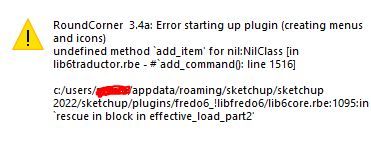
  • roundcorner not installing.

    5
    2
    0 Votes
    5 Posts
    251 Views
    fredo6F
    @TIG This looks like a problem already encountered by a few users about the persistence of menu structures in the API on Windows. As I was not able to reproduce it, I never understood the root cause and I never found a fix for that. Just detect the issue (hence the Ruby console message). For information, this is anyway fixed in SU2023 and above, because Sketchup changed the way it handles menus in Windows.
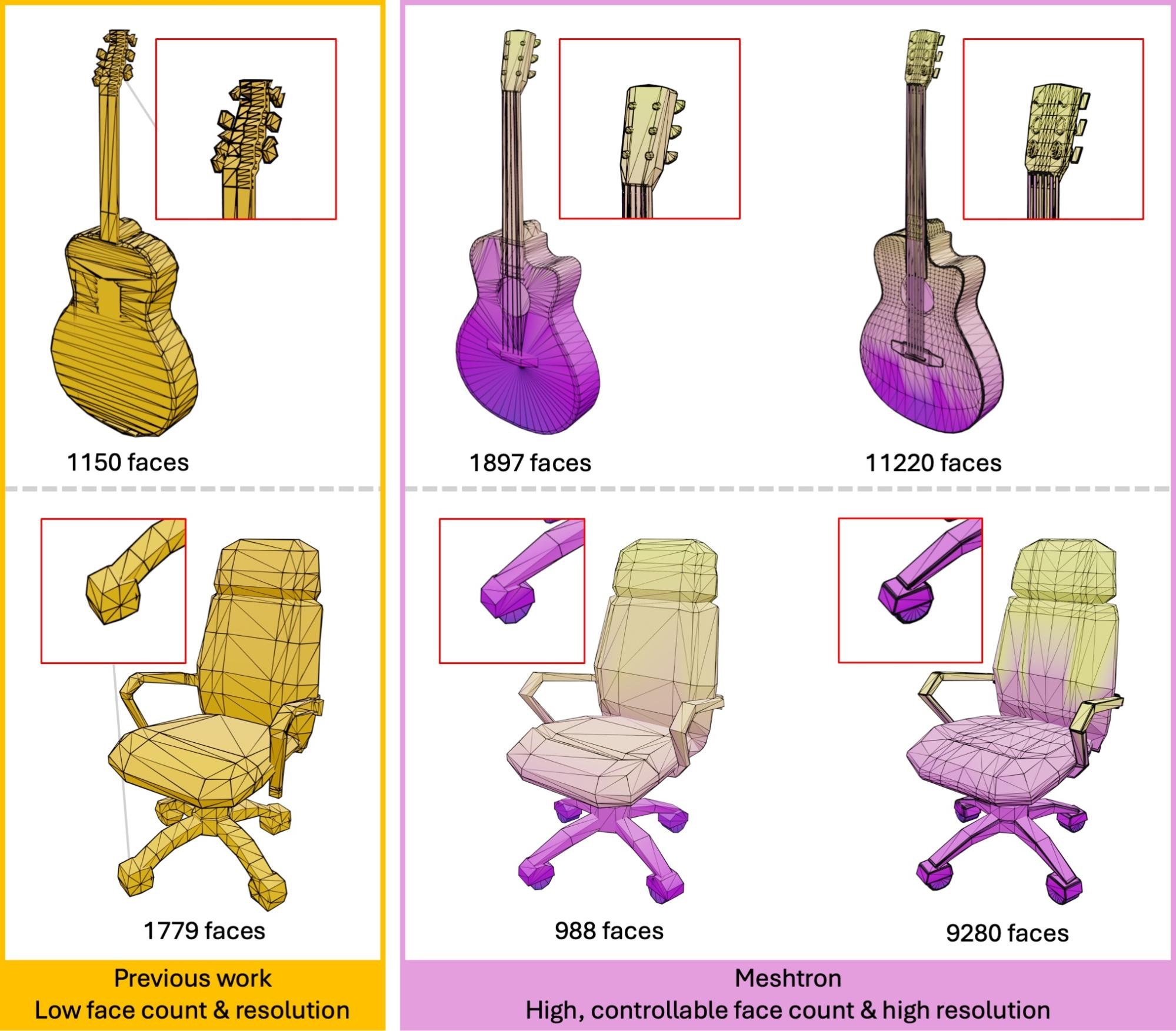
  • Nvidia Meshtron

    10
    1
    2 Votes
    10 Posts
    395 Views
    Mike AmosM
    @L-i-am It's not just muppets and paramilitary now. Drones and delivery have been doing the rounds at a prison near everybody for years. Weed delivery? All very well to tell a 'foreign power' that you will shoot them down but another to achieve it without civilian casualties. It does make a bit of sense for general deliveries because the current biped format has a serious issue with doors that do not open themselves. Much head scratching and yelling and that's the delivery muppets (From outer space).
  • Fredo6 Roundover problems

    5
    1 Votes
    5 Posts
    144 Views
    S
    @Lmararch said in Fredo6 Roundover problems: Hi All! New to the forum here, and generally pretty new to SketchUp so thanks for the read! I have just installed Fredo6's Roundover extension and I am not having much luck with it at all. I am a building contractor, so right now just trying to draw out a deck we're building and simply trying to round over the edges of some deck boards. It doesn't seem to matter if I select the geometry as a group, or click into the group and try to select a face/edge I get the cursor turning into this note that says "invalid (group or component)". I basically can't get this extension to work at all so I must be missing a critical setting or something?? Also wondering if anyone has done an instruction set/tutorial for this extension? TIA! It sounds like the "invalid (group or component)" error occurs because the geometry might be locked or not properly selected. Try unlocking the group/component, or double-click to edit it before selecting the edges. Also, check that the Roundover extension is correctly installed and configured. Test it on simple, ungrouped geometry to rule out any specific issues with your deck boards. For tutorials, searching “Fredo6 Roundover tutorial” on YouTube or forums can provide helpful guides.
  • Had an extension for a component pull down menu that I can't find again

    4
    1 Votes
    4 Posts
    99 Views
    L
    Thanks for telling me about Skeng but it was for creating pulldowns of Piping components that I had made.
  • Help me find old edge selection tool

    2
    0 Votes
    2 Posts
    98 Views
    majidM
    Do you mean S4U select? https://sketchucation.com/plugin/1035-s4u_selectool_v1-1-1 Or selection toys: https://sketchucation.com/plugin/738-tt_selection_toys
  • Aerilius Toolbar Editor

    3
    0 Votes
    3 Posts
    139 Views
    J
    @Rich-O-Brien Thanks for the suggestion, but that's my other issue. V-Ray 7 isn't launching if LOTT is installed. At least, not in SU2024.
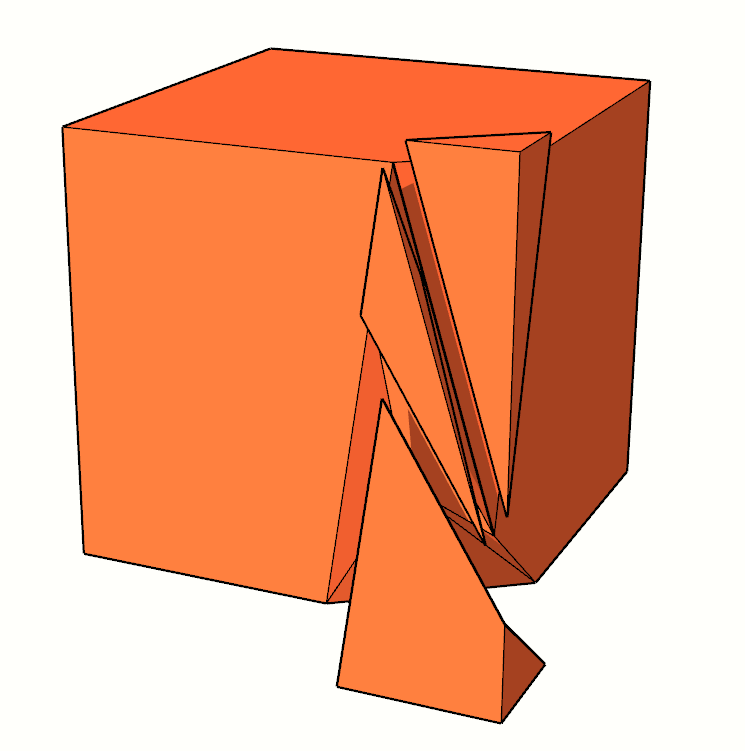
  • Is there a fracturing tool for SketchUp?

    Solved
    3
    1
    0 Votes
    3 Posts
    134 Views
    HornOxxH
    @Rich-O-Brien A direct hit! Thanks Rich!
  • Exporting CAD files with facet-free curves and circles

    2
    0 Votes
    2 Posts
    82 Views
    Dave RD
    @flywheel try using the 3D dxf exporter instead of the 2D exporter.
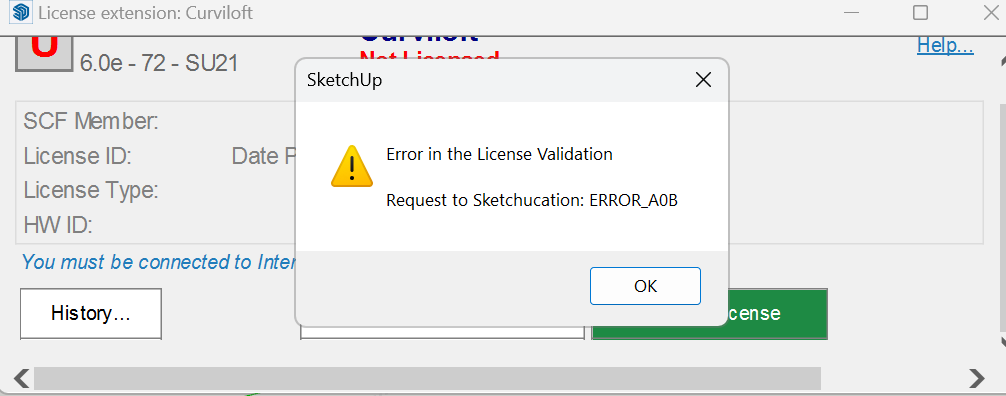
  • Unable to activate Fredo Curviloft License

    Moved
    2
    1
    0 Votes
    2 Posts
    54 Views
    Rich O BrienR
    @SSABLR Please update Sketchucation Tools You are using an outdated version
  • SCF License

    9
    1 Votes
    9 Posts
    174 Views
    Rich O BrienR
    @Sylvano87 Great
  • Fredo6 or SketchUcation Extension Issue

    Solved
    6
    1 Votes
    6 Posts
    174 Views
    Dave RD
    @SilentFart If you use the Sketchucation ExtensionStore to install Fredo6's extensions, including LibFredo6, you can use it to help you keep track ofupdates when they come and update them. You have to have the ExtensionStore installed for management of the extension licenses so you might as well use it to install the extensions. In addition to helping you track and update extensions, you'll create a bundle of extensions from Sketchucation that you can install automatically if you switch computers or when you update to the next version of SketchUp. Edit to add: Fredo6 just released an update to LibFredo6. The Sketchucation ExtensionStore shows the update is available. The red bell indicates there's an updated extension. [image: 1733516570812-screenshot-12_6_2024-2_20_55-pm.png] Clicking on it reveals the extension needing to be updated. [image: 1733516656943-screenshot-12_6_2024-2_21_11-pm.png] Clicking on the red download button updates the extension.
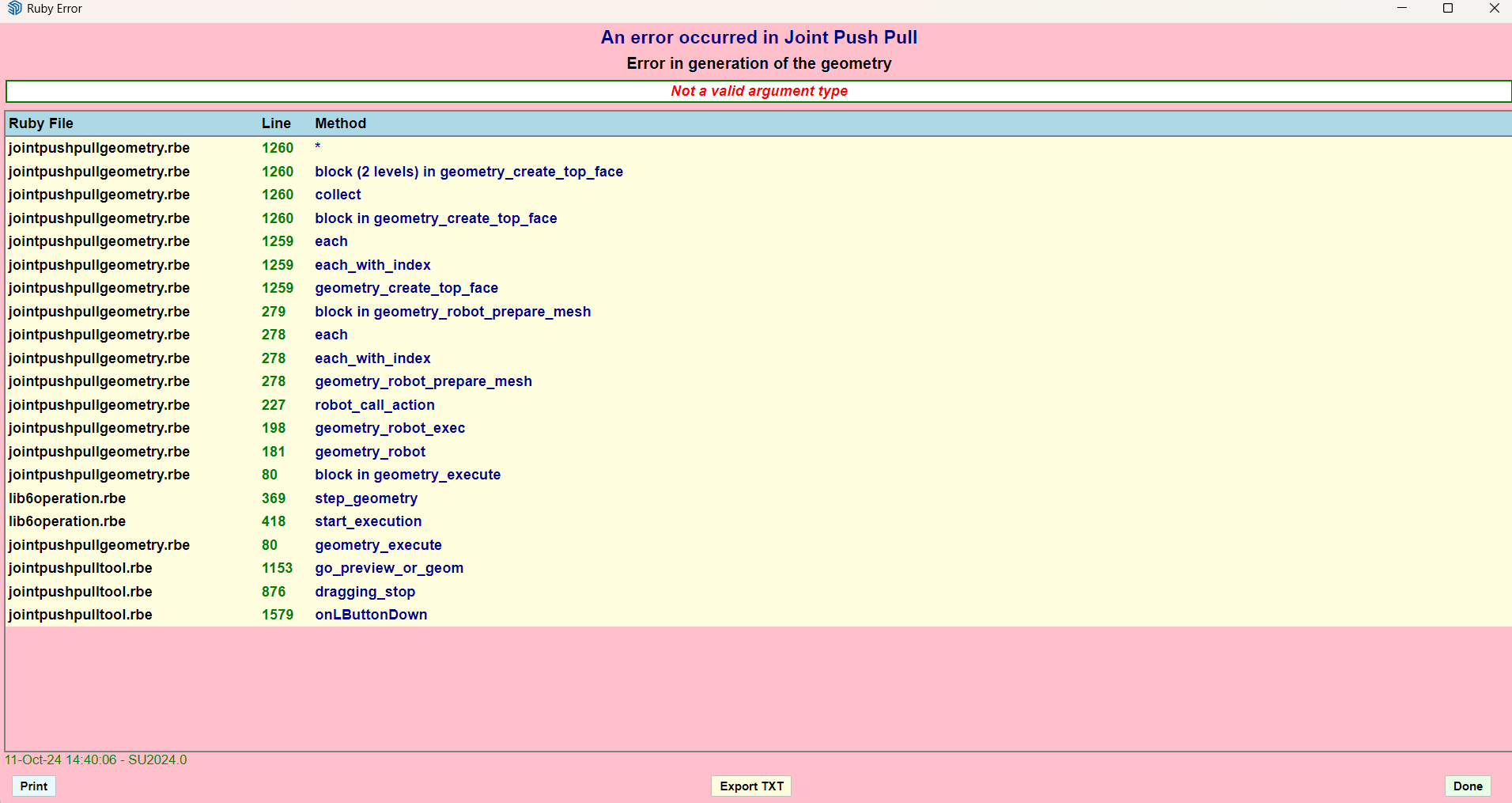
  • FredoJointPushPull-v4.8a error

    7
    1
    1 Votes
    7 Posts
    241 Views
    fredo6F
    This problem is related to the model and topology of faces and edges. So, it helps to have the faulty model to reproduce the error and hopefully investigate a fix.
  • FreeCad 1.0

    5
    2 Votes
    5 Posts
    318 Views
    alexpacio2013A
    @panixia Hi Marcello, with € 11 you can easily do it even with blender, even with large ones STEPper
  • Fredo Spline

    2
    0 Votes
    2 Posts
    67 Views
    Rich O BrienR
    @BABAB You need Sketchucation Tools https://sketchucation.com/plugin/696-sketchucationtools You need Libfredo https://sketchucation.com/pluginstore?pln=LibFredo6 If you run the Window > Libfredo Settings > Fredo6 Plugins Information for Sketchucation Support menu in SketchUp I can take a look.
  • How to snap camera in animation?

    Solved camera
    2
    0 Votes
    2 Posts
    82 Views
    Rich O BrienR
    Turn off Scene Transitions [image: 1732201970487-d484e4ad-8da2-451a-b8d6-2ab9bbdb7e60-image.png]
  • can't release original license

    2
    0 Votes
    2 Posts
    135 Views
    Rich O BrienR
    @troyhome email support@sketchucation.com
  • Turtle Graphics for Sketchup

    ruby data input turtle graphics
    2
    0 Votes
    2 Posts
    168 Views
    Rich O BrienR
    @August said in Turtle Graphics for Sketchup: Turtle Graphics You would need to piggy back on the API to have implicit commands similar to Turtle-type behaviour. In SketchUp you can use [#,#,#] to infer the [x,y,z] location in 3D space to place an object or point. But in all instances it requires user input to pick the tool and/or the first point. I know of nothing that allow you to draw in the manner you need. You could try @alexschreyer OpenAI extension: https://sketchucation.com/plugin/2643-as_openaiexplorer Or @samuel_t Parametric Modelling extension: https://sketchucation.com/plugin/2387-parametric_modeling Both have that type of capability of command based drawing. I like the latter for parametric block out. You could use the Ruby Console to draw in the same way as you could use a chainsaw to trim your fingernails. Try asking Claude.ai for ideas to get you a primitive example you could build on.
  • Fredo Animator - can't reverse clips or modify

    2
    0 Votes
    2 Posts
    74 Views
    Rich O BrienR
    You've poor organisation going on in your model that you're fighting against. With some tidy up you can get it to open/close. doors3[rob].skp In the attached example I ditched the second door to stop my brain melting from the nested 'Group' naming. See if this works for you in 2017

Advertisement