Sketchucation Tools 5.0.7 | Licensing improvements and bug fixes Learn More
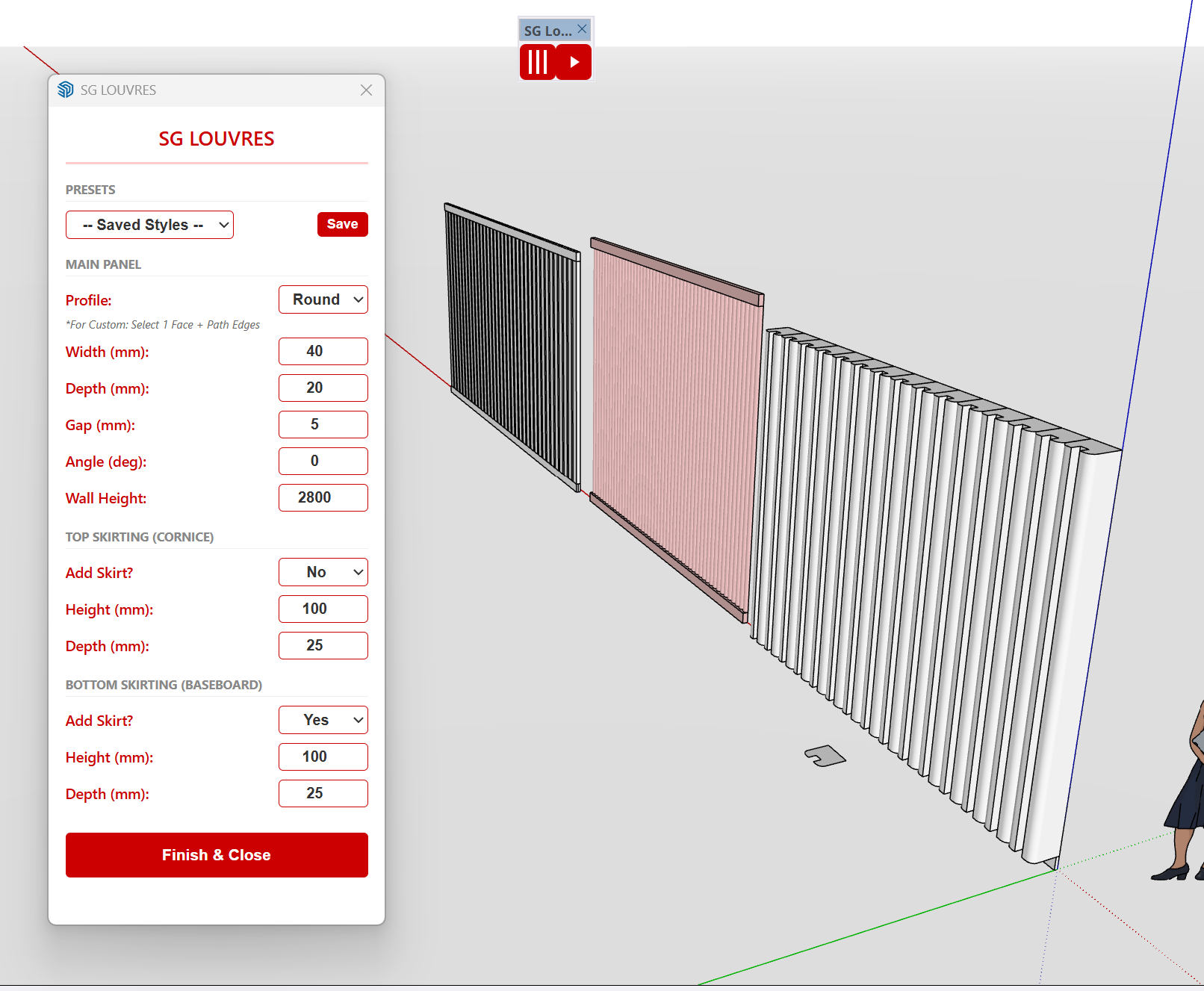
  • SG louvre PRO plugin

    Plugins sketchup plugins free
    1
    4
    0 Votes
    1 Post
    406 Views
    Belum ada orang yang menjawab
  • 0 Votes
    6 Post
    438 Views
    F
    A largely forgotten plugin - MSPhysics. Also not so easy to get running under SUp2022: https://community.sketchucation.com/user/faust07
  • Animation Along a Path Plug-in?

    SketchUcation Community Forums
    4
    0 Votes
    4 Post
    180 Views
    F
    A largely forgotten plugin – MSPhysics. Also not so easy to get running under SUp2022: https://community.sketchucation.com/user/faust07
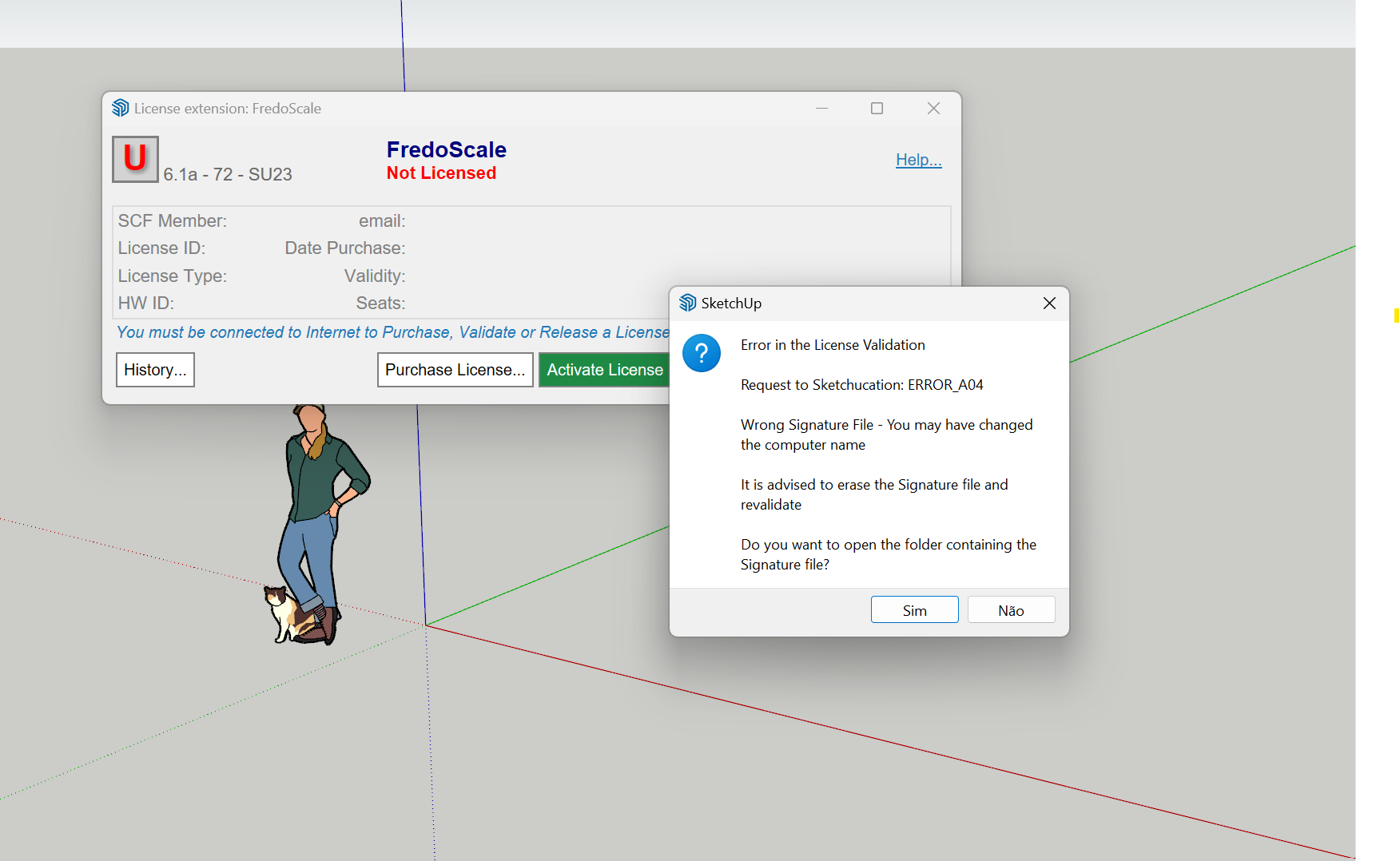
  • Problema na instalação ERROR_A04

    Solved Extensions & Applications Discussions extensions
    37
    1
    0 Votes
    37 Post
    3k Views
    TIGT
    Have you got the latest versions of the extensions and SketchUcation toolset ? This is needed to manage the licenses effectively. Have you tried the forums 'My Licenses' page in the PluginStore, or perhaps easier to use, the page accessed from the ExtensionStore dialog's 'Quick Menu' called 'Licenses' both of which let you manage your licenses Release/Activate etc...
  • Loop maker and/or sizer

    Developers' Forum
    2
    0 Votes
    2 Post
    125 Views
    Rich O BrienR
    @cengizileten said: I’ve developed a free plugin that creates loops and/or adjusts loop sizes. It works well on quad surfaces. How can I upload it to the system on this site? Send an email to support@sketchucation.com with the RBZ file
  • Recent Renderings/Work

    Gallery
    8
    10
    5 Votes
    8 Post
    432 Views
    G
    @panixia There's a link to grain assets but it's in a readme and it's a drx file for DaVinci Resolve. I'd look into it more this morning but at the moment I regret not having invested in a retirement plan allowing me the ability to not do anything for the rest of my life.
  • 1 Votes
    7 Post
    273 Views
    panixiaP
    @Arkanthiell said: what exactly you did I did exactly this and it worked perfectly. Give_A_Proper_Name_To_Your_Files.skp
  • ALL THINGS AI

    Extensions & Applications Discussions
    7
    0 Votes
    7 Post
    343 Views
    Rich O BrienR
    Politics needs term limits.
  • [Plugin][$] FredoScale - v3.6a - 01 Apr 24

    Plugins
    1k
    4
    0 Votes
    1k Post
    3m Views
    Rich O BrienR
    @fimo Dunno... it does behave correctly Left/Right. Just not Up/Down. https://youtu.be/bPbb8PPGtVg?t=170 In this video you can see it working as expected. Maybe @fredo6 knows more?
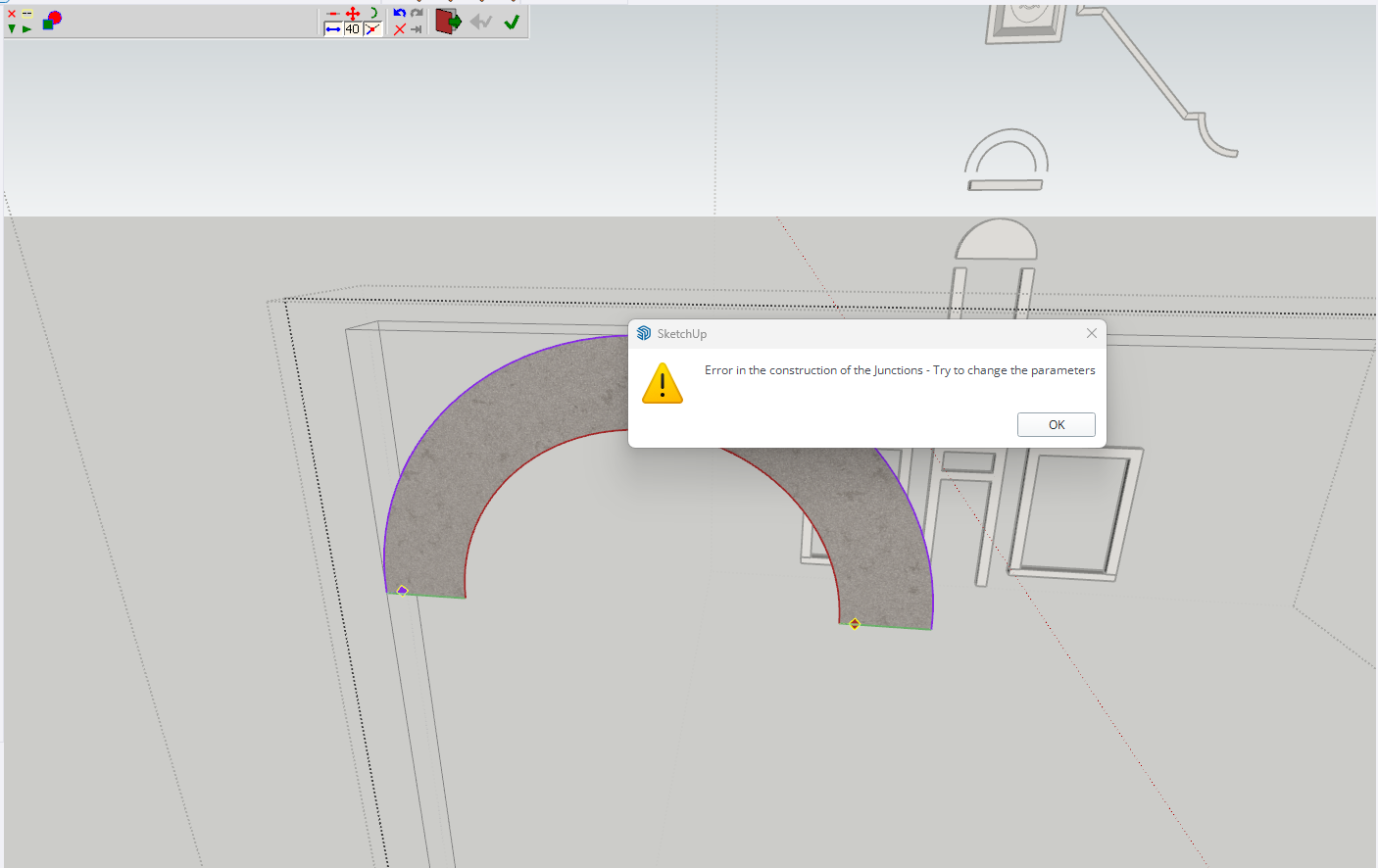
  • Curviloft Error

    Extensions & Applications Discussions
    2
    1
    0 Votes
    2 Post
    146 Views
    panixiaP
    @jackieboyharpster apparently, you are trying to do it with 4 curves selected using the "loft by splines" command, this is clearly user error. Just delete the 2 straight segments (and the attached existing face of course), then select only the 2 arcs and run the command again.
  • [Plugin] Fix Reversed Face Materials

    Solved Plugins
    83
    0 Votes
    83 Post
    121k Views
    D
    @pep75 I just installed it in SU2026 and gave it a try. It seems to do what it says on the tin. The back face color is green. [image: 1773752953208-rev.gif]
  • Model turned inside-out glitch

    SketchUp Discussions
    3
    3
    0 Votes
    3 Post
    218 Views
    panixiaP
    It's 99,9% related to clipping planes tolerance To troubleshoot this you can type in Ruby console Sketchup.send_action 10624 Then in the windows which will pop up, check the "Force" flag and try to play a bit with "Near" and "Far" parameters. If the "Model Far" is a really huge number compared to the actual expected size of the model (causing the "Far" clipping plane to be REALLY FAR, then you can have that kind of floating-point-precision-related z-fights happening like in your screenshot). There are a few reasons that can trigger this kind of behavior (which is the pretty much the opposite of the well known "clipping problem"). Usually there's something REALLY FAR from axes origin (maybe a tiny stray segment miles away from world 0,0,0 or possibly you accidentally created a misplaced copy of your 3d text which for whatever reason ended up at light years distance from model space). In that case you can try to select whatever should actually be in your "intended" model (maybe temporarily group & lock it for added safety), then invert the selection and erase whatever else is in the model (this will clean up accidentally misplaced geometry that you can't see because it ended up into some different solar system) and everything should be fine. Another possible reason is that some of the objects in the model is actually in the right place, but its internal coordinate system has the origin miles away from model origin. In that case you can troubleshoot that looking at object bounding boxes or if you want to fix that super-fast, just install the "Axes Tool" plugin from Thomthom and recursively select components and sub-components and run the tool in order to place the object's axes in the center of the bounding box. Being that you apparently have just a few objects, you could just try to explode and regroup them one by one and that could fix the problem. Another reason which comes into my mind that can trigger this kind of glitches, is when you have some "giant" component and you scaled it insanely small compared to the original size.. in that case you can try to "scale definition" (or, again, just explode and regroup it) and that should fix the problem in such specific case. If you created your 3d text insanely big and you scaled it a lot, that could be the culprit. If none of this fixes works, maybe you can share the model and I could try to see what's goin'on exactly.
  • Box Stretching - New Dimensions

    Plugins
    15
    1 Votes
    15 Post
    2k Views
    panixiaP
    @tomb85 Oh shit.. never noticed that.. I'm just creating a plugin which relies quite heavily on the tab key to switch between modes.. maybe I should add a Shift+TAB option in order to stay safe. Good to know.