Globe Plants has a Japanese black pine (Pinus Thunbergii - Japanese Black Pine) for $25 (USD) also available as a Sketchup file.
Oops, your profile's looking a bit empty! To help us tailor your experience, please fill in key details like your SketchUp version, skill level, operating system, and more. Update and save your info on your profile page today!
⚠️ Important | Libfredo 15.6b introduces important bugfixes for Fredo's Extensions Update
 Offline
Posts
-
RE: Black Pine Model
-
RE: Sky rendering in Sketchup with Twilight Render HELP !
You can find a bunch of free HDRI skies here at ambientCG.
-
RE: Sketchup 2023 is out!
OK, fixed that by re-setting the "open with" in Windows and now it's all back to normal.
-
RE: Sketchup 2023 is out!
I gave it a quick shot and it looks fine. Then I had to change my default program back to SU 2022 and instead of opening the skp file directly from Windows Explorer it opened up the Welcome screen first. Then I uninstalled SU 2023 and it's no longer opening my skp files directly Explorer and instead continues to open the Welcome screen first. Now I have to troubleshoot this.
-
RE: Bricks'n'Tiles alternative
Your sample is pretty small so make sure you get anything from 1K to 4K in size. A 1K would be 1024x1024 pixels. It's all double from there: 1024, 2048, 4096, etc. The smallest size texture forces the other textures to be reduced in size so you'll lose a lot of resolution.
-
RE: Bricks'n'Tiles alternative
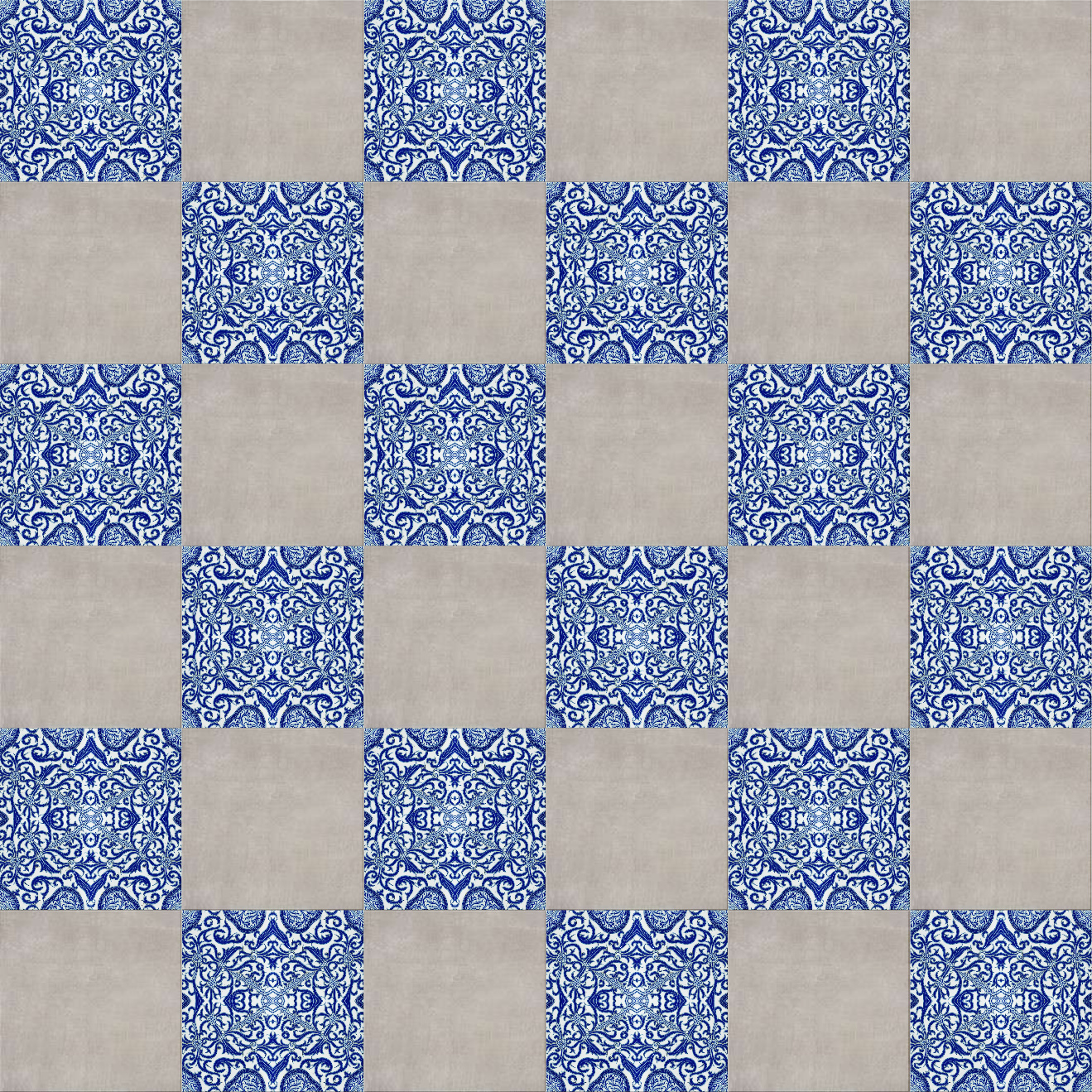
I was able to generate a simple tile pattern using your sample for the pattern. You'd have to experiment with all the different settings there. You can add more than one texture.
-
RE: Bricks'n'Tiles alternative
I am not aware of being able to use any source textures with the Poliigon generator.
Another option might be Architextures where you can upload a source texture. I created some textures there yesterday and uploaded some that I required. You can add textures. Not sure how many.
You can generate a basic diffuse or color map and a black and white bmp. I like to create a normal map using the Nvidia Texture Tools. That's for rendering.
It's $5.95/month.
-
RE: Bricks'n'Tiles alternative
Have you looked into Poliigon generators? They also use the sbsar method. I got the modern bricks generator and it's really good. They also have a marble tiles generator. They also have a color picker to adjust tones which can be used outside of the Substance Player.
-
RE: [Plugin][$] Curviloft 2.0a - 31 Mar 24 (Loft & Skinning)
It just stopped working again.
-
RE: [Plugin][$] Curviloft 2.0a - 31 Mar 24 (Loft & Skinning)
It's just doing it with arcs. Otherwise, Curviloft is still working.
-
RE: [Plugin][$] Curviloft 2.0a - 31 Mar 24 (Loft & Skinning)
This is from the Ruby Console.
Coord pt ( --2147483648', --2147483648', --2147483648') = nil Error: #<NoMethodError: undefined methodz=' for nil:NilClass>
c:/users/z590-e/appdata/roaming/sketchup/sketchup 2022/sketchup/plugins/fredo6_curviloft/curviloftalgo.rbe:1476:incoords_2d' c:/users/z590-e/appdata/roaming/sketchup/sketchup 2022/sketchup/plugins/fredo6_curviloft/curviloftalgo.rbe:1322:inblock (2 levels) in link_compute_2D_footprint'
c:/users/z590-e/appdata/roaming/sketchup/sketchup 2022/sketchup/plugins/fredo6_curviloft/curviloftalgo.rbe:1322:incollect' c:/users/z590-e/appdata/roaming/sketchup/sketchup 2022/sketchup/plugins/fredo6_curviloft/curviloftalgo.rbe:1322:inblock in link_compute_2D_footprint'
c:/users/z590-e/appdata/roaming/sketchup/sketchup 2022/sketchup/plugins/fredo6_curviloft/curviloftalgo.rbe:1322:incollect' c:/users/z590-e/appdata/roaming/sketchup/sketchup 2022/sketchup/plugins/fredo6_curviloft/curviloftalgo.rbe:1322:inlink_compute_2D_footprint'
c:/users/z590-e/appdata/roaming/sketchup/sketchup 2022/sketchup/plugins/fredo6_curviloft/curviloftalgo.rbe:1262:inlink_compute_polygons' c:/users/z590-e/appdata/roaming/sketchup/sketchup 2022/sketchup/plugins/fredo6_curviloft/curviloftalgo.rbe:1424:injunction_construct'
c:/users/z590-e/appdata/roaming/sketchup/sketchup 2022/sketchup/plugins/fredo6_curviloft/curviloftalgo.rbe:407:inblock in link_construct_all' c:/users/z590-e/appdata/roaming/sketchup/sketchup 2022/sketchup/plugins/fredo6_curviloft/curviloftalgo.rbe:407:ineach'
c:/users/z590-e/appdata/roaming/sketchup/sketchup 2022/sketchup/plugins/fredo6_curviloft/curviloftalgo.rbe:407:inlink_construct_all' c:/users/z590-e/appdata/roaming/sketchup/sketchup 2022/sketchup/plugins/fredo6_curviloft/curviloftalgo.rbe:396:inlink_calculate_all'
c:/users/z590-e/appdata/roaming/sketchup/sketchup 2022/sketchup/plugins/fredo6_curviloft/curviloftalgo.rbe:369:inprepare_all' c:/users/z590-e/appdata/roaming/sketchup/sketchup 2022/sketchup/plugins/fredo6_curviloft/curviloftalgo.rbe:362:inproceed'
c:/users/z590-e/appdata/roaming/sketchup/sketchup 2022/sketchup/plugins/fredo6_curviloft/curvilofttool.rbe:641:intransition_to_loft' c:/users/z590-e/appdata/roaming/sketchup/sketchup 2022/sketchup/plugins/fredo6_curviloft/curvilofttool.rbe:334:inactivate'
c:/users/z590-e/appdata/roaming/sketchup/sketchup 2022/sketchup/plugins/fredo6_curviloft/curvilofttool.rbe:67:inselect_tool' c:/users/z590-e/appdata/roaming/sketchup/sketchup 2022/sketchup/plugins/fredo6_curviloft/curvilofttool.rbe:67:inlaunch_loft'
c:/users/z590-e/appdata/roaming/sketchup/sketchup 2022/sketchup/plugins/fredo6_curviloft/curvilofttool.rbe:53:inaction__mapping' C:/Users/Z590-E/AppData/Local/Temp/Fredo6_LibFredo6_TemporaryFiles/data6.rb:65:incall'` -
RE: [Plugin][$] Curviloft 2.0a - 31 Mar 24 (Loft & Skinning)
@fredo6 said:
@gus r said:
Thanks Dave. I don't know what happened. Was working in the past but then this morning it wasn't working. I cleared my temp directory and then it started working right again. Was just between to simple arcs for a brick arch texture set-up. This is what it looked like when it wasn't working. Between Windows and potential plug-in conflicts there's no telling what could have caused it.
Could you upgrade to LibFredo6 v13.6a. It should solve the problem.
I got it up and running again but suddenly it stopped working today. I uninstalled LibFredo and reinstalled it but it still won't work. I tested it with a simple default arc that I offset and it won't work.
-
RE: Another House Rendering
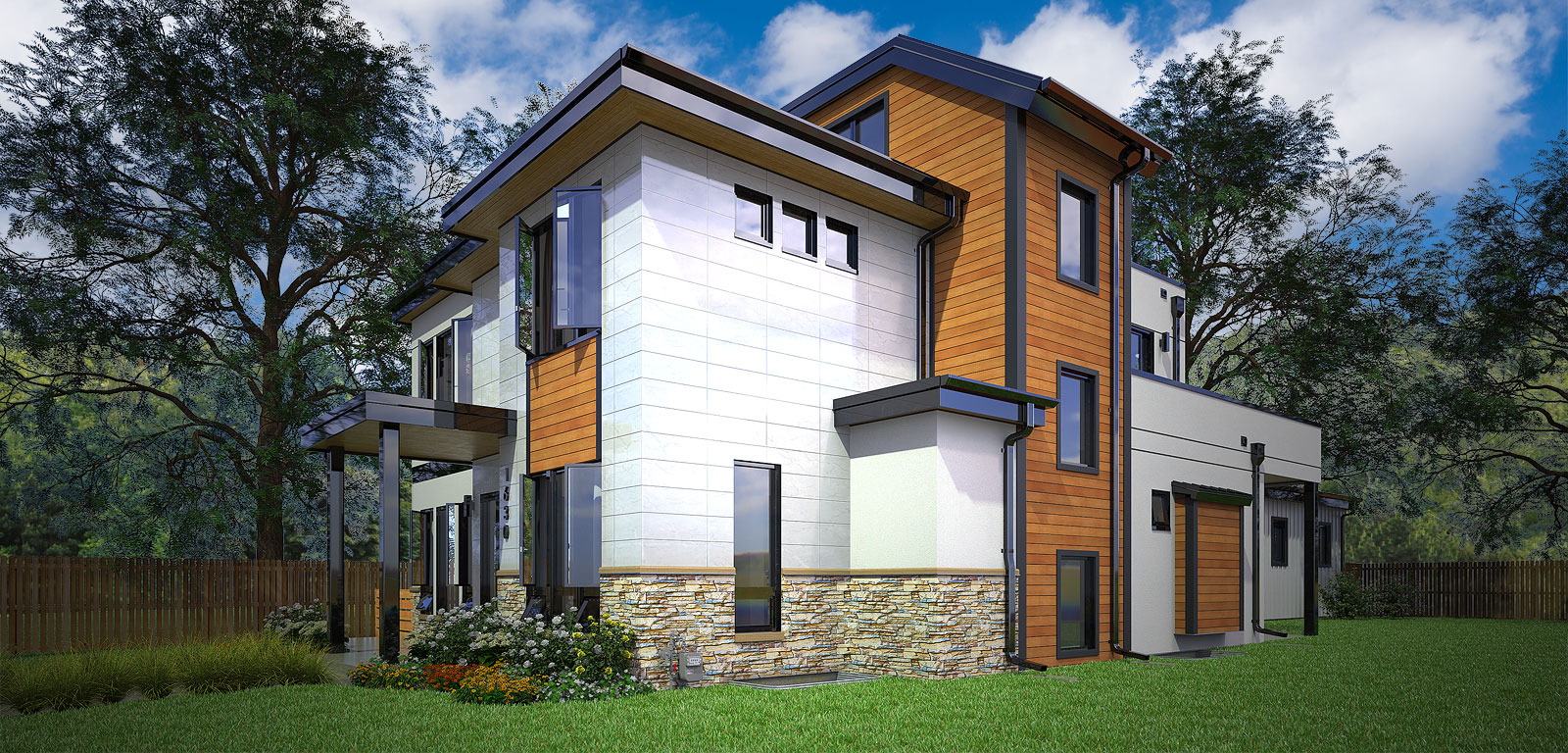
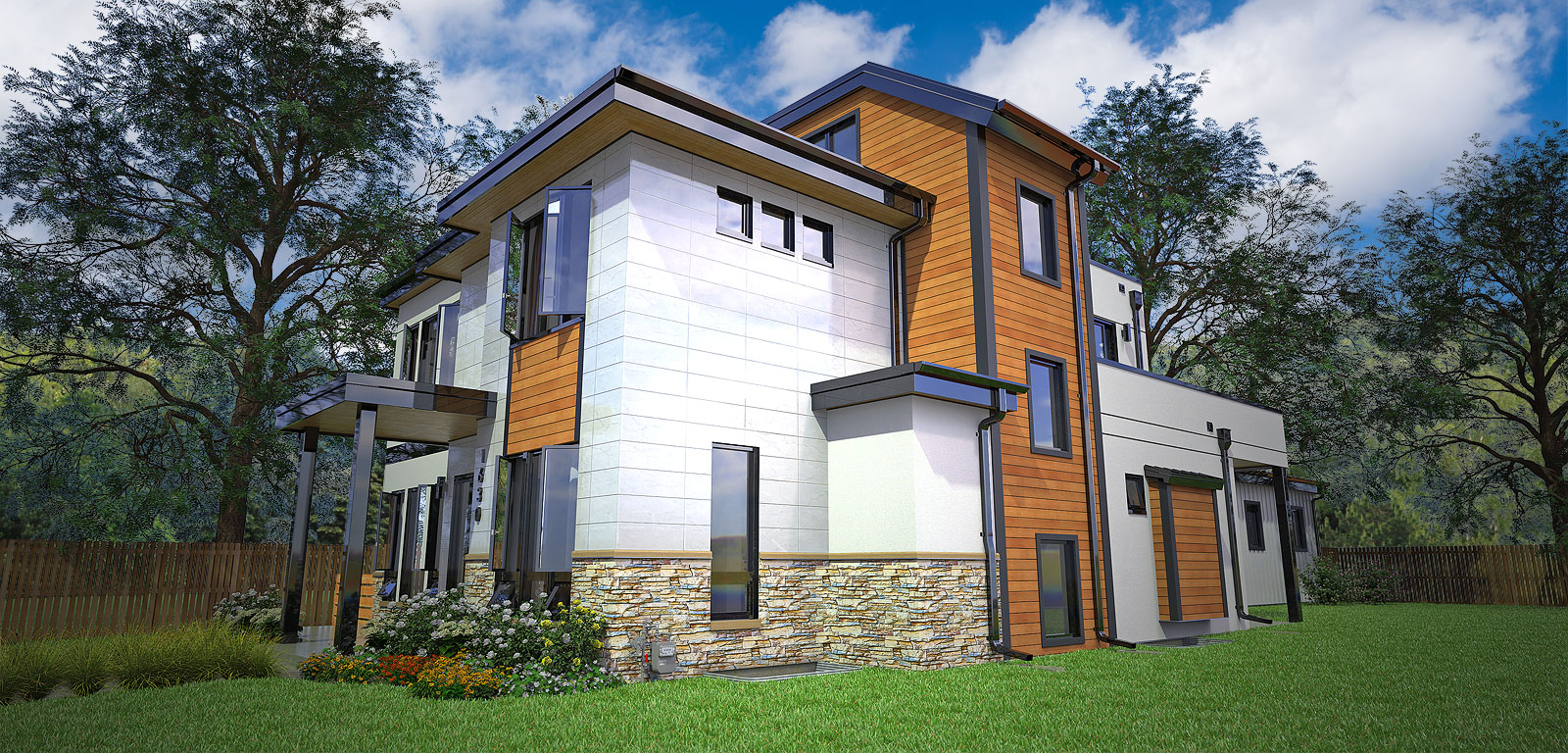
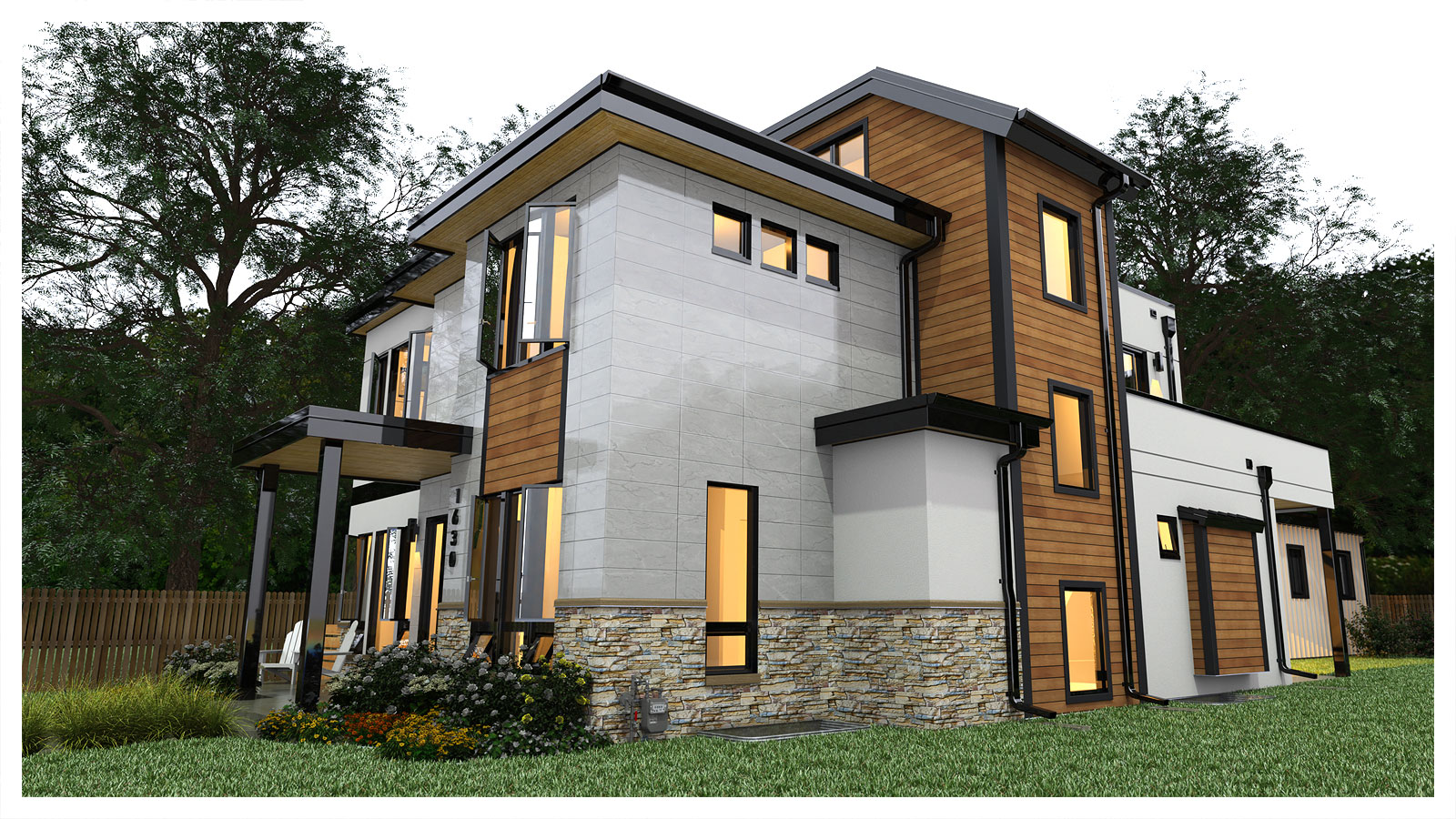
Brighten things up a bit. These are using alpha and three layers in Photoshop: house, background trees and sky.
-
RE: Another House Rendering
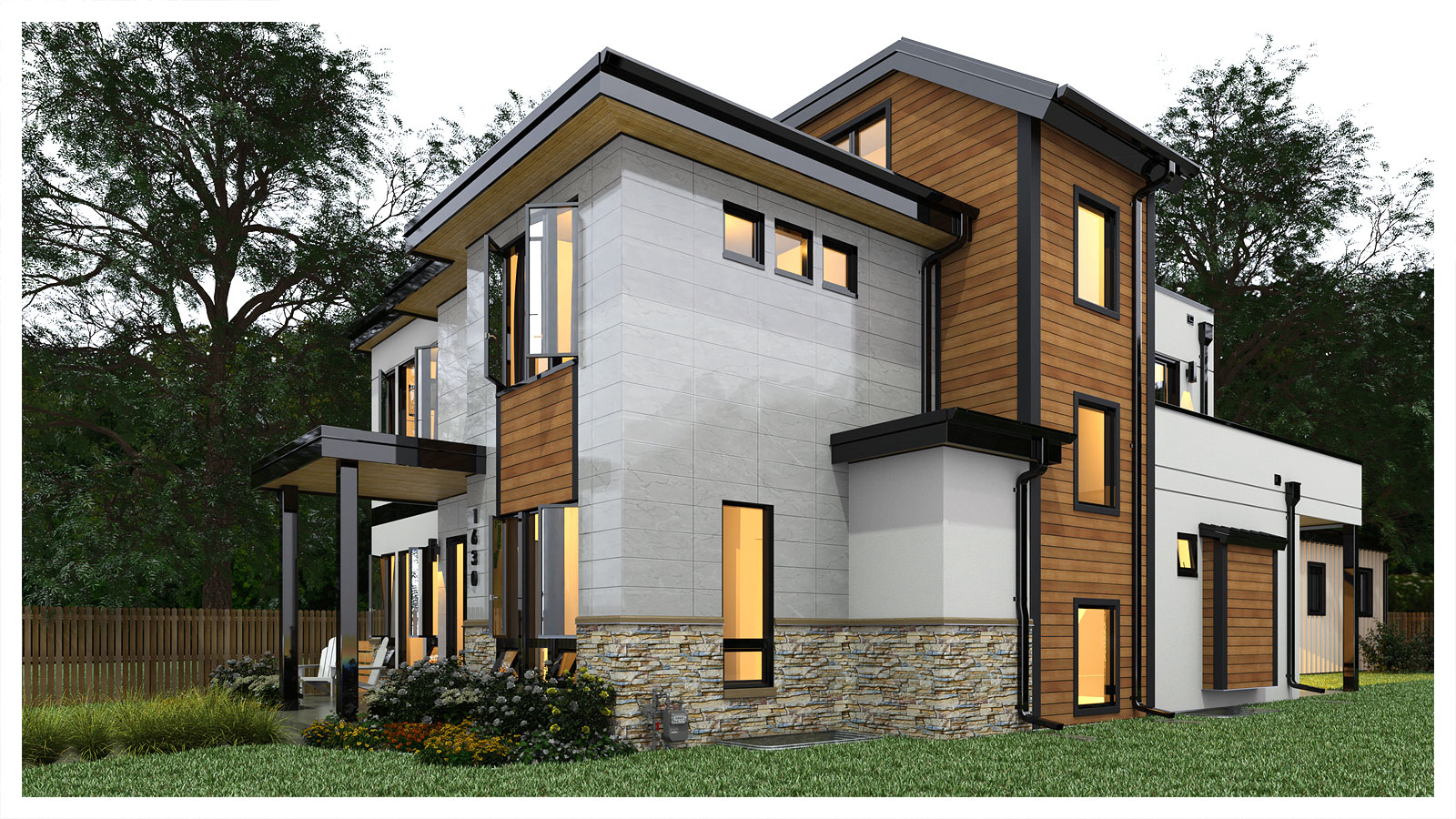
Trying a couple of suggestions. The environment is a little gloomy. I'm still waiting for any color/materials changes from the client and that can be tedious and time consuming.
I can also do layering in Photoshop if I render with the alpha channel on. In this case that doesn't work because I have fog turned on in Thea Render.
-
RE: [Plugin][$] Curviloft 2.0a - 31 Mar 24 (Loft & Skinning)
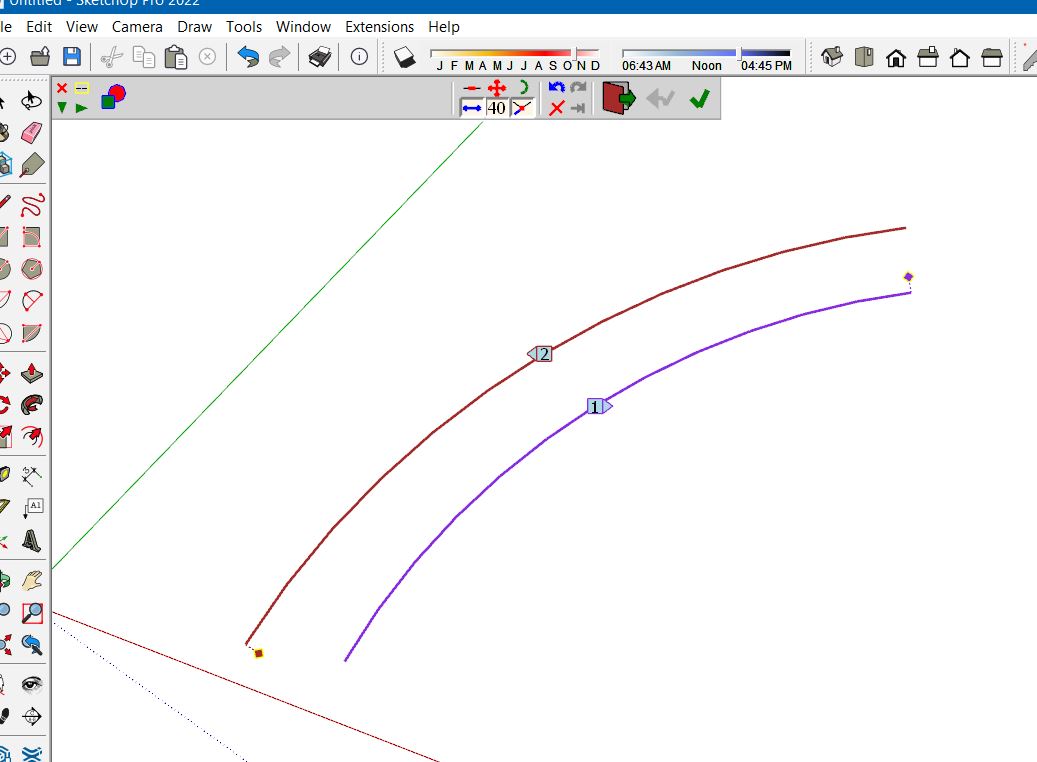
Thanks Dave. I don't know what happened. Was working in the past but then this morning it wasn't working. I cleared my temp directory and then it started working right again. Was just between to simple arcs for a brick arch texture set-up. This is what it looked like when it wasn't working. Between Windows and potential plug-in conflicts there's no telling what could have caused it.
-
RE: [Plugin][$] Curviloft 2.0a - 31 Mar 24 (Loft & Skinning)
@gus r said:
I can't seem to be able to Loft by Spline between two simple arcs. What could I be doing wrong?
It suddenly started working again.

-
RE: [Plugin][$] Curviloft 2.0a - 31 Mar 24 (Loft & Skinning)
I can't seem to be able to Loft by Spline between two simple arcs. What could I be doing wrong?
-
Another House Rendering
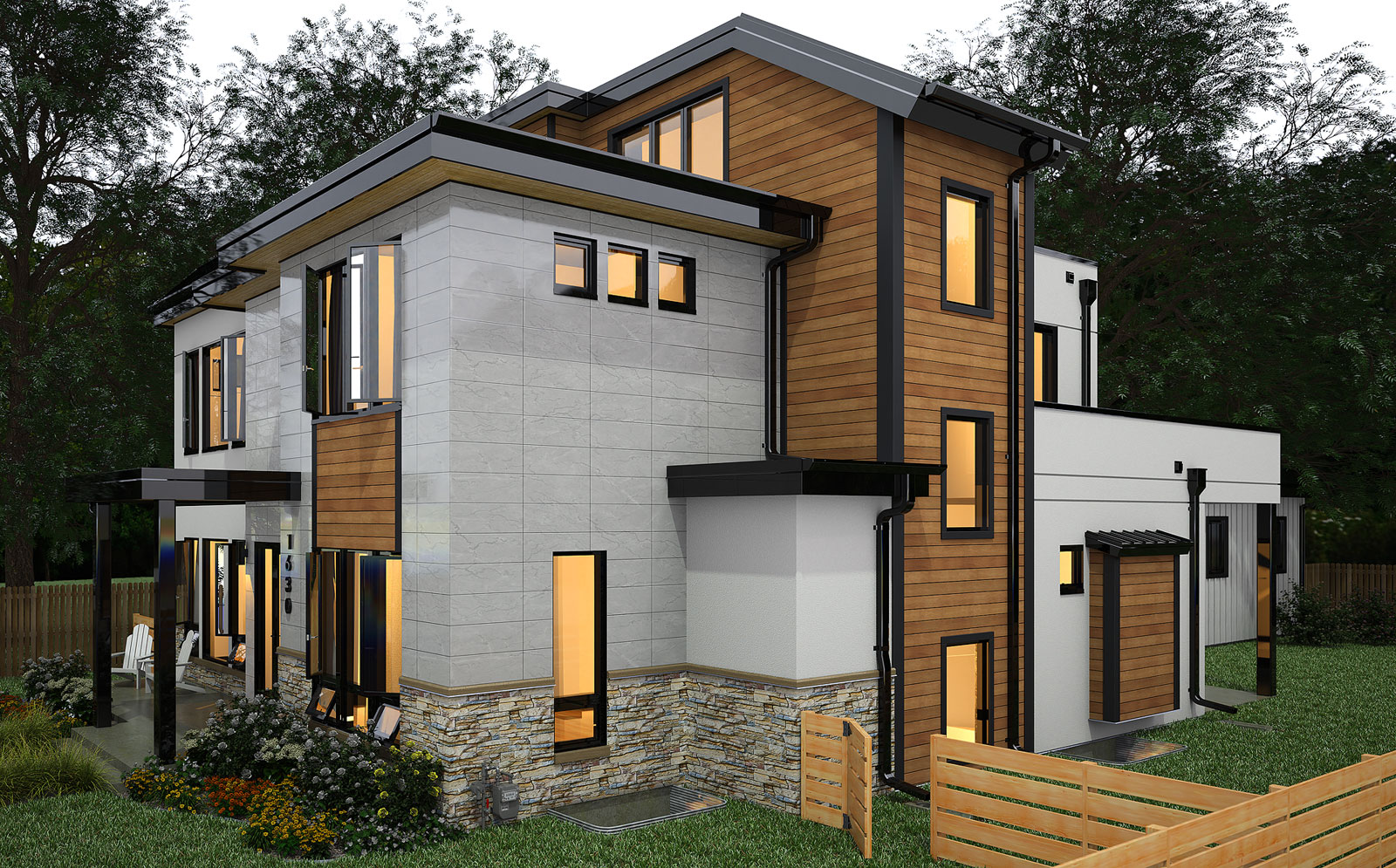
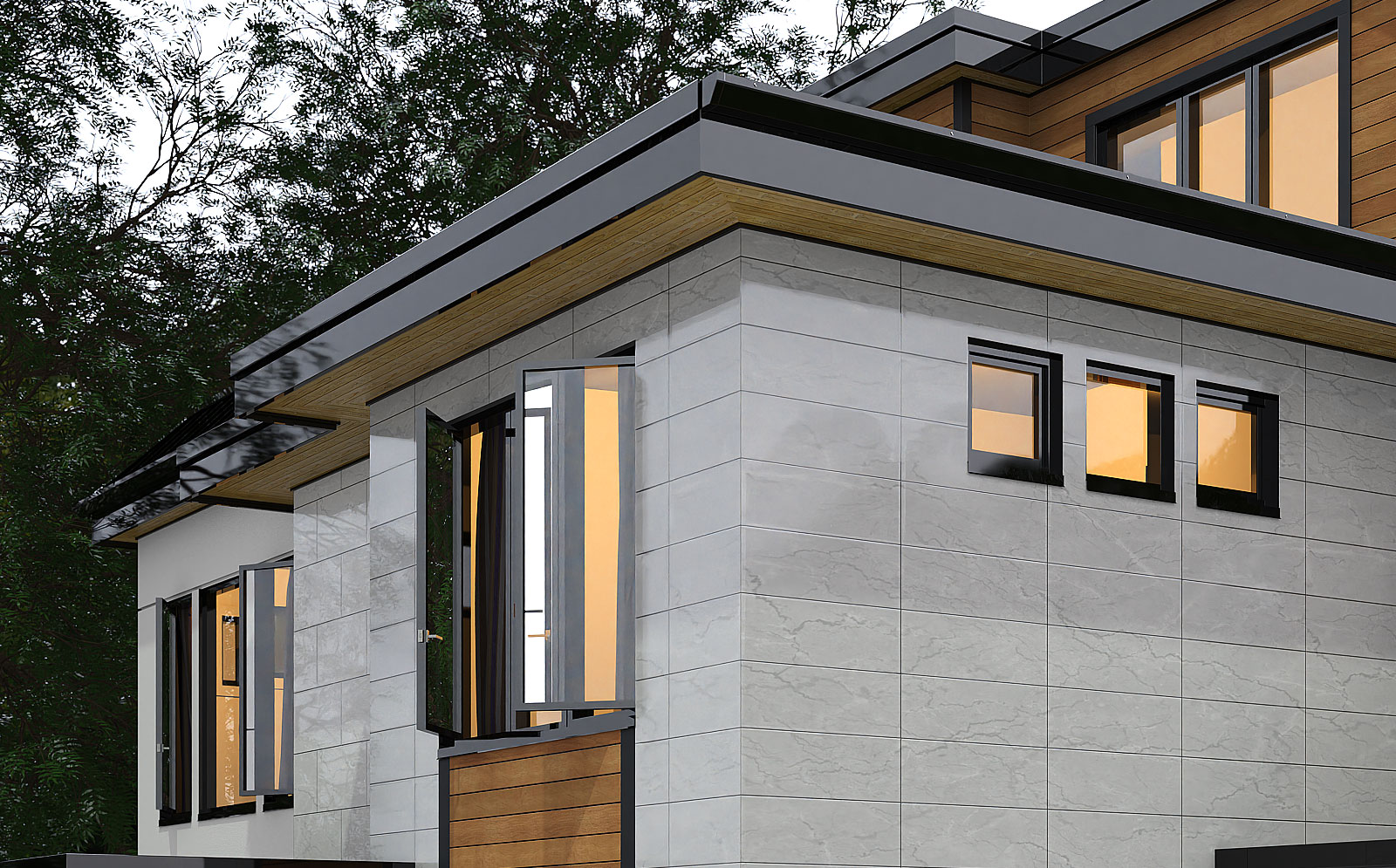
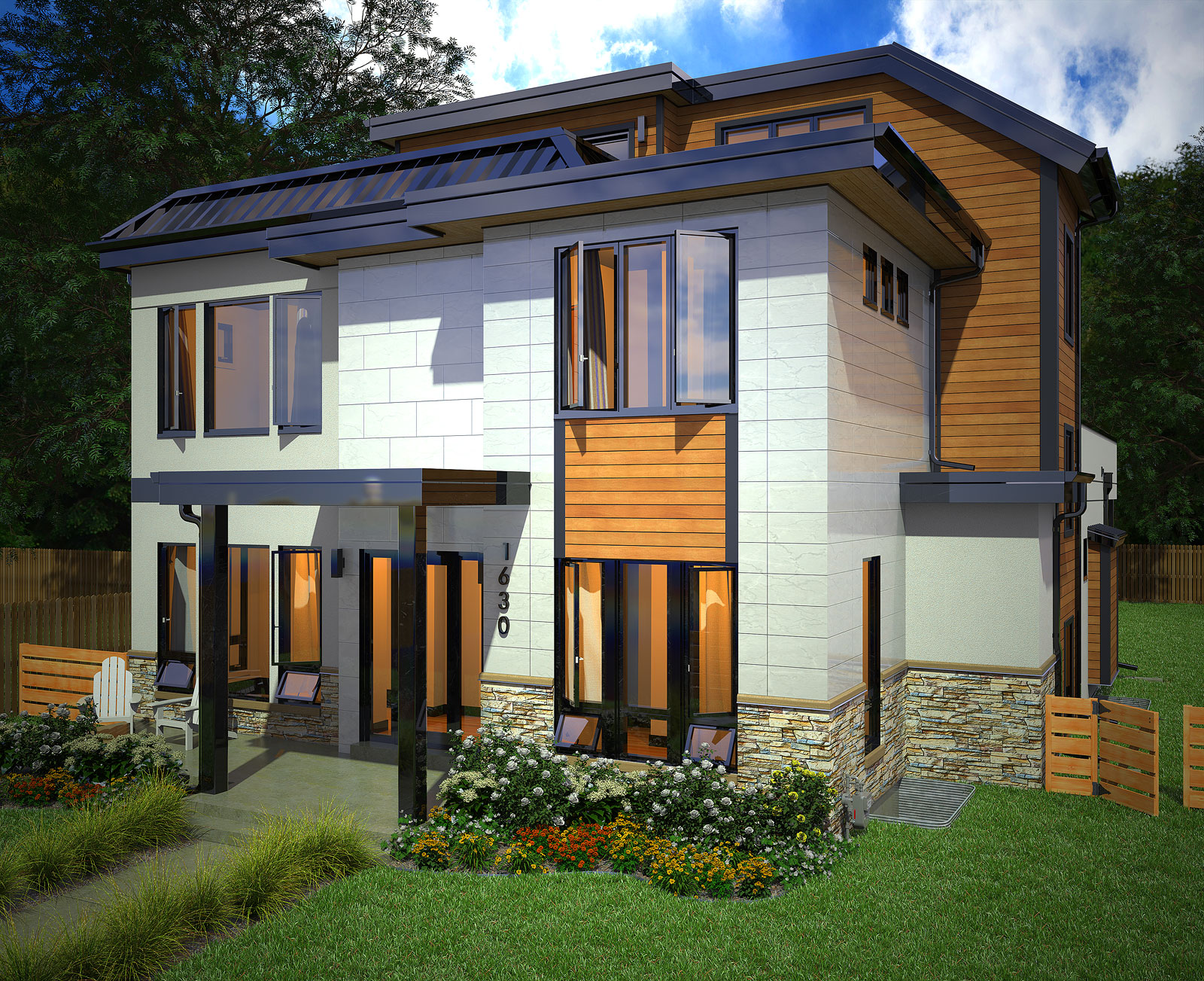
More architectural rendering fun with Thea Render and Sketchup 2022. This one has an elevator.
-
RE: Windows: Clicking on .skp file opens in 2019 instead of 2022
Go to the very bottom and select "choose another app" and then browse for the location of your SU 2022 exe file. Make sure that "always use this app" is checked off.