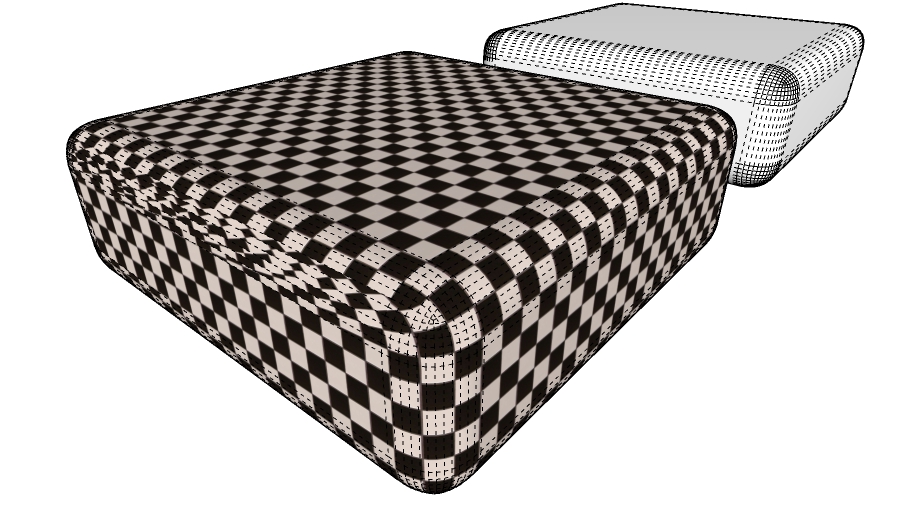
Is it possible to get the UV without distortion on an object like this with Thrupaint? It's a pretty simple shape and I attached the skp file.
 Offline
Is it possible to get the UV without distortion on an object like this with Thrupaint? It's a pretty simple shape and I attached the skp file.
Fredo,
The top bar or title bar in the window shows up for a split second then collapses making it difficult or impossible to move the window. There's just a sliver showing up and you have to precisely click on that.
It works but only when my materials are under ...AppData\Roaming\SketchUp\SketchUp 2022\SketchUp and not under C:\ProgramData.
That ruby wouldn't install. Tried twice. Sent you a PM with the ruby errors on the install.
My materials are located in C:\ProgramData\SketchUp\SketchUp 2022\SketchUp. I copied those over to ...Users...\AppData... and disabled (just a random rename) the one under ProgramData and it loads. I undid the rename and it goes back to not being able to load. So it seems to be looking for materials under the Users folders. So it can read my skms but can't find them under the ProgramData directory.
Are materials/skms path dependent?
Fredo,
Great plugin as always.
I hate to be the first one with a troubleshooting question but it seems to take a long time loading and gets stuck or stops at 75%.
Error: #<RuntimeError: failed to import material to model> c:/users/z590-e/appdata/roaming/sketchup/sketchup 2022/sketchup/plugins/fredo6_!libfredo6/body_lib6materialbrowser.rbe:896:inload'
c:/users/z590-e/appdata/roaming/sketchup/sketchup 2022/sketchup/plugins/fredo6_!libfredo6/body_lib6materialbrowser.rbe:896:in block in matinfo_load_bulk' c:/users/z590-e/appdata/roaming/sketchup/sketchup 2022/sketchup/plugins/fredo6_!libfredo6/body_lib6materialbrowser.rbe:894:in each'
c:/users/z590-e/appdata/roaming/sketchup/sketchup 2022/sketchup/plugins/fredo6_!libfredo6/body_lib6materialbrowser.rbe:894:in matinfo_load_bulk' c:/users/z590-e/appdata/roaming/sketchup/sketchup 2022/sketchup/plugins/fredo6_!libfredo6/body_lib6materialbrowser.rbe:908:in block in matinfo_load_bulk'`
Fredo,
This is happening again with the same Ruby console errors and work around only this time uninstalling and reinstalling LibFredo didn't work. The rest of your plugins are working fine.
@gus r said:
Fredo,
When I click on check for updates nothing happens.
Window: Libfredo6 Setting: Check Fredo6 Plugins for Updates. Nothing under there works until I click on Default Parameters and then is starts working.
This is the error from the Ruby Console:
Error: #<NoMethodError: undefined methodwdlg_from_key' for Traductor::Wdlg:Class>
c:/users/z590-e/appdata/roaming/sketchup/sketchup 2022/sketchup/plugins/fredo6_!libfredo6/lib6webwdlg.rbe:36:incheck_instance_displayed' c:/users/z590-e/appdata/roaming/sketchup/sketchup 2022/sketchup/plugins/fredo6_!libfredo6/lib6upgrade.rbe:58:intop_dialog'
c:/users/z590-e/appdata/roaming/sketchup/sketchup 2022/sketchup/plugins/fredo6_!libfredo6/lib6plugin.rbe:336:inblock in populate_support_menu' c:/users/z590-e/appdata/roaming/sketchup/sketchup 2022/sketchup/plugins/fredo6_!libfredo6/lib6traductor.rbe:1385:inblock in add_command'`
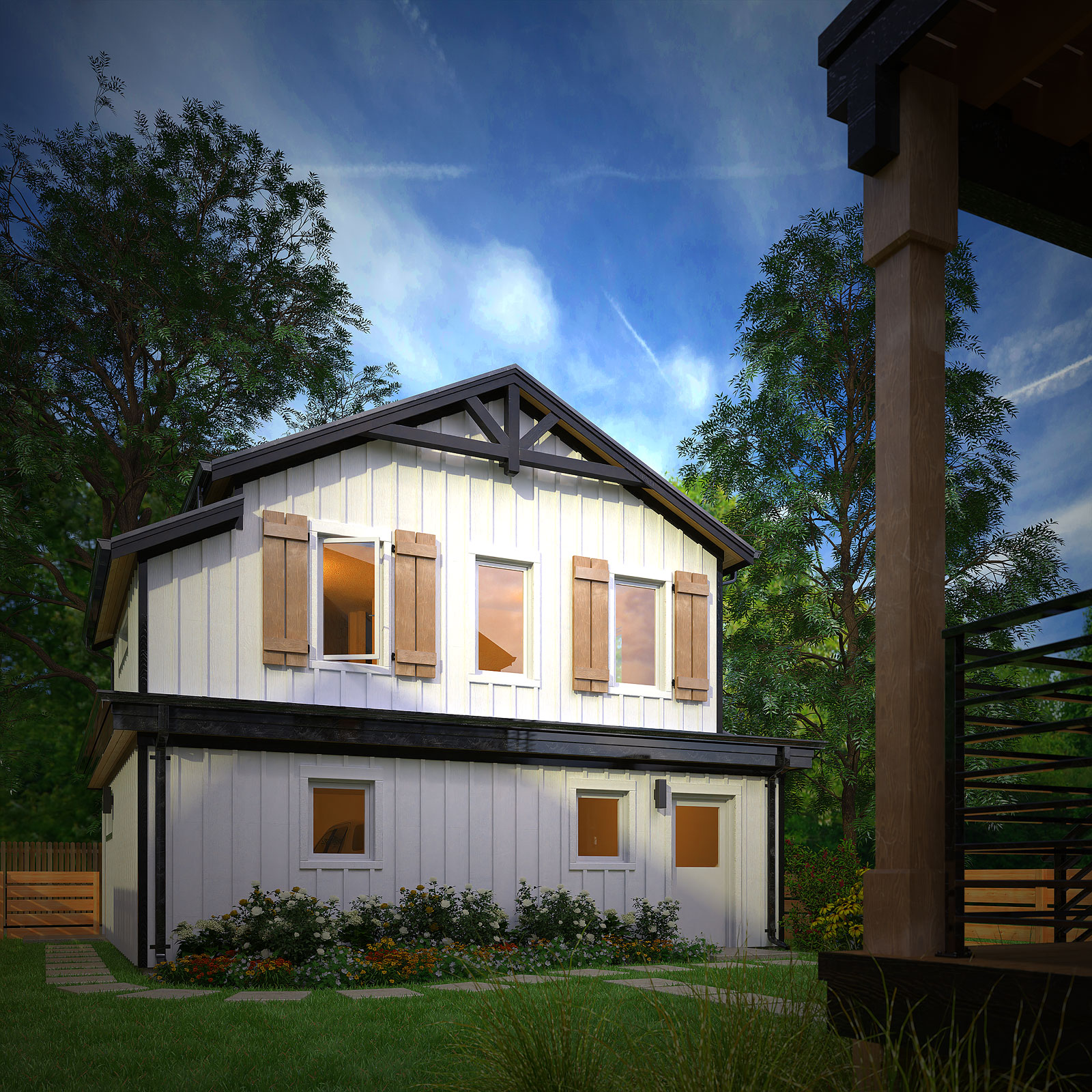
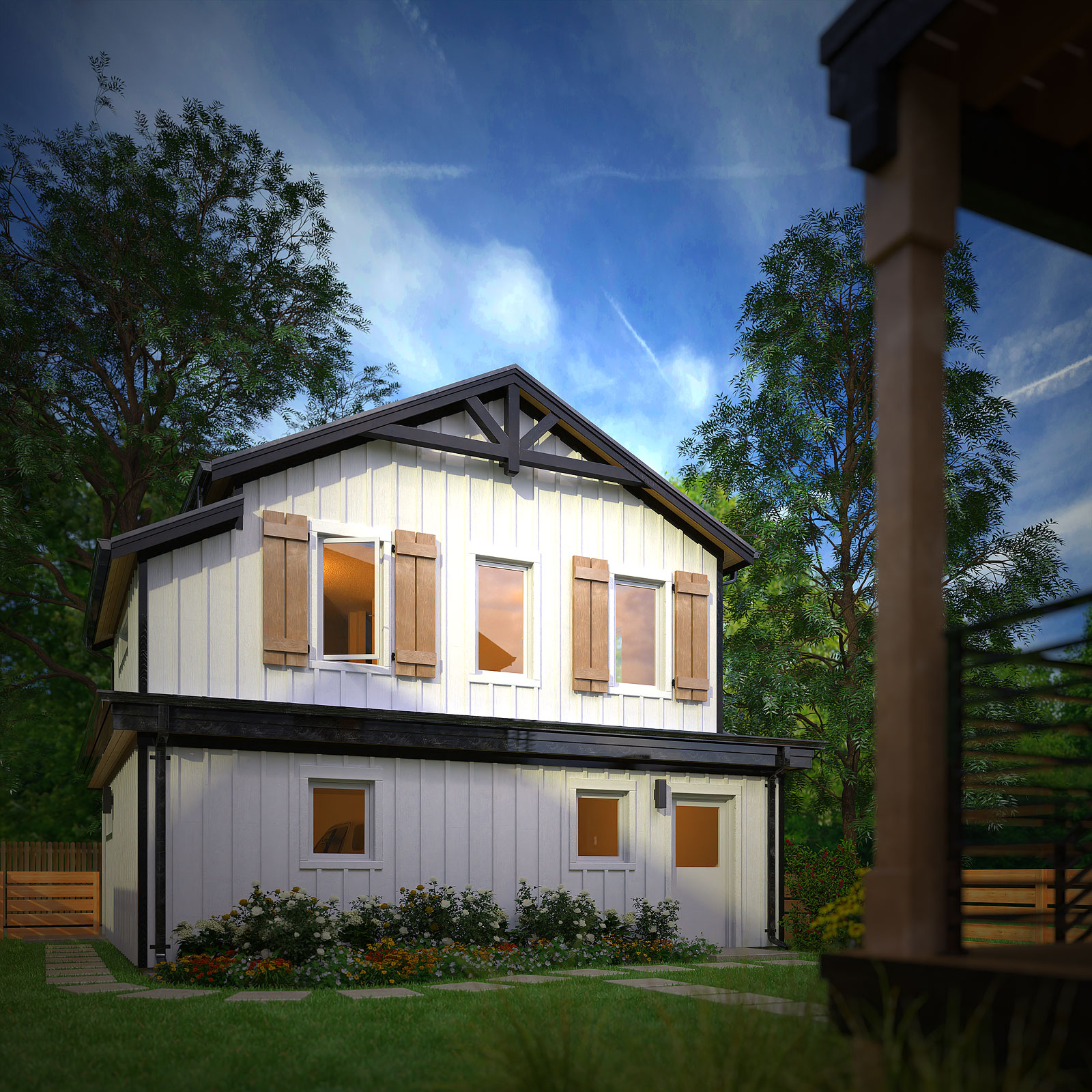
This is the accessory dwelling unit for the last house I posted with f-stops at pinhole, 5.6 and 1.0 respectively.
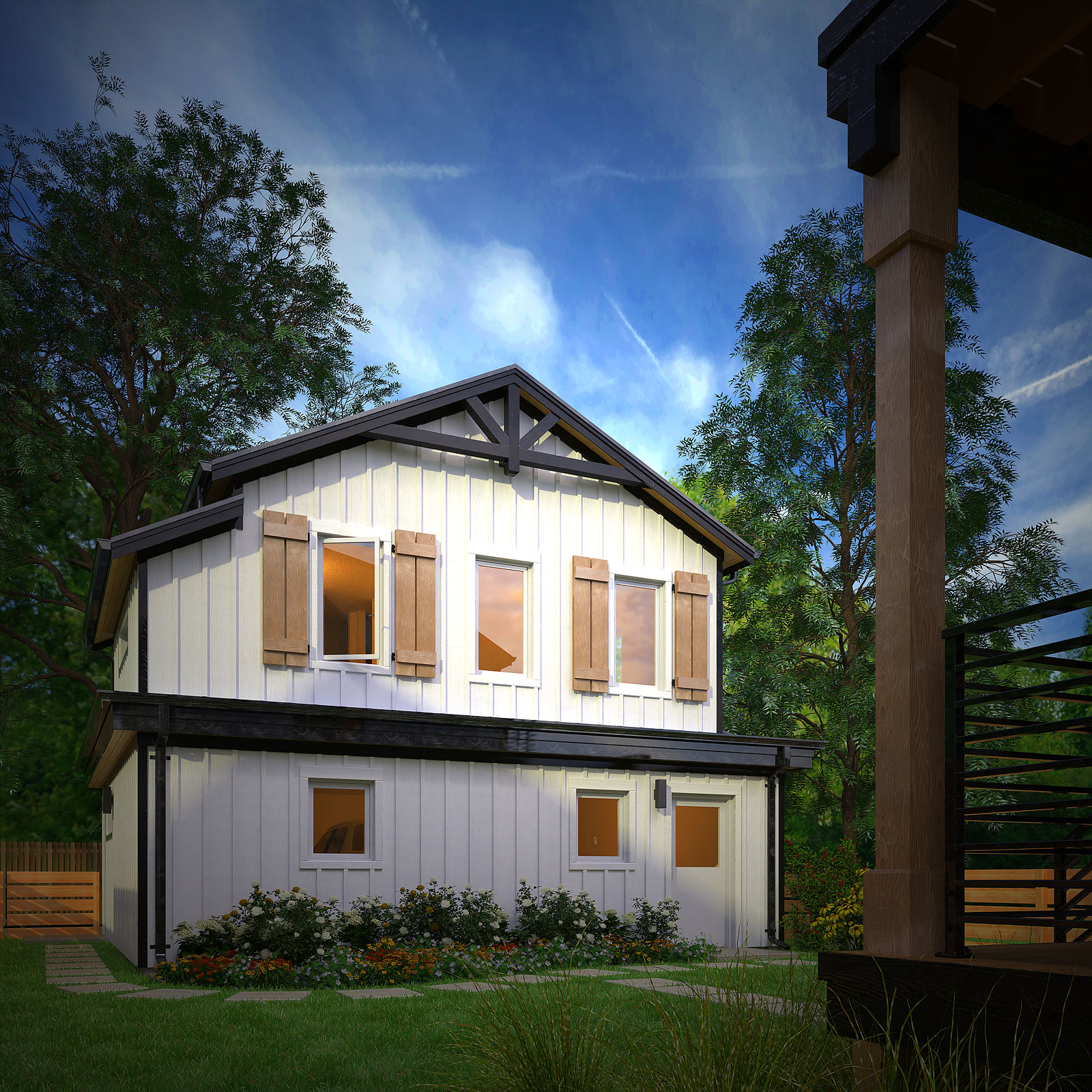
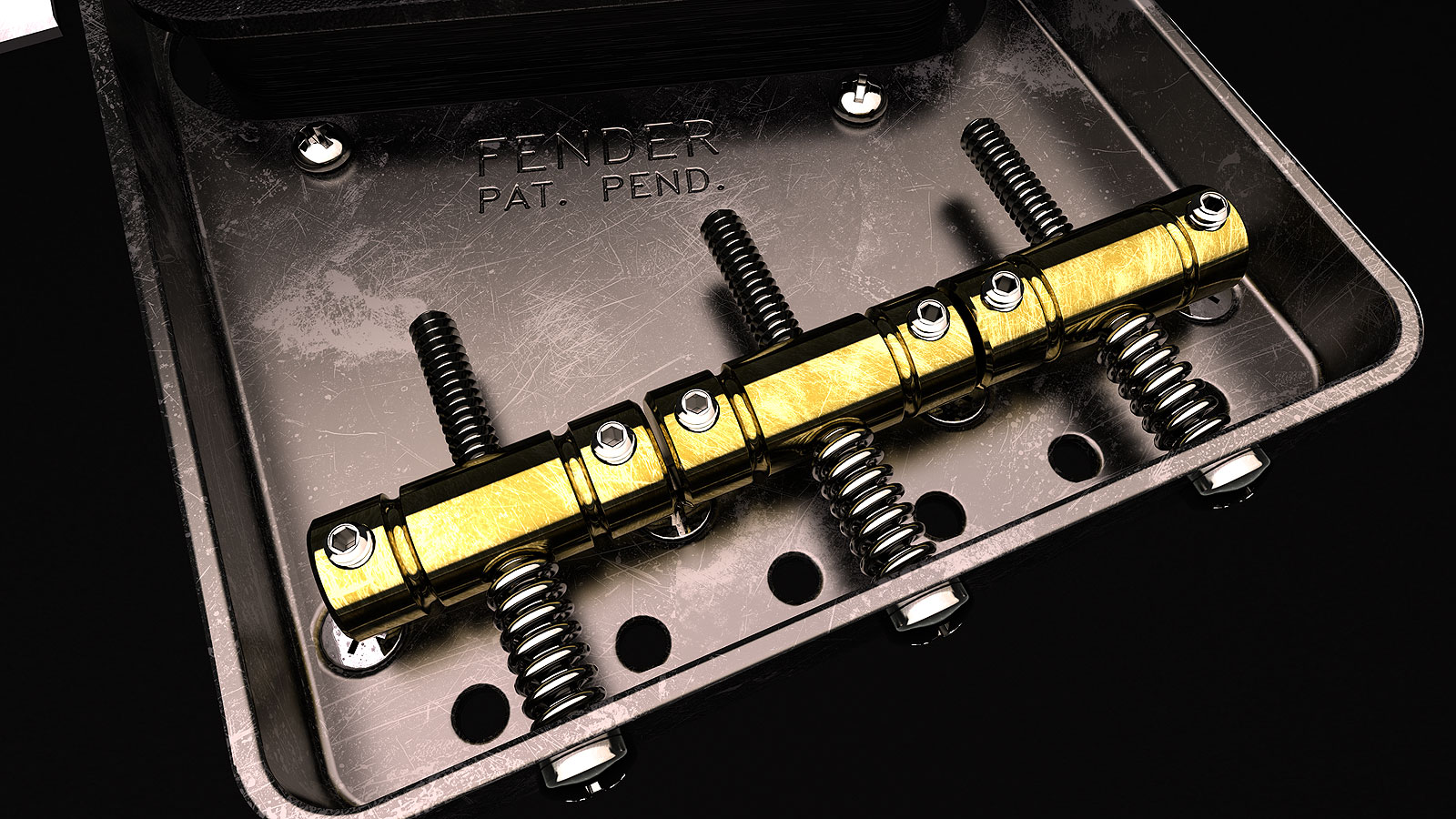
I think I'm hooked on these imperfections bitmap layering. This is using Thea Render for Sketchup and it's really quite simple to apply.
My personal suggestions:
Latest i7 or i9 Intel CPU. The more threads the better. Check to see if there are any problems with a current release. Others will suggest a Ryzen.
GPU from an RTX 2060 or higher. The more GB the better. Prices have gone down since the crypto crash.
32GB or more RAM. Many will say 16GB if fine. Whatever you can afford.
Air cooling is fine. Some people swear by water cooling but you also have to contend with lag time for the water to start cooling the CPU.
If you're building the PC make sure you get a case that fits all of your components such as a big CPU fan or a long GPU.
Don't really need RGB for the fans but a fan controller if you have multiple fans is suggested.
Minimum 750W PSU but some GPUs require 850W. Make sure it meets GPU requirements.
1TB PCI-Express Solid State Drive for your OS and programs and if you can get another one add that too. For storage or libraries you can use a traditional HDD and get something around 3TB. It's better to have too much storage than find out you need more in the coming years.
@rich o brien said:
That's a serious level of detail you have going on.
Thanks Rich. Trying and learning new things like adding imperfections with a bitmap layer. Looks like I was eating a powdered doughnut while installing the pickup.
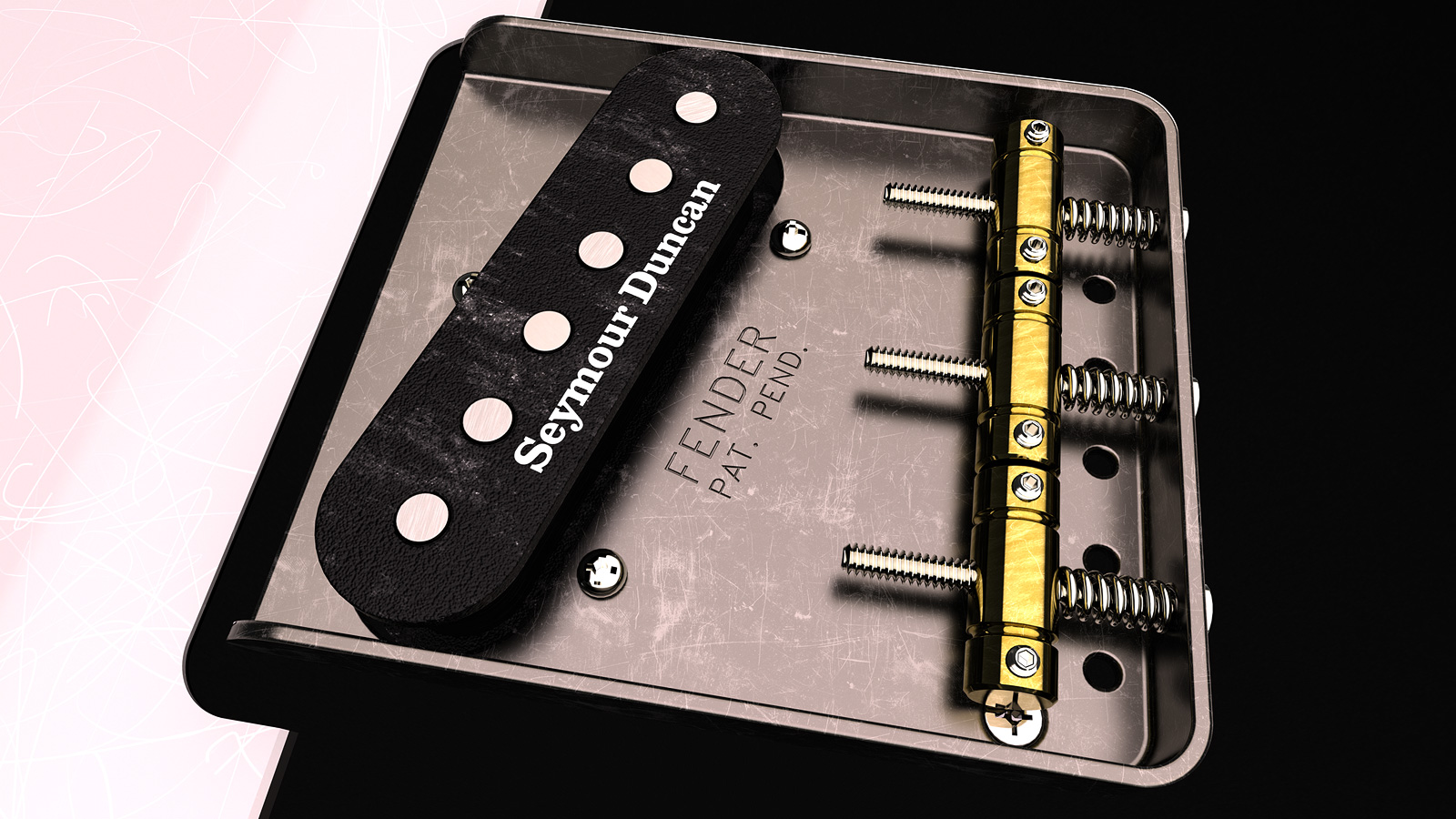
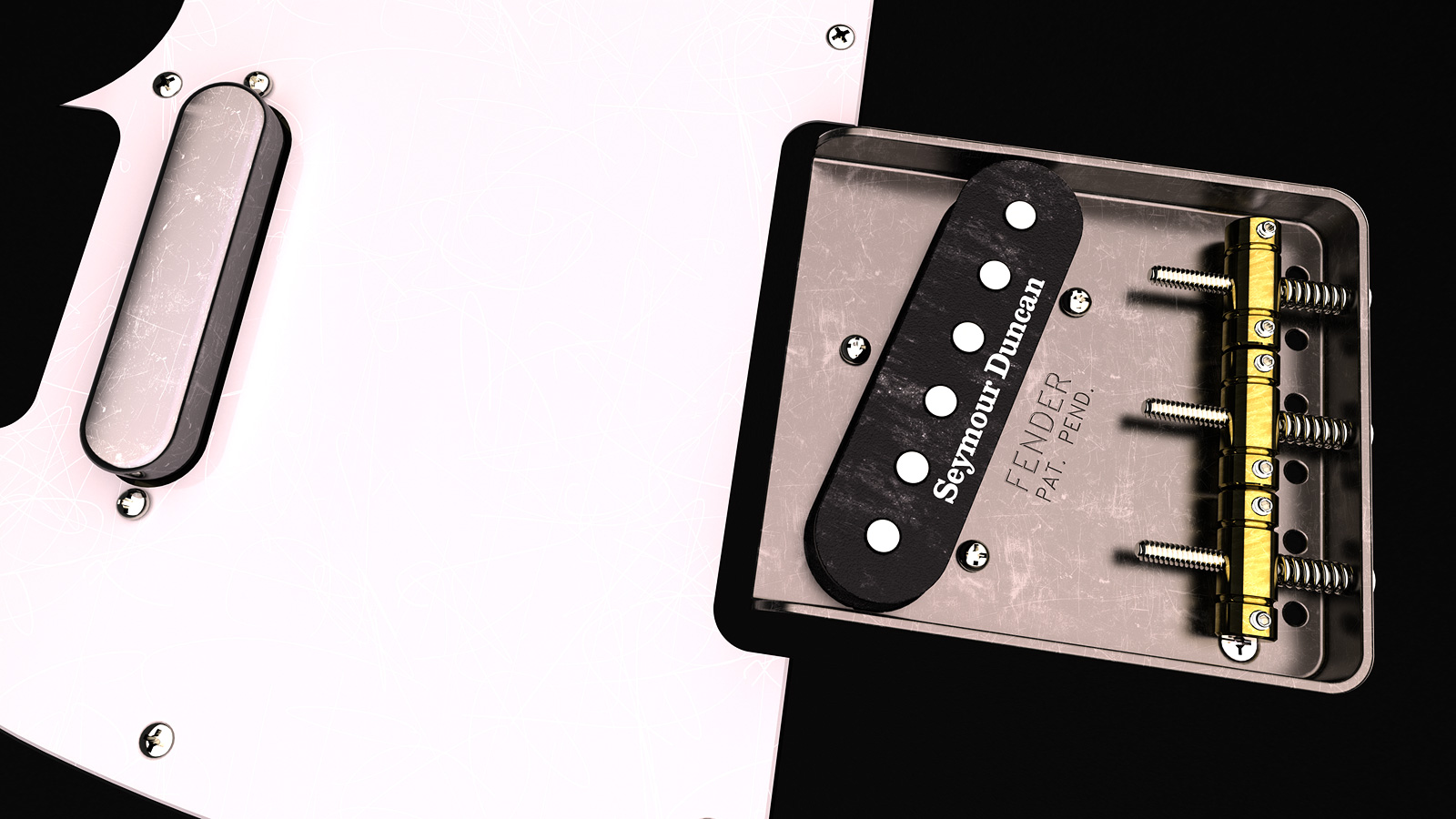
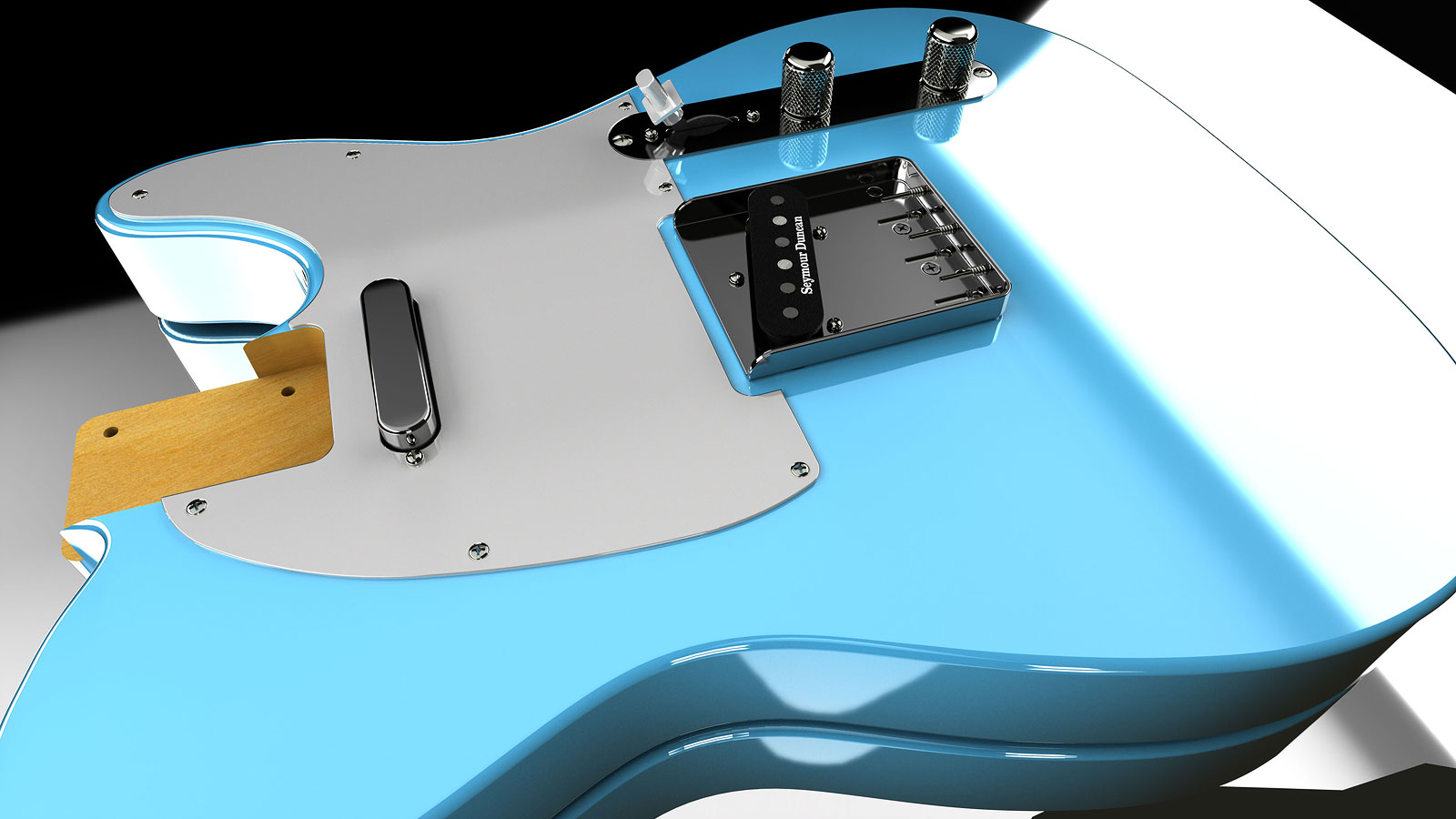
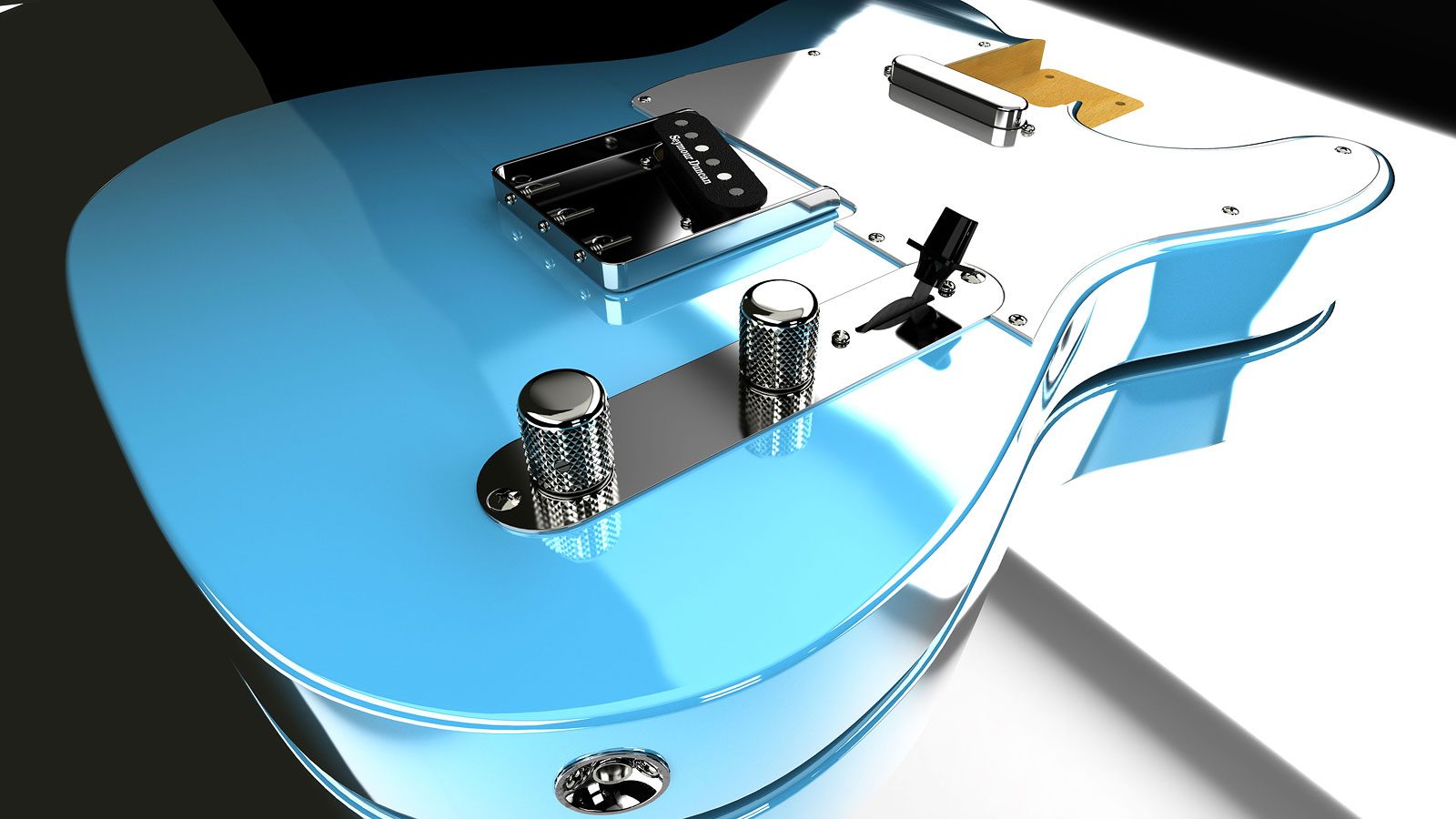
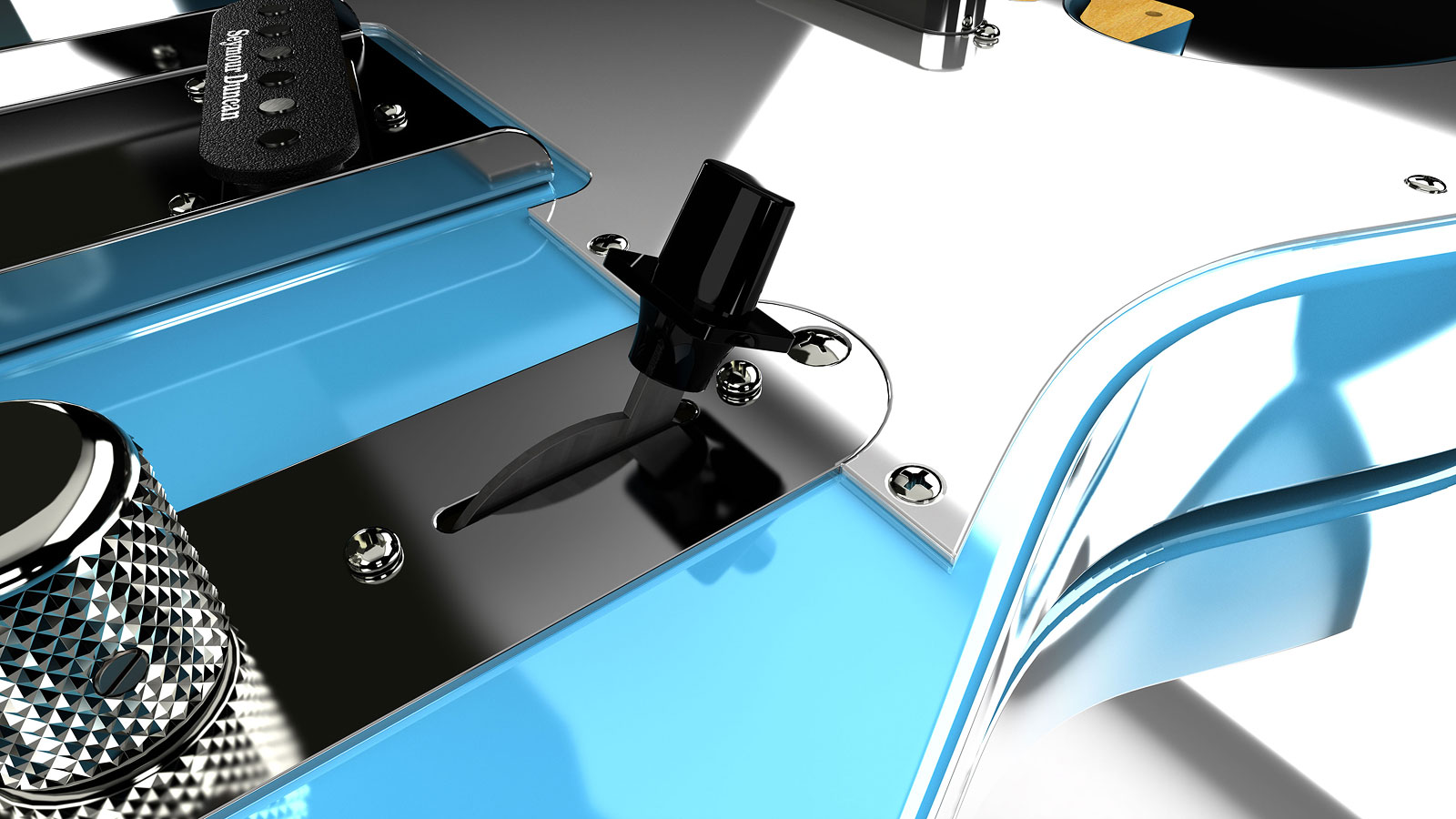
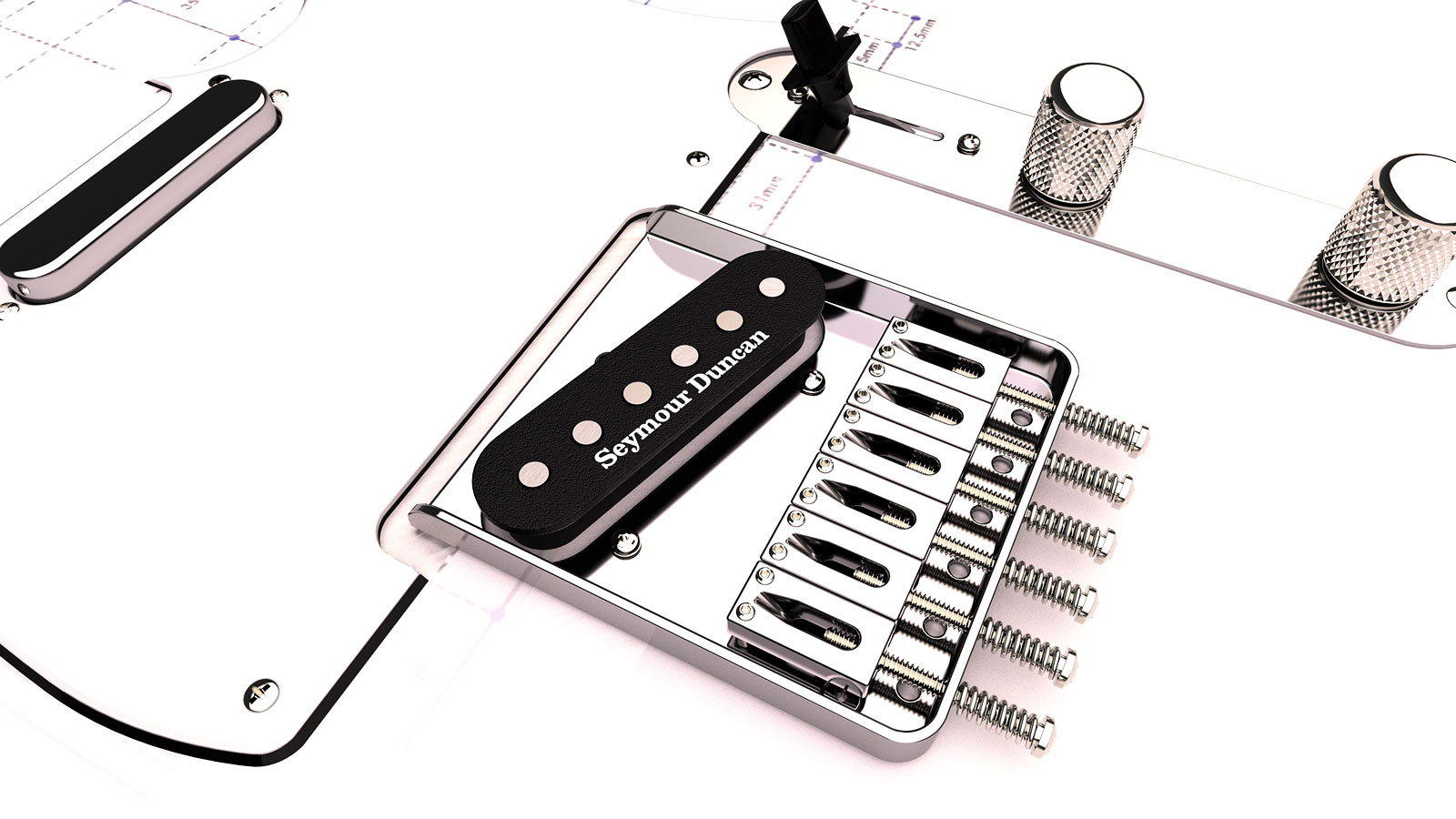
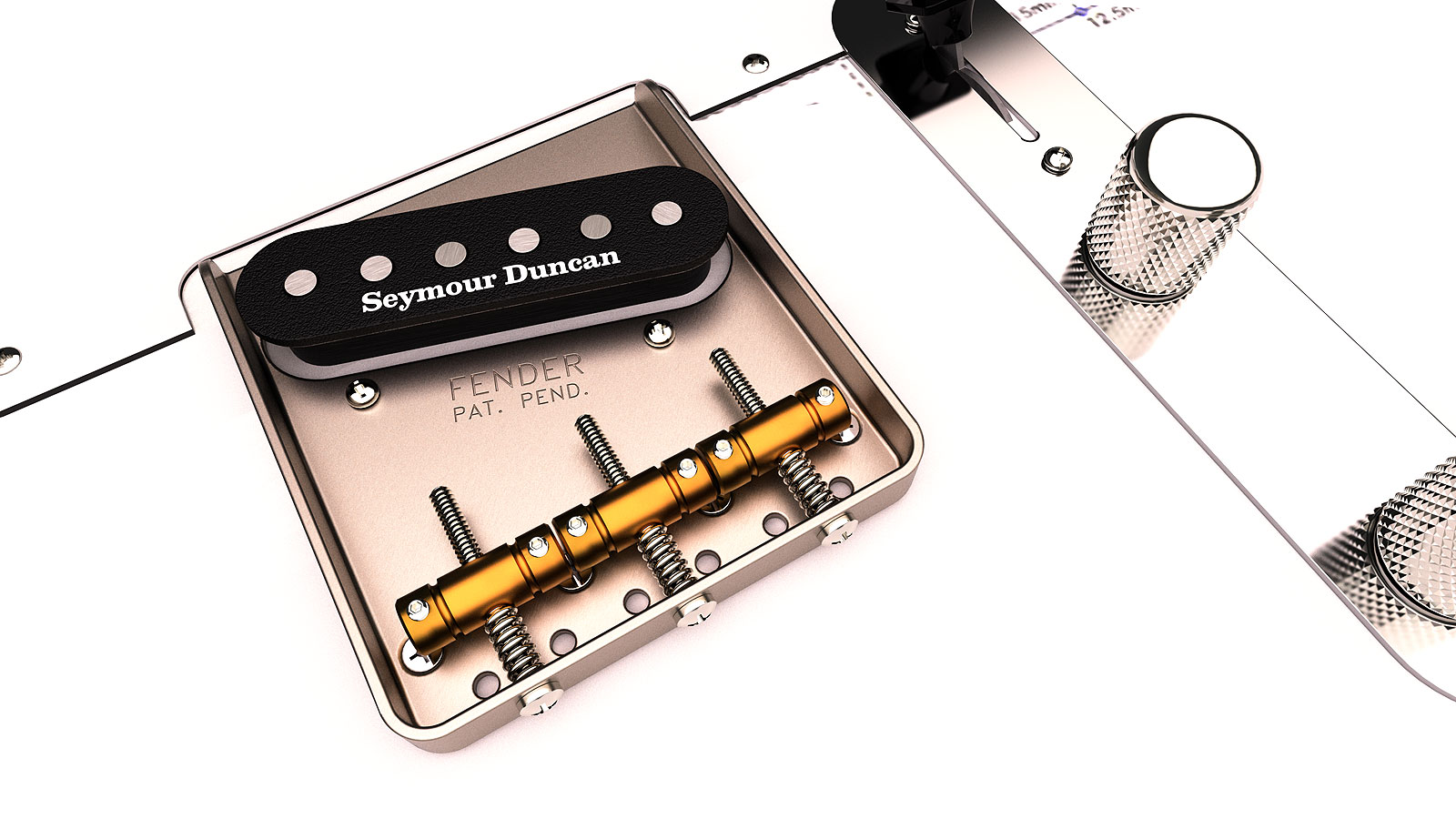
Telecaster I started this summer which I hope won't take as long as my Stratocaster. The neck is similar however. Thea Render for Sketchup and Sketchup Pro 2022.
The knurling on the nobs was constructed with components later exploded.
@l i am said:
Hi Gus, I meant the topography is not a flat plane. Complex topography much more work but so absolutely worth it
Oh. In this one I just did a simple downward arc from the front setback to the back of curve. A previous rendering I used Fredo's topo generator and was lucky enough to have the topography from the land survey in CAD.
I did the Grand Tetons back in 2013 using topography from a USGS PDF which I converted to lines in some program I was using back then. It was quite tedious but I seemed to enjoy doing it.
Fredo,
Never mind. I uninstalled and reinstalled the Fredo6 library and it's all back to normal.
Fredo,
When I click on check for updates nothing happens.
Window: Libfredo6 Setting: Check Fredo6 Plugins for Updates. Nothing under there works until I click on Default Parameters and then is starts working.
This is the error from the Ruby Console:
Error: #<NoMethodError: undefined methodwdlg_from_key' for Traductor::Wdlg:Class>
c:/users/z590-e/appdata/roaming/sketchup/sketchup 2022/sketchup/plugins/fredo6_!libfredo6/lib6webwdlg.rbe:36:in check_instance_displayed' c:/users/z590-e/appdata/roaming/sketchup/sketchup 2022/sketchup/plugins/fredo6_!libfredo6/lib6upgrade.rbe:58:in top_dialog'
c:/users/z590-e/appdata/roaming/sketchup/sketchup 2022/sketchup/plugins/fredo6_!libfredo6/lib6plugin.rbe:336:in block in populate_support_menu' c:/users/z590-e/appdata/roaming/sketchup/sketchup 2022/sketchup/plugins/fredo6_!libfredo6/lib6traductor.rbe:1385:in block in add_command'`