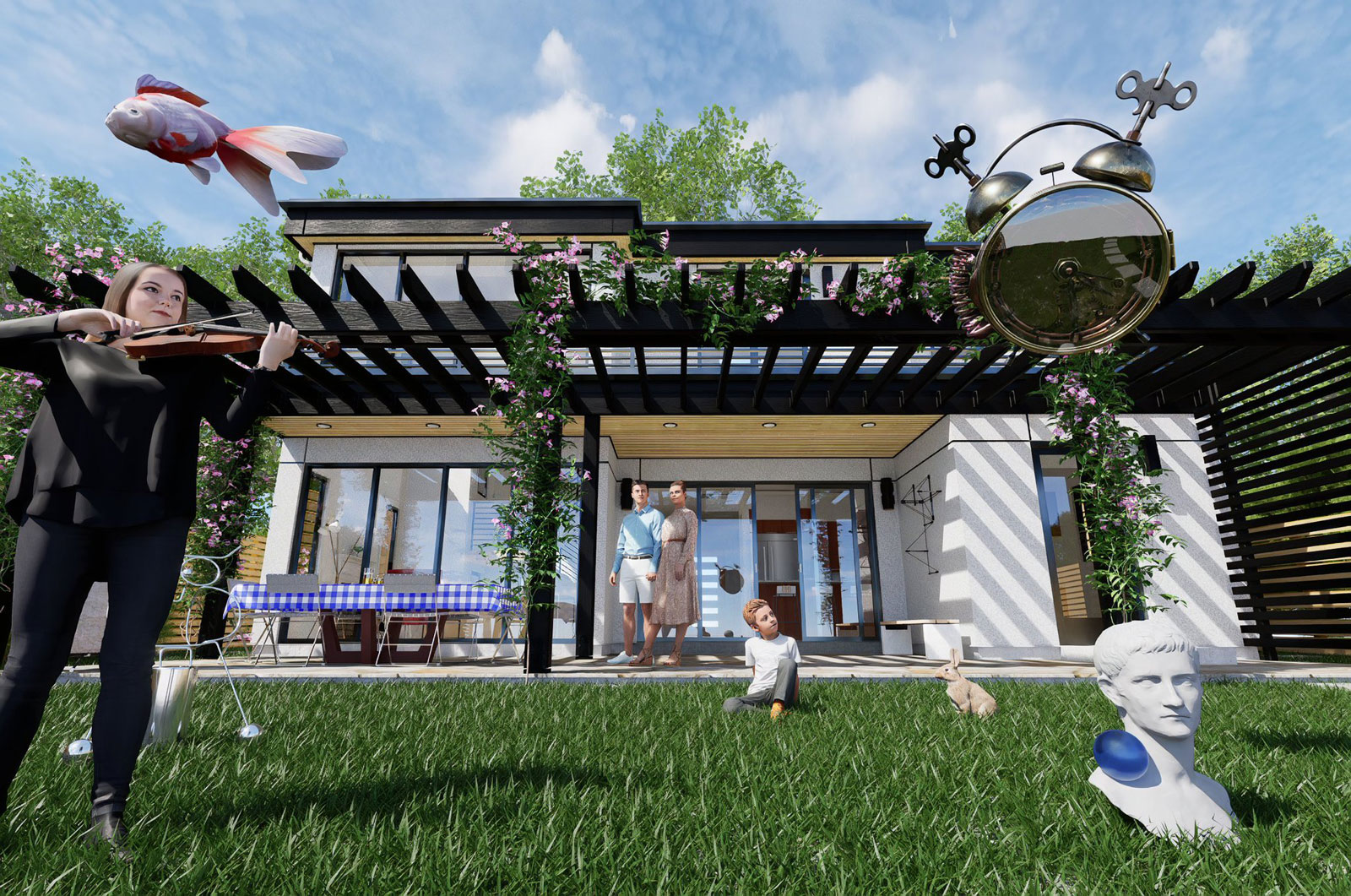
We had a catalog of some of Dali's work at the old homestead.
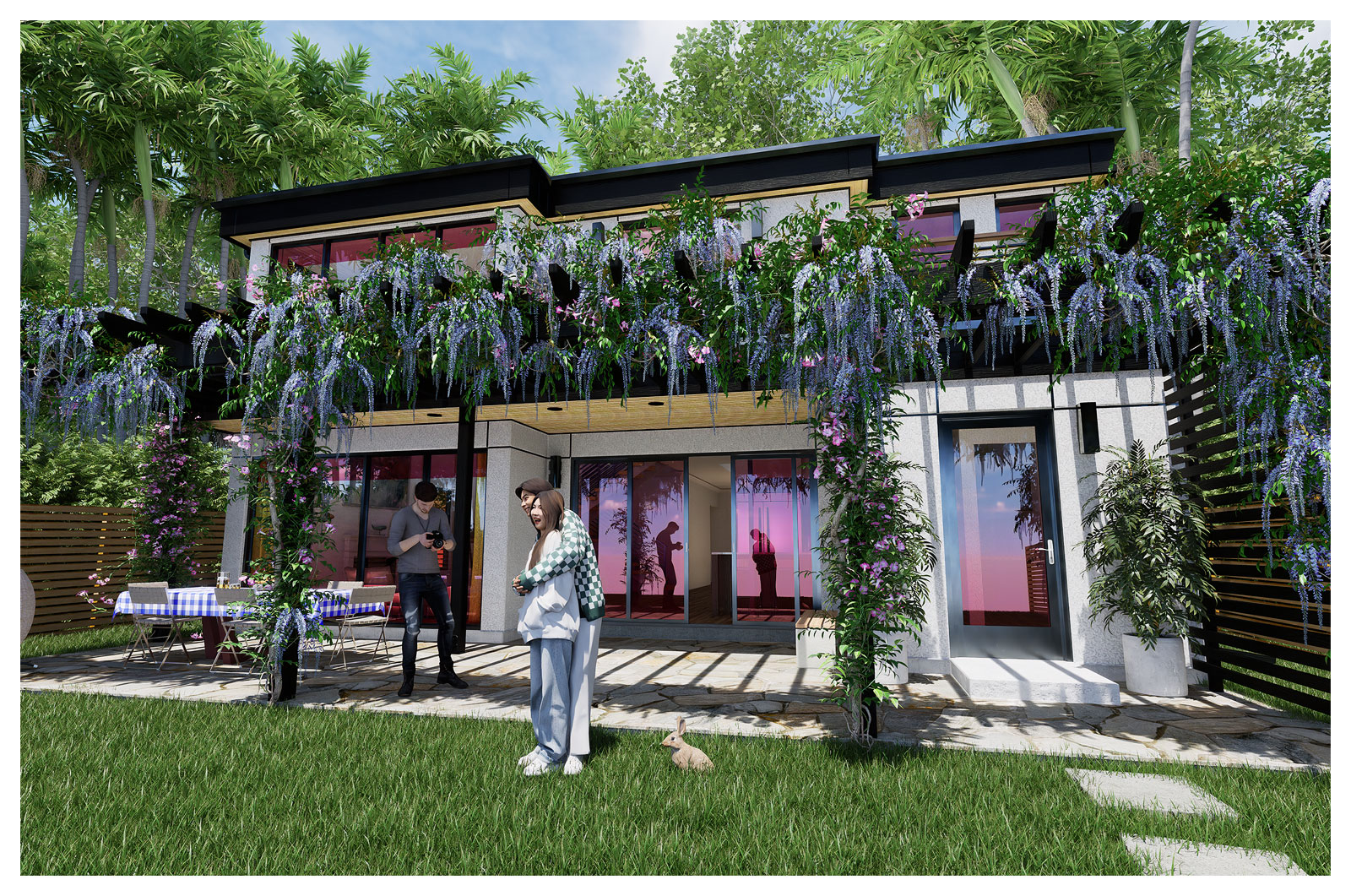
I'm having a lot of fun with D5 Render. Instant tropics!
 Offline
We had a catalog of some of Dali's work at the old homestead.
I'm having a lot of fun with D5 Render. Instant tropics!
Thanks Bryan. I'm still learnin'!
Experimenting with D5 Render tonight.
Dave, I have my old windows here from 10 years ago.
There's Flex Tools which is really good but that's $108/year. Those are dynamic. I used Instant Architect windows before and they're pretty good but they're not dynamic. Cheaper though. I started out by making windows and doors.
Have you looked at the Marvin Windows collection at 3D Warehouse. They're pretty good and some of them are dynamic.
Edit: Oops. Just saw you no longer have access to 3D Warehouse.
Thanks. I'm messing around with the model and materials and trying a toned down black with a wood grain although not here. Just a semi-gloss black.
This isn't a work rendering. I am doing a set of plans for the architect I work for and I helped him design this along with the drafting. I'm sure the client will have something completely different in mind because just as sure as the sky is blue they always want something else. He was out of town and I got bored and needed the practice since I don't get many rendering jobs.
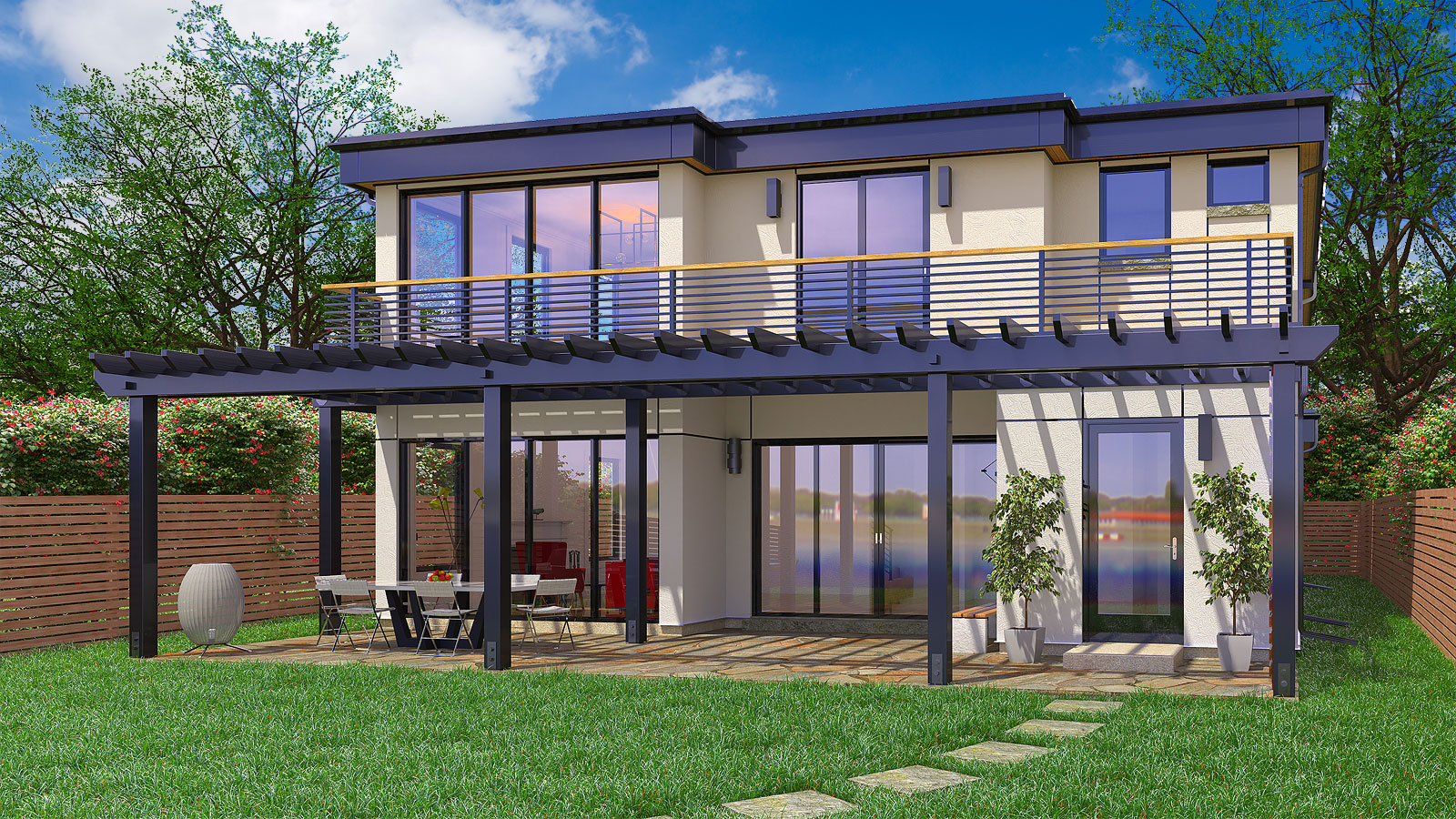
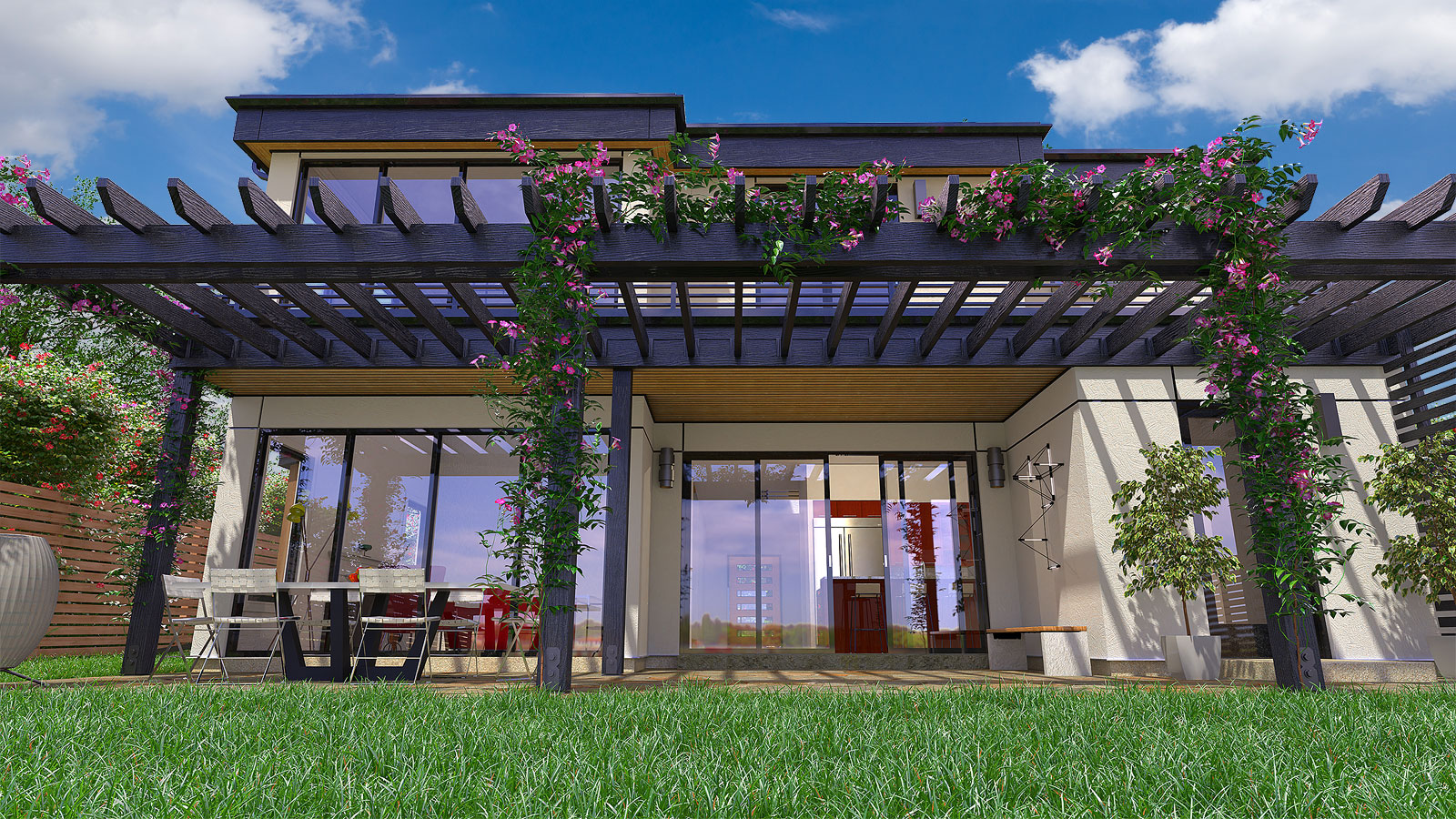
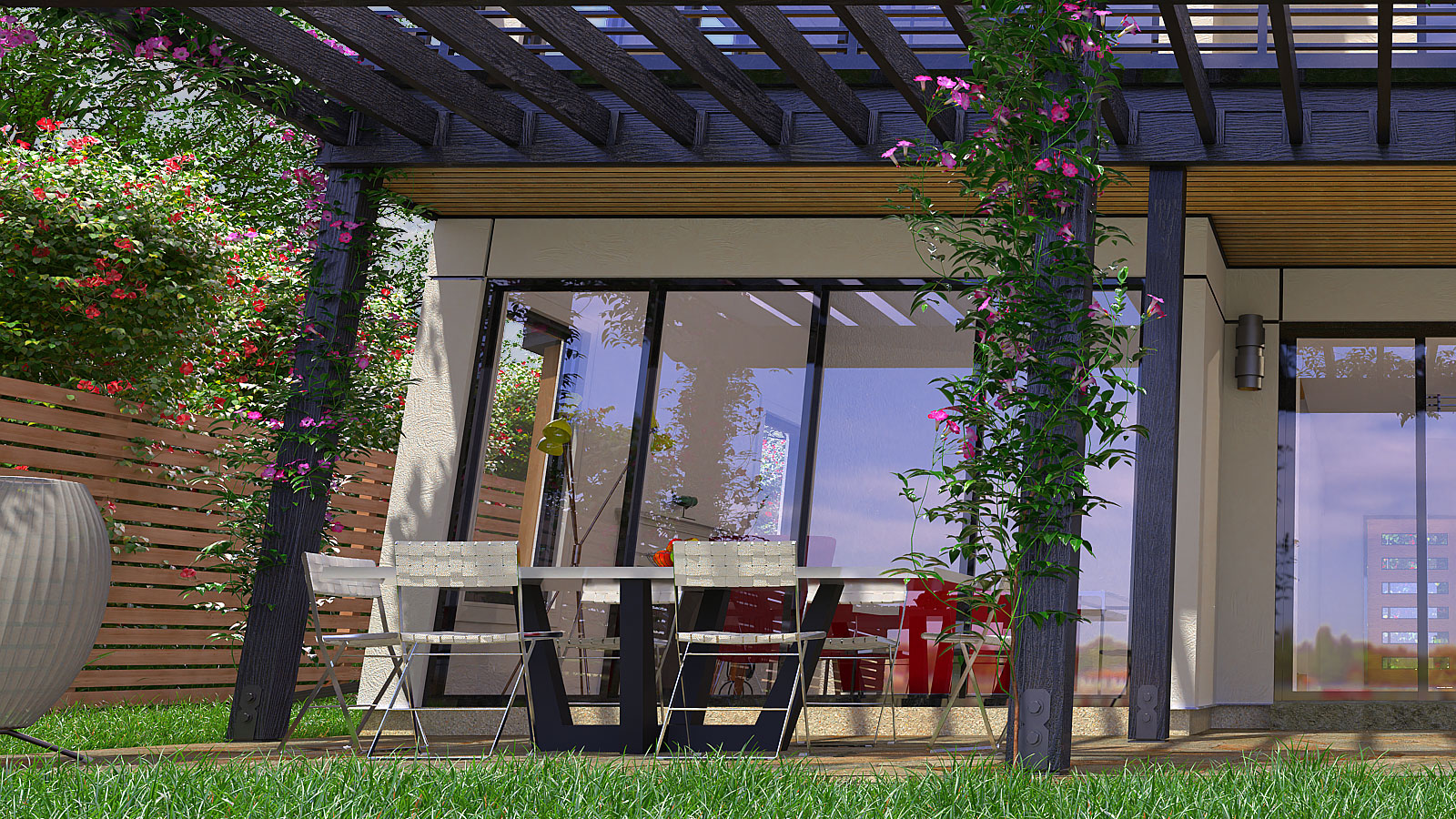
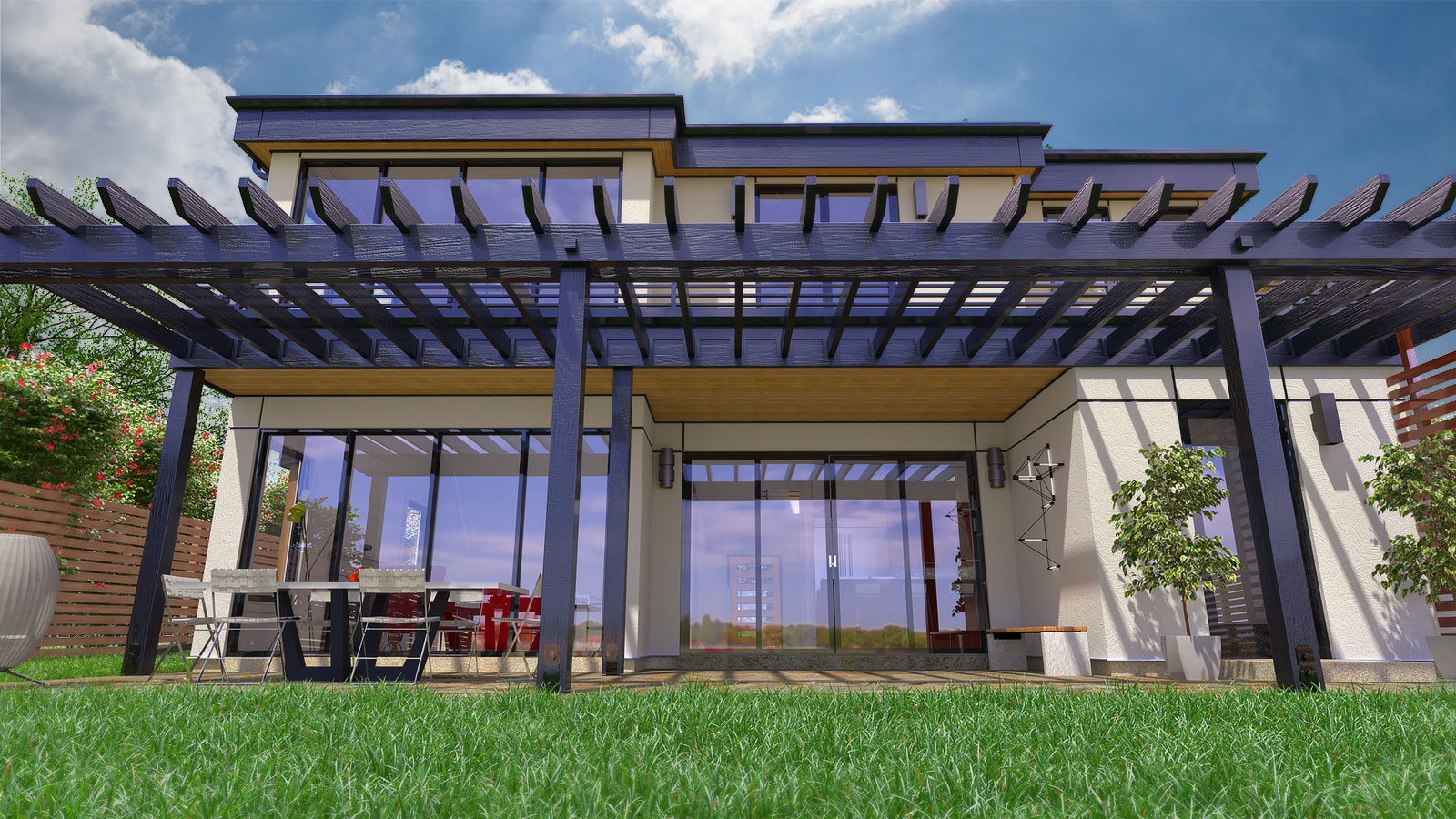
Another house with a backyard view. Sketchup and Thea Render along with Skatter grass.
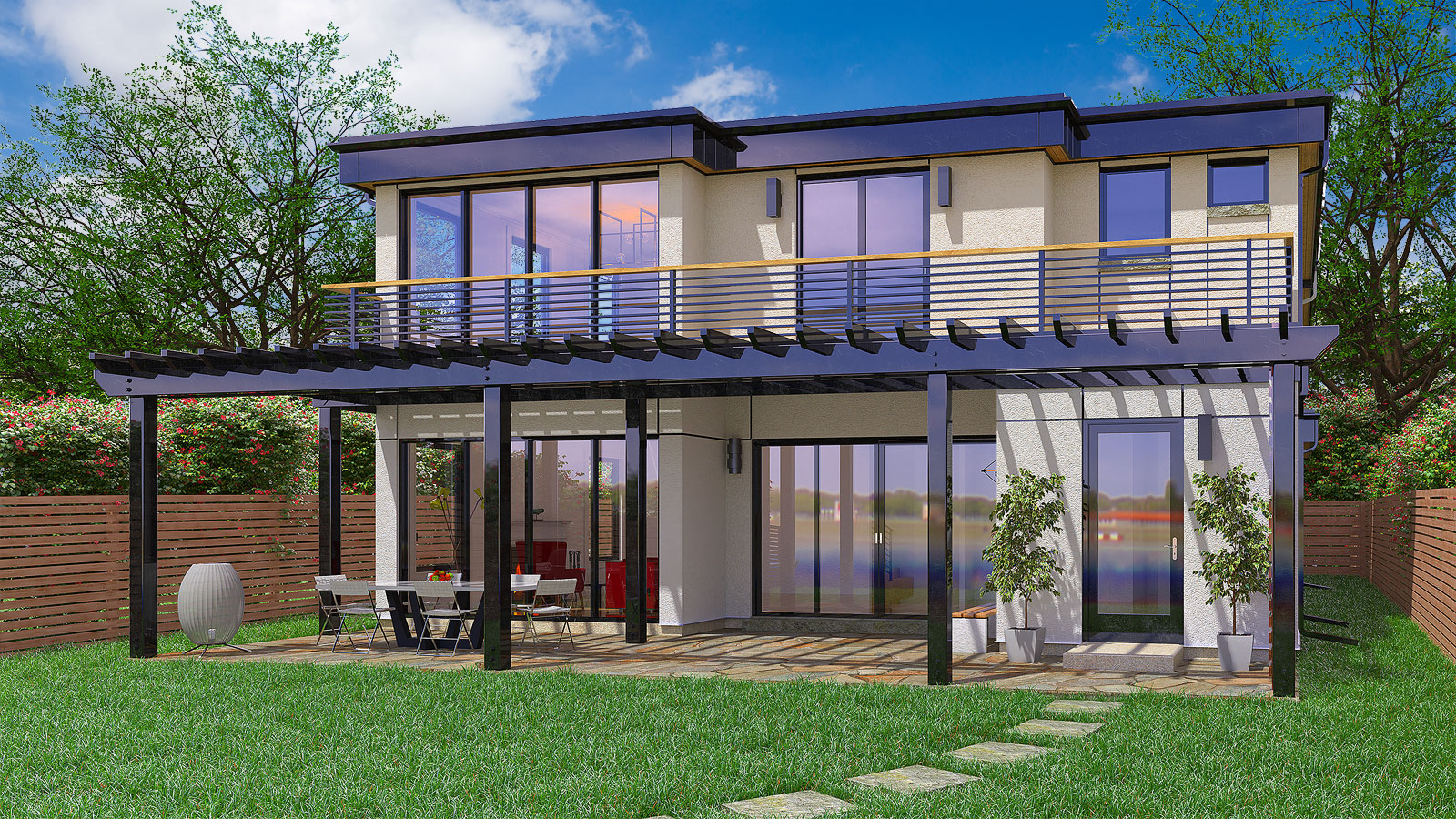
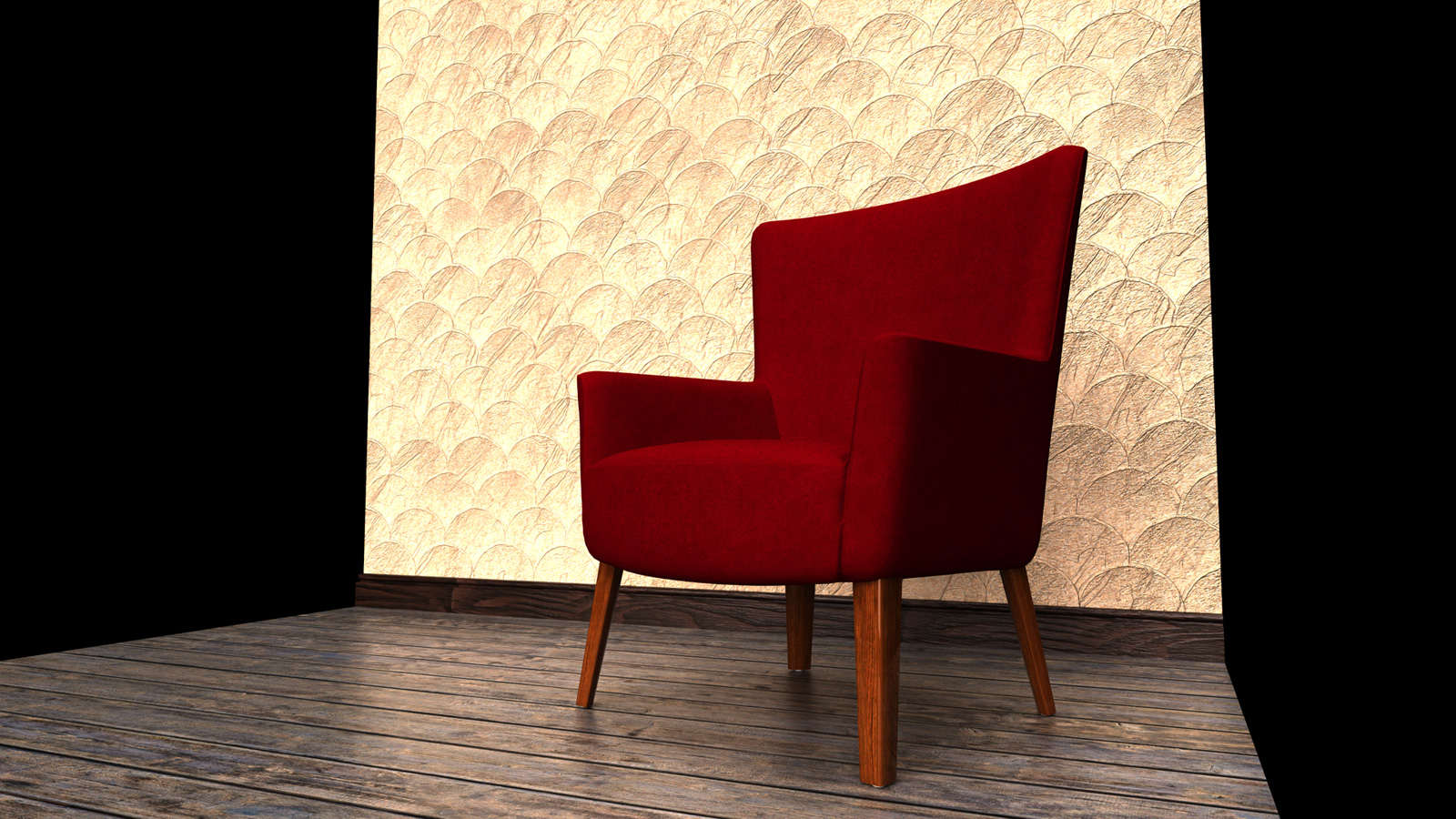
I looked around this morning and couldn't find any material like this. All I could think of was to rotate a scalloped shingle material 180 degrees for the normal map. The defuse is just a stucco texture and a height map from the shingles material also rotated.
I can also give you a more detailed description if you're interested. It's uniform and not random but that's the best I could think of.
Just a quick mock-up.
Rich,
It slows down rendering times and when you add a displacement map it will render slower. It wasn't terribly slow for these and I only did 100 passes with a Presto setting in Thea Render.
Blender does have a lot of these features "out of the box" if not with a plug-in or Grasshopper. I got sidetracked late this spring when I was finally getting around to learn Blender using the well known doughnut tutorial by Blender Guru. I even got a small Inspiroy tablet for the brushes. Blender can seem a daunting at first given all the options that are available but of course that requires more focus on my part.
Sketchup still seems a better option for straight ahead architectural work for now. That and my 23 year old Autocad ADT 3.3 that I'm still using for the bulk of my freelance work. Anything organic though and Blender would be the better option.
Glad you like the shag carpet. Many a tiny screw or spring were lost in those even into the 1980s.
These are the components. The level of detail (LOD) doesn't have to be high. I added a height map for the shag carpet fibers.
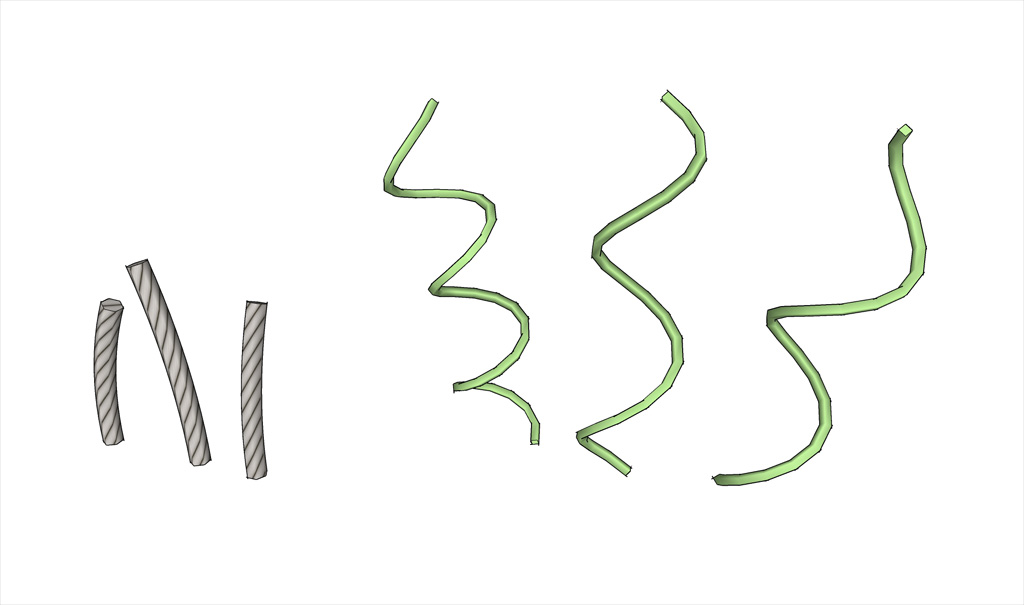

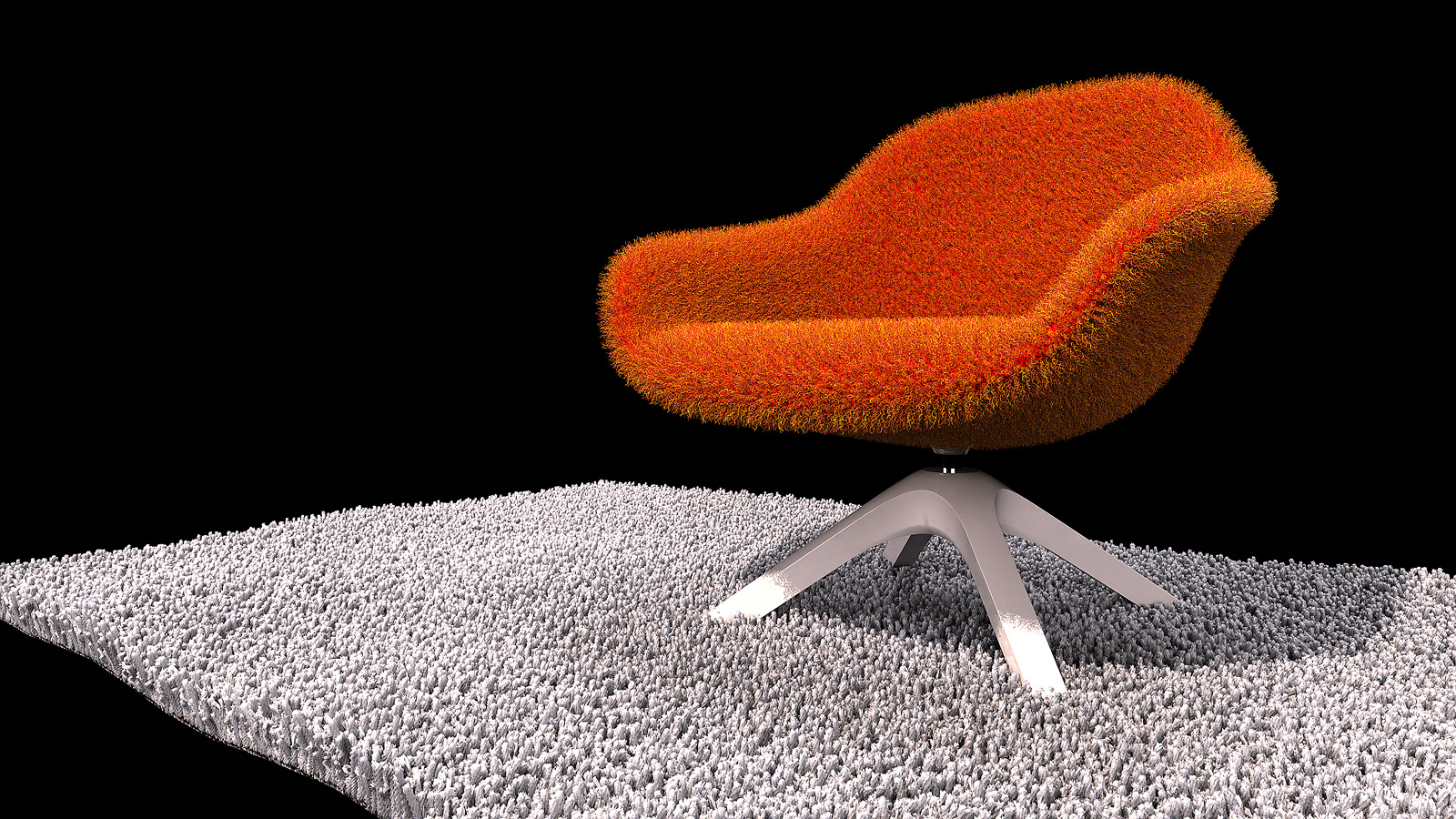
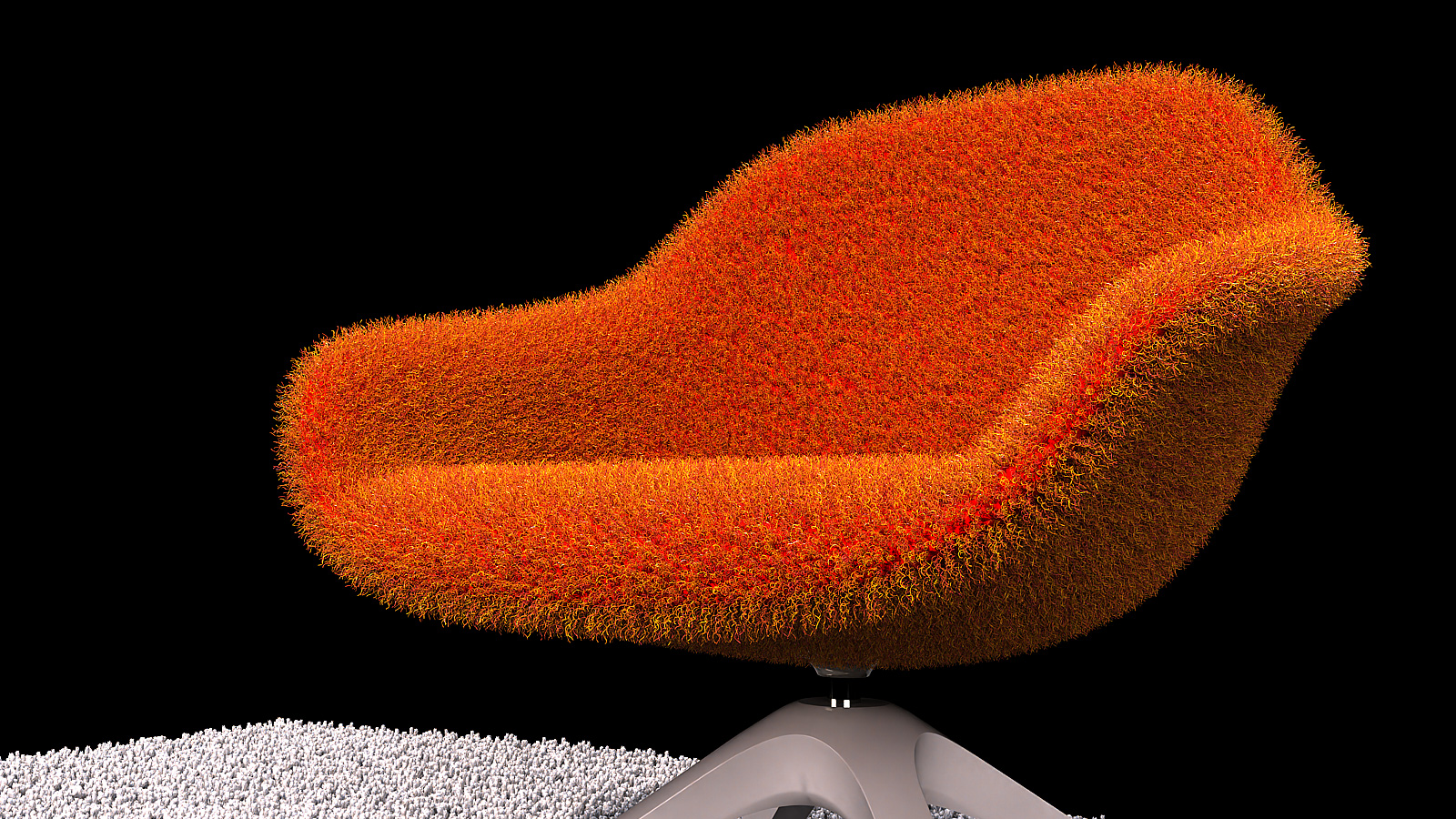
This isn't really an official rendering or composition but some practice using Scatter 2 for some carpet and upholstery finish which I learned from Modulus Render on Youtube The video is TheaRender and Skatter v2 for interiors | Modulus Render
The components or proxies are a simple 6 sided tube extruded on an arc and for the upholstery it's some random linework for a 4 sided tube. Each Skatter composition is just 3 components each. It might look a little exaggerated but it's just practice and I'm still learning new things.
Sopper,
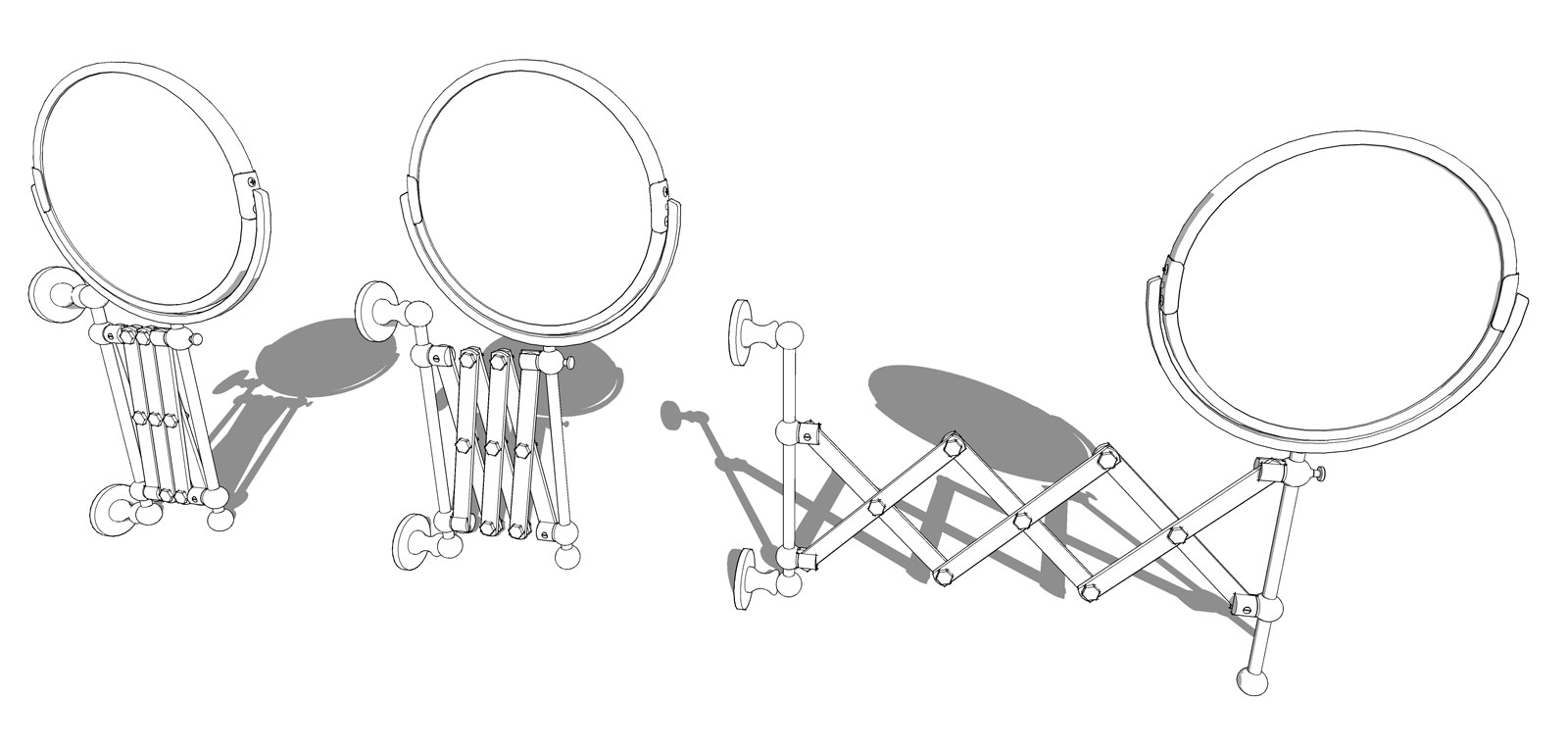
Thought yours might be an animation. Maybe Rich's is one and you can use the same pivots and sliding points.
I looked at your skp this morning and it should work. It's the same mechanism I used for a wall mounted shaving mirror.
What kind of models are you looking for? You can get some free interior design models here:
Furniture:
For furniture there's also Andreu World. You'll have to poke around there and they have 3D cad models which you can import into Sketchup and do some cleaning up if you desire. They have some high quality designs. Start under "products" above.
Hightower also has a lot of free furniture models in Sketchup.
If you can convert FBX files you can also find a lot of content at Quixel Megascans which is also free.
@mike amos said:
- another looking for good wood and BE Maple in particular. I have asked a veneer producer if I cen get some better quality version of their catalogue images to look into making a seamless version, I'll post on Sketchucation if I can get this. Meanwhile the best I have is a 2k x 2k.
Thank you, Mike.
Thanks everyone.
Rich, I still can't find a good Birdseye maple material anywhere. Not at Poliigon. Arroway has one but it's planks and only available within a wood collection. I forgot where I found this one and it must have been over 10 years ago.
@box said:
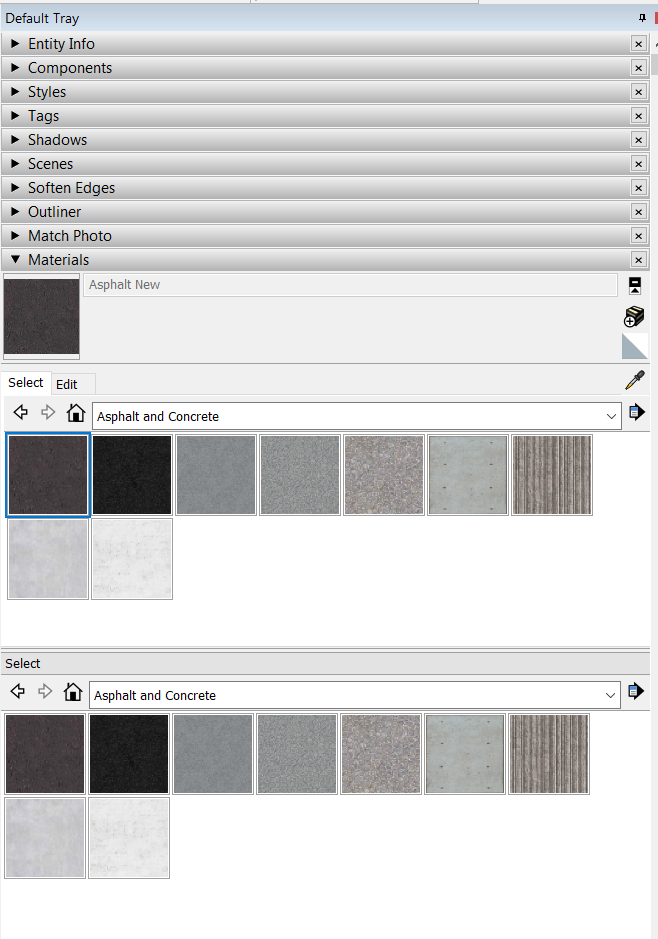
That is there so you can drag and drop materials from folder to folder.
There is a little arrow and cross symbol top right with the Help info 'Display the secondary selection pane'.
Just click it and it will go away.
There it is! Thanks! Long day.
This isn't really a bug but a troubleshooting question. I don't know if I just randomly clicked something or wasn't paying attention but I suddenly started noticing that I have to materials windows in my default tray. Any idea what might have caused this?