sketchucation logo sketchucation
    • Login
    1. Home
    2. Gus R
    3. Posts
    Oops, your profile's looking a bit empty! To help us tailor your experience, please fill in key details like your SketchUp version, skill level, operating system, and more. Update and save your info on your profile page today!
    πŸ”Œ Smart Spline | Fluid way to handle splines for furniture design and complex structures. Download
    Offline
    • Profile
    • Following 1
    • Followers 2
    • Topics 147
    • Posts 1,076
    • Groups 2

    Posts

    Recent Best Controversial
    • RE: ReRender AI

      Thanks!

      Here's another before and after for a kitchen remodel I'm working on.

      Gus Robatto Kitchen Remodel Before.jpg

      Gus Robatto Kitchen Remodel After.jpg

      posted in Gallery
      Gus RG
      Gus R
    • RE: International Style

      Short video.

      posted in Gallery
      Gus RG
      Gus R
    • RE: International Style

      Another view

      Gus Robatto Forest House 29.jpg

      posted in Gallery
      Gus RG
      Gus R
    • International Style

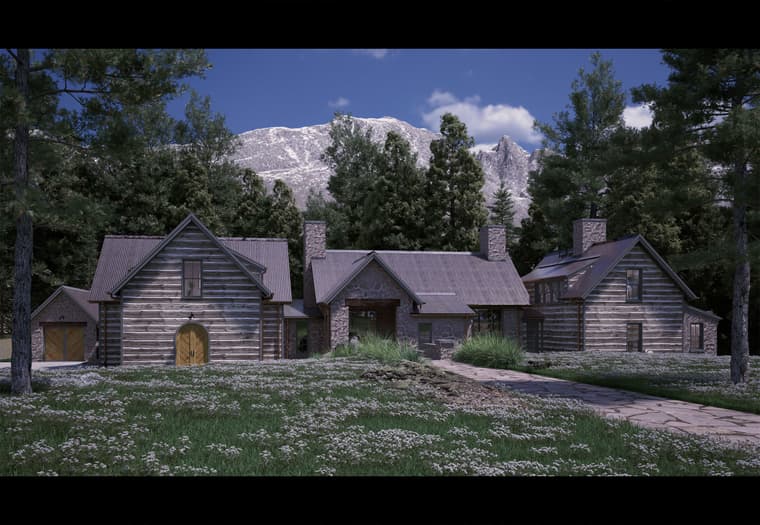
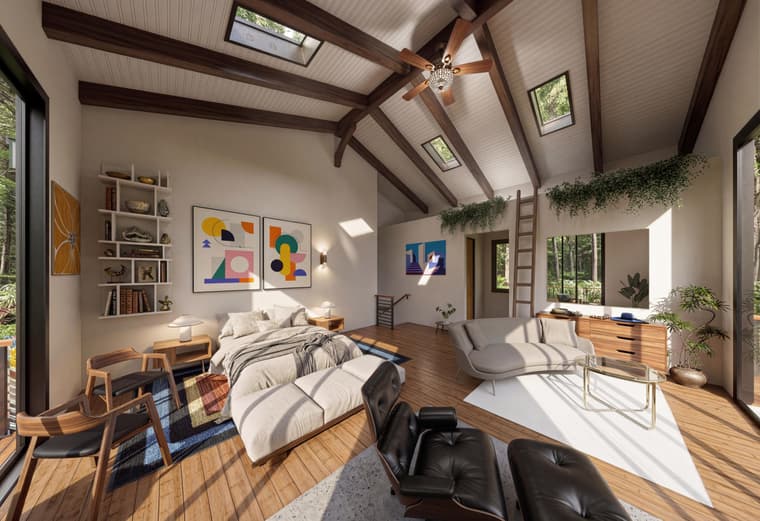
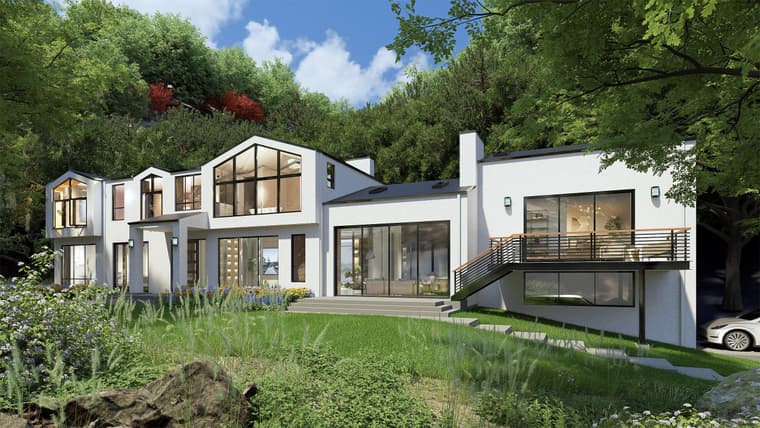
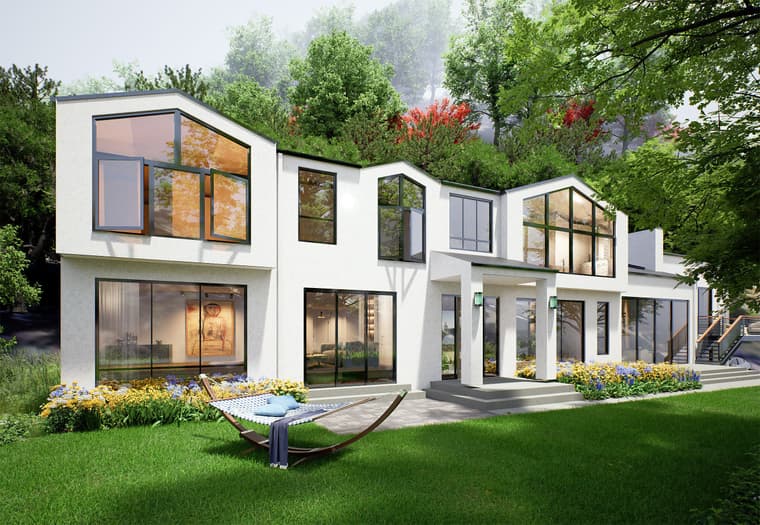
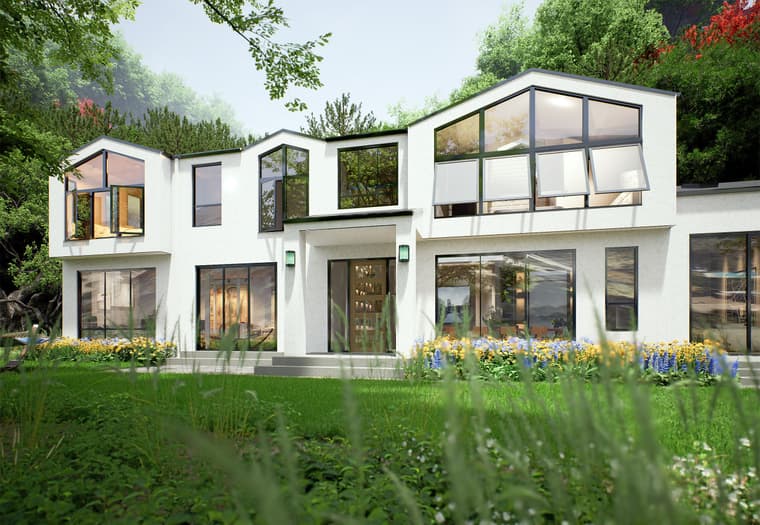
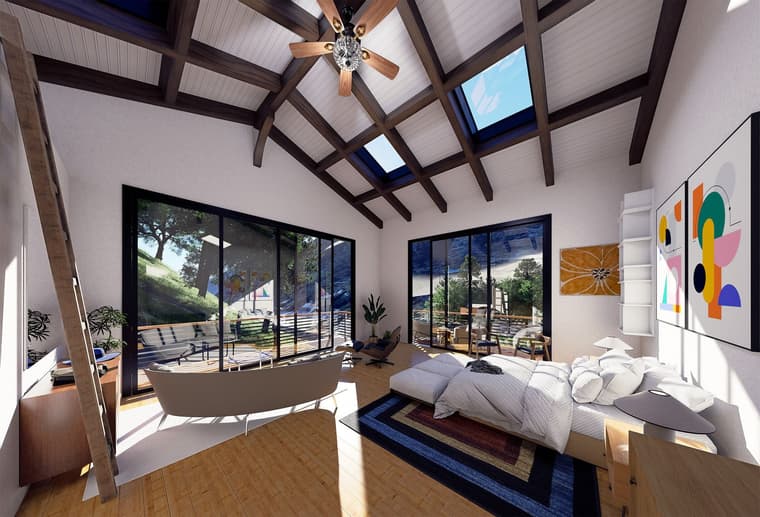
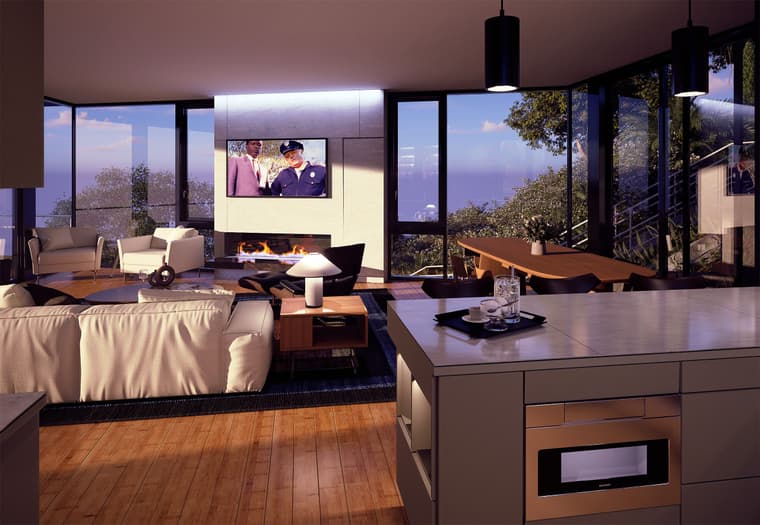
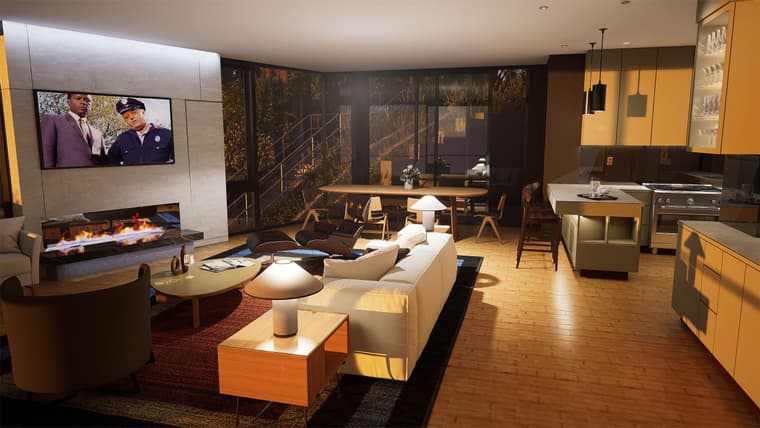
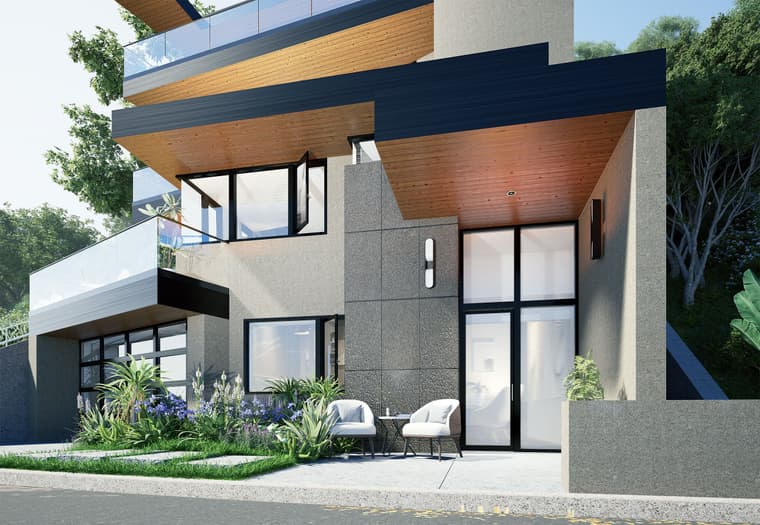
      Something I designed on the fly while testing ReRender AI. This is D5 output with on some AI enhancement which is basically sharpening which I later added when scaling the renderings down in Photoshop. Anyway, I think it's an international style.

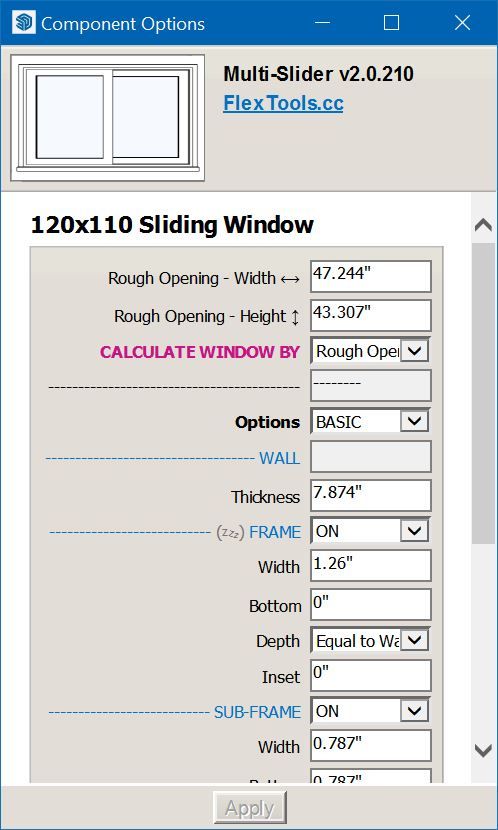
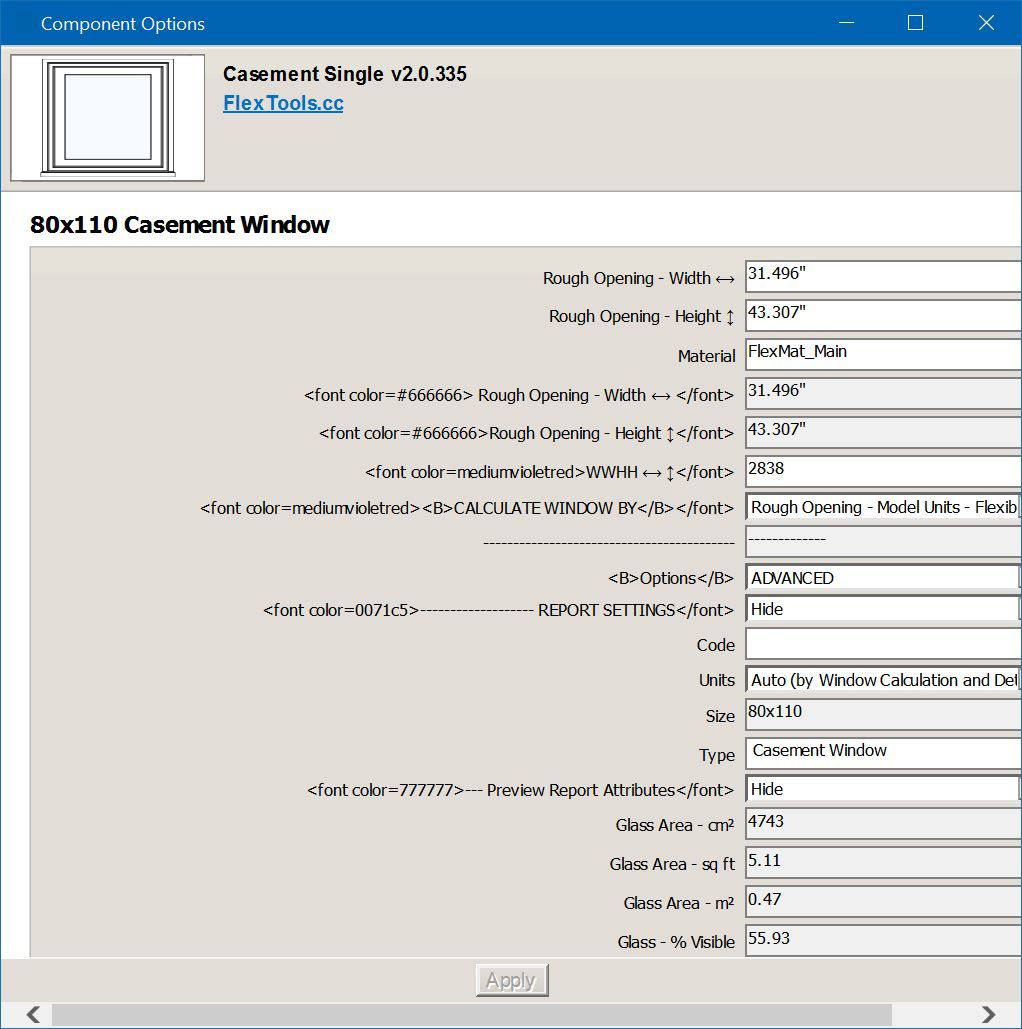
      Modeling is Sketchup as is the topography. Windows and door are Flextools.

      Gus Robatto Forest House 13.jpg

      Gus Robatto Forest House 16.jpg

      Gus Robatto Forest House 20.jpg

      Gus Robatto Forest House 21.jpg

      posted in Gallery
      Gus RG
      Gus R
    • RE: ReRender AI

      Bzzt...

      1769209288761.jpg

      posted in Gallery
      Gus RG
      Gus R
    • RE: ReRender AI

      Thanks guys. They do remain my models so I can always feel that AI is just another tool. I know I have my own personal disgruntled opinions about AI overall but with ReRender AI I've discovered an AI tool that relatively easy to use and gets pretty good results. I already did some quick AI renderings on a house I'm working on and the client now wants me to do one of my own renderings for him.

      It's not perfect and has a mind of its own sometimes and it's almost impossible to get the same results all the time. It's usually a one shot deal "per rendering." Then you have to go back and work with the text prompts to get similar results. Overall though I can either have fun with it like with my train renderings or I can use it for work to get quick interior and exterior renderings in minutes which can lead to more work.

      I've been using Sketchup to generate 3D models for rendering which I can also use to generate 2D cad exports to using in elevations for my plan sets. It's a 25 year old Autocad (ADT 3.3) which still works and is like my old favorite pencil.

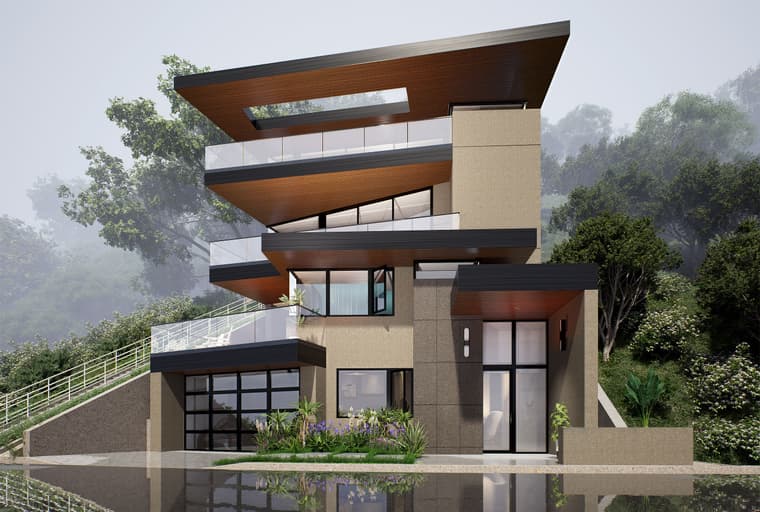
      Here's another ReRenderAI example. The first is just an original sketch with no material that's generated in D5 from a Sketchup model.

      Gus Robatto House Before.jpg

      Gus Robatto House After.jpg

      posted in Gallery
      Gus RG
      Gus R
    • RE: ReRender AI

      1769045539138.jpg

      1769044624943.jpg

      posted in Gallery
      Gus RG
      Gus R
    • RE: ReRender AI

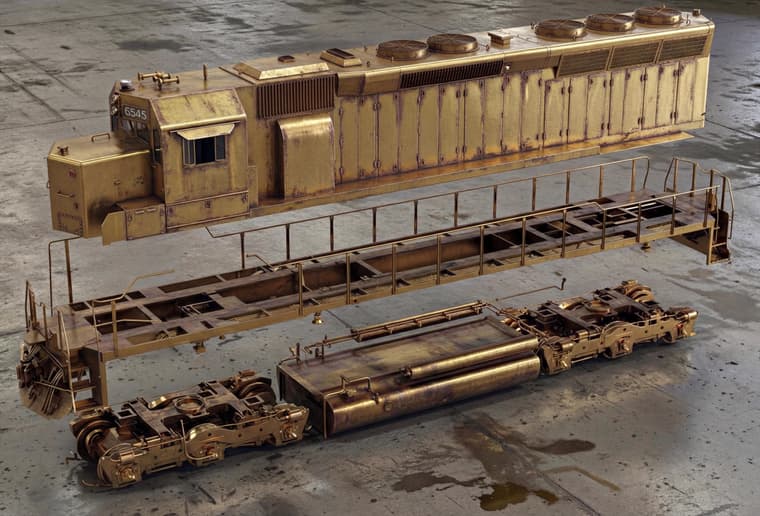
      Another before and after using "enhance" with the text prompt "Put this train in an enclosed weathered train repair shop on a lift with a lot of dirty train locomotive repair men around it.."

      58320221-293d-457c-9818-75b4f3c0dba8-source.jpeg

      1768975587872.jpg

      posted in Gallery
      Gus RG
      Gus R
    • RE: ReRender AI

      a4ef6c32-baea-497c-bc1b-5329d6b967c4-source.jpeg

      a4ef6c32-baea-497c-bc1b-5329d6b967c4-1132052123809-0.jpeg

      posted in Gallery
      Gus RG
      Gus R
    • RE: ReRender AI

      This was the original for that house above. It's an old NPR SU model I did probably 15 years ago.

      7d43b53f-b8ff-495c-bdd3-29915f7f16c5-source.jpeg

      posted in Gallery
      Gus RG
      Gus R
    • RE: ReRender AI

      Mike, Pixelcruncher,

      It is ReRenderAI.com

      It's $45/month. I think I can use it for work projects and make money off it.

      Of course it's the usual AI so it sometimes does random things like when you think you've finally nailed it down and it totally changes the scene perspective and adds objects. It might be my text input? I don't think it is.

      I try and save my text input as a text file if I have to start over.

      I should probably round up some architectural samples to post here. I have other stuff I've been experimenting with.

      1768704472938.jpg

      1768867578444.jpg

      posted in Gallery
      Gus RG
      Gus R
    • ReRender AI

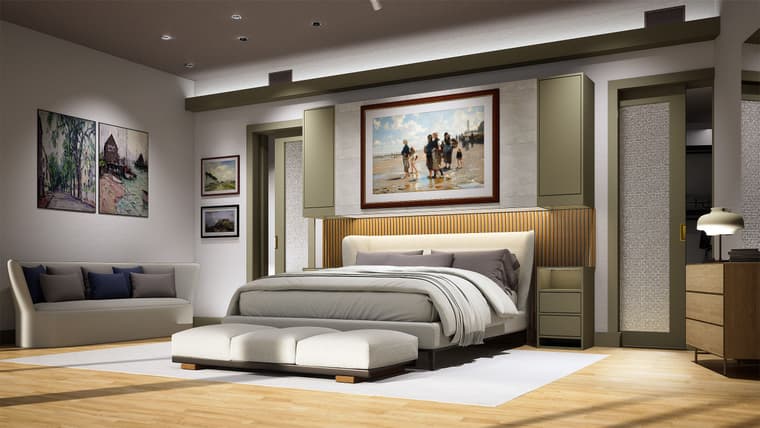
      I finally found an AI enhancer I can use for renderings that's easy to use and fun at the same time. There's the usual random nature of consistency in the end results. A lot back and forth with text prompts. Sometimes having to start over. Anyway here's one before and after example. I may post some more depending on interest.

      Gus Robatto Flexicoil-01 Before.jpg

      Gus Robatto Flexicoil-01 After.jpg

      posted in Gallery
      Gus RG
      Gus R
    • RE: Delete Used Components

      Thanks Rich. I did it the long way. Didn't take long. I looked into outliner which I don't use and found them there. Maybe in the future. Dave, by used I mean existing components. I do use purge unused by I wanted to get rid of a bunch of cabinet pulls.

      posted in Extensions & Applications Discussions
      Gus RG
      Gus R
    • Delete Used Components

      Is there a plugin where I can delete used components? I have a bunch of cabinet pulls and handles I need to delete. I can do it the long way but was just wondering if there's one out there. I'm in the middle of googling that.

      posted in Extensions & Applications Discussions
      Gus RG
      Gus R
    • RE: Thinking of our Majid today

      Hope Majid is safe. Network blackout in Iran for the past few days.

      It's been a long hard road for many Iranians since 1979. Hoping for the best for all Iranians.

      posted in Corner Bar
      Gus RG
      Gus R
    • RE: Ho Ho Ho! Merry Christmas

      Nice festive holiday rendering, Rich. Merry Christmas. It's been a long year that went by quickly.

      posted in Gallery
      Gus RG
      Gus R
    • RE: Silly/Dumb Question about Guidelines

      Oh, thought you meant changing units.

      Try placing the tape measure from start to finish on a corner. Sometimes the tape measure is finicky.

      All else fails you can select all and scale it by a factor of 0.08333333333333.

      posted in SketchUcation Community Forums
      Gus RG
      Gus R
    • RE: Silly/Dumb Question about Guidelines

      Here's the link for Toggle Units.

      posted in SketchUcation Community Forums
      Gus RG
      Gus R
    • RE: Silly/Dumb Question about Guidelines

      @ntxdave If it's to scale you don't have to scale the model. It should be easily "converted" to inches.

      Go to Window: Model Info: Units and change it from architectural to decimal and select inches.

      It's will be in decimal inches.

      You can also change it on the fly using the plugin "Toggle Units."

      SU Units.JPG

      posted in SketchUcation Community Forums
      Gus RG
      Gus R
    • RE: Silly/Dumb Question about Guidelines

      Make your guideline.

      Select the guideline.

      Copy guideline.

      Enter 1/2.

      Then enter X10.

      posted in SketchUcation Community Forums
      Gus RG
      Gus R
    • 1 / 1