⚠️ Important | Libfredo 15.6b introduces important bugfixes for Fredo's Extensions Update

  • Tools on surface not working

    28
    0 Votes
    28 Posts
    2k Views
    K
    Thank you: multiplied by a thousand, it's perfect!
  • SketchVault

    5
    1
    0 Votes
    5 Posts
    135 Views
    TIGT
    Thanks for the update. You saved me from doing the work ! Seems to work as it should with undo and so on. Much better structured code-set. The code # rem's are much more helpful. It needs more guidance about the settings and what they do. Also on how the 'red' mesh areas control the results. Is the new mesh meant to be colored without any choice ? It's neat, but perhaps not always wanted ? You could add a simple checkbox option to the dialog - 'Color by Z height' then skip that coloring part around line#279=#291 if it's set 'off'...
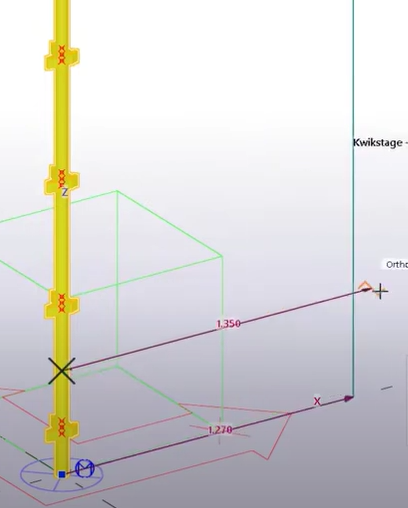
  • Groupement et Mise en Page comme Tekla

    1
    0 Votes
    1 Posts
    59 Views
    No one has replied
  • 0 Votes
    1 Posts
    82 Views
    No one has replied
  • FREDO6 Animator - data extraction

    animation python threejs animator fredo6
    3
    0 Votes
    3 Posts
    156 Views
    fredo6F
    Animation data are stored in the model. All data related to movements, cameras and visual effects refer to objects of the model via a unique ID. The .animator file is simply a backup file, in case something is corrupted in the model. The fromat is a serialization of the working data structures in the plugin. So, not really designed for a clean export. Exporting the animation would first require that you are able to export the container objects (Groups, ComponentInstance), with their transformations.
  • Weird area calculation

    4
    1
    1 Votes
    4 Posts
    450 Views
    Dan RathbunD
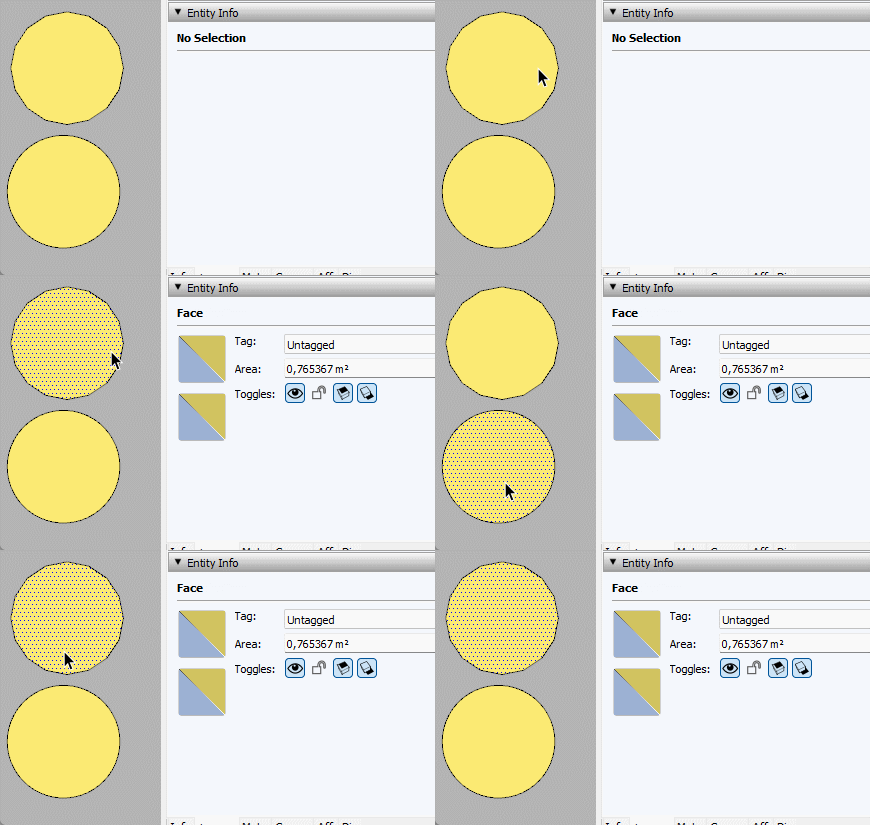
    You are confounding the calculated circumference of a circle, with the perimeter of a many sided polygon. They are distinct. A circle (or an closed ArcCurve) is not a Drawingelement subclass object. They are virtual helper objects that are actually a series of edges with some extra data attached that is used by the GUI.
  • Request Section Management Panel

    11
    0 Votes
    11 Posts
    784 Views
    alexpacio2013A
    @Didier-Bur said in Request Section Management Panel: @alexpacio2013 OK I got it. Currently I'm working on an update of my 'Scenes Tools' plugin and it will do almost what you're after. If time permits, I'll develop a script to choose a scene and to activate (or not) a section plane for that scene and update the scene. Regards, In practice, you need a panel where, once the scene has been sectioned, you can activate or deactivate the sections or vice versa, match the section to a scene Let me know when you're ready. I don't understand why no one thought of this, it's a very important thing. Great.
  • About Fredo

    2
    0 Votes
    2 Posts
    461 Views
    fredo6F
    Je préfère rester anonyme. Merci encore de votre intérêt pour mes plugins.
  • 2 Votes
    2 Posts
    484 Views
    Dan RathbunD
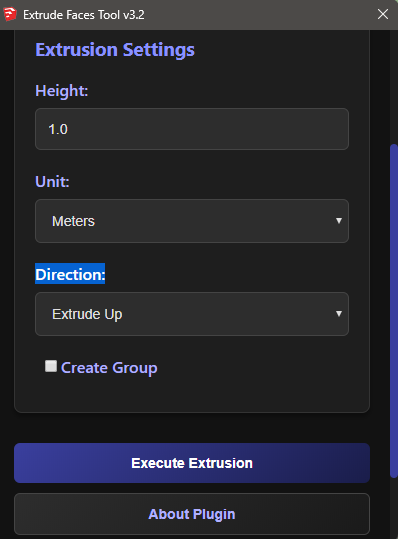
    Please reorganize your extension as a TRUE SketchUp extension. See: https://ruby.sketchup.com/file.extension_requirements.html Also, take note of the various numeric conversion methods that the SketchUp API has added to the Numeric class. (You do not need to write your own conversion formulae.) Here is an example that will default to model units, if the unit argument is blank: def convert_to_inches(value, unit = nil) units = Sketchup.active_model.options["UnitsOptions"] if unit.nil? # use model units case units["LengthFormat"] when Length::Architectural, Length::Fractional return value.inch when Length::Engineering return value.feet else # Length::Decimal unit = units["LengthUnit"] end end case unit when :in, Length::Inches then value.inch when :m, Length::Meter then value.m when :cm, Length::Centimeter then value.cm when :mm, Length::Millimeter then value.mm when :ft, Length::Feet then value.feet when :yd, 5 # NOTE: constant Length::Yard (5) was added for SU2020, # use 5 to avoid NameError exception in older versions. value.yard # yards to inches else value.inch # if inches or unknown end end Also, this is a good read for dealing with units in SketchUp: https://www.thomthom.net/thoughts/2012/08/dealing-with-units-in-sketchup/
  • Flags (onkeydown) in skp 2025

    2
    1
    0 Votes
    2 Posts
    437 Views
    Dan RathbunD
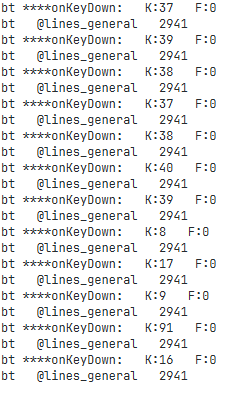
    FYI, I did report this to Trimble.
  • 0 Votes
    6 Posts
    548 Views
    Didier BurD
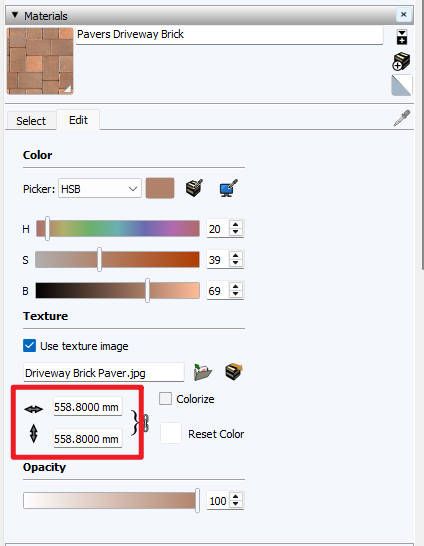
    @kitesoul99 Above is a little enhancement: select the material before typing matTexture in the console. Regards
  • Edit Signature

    Solved
    4
    0 Votes
    4 Posts
    498 Views
    Rich O BrienR
    @onzki Click your avatar top right of page and choose Edit Profile
  • SoapSkin&bubble time limit finished?

    15
    0 Votes
    15 Posts
    23k Views
    Mike AmosM
    @JoMaLeFe English please.
  • sign extension doesn't work

    2
    0 Votes
    2 Posts
    407 Views
    TIGT
    It was flaky last week, when drag-n-drop of the RBZ didn't work on some specific OSs, but then navigating to the RBZ file and selecting it would still work... I'm surprised it's not been properly fixed by now.
  • custom length snapping

    3
    1
    0 Votes
    3 Posts
    463 Views
    K
    Thank you so much for the info.
  • 'break_edges' behavior wrong when in a group context

    6
    1
    0 Votes
    6 Posts
    457 Views
    Didier BurD
    Yesssss ! Deleting all faces before using find_faces WORKS. Thanks a lot TIG
  • How Can I Identify a Sketchup File at a Binary Level?

    3
    0 Votes
    3 Posts
    462 Views
    V
    I'm hoping that it's all in one cluster to be fair, the file was about 60mb, so if I can search the binary manually, and find it myself in a hex editor I stand a chance of manually recovering. I guess I need to create some test files, then view them in a hex editor to find the strings I need to search for.
  • C SDK save in 2022 or 2023 formats

    7
    0 Votes
    7 Posts
    491 Views
    G
    @TIG Thank you for your input. My understanding of the C SDK is: SUModelSaveToFileWithVersion(model, "SU2021.skp", SUModelVersion_SU2021); - Should save into the "versionless" 2021 format and it should load without any error or warning into SU 2022 and SU 2023 SUModelSaveToFileWithVersion(model, "SUcurrent.skp", SUModelVersion_Current); - should save in the version of the SDK (in this case 2024) But instead both function calls save in SU 2024 format which IMO is an error in the SDK. I'll try to contact them to sort this.
  • 0 Votes
    4 Posts
    517 Views
    Dan RathbunD
    If it does not work using onLButtonDown then try renaming the callback to onLButtonUp. I recall back in the v8 days there were some quirks with one or the other callback method (I think on Mac platform mostly.)
  • [Code] realign UVs, or: convert projective to affine

    10
    0 Votes
    10 Posts
    2k Views
    C
    @TIG said in [Code] realign UVs, or: convert projective to affine: @chris341 It is a very old thread ! I've fixed the basic syntax errors and added modules etc. It works in v2024 [should be OK in v2020] - but I'm unsure of its efficacy... Aerilius_UV_realign_uvs.rb Haha yes!! This seems to work, at least at first glance. Just one texture exported. Thank you so much! I will report back if I have any other issues with it.

Advertisement