May we expect a fix for this issue between D5 render livesync and LOTT?
Oops, your profile's looking a bit empty! To help us tailor your experience, please fill in key details like your SketchUp version, skill level, operating system, and more. Update and save your info on your profile page today!
Sketchucation Tools 5.0.7 | Licensing improvements and bug fixes Learn More
O
Offline
Posts
-
RE: [Plugin] LordOfTheToolbars - v3.0a - 21 Apr 26
-
RE: [Plugin] LordOfTheToolbars - v3.0a - 21 Apr 26
@VD20
I already reported this error earlier. -
RE: [Plugin] LordOfTheToolbars - v3.0a - 21 Apr 26
@taoklai I had to revert to the previous version of D5 livesync in my case. You should do that with Enscape for a while, until Fredo find a fix.
-
RE: [Plugin] LordOfTheToolbars - v3.0a - 21 Apr 26
Ah I've found the culprit. I forgot I had installed an update for D5 Livesync 1.7.0.0001 There seems to be a problem with this one. I rolled back to D5 1.6 and LOTT is back.
-
RE: [Plugin] LordOfTheToolbars - v3.0a - 21 Apr 26
Is there a reason LOTT stopped loading during startup of SU today?
-
RE: [Plugin] LordOfTheToolbars - v3.0a - 21 Apr 26
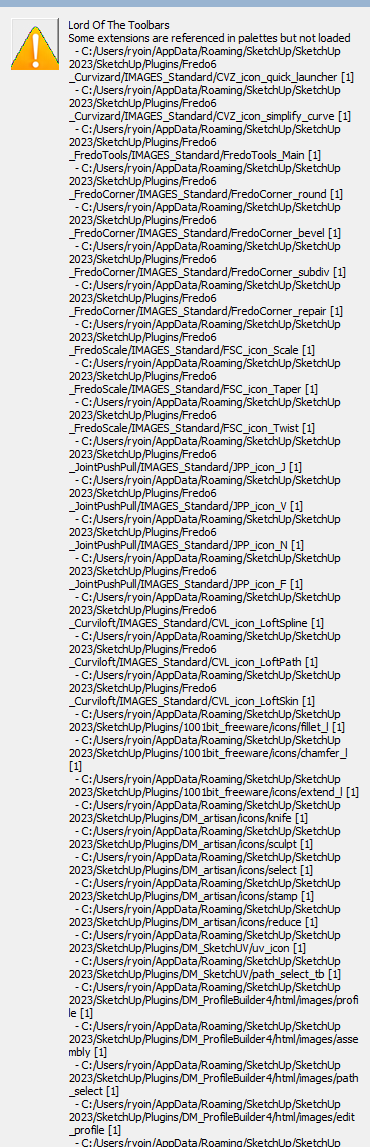
I have a problem with the MINDSIGHT STUDIOS plugins suddenly not appearing in my toolbars. I realized they also disappear from the Master Toolbar Manager.
The plugins are still loaded and accessible from their native toolbars.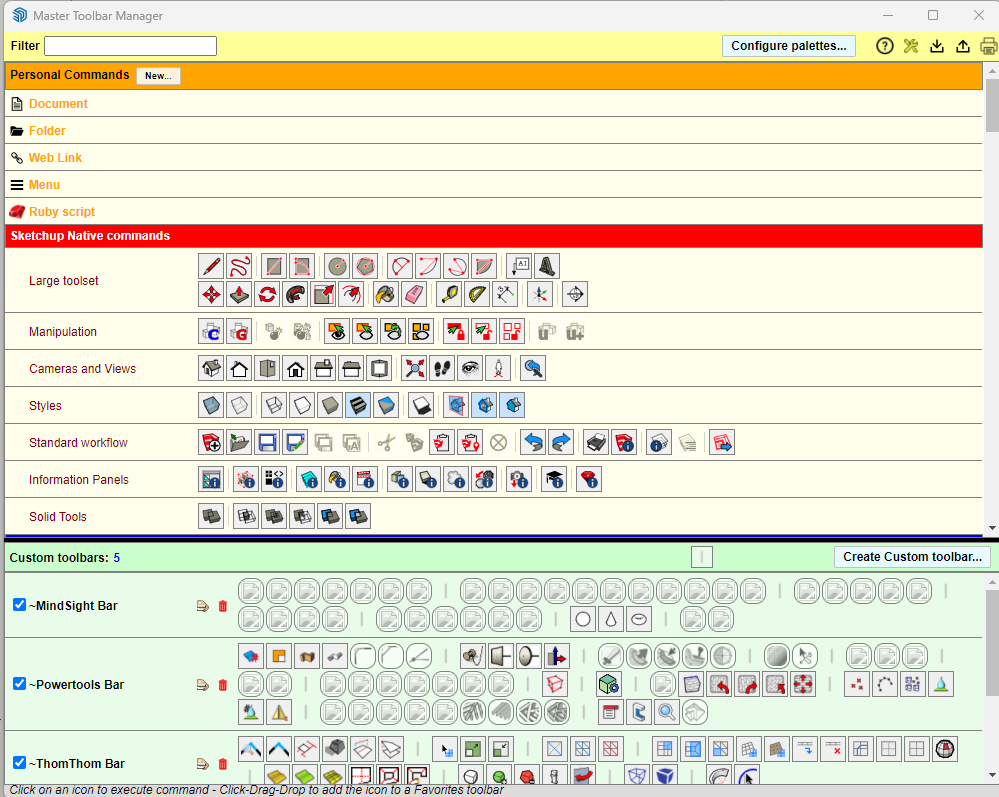
-
RE: Convert Texture to image back
@Dave-R
It's to be able to sample the texture to paint some geometry.Typically urbanism. I get landscape bitmap drawings that I need to scale to match the DWG.
Then I need to explode the image to paint the mesh that I start to build with quadfacetool, vertextools and subD ( I use vertextools ability to keep the texture UV while editing the vertex).
Sometimes I use Google Earth images too, and trace the roads first, then start building quads.Once I start moving the vertex, and break the planeity, the texture gets exploded and I use the source image to sample the texture scale and orientation ( by using the projected mode) and repaint the messed up geometry.
When creating complex terrains, I group the parts to keep the subdiviions fast. And once a group is created, I can't see the source texture anymore so I can't trace upon it.
When using DWG style vectorised drawings, there's no problem as the source remains visible when you're in a group (and the source drawing outside the group), but with bitmaps, you need it inside the group to be visible unless it's an image.
So I'd like to be able to keep the visibility of a bitmap in all circumstances, wether inside or outside a group..
Or, being able to sample an image and use it as a texture without having to explode it first.
-
Convert Texture to image back
Hello all,
Sometimes it's useful to be able to keep a bitmap visible when working inside groups/components. Like when you need to trace a path or a shape along a bitmap.This is possible with images (which is the expected behaviour) but sometimes I need to explode the image to be able to sample it (eyedropper) and paint it as projected texture.
But once you explode the image, you need to take the textured mesh inside the group/component to be able to see it, as otherwise the texture will be rendered as shaded (uniform color).
As a workaround, I usually duplicate the image and explode the first one to keep the image intact.
But what I'd like is to be able to keep the textures visible even within groups/components.
Here in the Model Info by instance:
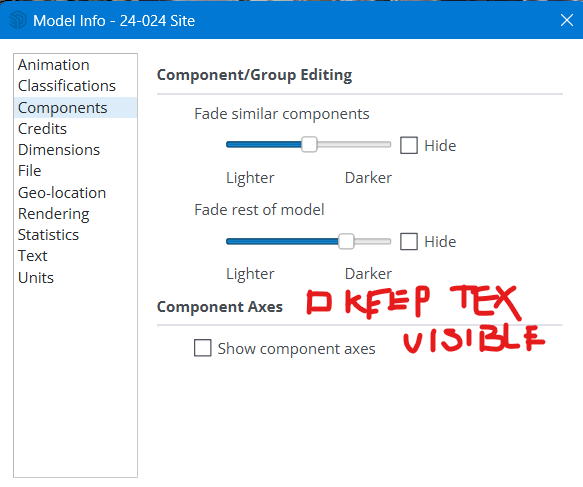
Or, a script that converts the texture back to an image?
-
RE: [Plugin] LordOfTheToolbars - v3.0a - 21 Apr 26
@dave r said:
@optimaforever said:
I did that and it updated several things, including LibFredo.
I open that window two or three times a month to see if there are any extensions that need updating. I also have Fredo's Check Fredo6 Plugins for Update setup so that it offers to check every 15 days. As you know, Fredo is very active with making updates and bug fixes to his extensions so it's worth keeping your installation of them up to date. The last LibFredo6 update occurred in late August.
Indeed, Fredo keeps updating his plugins but I must reckon his update check window bugs me more than I find it useful. I never push the check update button as I prefer SU or Extension store toolbar way of warning for updates. Now you make me realize, I wrote 999 days before the next update check
 Very nice idea, thanks Dave!
What I'd suggest to Fredo is to include LibFredo as a mandatory download when updating all his plugins. Anyway it takes an additional fraction of seconds these days with the download speeds. Anyway you need to reboot SU so... -
RE: [Plugin] LordOfTheToolbars - v3.0a - 21 Apr 26
@dave r said:
@optimaforever said:
what if I FORCE UPDATE FredoLib?
What if you open the Sketchucation Extension Store and click on the red button at the top? If there are extensions from Sketchucation that need updating, they would be shown there. I did that earlier today and it showed a couple of Fredo6's extensions needed updating. I clicked on Update All and now it loks like this:
[attachment=0:3nz2sv2x]<!-- ia0 -->Screenshot - 10_31_2023 , 8_16_36 AM.png<!-- ia0 -->[/attachment:3nz2sv2x]Precisely.
I did that and it updated several things, including LibFredo.
Therefore I wans't suspecting LibFredo but it was actually the problem. -
RE: [Plugin] LordOfTheToolbars - v3.0a - 21 Apr 26
I panicked too. Lost 2 hours at noon trying to figure out where was the problem.
There was !!Lordofthetoolbars folder in my sketchup plugin folder, I am in admin mode and yet the LOT plugin is not loaded at boot.
I had updated all my plugins and scripts as asked by SU and with the Sketchucation toolbar.
No idea of the culprit.
And then, I had an idea.What if the FredoLib wasn't correctly updated? No red flags whatsoever from SU nor SKU toolbar but, what if I FORCE UPDATE FredoLib?
I just did that and TADAAAH LOT is back with its toolbars.
-
RE: Modeling of a driver helmet with Artisan2, QFT, VT, SubD
@solo said:
Looks like A2 is pretty good (at that price one would hope so)
Why model the helmet and face as one mesh?
Hello Solo!
Good question.
I did it by habit as anyway I love quad puzzles but it can be modeled as separate meshes of course. That said, it will be used to be 3D printed and reimported into Fusion360 I'd need the mesh to be 100% watertight so I probably judged it was safer to model as one entity.In the past I used to model the helmet in Fusion360 and the face in Blender but I ended with holes between the 2 parts so I take the habit of modeling as one mesh... Now with A2 it's a thing from the past.

-
RE: Modeling of a driver helmet with Artisan2, QFT, VT, SubD
By the way, this is the reason I modeled the head.
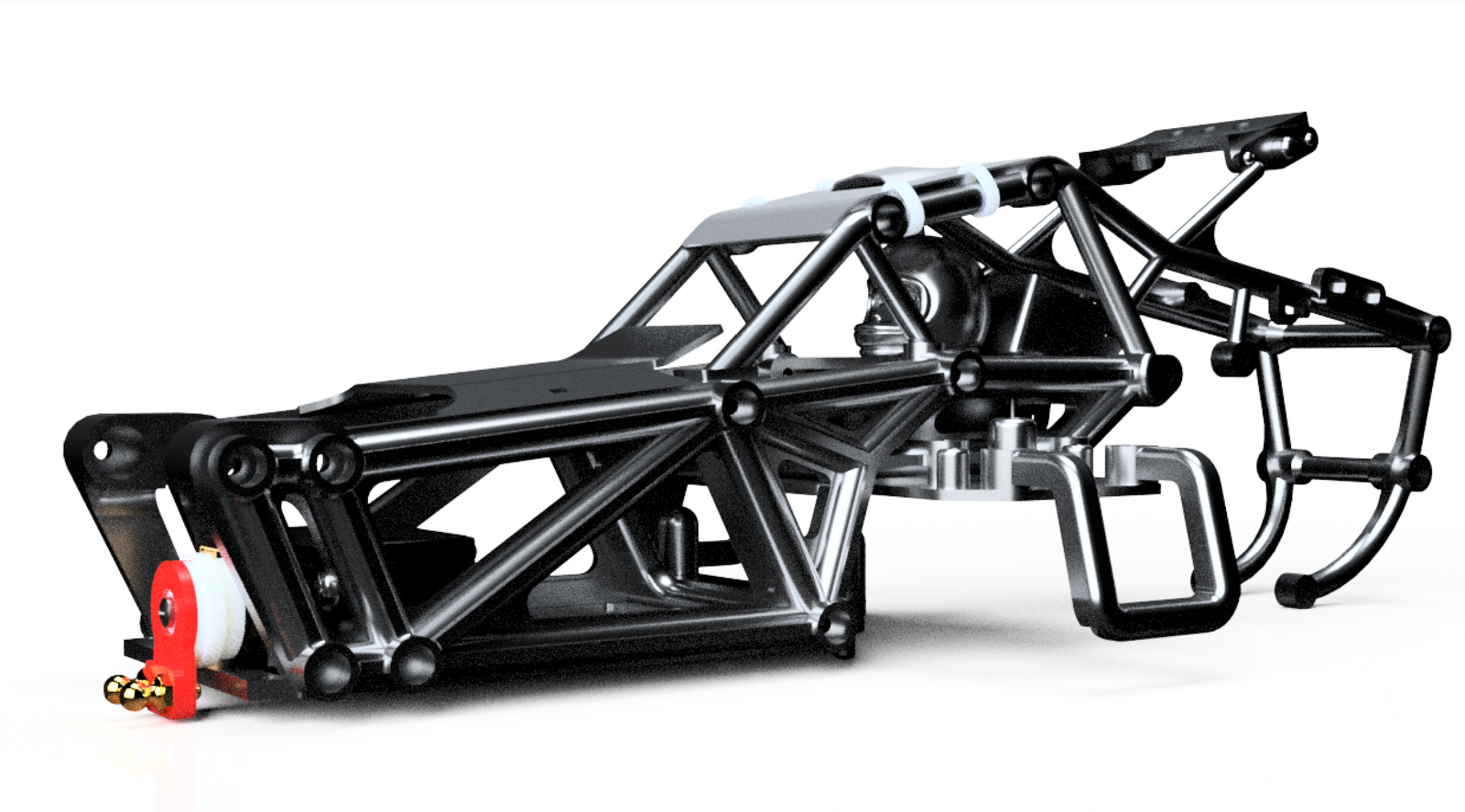
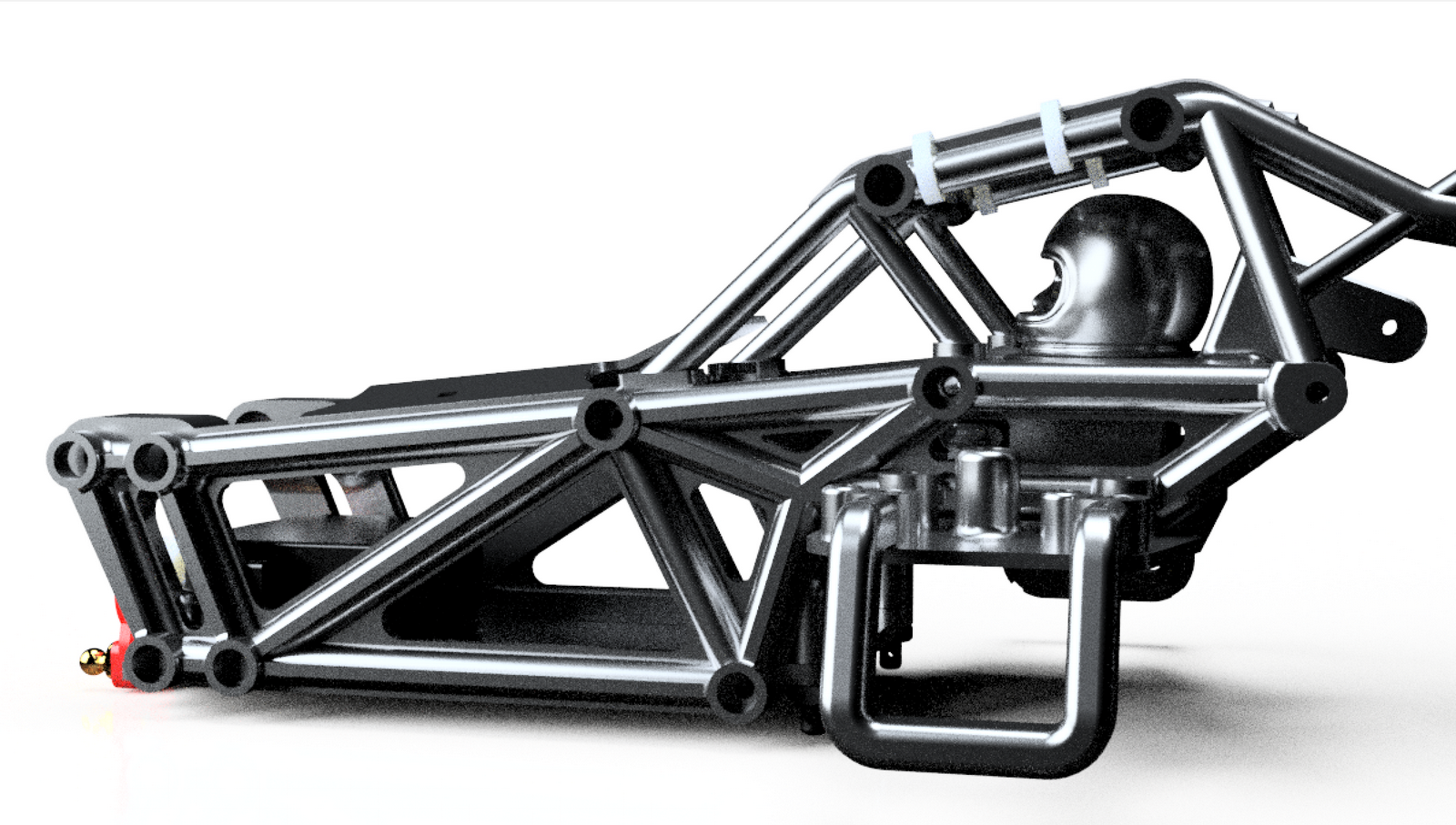
-
RE: Modeling of a driver helmet with Artisan2, QFT, VT, SubD
And finally added a joint around the neck.
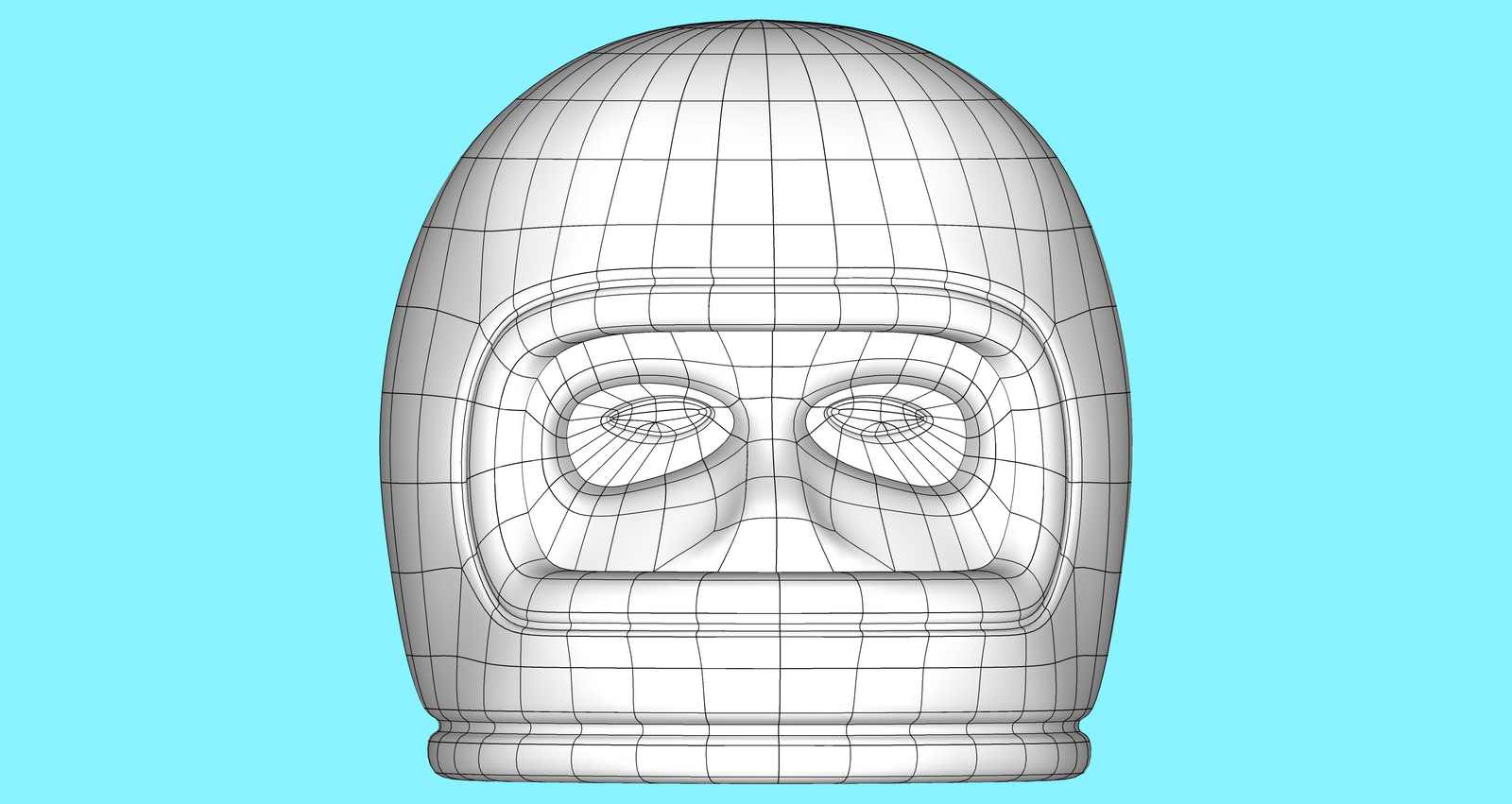
Voilà! it only took several minutes, way faster than using Blender or 3dsmax for me as I'm used to SU's UI. This is only the beginning; I'm sure we wil see many splendid works made possible with the combination of Su's poly modeling tools.
-
RE: Modeling of a driver helmet with Artisan2, QFT, VT, SubD
And duplicate the mirrored part (I use wether A2 Make Symmetrical or SU4you Mirror - I still haven't intalled SU 2023
 )
)
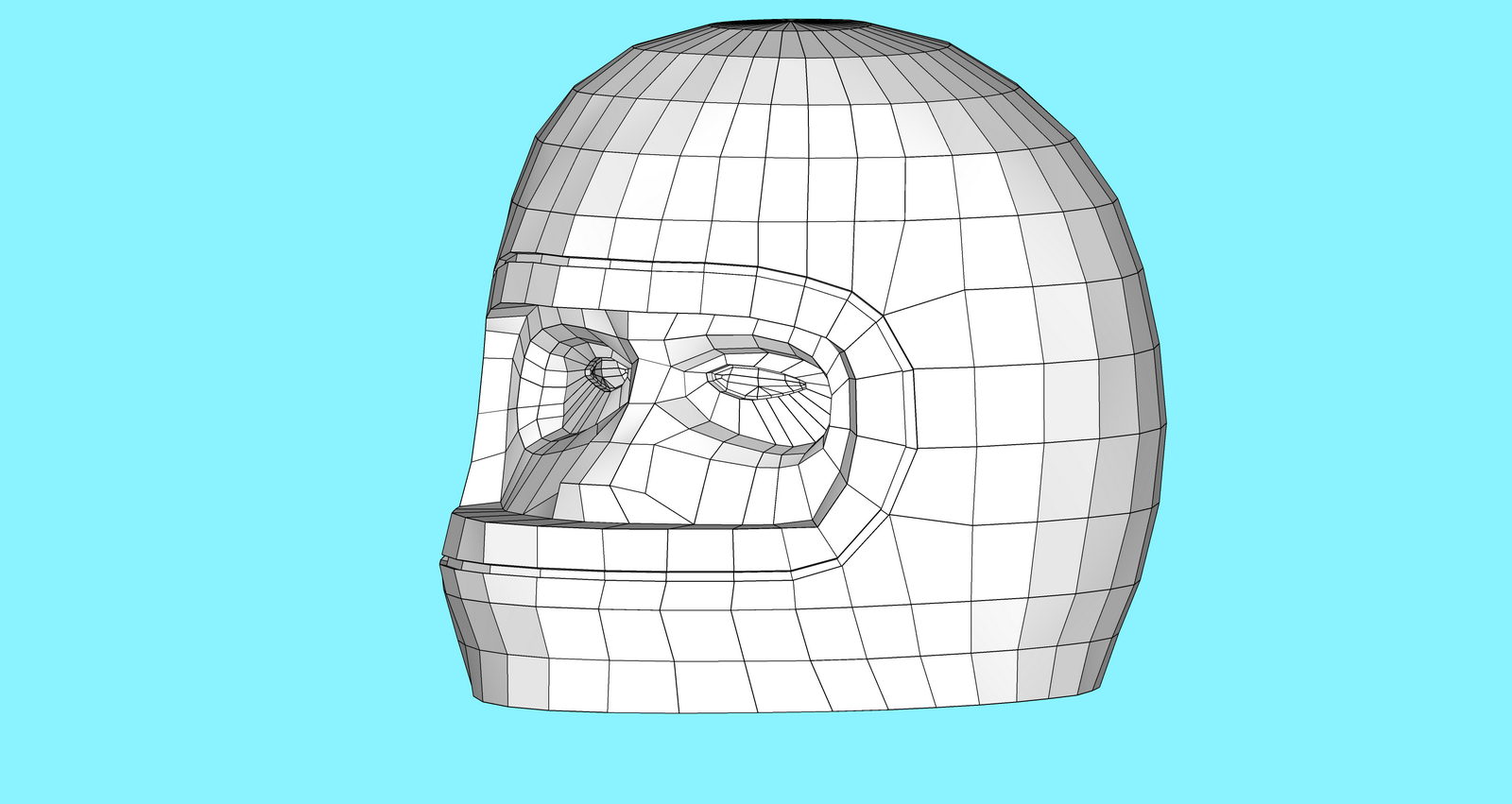
with SubD
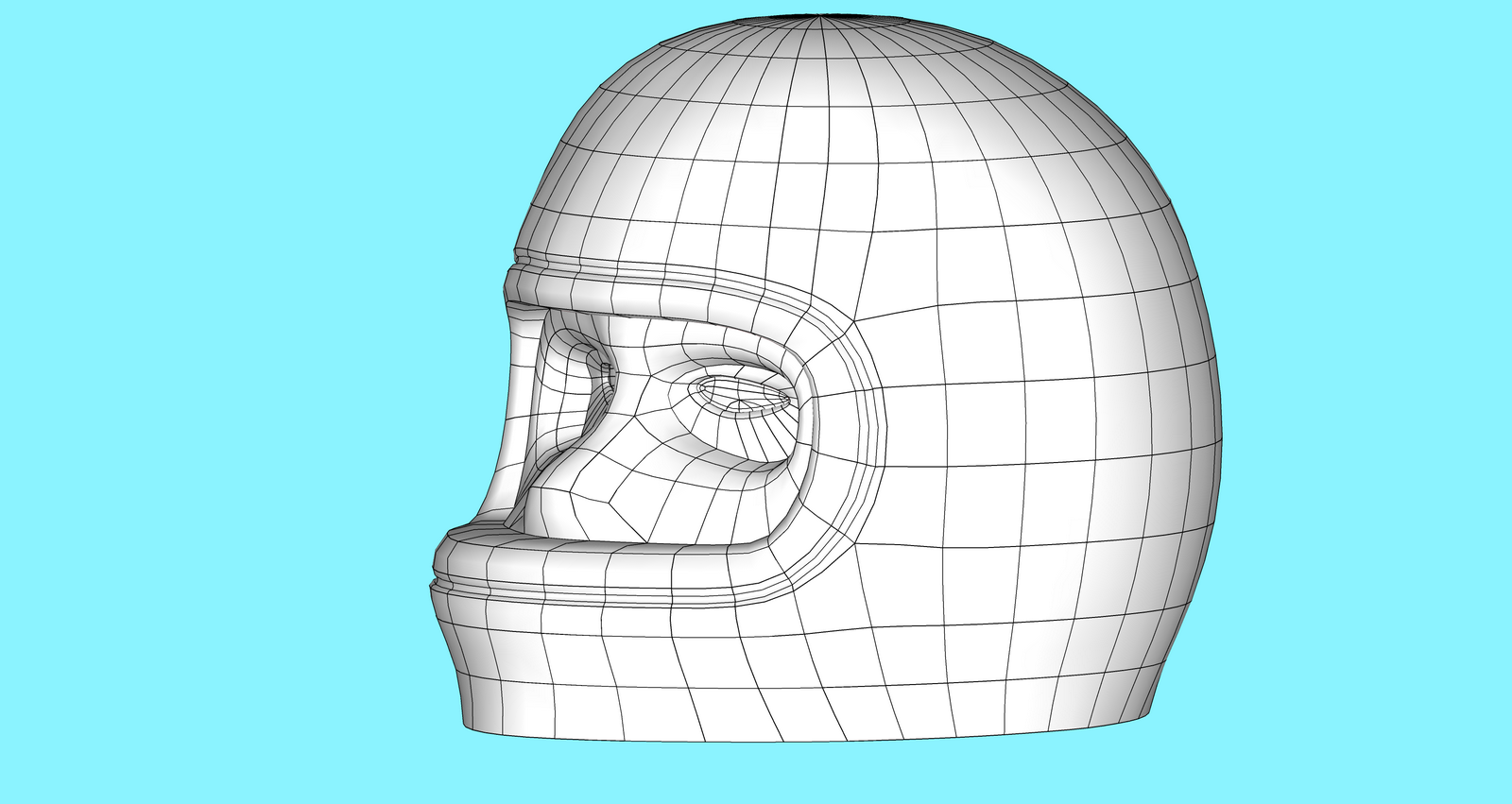
-
RE: Modeling of a driver helmet with Artisan2, QFT, VT, SubD
Then add more detail around the eye.
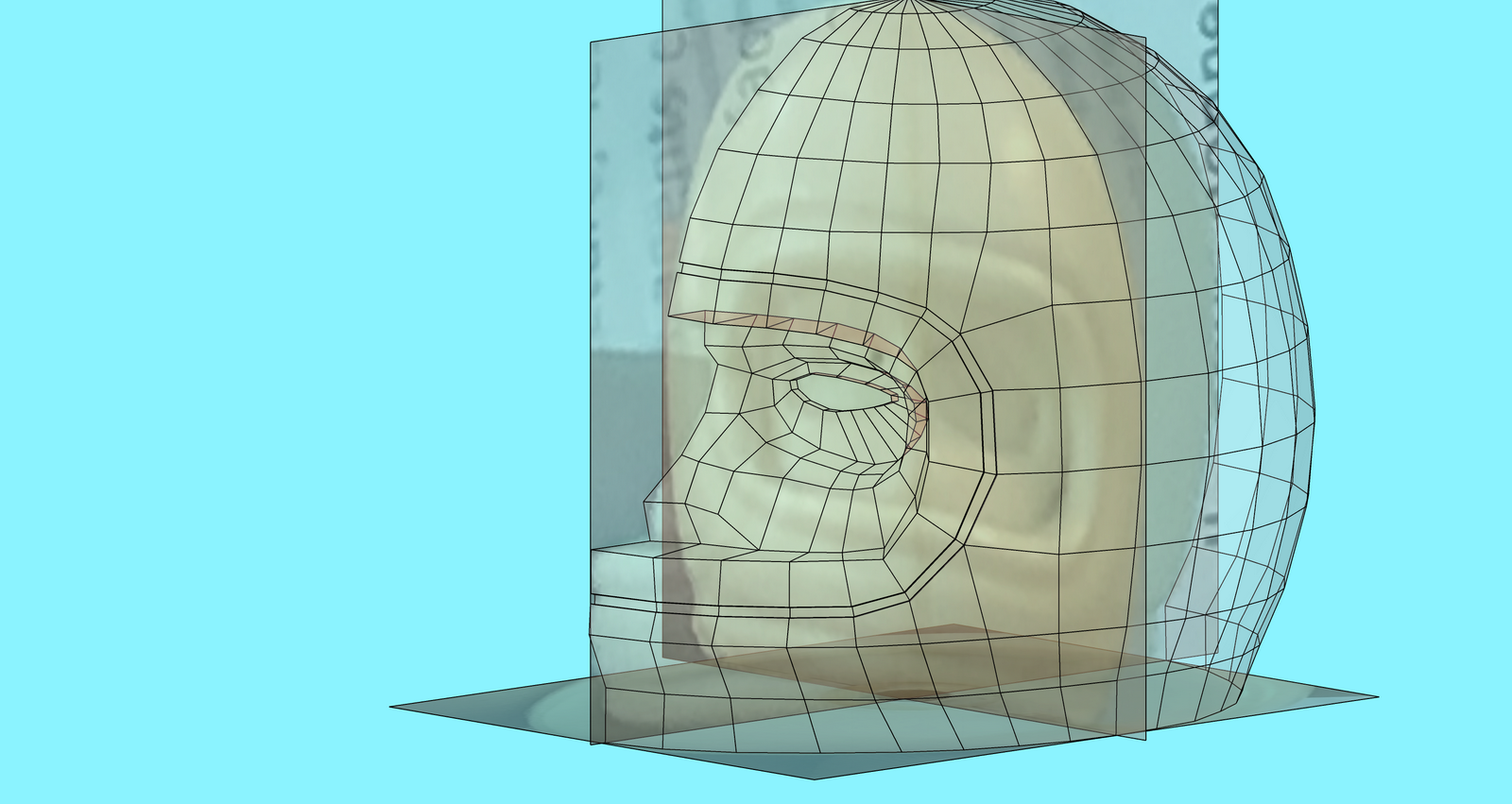
With SubD
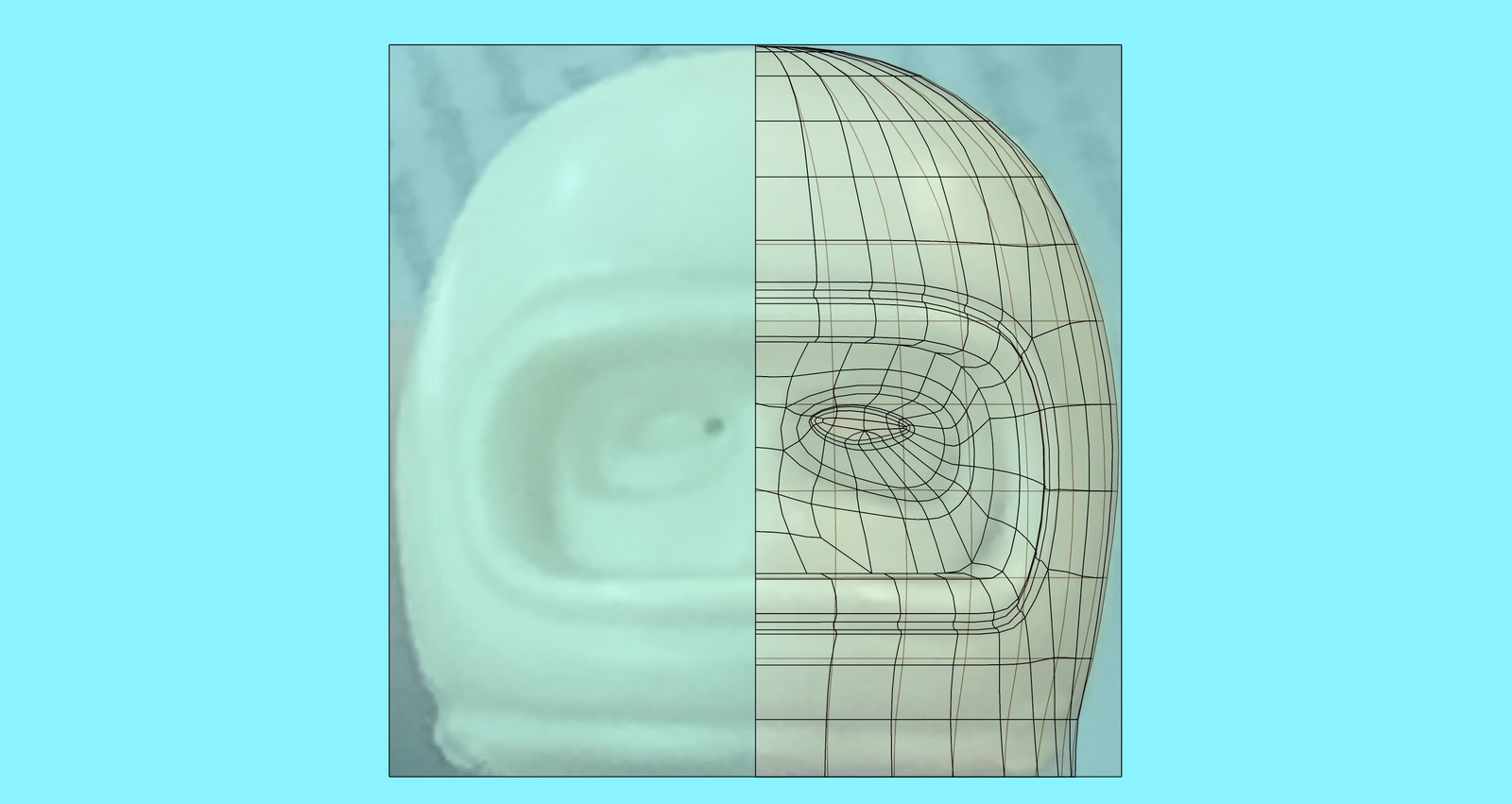
-
RE: Modeling of a driver helmet with Artisan2, QFT, VT, SubD
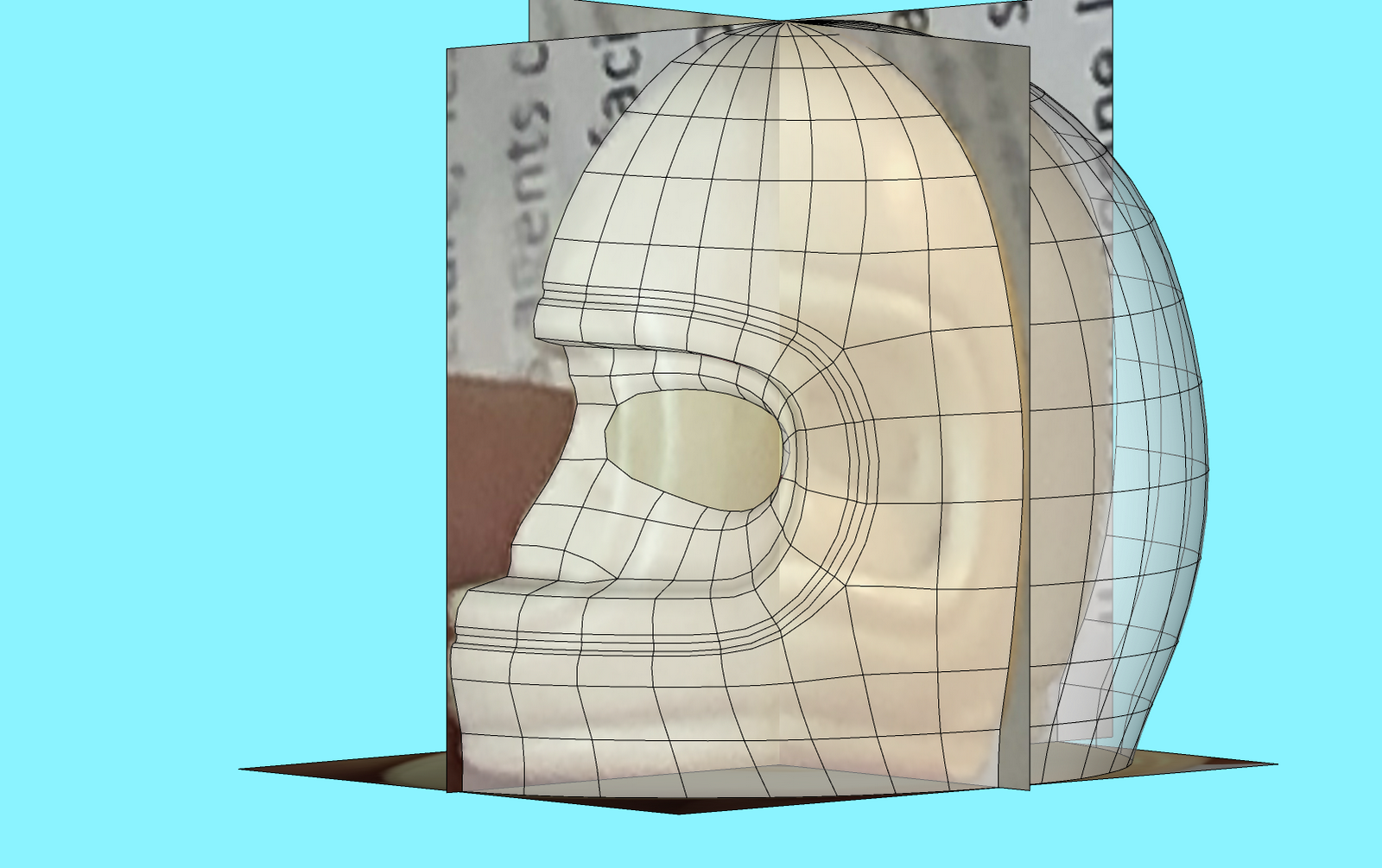
Now I start to model the face. This is the trickiest part but I try to follow the photograph and start by the nose profile and then extend toward the edges by creating a loop around the eyes.
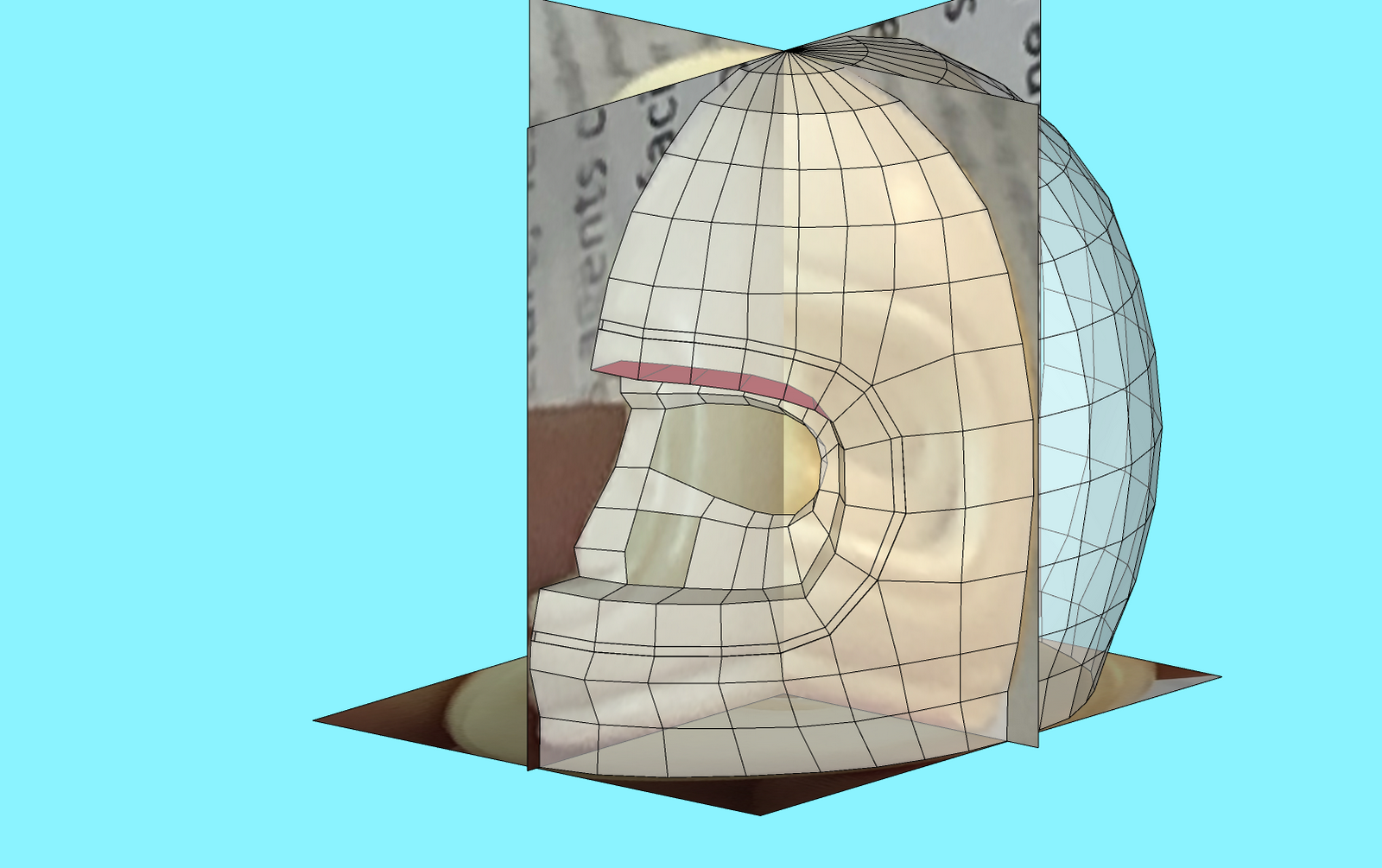
I quickly created a group with select all and tried a SubD.
-
RE: Modeling of a driver helmet with Artisan2, QFT, VT, SubD
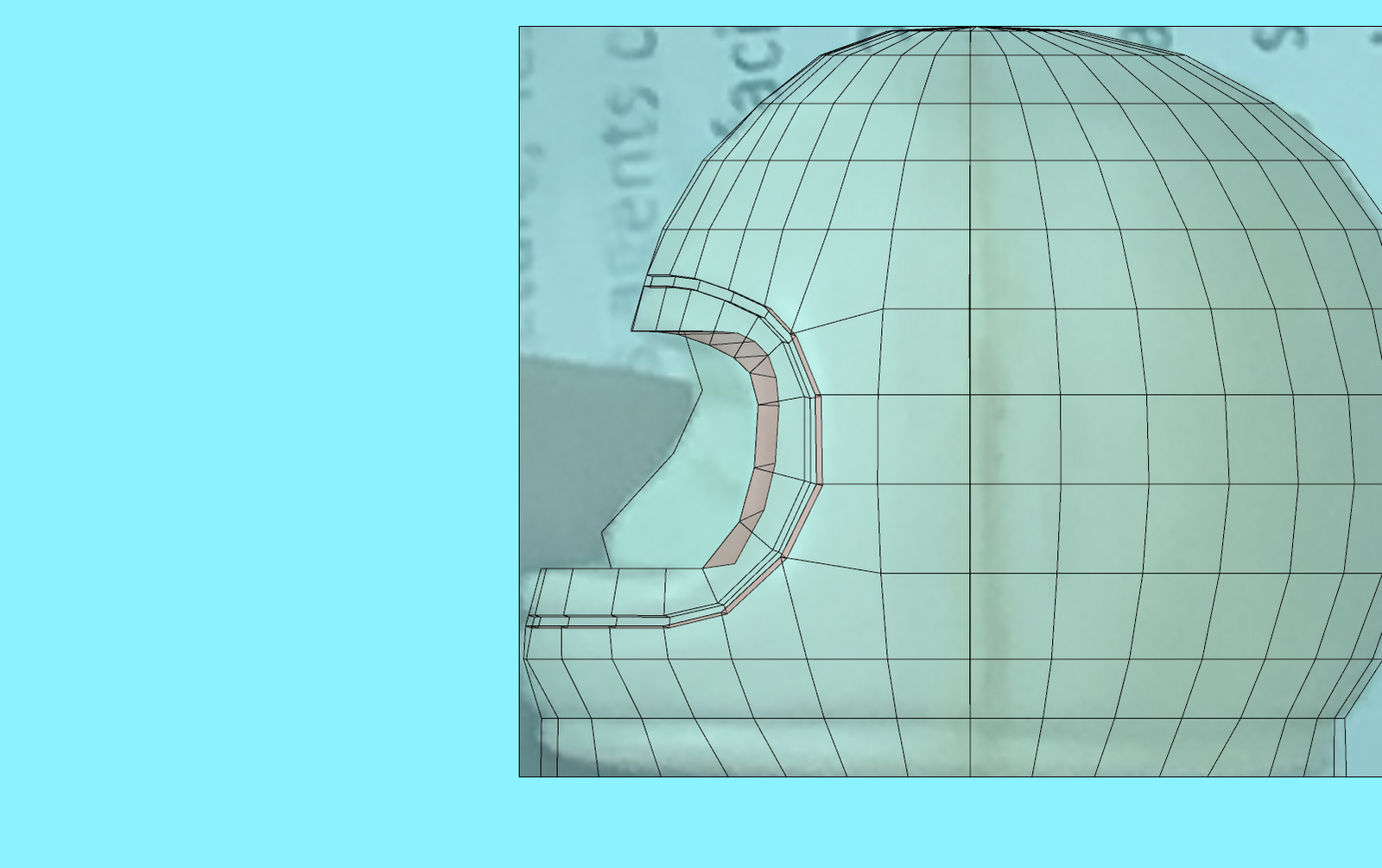
And here's the A2 magic, with EXTRUDE EDGES!
I select a rim loop and extrude the helmet,
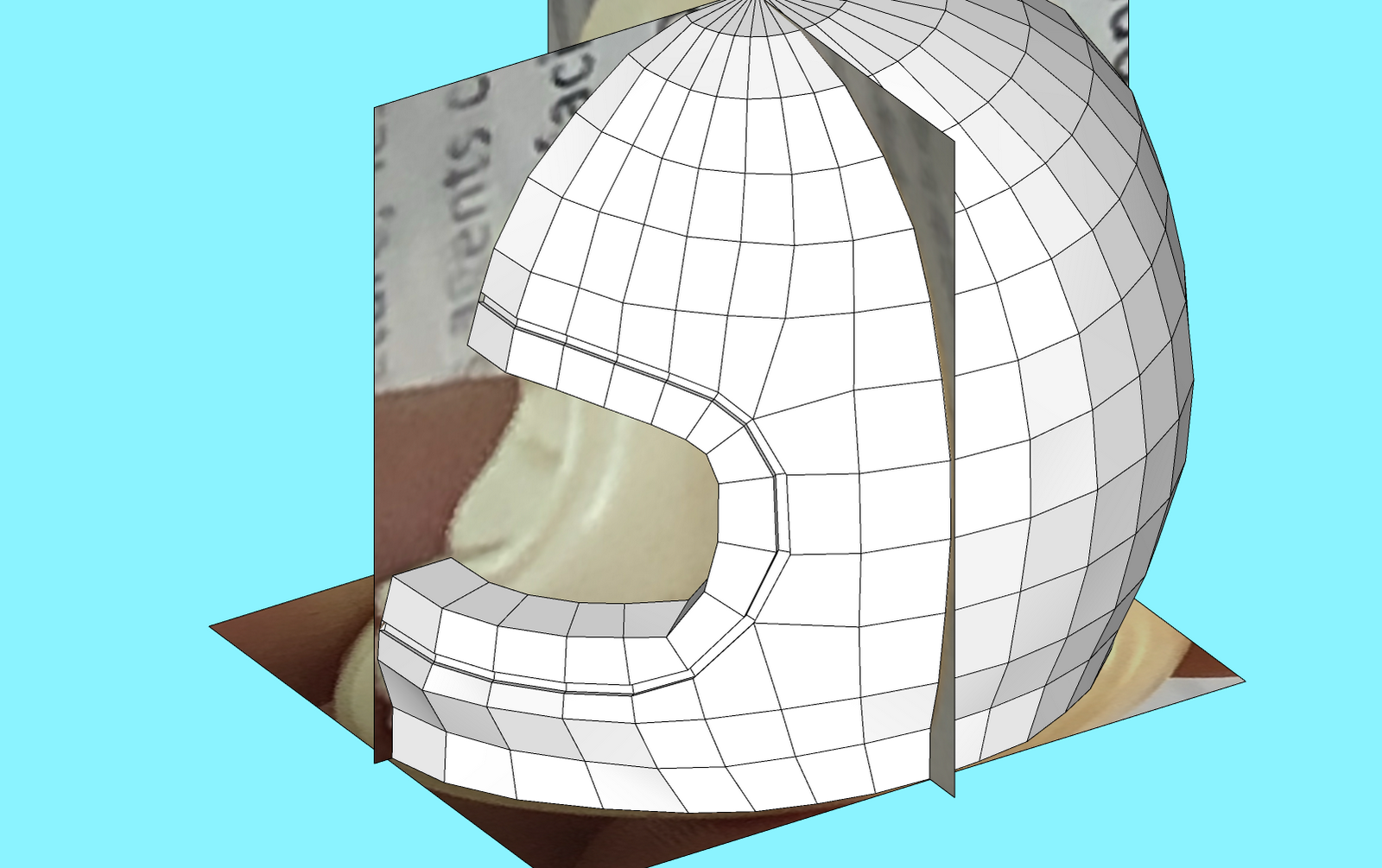
and then use the fantastic LOOP TOOL to quickly draw a loop that will serve to make a hollow joint by just selecting quad ring and extruding it.